Education
Business
Consumer

ViewBoard

The Ultimate App Toolkit: Why the ViewSonic EDLA ViewBoard Display Is the Heart of the Modern Classroom

Buyer's Guide  |  Nov 12 2025

The Ultimate App Toolkit: Why the ViewSonic EDLA ViewBoard Display Is the Heart of the Modern Classroom


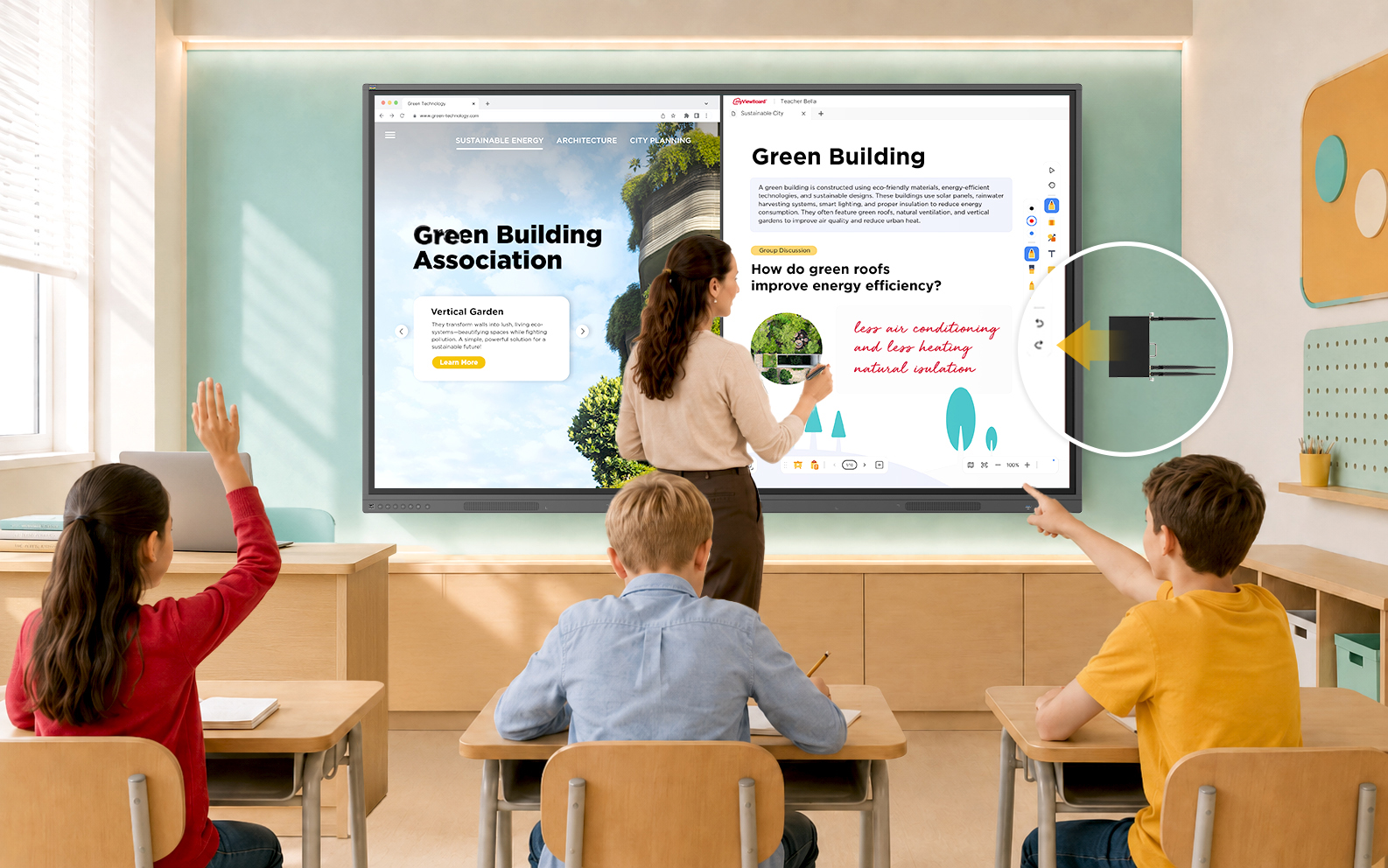
The beauty of ViewSonic® EDLA-certified ViewBoard® displays, like the IFP41 and IFP51 series, is the native integration of the Google Play Store. For teachers, this means the panel behaves like a giant, intuitive smartphone. For administrators, it means a secure, manageable and highly compatible ecosystem that protects school data while getting the most from the hardware investment.


Here’s are the must-have apps to turn your interactive display into a powerhouse of engagement.


1. The Essential Google Suite (Optimized for EDLA)


Because these panels are EDLA-certified, Google apps run natively with full security updates and seamless Google Workspace integration.

  • Google Drive: Access all your resources instantly. Pro tip: add a Drive widget to your home screen so your starred and recent files are there the second you walk into class.
  • Google Translate: Use this on panels with integrated microphones, like the IFP41 and IFP51, to provide real-time translation for ESL and ELL students, making your lectures instantly inclusive.
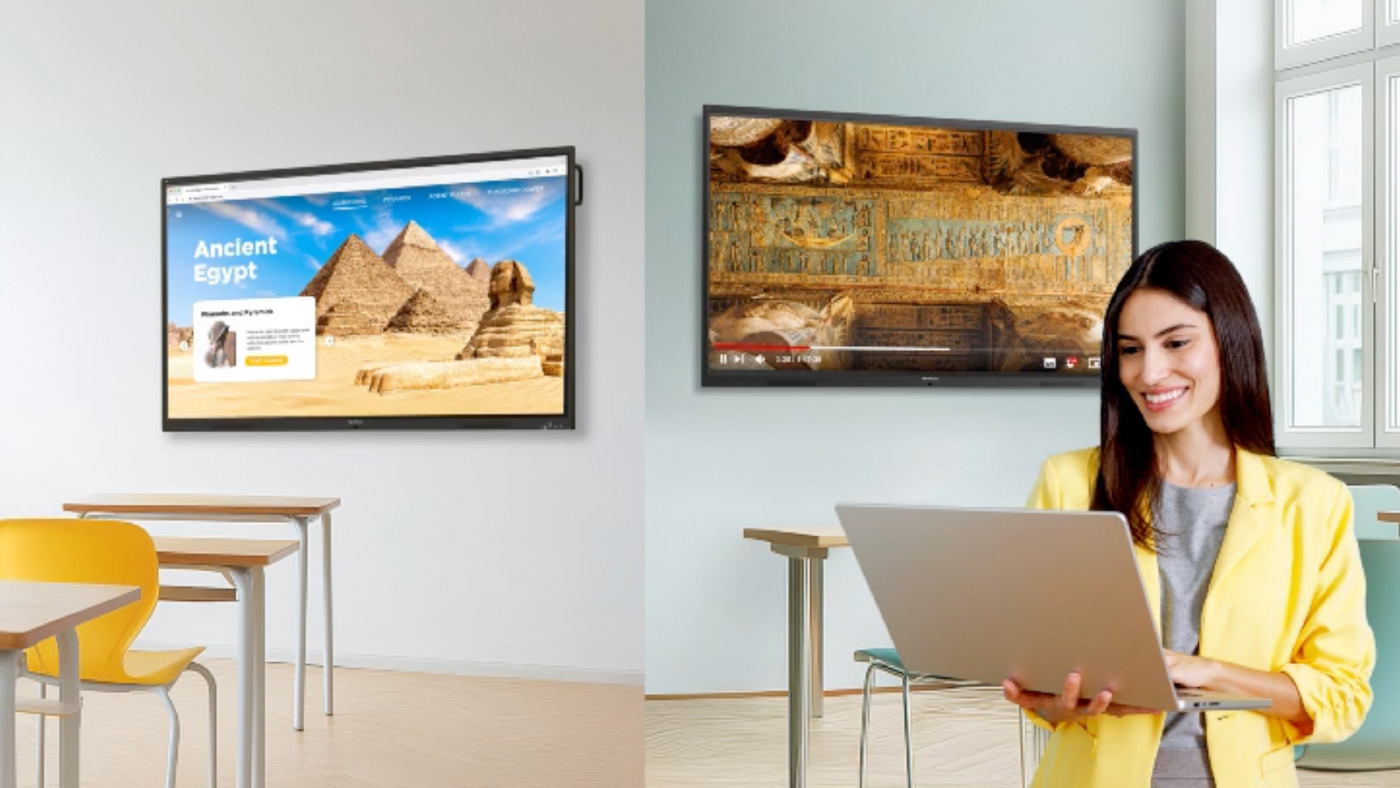
  • Google Arts & Culture: A favorite for humanities classes. Display high-resolution masterpieces for visual thinking strategies or use it as a creative prompt for English, music and art projects.
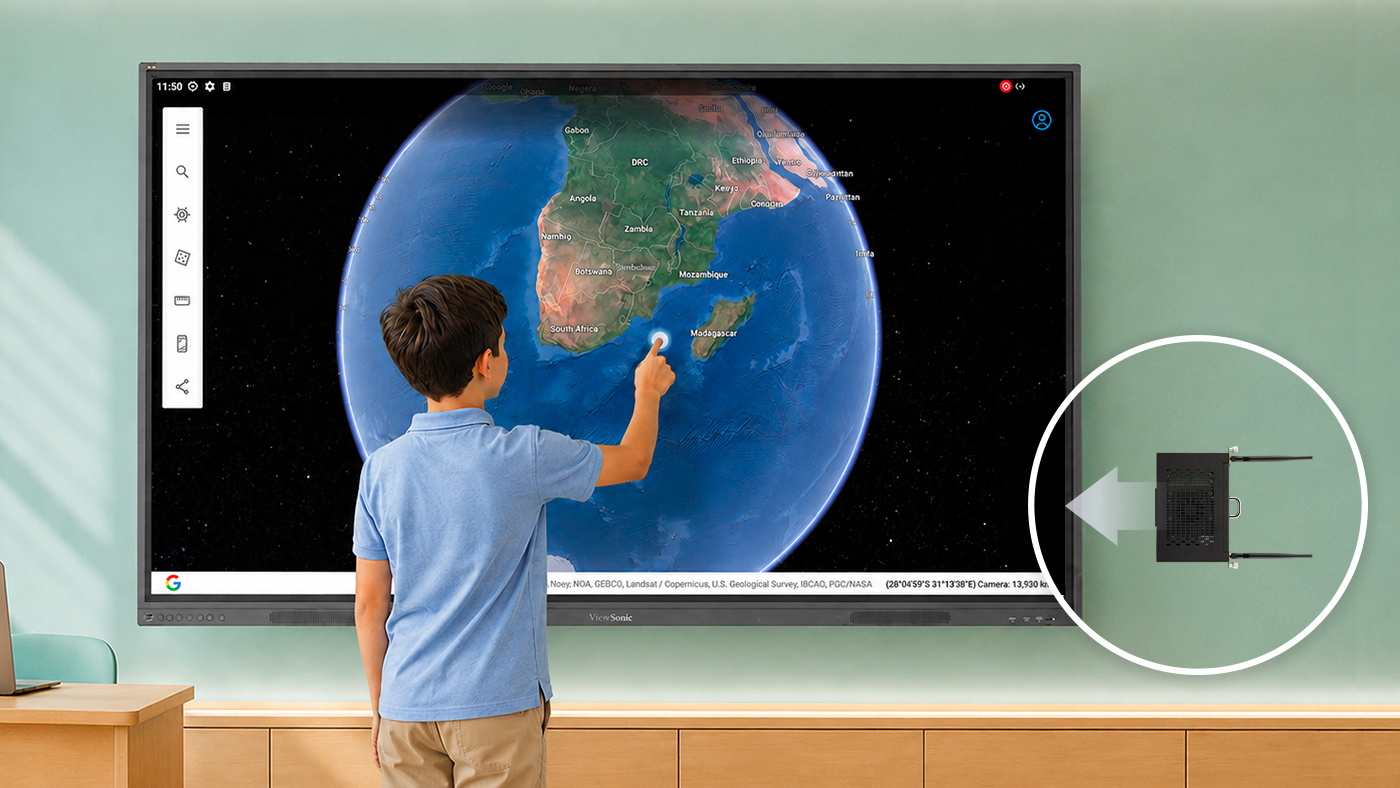
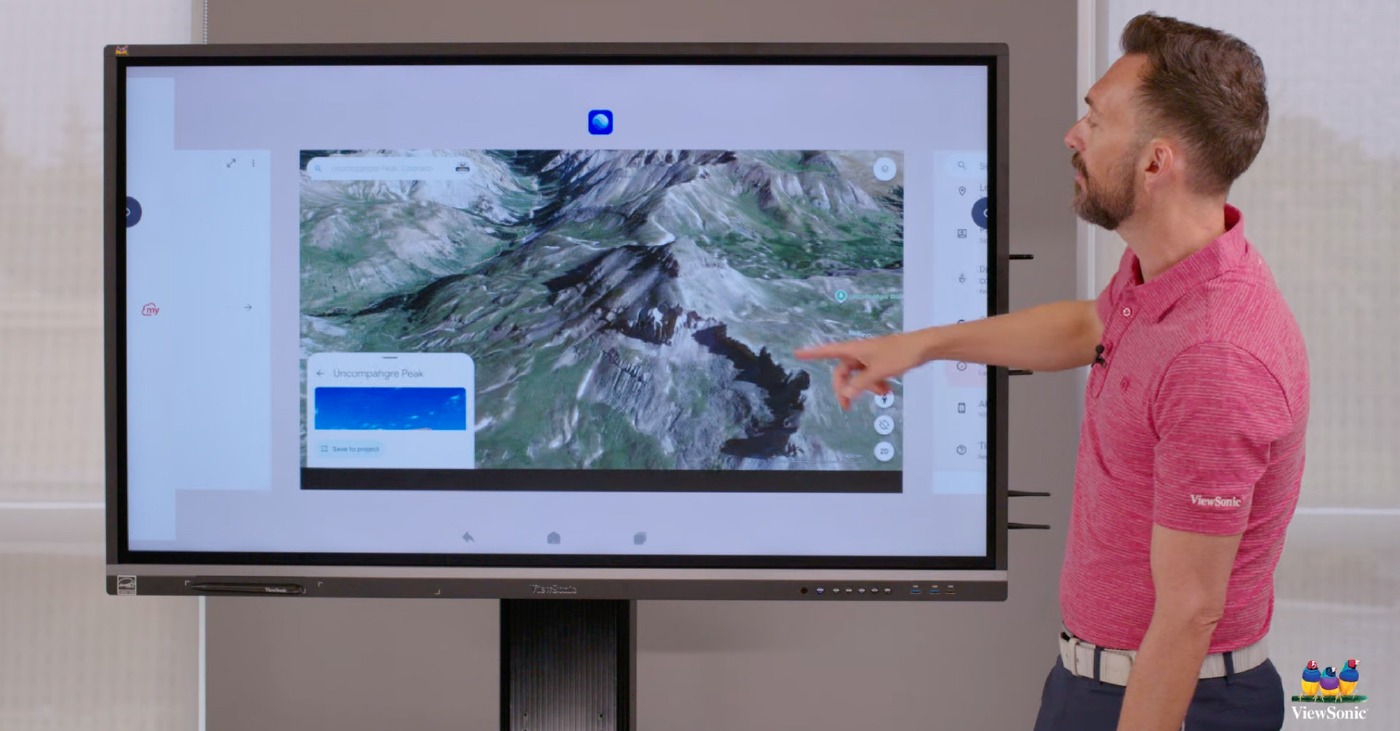
  • Google Maps: Perfect for social studies and geography. Use Street View to take students on virtual field trips without leaving the room.


2. Proven Edtech Tools for High Engagement


These tools work across subjects and grade levels, and most teachers already know them.

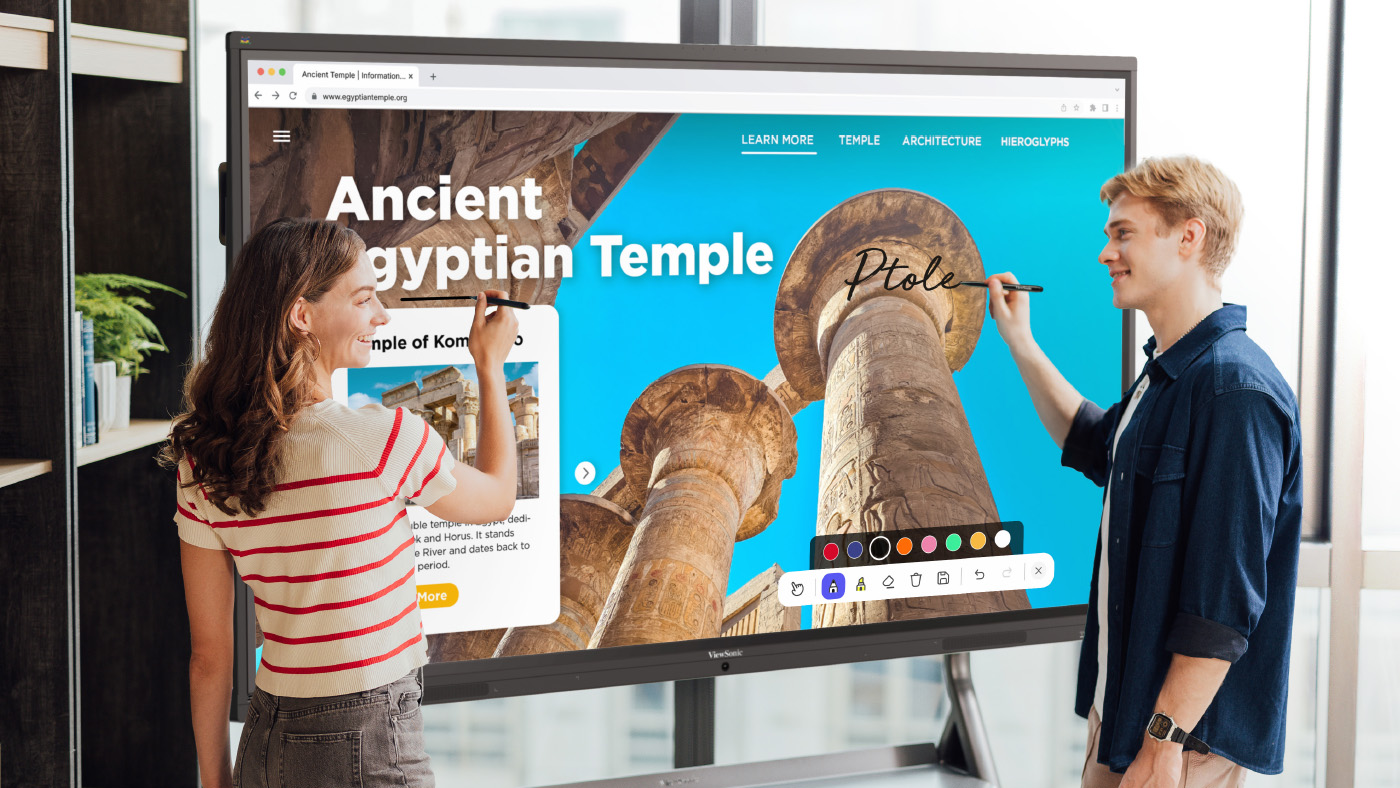
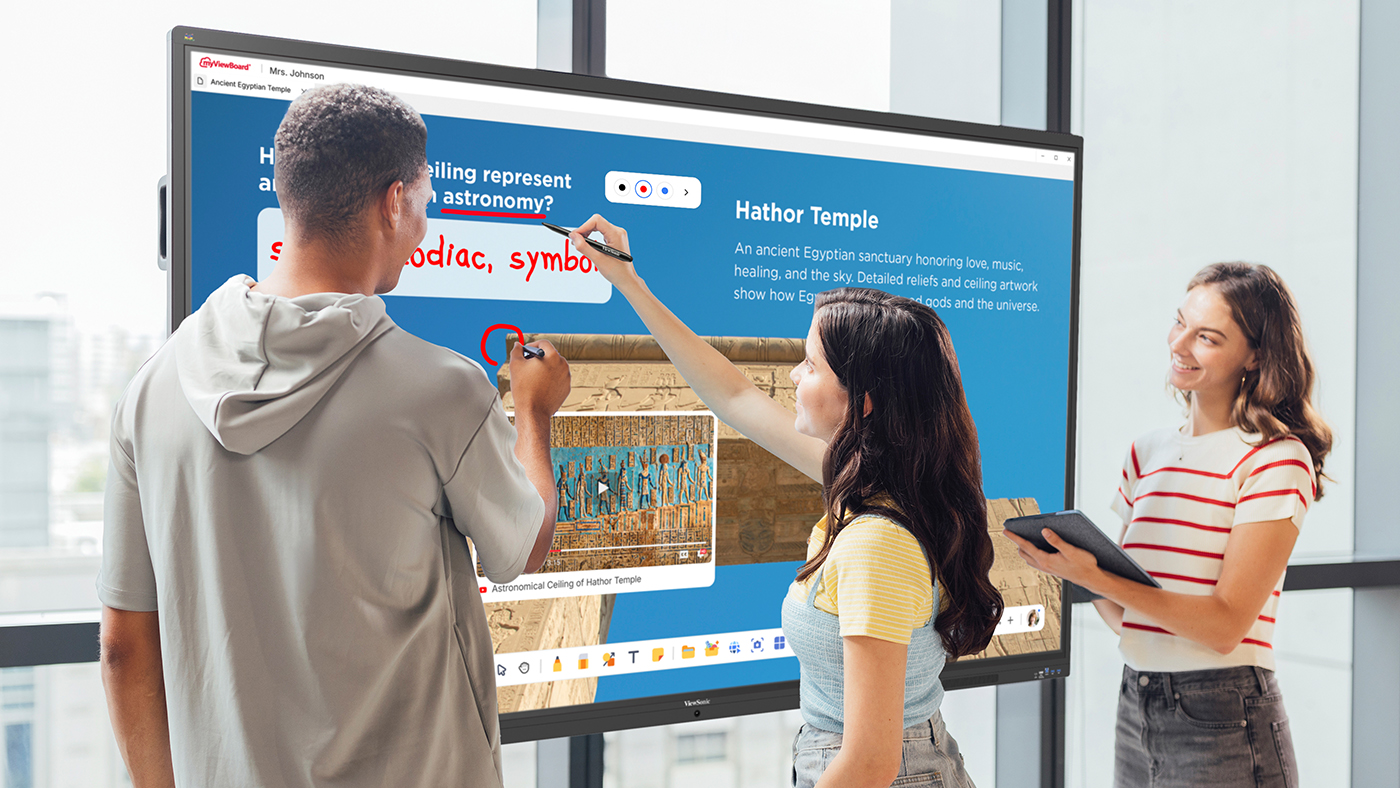
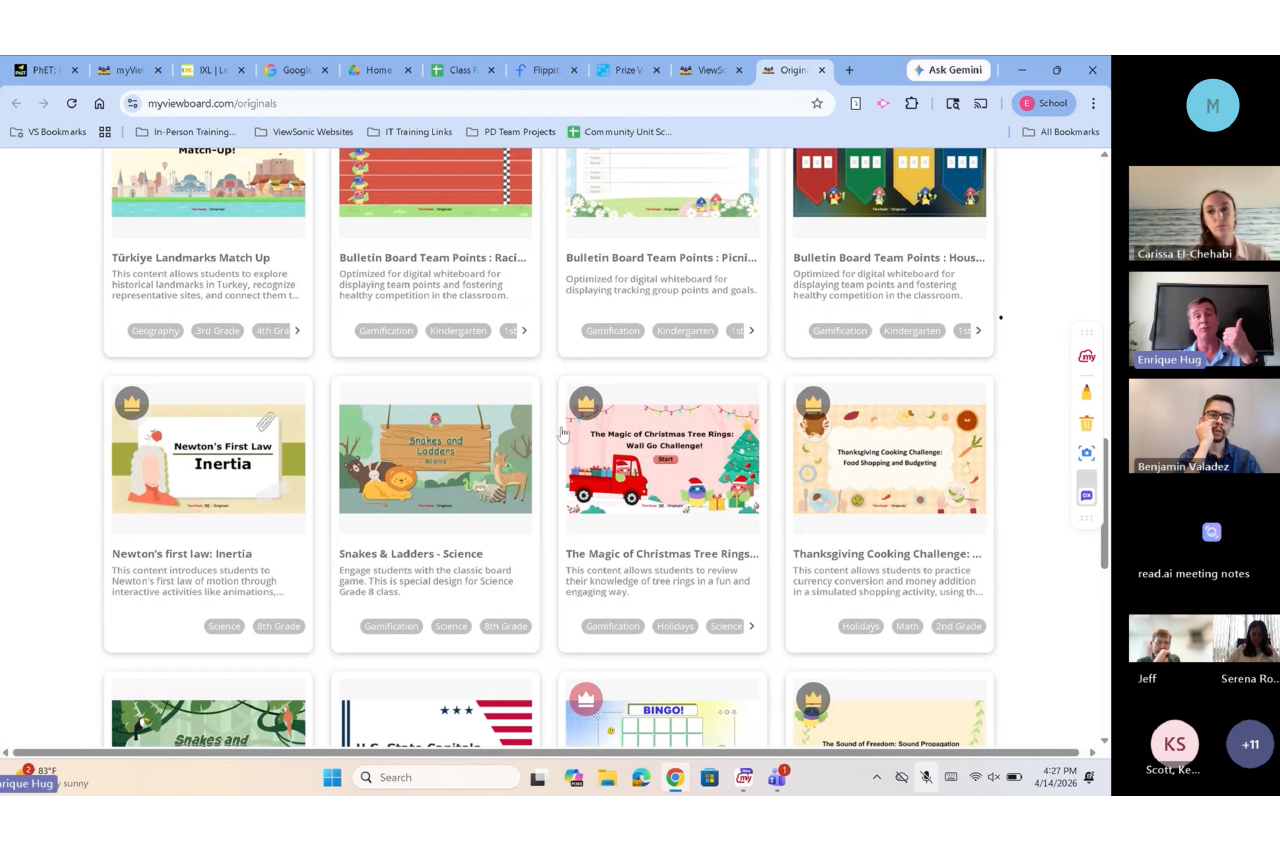
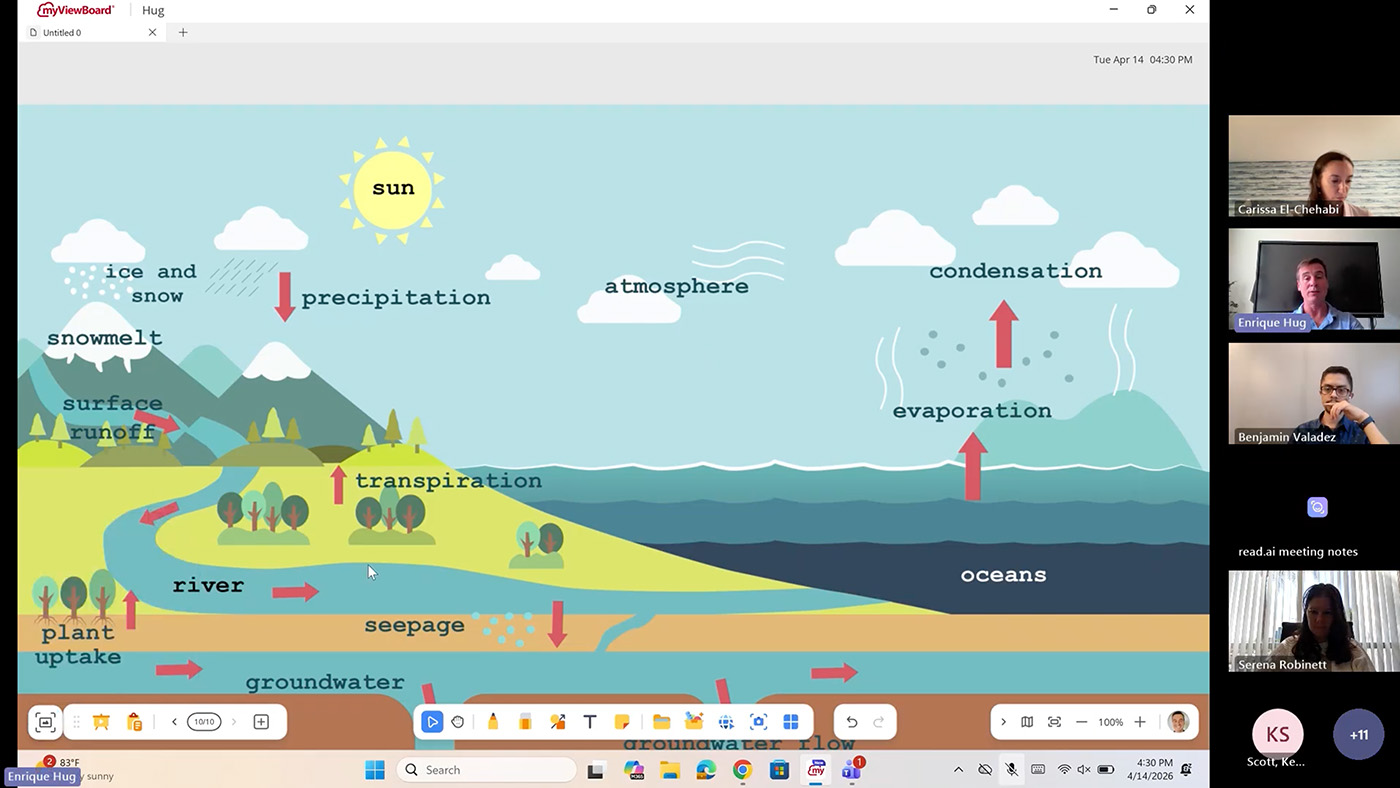
  • ViewSonic myViewBoard®: The native digital whiteboarding software for annotation, screencasting and lesson recording. Includes Quiz Tools powered by ClassSwift for quick checks for understanding.
  • ClassDojo: Manage classroom behavior and routines right on the shared screen.
  • Canva: Open your lessons directly on the board and let students collaborate on designs in real time.
  • Book Creator: Celebrate student voice by showcasing digital books the class has created together.
  • XL: Display practice problems on the board while students work through them on their own devices or notebooks
  • CK-12: A free, standards-aligned content library you can pull from across nearly any subject.
  • GoNoodle: The perfect cure for the after-lunch slump. Use the panel’s speakers to get the class moving with a quick brain break.


3. Subject-Specific Powerhouses


  • STEM: Use PhET Simulations and GeoGebra for interactive math and science visualizations, and Stellarium Mobile to turn your classroom into a planetarium.
  • Earth and Space Science: NASA’s Earth Now app shows climate data and satellite imagery in stunning 4K detail.
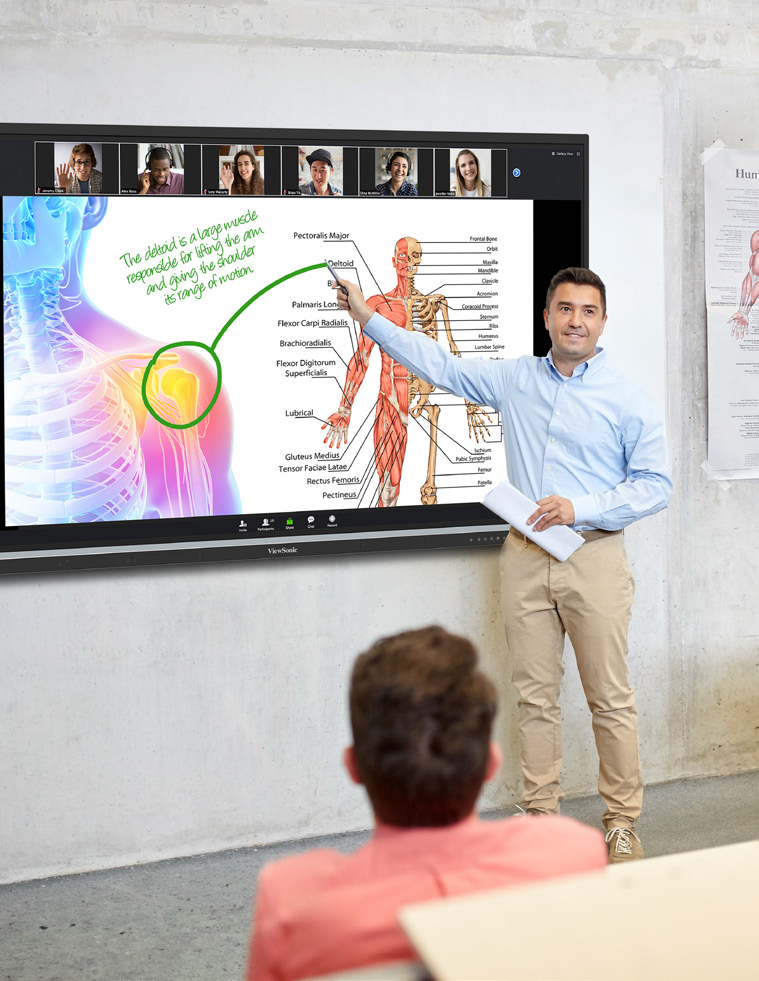
  • Anatomy: BioDigital Human and Visible Body offer incredible 3D views of the human body, no lab coats required.
  • Primary Education: Khan Academy Kids, Starfall, Endless Alphabet and PBS Kids are built for multi-touch interaction during station rotation.
  • Music: Soundtrap enables students to create music or podcasts right from the board.


Bonus Tips for Power Users


  • Customize Your Workspace: Use Muzei or Resplash to keep your classroom environment fresh with high-quality, inspiring panel wallpapers.
  • One-Touch Access: Save your favorite websites, like BouncyBalls.org for noise management or Wordle for a morning warm-up, directly to your home screen as web apps for instant access.


The Bottom Line for Schools


Whether you’re a teacher looking to streamline your workflow or an administrator looking to provide the most secure, future-ready smart technology for your district, ViewSonic EDLA panels are the answer. They don’t just display content, they drive active learning.

Rolling Into Learning: Why Mobile Carts Are the Secret to Flexible, High-Engagement Classrooms

Buyer's Guide  |  Nov 12 2025

Rolling Into Learning: Why Mobile Carts Are the Secret to Flexible, High-Engagement Classrooms


When people picture an interactive display, they usually picture it mounted at the front of the classroom. That’s changing. More schools and districts are moving their panels onto mobile carts, and the reasons go well beyond convenience.


Beyond the Front of the Room: Why Schools Are Taking ViewBoard Displays Off the Wall


Moving a ViewBoard display onto a cart does more than free up wall space. It changes how teachers actually use the room.


Reclaiming the Whiteboard: Keeping Your Marker Space While Adding Digital Power


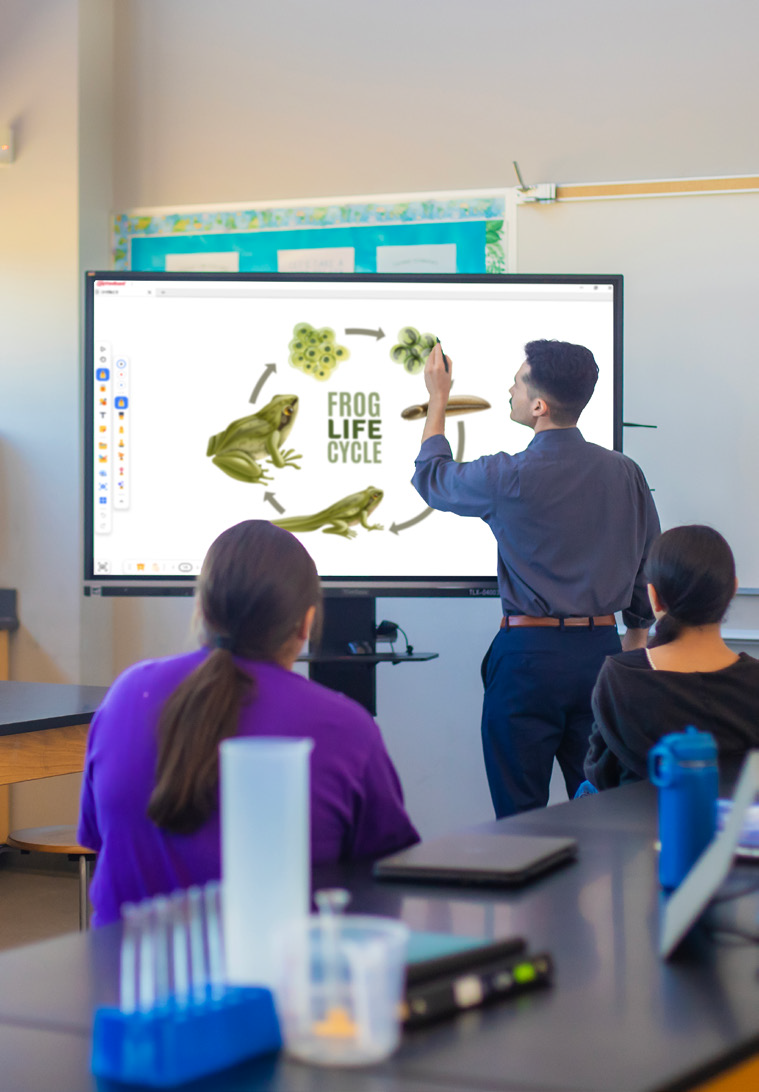
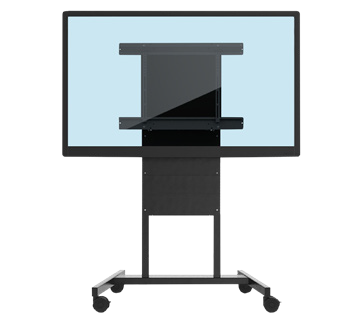
Teachers still love a good old whiteboard marker, and that isn’t going away. Putting your ViewBoard display on a mobile cart frees up the wall space teachers already use for analog teaching. You get digital power without giving up the marker board behind it. This kind of setup works well in schools that combine interactive technology with analog instruction, where the digital display and the traditional marker board serve complementary purposes instead of competing for space.


Breaking the “Fixed Front” Classroom Model


A wall mount keeps your panel in one spot. And while that might be helpful in many classrooms, a mobile cart lets you roll it wherever a lesson needs it, whether that’s a reading corner, a different wall or the center of the room. So much changes in a classroom throughout the day, and a panel that moves with the lesson keeps students more engaged than one that stays fixed in place.


Sizing and Accessibility: Solving the “Kindergarten Height” Problem


Every classroom has a mix of heights, from kindergartners to teachers well over six feet tall. Mobile carts help you meet everyone in the middle.


Reaching Every Student: How Adjustable Carts Bridge the Gap for Early Learners


Younger students need to actually reach the screen, and teachers need to write on it without bending over all day. A cart with adjustable height solves both problems at once, so the same board works for a kindergartner and a six-foot-tall teacher in the same classroom.


Motorized Precision: Using BalanceBox® and Motorized Carts for Ergonomic Teaching


Our motorized carts, including the BalanceBox line, let you raise or lower the panel with the push of a button. That means the board is always at the right height for whoever is using it, whether that’s a student reaching the screen or a teacher writing at the top. This kind of ergonomic accessory often gets overlooked in procurement conversations, but it has a real impact on daily usability, especially in early education where students and teachers of very different heights share the same display.


The “Anywhere” Board: Utilizing ViewBoard Displays in Hallways, Gyms and Beyond


A ViewBoard display doesn’t have to stay in one classroom. Once it’s on a cart, it can go wherever your campus needs it that day.


From Gallery Walks to Parent Nights: Interactive Tech Outside the Classroom


A mobile cart means your ViewBoard display isn’t stuck in one room. For a back-to-school night, a teacher can display student work in the classroom, then roll the panel into the hallway for a gallery walk. During a parent-teacher event, the same board can run a sign-in station right outside the door, so parents stay engaged while they wait. One panel can do the job that used to take several.


Strategy in the Gymnasium: Safe, Mobile Tech for Coaches and Athletics


Another option is placing the board in strategic spaces, such as a basketball court or a gymnasium. A basketball or volleyball coach can use it to highlight strategy and plan out plays for students before they play. While you may not want to put a permanent wall mount in a gymnasium where balls are flying, a mobile cart allows you to move the panel out of the way when the game is in progress but still lets you strategize during practice.


Scaling Your Campus Fleet: Finding the Right Fit for Every Space


Different spaces call for different setups, and ViewSonic gives you room to mix and match across your campus.


Choosing Between Fixed Mounts and Mobile Deployment Strategies


Every district has different needs, so ViewSonic offers both options. Choose a wall mount for spaces that need a permanent, secure setup, or choose a mobile cart for spaces that need flexibility. Most campuses end up using a mix of both.


Centralized Control: Managing Your Mobile ViewBoard Displays via ViewSonic Manager


Moving panels between rooms doesn’t mean losing visibility. With ViewSonic Manager, IT teams can push updates, monitor device status and manage security settings remotely, no matter which room or gym a panel is in that day.


There’s no single right answer. Some spaces need a fixed wall mount. Others need a cart that can roll from the classroom to the hallway to the gym. ViewSonic offers both, so you can build a fleet that matches how your campus actually teaches.


Ready to find the right setup for your classroom? Contact your ViewSonic education representative to explore mobile cart and wall mount options.

Formative Assessment Tools for Teachers | myViewBoard

Formative Assessment Tools for Teachers | myViewBoard

See how free Quiz Tools inside myViewBoard 3.0 turn any lesson into a live check for understanding, from a former science teacher’s webinar.

Formative Assessment Tools for Teachers: Webinar Recap

Feedback works best the moment students need it, not at the end of the semester.


That’s the premise behind Smarter Formative Assessment Made Simple, a recent ViewSonic webinar on myViewBoard® Quiz Tools powered by ClassSwift®. It was led by Bari Gersten, a former middle school science teacher who has spent more than twenty years in professional development and the last seven at ViewSonic.


Her argument, in one line: formative assessment gets easier when it works with the content you already have. No need to build any quizzes on separate apps.

Why real-time feedback changes what you do next

Most teachers know the feeling. You ask a question, a few hands go up, and you’re left guessing about the other 25 students in the room.


A quiz grade tells you who struggled three days after the moment you could have helped. A live check tells you before the class moves on. That’s the whole difference, and Bari framed it around the answers most software treats as failures:


“I always appreciate when I see a wrong answer, because that allows me to have information into what’s going on in my classroom.”


Formative assessment isn’t more testing. It’s faster information, while you can still act on it.


She also named the limit that makes this necessary. She loves that interactive panels are “getting students out of their seat and up to the board” but she wants every student to participate, not just a few. Only a few can be at the board at once. Quiz Tools is how the other 25 participate at the same time.

Capture, share, collect: one workflow, no tab switching

The session’s throughline was that the whole loop happens in one place.

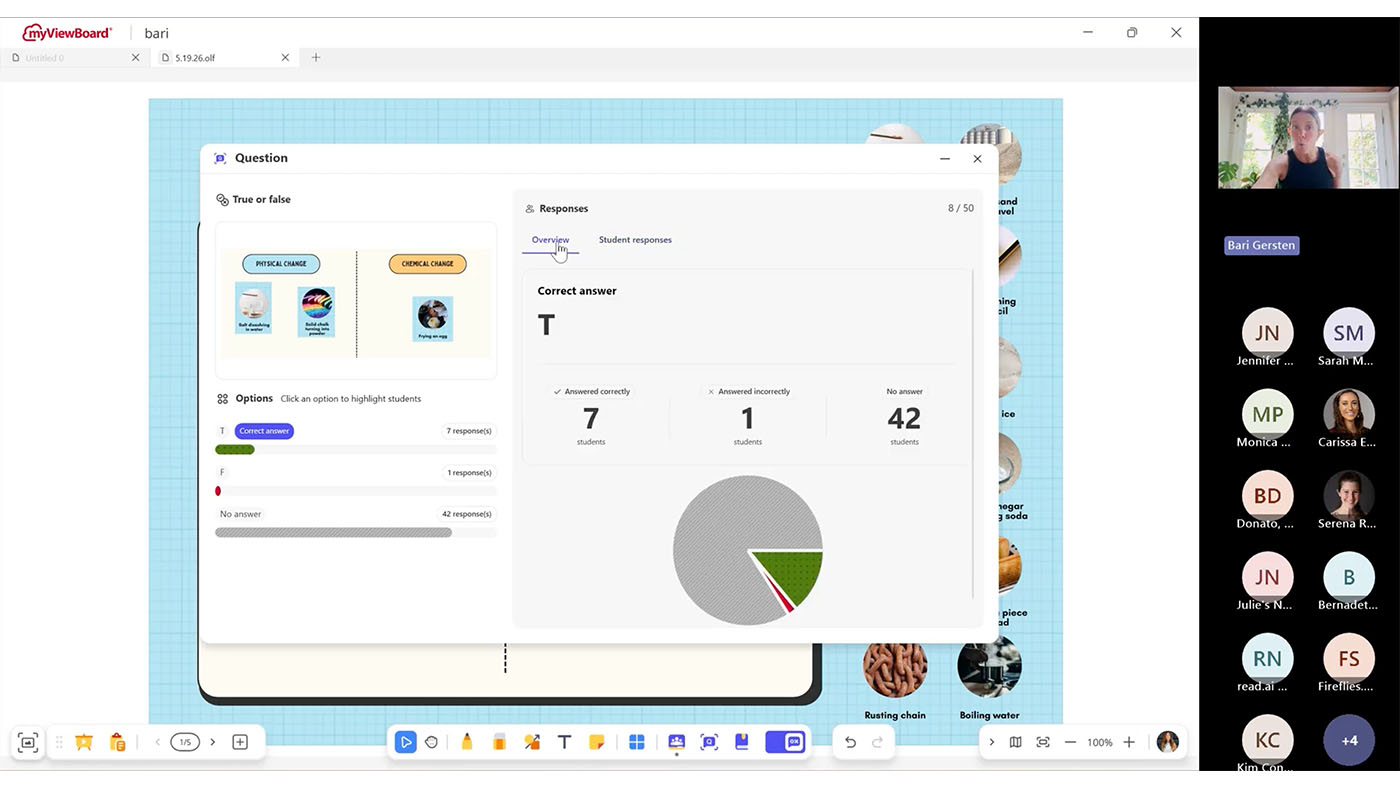
  • Capture. Bari opened a PDF on physical and chemical changes, a file she already had rather than something she had to build. Using the screen capture tool, she shared the static image from that PDF into a quick quiz. Later she did the same with a live PhET simulation, loaded inside myViewBoard’s Embedded Browser so the site opens with the page. Her reason for that one is pure classroom management:

    “As soon as I had to turn my back and enter in a website, I was going to lose my students.”
  • Share. One toggle turned the lesson into a live session. Students joined from a phone, tablet or Chromebook by scanning a QR code or opening a link. Nothing to install on the student side. Bari shared the content that she screenshotted.
  • Collect. Answers arrived on her screen as students submitted, along with how quickly they came in, which is its own read on the room. She demonstrated True/False on the image captured from the PDF and Multiple Choice on perimeter using the simulation. When she was ready, she revealed the correct answer and reviewed results as a whole-class view and then student by student.

Questions can be built into a lesson in advance or created on the spot. An attendee asked about exactly that mid-session, and Bari answered it by building one live on a blank page.


The mechanism is the same screen capture tool she used on the PDF. Screenshot a question you already wrote, wherever it happens to live, and that becomes the prompt students see. Or annotate the question on the board by hand and screenshot that.


So there’s no separate quiz authoring step. A question you wrote in your lesson plan last night and a question you thought of ten seconds ago both get into Quiz Tools the same way.

What students see, and what stays private

Results show the distribution of answers to the room. Student names can stay hidden in that view, so the class can look at what went wrong together without anyone’s name attached to it.

For a teacher trying to build a room where students feel comfortable sharing any misunderstandings, that setting matters more than any feature on the list.

What you need before you try it

  • myViewBoard 3.0. Quiz Tools live in 3.0. If you don’t see the Quiz Tool toggle on your whiteboard, you’re likely on 2.0 or your administrator needs to run an update in Manager.
  • Windows or Android. Free on both, with macOS coming soon.
  • Any student device. Phone, tablet or Chromebook all work.

For IT teams evaluating panels, the same facts read differently: the assessment software is included rather than licensed per teacher, and there’s nothing to deploy to student devices. This saves you from having to purchase a panel and formative assessment software like Kahoot, PearDeck or Wayground.

Frequently Asked Questions

Do I need myViewBoard 3.0?

Yes. Quiz Tools are built into myViewBoard 3.0. On 2.0 the toggle won’t appear.

Does Quiz Tools work on an iPad?

Students can answer on an iPad, but myViewBoard does not offer the Quiz Tools features on macOS yet. It’s free on Windows and Android today, with macOS coming soon. Students can respond from any device once you’re running the session from a supported panel or computer.

What if my students don’t all have devices?

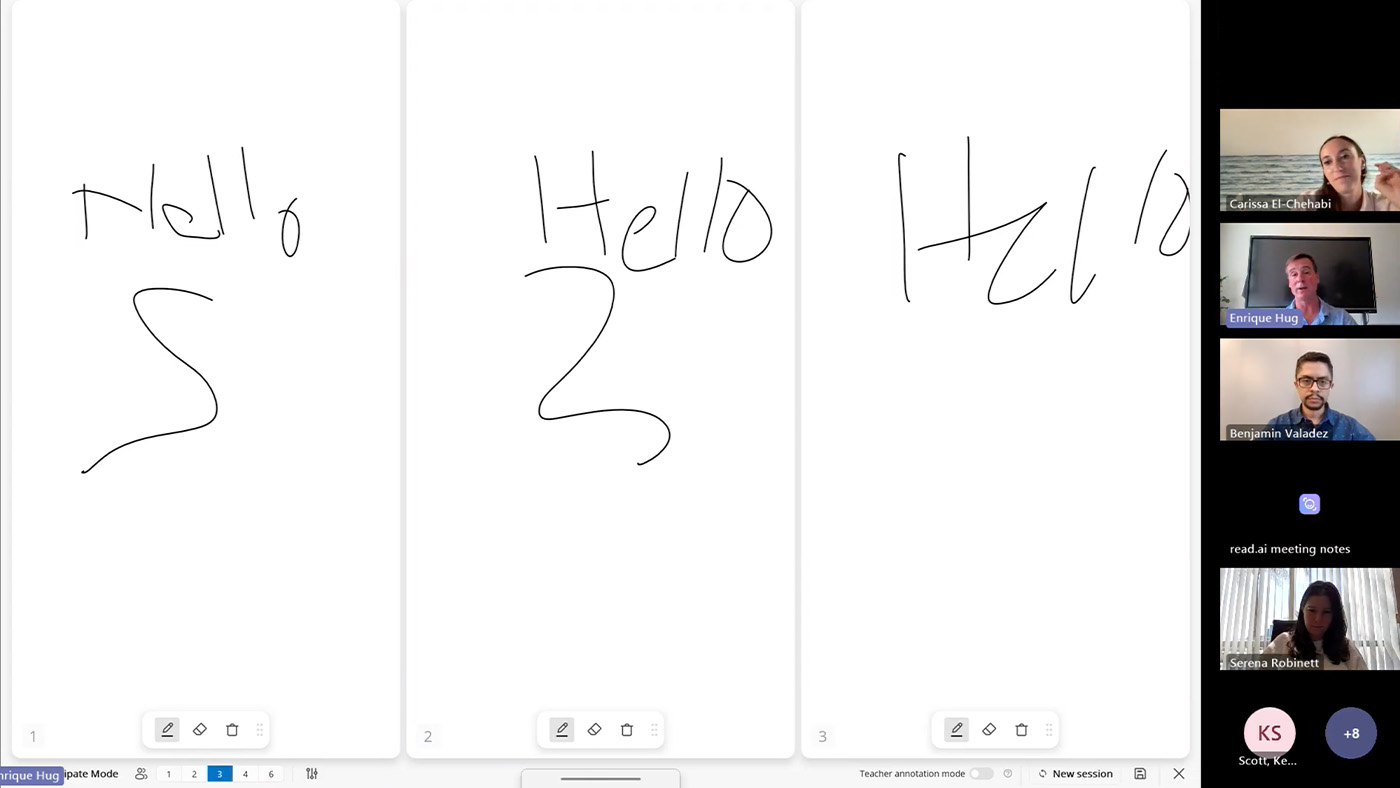
It still works. Students can share a device or work in pairs. You may also consider using Participate Mode to get students or groups of students to board.

Can students see who got the answer wrong?

Only if you want them to. Hide student names in the results view and the class sees the distribution without the names.

Watch the replay, then try one question

For the step-by-step mechanics, the six question types, class rosters and engagement tools like the Spinner and Buzzer, see the myViewBoard Quiz Tools quick-start guide https://www.viewsonic.com/solution/kb/en_PH/qt-overview/quizzing-tool-overview.


Then pick one lesson you already teach and add a single True/False question. That’s the whole first step.


Programs, pricing, specifications and availability are subject to change or cancellation without notice. Actual performance, compatibility and user experience may vary depending on system configuration, network conditions, usage environment and other factors. Selections, offers and programs may vary by country. Corporate names and trademarks stated herein are the property of their respective companies. Copyright © 2026, ViewSonic Corporation. All rights reserved. 8/26 [26SFT-EDU1565a]

7 Things to Look for in a Next-Gen School Projector

7 Things to Look for in a Next-Gen School Projector

If your school is conducting an audit for an upcoming hardware refresh, you don’t just want to replace your current equipment. You want to future-proof your classrooms and multi-purpose spaces.

Five years ago, managing classroom projectors meant dealing with dim bulbs, heavy maintenance schedules, and limited options. Following significant strides in projector technology, they now present a durable, budget-friendly alternative to flat-panel displays.

Key Takeaways

When choosing a next-gen projector, look for:

  • High Brightness
  • Flexible optical zoom and keystone
  • Centralized management
  • Low maintenance
  • 360° rotation
  • Light source
  • Display engine

1. Daylight-Defeating Brightness

While the actual brightness of your projector will depend on the size of the room you’re outfitting, look for a projector with a high lumen output. The 5,500 ANSI lumens found in the ViewSonic® LSD500HD ensure teachers never have to switch off the lights just to make a slide or worksheet legible.

2. Flexible Optical Zoom and Keystone

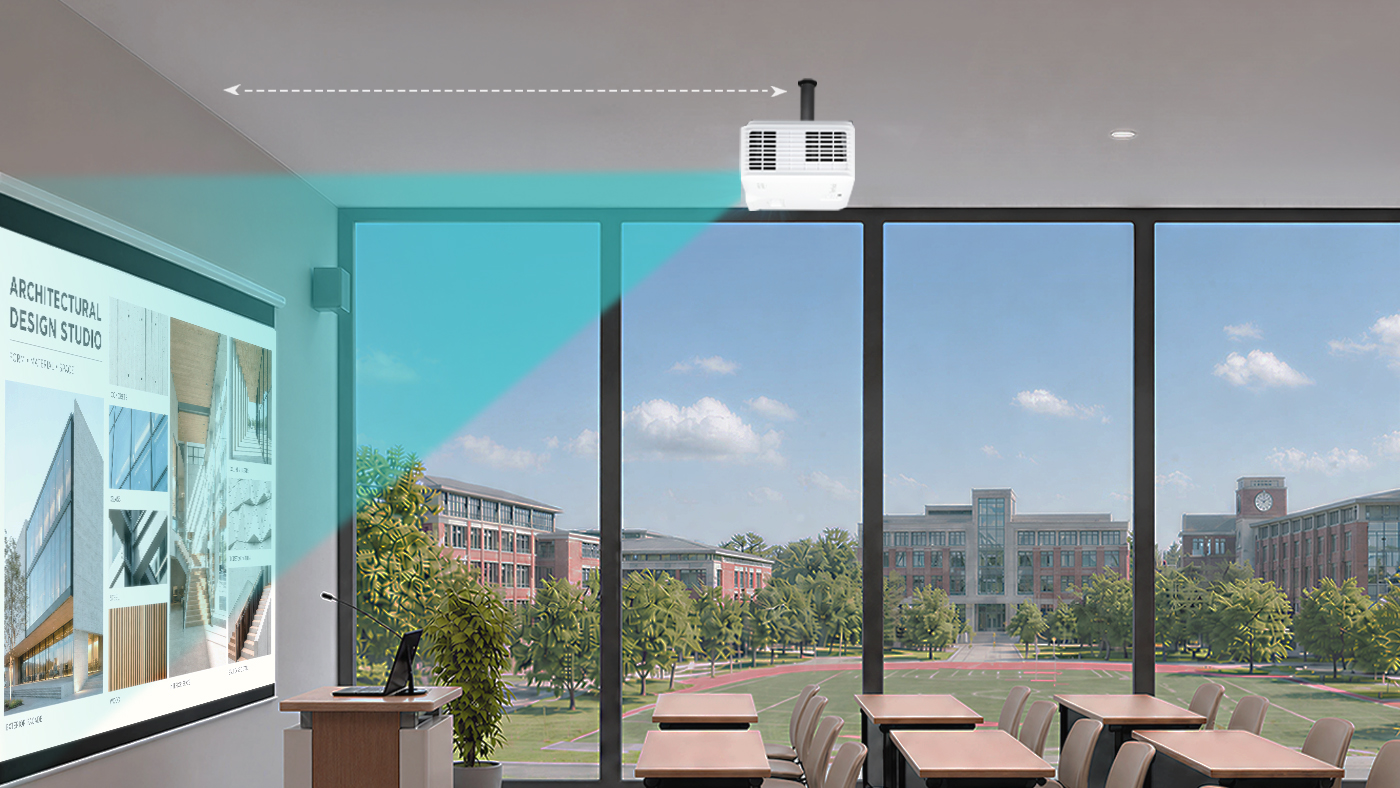
Modern classrooms come in all shapes and sizes, and hardware placement is rarely ideal. But if you get a projector that has optical zoom and a similar throw ratio as your existing projector, you won’t have to install a new wall mount elsewhere.

Look for a minimum of 1.3x optical zoom and 4-corner keystone adjustment so the image stays perfectly proportioned from any angle. These alignment capabilities eliminate distortion caused by offset ceiling mounts, ensuring a perfectly square image without manual physical readjustments.

3. Centralized IT Remote Management

Your projector should work with systems you already use, so you don’t have to purchase new or proprietary software. When upgrading your AV setup, ensure the unit features full LAN control and integrates directly with professional systems like Crestron, Extron, AMX, and Q-SYS.

4. Low Maintenance and Long Lifespan

Gone are the days of spending your AV budget on replacement bulbs or filters for LCD projectors. Next-gen lamp-free projectors ensure a longer lifespan without the recurring maintenance strain.

Upgrading your old projectors can also save you money in terms of electricity spending. The ViewSonic LSD500HD laser projector, for example, uses 62% less power than traditional lamp models.

5. 360-Degree Placement

Your hardware shouldn’t dictate your physical space. From portrait mode setups for digital signage to floor projections for unique learning experiences, look for 360° rotation capabilities that open up new teaching possibilities.

6. Light Source

Consider your environment before choosing a light source. While lamp-based projectors remain a cost-effective choice for low-use classrooms, laser technology is the clear winner for heavy daily use. Lasers eliminate replacement bulbs, warm up instantly, and maintain bright, true-to-life colors for years.

7. Display Engine

With vivid color performance a major benefit, DLP technology leads in text sharpness and contrast while offering a compact, filter-free design that reduces ongoing IT maintenance in dust-prone environments.

Key Projector Feature at a Glance

Here’s a table to give you a quick summary of the key projector features to look for and why they matter:

Projector Feature Why It Matters
High Brightness
(5,000+ lumens)
Ensures high clarity so teachers don’t have to dim classroom lights.
Long Lifespan
(up to 30,000 hours)
Laser phosphor light sources eliminate costly bulb replacements and slash power consumption.
Flexible Optical Zoom & Keystone
(Min. 1.3x optical zoom, 4-corner keystone)
Allows adjustment of the image without needing to change the ceiling mount’s placement and costly re-wiring.
Centralized IT Management
(LAN control; Crestron, Extron, AMX, Q-SYS integration)
Enables remote device administration through the control system your IT team already uses.
360-Degree Placement
(Multi-angle and portrait orientation capabilities)
Opens up creative setup possibilities across the campus.
Light source Laser projectors are more expensive upfront but cheaper to run than lamp projectors.
Display Engine DLP delivers vivid colors as well as sharp text, deep contrast and low maintenance.

Final Thoughts

Future-proofing your school’s screens isn’t just about replacing old hardware with newer models. It’s about making a strategic investment that supports both teachers and IT teams. By focusing on high brightness, low-maintenance lamp-free technology, installation flexibility, and central network management, school districts can upgrade lecture halls and classrooms without stretching their AV budgets.

Solutions like the ViewSonic LSD500HD demonstrate that modern projectors are more than just a big-screen option. They’re a convenient, cost-effective display alternative built to keep up with the demands of modern education. By striking the ideal balance between low total cost of ownership and simplicity of use, next-gen projectors ensure your school or district’s edtech is future-proofed. Check understanding during a lesson.

Frequently Asked Questions

Here are answers to some of the most frequently asked questions we get about projectors in school environments:

Do modern laser projectors turn on as quickly as flat-panel displays?

Yes. Unlike traditional lamp-based projectors that require a few minutes to warm up or cool down, modern laser projectors offer instant power-on and power-off functionality. Teachers can turn on the system and start class immediately with no downtime.

How does a lamp-free projector lower total cost of ownership for schools?

Lamp-free projectors reduce TCO for schools in two key ways:

  • Lower energy consumption and maintenance costs.
  • Reduced hardware replacement costs and maintenance labor since lamp-free projectors last longer and have no bulbs or filters to replace.

Can we install modern projectors using our existing ceiling mounts?

If the projector has the same or a similar throw ratio, then yes. Projectors equipped with wide optical zoom, ideally 1.3x, and comprehensive keystone adjustment allow IT teams to fit the new projector into existing mounting locations.

How do modern projectors perform in brightly lit classrooms?

High-brightness lamp-free projectors that deliver 4,000 to 5,500+ ANSI lumens are explicitly engineered to work even in ambient daylight conditions. This ensures vibrant colors, high-contrast, and crisp text from anywhere in the room. without forcing teachers to draw the blinds or dim classroom lights.

Comparative claims and energy savings are based on specific features and publicly available manufacturer specifications as of the date of publication, and are not intended to represent a comprehensive evaluation of all product attributes. Actual performance, energy usage, and compatibility may vary depending on system configuration, network conditions, usage settings, and environmental factors. Any references to third-party platforms (including Crestron, Extron, AMX, and Q-SYS) are for identification and compatibility purposes only and do not imply endorsement, affiliation, or sponsorship by their respective owners. Proper wall and ceiling suitability, reinforcement, and professional mounting hardware are the sole responsibility of the customer, installer, or system integrator; ViewSonic assumes no liability for equipment damage, property damage, or personal injury resulting from incorrect installation.

Tight Edtech Budget? An OPS Slot-In PC Can Help You Do More with Less

Tight Edtech Budget? An OPS Slot-In PC Can Help You Do More with Less


Today’s classrooms move fast, and the technology supporting them needs to keep up. But budget cycles don’t always align with full hardware refreshes. When a complete display upgrade isn’t in this year’s budget, IT teams shouldn’t have to compromise on classroom performance.


ViewSonic® slot-in PCs offer a seamless bridge strategy. By upgrading the computing engine behind your existing screens, you can deliver immediate speed and memory gains for teachers today while keeping your long-term refresh strategy on track.


Change the Brain: Upgrade Aging Interactive Displays with a Slot-In PC


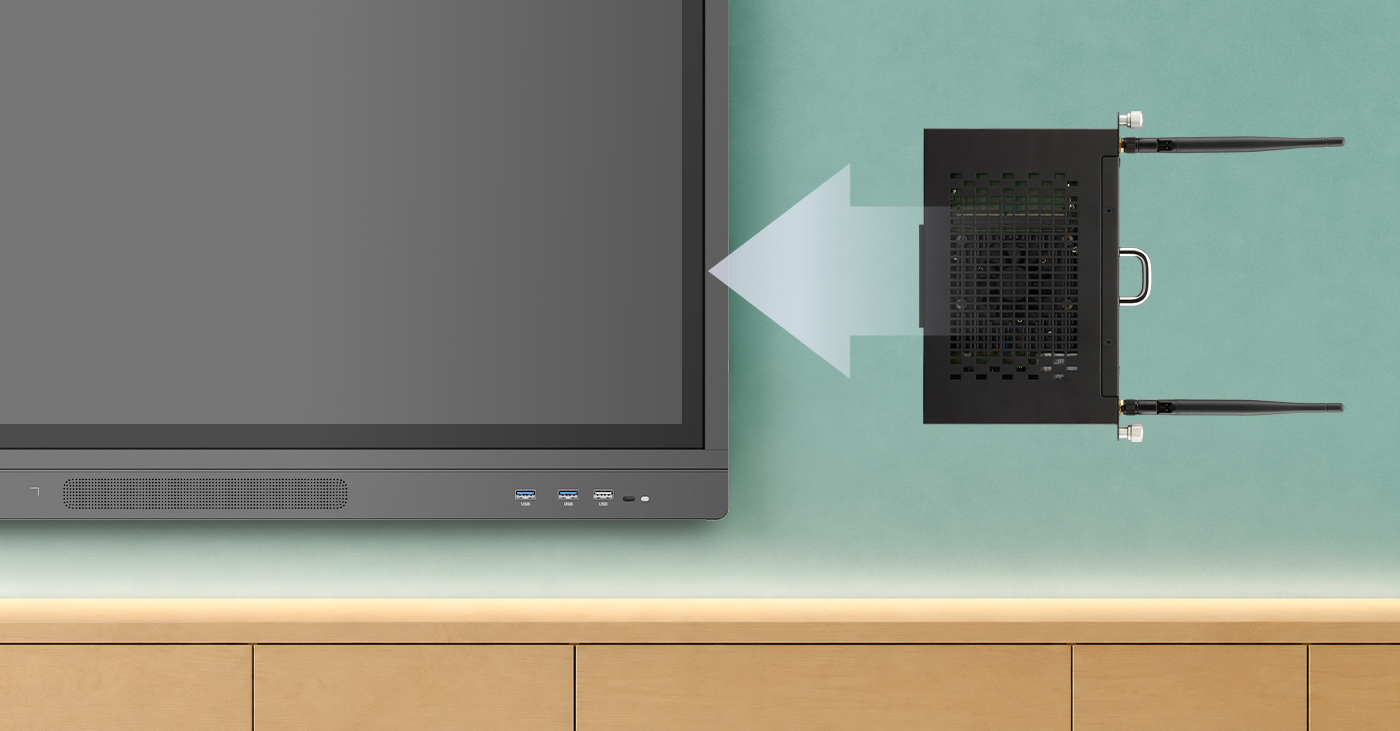
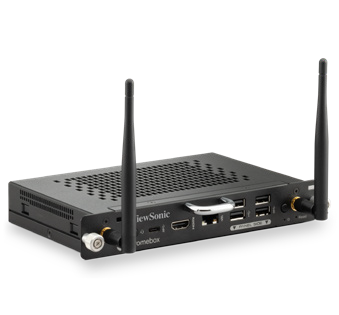
The most cost-effective way to increase the processing speed of your existing interactive flat panels is with an OPS (Open Pluggable Specification) slot-in device.


Think of it as a brain transplant for your classroom technology. Instead of replacing the entire 65”, 75”, or 86” screen—which is often still in great physical condition—you simply add in a new ViewSonic OPS unit to replace the original processor inside.


Why Choose a ViewSonic Slot-In PC?


  • Instant Speed Boost: An OPS slot-in PC lets you upgrade your interactive whiteboards with the latest processors and expanded memory when you’re facing tight budget for a new panel update.
  • Near-universal Compatibility: ViewSonic slot-in PCs are compatible with many other brands, including Newline, Promethean, Smart, and BenQ. So even if your district has a mix of panels, our OPS PC units can likely fit those as well (talk to our experts to find the right match for your setup).


  • Future-Proofing: As educational software and AI tools demand more power over time, modular slot-in PCs let you upgrade computing performance effortlessly. Your displays stay capable and ready for tomorrow’s tech updates without needing a full system redesign.
  • Minimal Downtime: An IT admin can swap an OPS unit in seconds, keeping classrooms functional and teachers productive without losing a full day to installation.
  • Ecosystem Flexibility: If you’ve already purchased or are planning to buy new panels, a slot-in PC can still work for you. Slotting an OPS module into an OS-free or compatible panel allows you to align with your district’s tech stack—whether that’s ChromeOS, Android EDLA, or Windows. Teachers get seamless access to their everyday apps, while you retain the flexibility to adapt as your needs evolve.


Maximize Your Current Investment


You don’t have to settle for “old” just because your classroom technology budget is tight. By focusing on “brains” rather than the external display, you can ensure a fast, premium experience for both teachers and students at a fraction of the cost of a new installation.


Explore ViewSonic slot-in PCs for education now.


Frequently Asked Questions About OPS Slot-In PCs


Can you upgrade an old interactive display without replacing it?
Yes. If the display includes an OPS slot, you can add a slot-in PC instead of purchasing a whole new display. ViewSonic OPS slot-in PCs provide modern processing power that can help older interactive whiteboards run faster and support newer educational applications.


What is an OPS slot-in PC?
An OPS (Open Pluggable Specification) slot-in PC is a compact computer that slides directly into a compatible interactive display. ViewSonic OPS slot-in PCs add processing power, memory, and storage to the display without requiring you to replace the entire unit.


Are ViewSonic OPS slot-in PCs compatible with non-ViewSonic displays?
Many interactive displays from major manufacturers support the OPS standard. While compatibility should always be verified before purchase, ViewSonic OPS slot-in PCs can often be used with compatible displays from multiple brands.


Why are schools upgrading OPS modules instead of replacing displays?
Many older interactive displays still have functional screens and touch technology. Replacing the OPS computing module allows schools to improve performance and support newer software at a lower cost than replacing the entire display. ViewSonic OPS solutions help districts extend technology investments while reducing refresh costs.


How much performance improvement can an OPS upgrade provide?
Performance improvements depend on the age of the existing hardware and the specifications of the new OPS module. Upgrading to a newer ViewSonic OPS slot-in PC can improve application responsiveness, multitasking, startup times, and support for modern classroom software.


What are the benefits of using an OPS slot-in PC in education?
An OPS slot-in PC helps schools extend the life of interactive displays, reduce technology replacement costs, minimize classroom downtime, and provide teachers with a faster, more reliable classroom experience. ViewSonic OPS solutions make these upgrades simple and scalable for school districts, fitting seamlessly into your existing tech stack with ChromeOS, EDLA, or Windows.


Comparative claims and compatibility statements are based on specific features and publicly available manufacturer specifications as of the date of publication, and do not represent a comprehensive evaluation of all product attributes. Actual performance, computing speed, compatibility, and user experience may vary depending on system configuration, legacy panel model, network conditions, usage environment, and other factors. Any references to competitor products, brands, or corporate trademarks, including Newline, Promethean, SMART, and BenQ are for identification and compatibility reference purposes only and do not imply endorsement, affiliation, or sponsorship by their respective owners. Programs, pricing, specifications, and availability are subject to change without notice. Corporate names and trademarks stated herein are the property of their respective companies. © 2026, ViewSonic Corporation. All rights reserved.

dvLED Procurement Guide For Enterprise End Users and AV Integrators

dvLED Procurement Guide For Enterprise End Users and AV Integrators

1. What Is All-in-One dvLED?

Direct View LED (dvLED) is a display technology built from individual LED modules assembled to create large-format screens. Unlike LCD or projection systems, dvLED produces its own light. There is no backlight, no projection gap and no screen-door effect. The result is a display that delivers vivid, consistent image quality at any size.

The term All-in-One means something specific in the dvLED world. Most dvLED systems are component-based: the display cabinets, the processing unit, the power distribution and the control system are separate products that need to be designed, purchased and integrated together. That approach works for large-scale custom installations, and it adds cost, time and risk to nearly every other project.

An All-in-One dvLED system integrates all of those components into a single cohesive unit. Processing, power and mounting are built in. There is no separate media player or control box to source. You specify the display, you receive a complete system, and you install it.

ViewSonic’s entire dvLED portfolio is All-in-One. Every product ships as a complete, integrated system. No component sourcing. No system design from scratch. No surprise line items.

2. All-in-One vs. Component-Based: Why It Matters

If you are evaluating dvLED for the first time, you will encounter two fundamentally different approaches to building a system. Understanding the difference is the most important decision you will make in the procurement process.

Traditional component-based dvLED All-in-One dvLED (ViewSonic)
Separate cabinets, processor, power, control One integrated system with cabinets, power and processing included
Requires custom system design per project Pre-engineered. Spec a size, deploy the system
Multiple vendors, multiple SKUs Single SKU for most configurations
Complex quoting, hidden integration costs All-inclusive pricing, no surprise line items
Longer lead times, custom build required U.S.-stocked standard sizes, faster delivery
Higher integration risk Reduced project risk, U.S.-based deployment support included

For most enterprise end users and AV integrators, All-in-One is the right starting point. It reduces project complexity, shortens timelines and makes it easier to quote, approve and deploy at scale.

3. Key Buying Criteria

Whether you are an end user evaluating options for a boardroom, lobby or auditorium, or an integrator specifying a system for a client, these are the factors that matter most in a dvLED procurement decision.

3.1 Environment and Viewing Distance

Pixel pitch is the distance in millimeters between the centers of two adjacent LED pixels. It determines how close a viewer can sit before individual LEDs become visible. Tighter pitch means a sharper image at close range and a higher cost, so matching pitch to your actual viewing distance is one of the most important spec decisions you will make.

Use the 10x rule. Pixel pitch multiplied by 10 gives the approximate optimized viewing distance in feet. A 1.5 mm display looks right from about 15 feet, a 1.8 mm from about 18 feet. Run it in reverse to spec a room: divide the distance to your closest viewer by 10, and that is the coarsest pitch that still looks clean.

Environment Closest viewing distance Recommended pixel pitch ViewSonic series
Close viewing / fine pitch Under 7 ft 0.7 mm LDP
Boardroom, briefing center, control room 7 to 10 ft 0.7 to 0.9 mm LDP
Conference room 10 to 15 ft 0.9 to 1.5 mm LDP, LDE, LDM, LDC
Wayfinding, high-traffic 12 to 25 ft 1.2 to 2.5 mm LDE, LDM, LDC
Corporate lobby, atrium 15 to 25 ft 1.5 to 2.5 mm LDE, LDM, LDC
Auditorium, large venue 25 ft and beyond 2.5 mm LDM, LDC

Pixel pitch determines how close a viewer can sit before individual LEDs become visible. A useful rule of thumb: minimum comfortable viewing distance in feet is roughly the pixel pitch in millimeters times 10. Measure from the wall to your nearest seat, divide by 10, and that’s the coarsest pitch that will work in the room.

ViewSonic offers fine-pitch options for close-viewing spaces like boardrooms through coarser pitches built for large venues viewed from across a room. A Solutions Engineer will confirm the right pitch for your space before you commit to a quote.

Pixel Pitch Selection Guide

  • Do not over-specify. Tighter pitch costs more. If your closest viewer sits 20 feet away, a 1.2 mm display delivers no visible improvement over a 2.0 mm display at that distance.
  • Content type matters. High-resolution video and detailed data visualization benefit from tighter pitch. General-purpose presentations and digital signage perform well at looser pitch.
  • Ambient light affects perceived sharpness. In bright environments, ambient light reduces perceived resolution and brightness matters more than pitch. Every ViewSonic dvLED model delivers 600 nits with a 6,500:1 contrast ratio, or 10,000:1 on the Chip-on-Board LDP Series.
  • Future-proof modestly. Viewers move closer to displays over time as content density increases. A slightly tighter pitch than your minimum gives you headroom.

ViewSonic Solutions Engineers will validate your pixel pitch selection against your actual environment before you purchase, at no cost.

3.2 Resolution and Content Sources

Pixel pitch and native resolution are related decisions, not the same one. Pitch governs how close a viewer can sit. Resolution governs how much detail the display can show at all.

The LDS, LDE and LDM Series are 1080p. The LDP Series is 4K. For presentations, video and digital signage, 1080p across a large format is entirely appropriate. For spreadsheets, CAD, GIS, dashboards or any content where fine detail carries meaning, specify 4K. A boardroom that reviews financial models needs a different display than a lobby that plays brand video, even at the same size.

Confirm source count as well. Most series provide four video inputs with picture-by-picture and picture-in-picture support. The LDE Series provides two inputs without PBP or PIP, which matters if the room needs to show two sources side by side.

3.3 Screen Size and Aspect Ratio

dvLED screens are modular, so they can be built to virtually any size. That flexibility is powerful, and it adds complexity without a defined target. Start with your wall space and viewing distance, then work backward to the right size and aspect ratio.

  • 16:9 is the most common aspect ratio for corporate and enterprise use cases
  • Custom aspect ratios are available and typically require longer lead times and custom quoting
  • Standard sizes of 108”, 136”, 163”, 217” and 231” simplify procurement and are U.S.-stocked for faster delivery

One practical note for upper-floor installs. A 100-inch-plus LCD display often will not fit a standard elevator, which quietly rules it out above the ground floor. A dvLED arrives in crates and assembles in the room, so the building stops dictating the display size.

3.4 Durability and Protection Ratings

If your display will sit in a high-traffic area, near food service, or in a space where physical contact is likely, durability ratings matter.

  • IP rating measures dust and water resistance. IP54 is partial dust protection and splash resistance. IP65 is fully sealed against dust and water jets.
  • IK rating measures impact resistance. IK06 withstands a 1-joule impact. IK08 withstands 5 joules.
  • Glue-on-Board (GOB) and Chip-on-Board (COB) technology. Glue-on-Board encapsulates the LEDs and electronics in a thin epoxy resin layer, shielding against moisture, dust and physical impact while reducing light reflection and raising contrast. Chip-on-Board mounts LED chips directly to a substrate, delivering higher contrast and enabling sub-1.2 mm pitch.

GOB or COB protection is standard across every ViewSonic dvLED product, not an optional upgrade. Impact protection is IK06 on Glue-on-Board models and IK08 on Chip-on-Board. Ingress protection is IP54 or IP65 depending on model.

  • MIP (Micro LED in Package). Micro LED chips individually packaged before mounting, which supports ultra-fine pixel pitches with tighter color uniformity across the wall, higher contrast and optimized thermal management for long-term reliability. Built for premium installations where the display is the focal point of the room.

3.5 Installation Environment

Before specifying a system, confirm the following with your facilities or IT team.

  • Wall space and structural load. Confirm the wall can carry the system weight.
  • Power availability. Confirm circuit amperage and proximity to the install location.
  • Mounting depth and clearance. ViewSonic All-in-One dvLED mounts at approximately 2.7 inches deep, which keeps the display inside the 4-inch protrusion limit ADA sets for circulation paths. An LCD video wall at 6 to 8 inches deep does not.
  • Conduit and cable routing paths.
  • Ceiling height and access for installation equipment.
  • HVAC and ambient heat management near the display.

ViewSonic’s U.S.-based Solutions Engineers provide pre-sales site assessment support and can validate your environment before you purchase, at no additional cost.

3.6 Control System and Management

If your facility uses an AV control system, confirm compatibility before specifying any display. Every ViewSonic dvLED series supports:

  • Q-SYS Library Verified plugins
  • Crestron, Extron and AMX control via IP and RS-232
  • OpenAPI shared across the ViewSonic dvLED, commercial display and IFP portfolio
  • Software-free image stitching, factory-calibrated and ready from the box

For remote device management, the LDS, LDM, LDP and LDC Series include ViewSonic Manager, a free browser-based console for device status monitoring, batch enrollment, grouping by site or room, firmware updates and urgent alert broadcast. The LDE Series runs a simplified OS without Manager support, so if central management is a requirement, specify LDM or LDP.

3.7 Installation

dvLED installation is more involved than mounting a flat-panel display. Understanding what the process requires, and what your vendor includes, is essential before you budget and approve a project.

  • Site prep. Confirm wall structural capacity, power circuit availability and conduit routing before installation begins. ViewSonic Solutions Engineers can assess your site before you commit.
  • Mounting options. ViewSonic dvLED supports wall mounting, floor-standing and ceiling-mount configurations depending on product category and environment. Mobile LDS systems require no fixed mounting at all.
  • Installation supervision included at no additional cost. ViewSonic is on-site to support your team when it matters most.
  • Certified installer program. AV integrators can earn a ViewSonic dvLED Installation Certification through a two-day hands-on program at the Brea, California headquarters and in select U.S. cities. Certification provides CTS renewal units and prepares installers to deploy ViewSonic systems with first-install efficiency.

The first dvLED install always takes longer than the second. ViewSonic certification and on-site supervision give your team, and your integrator, that experience before they need it on a live customer job.

3.8 Serviceability and Warranty

dvLED displays are long-term investments, so how easily the display can be maintained over its lifetime belongs in the procurement decision.

  • Front-serviceable tiles. All ViewSonic dvLED tiles are accessible from the front. No rear access is required, which is critical for displays mounted flush to a wall or in spaces where rear access is impossible.
  • Hot-swappable design. Individual tiles can be removed and replaced without powering down the display, which minimizes disruption in mission-critical environments.
  • 5% spare tiles included. Every system ships with calibrated spare tiles equal to 5% of the total tile count. Spares are pre-calibrated to match the display, so a replacement does not require color recalibration.
  • GOB and COB protection shields LEDs from contact, cleaning products and daily wear, reducing tile damage and extending service intervals.
  • LED lifespan of approximately 100,000 hours. At 16 hours per day, that is roughly 17 years before LED degradation becomes significant.
  • U.S. support continuity. The same U.S.-based team that supported your pre-sales design and installation manages ongoing technical support. No offshore handoffs, no starting over with a new contact.
  • Warranty. Terms vary by product category. Your ViewSonic representative will confirm the term for your configuration in writing as part of the quote.

3.9 Total Cost of Ownership

TCO analysis for dvLED should span five to ten years. Purchase price is the starting point, not the picture

Cost category Component-based system ViewSonic All-in-One
System purchase price Lower upfront, integration adds cost All-inclusive, no hidden line items
Integration and design Significant, custom per project Minimal, pre-engineered system
Installation supervision Typically billed separately Included at no extra cost
Spare parts Sourced separately, calibration required 5% calibrated spares included
Serviceability Varies, rear access often required Front-serviceable, hot-swappable standard
LED lifespan Varies by manufacturer Approximately 100,000 hours portfolio-wide
Technical support Varies, often offshore U.S.-based, design-to-support continuity
Downtime cost Higher if rear access required Lower, front-serviceable minimizes disruption

When building a TCO case for internal approval, ViewSonic can provide supporting documentation. Contact your account representative or Solutions Engineer.

4. The ViewSonic dvLED Portfolio

Three categories, all All-in-One. The right category depends on your flexibility requirements, project timeline and budget.

Category 1: Mobile (Plug-and-Play)

BEST FOR: DEMOS, FLEXIBLE SPACES, QUICK DEPLOYMENT

The LDS Series is a foldable, self-contained dvLED system that requires zero fixed installation. Roll it in, power it on, present. It is the fastest path to dvLED for organizations that want the visual impact without committing to a permanent install.

  • Fourth-generation foldable All-in-One design, with improvements built from customer feedback
  • 136 inches, 1080p, 1.5 mm pitch, IP65 and IK06 rated
  • No wall mounting, conduit or structural work required
  • Ships in a reusable flight case, ready to use from U.S. stock

Category 2: Pre-configured (Fast Deployment)

BEST FOR: CORPORATE OFFICES, HIGHER ED, GOVERNMENT, LOBBY DISPLAYS

The LDE, LDM and LDP Series are standard-sized systems available as single-SKU orders. These are the right choice when you need a fast, low-risk path to a permanently installed display.

  • LDE Series. 108, 136 and 163 inches at 1080p, 1.2 to 1.8 mm. The cost-effective entry point. Simplified OS, so no ViewSonic Manager support and two video inputs.
  • LDM Series. 136, 163 and 217 inches at 2K+ or 4K, 0.9 to 1.5 mm. The mainstream choice for lobbies and large meeting spaces.
  • LDP Series. 163 and 217 inches at 4K, 0.9 to 1.2 mm Micro LED in Package (MIP) with 10,000:1 contrast. For boardrooms and control rooms where viewers sit close.
  • U.S.-stocked, shipping from California
  • Single part number simplifies quoting, purchasing and project approval

Category 3: Configurable All-in-One

BEST FOR: NON-STANDARD SIZES, UNIQUE ENVIRONMENTS, LARGE VENUES

The LDC Series provides made-to-order sizing while maintaining All-in-One architecture. If your space requires a non-standard aspect ratio or an unusual size, LDC delivers the fit without introducing component-based complexity.

  • Made-to-order sizing, 1.2 to 2.5 mm pitch
  • Two to three part numbers per configuration, not dozens of components
  • Designed for indoor applications requiring precise fit
  • Pre-sales design support included from ViewSonic Solutions Engineers

5. Use Case by Environment

Environment Recommended category Key considerations
Corporate lobby / atrium Pre-configured (LDE, LDM) High-traffic durability, ambient light, brand presence
Boardroom / executive suite Pre-configured (LDP) or Configurable Fine pitch at close range, 4K detail, control system integration
Auditorium / town hall Configurable (LDC) Large format, viewing distance, content versatility
Training / conference room Mobile (LDS) or Pre-configured Flexibility, ease of use, no fixed install
Higher ed lecture hall Pre-configured or Configurable Long-term reliability, sightlines, source count
Government / public sector Pre-configured See the note below on procurement compliance
Retail / digital signage Pre-configured or Configurable Ambient brightness, content management, durability
Command / control room Pre-configured (LDP) or Configurable Fine pitch, 24/7 reliability, pixel-level control

A note for government and public sector buyers

Public sector procurement adds requirements that do not appear in a spec sheet. Three worth raising early with your ViewSonic representative:

  • Supplier diversity. ViewSonic is a certified Minority-Owned Business, which counts directly toward supplier diversity requirements in federal, state, local and education procurement.
  • Accessibility. Mounting depth of approximately 2.7 inches keeps the display inside the 4-inch protrusion limit ADA sets for circulation paths.
  • Contract vehicles and sourcing requirements. Ask your representative to confirm current availability and compliance posture for your specific vehicle.

6. Questions to Ask Before You Buy

For end users evaluating a dvLED purchase

Before you issue an RFQ or engage integrators, make sure you can answer these.

  • What is the primary use case? Presentations, wayfinding, video wall, collaboration
  • How far away is the closest viewer? This sets the pixel pitch
  • What content will run on it? Detail-heavy content calls for 4K rather than 1080p
  • What are the wall dimensions and structural load limits?
  • What is the ambient light environment? Direct sunlight, controlled, mixed
  • What control systems are already in place? Crestron, Q-SYS, Extron, AMX
  • What is the full budget including installation, integration and ongoing support?
  • Is a permanent or mobile install required?
  • Who will manage ongoing support and maintenance?

For AV integrators specifying a dvLED system

  • Has the site been physically assessed for power, conduit and wall structure?
  • Is a standard-size pre-configured system sufficient, or does the client need custom dimensions?
  • What pitch does the closest viewing distance require? • Does the content require 4K, or is 1080p appropriate for the application?
  • Are there control system integration requirements?
  • Does the client need central device management? If so, specify LDM or LDP rather than LDE
  • What is the client’s timeline from approval to installation?
  • Is on-site installation supervision needed? Included from ViewSonic at no extra cost
  • Has the client approved All-in-One versus component-based architecture?

7. The dvLED Procurement Process

A dvLED purchase involves more steps than a standard display procurement. Here is what to expect from first contact through installation.

Step Phase What happens
1 Discovery Define use case, environment, viewing distance and budget. Engage ViewSonic Solutions for pre-sales support.
2 Site assessment Evaluate wall structure, power availability, conduit routing and ambient light. ViewSonic engineers assist remotely or on site.
3 Specification Select category, pitch, resolution, size and aspect ratio. Receive system drawings and layout documentation.
4 Quoting Receive all-inclusive pricing: display, delivery, installation supervision and spare tiles. No hidden line items.
5 Approval Submit for internal budget approval. ViewSonic can provide ROI and TCO documentation to support the business case.
6 Order and lead time U.S.-stocked pre-configured and mobile solutions ship from California. Configurable LDC requires additional lead time.
7 Installation On-site ViewSonic installation supervision included. Integrators can earn credentials through the dvLED Certification Program.
8 Commissioning System powered on, calibrated and validated. 5% spare tiles delivered with the system.
9 Ongoing support U.S.-based technical support provides continuity from deployment through the life of the system.

8. Why ViewSonic All-in-One dvLED

100% All-in-One portfolio

ViewSonic is one of the only dvLED manufacturers with All-in-One architecture across the entire product line, at every size from 108 inches through 231 inches plus made-to-order. Their portfolios span both architectures, which gives integrators flexibility and also introduces a decision: buyers must work out which architecture they need, navigate multiple product lines and manage the system design requirements that come with each. ViewSonic’s portfolio is All-in-One only. There is no component-based option to specify, no multi-SKU system design and no fragmented quoting. For most enterprise projects that means a simpler procurement process, a faster path to deployment and less exposure to integration surprises.

Guided deployment

U.S.-based Solutions Engineers are involved from pre-sales design through installation and ongoing support: site validation, system drawings, on-site installation supervision and postdeployment technical support, all under one relationship rather than three.

U.S. operations and support

Mobile and pre-configured solutions are stocked in the U.S. and ship from California. The support team is U.S.-based, which means faster response and people who understand North American compliance requirements and project timelines.

Transparent, all-inclusive pricing

Pricing includes system drawings, shipping, on-site installation supervision and 5% spare tiles. No surprise integration charges. Budget approval moves faster and overrun risk drops.

Proven in corporate, higher ed and government

ViewSonic dvLED solutions are deployed in corporate offices, university lecture halls and government facilities across the Americas. The pre-configured category was specifically designed to fit these verticals without requiring custom builds or extended design cycles. You can also see working systems in person at ViewSonic demo centers across the U.S. and Canada, with your own content on the screen.

Most competitors require component-based design thinking. ViewSonic delivers solution-based simplicity across every tier.

9. Frequently Asked Questions

How do I determine the right pixel pitch for my space?

Use the 10x rule. Pixel pitch multiplied by 10 gives the approximate optimized viewing distance in feet, so divide the distance to your closest viewer by 10 to find the coarsest pitch that still looks clean. A 15-foot closest viewer suggests 1.5 mm or tighter. A 10-foot boardroom suggests 1.0 mm or tighter, which means the LDP Series. Solutions Engineers will validate the calculation against your actual room.

Do I need 4K, or is 1080p enough?

It depends on the content, not the size. Presentations, video and signage look excellent at 1080p across a large format. Spreadsheets, CAD, GIS and dashboards benefit from 4K because the detail carries meaning. The LDP Series is 4K. LDS, LDE and LDM are 1080p.

How long does a dvLED installation take?

A Mobile LDS deployment can be operational in minutes. A permanently installed preconfigured system typically takes one to three days depending on wall prep, cable routing and commissioning. Configurable LDC systems may require additional time. Installation supervision is included at no extra cost and helps first-time installs go smoothly.

Does ViewSonic offer installation support?

Yes. On-site installation supervision is included at no additional cost. The U.S.-based Solutions Engineering team provides pre-installation site validation, on-site supervision during the install and post-installation commissioning support. Integrators building a dvLED practice can also earn credentials through the two-day dvLED Installation Certification Program.

What control systems are compatible with ViewSonic dvLED?

Every series supports Q-SYS through Library Verified plugins, plus Crestron, Extron and AMX via IP and RS-232. The portfolio shares an OpenAPI across ViewSonic dvLED, commercial displays and IFPs. Image stitching is handled in the display, factory-calibrated, with no stitching software to license or configure.

Can I manage a ViewSonic dvLED remotely?

Yes on the LDS, LDM, LDP and LDC Series, which include ViewSonic Manager, a free browser-based console. Monitor device status, enroll displays in batches, group them by site or room, push firmware and broadcast alerts from one tab. The LDE Series runs a simplified OS without Manager.

How does ViewSonic dvLED compare to Samsung or LG?

Samsung and LG both offer All-in-One and component-based dvLED, so buyers and integrators have to determine which product line fits the project and then manage the design and quoting complexity that follows. ViewSonic’s portfolio is All-in-One only, at every size, so there is no architecture decision to make. ViewSonic also includes U.S.-based presales design support, on-site installation supervision and post-deployment technical support as standard rather than as billable services.

Can ViewSonic dvLED be used outdoors?

ViewSonic dvLED is designed for indoor use. Ingress protection of IP54 or IP65 depending on model, combined with GOB or COB encapsulation, gives real latitude in demanding indoor and outdoor-adjacent spaces such as covered entrances, atriums with exterior glazing, and areas exposed to cleaning and foot traffic. For any space that is not fully enclosed and climate-controlled, have the Solutions Engineering team assess the specific conditions before you specify.

How do I get started with a ViewSonic dvLED quote?

Contact ViewSonic Americas or your regional account manager. The Solutions Engineering team will engage within one business day to collect your environment details, viewing distance and project timeline, and provide a preliminary specification and pricing estimate.

10. Ready to Take the Next Step?

Talk to a Specialist

Get expert guidance on the right system for your space.

https://www.viewsonic.com/business/led-displays

Request a Quote

All-inclusive pricing with no hidden integration fees.

https://www.viewsonic.com/business/led-displays

Get Certified

AV integrators: earn your dvLED installation credential.

https://www.viewsonic.com/business/direct-view-led-certification-program

Any references to third-party software, control systems, corporate names, or trademarks (including Crestron, Q-SYS, Extron, AMX, Samsung, and LG) are for identification and compatibility purposes only and do not imply endorsement, affiliation, or sponsorship by their respective owners, and compliance with local codes, structural load limits, and ADA mounting guidelines remains the responsibility of the customer or installer.

Making the Move: Transitioning to ViewSonic ViewBoard Interactive Displays

Buyer's Guide  |  Nov 12 2025

Making the Move: Transitioning to ViewSonic ViewBoard Interactive Displays

ViewSonic® ViewBoard® interactive displays are the centerpiece of a modern, connected classroom ecosystem built to replace aging, static technology. As the demand for dynamic, interactive classrooms grows, many districts find their current tools just aren’t keeping up.


Maybe you're moving away from projectors or an aging smart board. Maybe your current brand no longer offers the stability or service you need. Either way, ViewSonic offers a high-quality alternative. We don’t just provide a board for the front of the room. We offer a complete portfolio of interactive flat panels backed by strong support and seamless software integration.

Why Schools Are Upgrading to Interactive Displays

Education is shifting toward tech-enabled spaces that put the student experience first. Modern interactive technology needs to do more than display content. It needs to respond, connect and adapt. Modern schools are moving toward:

  • Personalized Learning: More classrooms need tools that let students engage with content at their own pace.
  • Seamless Tool Access: Educators need their everyday apps and platforms to work without technical hiccups.
  • Budget-Friendly Longevity: Districts want upgrades that hold their value over time instead of high-maintenance tech that needs constant repairs.

Signs It’s Time to Transition

If your current setup is causing more headaches than it’s solving, it might be time to look at your options. Common signs include:

  • Outdated Hardware: Projectors or older boards that aren’t bright or effective enough for a modern classroom.
  • Incompatibility: Systems that don’t play well with your current software or cloud platforms. Outdated firmware or a lack of USB-C and HDMI support makes it harder to keep up with the devices your staff and students already use.
  • Lack of Support: Frustration with vendors who don’t provide timely service or have moved to AI-only troubleshooting.
  • Missing Resources: Little to no training or professional development to help staff actually use the tech they have.
  • Vendor Financial Stability: A low price today doesn’t help if your vendor can’t support you tomorrow. When it’s time to refresh your technology, it’s worth weighing a company’s financial health along with its hardware.

What Is a ViewSonic® ViewBoard® Display?

Interactive displays have become standard equipment in classrooms, not an occasional upgrade. Teachers rely on them daily for lessons, collaboration and assessment, so panel quality matters. A display that lags, disconnects or breaks down creates more work, not less.


That’s where a ViewBoard display comes in. It’s a high-performance interactive flat panel built for real classroom use, with intuitive touch input and the option to add a slot-in PC for extra computing power. Think of it as a big display with interactive touch capability built for the realities of modern education. Sizes range from 55 inches all the way up to 110 inches, so there’s a fit for any space.


A ViewBoard display goes beyond a touch panel on the wall. Here’s what comes with it:

  • The ViewSonic Education Ecosystem: Our built-in software suite for whiteboarding, annotation, formative assessment and device management, included at no extra cost.
  • Professional Development: Every panel comes with complimentary training, including one-on-one sessions, video tutorials and a certification program, so your staff feels confident from day one.
  • US-Based Support: We’re a US-based company with a support team you can actually talk to. When you need help, you get a real person on the phone or by email.
  • Built to Last: Every panel is built for daily classroom use, with impact-resistant glass and flexible warranty options so your investment lasts.

Key Features That Support Seamless Collaboration
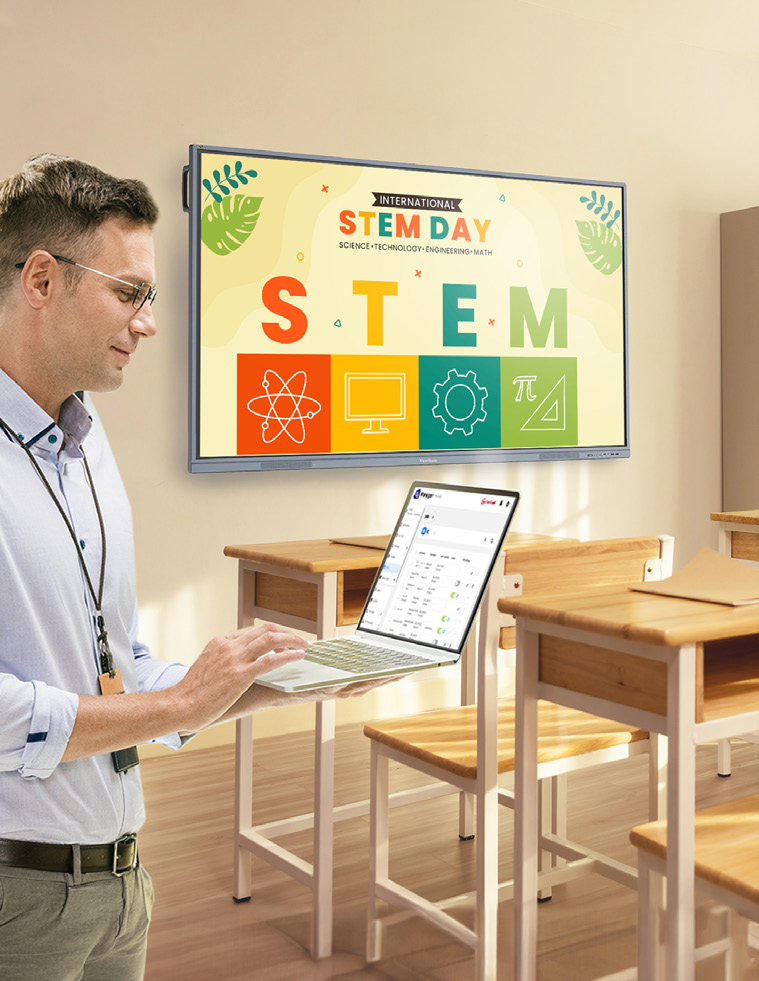
Our hardware and software work together, so teachers get a smooth workflow and IT admins can manage devices with ease.

  • ViewBoard Display Hardware: multi-touch functionality lets multiple students work on the screen at the same time.
  • Integrated Software: get real-time annotation, wireless screencasting with touchback control, engagement tools like myViewBoard Quiz Tools for formative assessments, and device management through ViewSonic Manager.
  • Dedicated Support: you get access to our professional learning team, a certification course and an active online community where teachers share lessons and tips.

Benefits of Switching to ViewSonic ViewBoard Displays

We aim for the right balance of value and performance, so you get a high-quality product backed by people who care about your success.


For Educators and Trainers


Teachers get tools that make daily lessons easier to plan, deliver and reuse.


Increased Student Engagement During Lessons


With myViewBoard Quiz Tools, teachers can run real-time comprehension checks right from the toolbar, snip and share content from the screen in seconds and turn a quick check-in into a game with buzzers and timers. Flexible response options like multiple choice, audio and sketch mean every student can answer in a way that works for them.


Access to Teaching Tools All in One Place


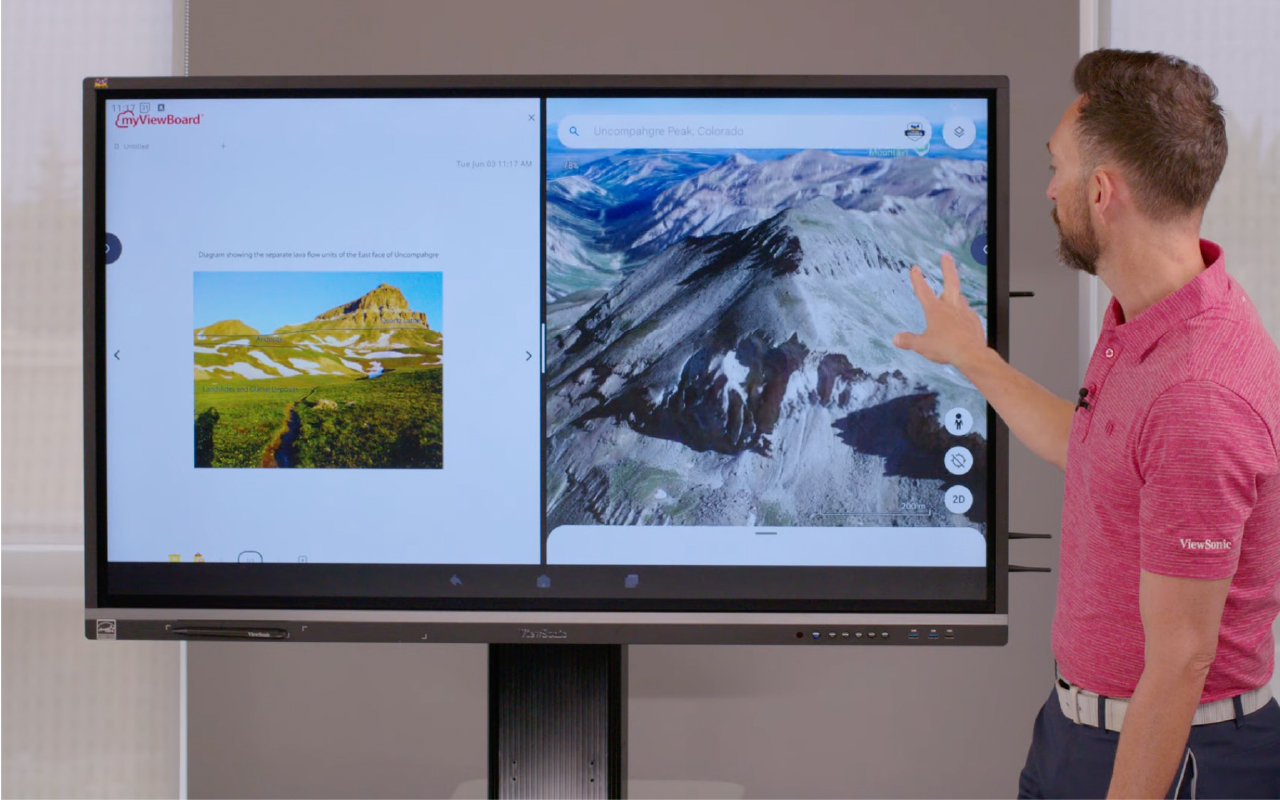
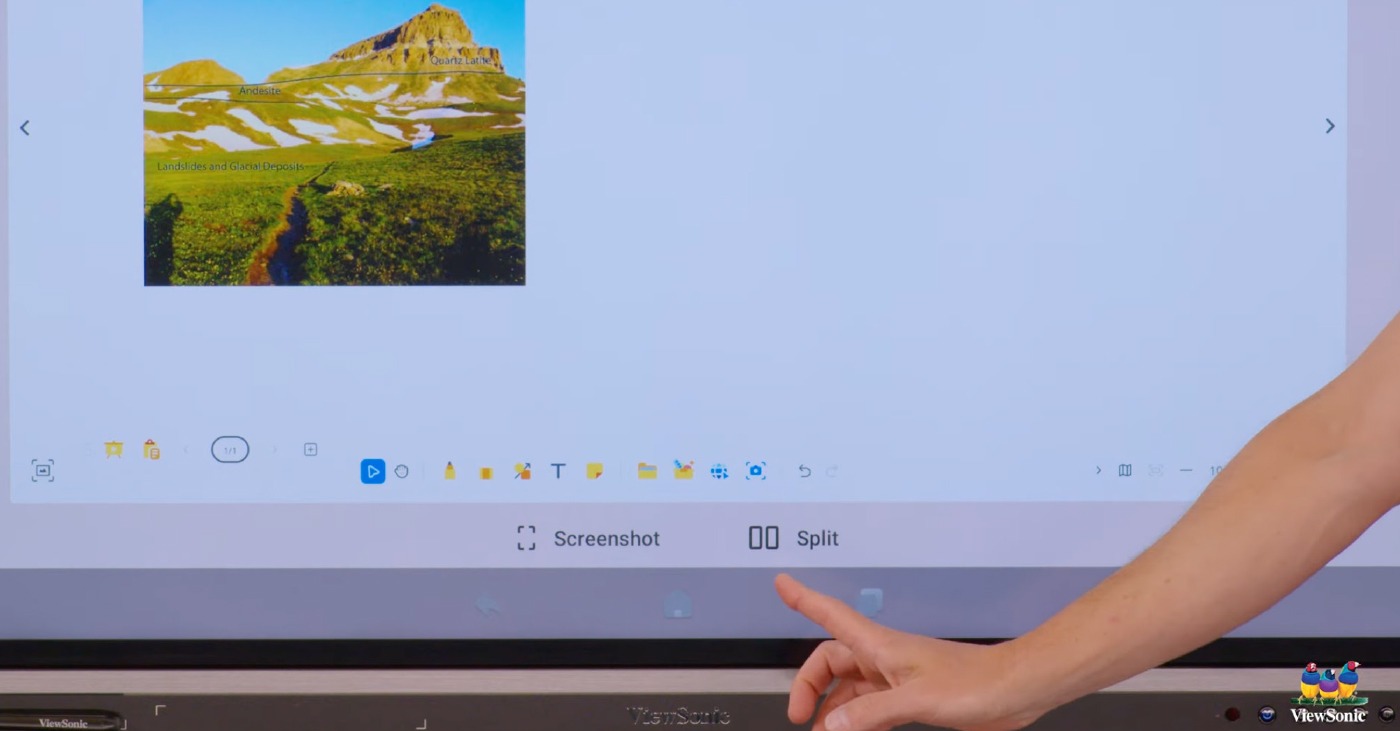
Our Android EDLA certified panels give you direct access to the Google Play Store. Run Google apps or Microsoft apps right on the board, or use split-screen mode to work in Google Slides and Google Translate at the same time.


Simplified Content Delivery and Reusability


We know how hard teachers work on their lessons. If your district switches brands, you shouldn’t lose your files. With myViewBoard, you can import your existing Google Slides, PowerPoint files, PDFs, Promethean whiteboard files, SMART Notebook files and even legacy files from other interactive whiteboard brands, then turn them into board files you can still interact with.


Ongoing Training


Our professional development team offers one-on-one meetings, YouTube tutorials and a full certification program, so you feel confident using every feature. You can also purchase premium in-person or virtual training led by our ViewSonic experts, former educators with real classroom and school experience.


A Community of Teachers Who Get It


Our online community connects you with other educators using ViewBoard displays every day. Share lesson ideas, ask questions and see how other teachers use their panels in real classrooms.


Resources Whenever You Need Them


Beyond live training, you get access to a library of guides, lesson templates and how-to articles. Look something up whenever you need it, without waiting on a support ticket.


For IT Administrators


IT teams get centralized control, easy integration and hardware built to survive daily classroom use.


Simplified Device Management and Security


With ViewSonic Manager, you can manage every panel from a single web dashboard. Check device status, install or uninstall apps and broadcast emergency messages across the whole school instantly. You can even push firmware updates remotely across your entire fleet, so every panel stays current without a technician visiting each one in person.


Easy Integration With Existing Network Systems


Our panels work with the AV systems you already have, including Crestron, Extron, AMX and Q-SYS.


Durable Hardware With Low Maintenance


ViewBoard displays are built for the classroom with anti-glare, 9H pencil-hardness glass and flexible warranty options up to seven years, because we know this is a big investment and we want it to last. Lower maintenance costs and remote firmware management also help keep your total cost of ownership down over the life of the product.


Optional Accessories That Complete Your Setup


Round out your deployment with accessories built for the way your campus works. Add a wall mount or mobile cart depending on your space, a slot-in PC to fit your existing systems and workflows and ViewShare™ WPD-900E for wireless presentation without extra apps or cables.


A Reputable Brand Built to Support Schools
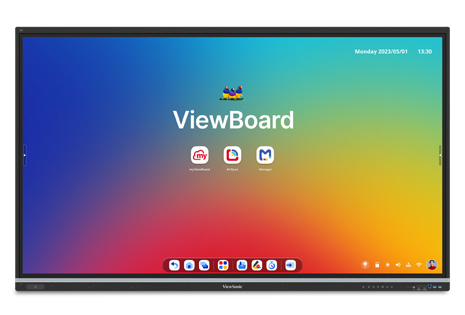
 

When you choose a vendor, you’re also choosing a long-term partner. ViewSonic has built a stable, well- established business serving schools for years, so you can count on us to support your panels long after the sale. That matters most when it’s time for warranty service, a software update or a support call.

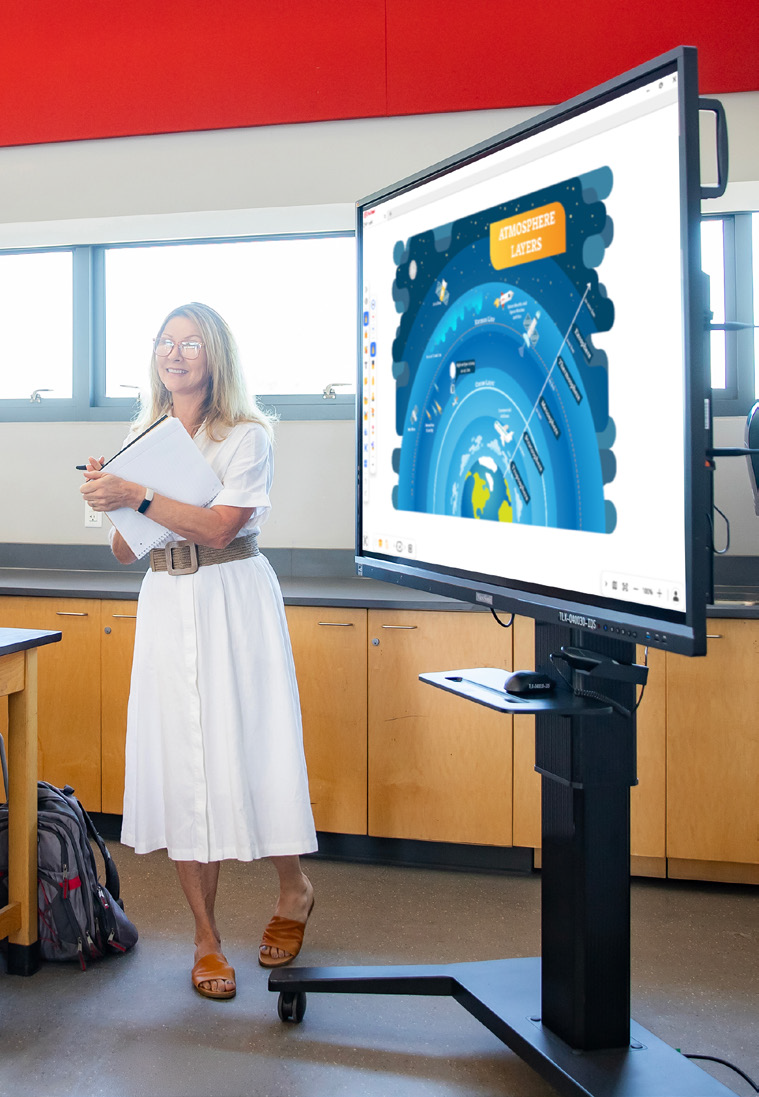
 

For Students and Learners


Every student gets more ways to participate and stay engaged in the lesson.


More Personalized and Interactive Learning Experiences


With myViewBoard Quiz Tools, students get quick, game-like check-ins with buzzers and timers instead of another worksheet. They can answer in whatever way feels most natural, whether that’s multiple choice, a quick sketch or a recorded audio response. That flexibility turns passive listening into active participation for every kind of learner.

The Transition Process: What to Expect

Here’s how a switch to ViewSonic typically comes together, step by step.


Planning and Assessment


We work with you to find the right sizes, models and accessories for your campus. Contact our sales team to discuss your needs.


Shipping and Delivery


We ship from warehouses across the US and Canada, so your panels and accessories arrive quickly without extra customs delays.


Installation and Setup


Our team makes sure your panels are installed correctly and integrated with your network from day one.


Training and Onboarding


We don’t just drop off a board. Every district gets complimentary training and resources to get started, with premium professional development available for purchase if you want a deeper, hands-on experience.


Software Integration


For teachers who want simple screen casting, AirSync™ makes it effortless. For those with years of lessons to bring over, we make migrating your files easy, so you don’t have to recreate years of work. Once your files are in myViewBoard, they become fully interactive.


Ongoing Professional Development


The support doesn’t stop after the sale. Training and professional development options let your teachers keep building their skills over time, and many can even earn CE credits along the way.
 

Frequently Asked Questions

Here are quick answers to the questions we hear most often from districts considering a switch.


Will Our Staff Be Overwhelmed by New Technology?


No. Our interface is simple and intuitive, and every district gets complimentary training and one-on-one support.


How Hard Is It to Switch from Another Platform?


Less than you’d think. We handle installation and network setup, help you migrate your existing files and provide training so your staff feels confident from day one.


Is It Compatible With Our Existing Systems?


Yes. ViewBoard displays work across major platforms, operating systems and professional AV setups.


Will It Be Worth the Cost?


Yes. Long-term durability, low maintenance and included software help ViewSonic save you money over the life of the product.


Getting Started With ViewSonic ViewBoard Displays

Whether you need a single 55-inch interactive display for a huddle space or a 110-inch panel for a lecture hall, ViewSonic has a solution. Professional development is often included in the bid, so your staff is ready on day one.


Ready to make the move?
Contact your ViewSonic education representative to start planning your transition.

Classroom Screens: When to Choose a Projector Over an Interactive Flat Panel

Buyer's Guide  |  Nov 12 2025

Classroom Screens: When to
Choose a Projector Over an
Interactive Flat Panel

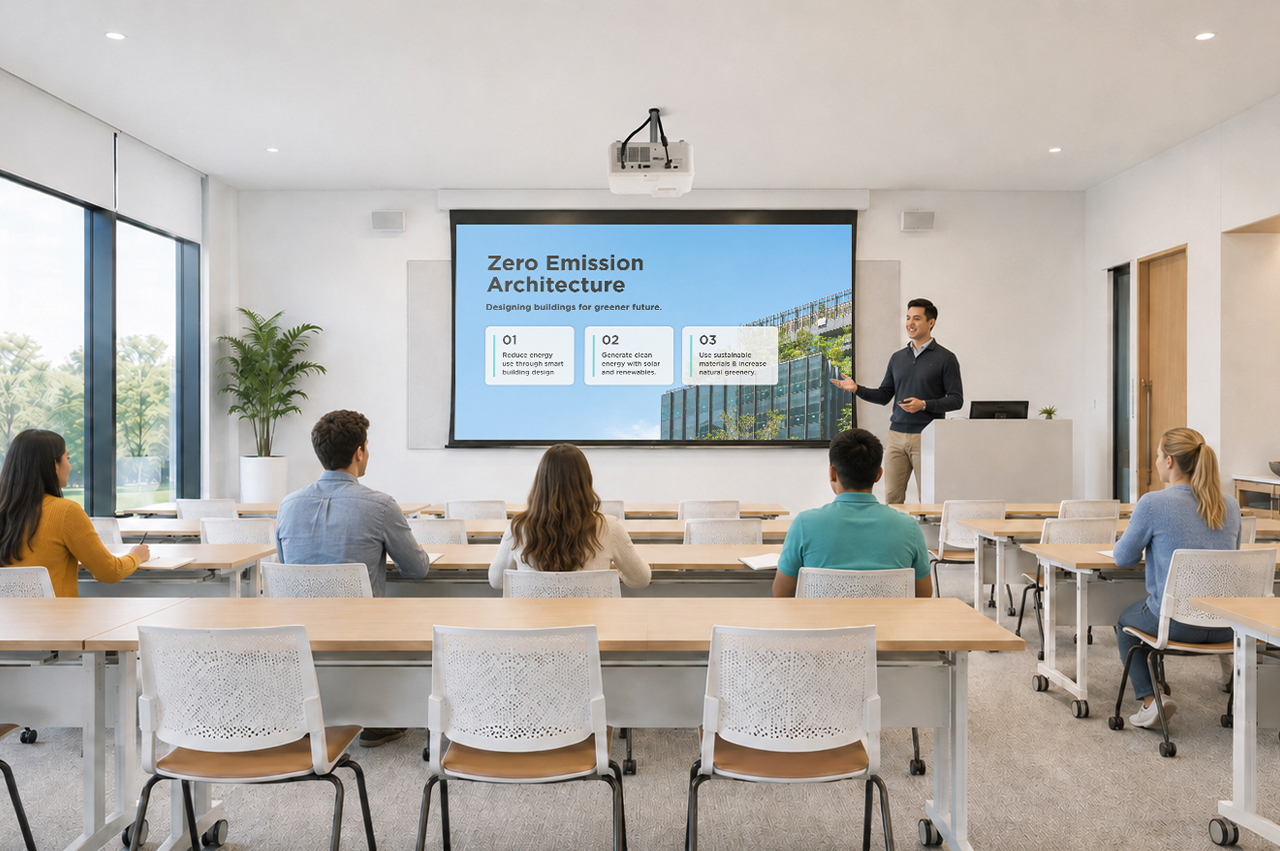
Interactive flat panels (IFPs) play a big role in modern schools, turning lessons into engaging, hands-on learning experiences. However, when you’re outfitting a large lecture hall or planning a district-wide refresh with a limited budget, you might have to look at other solutions.


That’s where projectors come in. When the goal is maximum visual impact per dollar, a high-brightness projector like the ViewSonic® LSD500HD laser projector is a better choice.

Interactive Display vs Projector: What’s the Difference?

Both interactive flat panels and projectors have a place in modern education. The right choice comes down to the size of the space, how the screen will be used, and what your AV budget allows for.

Here is a closer look at what each brings to the table.

Benefits of a Projector for Education

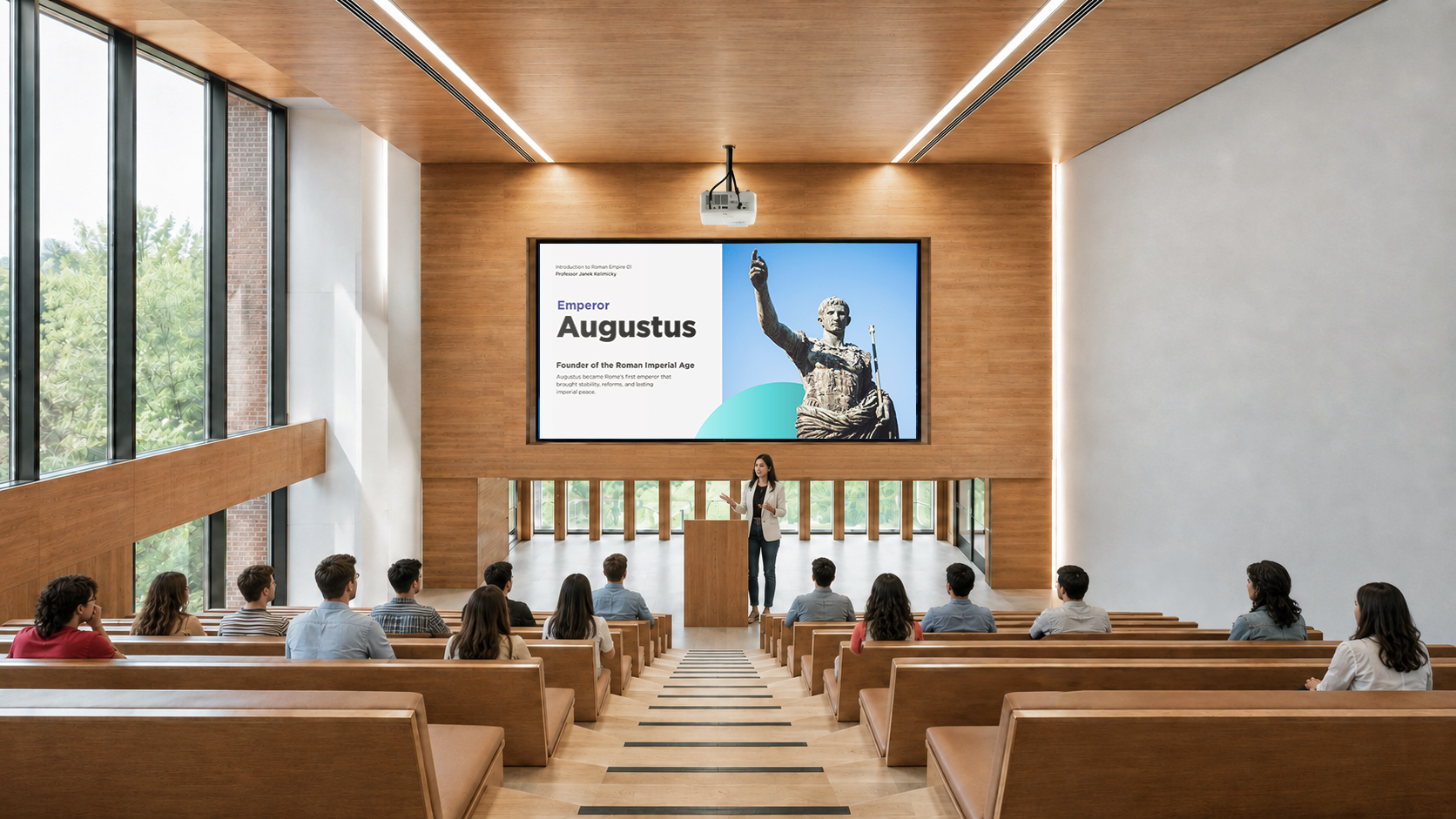
For venues like lecture halls or auditoriums or when your goal is maximum visual impact per dollar, projectors are the best choice. They come with several benefits for school environments:


They come with several benefits for school environments:

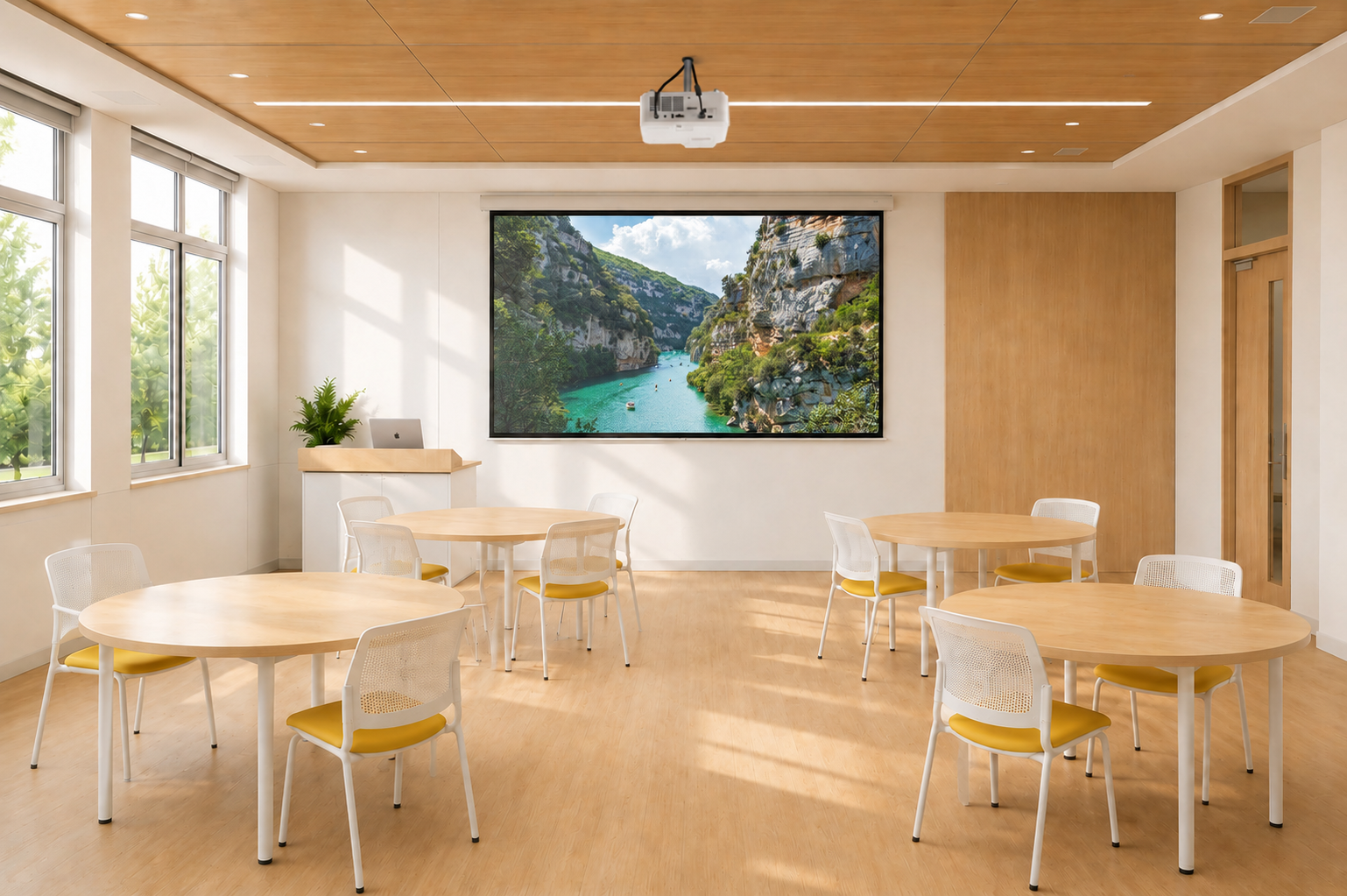
  • Large image size: Projectors like the ViewSonic LSD500HD can project up to a 300” screen, offering a lower cost-per-inch compared to other types of screens.
  • Brightness that holds up in daylight: Gone are the days of darkening the room to see a washed-out image. Projectors delivering over 5,000 ANSI lumens ensure vibrant, sharp projection across all campus spaces.
  • Flexible installation: Projectors can be installed in a wide variety of room configurations, including ceiling-mounted, portrait mode, or non-standard setups.
  • Wireless casting ready: Paired with a casting device like the ViewShare™ WPD-900, instructors can wirelessly share their content instantly, supporting BYOD environments without any app or network dependency.

Benefits of an Interactive Display for Education

Interactive flat panels are the premium option for active, small to medium-sized classrooms where interactivity and collaboration are central to the teaching approach.


Key benefits of these displays include:

  • Touch interactivity: Interactie whiteboards allow teachers and students to interact directly with content on screen, supporting hands-on learning and collaborative activities.
  • Split-screen multitasking: Teachers can run side-by-side applications, such as displaying a textbook or quiz on one side while taking whiteboarding notes on the other, without switching tabs or losing context.
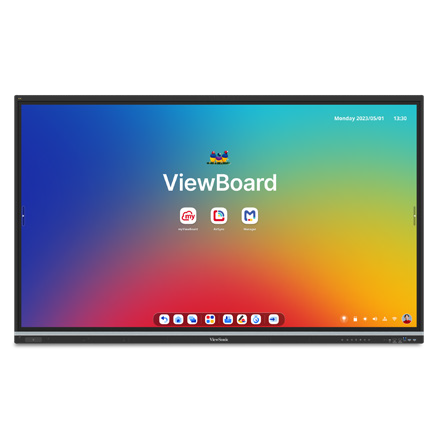
  • Built-in software ecosystem: Models like the ViewSonic IFP41 Series come with myViewBoard built in and feature Android EDLA, providing access to the Google Play Store.
  • All-in-one simplicity: With a built-in microphone, speakers, and software, interactive displays are a single-device solution that minimizes cable clutter and setup time.
  Interactive Flat Panel Projector
Best for Small to medium classrooms Large venues and budget-conscious rollouts
Max screen size Typically up to 110" Up to 300"
Upfront cost Higher Lower
Image in ambient light Consistent regardless of lighting Good with a high-brightness projector
Installation flexibility Fixed wall mount or trolley Ceiling, floor, portrait, or non-standard setups
Interactivity Yes No
Maintenance Minimal Minimal (lamp-free projector)
Lifespan 50,000+ hours (LED backlight) 20,000-30,000 hrs (laser) / 2,000-5,000 hrs (lamp)


Final Thoughts

Choosing between an interactive flat panel and a projector isn’t about deciding which technology is better. It’s about matching the right tool to the right environment.

If your priority is improving collaboration in classrooms, an IFP is the clear winner. However, if you need to fill a massive space, outfit multiple rooms on a tight budget, or simply need high-impact visual delivery, a high-brightness projector like the ViewSonic LSD500HD provides unmatched value per inch.


Frequently Asked Questions

Your hardware shouldn’t dictate your physical space. From portrait mode setups for digital signage to floor projections for unique learning experiences, look for 360° rotation capabilities that open up new teaching possibilities.

How do I decide between an IFP and a projector for my school?

Here’s a quick rule of thumb:

  • Choose an interactive display for small to medium-sized classrooms where interactivity, group work, and integrated software would enhance the teaching and learning experience.
  • Choose a projector for large spaces like auditoriums and lecture halls requiring display sizes over 100 inches.

Do projectors require frequent maintenance?

Traditional lamp-based projectors require regular bulb changes. LCD technology-based projectors require air filter replacements. Modern LED and laser-powered DLP projectors, on the other hand, offer lifespans between 20,000 and 30,000 hours with no lamps or filters to replace.

Can a projector be used in a bright classroom?

Yes, provided it has sufficient brightness. Many modern laser projectors offer high ANSI lumen ratings (often 4,000 to 5,000+ lumens), allowing them to project clear, vibrant images even in rooms with ambient light.

Can teachers and students wirelessly stream content to a projector?

Yes. While interactive flat panels often include built-in wireless casting software, standard projectors can easily support wireless streaming when paired with a casting device, such as the ViewShare WPD-900 Wireless Presentation System. If you’re looking for more control and want to have Miracast and AirPlay disabled by default, choose the WPD-900E model.
What is the cost difference between an IFP and a projector?

Depending on the size of the display, a quality interactive flat panel typically ranges from a thousand dollars for entry-level models up to significantly more for larger sizes with advanced features. A high-quality laser projector, by comparison, can deliver a much larger image at a lower upfront cost. Additionally, the ViewSonic LSD500HD uses 62% less power than traditional lamp models, keeping energy bills low.


Comparative claims are based on specific features and publicly available manufacturer specifications as of the date of publication, and are not intended to represent a comprehensive evaluation of all product attributes. Any references to competitors’ products or trademarks, including ‘Epson,’ as well as third-party hardware or software platforms, are for identification and compatibility purposes only and do not imply endorsement, affiliation, or sponsorship by their respective owners.

How a Pennsylvania School District Streamlined Campus Communications with ViewSonic

SOLUTION BRIEF

How a Pennsylvania School District Streamlined Campus Communications with ViewSonic

line drawing of a circular mazeline drawing of a circular maze
  • A Pennsylvania district needed reliable, standardized displays for both classroom learning and campus-wide communications.


“Teachers got intuitive tools for lesson delivery, while administrators secured a direct channel for campus announcements. Standardizing on one platform made planning, deployment and training easier for IT.”


CHALLENGE

A leading K-12 school district in Pennsylvania wanted to modernize its displays across classrooms and shared spaces. The team needed hardware that could support hands-on learning while providing a reliable network for visual messages across every school.

Existing tech varied by building, was getting unreliable and cost too much to maintain.
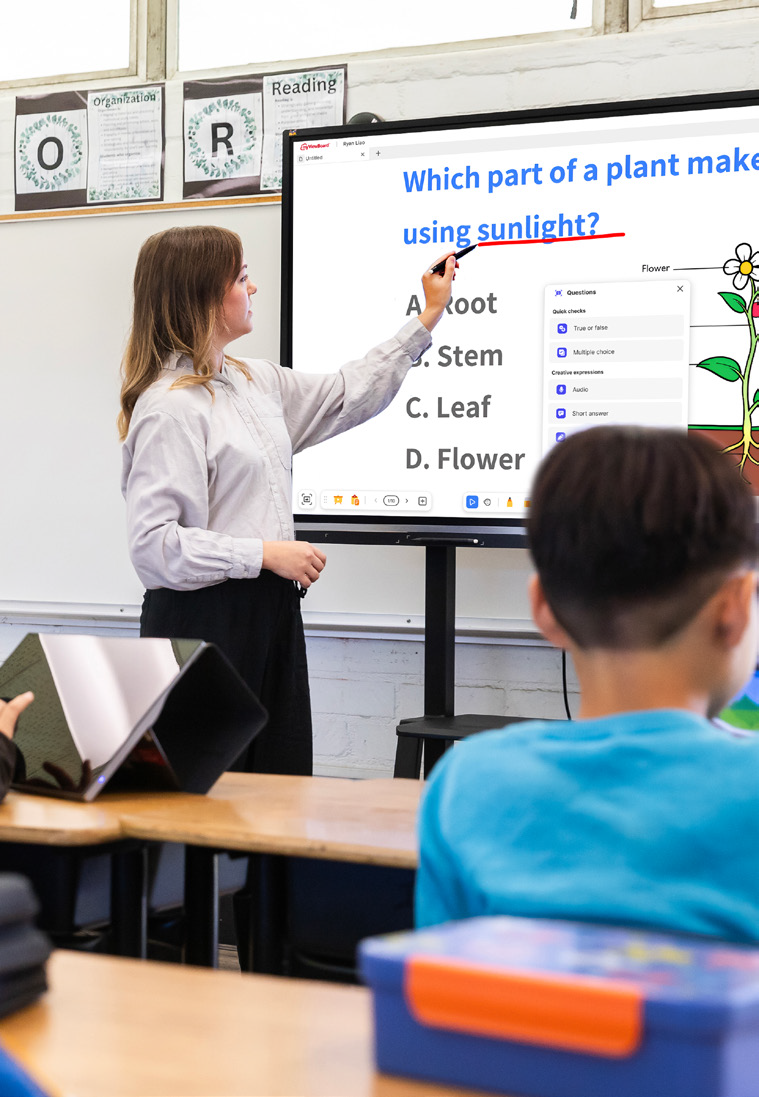
That gave the district a chance to standardize on one platform and equip teachers with tools built for active student participation.

At the same time, administrators wanted to boost daily announcements and safety messages in common areas to keep students, staff and visitors connected without breaking the budget.

The district needed a scalable ecosystem that was easy to roll out, manage and support. That led to its partnership with ViewSonic.

What ViewSonic Solutions Did the District Deploy?

The district chose ViewSonic for its broad lineup and consistent user experience across every room. The district’s reseller handled procurement while an installation partner managed the physical deployment across multiple schools.

The district deployed:

  • 489 ViewBoard® interactive displays for classrooms, including 19 IFP6551 (65”), 455 IFP7551 (75”) and 15 IFP8651 (86”) units.
  • 31 CDE commercial displays for common areas, including 5 CDE5531 (55”), 18 CDE6531 (65”) and 8 CDE7531 (75”) units.
  • 450 ViewSonic Manager® Advanced 7-year software licenses for central fleet management.
  • One day of onsite ViewSonic Professional Development training to prepare staff for a smooth rollout.

In classrooms, the ViewBoard IFP51 series of interactive displays gives teachers multi-touch recognition, digital annotation and easy content sharing. The IFP51 series of interactive displays is Android EDLA-certified with EPEAT Silver and ENERGY STAR 8.0 ratings, backed by a 3-year limited on-site warranty.

The district made the 75” IFP7551 its standard setup with 455 units, adding 65” and 86” models for specific room layouts.

In shared spaces, the CDE series of commercial displays handles digital signage, daily announcements and event notices in busy hallways. Each display in the CDE series runs 4K UHD visuals at 500-nit brightness and is rated for 24/7 continuous operation.

Because both interactive and commercial displays share one ecosystem, IT handles all hardware through the exact same workflow.

How Does the District Manage Displays Across Multiple Schools?

ViewSonic Manager Advanced software gives the IT department a single dashboard to run the entire fleet. From central offices, technicians can broadcast content instantly, push firmware updates without walking into classrooms and schedule screens to turn off when buildings are empty, cutting energy bills.

ViewSonic’s displays tie directly into emergency alert systems, so critical messages reach classrooms and hallways immediately. That turns everyday communication tools into a core part of district security.

What Results Has the District Seen?

Standardized 520 displays across multiple schools, putting 489 ViewBoard interactive displays in classrooms and 31 CDE commercial displays in common areas.

  • Improved classroom interaction with responsive touch tech that supports group learning.
  • Built a unified digital communication network using CDE commercial displays in high-traffic spots.
  • Simplified deployment, staff training and tech support by using one ecosystem everywhere.
  • Lowered operating expenses and boosted campus safety with remote management, automated power schedules and instant emergency alerts.

Teachers got intuitive tools for lesson delivery, while administrators secured a direct channel for campus announcements. Standardizing on one platform made planning, deployment and training easier for IT.

With ViewSonic Manager Advanced software bringing together safety alerts, energy savings and remote updates, the district now has a flexible tech base built for future growth.

SOLUTION

65” IFP6551 ViewBoard interactive display

75” IFP7551 ViewBoard interactive display

86” IFP8651 ViewBoard interactive display

55” CDE5531 commercial display

65” CDE6531 commercial display

75” CDE7531 commercial display

ViewSonic Manager software

Frequently Asked Questions


How Can a School District Standardize Displays for Both Classrooms and Campus Communications?

A single manufacturer ecosystem can cover both needs: interactive displays for teaching and commercial displays for digital signage, managed from one software platform. This district deployed ViewBoard interactive displays in classrooms and CDE commercial displays in common spaces, managing everything with Manager Advanced software.


What ViewBoard Sizes Work for K-12 Classrooms?

The ViewBoard IFP51 series of interactive displays comes in 65” (IFP6551), 75” (IFP7551) and 86” (IFP8651) sizes, all offering 4K resolution and Android EDLA certification. This district installed 489 ViewBoard interactive displays, standardizing on the 75” IFP7551 while using 65” and 86” models for specific room sizes.


Can School Displays Connect to Emergency Alert Systems?

Yes. Manager Advanced software, ViewBoard interactive displays and the CDE series of commercial displays integrate with emergency systems so urgent safety notices hit every screen instantly.


How Does Centralized Display Management Save a District Money?

ViewSonic Manager Advanced software lets IT admins automate power off schedules when schools are empty, push remote updates and broadcast messages across campus from one console. Automated power management cuts electric bills, while remote admin tools reduce support trips and staff hours.


Ready to Modernize Your District’s Displays?

Talk to a ViewSonic representative or an authorized partner about standardizing classrooms and campus communications on ViewBoard interactive displays, CDE commercial displays and ViewSonic Manager Advanced software.


Training outcomes and participant experiences may vary depending on individual needs, district requirements, and implementation. Performance, security, compliance, and sustainability outcomes may vary depending on system configuration, usage environment, and agency requirements.

How a School District in Oregon Standardized 600+ Classroom and Campus Displays on a Single ViewSonic Platform

SOLUTION BRIEF

How a School District in Oregon Standardized 600+ Classroom and Campus Displays on a Single ViewSonic Platform

line drawing of a circular mazeline drawing of a circular maze
  • An Oregon district needed to replace outdated projectors and consolidate several legacy display brands onto one standardized platform.


“ViewSonic won on display size, functionality, product lineup breadth across interactive and commercial displays and centralized management.”


CHALLENGE

An Oregon school district secured voter-approved bond funding to replace its aging classroom displays. Many rooms relied on legacy projectors with frustrating wiring, while other spaces used a mix of piecemeal visual tools.

Teachers couldn’t count on a consistent experience from room to room, which created extra work for IT staff. Managing the old hardware wasn’t efficient either, since technicians had to stand directly in front of each display to push basic updates.

The district needed a unified strategy to standardize hardware across classrooms, offices and common spaces. Leaders wanted a partner that could support clear digital signage in hallways and cafeterias while offering centralized remote management for hundreds of endpoints.

What ViewSonic Solution Did the District Deploy?

The district deployed:

  • 461 ViewBoard® IFP8651 (86”) and 46 IFP6551 (65”) interactive displays.
  • 7 CDE8631 (86”), 71 CDE7531 (75”) and 39 CDE5531 (55”) commercial displays for signage.
  • ViewSonic Manager Advanced™ software 5-year licenses (MVBM_ADV_5Y01) for centralized management of touch and non-touch displays.

The rollout standardizes nearly every classroom on 86” ViewBoard IFP8651 interactive displays, using 65” IFP6551 units in specialty spaces. Offices and staff areas were upgraded from an originally planned 65” to 86” as well.

ViewSonic commercial displays are going into hallways, select offices and cafeterias for digital signage, replacing a mix of legacy brands and static USB setups.

The district manages the whole setup through ViewSonic Manager Advanced software, which pushes firmware updates and digital content across interactive and commercial displays from a secure, cloud-based dashboard.

Why Did the District Choose ViewSonic Over Other Display Brands?

The district ran a head-to-head comparison between ViewSonic and other display brands. ViewSonic won on display size, functionality, product lineup breadth across interactive and commercial displays and centralized management.

Using ViewSonic’s Manager Advanced software to manage touch and non-touch hardware means IT staff no longer have to walk up to individual displays just to update firmware.

What Results Has the District Seen?

  • Replaced outdated projectors and troublesome wiring with a standardized, streamlined display environment across the district.
  • Consolidated four to five legacy display brands into a single, uniform ViewSonic platform across classrooms and common areas.
  • Standardized on one management platform, Manager Advanced software, for both interactive and commercial displays.

Installation is underway across all schools in the district, and early feedback from the technology team has been positive.

Consolidating multiple aging setups onto a single ViewSonic platform simplifies day-to-day management for IT while giving teachers and students a consistent experience everywhere on campus.

SOLUTION

86” IFP8651 ViewBoard interactive display

65” IFP6551 ViewBoard interactive display

86” CDE8631 commercial display

75” CDE7531 commercial display

55” CDE5531 commercial display

ViewSonic Manager Advanced software

Frequently Asked Questions


How Can a School District Standardize Classroom and Campus Displays on One Platform?

A single manufacturer that builds both interactive and commercial displays lets a district standardize classrooms, offices and signage on one platform. This Oregon district deployed 600+ ViewSonic displays, using ViewBoard interactive displays in classrooms and the CDE series of commercial displays for signage, all managed through Manager Advanced software.


Can One Platform Manage Both Interactive and Non-Interactive Displays?

Yes. ViewSonic Manager Advanced software manages ViewBoard interactive displays and the CDE series of commercial displays from one cloud console. Manager Advanced is a licensed upgrade to the free Manager software, adding automated job scheduling, multimedia broadcast and remote desktop access. IT can push firmware updates and digital content across touch and non-touch displays without visiting individual rooms, cutting down the support time legacy hardware required.


Why Replace Classroom Projectors With Interactive Displays?

Projectors bring outdated wiring, dimming lamps and inconsistent room setups. This district replaced projectors district-wide with 86” ViewBoard IFP8651 interactive displays, standardizing nearly every classroom on one bright, wireless-friendly solution instead of an aging patchwork.


How Do Districts Fund a District-Wide Display Refresh?

Many districts use voter-approved bond funding for capital technology investments like classroom displays. This Oregon district secured a bond to modernize technology across schools, replacing projectors and multiple legacy brands with a single standardized ViewSonic platform across 600-plus displays.


Ready to Standardize Your District’s Displays?

Talk to a ViewSonic representative or an authorized partner about standardizing classrooms and campus signage on ViewBoard interactive displays, the CDE series of commercial displays and Manager Advanced software.


Training outcomes and participant experiences may vary depending on individual needs, district requirements, and implementation.

How a South Carolina District Swapped Discontinued Displays for ViewSonic ViewBoard Interactive Displays

SOLUTION BRIEF

How a South Carolina District Swapped Discontinued Displays for ViewSonic ViewBoard Interactive Displays

line drawing of a circular mazeline drawing of a circular maze
  • A school district needed a replacement for its 500 interactive displays that had started failing.


“The myViewBoard® ecosystem changed how educators teach. Instead of being left idle, digital whiteboarding tools and the ability to import lesson plans meant that ViewSonic displays saw daily usage during lessons.”


CHALLENGE

This South Carolina district invested in roughly 500 interactive displays from a previous vendor in 2021 and 2022, expecting them to last five years under warranty. Instead, the hardware started failing rapidly in year three.

To make matters worse, the vendor exited the interactive display market entirely, leaving the technology director with no official path for repairs or replacements.

IT admins had to convince the school board to reinvest in a dependable district-wide replacement much sooner than planned.

The district turned to its integration partner, which recommended the ViewSonic® ViewBoard® IFP50 and IFP51 series of interactive displays as the most cost-effective and reliable answer.

The IFP50 and IFP51 series both feature a stunning 4K touchscreen and access to ViewSonic’s award-winning myViewBoard software. The IFP51 series goes a step further with Android™ EDLA certification, unlocking verified Play Store access and a wider range of Google Mobile Services-compatible apps for teachers to bring into the classroom.

Because the district was reinvesting early, the evaluation focused on two requirements: the new setup had to be budget-friendly, and it had to last.

Several neighboring districts were already using ViewSonic solutions through the same partner. After a trial run and on-site demos, the district decided to move forward with ViewSonic

What ViewSonic Solution Did the District Deploy?

The district’s integration partner had a strong track record of placing ViewSonic hardware across South Carolina, making it a natural choice to replace the failing displays.

Success stories from nearby schools helped reassure the board during the evaluation process.

The district deployed a complete hardware and software package:

  • 445 75” ViewBoard® IFP50 4K interactive displays, including 210 IFP7550 models and 235 IFP7551 models.
  • ViewSonic Manager Advanced™ software with a 7-year license, one per display.
  • A 7-year ViewSonic® extended limited warranty that protects the entire investment.

The rollout spanned two generations of ViewSonic’s ViewBoard interactive displays. The district began in 2025 with the IFP7550. When that model reached end-of-life the following year, the district moved to its successor, the IFP7551, for the remaining displays.

ViewSonic honored the original pricing on its newer models, so the district was able to finish its rollout without going over budget.

Why Did the District Choose ViewSonic Over the Incumbent Platform?

Price and reliability drove the decision, but the 7-year warranty sealed the deal. After watching its previous fleet break down early with zero manufacturer support, the district wanted a partner that would stand behind its hardware.

That warranty proved reliability as much as it offered peace of mind.

Software made a big difference too. Teachers found the old displays clunky, often using them as nothing more than glorified projectors. The myViewBoard® ecosystem changed how educators teach. Instead of being left idle, digital whiteboarding tools and the ability to import lesson plans meant that ViewSonic displays saw daily usage during lessons.

What Results Has the District Seen?

  • 445 ViewBoard displays were deployed to replace the failing incumbent fleet, starting with 210 IFP7550 units in June 2025 followed by 235 IFP7551 units.
  • The district secured a reliable, feature-rich platform backed by a 7-year limited warranty.
  • IT administrators gained fleet-wide remote control using Manager Advanced, solving the management gaps they had with previous displays.
  • Classroom adoption jumped as teachers stopped using screens as basic projectors and started using the myViewBoard whiteboard and Google Drive lesson imports daily.

ViewSonic proved more reliable, affordable and feature-rich than the platform it replaced. The district plans to keep using year-end funds to finish outfitting roughly 850 classrooms as budget permits.

SOLUTION

75” IFP7550 ViewBoard interactive displays

75” IFP7551 ViewBoard interactive displays (EDLA‑certified)

ViewSonic Manager advanced software

7-year ViewSonic extended warranty

Frequently Asked Questions


What Happens When an Interactive Display Vendor Discontinues Its Displays?

Districts can get stuck with failing hardware and no support path, which is exactly what happened here when the old fleet hit end-of-life early. Choosing a manufacturer committed to the interactive display market with long warranty terms protects your investment. This district made the switch with a full 7-year warranty.


What Software Comes with the IFP50 and IFP51 Series of ViewBoard Interactive Displays?

Both series include access to the myViewBoard ecosystem. This ecosystem includes myViewBoard whiteboard, ViewBoard Cast for wireless content sharing and single sign-on access to cloud storage like Google Drive and OneDrive. Teachers can import existing lesson plans directly, driving everyday classroom adoption.

The IFP51 series adds Android EDLA certification, giving IT teams verified access to the Google Play Store and a wider range of Google Mobile Servicescompatible apps.


How Do School Districts Manage a Large Fleet of Interactive Displays?

ViewSonic Manager Advanced provides a cloud console that lets IT teams check display health, push updates and manage apps across the district from one place. Licensing it one-to-one across all 445 screens closed a major management gap for this district.


How Long Is the Warranty on ViewSonic ViewBoard Interactive Displays?

The ViewBoard IFP50 and IFP51 series of interactive displays comes with an industry-leading 3-year standard on-site warranty covering parts, labor and backlight components. The district chose to extend coverage to 7 years on all 445 displays.


Ready to Replace an Aging or Discontinued IFP Fleet?

Talk to a ViewSonic representative or an authorized partner about a reliable, cost-effective ViewBoard refresh backed by long-term warranty protection and fleet management.


Training outcomes and participant experiences may vary depending on individual needs, district requirements, and implementation.

How a Large Texas District Started a Multi-Phase ViewBoard Interactive Display Rollout with Secure Sign-On

SOLUTION BRIEF

How a Large Texas District Started a Multi-Phase ViewBoard Interactive Display Rollout with Secure Sign-On

line drawing of a circular mazeline drawing of a circular maze
  • A large Texas district needed a secure, centrally managed display solution for its multi-classroom rollout.


“ViewSonic covered every requirement, and validating NFC authentication up front proved the solution met the district’s strict security standards.”


CHALLENGE

A large urban school district in Texas set out to modernize classroom technology across all its schools. The project started with 451 interactive displays in phase one, with plans to expand into thousands of additional classrooms later.

The district didn’t just need hardware. It required a complete solution that fit its Chrome and Google ecosystem, offered secure authentication for staff and students, provided mounting flexibility for different room layouts and enabled central fleet management.

Security was a top priority, especially around validating how badge authentication would work right at the display.

The timing for this project was also tight. Everything had to be sourced, shipped to multiple locations and delivered before a strict fiscal year-end deadline, requiring precise coordination with channel partners.

What ViewSonic Solution Did the District Deploy?

Working with CDW as its reseller partner, the district deployed a complete classroom technology package:

  • 451 ViewBoard® IFP8641 86” 4K Android EDLA interactive displays.
  • 451 VPC13-C33-G1 Chromebox OPS slot-in PCs built for Chrome OS and Google environments.
  • 481 VB-BLM-002 BalanceBox height-adjustable mounts, including extra units for existing displays.
  • 451 ViewSonic® Manager Advanced software 7-year licenses for central fleet management.
  • 451 NFC card readers for secure sign-on

The 86” ViewBoard IFP8641 anchored each room, VPC13-C33-G1 Chromebox OPS devices matched the district’s Google setup while NFC card readers gave teachers a fast, secure way to sign in at the display. VB-BLM-002 BalanceBox mounts allowed staff to set displays at the right height for every classroom.

The IFP8641 fit the district’s requirements on its own specs: an 86” 4K display with Android EDLA certification, built-in Google security, native access to Google and Microsoft ecosystems, EPEAT Silver and ENERGY STAR 8.0 ratings and a 3-year limited on-site warranty.

ViewSonic Manager Advanced software tied the whole setup together, giving IT central monitoring across every building. Before finalizing the deal, ViewSonic worked directly with the district to validate NFC functionality, resolving its primary security concern.

ViewSonic and its reseller partner coordinated a multi-location delivery plan to ensure all 451 displays and accessories arrived before the district’s fiscal yearend deadline.

Why Did the District Choose ViewSonic?

The district needed one manufacturer that could supply interactive displays, Chrome computing, secure authentication and central management as a complete package, delivered at scale on a tight deadline.

ViewSonic covered every requirement, and validating NFC authentication up front proved the solution met the district’s strict security standards.

ViewSonic’s reseller partner coordinated pricing, ordering and multi-location logistics, letting the district run a large, time-sensitive rollout through a single reseller relationship.

What Results Has the District Seen?

  • Deployed 451 interactive displays across the district on time to hit a strict fiscal year-end deadline.
  • Enabled secure sign-on at the display using NFC card readers, validated before purchase to meet security requirements.
  • Integrated Chrome OS computing into classrooms using Chromebox OPS devices.
  • Centralized fleet management through Manager Advanced software so IT supports every location from one platform.
  • Established a proven standard ready to expand across thousands of additional classrooms in future phases.

Phase one gave the district a secure, centrally managed display platform delivered on schedule. It also created a clear blueprint for the future: with the standard proven, the district and its partners can easily expand the same setup to thousands of other classrooms.

SOLUTION

86” IFP8641 ViewBoard interactive display

VPC13-C33-G1 Chromebox OPS slot-in PC

VB-BLM-002 BalanceBox mount

ViewSonic Manager Advanced software

ACR1552U-M1 NFC card reader

Frequently Asked Questions


How Does NFC Authentication Work on an Interactive Display?

NFC authentication lets users tap a card or badge on a reader at the display to sign in securely without typing passwords. This district added NFC card readers to its ViewBoard deployment so staff could sign on quickly and get started teaching faster.


Can Interactive Displays Run in a Chrome and Google Environment?

Yes. A Chromebox OPS device like the ViewSonic VPC13-C33-G1 turns a ViewBoard interactive display into a Chrome OS endpoint that fits into Google environments. This district paired all 451 IFP8641 displays with VPC13-C33-G1 devices so classrooms matched its existing setup.


How Does a District Manage Hundreds or Thousands of Interactive Displays?

Manager Advanced software is a cloud platform that lets IT teams check status, push updates and manage displays across every school from one dashboard. The district licensed Manager Advanced software for all 451 displays. This made the growing fleet easier to manage from one platform.


Can a District Roll Out Interactive Displays in Phases?

Yes. A phased rollout lets a district standardize on one platform, test it in real classrooms and expand with confidence. This district deployed 451 interactive displays in phase one and is ready to roll out the same setup across thousands of additional classrooms in upcoming phases.


Ready to Plan a District-Wide Display Rollout?

Talk to a ViewSonic representative or an authorized partner about standardizing interactive displays, Chrome computing, secure authentication and central management across your district.

Related Links

*The ACR1552U-M1 NFC card reader is third-party hardware (not a ViewSonic product), so it is named as deployed but not linked.

Performance, security, compliance, and sustainability outcomes may vary depending on system configuration, usage environment, and agency requirements. Training outcomes and participant experiences may vary depending on individual needs, district requirements, and implementation.

How Kentucky’s Largest College System Modernized Learning Spaces with ViewSonic

SOLUTION BRIEF

How a Pennsylvania School District Streamlined Campus Communications with ViewSonic

line drawing of a circular mazeline drawing of a circular maze
  • A 16-campus system needed a scalable display solution to replace decade-old classroom technology.


“By matching display technology to what each room actually needed, the integration partner and ViewSonic helped the school modernize its learning environments with a consistent, future-ready tech setup that balances performance, usability and overall value.”


CHALLENGE

Edtech funding is getting tighter, so higher education institutions have to carefully evaluate which solutions deliver the best value.

Across this 16-campus system serving 70,000+ students, many classrooms relied on technology that was over a decade old. Modernizing these spaces wasn’t optional if the institution wanted to support student recruitment, retention and engagement in a competitive landscape.

The institution needed a partner with a broad portfolio spanning interactive touch displays, commercial displays, Direct View LED video walls, monitors and projectors.

That way, it could match the right technology to each environment rather than force one solution everywhere.

As the system renovated and expanded its classrooms and event spaces, ViewSonic became a preferred partner for its reliable hardware and collaboration tools.

What ViewSonic Solution Did the Institution Deploy?

The institution’s integration partner worked with ViewSonic to build a standardized, scalable display strategy matched to each learning environment

  • 169 ViewBoard® interactive displays went into traditional instructional classrooms, giving faculty an intuitive platform for annotation, wireless content sharing and interactive lessons.
  • 6 ViewSonic® commercial displays were installed in lecture halls, auditoriums and assembly spaces to provide commercial-grade performance, integrate with third-party AV control platforms and run reliably in high-use environments.
  • 2 ViewSonic Direct View LED (dvLED) video walls were placed in spaces for maximum visual impact, delivering seamless, high-brightness images for large audiences.
  • 100 ViewSonic LCD monitors, 18 projectors and 5 ePoster displays were placed in across offices, labs, podiums and campus common spaces.
  • ViewSonic Manager Advanced software provided centralized, multi-campus device management.

By matching display technology to what each room actually needed, the integration partner and ViewSonic helped the school modernize its learning environments with a consistent, future-ready tech setup that balances performance, usability and overall value.

How Does the Institution Manage Displays Across 16 Campuses?

To get the most out of its investment, the institution uses ViewSonic Manager Advanced software to monitor and manage compatible devices across all campuses from one central dashboard. IT admins don’t have to travel to individual classrooms to deploy firmware updates, configure device settings, troubleshoot issues or schedule power on and off times.

Centralized management cuts operational costs, reduces classroom downtime and can extend device lifespan through proactive maintenance. This type of device management can also improve energy efficiency by making sure displays aren’t running when they’re not needed.

What Results Has the Institution Seen?

  • The institution replaced decade-old classroom tech with a standardized visual platform of 370 ViewSonic devices across 16 campuses, including 169 interactive displays, 76 commercial displays, 100 monitors, 18 projectors, 5 ePosters and 2 Direct View LED displays.
  • It lowered its total cost of ownership through centralized management, proactive maintenance and scheduled power controls.
  • IT staff can now support more classrooms across multiple campuses with fewer on-site resources.

SOLUTION

ViewSonic ViewBoard interactive displays

ViewSonic commercial displays

ViewSonic Direct View LED (dvLED) displays

ViewSonic LCD monitors

ViewSonic ePoster displays

ViewSonic Manager Advanced software

Frequently Asked Questions


How Should a University Match Display Types to Different Learning Spaces?

A proven approach uses interactive displays in instructional classrooms where faculty annotate and share content on the fly, commercial displays in lecture halls and auditoriums that need AV control integration, and Direct View LED video walls in large gathering spaces where brightness and scale matter most.

Kentucky’s largest public higher education system standardized on this strategy across 16 campuses with 370 devices, including 169 interactive displays, 76 commercial displays and 100 monitors.


How Do IT Teams Manage Displays Across a Multi-Campus Institution?

ViewSonic Manager Advanced lets IT admins remotely deploy firmware updates, configure settings, troubleshoot issues and schedule power on and off times from one console. That means fewer campus visits, less classroom downtime and displays that aren’t powered when they aren’t being used.


Do Interactive Displays Work for Career and Technical Programs, Not Just Lecture Classrooms?

Yes. This institution’s deployment spans nursing simulation labs, welding programs and traditional classrooms. Matching display types to each space’s function, rather than forcing a one-size-fits-all model, is what makes a multi-campus standard work.


How Do Display Choices Affect Total Cost of Ownership in Higher Education?

Total cost goes beyond the upfront price tag. Centralized management reduces on-site support trips, proactive maintenance extends device lifespan and scheduled power controls cut energy use.

This system paired standardized ViewSonic displays with Manager Advanced software to lower its total cost of ownership while supporting more classrooms with fewer resources.


Ready to Build a Campus-Wide Display Strategy?

Talk to a ViewSonic representative or an authorized partner about matching display technology to every learning space on your campus.


Drywall alone is not a structural mounting surface and must never be used as the sole means of support. Proper wall suitability, reinforcement, and the use of appropriate commercial-grade mounting hardware are the sole responsibility of the customer, installer, or system integrator. ViewSonic shall not be liable for any equipment damage, property damage, or personal injury, including death, caused as a result of incorrect installation, operation, human factors, or failure to comply with local codes. Training outcomes and participant experiences may vary depending on individual needs, district requirements, and implementation.

From Passive to Participatory: Transforming Classrooms with ViewBoard Interactivity

From Passive to Participatory: Transforming Classrooms with ViewBoard Interactivity

In our latest Community webinar, ViewSonic Professional Development Trainer, Enrique Hug, shared how educators can move from passive instruction to active student participation. The goal is to bring students to the front-of-class ViewBoard® interactive display to lead their own learning. With ViewBoard displays, the classroom becomes a collaborative hub rather than a teacher-centered lecture.

The 90% Problem: Why Interactivity Matters

Research suggests that in a traditional classroom, teachers tend to call on only 5% to 10% of students daily. This leaves 90% of the class sitting passively. While many teachers select popsicle sticks or ask for group answers, our strategy focuses on a better way. You can use the ViewBoard to engage that silent majority through tactile tools.

1. Participate Mode: The Engagement Multiplier

Why have one student at the board when you can have six? Participate Mode leverages the board’s 50+ point touch technology to create independent workspaces. This is one of the most powerful ways to turn a lesson into a hands-on experience.

  • Split Screen: Perfect for small group rotations or student-led modeling.
  • Exit Tickets: Quickly check for understanding by having group reps write answers simultaneously.
  • Independent Backgrounds: Set an XY-coordinate plane for one student and a world map

2. The Magic Box: Turning Math Into Manipulatives

One of the most versatile features of the myViewBoard whiteboarding software is the Magic Box. Itallows teachers to bridge the gap between abstract concepts and visual mastery by creating live math manipulatives in seconds. Here are just a few of the math features:

FEATURE CLASSROOM APPLICATION
DIGITAL DICE Generate numerators and denominators in real-time for probability or fraction lessons.
MATH FORMULA ASSISTANT A tool where users can write math formulas and symbols. Once finished, press insert to add it to the canvas as text.
TACTILE MASTERY Students can physically pull off a slice of a fraction to visualize the parts of a whole, making the learning kinesthetic.

3. Tailored Environments: Backgrounds That Work for You

One of the most powerful ways to streamline your workflow is through Background Customization. Your ViewBoard display shouldn’t just be a blank slate; it should be an environment tailored to your specific subject and teaching style.

  • Curated Originals: Access a massive library of pre-made backgrounds. Find exactly what you need, from XY-coordinate planes and world maps to primary lined paper and musical staves.
  • The Favorite Workflow: You can favorite the backgrounds you use every day, ensuring your primary teaching tools are always one tap away. Log in and save your favorites here.
  • Full Customization: You can upload your own custom PNGs or JPEGs directly to your cloud-connected folders. Whether it’s a specific graphic organizer or a school-branded template, your ViewBoard display works exactly how you work.

Empower Your Students

The true power of a ViewBoard display isn’t in what the teacher can do with it, but in what the students can discover through it. By shifting the focus toward student-led interactivity, students become active participants who look forward to coming to class every day, eager to see what they will create next on the board.

Watch the entire webinar here:

ViewSonic Educator Community

The ViewSonic® Educator Community is an interactive and collaborative forum designed to inspire and connect you with fellow educators from around the world. When joining our community, educators can share their own creativity and ideas, leverage the expertise of others, and gain new friends. It’s collaboration and growth at its finest.

Join Now

Community Webinar Recap: 3 Dynamic Ways to Level Up Whiteboard Content

Community Webinar Recap: 3 Dynamic Ways to Level Up Whiteboard Content

The myViewBoard® ecosystem is designed to be more than just a blank space. It’s a true hub for interactive learning! In a recent ViewSonic Community webinar, professional development trainer Carissa El-Chahabi showed us how to move beyond basic annotation. She demonstrated exactly how to transform your canvas into a rich multimedia experience.

Here are three powerful ways to bring your lessons to life.

1. Direct File Imports

There is no need to reinvent the wheel when planning your week. If you have existing resources saved as Google Docs, Promethean Flipcharts, Smart Notebook files, presentation slides or PDFs, you can open them directly inside your session.

2. Magic Box: Seamless YouTube Integration

Stop fumbling with browser tabs and distracting web links. The Magic Box allows you to search for and embed YouTube videos directly onto your canvas.

Why is this a game changer? It automatically skips all those annoying advertisements. This keeps the classroom focus entirely on your curriculum. Because the video is embedded right into your file, you never have to leave the myViewBoard environment to hit play.

3. Magic Box: Integrated Image Search

Need a quick diagram of a plant cell or a high-res photo of the Colosseum? You can search and add images without having to go to the web or save on your computer.

Once you drop an image onto the canvas, our adorning menu gives you instant control. You can freely resize, crop or lock the image in seconds to fit your lesson layout perfectly.

Keep Learning With Us

We are always sharing new ideas and helpful tricks to make teaching easier. Ready to see these digital whiteboard features for yourself?

Watch the entire webinar here

Want to learn more from our experts? Join the ViewSonic Educator Community.

K-12 Summer IT Checklist for ViewBoard Interactive Displays

K-12 Summer IT Checklist for ViewBoard Interactive Displays

Everything K-12 IT admins need to close out the year: ViewBoard maintenance, firmware updates, staff accounts and summer planning in one guide.

K-12 End-of-Year IT Checklist:
Managing ViewBoard Interactive Displays and Campus Devices

For K-12 IT administrators, the end of the school year is the best opportunity you’ll have to ensure your campus is ready for the fall.

Because active instruction has paused, every task you complete eliminates a potential first-day emergency in September.

This guide outlines exactly how school IT admins can close out the year, optimize ViewBoard® interactive displays and ensure back-to-school readiness.

Plus, because you can complete most of these tasks remotely through ViewSonic Manager™ or Manager Advanced™, you can run your entire end-of-school checklist from a single screen.

Summer IT Maintenance Checklist At a Glance

The following checklist outlines your core priorities and the tools required to execute them before the new school year begins:

MANAGER (free)
Task Tool Priority
Encourage teacher lesson backup myViewBoard High
Panel cleaning and accessory audit On-site High
Enroll new devices On-site / ViewSonic Manager High
Update ViewBoard firmware ViewSonic Manager High
Push app updates ViewSonic Manager High
Remove/add staff accounts ViewSonic Manager High
MANAGER ADVANCED (paid)
Task Tool Priority
Audit remote access credentials Manager Advanced High
Security review Manager Advanced High
Power down unused displays Manager Advanced (automated) Medium
IN-PERSON
Task Tool Priority
Meet with ViewSonic representative ViewSonic VIP Program Medium
Plan professional development ViewSonic Professional Development Medium

Why Summer IT Maintenance Matters

In school IT, deferred maintenance behaves almost exactly like interest: it compounds into massive tech debt by September.

Addressing these tasks over the break means fewer surprises when teachers and students return in the fall.

How ViewSonic Manager Can Help IT Admins Prepare for Summer

ViewSonic Manager is a free, cloud-based device management platform that lets IT admins access, monitor and maintain their district’s ViewBoard® interactive displays from any browser.

Instead of dealing with displays individually, you can use the platform as a secure, centralized command center to control your entire fleet.

For school districts with larger deployments, the upgraded Manager Advanced tier adds automated job scheduling, device profiles and remote desktop access to handle bulk summer workflows without manual intervention.

If you haven’t already, enrolling your displays in ViewSonic Manager is one of the easiest ways to speed up and simplify every other task on your summer checklist.

On-Site Tasks: Checking Hardware Before the Break

A physical walkthrough before summer begins is the most effective way to protect your district’s hardware investment.

Addressing basic classroom wear now prevents minor physical issues from ballooning into expensive hardware replacements in the fall.

Clean and Inspect Every Display

  • Wipe screens and frames with a soft, dry microfiber cloth. Avoid harsh chemicals because they permanently ruin specialized anti-glare coatings.
  • Examine the physical mount, secure loose cables and inspect the connection ports for damage while standing at each panel.

Complete Your Accessory Audit

  • Locate and test every stylus, remote control and cable in each classroom to verify they are present and functioning.
  • Log any missing or damaged accessories immediately so you can place replacement orders early to avoid late-August shipping delays.

Enroll Any New Devices Immediately

  • Enroll newly received ViewBoard displays into ViewSonic Manager or Manager Advanced using a PIN, serial number or QR code.
  • Use the batch enrollment feature to streamline mass setups and bring your entire inventory under centralized control.

Remote Management:
What to Handle Through ViewSonic Manager

Once your physical walkthrough is complete, you can use ViewSonic Manager to handle the rest of your summer checklist.

Update ViewBoard Firmware

  • Review the status of your fleet and prioritize keeping firmware up to date.
  • Deploy updates for ViewBoard interactive displays manually or schedule automated installations using Manager Advanced.
  • Run these updates while classrooms are empty to avoid interrupting active classes.

Push App Updates Across All Devices

Update Your Staff Accounts

  • Revoke directory access for departing staff and pre-create accounts for incoming staff to prevent configuration delays.
  • Configure custom and role-based access permissions to ensure consistent access to devices and features in Manager Advanced.

Back Up Your Manager Console

  • Back up your ViewSonic Manager console before making bulk changes by navigating to Settings and selecting “Back Up and Restore.”
  • Maintain backups before and after major directory updates to secure your custom device groups.

Power Down Unused Displays

  • Scheduling power-offs can help cut utility costs and preserve backlight lifespans.
  • Instead of manually shutting down individual displays, save time by using ViewSonic Manager Advanced to apply shutdown rules to all panels or to specific groups based on usage.

myViewBoard Tasks:
Accounts, Subscriptions and Cloud Storage

Your physical ViewBoard interactive displays and myViewBoard® whiteboarding software function as a connected system. Managing your cloud environment now prevents access issues when teachers begin developing curriculum, creating lessons and collaborating on classroom activities.

Confirm myViewBoard Access

  • Verify that your school or district has active myViewBoard access. Entity accounts receive free access and do not require renewal.
  • Confirm that all accounts are set up and accessible before teachers begin lesson planning for the new year.

Verify Staff Accounts

Encourage Teachers to Back Up Their Lessons

  • Instruct teachers to back up important lessons and instructional materials to myViewBoard cloud storage.
  • Protect localized data from deletion during summer system resets or hardware replacements.

Device Lifecycle Planning:
Putting This Year’s Data to Work

The post-semester break is the ideal time to audit your hardware using ViewSonic Manager utilization reports.

By providing clear performance metrics on screen times, app usage and system uptime, this data helps you pinpoint underutilized displays and catch failing hardware early.

Use these insights to build a proactive, budget-conscious replacement strategy, and review them with your ViewSonic representative.

Setting Up the Next School Year

Decisions made now determine how smoothly your next deployment begins.

Target Professional Development

Audit support tickets to identify which teachers struggled with interactive display features this year. Use these insights to coordinate targeted training sessions with the ViewSonic Professional Development team instead of generic onboarding programs.

Teachers and education professionals can also join ViewSonic’s complimentary Educator Community to get access to free community webinars as well as certification courses.

Review Your Fleet Strategy

Schedule a planning session with your ViewSonic representative to go over hardware performance and plan out your refresh roadmap.

Run a Final Remote Readiness Check

Perform a quick remote audit through ViewSonic Manager and Manager Advanced before buildings reopen. Verify that firmware is current, display profiles are correctly assigned and all panels are online.

Looking to Make Device Management Easier?

ViewSonic Manager and Manager Advanced™ are enterprise device management solutions that can help automate routine maintenance, schedule updates and provide remote desktop support.

Right now, schools can try Manager Advanced free for 30 days.

Start your free 30-day trial

Frequently Asked Questions

What should IT admins do at the end of the school year?

K-12 IT admins should complete a physical hardware walkthrough, update ViewBoard firmware and apps, clean up staff accounts, back up their Manager console and review cybersecurity compliance. Most of these tasks can be handled remotely through ViewSonic Manager or Manager Advanced without leaving your desk.

How do schools manage devices over the summer?

Schools using ViewSonic Manager can handle firmware updates, app installs, power scheduling and account management remotely from a single web-based control panel. Manager Advanced adds automated job scheduling for teams managing larger fleets.

What’s included in the school IT checklist?

A complete K-12 end-of-year IT checklist covers hardware inspection, accessory audits, firmware updates, app updates, staff account management, data backups, cybersecurity review, device lifecycle assessment and back-to-school readiness planning.

How do you prepare classroom technology for next year?

Start with a physical inspection of all displays and accessories. Use ViewSonic Manager and Manager Advanced to update firmware, push app updates, clean up staff accounts and schedule power-offs for unused devices. Finish by pulling lifecycle reports and then meet with your ViewSonic rep to plan any deployments or refreshes before fall.

What is ViewSonic Manager and is it free?

ViewSonic Manager is free web-based device management software included with every ViewBoard interactive display. It allows IT admins to monitor and manage displays remotely across an entire district. Manager Advanced is an upgraded subscription tier that adds automation, device profiles and remote desktop access.

Ready to Make Next Year Your Smoothest One Yet?

Talk to a ViewSonic Education Expert to review your current setup, discuss your summer priorities and build out a school technology plan designed around your district’s needs.


Programs, pricing, specifications and availability are subject to change or cancellation without notice. Actual performance, compatibility and user experience may vary depending on system configuration, network conditions, usage environment and other factors. Selections, offers and programs may vary by country. Corporate names and trademarks stated herein are the property of their respective companies. Copyright © 2026, ViewSonic Corporation. All rights reserved. 6/26 [26ALL-EDU1359]

The Easy Button Universities Want: Improving Higher Ed AV Adoption

The Easy Button Universities Want: Improving Higher Ed AV Adoption

Professors want to walk into a room and have the tech be completely ready. According to the 2026 EDUCAUSE Students and Technology Report, students want their instructors to use technology efficiently and creatively. They actually feel a negative impact on their learning when they experience tech failures like broken projectors or watch instructors struggle to navigate systems. It is imperative that university technology is straightforward, easy to use and highly reliable from the very start.

Seamless Tech Integration

How do these displays connect to the campus? We designed our displays to work flawlessly with the control systems you already use. Because our products connect with RS-232, we easily integrate with industry leaders. ViewSonic® displays integrate into the Q-SYS Ecosystem via a Q-SYS library verified plugin. They are also fully compatible with Crestron, Extron and AMX.

This broad compatibility lets your IT team manage key functions like power, volume and inputs from one central spot. You get a simple setup that makes it easy to expand your system whenever you are ready.

The Power of Launch Commands

Can I launch software with a single button? Yes! Control system launch commands turn complex systems into simple one-touch experiences. A single button on the lectern removes hesitation and reduces support calls.

Even our software like myViewBoard® and AirSync™ can be launched using discrete commands on those command centers. This is a meaningful differentiator versus competitors that require manual navigation. It keeps the focus exactly where it belongs.

Benefits for the Entire Campus

How does this improve the classroom experience? The benefit of our products that work with control system launch commands is huge for your entire ecosystem.

  • IT teams do not need new systems or proprietary software from other companies.
  • They can use the exact control systems they are used to and have already implemented.
  • Instructors are actually going to use the tech and teaching becomes much more efficient.
  • Professors can focus entirely on the content instead of fumbling with the tech.
  • Classes move forward without annoying tech issues and students are far more satisfied with their learning.

Compatible Display Solutions

What products work with my control system? We offer a wide variety of products that cater to every instructor’s needs. All of these solutions work perfectly with major control systems like Q-SYS, AMX, Crestron and Extron.

Additional Tools for Instruction

How else can we improve the teaching experience? Beyond large room displays, we offer incredible solutions that help professors stay engaged with their students without worrying about the tech.

  • Podiums: The ID2456-4K touch display ensures instructors don’t turn their backs on students when they present.
  • Software: Tools like myViewBoard software for lectures or AirSync for wireless screencasting make digital sharing a breeze.

Simplify Your Campus AV Setup

Are you ready to upgrade your university displays? Upgrading your campus hardware shouldn’t mean rewriting your entire IT playbook. By choosing displays that respect your existing control systems, you create a stress-free environment for everyone.

Contact our team today to request a demo and explore our complete lineup of higher education display solutions!

Why Teachers Love Split Screen on ViewBoard® Interactive Displays

Why Teachers Love Split Screen on ViewBoard® Interactive Displays

Planning a district refresh? The ViewBoard® IFP41 series of interactive displays offers a Split Screen function that educators can’t get enough of. With Split Screen, teachers can show two sources at once. That means less time navigating between tabs and more time actually teaching.

Teaching requires juggling a dozen tasks at once while trying to keep 30 kids focused. This tool makes the ViewBoard a great SMART Board or Promethean alternative. It works the exact way a teacher thinks.

What Makes Split Screen a Game Changer?

With EDLA-certification, the ViewBoard IFP41 series of interactive displays seamlessly integrates with Google Apps to make multitasking easy. You can finally run two powerful applications side by side to keep your lessons flowing perfectly. It’s exactly what you want out of a classroom interactive display.

Brilliant Ways to Use Split Screen in Your Classroom

How are educators using this feature? Here are a few amazing ways this feature is being used in the classroom right now.

Content and Annotation

Can I write on my slides during a lesson? Yes! You can easily split your screen to show your Google Slides on one side with myViewBoard® software open on the other. This is the best interactive display for teachers who want to annotate and mark up their lessons in real time.

Real-Time Translation

How does split screen help English Language Learners? Using a ViewBoard IFP41 display with a built-in microphone, you can put your presentation slides side by side with Google Translate. This setup lets you translate your teaching into different languages in real time. That’s a massive help for English Language Learners.

Modeling and Research

Can I show my students how to take proper notes? The split screen setup is great for modeling how to read text and take notes. You can actively research a topic on one side and pull key ideas onto the digital whiteboard on the other. For example, nearly every teacher does some variation of opening Google Earth. If you live on a peninsula, you can pull up the map on the left side. Then you can use “peninsula” and “bay” as vocabulary words that you write on myViewBoard next to the image.

Visualizers and Wireless Tech

Does this work with document cameras and screen casting? Absolutely. You can use your visualizer on one side and have your slides or a web page open on the other. This is perfect for teachers who still rely on doc cams. You also have the amazing ability to cast screens with AirSync on one side while keeping your document or web page open on the other.

Preschool Engagement

Is this good for younger students? This tool works brilliantly for our youngest learners too. You can use a PDF with colorful shapes on one side and have the kids create those exact shapes on the other. It’s a really fun and interactive way of modeling for them.

Ready to Transform Your Classroom?

Are you looking for the perfect district refresh? The split screen feature eliminates technical confusion so you can focus on what you do best. It bridges the gap between complicated hardware and actual teaching needs.

Check out this video to see the Split Screen feature in action.