Education
Business
Consumer
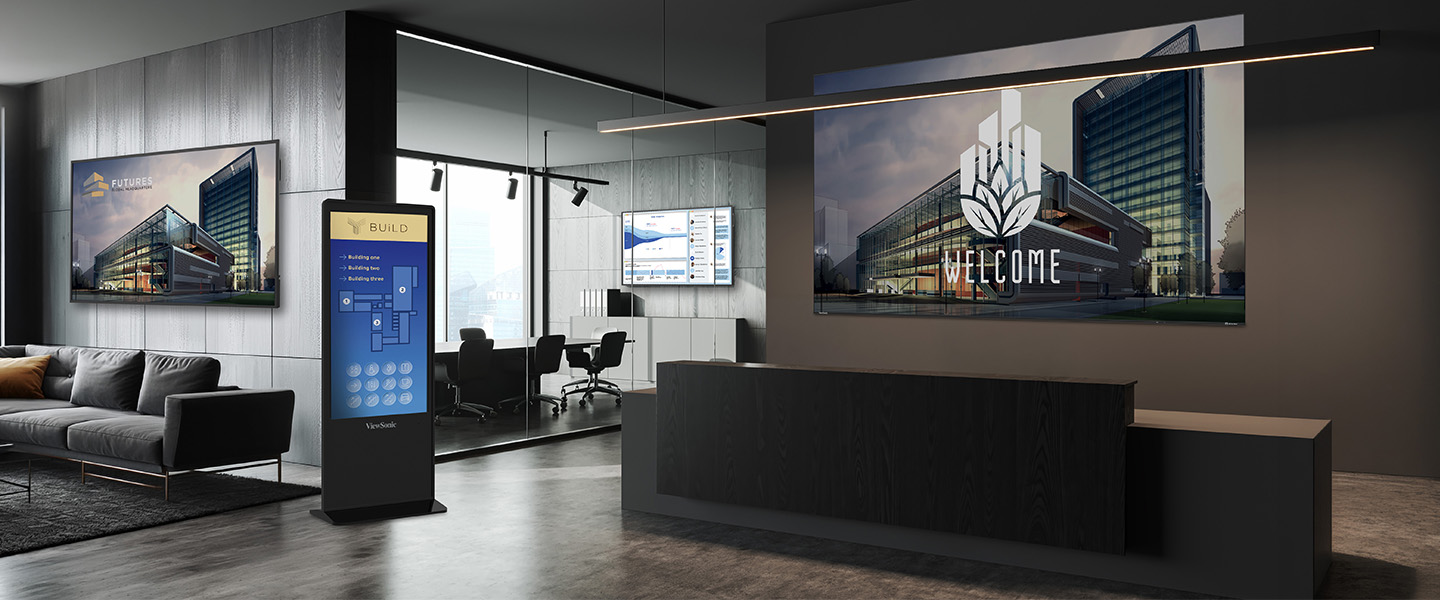
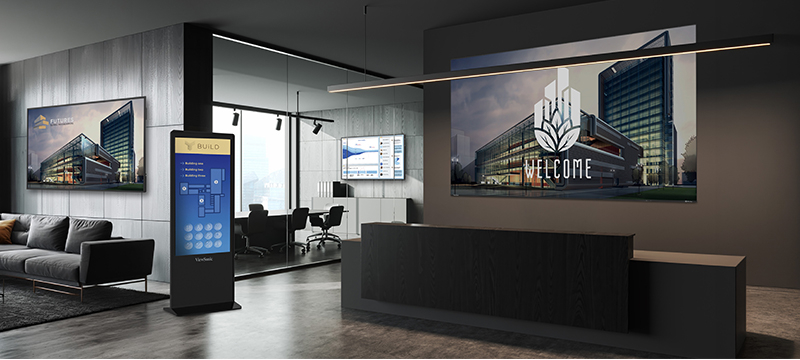
Lobby area of a business in a large building with a large format displays on the walls and ePoster next to the waiting areaLobby area of a business in a large building with a large format displays on the walls and ePoster next to the waiting area

Better Communication Across Your Campus

ViewSonic campus solutions connect your entire corporate environment through one centralized platform. Turn every screen into a unified, visual network where you can control content, scheduling and updates across every space. Guide visitors, share messages and respond instantly when it matters most. With ViewSonic, you power a campus-wide communication system built for clarity, speed and efficiency.

Corporate Campus Display Solutions

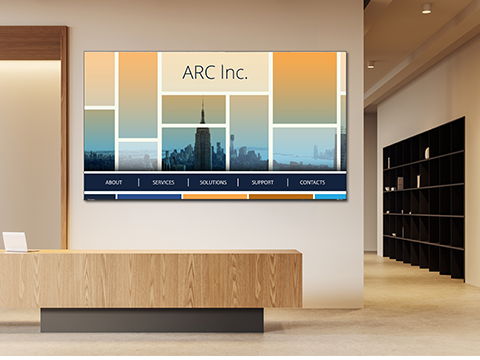
Lobby to a business with a commercial display showing company branding near reception deskLobby to a business with a commercial display showing company branding near reception desk

Communicate and Inform

ViewSonic turns shared spaces into high-impact communication hubs with our CDE commercial displays and Direct View LED video walls. Share dashboards, announcements and live updates where people already are. With centralized management, push synchronized content across your campus in seconds and keep everyone informed.

Easy Wayfinding and Navigation

Help visitors find their way across your campus. ViewSonic interactive ePosters act as your digital concierge. They deliver searchable directories, real-time schedules and clear directions.
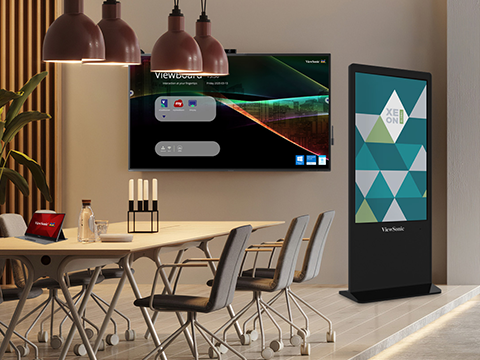
A ViewBoard and ePoster providing business information inside a cafeteriaA ViewBoard and ePoster providing business information inside a cafeteria
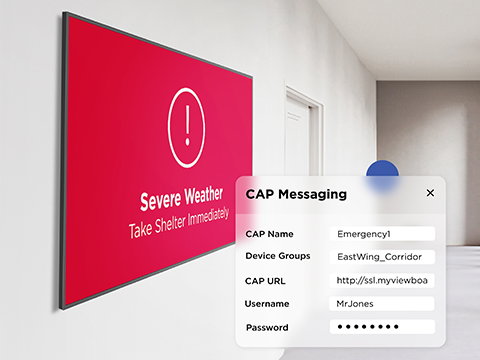
ViewBoard on a wall displaying emergency or critical information to employeesViewBoard on a wall displaying emergency or critical information to employees

Protect Your Campus with Visual Alerts

ViewSonic delivers a visual safety net for your corporate campus. 
Our software lets you instantly override every screen to broadcast critical alerts, evacuation routes and emergency protocols. Keep your staff secure during high-stakes events. We'll ensure your safety messaging reaches everyone instantly.

Bring Your Corporate Brand to Life

Maintaining a unified brand across large campuses is tough. Workspaces often feel plain and disconnected from digital identity. ViewSonic Direct View LED displays and ViewBoard interactive displays change that. They turn walls into engaging brand spaces that feel modern, clear and aligned with your story.

Commercial displays showing cool company branded art inside a shared employee spaceCommercial displays showing cool company branded art inside a shared employee space
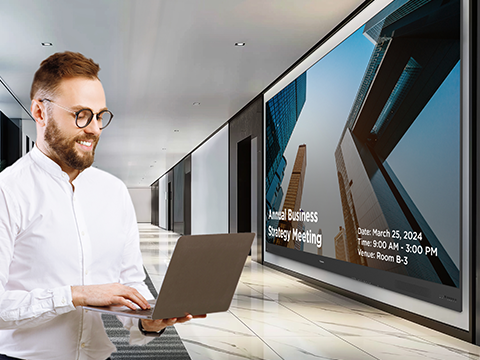
Man using laptop to control multiple displaysMan using laptop to control multiple displays

Seamless Pro AV Integration

We designed our displays to fit right into your current Pro AV ecosystem. Manager Advanced acts as a seamless connectivity hub that works perfectly with Crestron, Extron and Q-SYS. You won't need to replace your existing infrastructure. Instead, your IT team gets centralized control and a simple setup that easily expands alongside your business.

Q-Sys Library logo
Crestron logo
Extron logo
AMX logo

Featured Products

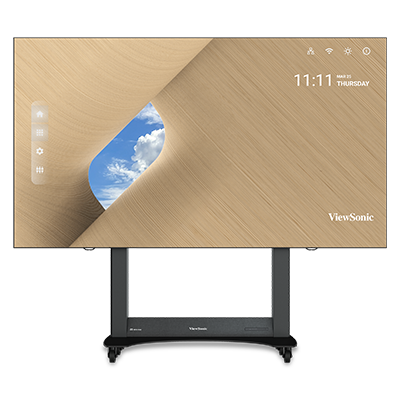
LDE163G-182

LDE163G-182

163” All-in-One Direct View LED Display

See Product
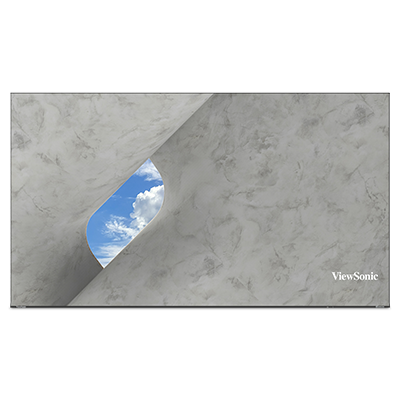
LDS138-151

LDS138-151

138” All-in-One Direct View LED Display

See Product
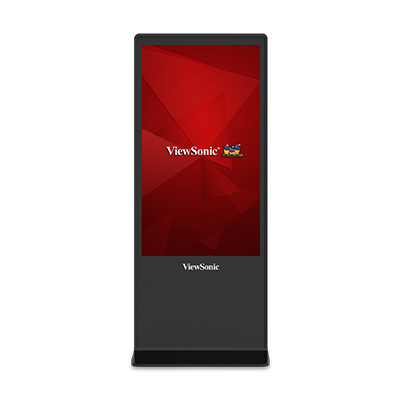
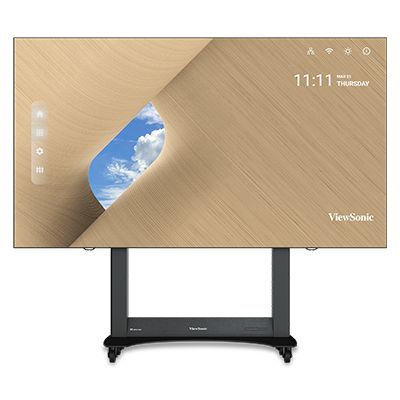
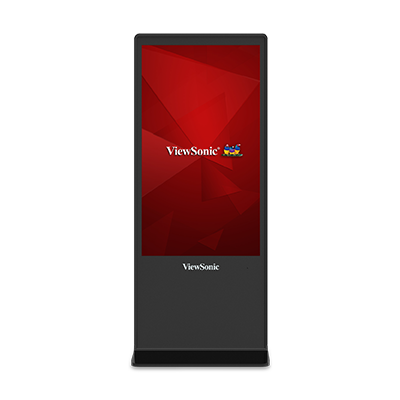
EP5542T

EP5542T

All-in-One Digital ePoster Kiosk

See Product
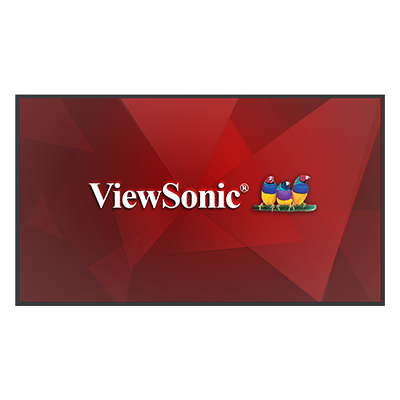
CDE6531

CDE6531

65" Smart Commercial Display

See Product

LDE163G-182

163” All-in-One Direct View
LED Display

Learn More

LDS138-151

138" All-in-One Direct View
LED Display

Learn More

EP5542T

All-in-One Digital ePoster Kiosk


Learn More

CDE6531

65" Smart Commercial Display


Learn More

Frequently Asked Questions

What is the difference between standard digital signage and a campus display solution?

Standard digital signage usually runs as isolated units. A campus display solution is a unified network you manage centrally. It blends your hardware, software and governance tools into one simple ecosystem. This lets your IT team control messaging across multiple buildings or global regions right from a single dashboard.

How do you leverage digital signage into campus display solutions?

We make centralized management easy with an enterprise-level governance module. Tools like ViewSonic Manager Advanced let administrators push real-time updates and schedule content. You can also monitor device health across your entire organization. This completely removes the need for manual on-site updates and keeps your messaging consistent everywhere.

Can I control user permissions for different screens on a corporate campus?

Yes. Our enterprise campus system uses role-based access control. A global admin can manage the entire network while granting specific permissions to local site managers or HR teams. They can easily update internal communication boards and wayfinding kiosks. You get local flexibility without giving up system-wide security.

How do campus display systems handle emergency alerts?

Modern systems are built for instant safety messaging. Administrators can use a central management platform to override all scheduled content across the entire network. This includes meeting rooms, hallways and large venues. You can instantly broadcast real-time emergency alerts and clear wayfinding instructions to keep everyone notified.

What are the primary use cases for a connected campus display network?

A connected campus display network serves four main functions:

  • Internal Communications: Share real-time corporate data and vital announcements.
  • Wayfinding: Help employees and visitors navigate complex environments easily.
  • Corporate Branding: Create immersive visual experiences using large video walls.
  • Safety: Deploy instant emergency and weather alerts to protect your staff.

How does a campus display system integrate with existing IT infrastructure?

We build our enterprise-grade solutions to fit right into your existing IT ecosystem. This includes full support for secure wireless sharing and compatibility with standard CMS platforms. We also make sure to meet the strict security and compliance protocols your corporate network requires.