Education
Business
Consumer
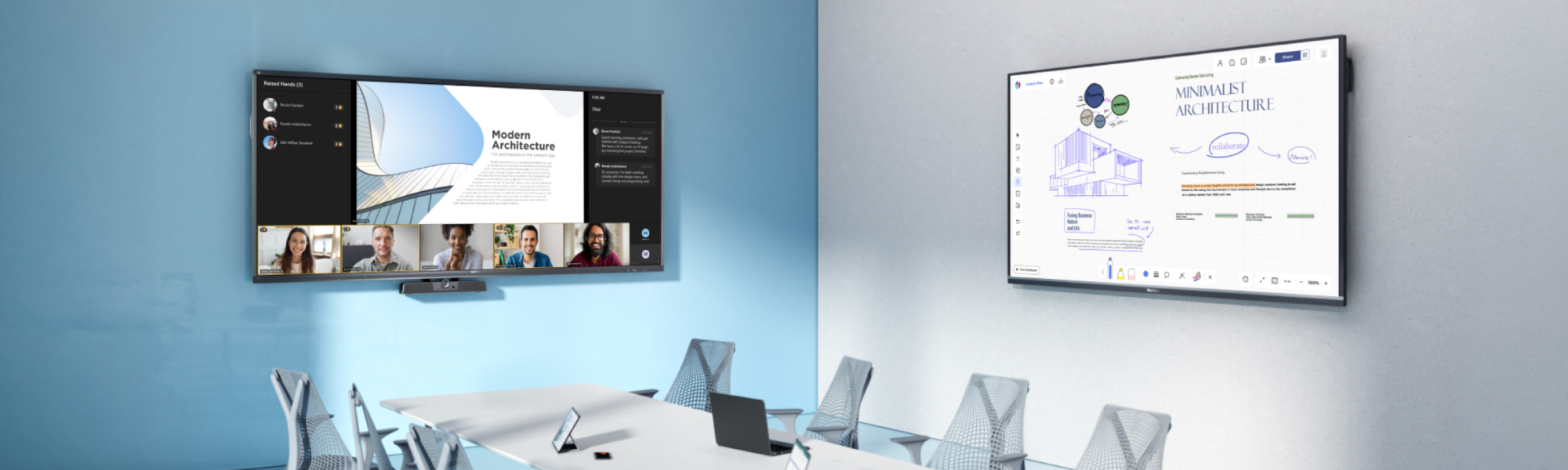
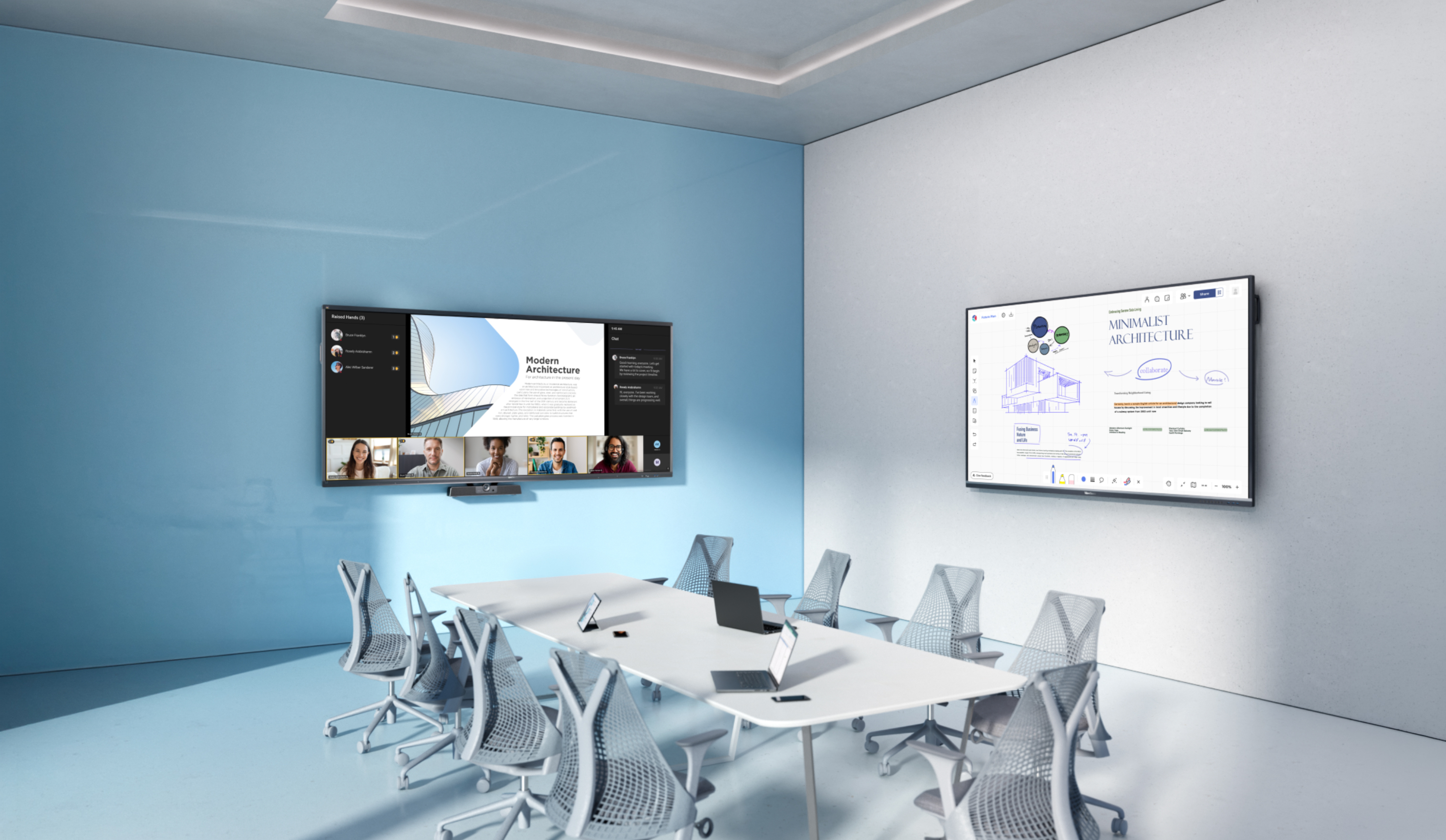
Meeting table with a Viewboard on each wallMeeting table with a Viewboard on each wall

Meeting Spaces

Bring in-room and remote teams together with less hassle. Our displays and collaboration tools work with your existing setup, so there’s no need to start over. Just connect and present using wireless casting or a simple plug-in. From small rooms to large boardrooms, every meeting runs smoother.

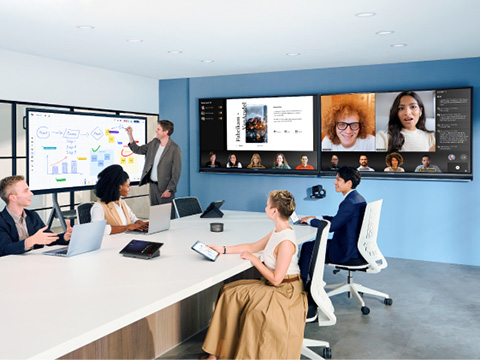
Meeting room with in person and remote participants. ViewBoards on the wall and a ViewBoard on a mobile cartMeeting room with in person and remote participants. ViewBoards on the wall and a ViewBoard on a mobile cart

Hybrid Collaboration Made Simple

Hybrid meetings should feel natural for everyone in the room and everyone joining remotely. ViewSonic® ViewBoard® interactive displays and CDE commercial displays scale from 43 to 110 inches to fit any space while ensuring remote participants are also perfectly visible. Pair these screens with TeamOne™ software so all users can present, annotate and brainstorm together in real time.

Start Meetings Without Delay

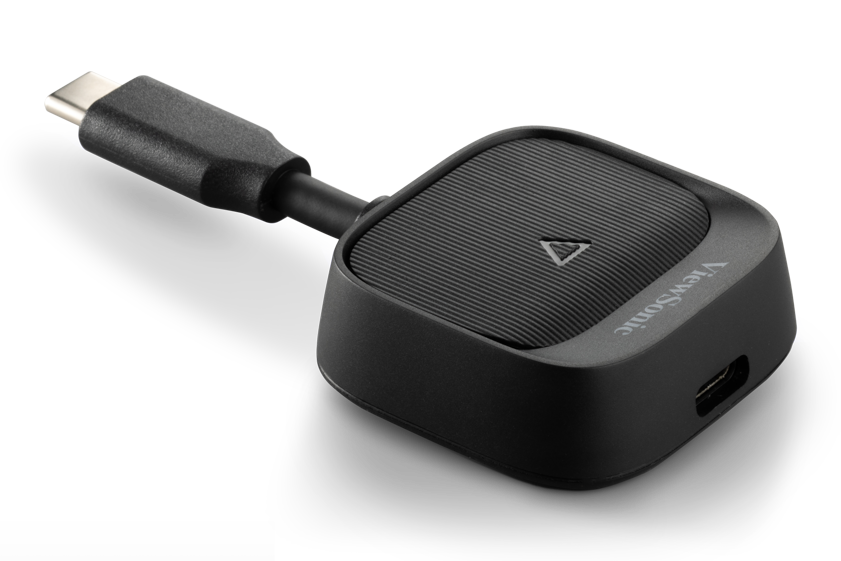
Wasted minutes frustrate users at the start of every meeting. Replace cable clutter using our platform-agnostic wireless presentation tools. Employees can utilize AirSync software to cast high-definition content directly from personal devices. For guest speakers, the WPD-900 wireless presentation system provides an instant plug-and-play connection without installing complex drivers. This intuitive setup ensures your team can start collaborating the exact moment they sit down.
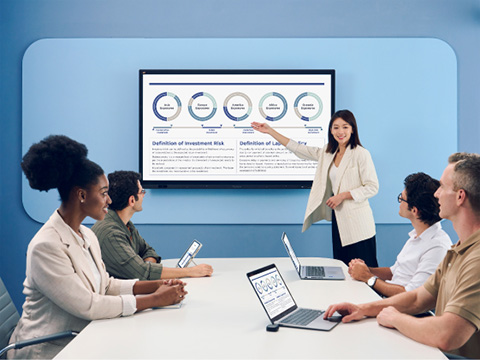
Woman conducting a meeting while referring to a graph on a ViewBoardWoman conducting a meeting while referring to a graph on a ViewBoard
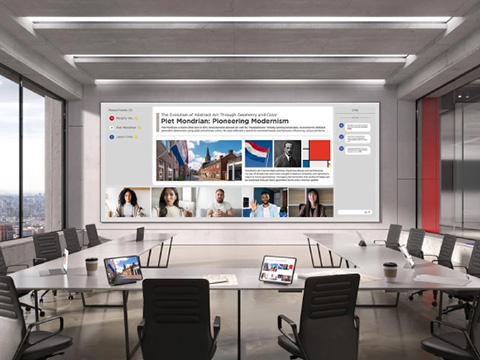
A dvLED display in a meeting room showing content and remote participants.A dvLED display in a meeting room showing content and remote participants.

Executive Spaces Built to Impress

Create a polished boardroom experience without clutter and complexity. ViewSonic® All-in-One Direct View LED displays and ViewBoard® interactive displays deliver stunning large-screen visuals for presentations, dashboards and strategy sessions. Simple one-cable USB-C connectivity supports video, data and charging through a single connection, helping teams collaborate faster while keeping meeting spaces clean, organized and professional.

Turn Training into Active Participation

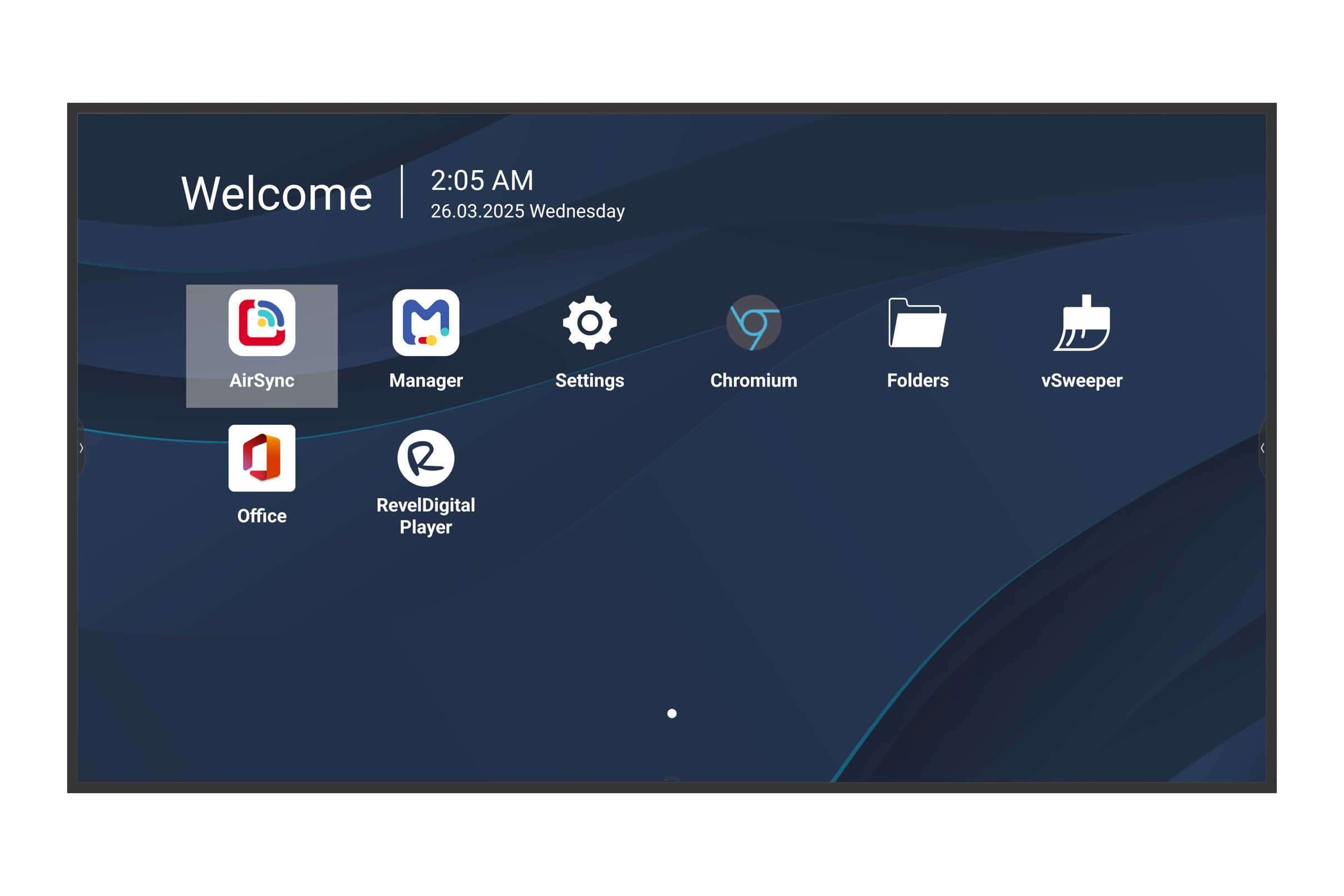
Keep teams focused, involved and ready to contribute. With ViewSonic® AirSync™ software, presenters can move freely around the room while casting content from a laptop or tablet to a ViewBoard® interactive display or CDE commercial display. Trainers can also share up to six participant screens at once for group discussion, collaboration and real-time troubleshooting.
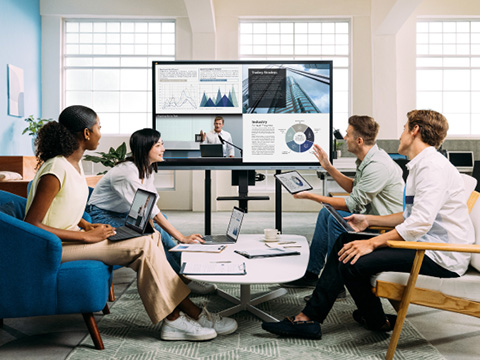
Multiple meeting participants casting their content to a ViewBoard on a mobile cartMultiple meeting participants casting their content to a ViewBoard on a mobile cart
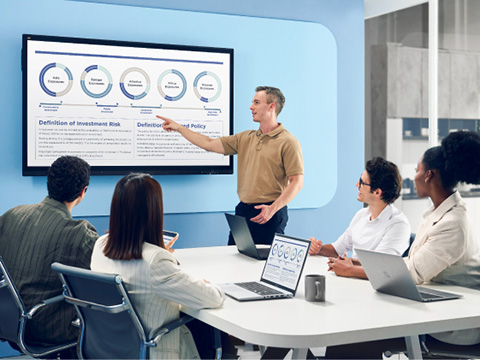
Man conducting a meeting in a smaller conference room, referencing a ViewBoard Man conducting a meeting in a smaller conference room, referencing a ViewBoard

Big-Time Collaboration for Small Spaces

Turn small meeting areas into spaces built for quick teamwork. ViewSonic® CDE commercial displays and ViewBoard® interactive displays make it easy to walk in, connect and start sharing right away. Built-in wireless casting and integrated microphones help teams collaborate naturally without crowding around a laptop or wasting time setting up.

Featured Products
LDE136G-152

LDE136G-152

136” Full HD Price-Performance
dvLED Display

See Product
IFP65G1

IFP65G1

65” 4K OS-Free ViewBoard
Interactive Display

See Product
CDE65G3

CDE65G3

65” 4K OS-Free Commercial Display

See Product
CDE8631

CDE8631

86” 4K Commercial Display

See Product
CDE92UW

CDE92UW

92” 4K Ultrawide Commercial
Display

See Product
WPD-900

WPD-900

Wireless Presentation System

See Product

Frequently Asked Questions

What is a meeting room solution?

A meeting room solution combines hardware and software to facilitate professional communication. It integrates high-quality displays like ViewSonic dvLED or interactive flat panels with specialized software for wireless sharing, remote management and video conferencing. This guarantees a consistent user experience across your entire organization.

What is a wireless presentation system?

A wireless presentation system lets users mirror a laptop, tablet or smartphone screen to a large display without physical cables. ViewSonic wireless presentation solutions deliver platform-agnostic connectivity that works across Windows, macOS, Android and iOS to remove the friction of incompatible ports and missing dongles.

How does the ViewSonic WPD-900 work?

The WPD-900 operates as a plug-and-play wireless screen casting solution. A transmitter button plugs into a laptop USB-C port and connects to a receiver attached to the display. This creates a point-to-point hardware connection that does not require software installation and no Wi-Fi or network connectivity is needed. It serves perfectly for guest presenters and high-security environments where third-party apps are subject to your security restrictions.

Can users connect to meeting room displays without cables?

Yes, users can present entirely wirelessly using ViewBoard Cast technology or WPD-900 hardware solutions. This completely eliminates cable clutter in the boardroom. Wireless connections enable flexible seating arrangements and highly effective multi-user collaboration during any session.

What size display is best for meeting rooms?

The ideal size depends on the viewing distance required for different types of content.

  • Huddle spaces require 55-inch to 65-inch standard displays.
  • Medium conference rooms need 75-inch to 98-inch displays to ensure text legibility.
  • Large venues and boardrooms demand 108-inch to 216-inch ViewSonic dvLEDs to guarantee small spreadsheet text remains visible from the back of the room.

What is the difference between ViewSonic Manager and Manager Advanced?

ViewSonic Manager gives you free centralized control to monitor devices and manage apps remotely. We help you unlock more power with Manager Advanced. You get upgraded features like multimedia broadcasting, automated job scheduling and remote desktop access to seamlessly streamline troubleshooting across your entire global campus.

What AV systems integrate with meeting rooms?

Modern meeting room displays natively support unified communications platforms including Microsoft Teams, Zoom and Google Meet. These versatile screens also tie into signal distribution systems, room booking software and environmental controls like lighting and shades to build a cohesive smart building experience.

Can ViewSonic work with Q-SYS, Crestron, Extron or AMX?

Yes, ViewSonic designs displays specifically for Pro AV integration. We deliver full compatibility with industry-standard control systems including Q-SYS, Crestron, Extron and AMX. IT integrators can easily include ViewSonic hardware into existing room architectures for efficient power and input management.

What is needed for hybrid meetings?

To achieve meeting equity in a hybrid setup, you need three core elements:

  • A display large enough to show content and remote gallery views simultaneously.
  • AI-powered cameras that auto-frame speakers paired with microphones that cancel background noise.
  • Collaborative software like myViewBoard that lets remote and in-room participants annotate on a shared digital canvas in real time.

How do you improve meeting room productivity?

You improve productivity by severely reducing technical delays. Solutions offering one-touch video calls and plug-and-play wireless sharing eliminate the initial troubleshooting time common in unmanaged rooms. Interactive displays also drive productivity by encouraging active participation instead of passive listening.

What is the difference between interactive and non-touch displays?

Interactive displays function as massive tablets. These ViewBoard panels allow for touch control, digital whiteboarding and real-time annotation. They perfectly support training, brainstorming and collaborative work. Non-touch displays prioritize high-impact visual communication and signage. They excel in boardrooms focused entirely on viewing high-fidelity content or standard video conferencing where touch control remains unnecessary.