Education
Business
Consumer

Sign up for our Newsletter

Peak Productivity for Any Workflow

ViewSonic® Thunderbolt® 4 Monitors

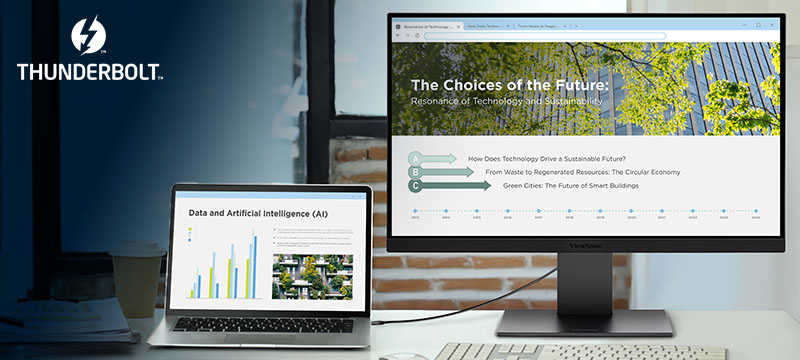
Modern business moves fast. If you’re using a high-performance laptop, you need a monitor that matches its power. ViewSonic Thunderbolt™ 4 monitors handle these advanced demands while keeping workspaces organized. Upgrade your setup today.

Featured Products
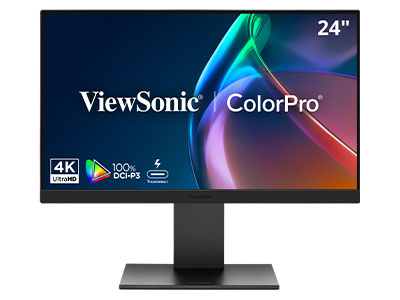
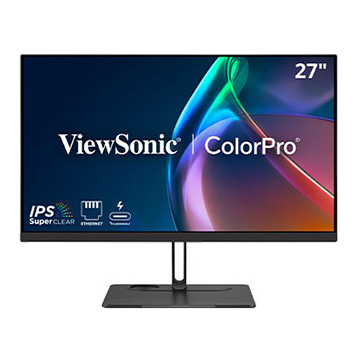
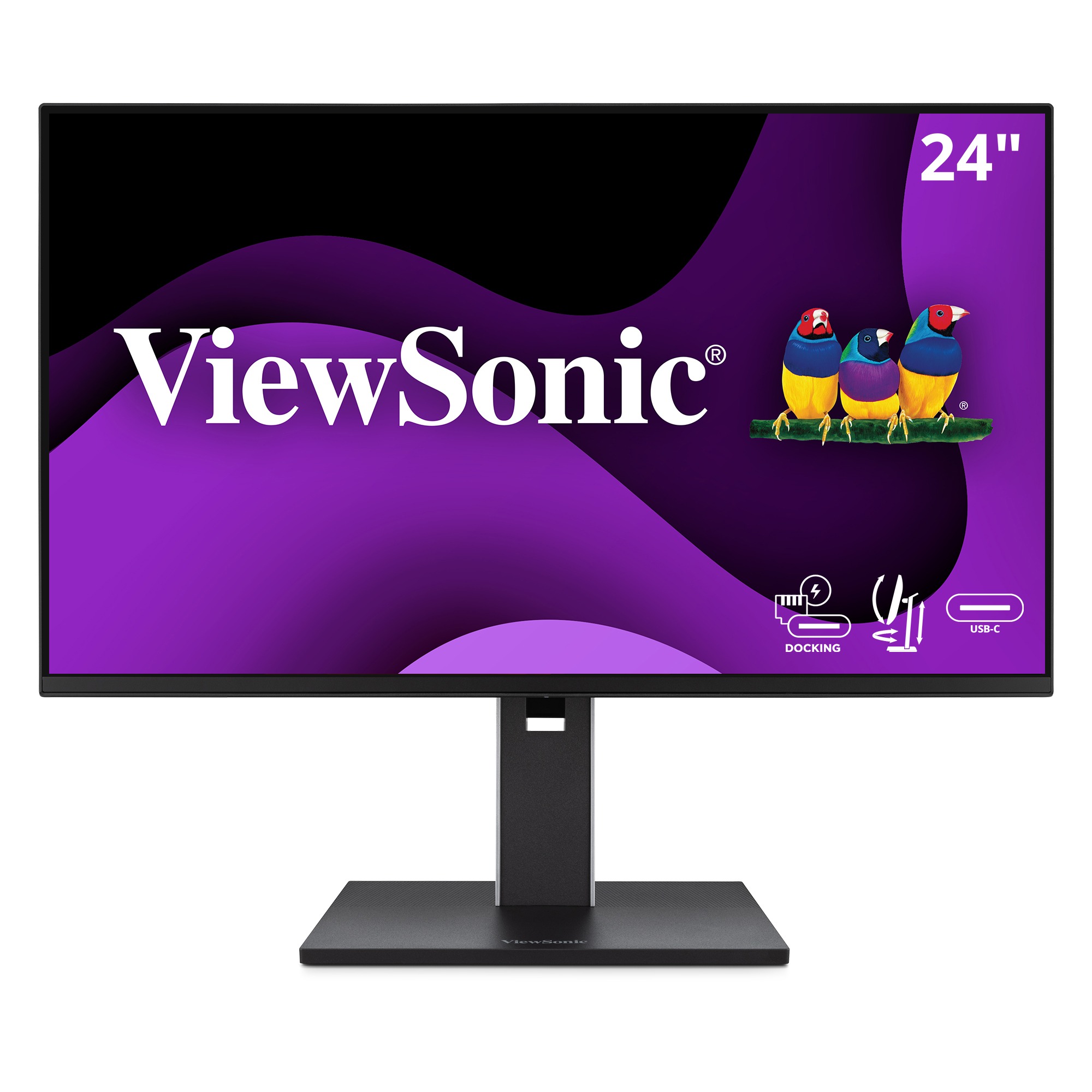
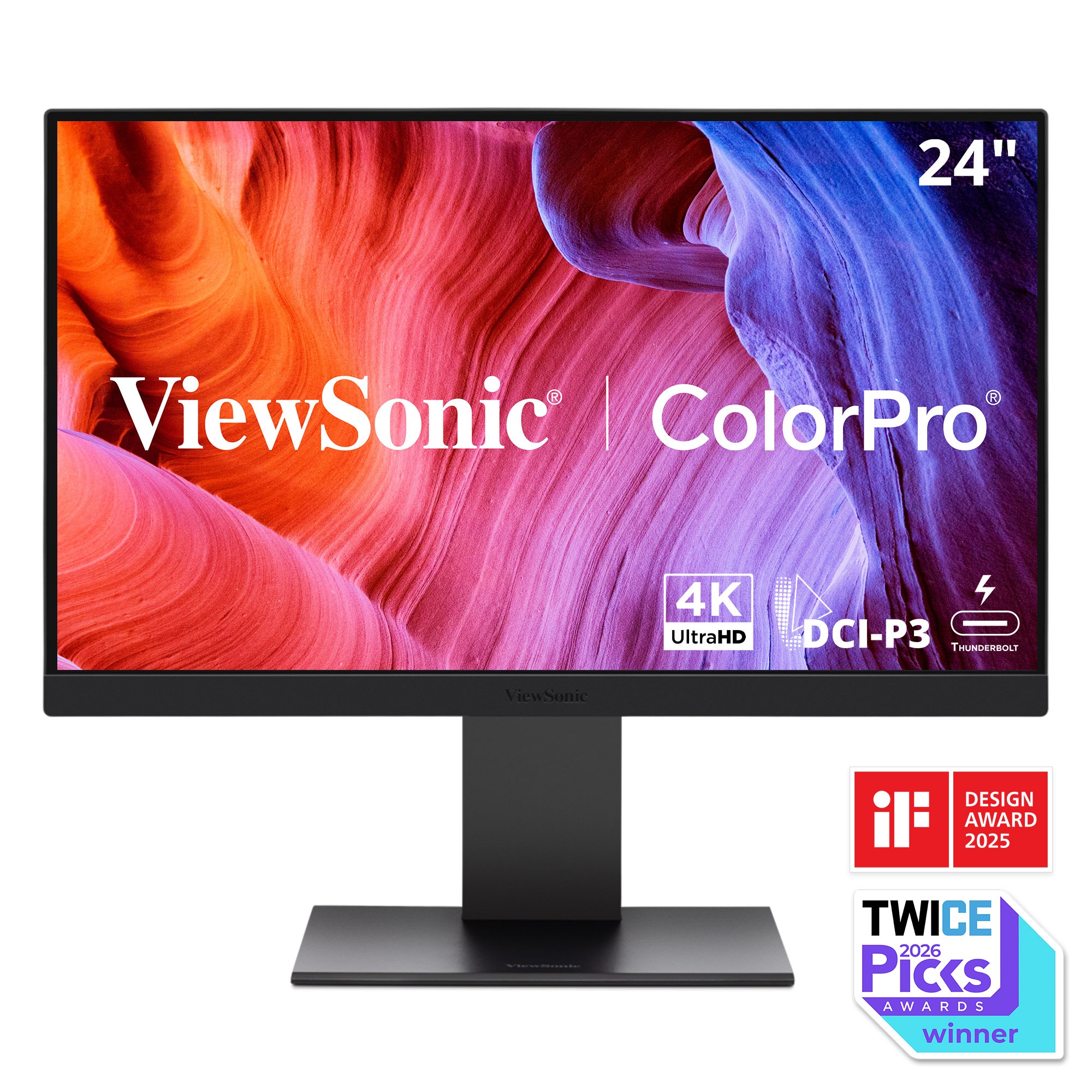
VP2488-4K

24” 4K UHD
Thunderbolt 4 Monitor

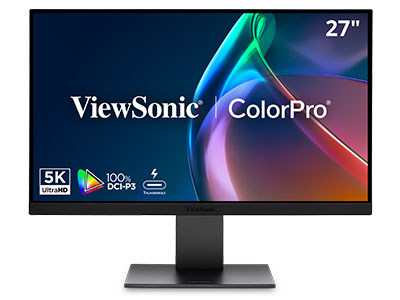
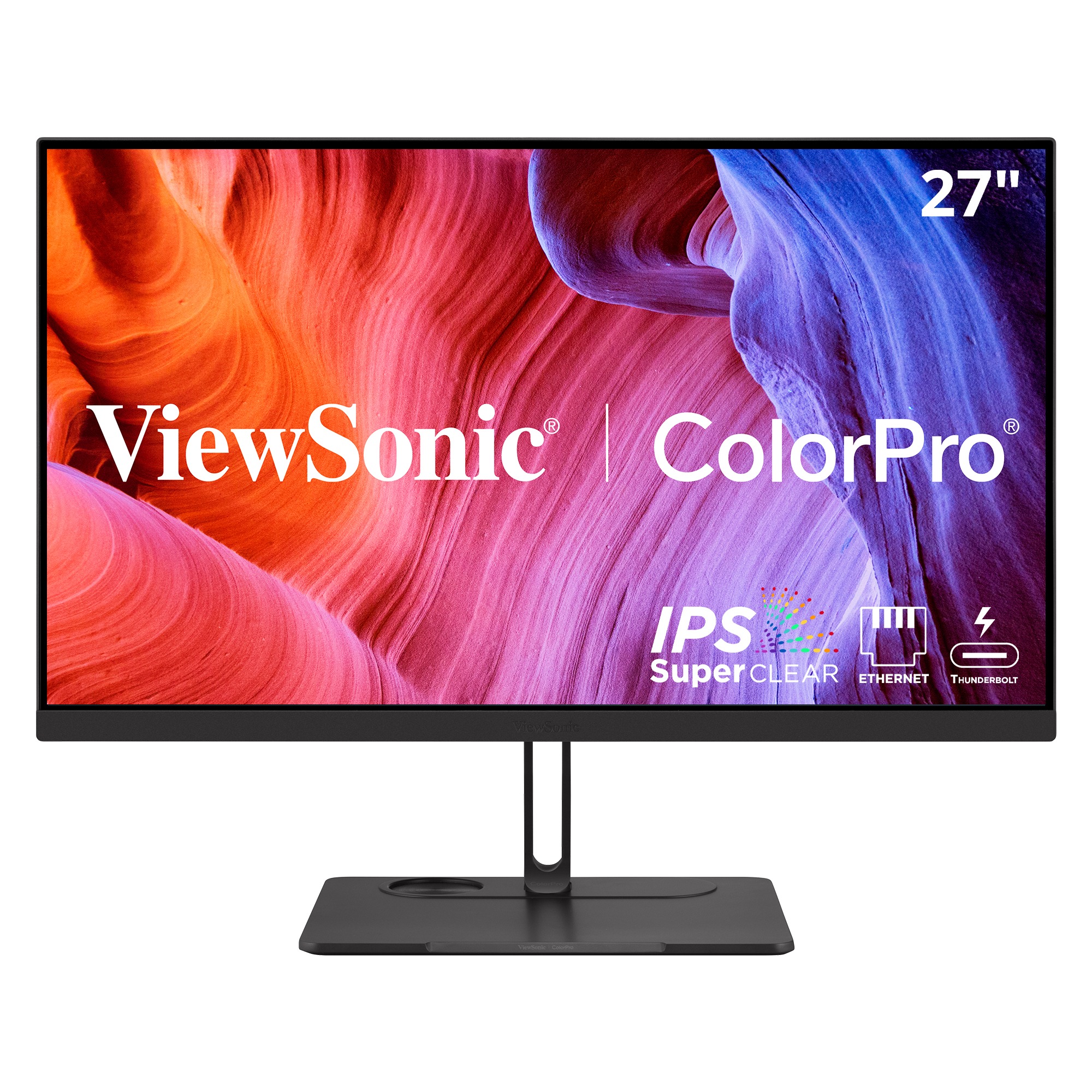
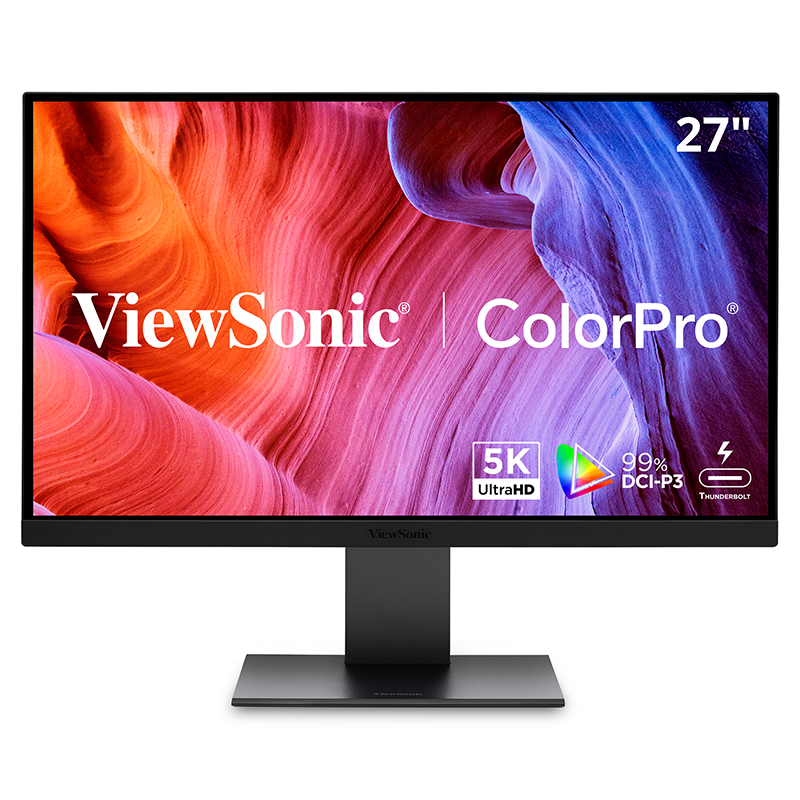
VP2788-5K

27” 5K UHD
Thunderbolt 4 Monitor

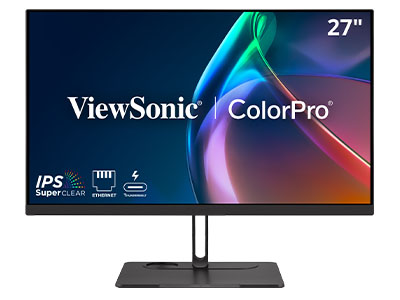
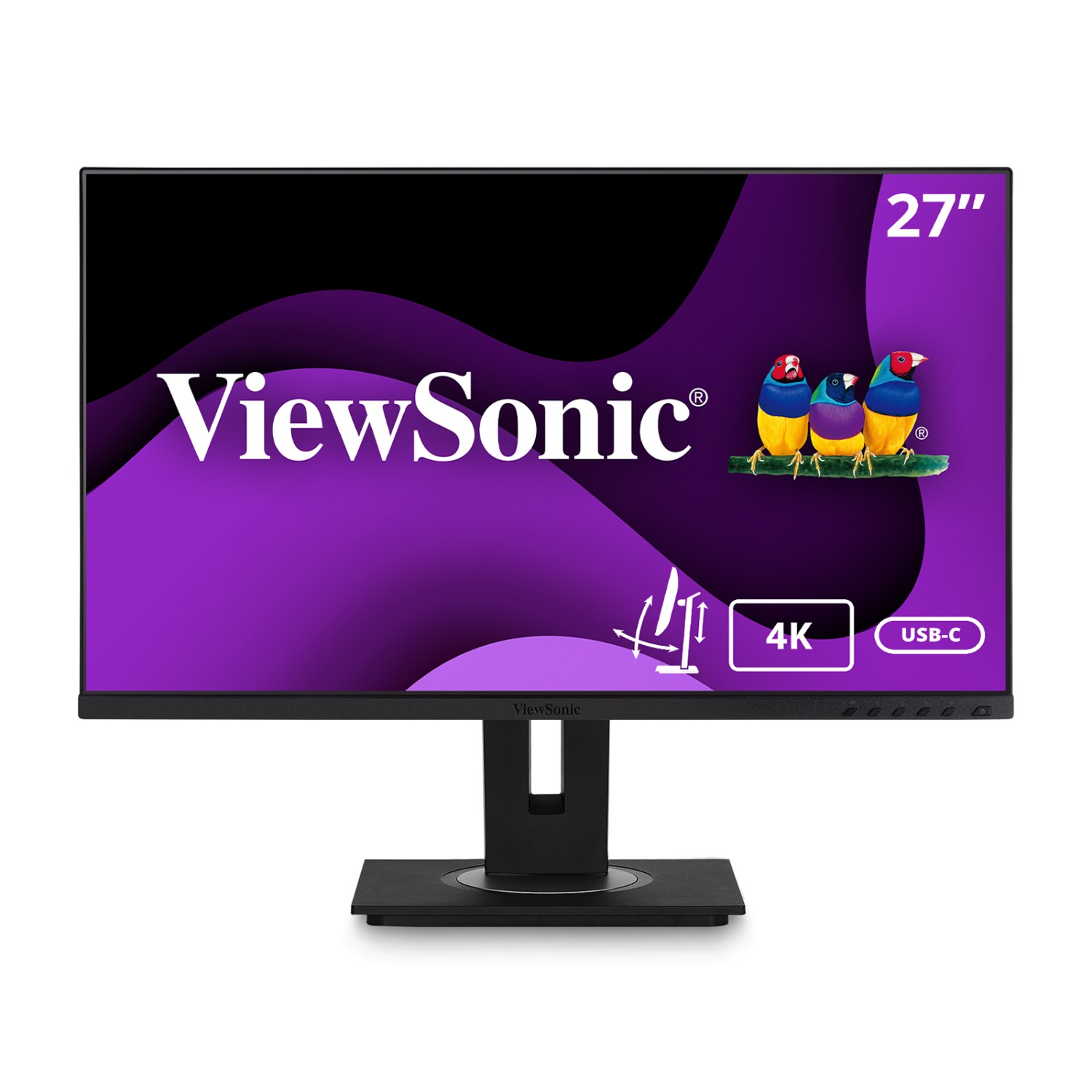
VP2776T-4K

27” 4K UHD Thunderbolt 4 Docking Monitor

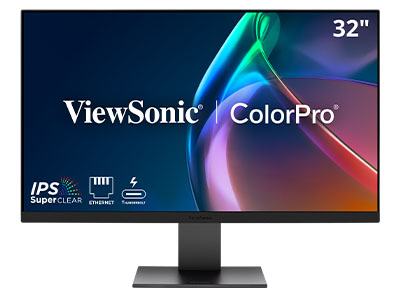
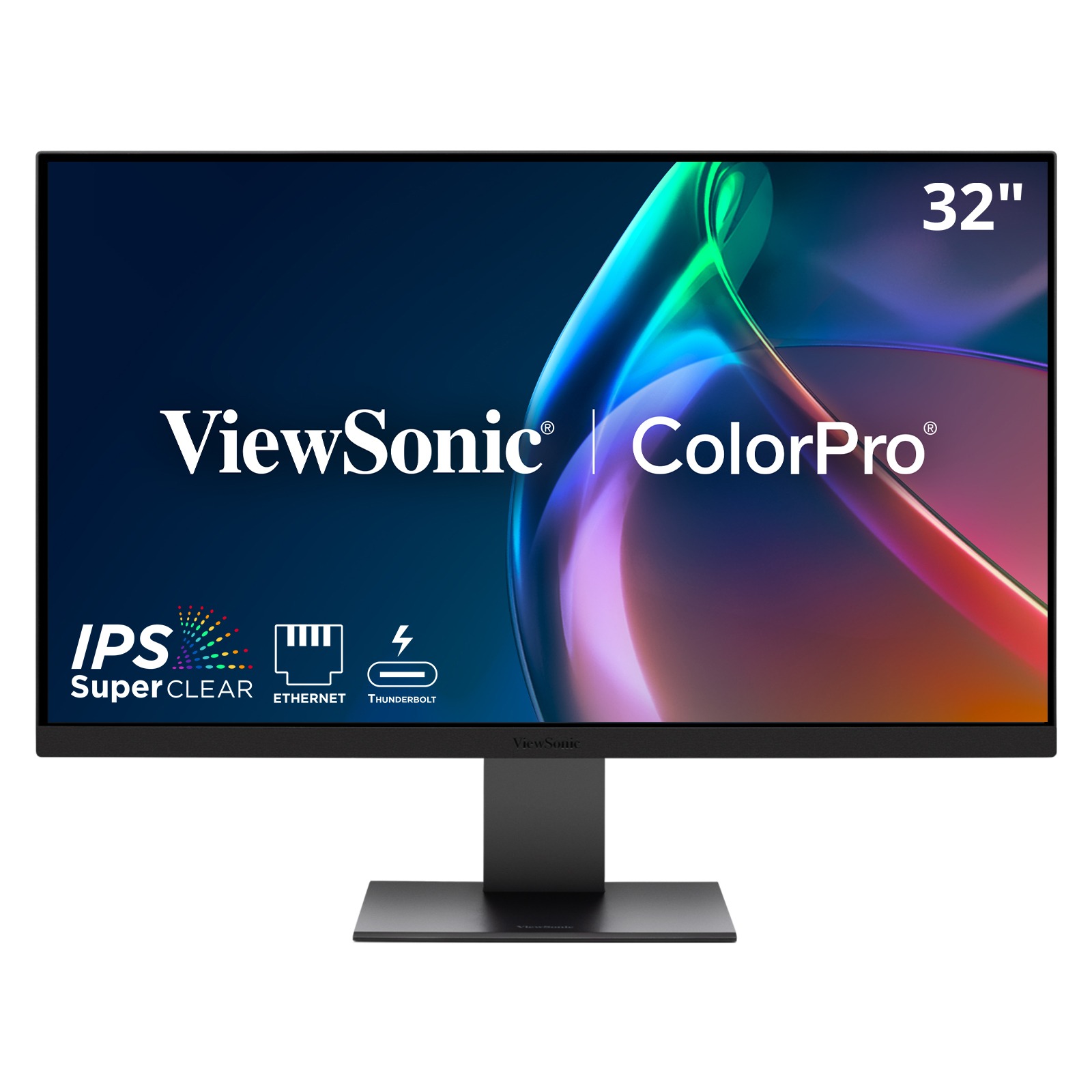
VP3276T-4K

32” 4K UHD Thunderbolt 4 Docking Monitor

Lightning-Fast Data Speeds

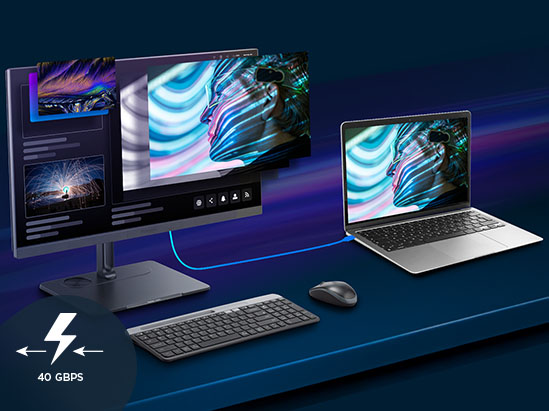
With up to 40Gbps of bandwidth, our Thunderbolt monitors let you transfer huge files in seconds. You’ll spend less time waiting and you can boost your daily productivity. Discover how these displays can transform your workflow.
a large display of a horse race in a sports bara large display of a horse race in a sports bar
a foldable direct view led display in a flight casea foldable direct view led display in a flight case

Stunning Resolutions

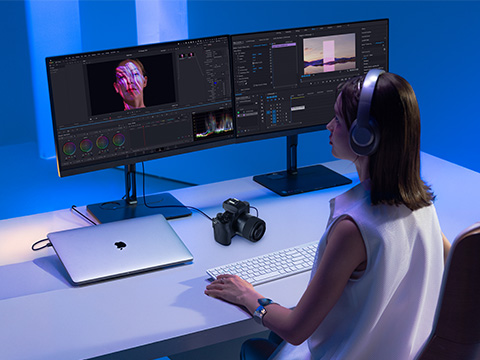
Choose from 4K and 5K resolution options with exceptionally high pixels-per-inch for crisp text and fine detail. These displays make it easy to review designs, edit photos, and work with complex visuals while reducing eye fatigue through flicker-free technology and high-resolution clarity.

The Power of One Cable

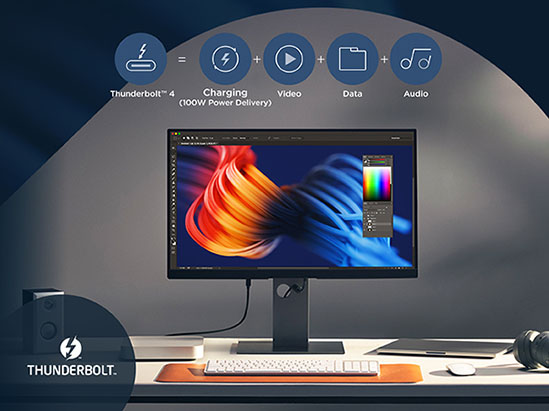
Thunderbolt 4 offers up to 100W of power delivery to support your high-performance laptop and all your creative needs. A single cable handles video, data and charging, making it easy to connect and power your devices while keeping your workspace organized.
a large display in a building lobbya large display in a building lobby
a variety of devices connected to a viewsonic display wirelesslya variety of devices connected to a viewsonic display wirelessly

Daisy-Chain Multiple Devices

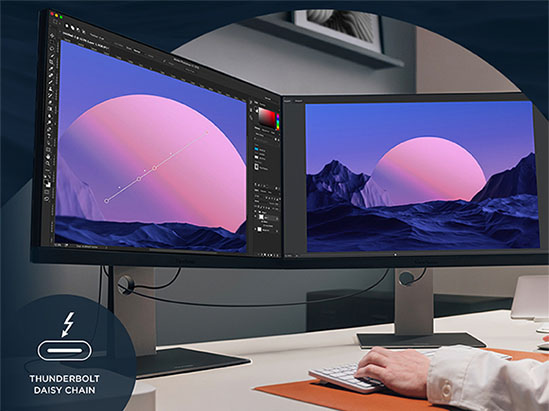
Thunderbolt 4 input and output ports support single-cable connectivity and daisy chaining of up to two 5K monitors. It’s the perfect setup for analysts and creators who need more screen space.

Designed for Modern Laptops

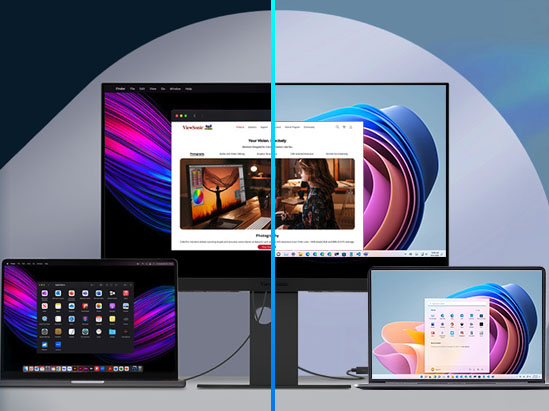
Your monitor should work seamlessly with your high-performance Mac or Windows devices. Our displays do exactly that while acting as a central hub for storage, docks and eGPUs. They’ll even support your older USB-C connections.
a man working on a laptop connected to a variety of displays with the softwarea man working on a laptop connected to a variety of displays with the software

FAQ for Thunderbolt Monitors

What is a Thunderbolt monitor, and how is it different from USB-C?

While both use the same reversible Type-C connector, Thunderbolt™ is a premium “super-set” of USB-C. A ViewSonic Thunderbolt monitor (like the VP2776T-4K) offers a guaranteed 40Gbps bandwidth—significantly higher than standard USB-C. This allows for simultaneous high-resolution video, high-speed data transfer, and high-wattage power delivery through a single cable without performance bottlenecks.

Do ViewSonic Thunderbolt monitors support daisy chaining?

Yes. Models such as the VP2788-5K and VP2776T-4K feature both “Upstream” and “Downstream” Thunderbolt ports. This allows you to connect your laptop to the first monitor and then “daisy chain” a second monitor directly from the first, reducing cable clutter on the desk.

How many Thunderbolt monitors can you daisy chain?

Up to 6, depending on the resolution, and thunderbolt version. Our current ViewSonic Thunderbolt monitors can daisy chain up to two 4K or 5K monitors. You won’t get the thunderbolt protocol / benefits through a USB-C cable. We recommend using the Thunderbolt cable included with the ViewSonic monitor.

How much power can these Thunderbolt monitors deliver to my laptop?

ViewSonic Thunderbolt 4 SKUs provide up to 100W of Power Delivery (PD). This is enough to fast-charge even high-performance 16-inch laptops (like the MacBook Pro or Dell XPS) while you work, eliminating the need for a separate power brick.

Does it matter which Thunderbolt port I use?

Yes. One port is designated as Upstream (usually marked with a laptop icon or 100W), which connects to your computer. The second port is Downstream (15W), used for connecting additional monitors or accessories.

What makes these monitors “Mac-Ready”?

Beyond the Thunderbolt connection, ViewSonic ColorPro monitors are engineered with Mac-compatible color spaces (like P3) and pixel densities that align with macOS scaling. They also support Apple “Clamshell Mode,” allowing you to use the monitor as your primary display while your MacBook lid is closed. Plus you get seamless Mac-to-monitor control so you can easily adjust your volume and brightness directly from your MacBook.

Are these monitors compatible with Windows laptops?

Absolutely. While often associated with Mac, Thunderbolt is an Intel-developed technology. Any Windows laptop with a Thunderbolt 3 or 4 port (look for the “lightning bolt” icon) is fully compatible. They are also backward compatible with standard USB-C ports (though at reduced data speeds).

Can docking monitors replace a docking station?

Yes. We refer to these as “Docking Monitors.” Our VP76T has integrated ports like RJ45 (Ethernet), USB-A and C ports for peripherals, and 100W charging. A single Thunderbolt cable transforms the monitor into a full workstation hub. This reduces the Total Cost of Ownership (TCO) for enterprise clients by removing the need for external docks.

What is the warranty and support for these SKUs?

ViewSonic offers a 3-year limited warranty on parts, labor, and the backlight. For our professional ColorPro series.

Can I use a USB-C cable instead of a Thunderbolt?

Ensure you are using a certified Thunderbolt 4 (40Gbps) cable. Standard USB-C charging cables do not have the bandwidth for video.