Education
Business
Consumer
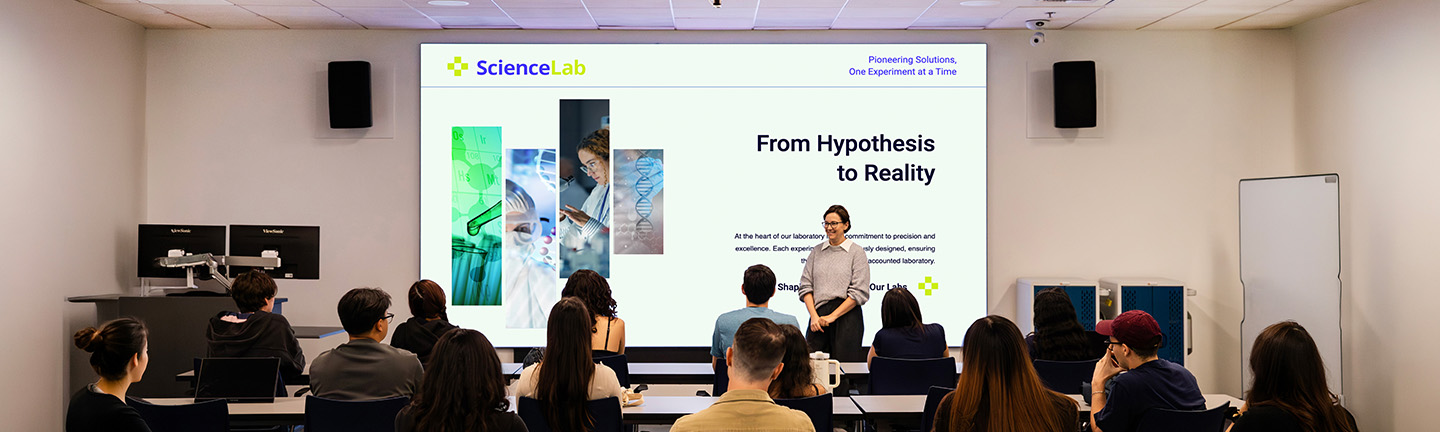
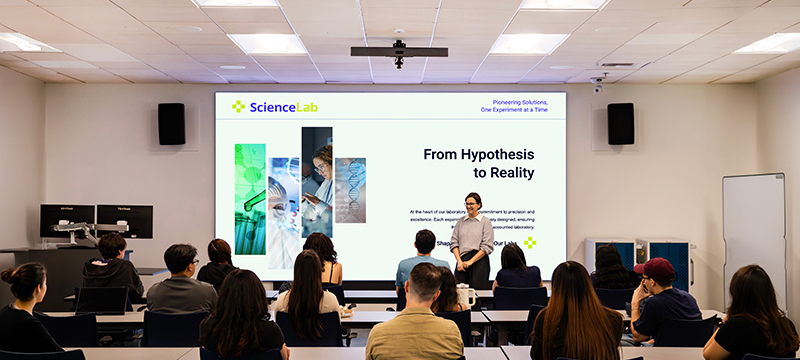
Instructor at the front of a higher ed classroom standing in front of a large format screenInstructor at the front of a higher ed classroom standing in front of a large format screen

Higher Ed Classrooms

Support modern learning with ViewSonic® higher education classroom solutions built for traditional classrooms, active learning spaces, seminars, hybrid instruction and connected campuses. Interactive displays, collaboration software and simple AV integration help educators engage students in every environment. From small seminar rooms to large classrooms, universities can deliver more connected, collaborative and effective learning experiences

Classroom Solutions

Create Consistent Classroom Experiences

Simplify teaching and reduce IT workload with standardized technology across every learning space. ViewSonic® displays and software create a familiar experience from traditional classrooms to active learning spaces, helping professors walk in and start teaching with confidence. A consistent setup improves technology adoption, reduces support requests and makes campus-wide device management easier for IT teams.
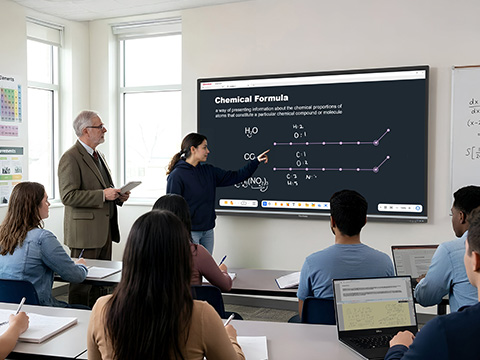
Student standing in the front of a classroom pointing to a science lesson on a ViewBoardStudent standing in the front of a classroom pointing to a science lesson on a ViewBoard
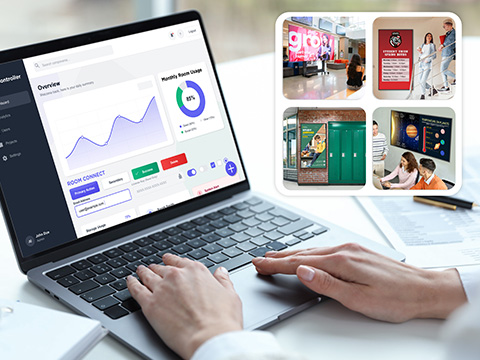
IT person using AV control systems to control and manage deployments IT person using AV control systems to control and manage deployments

Designed to fit your Existing AV Ecosystem

Maximize the technology investments your campus already depends on. ViewSonic displays integrate with leading AV control systems including Q-SYS, Crestron, Extron and AMX, making deployment and management easier for IT teams. Control power, inputs and scheduling from a centralized platform while creating a scalable setup that grows with your campus needs.


Q-Sys Library logo
AV Crestron logo
AV Extron logo
AMX logo

Make BYOD Instant and Simple

Empower faculty and guest lecturers to connect instantly. Using either the WPD-900 Wireless Presentation System or AirSync™ software, wireless screen sharing is incredibly simple. Anyone can walk into a shared space and present with a single click. Skip the complex setup and keep the focus entirely on teaching.
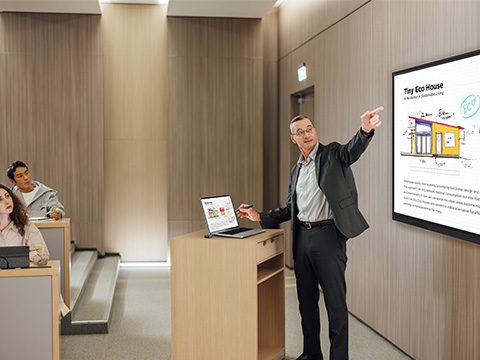
Instructor casting from his laptop on a podium and referring to content on a ViewBoard displayInstructor casting from his laptop on a podium and referring to content on a ViewBoard display
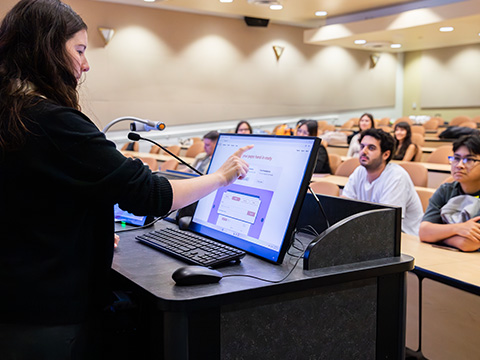
Instructor using a ID2456-4K interactive display to cast content to a classroomInstructor using a ID2456-4K interactive display to cast content to a classroom

Keep Students Engaged

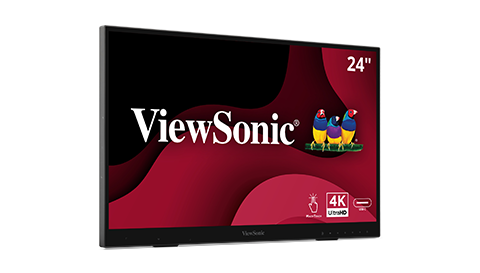
Equip your classrooms with the ViewSonic® myPodium™ ID2456-4K interactive display. This flexible 24-inch podium solution lets instructors plug in their own devices and share content directly vto front-of-room screens. You can annotate presentations and teach without ever turning your back on your students.

Unite Your Hybrid Courses

Create a seamless experience for every university student. Our ViewBoard® interactive displays feature premium mics and speakers so remote learners hear everything clearly. Use myViewBoard® to annotate notes and share them with your class instantly. Drive simultaneous participation using TeamOne™ as a collaborative web-based whiteboard where inperson and online learners share knowledge together.
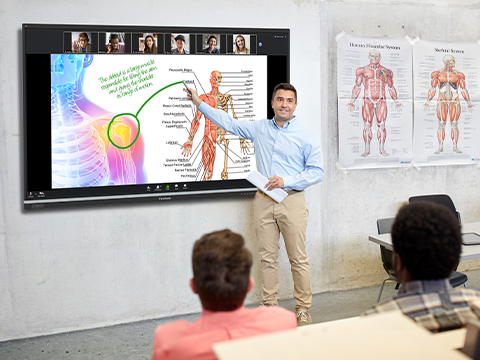
Instructor teaching to both a classroom of students and remote studentsInstructor teaching to both a classroom of students and remote students
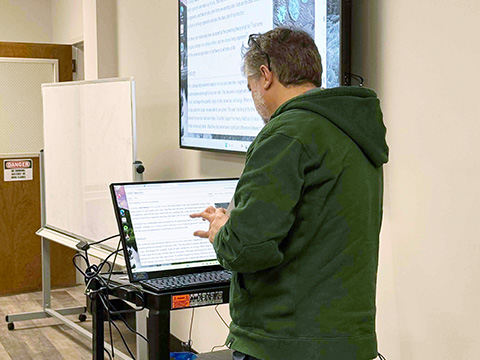
IT person using a ID2456-4KIT person using a ID2456-4K

University Faculty and IT Team Gain Efficiency and Efficacy with ViewSonic® Digital Podiums

Read about how a small IT team at Coker University standardized campus classrooms, reduced support tickets and delighted faculty with innovative tech.

Featured Products
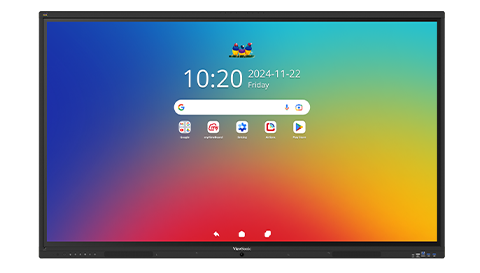
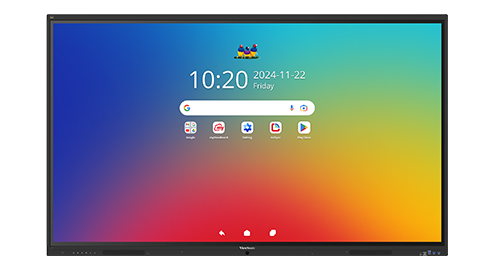
IFP6541

IFP6541

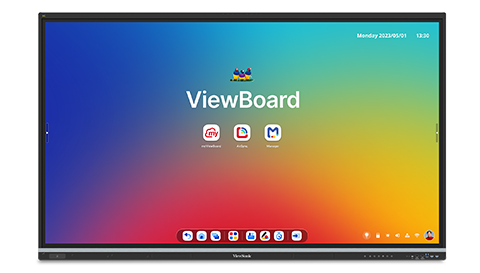
65” 4K Android EDLA ViewBoard
Interactive Display

See Product
IFP7551

IFP7551

75” 4K Android EDLA ViewBoard
Interactive Display

See Product
myPodium ID2456

myPodium ID2456

24” Interactive Pen Display

See Product
IFP8641

IFP8641

86” 4K Android EDLA ViewBoard
Interactive Display

See Product
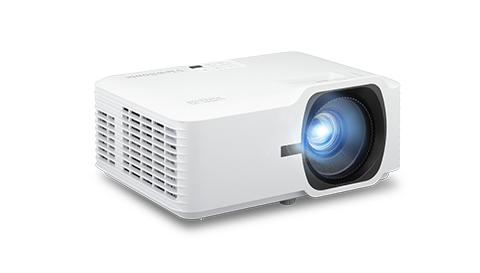
LSD500HD

LSD500HD

5,500 ANSI Lumens 1080p
Laser Projector

See Product

Frequently Asked Questions

What is a university classroom AV system?

A university classroom AV system is an integrated network of audio and visual tools designed for modern teaching. These systems combine highdefinition displays, professional-grade audio and centralized controls to create an immersive learning environment across your entire campus.

How do universities support hybrid learning?

Universities support hybrid learning by deploying our EDLA panels to natively run communication apps like Zoom and Microsoft Teams. Educators use myViewBoard to annotate lessons and quickly share content with remote students to ensure a fair and engaging experience for everyone.

Can classroom displays integrate with LMS?

Yes. EDLA-certified panels provide native access to the Google Play Store. Instructors can download and run Learning Management System apps like Canvas, Blackboard and Moodle directly on the display. This allows for seamless access to course materials, assignments and grading without toggling between multiple devices.

What is BYOD in education?

Bring Your Own Device is a flexible framework that lets professors and guest lecturers connect their own personal laptops or tablets directly to the classroom tech. Instructors can teach using the hardware and software they already know. They maintain instant access to all their local files and custom settings.

How do professors connect to classroom displays?

Professors can connect through several high-speed options. The most common is a wired USB-C or HDMI connection to the panel or a digital podium. For those who prefer to move freely around the room, wireless solutions like AirSync or the WPD-900 wireless presentation system allow for instant screen sharing from any mobile device.

What systems control classroom AV?

Modern campus AV is typically managed through industry-standard control platforms like Crestron, Extron, Q-SYS and AMX. ViewSonic displays are fully compatible with these systems. IT teams can centrally manage power, inputs and volume. You can easily integrate all of this with ViewSonic Manager for total control.

Can multiple instructors use the same system?

Yes. Our systems are built perfectly for shared environments. Features like single-cable USB-C connectivity make it incredibly easy for different instructors to plug in and teach. Solutions like the ID2456-4K touch monitor act as a digital podium. Any professor can connect their laptop and immediately present with stunning 4K precision.

Can displays integrate with Crestron or Extron?

Absolutely. ViewSonic hardware is fully compatible with Crestron, Extron, Q-SYS and AMX systems.

Can students present from their own devices?

Yes. Our ecosystem encourages active student participation. Up to 10 students can share their screens simultaneously using AirSync with instructor moderation. ViewSonic TeamOne provides a shared digital canvas for deeper collaboration. In-class and remote students can brainstorm, import media and co-create in real time.