 Teacher's Community
  Support


You don’t need IT help to start a class. Just walk in, plug the WPD-900E into your device, and you’re presenting in seconds. There aren’t any apps to install, drivers to download, or logins to remember. It’s a fast, stress-free way to get your content on the big screen so you can focus on sharing and teaching.


Simple Wireless Casting Solutions
Wireless screen casting should be simple. ViewSonic gives schools flexible options that work with the devices they already have.
For a dedicated hardware solution, the ViewShare™ WPD-900E wireless presentation system delivers easy plug-and-play casting with no software installation required. For a software-based approach, AirSync enables secure wireless sharing over your network for teachers and students.
Whether you need a streamlined setup or a software-only solution, ViewSonic helps classrooms share ideas faster and teach without interruptions.
Click, Share, and Collaborate
ViewShare™ WPD-900E Wireless Presentation System
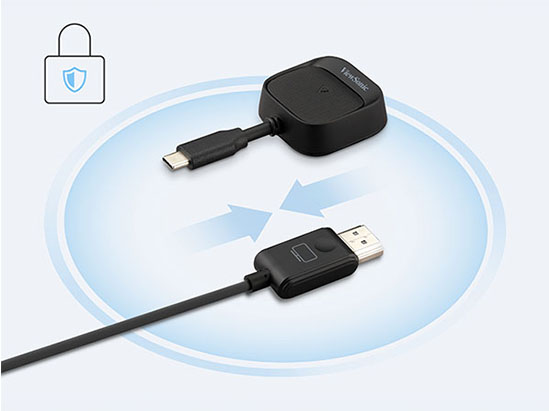
The ViewSonic® ViewShare™ WPD-900E is a plug-and-play wireless presentation system for instant peer-to-peer sharing without Wi-Fi. It grants teachers total control by disabling open casting by default. This ensures only authorized content is displayed, effectively preventing unwanted student disruptions or screen takeovers.
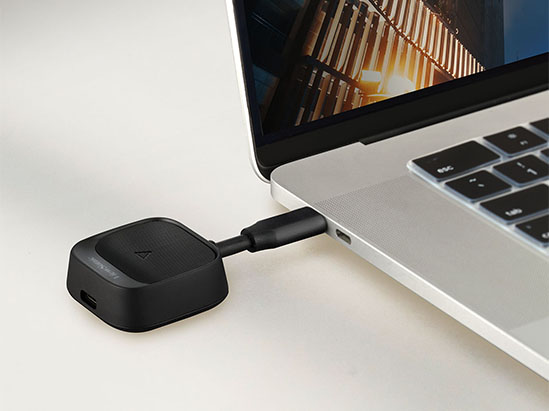
Instant Plug-and-Play
No Wi-Fi or Network Needed
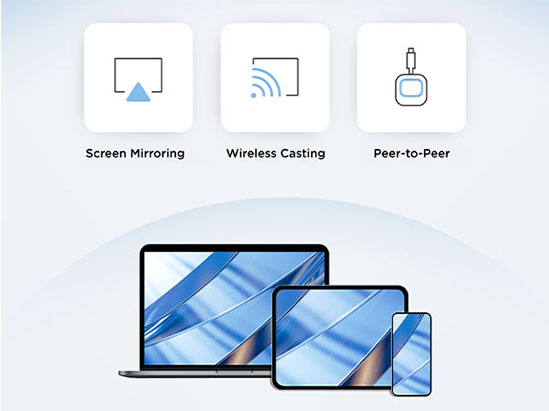
The WPD-900E creates a direct peer-to-peer connection with your device. This avoids slow networks and protects your data with AES 128-bit encryption. You don’t need the school Wi-Fi to share your work. It is a secure way for teachers and students to present without needing a password.
Works With Your Devices
Enjoy true BYOD freedom by bringing whatever device you use to class. Whether it’s a MacBook, Windows laptop, or tablet, we’ve got you covered. The WPD-900E supports AirPlay, Miracast, and ChromeOS mirroring natively. To ensure teachers maintain full control, AirPlay and Miracast are disabled by default so students cannot unexpectedly take over the presentation.

Easy Screen Casting and Sharing
ViewSonic® AirSync™ Software
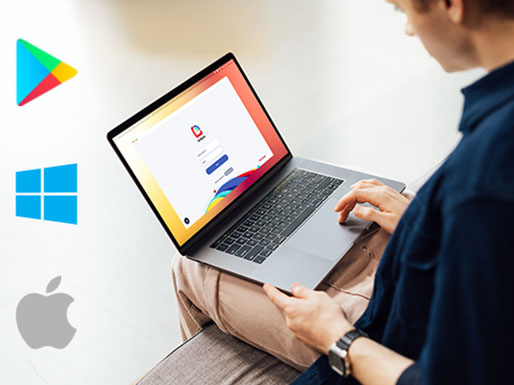
This complimentary casting software allows you to wirelessly mirror your screen from any device to one or multiple larger displays using our secure app or your web browser. AirSync also supports built-in casting like Miracast, Airplay, and Google Cast, making it easy to share content quickly and securely.
Universal Multi-screen Viewing
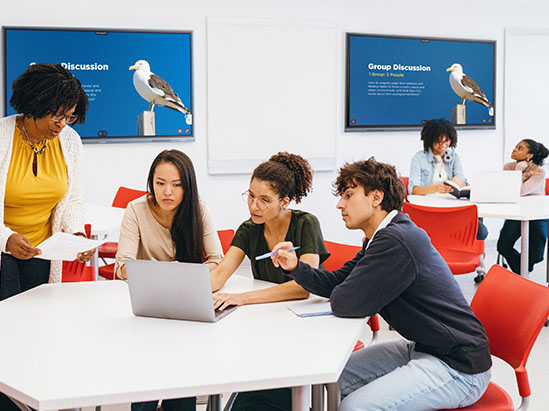
Send your content to 10 screens at once. This ensures everyone has a clear view in large rooms. You can even share content with breakout groups for better focus.
Universal Compatibility
Users can take the stage using any compatible device they bring to class, whether it’s a MacBook, iPad, Windows laptop, or Android tablet. With built-in support for AirPlay, Miracast, and Google Cast, participation is encouraged from every corner of the room.
Downloads


Unlock
15% OFF
when you subscribe.
By Clicking "CONTINUE" you agree to receive our newsletter. You can unsubscribe at any time. Discount applies to one (1) item only, not the entire order. Offer is not stackable or combinable with any other promotions or promo codes.
Login and Registration Form