 Teacher's Community
  Support



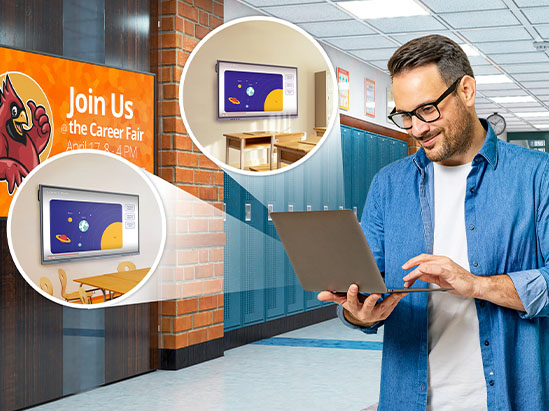
We recommend ViewSonic Manager and ViewSonic Manager Advanced™ as your primary tools to manage your devices. This software lets IT admins update, monitor and troubleshoot your screens from any web browser. You can push apps, schedule power cycles and send urgent messages instantly.

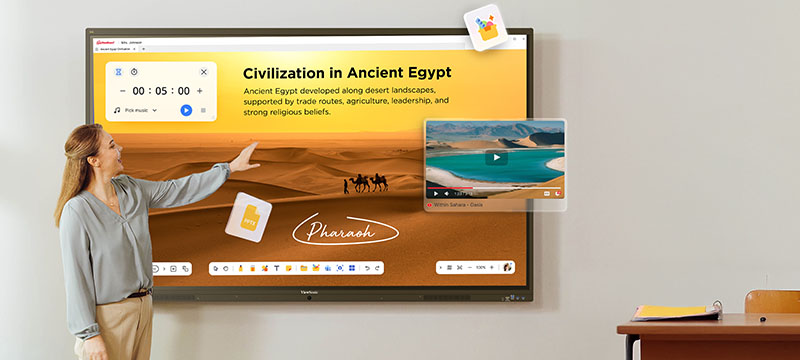
High-Performance Edtech
for Any Classroom, Any Budget
ViewSonic® ViewBoard® IFP41 Interactive Displays
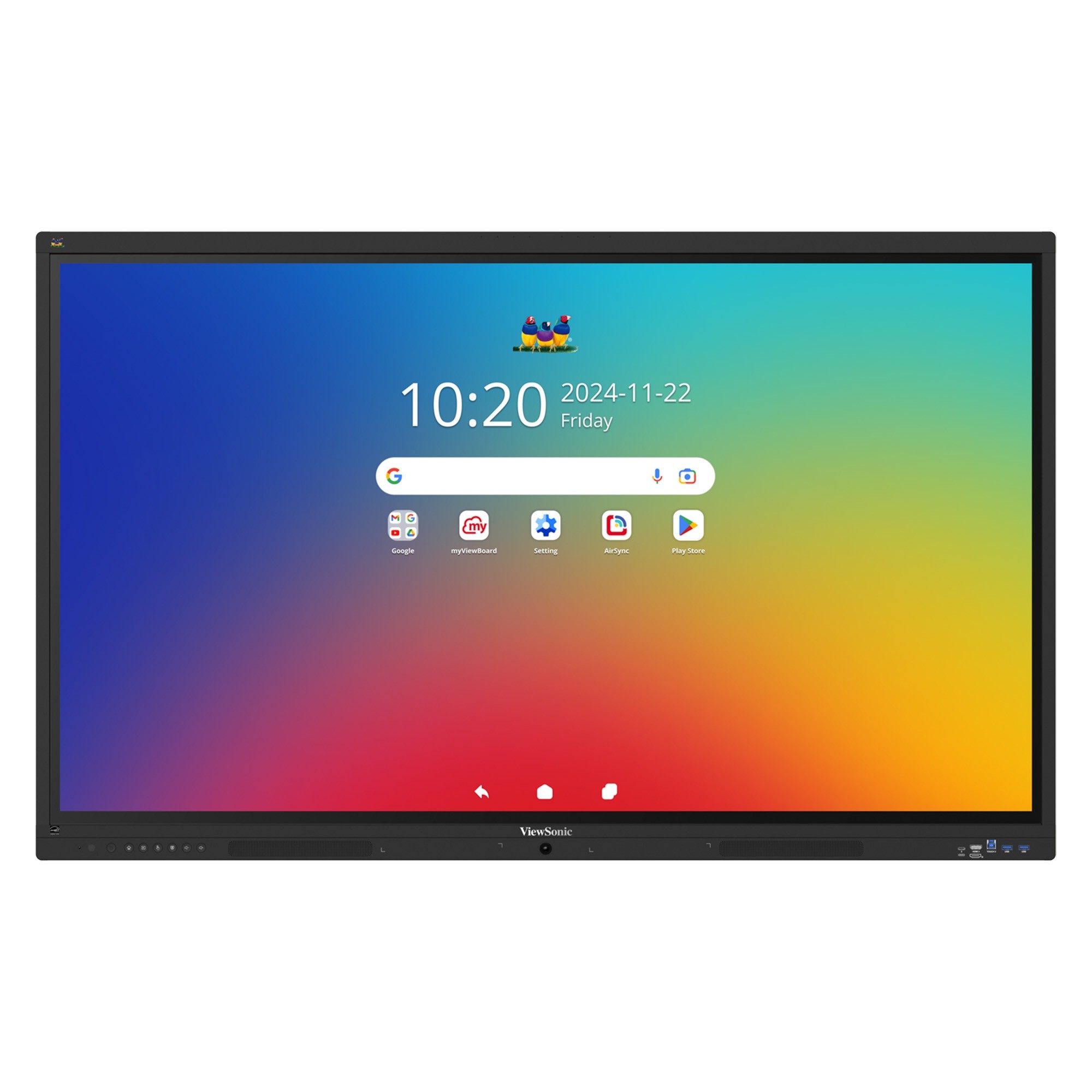
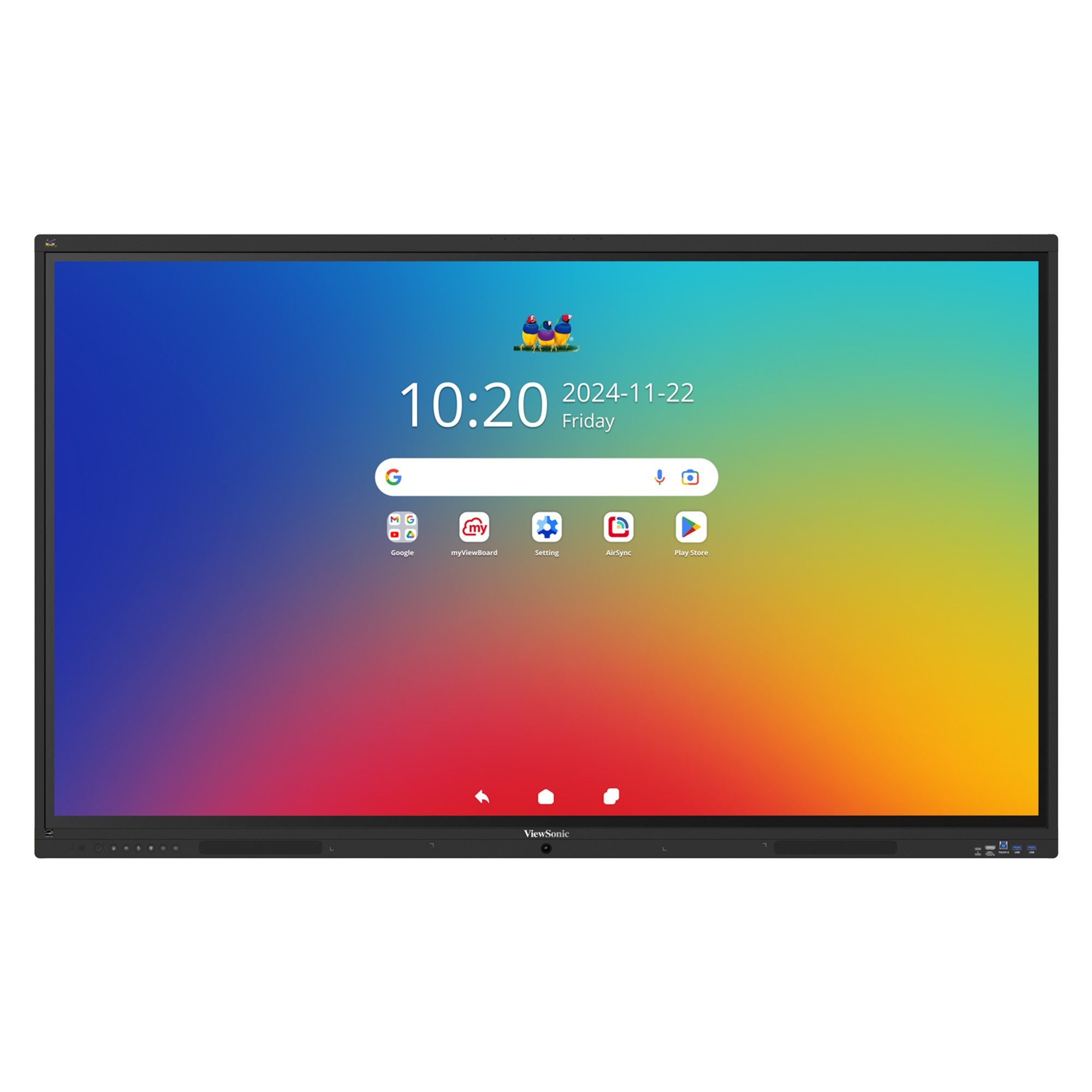
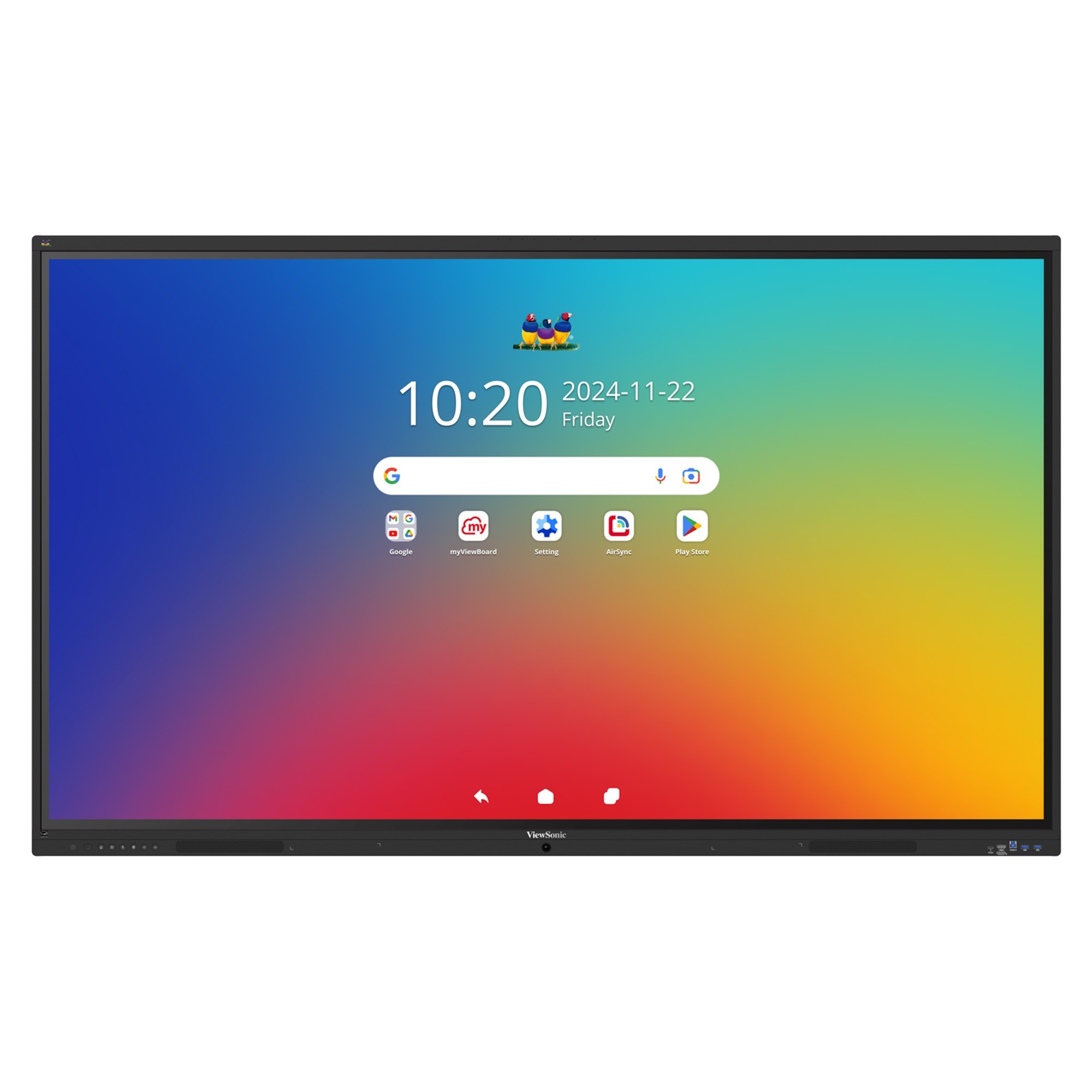
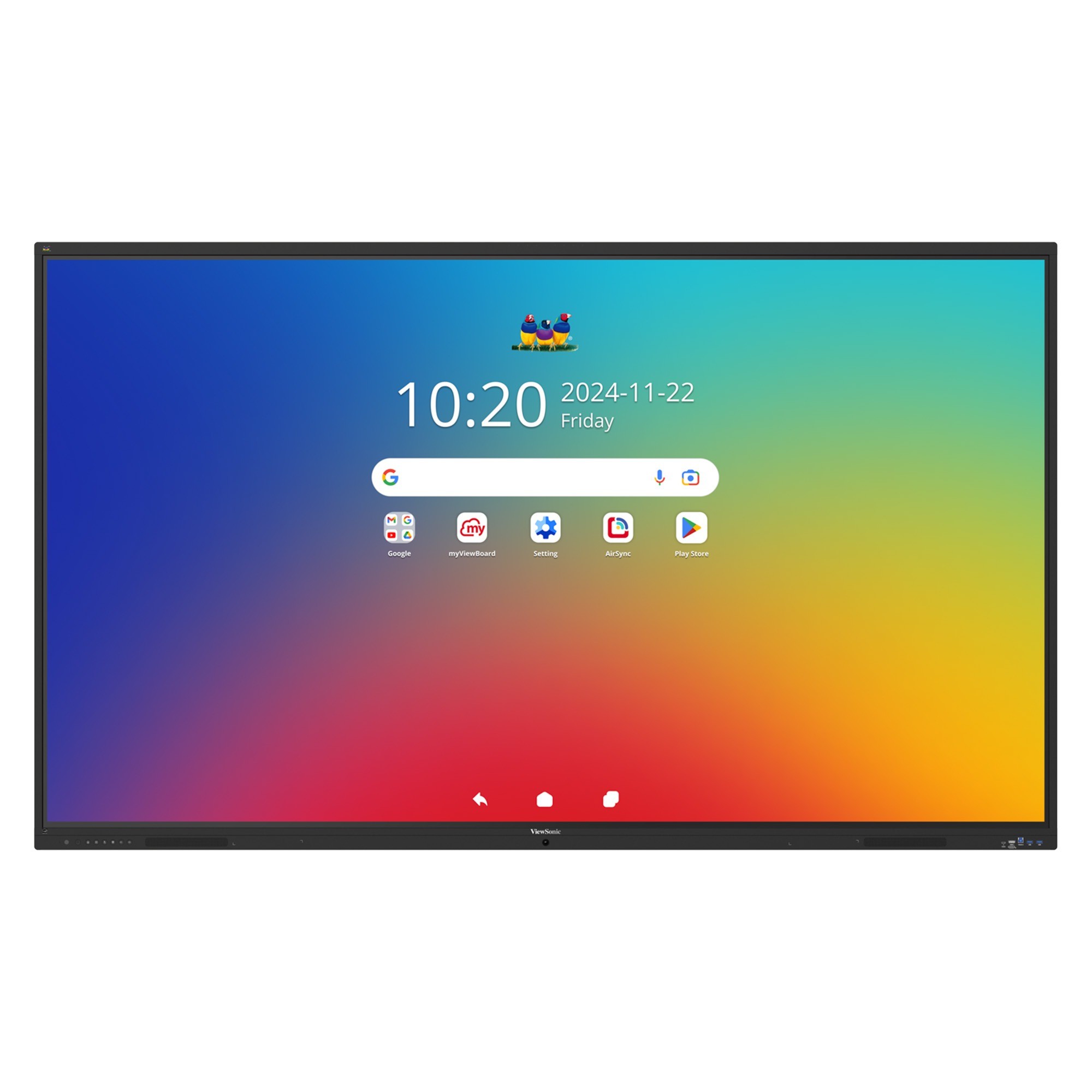
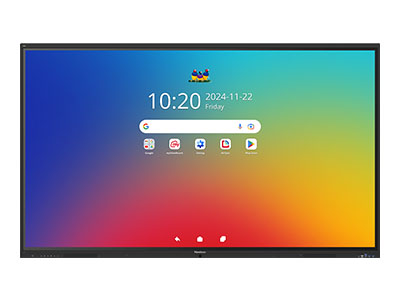
The ViewSonic® ViewBoard® IFP41 series delivers interactive learning that’s simple, reliable, and budget-friendly. Intuitive touch, built-in classroom software, and easy USB-C connectivity make it a smart choice for schools.

Octa-core CPU and 8GB RAM

No Enhanced Multi-User Login

55W Front-Facing Soundbar

Secure by Design with Android EDLA

Native Google and Microsoft Access

Up to 64 Points of Touch

Built-in 8-Mic Array

UHD 3840x2160 Resolution
Octa-core CPU and 8GB RAM
55W Front-Facing Soundbar
Secure by Design with Android EDLA
Native Google and Microsoft Access
Up to 64 Points of Touch
Built-in 8-Mic Array
UHD 3840x2160 Resolution

Octa-core CPU
and 8GB RAM

70W Front-Facing
Soundbar

Secure by Design
with Android™ EDLA

Native Google and
Microsoft Access

Up to 64-Point
Touch Recognition

Built-in
8-Mic Array

UHD 3840x2160
Resolution

400 Nits
Brightness
IFP5541
IFP6541
IFP7541
IFP8641
IFP9841
Screen Size
55"
65"
75"
86"
98"
Operating System
Android 16 EDLA
Brightness
400 nits
Panel Life
65,000 hours
Speakers
2x 20W +
1x 15W Subwoofer
1x 15W Subwoofer
Microphone
8-Array Microphone
Processor
Rockchip RK3576
(Octa-Core A72*4 + A53*4)
(Octa-Core A72*4 + A53*4)
Memory
8GB
Storage
128GB
USB-C
100W Power Delivery
Operating Hours
16 hours / 7 days
Glass
Anti-Glare
9H Pencil Hardness / 3.2 mm Thickness
9H Pencil Hardness / 3.2 mm Thickness
Touch Points
64
Haze
25%
Wi‑Fi Module
Included (WB-WIFI-004: WiFi 6 + BT5)
Sensors
Ambient Light PIR
NFC
N/A
Smooth Multitasking Without Lag or Delays
An upgraded octa-core CPU paired with high-bandwidth DDR5 memory delivers faster load times and stable performance. Easily run apps, switch inputs, and play multimedia content without slowdowns, so lessons and meetings stay on track and interruption free.
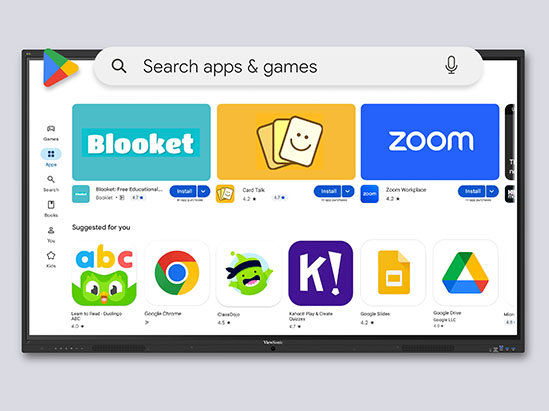
Native Google and Microsoft Access
With EDLA certification, these displays provide secure, built-in access to Google Play, Google Workspace, and familiar classroom apps. Teachers can collaborate using Google Docs, Slides, and Drive, while also accessing Microsoft 365 apps through the Google Play Store.
Smooth, Natural Writing Experience
The 64-point multi-touch display allows multiple users to write, draw, or collaborate at the same time using styluses or fingers. Built-in palm rejection ignores accidental touches from hands or sleeves, delivering smooth, accurate writing that feels natural and keeps lessons distraction free.
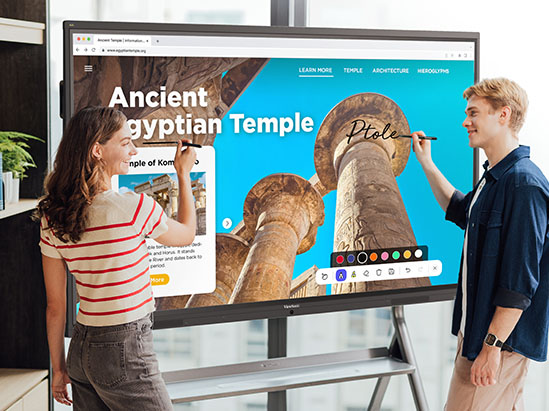
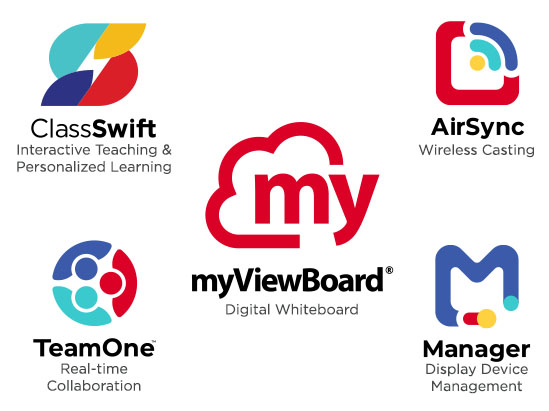
Engaging Lessons with ViewSonic® Education Software
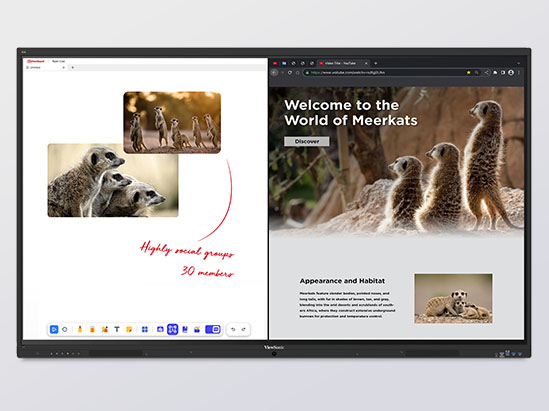
These displays include myViewBoard®, AirSync™, and Manager™ and other ViewSonic® education software tools at no extra cost. These tools support digital whiteboarding, real-time quizzes, screen sharing, annotation, and remote participation, helping bring ideas and lessons to life while keeping everyone connected and engaged.
ViewSonic Software Ecosystem
The ViewSonic software ecosystem helps educators, students, and staff connect, share, and manage devices more easily. From collaboration tools to device management, our solutions are designed to support better communication, flexible learning, and smarter workflows across your school.
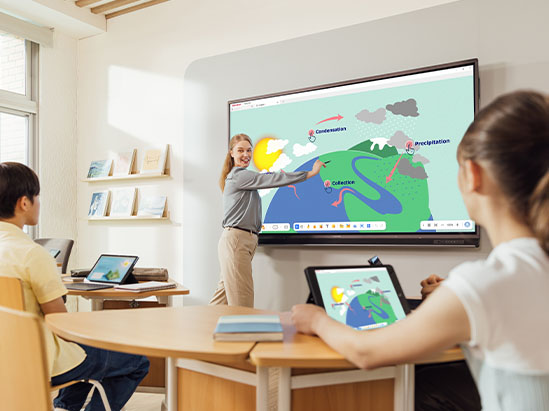
ViewSonic® myViewBoard® Software
myViewBoard is an award-winning digital whiteboard that helps educators create engaging, dynamic lessons. Intuitive tools like Magic Box enable quick YouTube video and image searches, while built-in teaching aids and seamless OneDrive and Google Drive integration keep content accessible. Participate Mode lets up to six students collaborate in real time. Plus, built-in ClassSwift quiz tools allow teachers to instantly check for understanding using content from any source.
Check Compatibility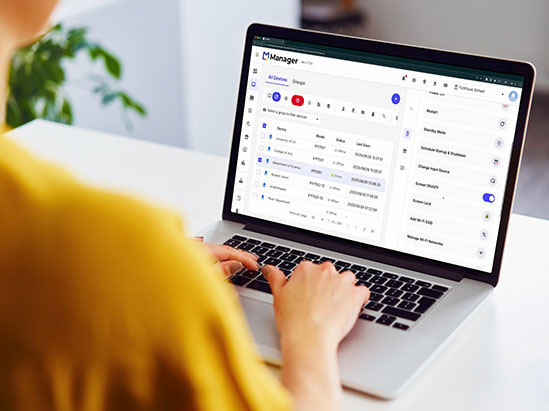
ViewSonic Manager™
Leveraging the power of Google Admin Console and EDLA-certified devices, schools can seamlessly manage applications, track device inventory, and remotely oversee user accounts. ViewSonic Manager, a robust device management solution, complements these capabilities by offering comprehensive control and management of displays across the school network.
Check Compatibility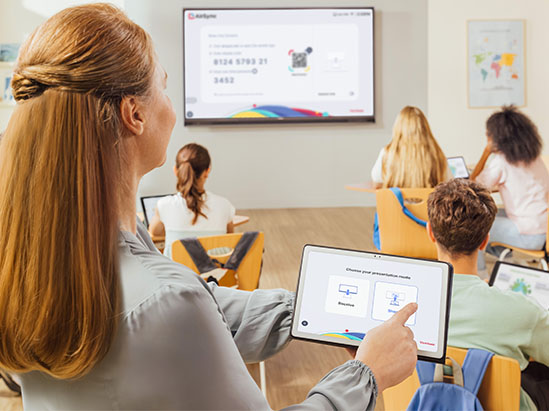
Easy Screen Casting and Sharing
With our ViewSonic AirSync software, you can wirelessly share your screen from any device. It even works with tools you already use, like AirPlay and Google Cast.
Immersive Audio Everyone Can Hear
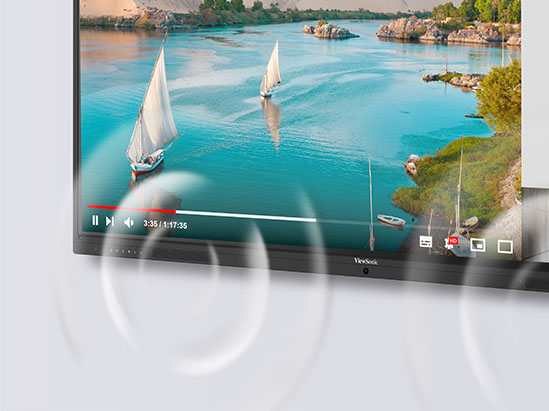
A powerful 70W front-facing soundbar with a built-in subwoofer delivers clear, room-filling sound. The integrated beamforming microphone array captures voices from up to 8 meters away with noise cancellation, making it ideal for hybrid learning, lesson recording, and clear classroom discussions.
USB-C One-Cable Simplicity
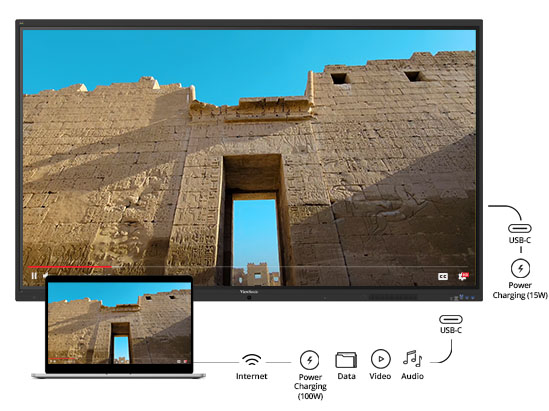
Simplify classroom setup with a single USB-C cable that handles display, touch, audio, data, networking, and up to 100W power delivery. Teachers connect once and are ready to teach, while IT teams benefit from cleaner installs and fewer cables to manage across classrooms.
Energy Efficient by Design
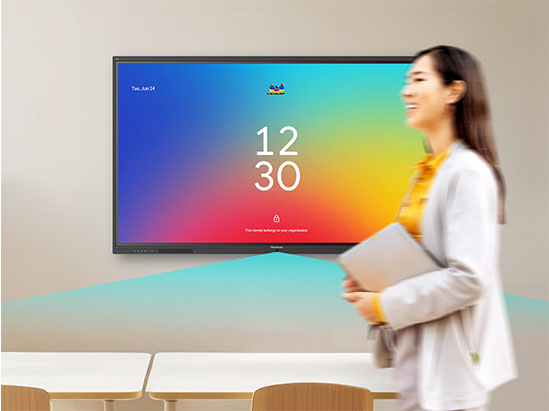
Integrated ambient light and motion sensors automatically adjust brightness and manage power based on room activity. The display wakes when someone enters and powers down when the room is empty, significantly reducing electricity consumption over time. This eco-friendly approach not only supports your district’s green initiatives but also extends the operational lifespan of your hardware, maximizing your investment.
Secure and Easy to Manage
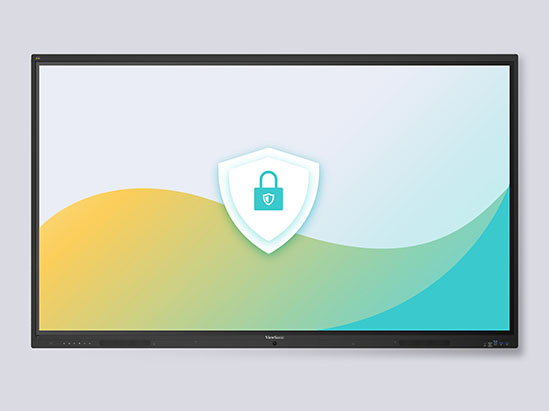
Centralized Control with ViewSonic® Manager™
Flexible Supplemental Management
Already use Google or Microsoft? You can also use Google Workspace Enterprise and Microsoft Intune as supplemental management options. These tools work alongside our software to help you manage user policies, enforce security settings and control app access across your entire network.
Learn MoreComplete Your Setup
A great display is just the beginning. Maximize your IFP41 investment with purpose-built accessories tailored to your school’s unique needs. Whether you need to mount screens securely to the wall, roll them between classrooms or plug in an onboard computer, we have the hardware to make it happen.
Let’s make sure your classrooms are ready on day one.
Wall Mounts
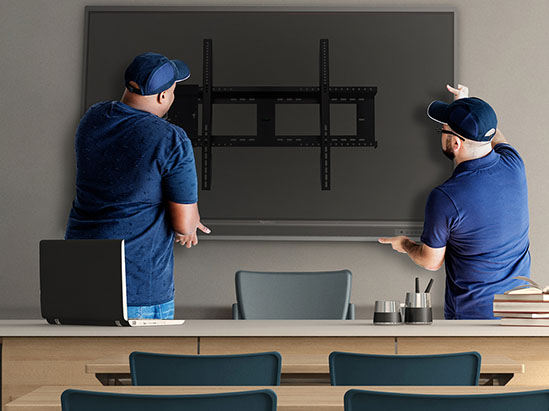
A wobbly mount is a liability. The ViewSonic WMK-047-2 wall mount is
purpose-built for ViewBoard displays, giving you the correct tilt, VESA
alignment, and cable management to pass any facilities inspection
on the first try.
Why schools add it:
- Reduces glare and improves sightlines for every student.
- Panel and mount can be purchased together, simplifying E-Rate budgeting.
- A single vendor means a single warranty conversation.
Mobile Carts
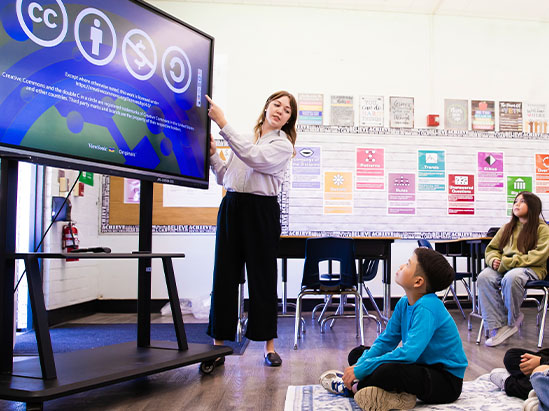
Not every classroom needs its own panel. The VB-STND-007 and
VB-STND-009 mobile carts let a single IFP41 roll safely between
classrooms, the library, and the gym. They can be moved
by one teacher with no IT help required.
Why schools add it:
- 360° locking casters ensure safe movement with no risk of tipping.
- Built to last with support for displays up to 105” and up to 265 lbs.
Slot-in PCs
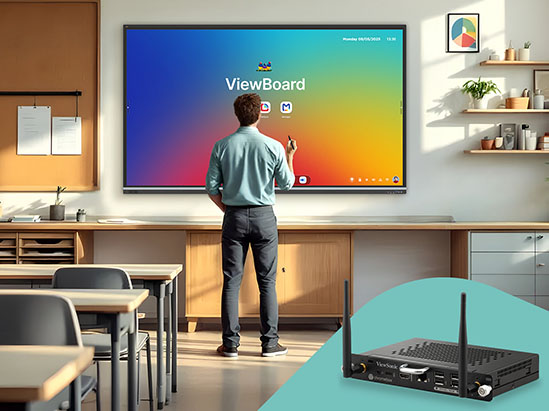
Stop depending on the teacher’s laptop. The VPC13-C33 and
VPCF5-W55 slot-in PCs let you “change the brain” of your display
with zero cabling, turning your ViewBoard into a fully self-sufficient
Windows or ChromeOS classroom computer.
Why schools add it:
- Microsoft and Google apps natively on the panel, so no laptop is needed.
- Upgrade the module when the operating system ages out, not the panel.
- Passes district policy. Additionally there’s no loose cables or exposed devices.
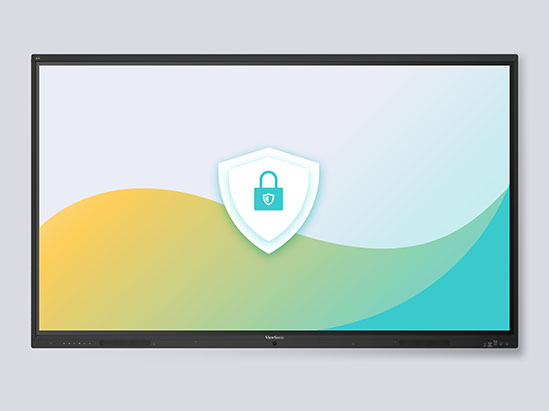
Secure and Easy to Manage
Built-in security features include automatic Google updates, Google Play Protect, data encryption, and two-way authentication. IT administrators can manage devices centrally using ViewSonic Manager, Google Workspace Enterprise Management, or Microsoft Intune for app deployment, policy control, remote configuration, and real-time monitoring.
Featured Products


Unlock
15% OFF
when you subscribe.
By Clicking "CONTINUE" you agree to receive our newsletter. You can unsubscribe at any time. Discount applies to one (1) item only, not the entire order. Offer is not stackable or combinable with any other promotions or promo codes.
Login and Registration Form