 Teacher's Community
  Support


Meeting Spaces
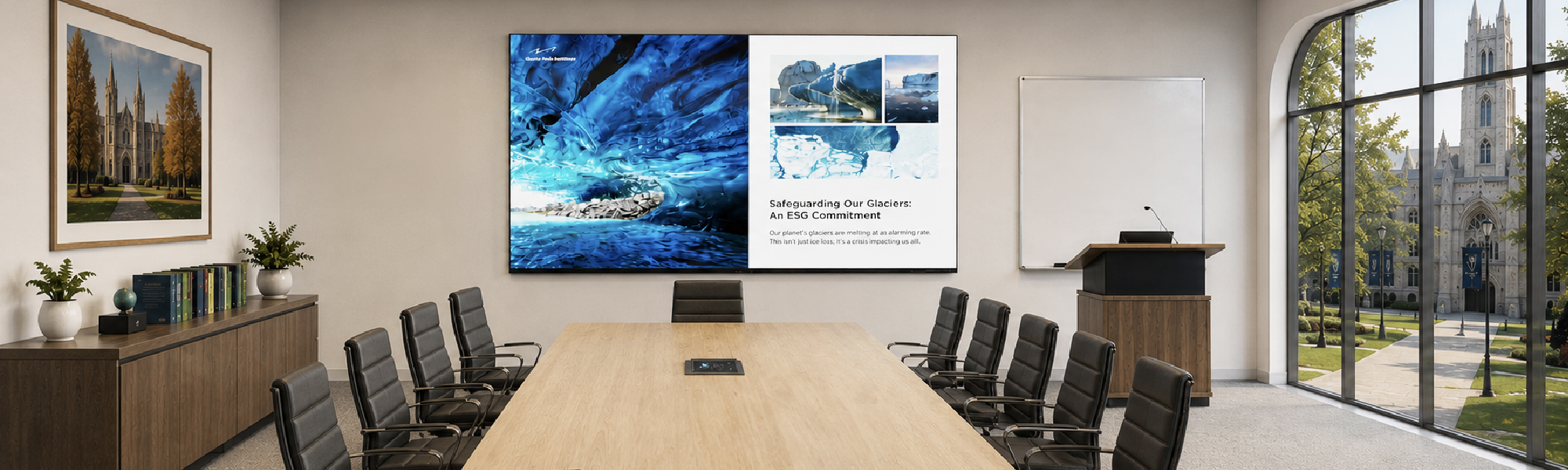
We help your school communicate, collaborate and share ideas more effectively. Our All-in-One Direct View LED displays, ViewBoard® interactive displays, commercial displays and wireless presentation system make your faculty meetings, planning sessions and seminars highly engaging. Whether you're in a small staff room or a large conference space, your teams can connect instantly.
Meeting Space Solutions



Run Secure Campus Meetings
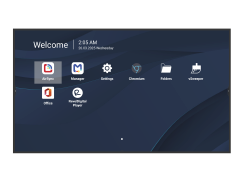
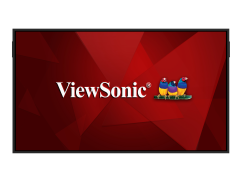
Run your high-stakes campus meetings with total confidence. Choose our CDE31 commercial displays for 24/7 reliability. Or go OS-free with our CDEG3 commercial displays and ViewBoard IFPG1 interactive displays. Because they don’t have an onboard OS, both the CDEG3 and IFPG1 series give you true plug-and-play connectivity without security concerns.
Elevate Executive Meeting Spaces
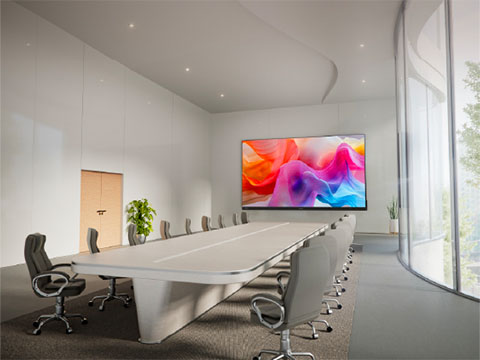
Equip your university leadership with premium visual technology to support critical decision-making. Deploy the ViewSonic LDP series of dvLED displays to provide massive 4K screens in your highest-profile meeting spaces. You can impress board members and donors with vibrant presentations using an all-in-one solution built for university governance.
Drive Collaborative Seminar Discussions
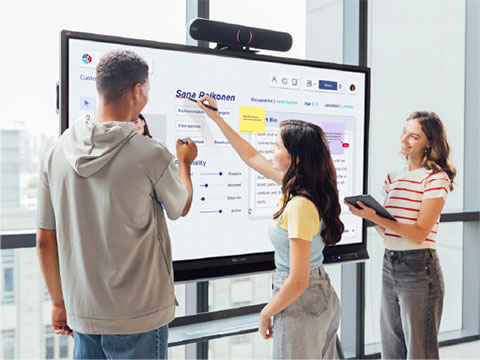
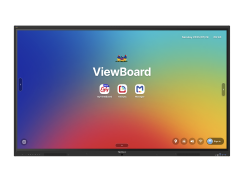
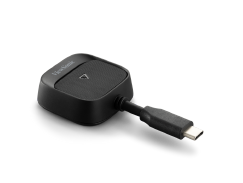
Seminar classes thrive on deep discussion, but analyzing complex ideas requires a central visual hub. Anchor academic debates using ViewBoard interactive displays or CDE commercial displays. TeamOne software expands these screens so everyone can share their thoughts in real time on an infinite whiteboarding canvas. To share content, the plugand- play WPD-900 wireless presentation system, or AirSync software, lets users cast instantly from any laptop or tablet without the need to login to a Wi-Fi environment.
Equip Student Study Pods
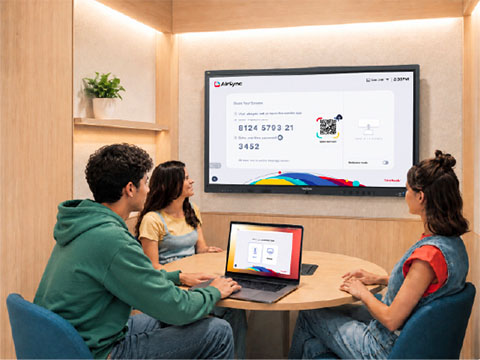
Give students more space to collaborate, practice presentations and review assignments together. Our ViewBoard interactive displays and CDE commercial displays, available in sizes starting at 43”, bring flexible touch and non-touch options to smaller study spaces. With AirSync™ software and the WPD-900 wireless presentation system, students can quickly share content from their own devices and work together more effectively.
Deliver Visibility in Larger Spaces
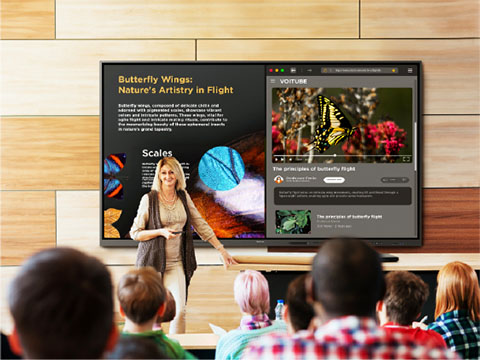
Keep every student engaged with display solutions built for large classrooms, lecture halls and training spaces. You can create expansive viewing experiences with our 110-inch ViewBoard interactive displays or customizable dvLED video walls that scale up to 231 inches. If your campus already has projector mounts in place, our high-brightness projectors provide a simple upgrade path without overhauling current infrastructure. Plus, our AirSync software allows instructors to cast content to multiple screens simultaneously so every student in the room gets a perfect view.
Maximize Meeting Space Visibility
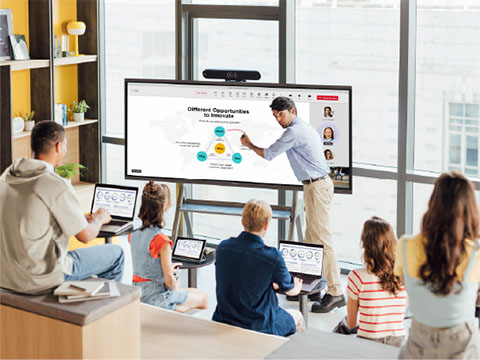
Setting up collaborative environments across your campus should not delay important agendas. Our ultrawide CDEUW commercial displays and IFPUW ViewBoard interactive displays feature a 21:9 aspect ratio to deliver an expansive canvas tailored for wider spaces. These versatile screens are fully compatible with major meeting room solutions to ensure remote and in-room participants stay highly engaged.
Integrate Existing Campus AV Systems
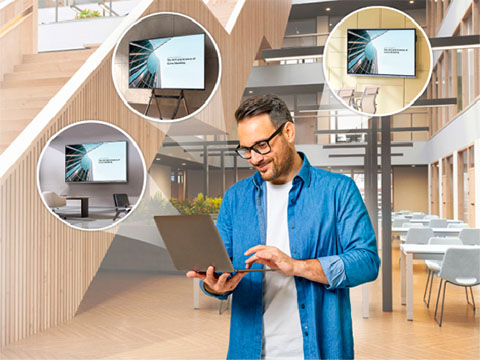
Proprietary software often locks schools into restrictive single-brand ecosystems. Avoid expensive hardware replacements using ViewSonic displays engineered for true open integration. Our displays feature Q-SYS Library Verified plugins while fully supporting major platforms like Crestron and AMX. IT administrators can effortlessly manage power scheduling and input switching directly through their established centralized dashboards.




Featured Products

Frequently Asked Questions


Unlock
15% OFF
when you subscribe.
By Clicking "CONTINUE" you agree to receive our newsletter. You can unsubscribe at any time. Discount applies to one (1) item only, not the entire order. Offer is not stackable or combinable with any other promotions or promo codes.
Login and Registration Form