 Teacher's Community
  Support


Campus Communication
ViewSonic Digital Displays
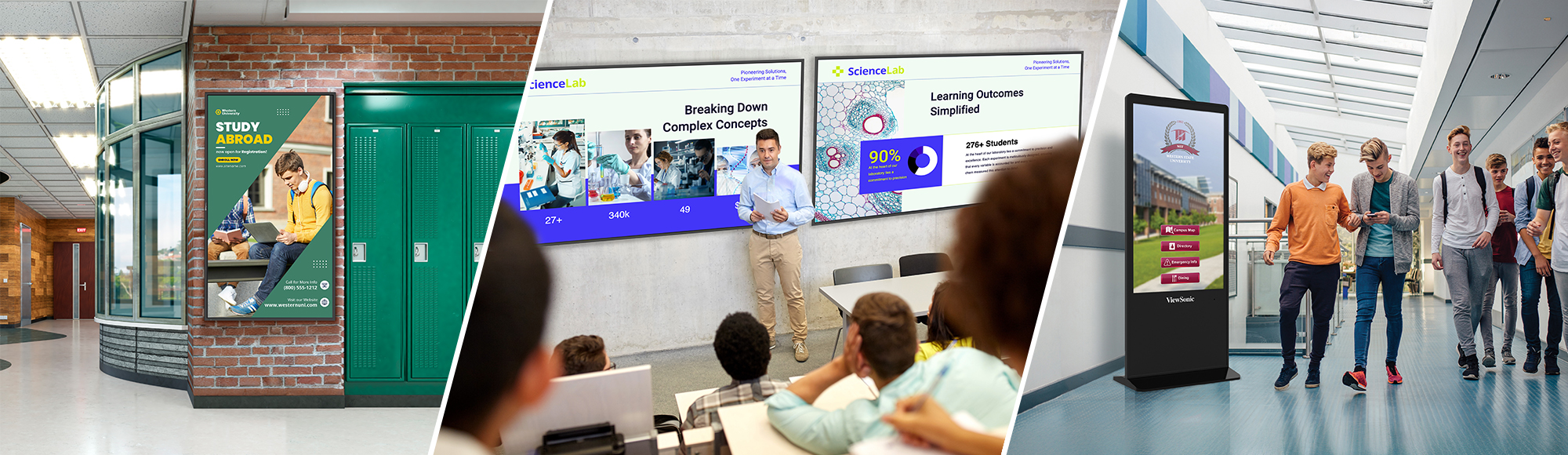
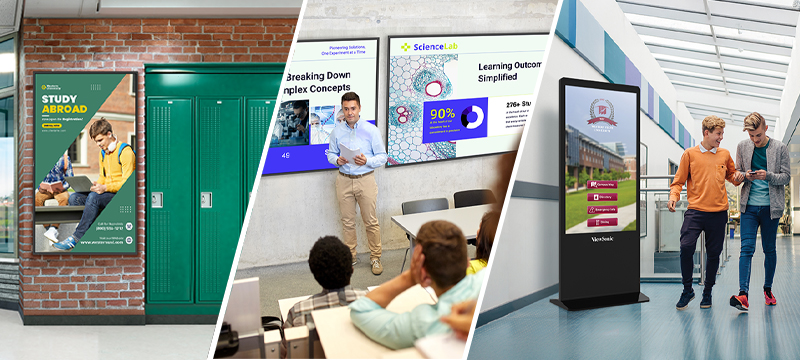
From classrooms to lecture halls and hallways, ViewSonic digital displays deliver clear messaging for every space on campus. They provide a reliable way to share information, without forcing a one-size-fits-all screen on every room.
Featured Products
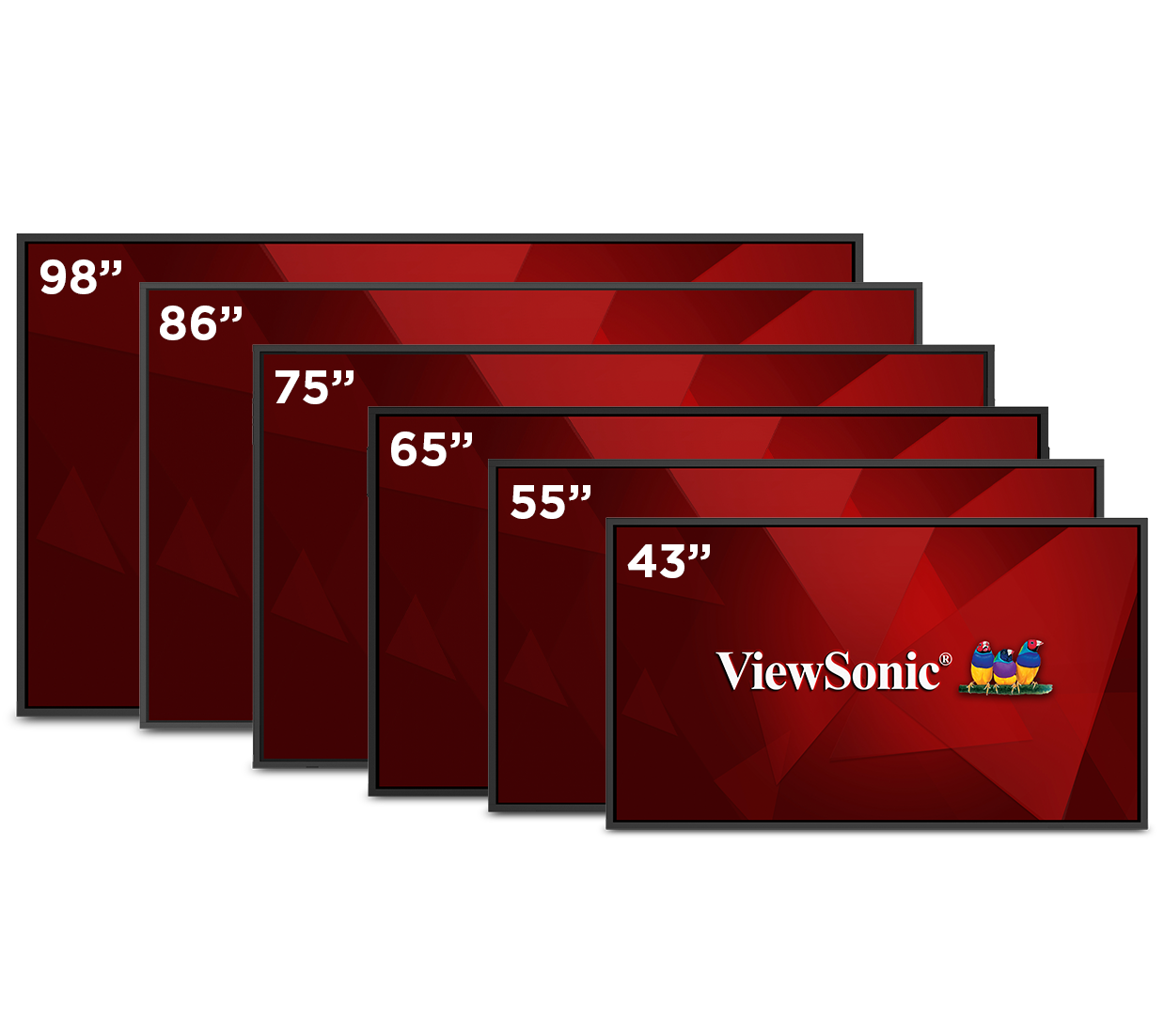
CDE31 Series
24/7 Commercial Displays
CDE14 Series
16/7 Digital Signage Displays

CDEUW Series
Ultrawide Commercial Displays

ViewSonic Manager
Device Management Software
Featured Products
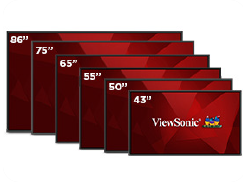
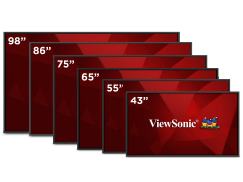
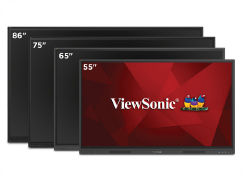
A Custom Fit for Your School
The Right Digital Display for Every Space on Campus
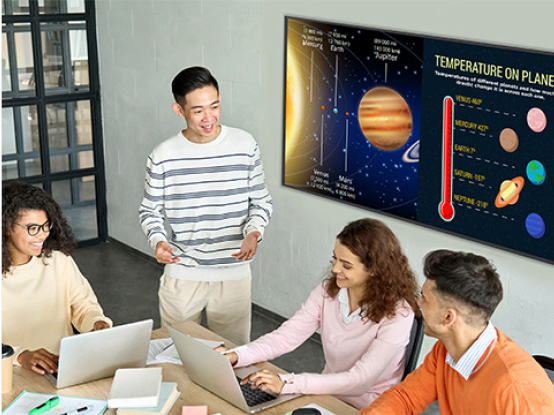
Classrooms
Plug in a laptop or connect wirelessly and the lesson is on the big screen. CDE displays give teachers a clear, reliable first or second screen without a new interface to learn. IT gets one less thing to support, and class starts on time.
Learn More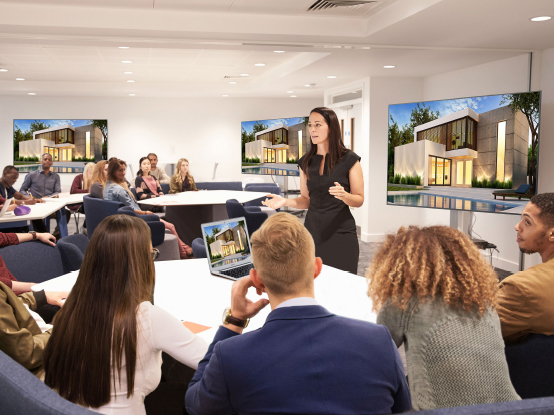
Lecture Halls
A confidence monitor is a second display facing the presenter, so they see their slides without turning around. Place one at the front of your lecture hall and speakers keep eye contact with the room. It works with the Q-SYS, Crestron or Extron system your AV team already runs.
Learn More
Hallways and Lobbies
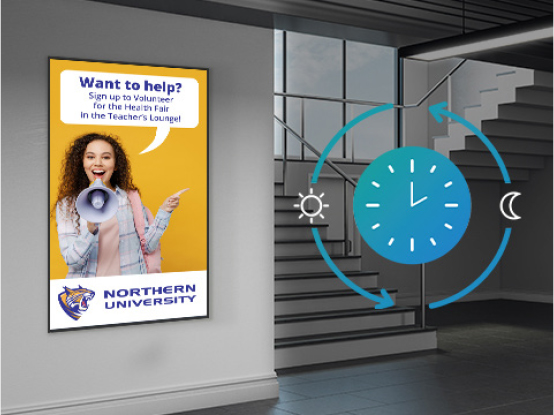
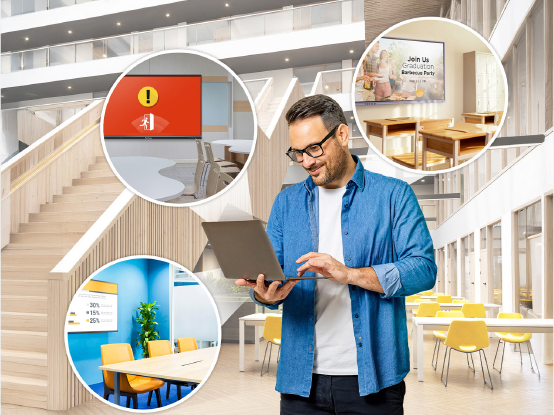
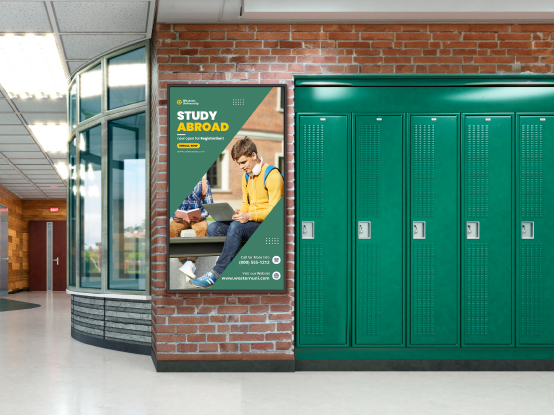
Student artwork, game scores, event schedules and emergency alerts all live on the same screen. Non-touch CDE displays run 16/7 or 24/7 so your message is up whenever people walk by. Schedule content ahead of time and update the whole building from one dashboard.
Learn More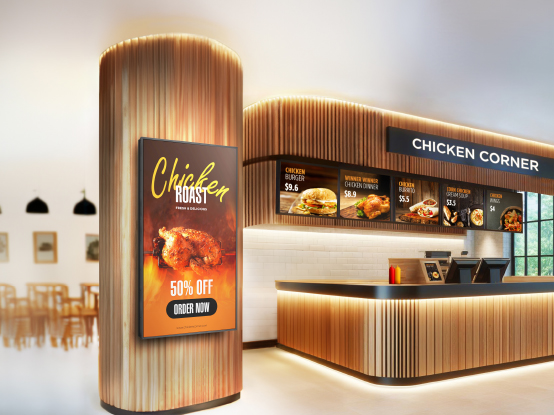
Cafeterias
Swap today’s menu, allergen notes and nutrition info without printing a thing. CDE displays handle long hours in bright, busy rooms, and your team can update every screen in the district from one dashboard. Add announcements between menu screens to reach students where they already gather.
Learn More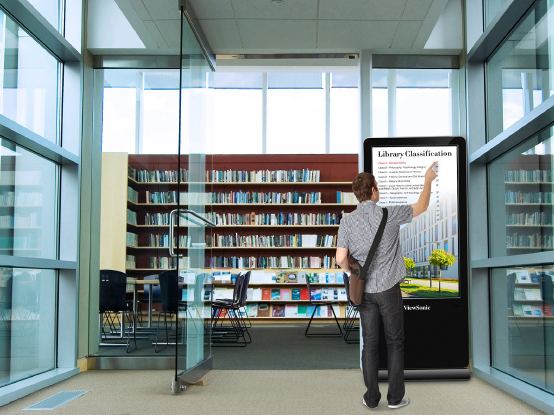
Campus
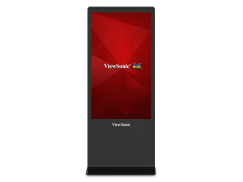
Interactive ePoster kiosks put searchable maps, building directories and event listings at visitors’ fingertips. A scratch-resistant tempered glass faceplate stands up to heavy public use, so the screen still looks new next semester.
Learn MoreLong-Term Reliability and Performance
ViewSonic digital signage solutions are built to last and include features such as full metal construction, scratch-resistant tempered glass screens, and robust 16/7 and 24/7 rated operation for commercial-grade reliability. Displays include the latest technologies such as 4K UHD resolutions, high brightness, high haze surface treatment for ambient light rejection, and more to ensure lessons and messages are delivered with optimum clarity.
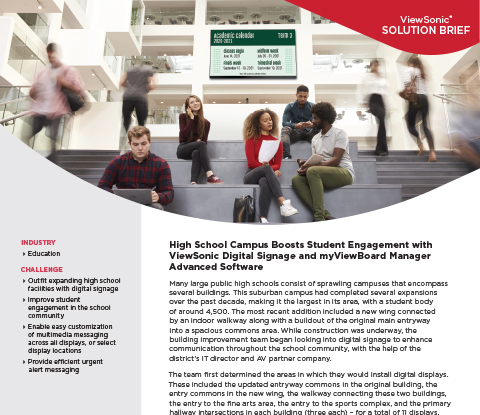
High School Campus Boosts Student Engagement with ViewSonic Digital Signage
Streamline District Device Management
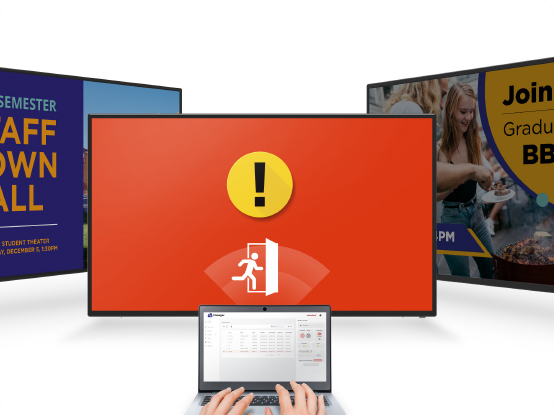
Take back your time with centralized device management. Learn More About Device Management ViewSonic Manager® lets IT teams update, troubleshoot and control enrolled district displays from one intuitive central dashboard. Skip the room- to-room visits entirely. You’ll ensure every screen is fully class-ready before the first bell rings.
Device Management and Room Control
ViewSonic Manager lets your IT team monitor displays, push firmware and schedule power across every building from one dashboard. Already running Q-SYS, Crestron or Extron? CDE displays integrate over IP and RS-232, so input switching and room control stay in the system your AV team knows. No new workflow to learn.

Content Management
CDE displays work with the content platforms schools already run, including TSN, Revel Digital, NoviSign, BrightSign and Novastar. Build menus, schedule announcements and push emergency alerts to every screen on campus from your existing CMS. No proprietary software required, and no need to rebuild content you’ve already created. If you’re starting from scratch, our team can recommend a platform that fits your district.

Start Lessons Without Delay
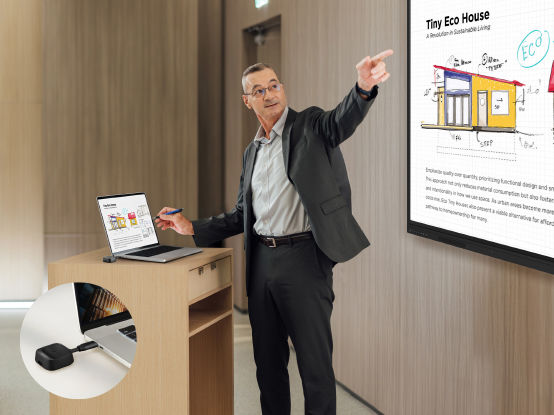
Wasted minutes frustrate students and faculty at the start of every class. Replace cable clutter using our platform-agnostic wireless presentation tools. Teachers and students can utilize AirSync software to cast high-definition content directly from personal devices. For guest speakers, the WPD-900 wireless presentation system provides an instant plug-and-play connection without searching for internet connections or installing complex drivers. This intuitive setup ensures your teachers can start teaching the exact moment they begin their lessons.

U.S.-Based Support, Start to Finish
When something needs attention, you’re talking to a ViewSonic team here in the U.S., not an offshore call center. The same people who help you spec your displays stay with you through installation and ongoing support, so nothing gets handed off and re-explained. Every display is backed by an industry- leading warranty.
Frequently Asked Questions


Unlock
15% OFF
when you subscribe.
By Clicking "CONTINUE" you agree to receive our newsletter. You can unsubscribe at any time. Discount applies to one (1) item only, not the entire order. Offer is not stackable or combinable with any other promotions or promo codes.
Login and Registration Form