Education
Business
Consumer
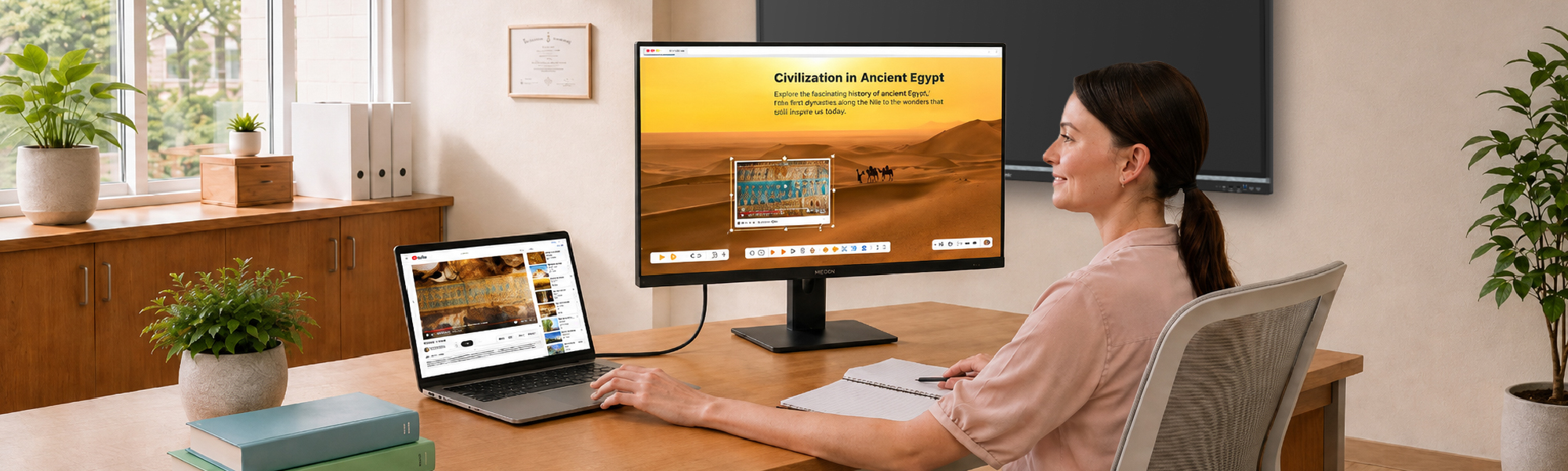
Woman working on a ViewSonic professional business monitor showcasing single-cable connectivity to a laptop in a modern home office.Woman working on a ViewSonic professional business monitor showcasing single-cable connectivity to a laptop in a modern home office.

Personal Workspaces

Stay productive and comfortable wherever you work or learn. Our ergonomic desktop monitors and portable monitors make it easy to transition between home and the classroom. Give faculty and students the secure tools they need to work flexibly and comfortably every day.

Workspace Solutions

4K Ultra HD icon

Versatility

Equip your staff and computer labs with versatile displays. Choose from portable laptop monitors to expansive 38-inch 4K screens to suit any specific task.

USB-C icon

USB-C

You get integrated docking stations and single-cable USB-C or Thunderbolt setups to keep workspaces completely clutter-free.

icon showing tilt and height adjustment on a monitor

Ergonomics

Keep your teams comfortable during long sessions with fully adjustable ergonomic stands, head-only dual-screen options and built-in eye care technologies to reduce daily strain.

ViewBoard Interactive Displays icon

Versatility

Equip your staff and computer labs with versatile displays. Choose from portable laptop monitors to expansive 38-inch 4K screens to suit any specific task.

Hardware icon

Connectivity

You get integrated docking stations and single-cable USB-C or Thunderbolt setups to keep workspaces completely clutter-free.
Portable Monitor icon

Ergonomics

You get integrated docking stations and single-cable USB-C or Thunderbolt setups to keep workspaces completely clutter-free.

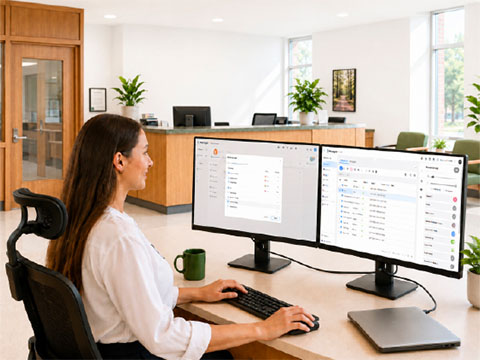
Woman sitting at a desk in a professional office setting using ViewSonic business monitors with single-cable USB-C connectivity.Woman sitting at a desk in a professional office setting using ViewSonic business monitors with single-cable USB-C connectivity.

Streamline Administrative Workflows

School administrators manage scheduling, grading and device oversight every day. Our high-performance productivity monitors provide the resolution and ergonomic comfort needed for data-heavy tasks, while dual-monitor setups make multitasking easier and more efficient. USB-C docking monitors also simplify connectivity with peripherals, reduce equipment costs and help staff stay productive with fewer cables and less clutter.

Equip Modern Computer Labs

Outfitting full computer labs and high-traffic library centers requires balancing modern features against strict district budgets. We deliver diverse monitors ranging from value-focused screens to advanced docking solutions that eliminate cable clutter. Deploy budget-friendly, Mac-matched monitors to guarantee the exact color accuracy and connectivity required for creative programs.
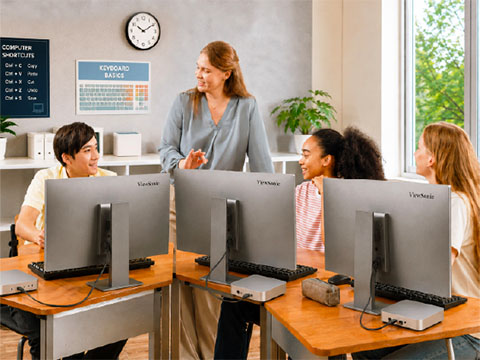
high school classroom setting with teacher instructing 3 students using ViewSonic monitors high school classroom setting with teacher instructing 3 students using ViewSonic monitors
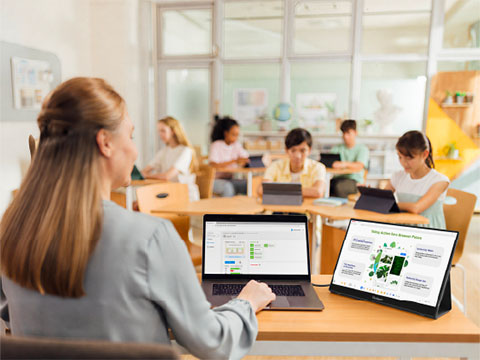
Teacher teaching a classroom from a podium using the ViewSonic ID2456-4KTeacher teaching a classroom from a podium using the ViewSonic ID2456-4K

Expand Teacher Workspaces

Single laptop screens restrict complex grading and lesson planning. Our ultra-slim portable monitors give educators extra screen space without tying them to a desk. These lightweight displays feature onecable connectivity and easily slide into standard workbags. Teachers can instantly deploy a second screen for student check-ins, temporary learning stations or efficient grading during prep periods.

Build Competitive Esports Programs

Esports programs demand elite hardware that fits strict educational budgets. Our high-performance monitors deliver tear-free gameplay using fast 160Hz to 240Hz refresh rates and single-cable USB-C connectivity.
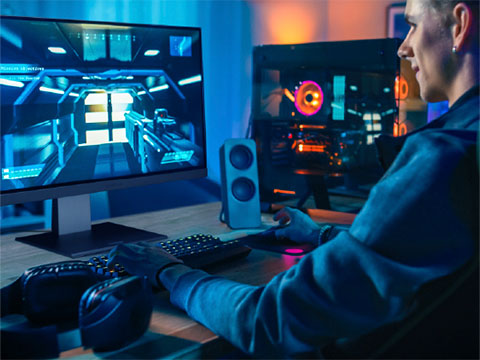
Man in a darker room using a ViewSonic gaming monitor to play video gamesMan in a darker room using a ViewSonic gaming monitor to play video games

Featured Products

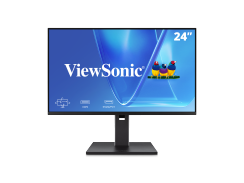
VG2451

VG2451

24” FHD Monitor with 100Hz
Refresh Rate

See Product
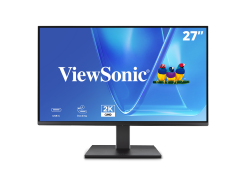
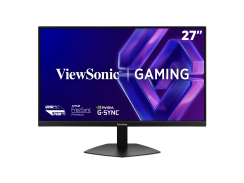
VG2758-2K

VG2758-2K

27” QHD Monitor with 100W USB-C

" class="text-center fw-700 h5" style="color: black;">See Product
VP2788-5K

VP2788-5K

27” 5K UHD Monitor with
Thunderbolt

See Product
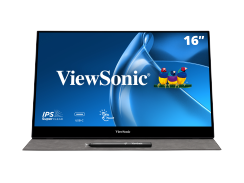
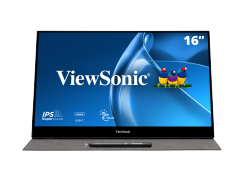
TD1655

TD1655

27” QHD Monitor with 100W USB-C

See Product
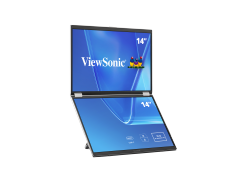
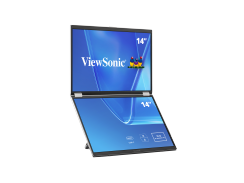
VG1457

VG1457

14” Dual Screen WUXGA Portable
Monitor

See Product
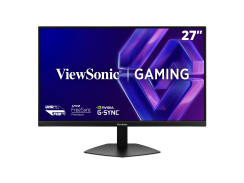
VX2730D-4K

VX2730D-4K

27” Switchable Refresh Rate Gaming
Monitor

See Product
VG2451

VG2451

24” FHD Monitor with 100Hz
Refresh Rate


See Product
VG2758-2K

VG2758-2K

27” QHD Monitor with 100W USB-C


See Product
VP2788-5K

VP2788-5K

27” 5K UHD Monitor with
Thunderbolt


See Product
04_TD1655

TD1655

27” QHD Monitor with 100W USB-C


See Product
VG1457

VG1457

14” Dual Screen WUXGA Portable
Monitor


See Product
VX2730-4K

VX2730D-4K

27” Switchable Refresh Rate Gaming
Monitor


See Product

Frequently Asked Questions

Are your monitors compatible with both Windows and Mac systems?

Yes. Our displays feature universal connectivity including HDMI, DisplayPort, USB-C and Thunderbolt. We also offer specific Mac-matched models that align with the exact color profiles and resolution requirements of Apple devices.

Are ViewSonic monitors compatible with Mac-based computer labs?

Yes, our Mac-matched Thunderbolt monitors are specifically engineered to complement Apple ecosystems. They deliver the exact color accuracy and high-resolution performance required for creative media labs, providing a highly cost-effective alternative to proprietary displays without sacrificing visual quality.

Can I use portable monitors for 1:1 student instruction and station rotations?

Yes. Portable monitors are ideal for flexible learning environments. They let teachers maintain a private screen for grading while using a second display to show student exemplars, directions or interactive content during small-group rotations.

What is a docking monitor and how does it save us money?

A docking monitor acts as a central hub for your entire workstation. Students can connect their devices using a single cable to access the monitor, keyboard, mouse and internet while simultaneously charging the device. This eliminates the need to buy separate $150 to $200 docking stations for every desk.

Why is a switchable refresh rate important for a school esports program?

We help you maximize your campus space and budget. A switchable refresh rate lets your monitors adapt instantly to any task. You can run fast-paced 240Hz games for your esports team, then lower the settings to use the exact same lab for everyday lessons and standard coursework.

What are the best computer monitors for school administrative tasks?

The best monitors for school administration prioritize screen space and eye comfort. Our high-resolution displays support multimonitor setups and feature blue light filters to help staff efficiently manage scheduling and grading software throughout the entire school day.

How do USB-C docking monitors simplify classroom cable management?

USB-C docking monitors act as a highly efficient single-cable solution. By delivering power, data and video through one port, they eliminate cable clutter on teacher desks and in computer labs to reduce the need for expensive external dongles and docking stations.

Are there budget-friendly monitors for large-scale district deployments?

We offer a dedicated range of value-focused monitors engineered for bulk district purchases. These models prioritize durability and essential connectivity to guarantee every classroom gets equipped with high-quality visual technology while staying firmly within a strict educational budget.