Education
Business
Consumer
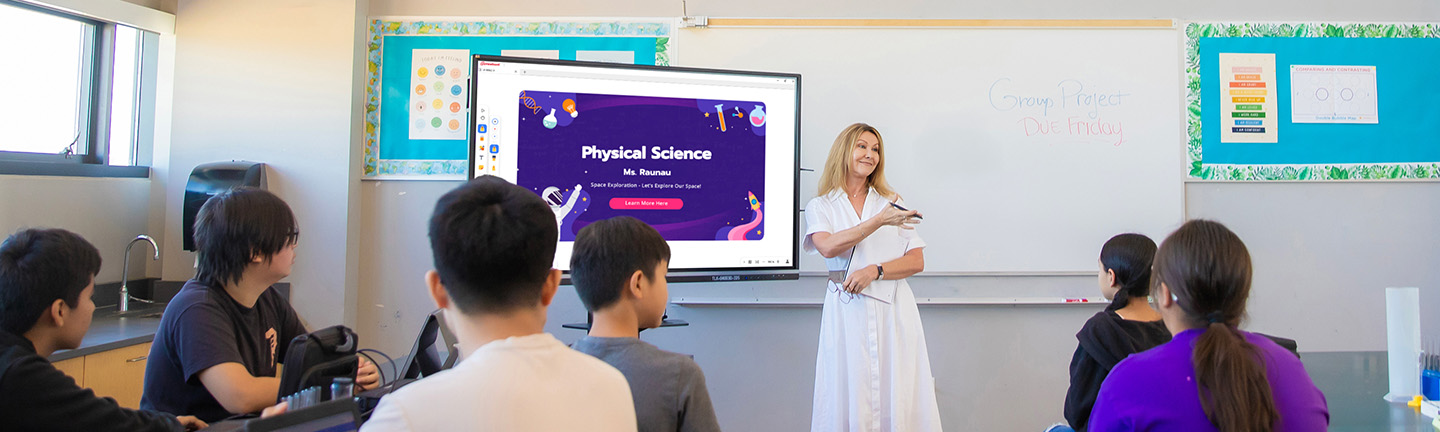
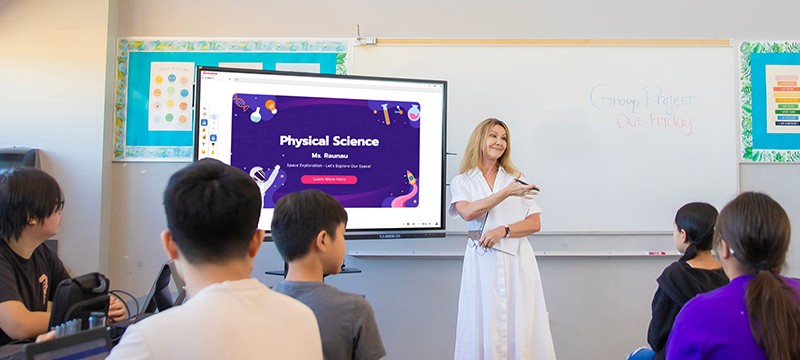
Teacher using a ViewBoard to help instruct a class of junior high or high school studentsTeacher using a ViewBoard to help instruct a class of junior high or high school students

K-12 Classrooms

Create more engaging classrooms with ViewSonic® K-12 solutions built for modern teaching and learning. Interactive displays, intuitive teaching software and centralized device management help teachers deliver lessons with confidence while keeping students involved. From individual classrooms to district-wide deployments, schools can manage technology more easily while supporting every teaching style.

Classroom Solutions

ViewBoard Interactive Displays icon

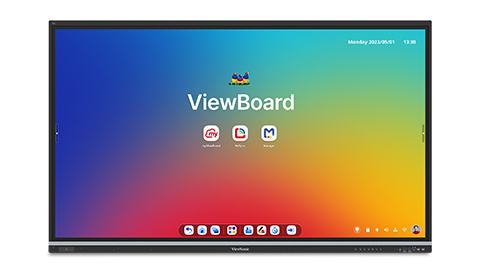
ViewBoard®
Interactive Displays

Hardware icon

myViewBoard®
Software

Wireless Presentation Device icon

Wireless Presentation
Systems

Portable Monitor icon

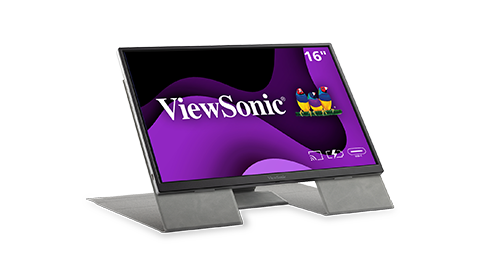
Portable Monitors

Full Privacy icon

ViewSonic Manager™
Software

Boost Student Engagement

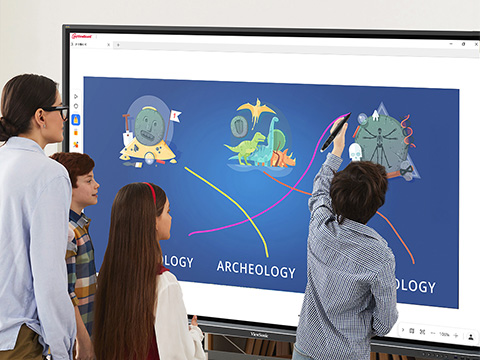
Turn lessons into interactive experiences that encourage participation and keep students involved. ViewSonic® ViewBoard® interactive displays let students collaborate directly on screen instead of passively watching from their desks. Built-in premium speakers and an 8-array microphone help every student clearly hear lessons whether they are in the classroom or learning remotely. This precise audio capture also powers Google Translate to support English language learners and integrates directly with your favorite AI tools.
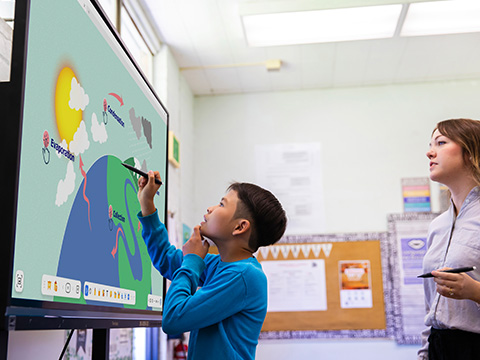
Student using pen on a ViewBoard to work on a science project while his teacher observes.Student using pen on a ViewBoard to work on a science project while his teacher observes.
Group of 3 students at a ViewBoard completing a science exercise while a teacher looks onGroup of 3 students at a ViewBoard completing a science exercise while a teacher looks on

Gain Instant Classroom Insights

Create lessons that support different learning styles while giving teachers instant insight into student understanding. The ViewSonic® myViewBoard® ecosystem helps educators build interactive, multisensory lessons, while ClassSwift™ delivers real-time assessments and participation data. Teachers can quickly adjust instruction, provide support sooner and keep students progressing with confidence.

Teach From Anywhere in the Room

Enjoy the freedom to move around your classroom. The WPD-900 Wireless Presentation System and AirSync™ software make wireless screen sharing incredibly simple. Educators can present from personal devices, use the display as a massive extended desktop and skip the learning curve.
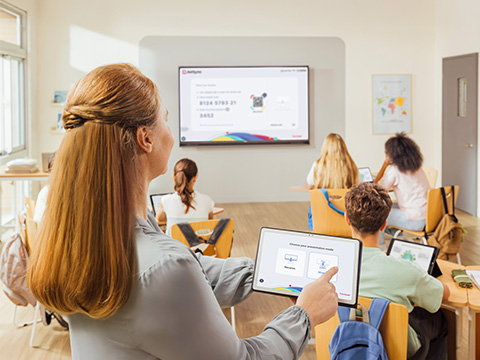
Instructor casting from her device in the back of a classroom on a podium and casting a to ViewBoard displayInstructor casting from her device in the back of a classroom on a podium and casting a to ViewBoard display
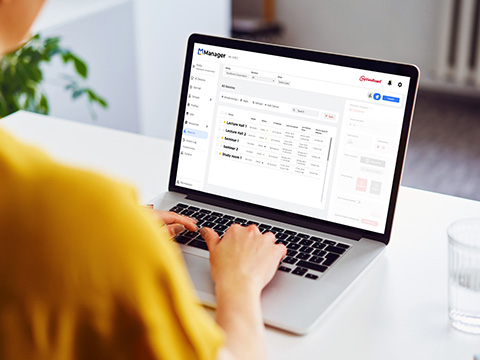
IT person using ViewSonic Manager to control a variety of ViewBoards within a campusIT person using ViewSonic Manager to control a variety of ViewBoards within a campus

Streamline District Device Management

Take back your time with centralized device management. ViewSonic Manager® lets IT teams update, troubleshoot and control every district display from one intuitive central dashboard. Skip the room-to-room visits entirely. You'll ensure every screen is fully class-ready before the first bell rings.

Enhance Campus Safety Instantly

Help schools communicate quickly when every second matters. ViewSonic® Manager turns classroom displays into a campus-wide emergency notification network, delivering clear visual alerts across every connected screen at the same time. Through integrations with platforms like CrisisGo, InformaCast, Alertus and Raptor, schools can share urgent information faster and more effectively.
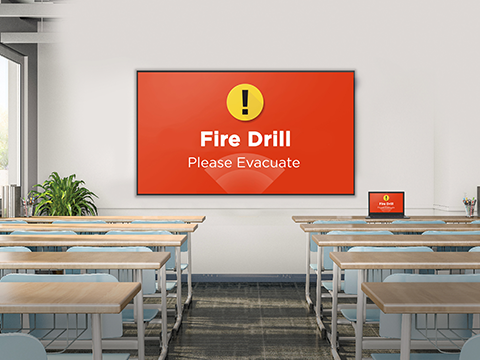
In a classroom, a ViewBoard at the front of a classroom broadcasting a Fire DrillIn a classroom, a ViewBoard at the front of a classroom broadcasting a Fire Drill
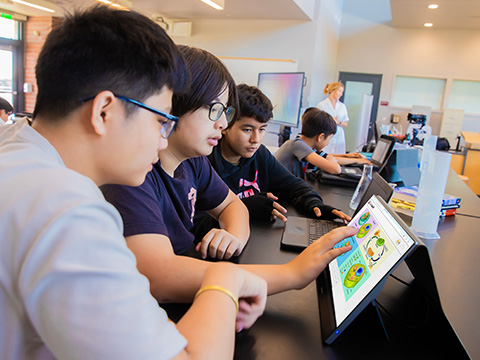
Students gathered around a portable monitor to view a science lessonStudents gathered around a portable monitor to view a science lesson

Create Collaborative Learning Stations

Support personalized instruction with portable displays designed for collaboration. ViewSonic® portable touch displays give students a larger, hands-on workspace for problem solving, discussion and group activities. Easy to move between stations and classrooms, they help teachers create more engaging learning environments while making small-group instruction feel connected and collaborative.

Featured Products
IFP6541

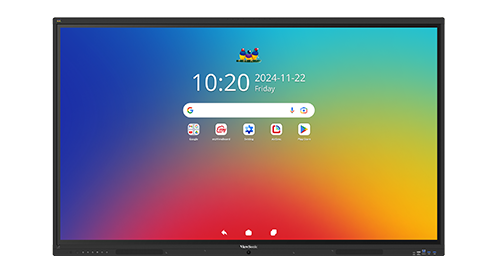
IFP6541

65” 4K Android EDLA ViewBoard
Interactive Display

See Product
IFP7551

IFP7551

75” 4K Android EDLA ViewBoard
Interactive Display

See Product
TD1655

TD1655

15.6” Full HD Portable Touch Display

See Product
VG1656N

VG1656N

16” Full HD Portable Monitor with Built-In Battery

See Product

Frequently Asked Questions

What is the best classroom display for schools?

The best display is a versatile interactive flat panel designed to support every teaching style. It should offer a seamless experience for power users who love EdTech programs while providing simple wireless screen casting for educators who prefer a simple approach.

How do teachers use interactive displays?

Teachers use interactive displays to cast lessons from laptops, write on digital whiteboards or run apps directly from the screen. With Android EDLA panels, educators can access the Google Play Store to use the educational tools they already know and love like Canva or PhET.

What software is used in classrooms?

Modern classrooms rely on versatile hardware to provide direct access to the edtech tools teachers know and love. Our interactive displays let educators natively run and interact with their favorite applications. Additionally, the myViewBoard ecosystem provides a secure platform for lesson creation while ClassSwift delivers instant feedback to gauge student progress. Plus, our EDLA panels allow teachers to access their favorite software and edtech apps via the Google Play Store.

How do schools manage classroom devices?

Districts use ViewSonic Manager to oversee their entire fleet of displays from a single web dashboard. IT teams can monitor, update and troubleshoot screens remotely to ensure every classroom is ready before the first bell rings.

What is EDLA and why does it matter?

EDLA is a Google certification that ensures your display is secure and fully integrated with the Google ecosystem. It gives teachers native access to the Google Play Store so they can download favorite apps directly onto the display.

Can classroom displays be centrally managed?

Yes. IT administrators use ViewSonic Manager to remotely adjust settings, automate power schedules and push firmware updates across the campus. For EDLA panels, they can also use the Google Admin Console to manage app permissions.

How do you keep student data secure?

Student privacy remains our top priority. We maintain ISO 27001 certification at the company level for our IT department. Additionally, our SOC 2 Type 1 certification specifically covers myViewBoard, ClassSwift, AirSync, Manager and your ViewSonic Account. We also secured Google CASA Tier 2 certification for myViewBoard while keeping our entire ecosystem fully compliant with GDPR, FERPA and COPPA.

How do teachers learn to use this technology?

ViewSonic offers professional development led by former educators who provide hands-on training. We also provide free certification courses and webinars within our teacher-led community forum to ensure every educator feels confident using our tools.

Can students interact directly with displays?

Absolutely. Advanced multi-touch technology allows students to collaborate together at the board. Features like Participate Mode can even split the screen into individual canvases so multiple students can solve problems simultaneously.

What devices can connect to classroom displays?

Our displays offer universal connectivity. Teachers can connect laptops via a single USB-C cable for video and charging or use wireless tools like the WPD-900E for untethered screen sharing from any mobile device.

What is the easiest classroom technology to use?

The easiest technology incorporates the tools teachers already use every day. By designing displays with familiar smartphone and tablet gestures, we ensure teachers can start lessons immediately without a steep learning curve.

How do districts monitor device usage?

Administrators use ViewSonic Manager to gain real-time insights into ViewSonic device health and usage patterns. This data helps schools make smart decisions about energy savings, hardware maintenance and future training needs.

Can classroom displays send emergency alerts?

Yes. ViewSonic Manager includes emergency messaging at no additional cost. Schools can integrate with platforms like CrisisGo, InformaCast, Raptor, AlertUS, Centegix or TSN to instantly broadcast urgent visual notifications across the entire campus during a crisis.