Education
Business
Consumer
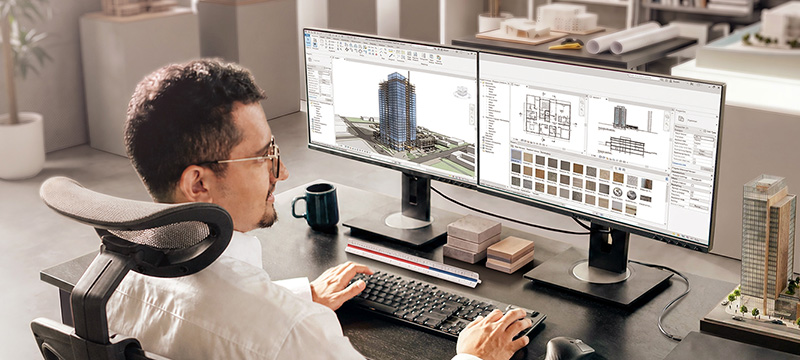
Architect or industrial designer working in an ergonomic home office setup featuring a ViewSonic business monitor connected to a laptop with a single USB-C cableArchitect or industrial designer working in an ergonomic home office setup featuring a ViewSonic business monitor connected to a laptop with a single USB-C cable

Personal Workspaces

Support hybrid teams with workspace solutions designed for productivity, comfort and easier IT management. Single-cable USB-C and Thunderbolt connectivity simplify desk setups and reduce cable clutter, while ergonomic displays help employees stay focused throughout the day. For IT teams, standardized deployments and quick setup features help streamline rollouts across the organization.

Personal Workspace Solutions

icon showing the range of ViewSonic monitors from 24 inches to 38 inches

Versatility

Choose from 24” to 38” displays with FHD, QHD and 4K UHD resolutions, along with ultrawide and dual-monitor configurations designed to improve multitasking and productivity.

icon of a laptop connected to a ViewSonic docking monitor via a single USB-C cable for data and charging

Connectivity

One cable. Full desk. USB-C and Thunderbolt monitors deliver video, data and charging simultaneously — with integrated docking options for a clean, plug-and-play workspace.

Icon of an adjustable ViewSonic ergonomic monitor showing height, tilt, swivel, and pivot configurations for physical comfort

Ergonomics*

Ergonomic monitors with tilt, swivel, pivot and height adjustments keep employees comfortable all day. Blue light and flicker-free displays reduce eye strain and support sustained focus.
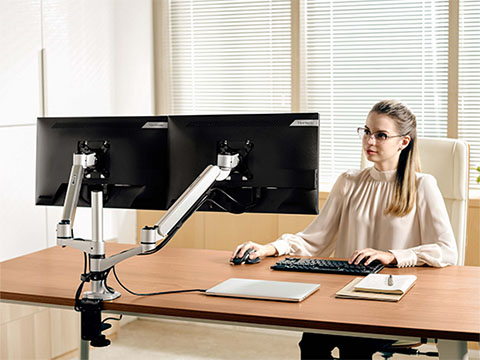
Business woman working at a desk on a dual ViewSonic monitor setup in a professional setting.Business woman working at a desk on a dual ViewSonic monitor setup in a professional setting.

Power Data-Heavy Productivity

Help your teams manage complex spreadsheets and dense dashboards. Our business monitors range from 27 inches and above to give professionals the exact screen space they need. High resolutions keep text crisp while higher refresh rates ensure smoother scrolling to reduce visual fatigue. We also include advanced Eye Care technology to keep your employees comfortable and focused throughout the entire workday.

Simplify Workflow and Desk Set Up

Clear the clutter and take control of your workspace. Our docking monitors act as a powerful central hub for all your desktop peripherals. You can connect your laptop using a single USB-C or Thunderbolt cable. This smart one-cable setup delivers fast data transfers, high-resolution video and reliable device charging. It’s a highly efficient way to streamline deployments and keep desks organized.
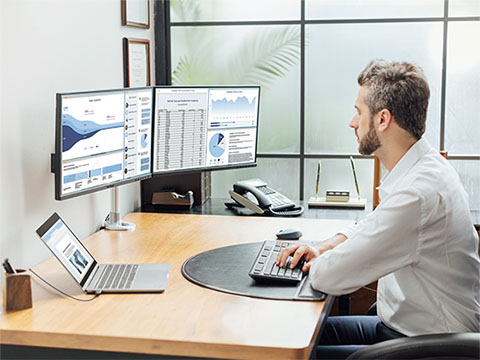
Man working at desk with side-by-side dual business monitors displaying complex finance spreadsheets and analytics software chartsMan working at desk with side-by-side dual business monitors displaying complex finance spreadsheets and analytics software charts
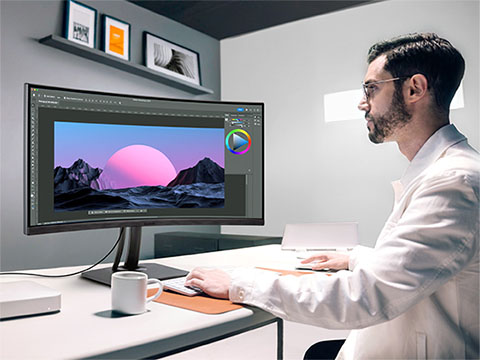
Man working at a desk using a ViewSonic ColorPro monitor for high-accuracy video editing, photography, and graphic design.Man working at a desk using a ViewSonic ColorPro monitor for high-accuracy video editing, photography, and graphic design.

Support Creative and Content Production Teams

Give design, marketing and content production teams the color accuracy they need for fast-moving creative workflows. ViewSonic® ColorPro® monitors deliver factory-calibrated precision for video editing, brand reviews and digital design work. High refresh rates and professional-grade visuals help teams collaborate confidently and create polished content with greater consistency.

Equip Your Mobile Workforce

Ensure your team stays productive anywhere with lightweight 15” to 17” USB-C portable displays. These travel-ready screens perfectly complement a primary laptop to give workers an additional screen on the go. Users get instant plug-and-play access with absolutely zero IT configuration required.
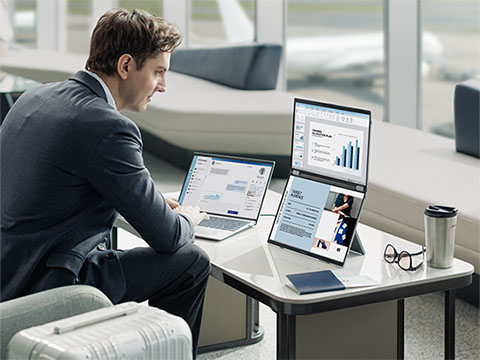
Professional man working remotely using ViewSonic portable monitors, laptops, and mobile devices in a cafe and flexible workspace.Professional man working remotely using ViewSonic portable monitors, laptops, and mobile devices in a cafe and flexible workspace.
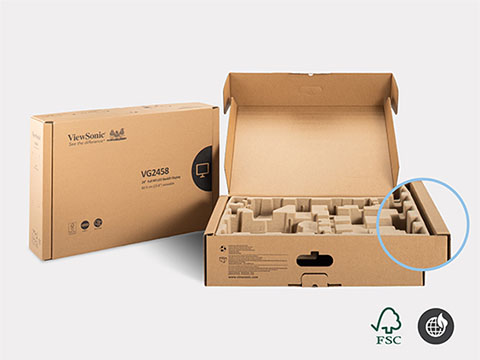
ViewSonic packaging highlighting environmentally friendly materialsViewSonic packaging highlighting environmentally friendly materials

Simplify Large-Scale Workspace Deployments

Make it easier to deploy and manage workspaces at any scale, from a single office to thousands of desks across multiple locations. ViewSonic solutions include environmentally friendly packaging designed to reduce waste and speed up setup. Head-only monitor options also simplify dual-display deployments while helping reduce shipping, mounting and replacement costs.

Centralize Your Display Management

Access all your monitor tools through the centralized ViewSonic Display Portal. This free hub lets users easily download utilities to boost daily productivity. Deploy vDisplay Manager™ to quickly adjust hardware settings. For intense multitasking, vSplit divides a single screen into organized windows to keep complex workflows moving.
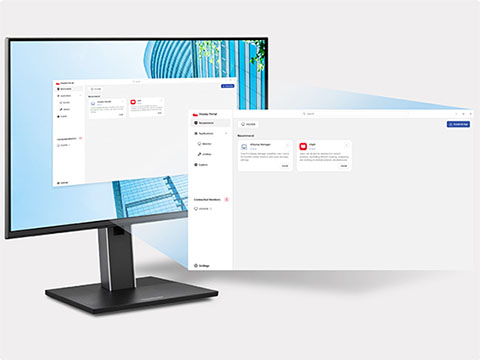
Monitor showing ViewSonic Display Portal screenMonitor showing ViewSonic Display Portal screen

Featured Products

VG2451

VG2451

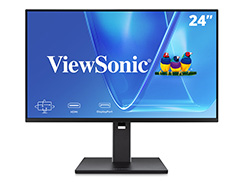
24” FHD Monitor with 100Hz
Refresh Rate

See Product
VG2758-2K

VG2758-2K

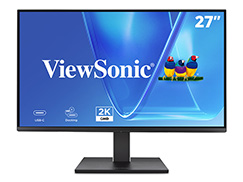
27” QHD Monitor with 100W USB-C

See Product
VG3457CV

VG3457CV

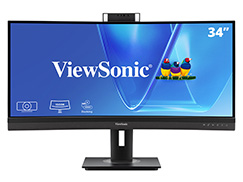
34” QHD Monitor with 100W USB-C

See Product
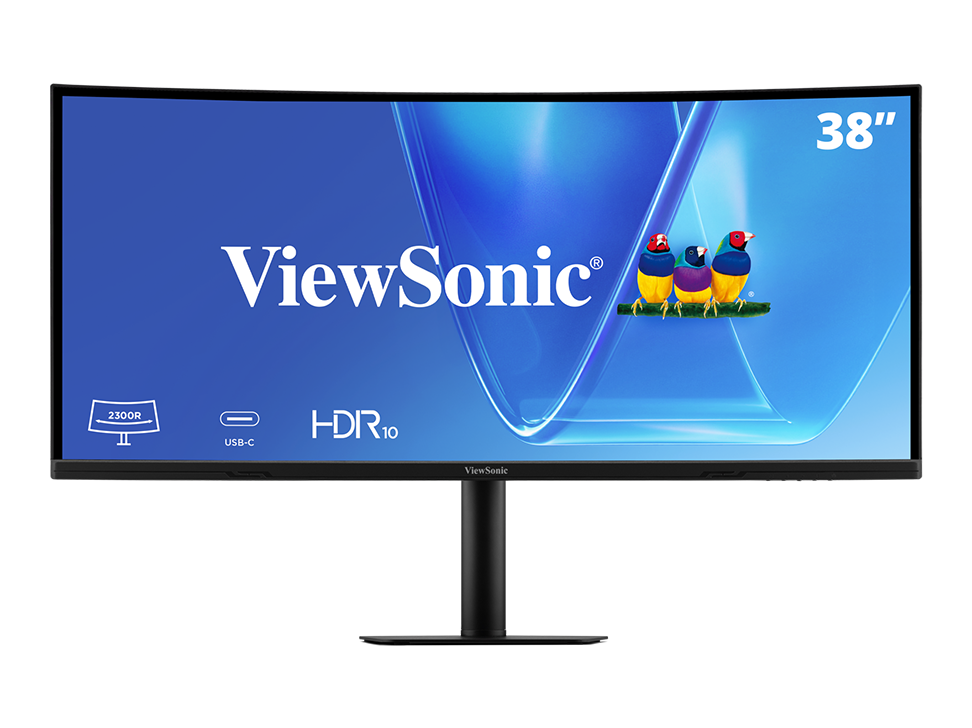
VG3820C

VG3820C

38” WQHD Curved Monitor with
96W USB-C

See Product
VP2776T-4K

VP2776T-4K

27” UHD Docking Monitor with
100W Thunderbolt

See Product
VP2788-5K

VP2788-5K

27” 5K Mac-Matched Monitor with
100W Thunderbolt

See Product

Frequently Asked Questions

What is the best monitor for home office?

The best monitor balances ergonomics, high resolution and extensive connectivity. The ViewSonic VG Series specifically targets home offices with versatile ergonomic stands featuring pivot, swivel and height adjustments. Built-in USB-C connectivity delivers video and laptop charging through one single cable for a clean desk.

What size monitor is best for productivity?

For most professionals, 27 inches remains the ideal size. It delivers ample screen real estate for side-by-side windows without overwhelming your desk. ViewSonic offers multiple 27-inch QHD displays that provide more on-screen space than standard 1080p monitors. Our 24-inch and 27-inch screens are also great options for dual-monitor setups.

What is a USB-C monitor?

A USB-C monitor uses a single cable to transmit audio, video, data and power. ViewSonic USB-C displays connect to your laptop with one cable to instantly turn your monitor into a high-powered hub.

Can one cable power a laptop and display?

Yes. You can easily achieve this using our ViewSonic monitors equipped with USB-C or Thunderbolt connectivity. Both options feature Power Delivery. This technology charges your laptop while simultaneously receiving a crisp video signal. We help you eliminate desk clutter and ditch that separate power brick completely

What is the best monitor for a MacBook?

MacBook users benefit most from monitors featuring an accurate DCI-P3 color gamut and USB-C or Thunderbolt connectivity. The ViewSonic ColorPro VP Series offers specialized color tuning to guarantee your external display matches your MacBook screen.

What is refresh rate and does it matter for work?

Refresh rate measures how many times per second your screen updates. While 60Hz is the baseline for office work, ViewSonic 100Hz monitors provide smoother scrolling and reduced eye strain to keep your team comfortable during long workdays.

What is a dual monitor setup?

A dual monitor setup involves using two screens side by side to expand your digital workspace. ViewSonic offers nearly borderless designs with ultra-thin bezels to create a continuous view that can increase productivity.

Are ultrawide monitors better for productivity?

Ultrawide monitors featuring a 21:9 aspect ratio act as a highly effective alternative to dual monitors. A single ViewSonic 34-inch ultrawide lets you manage multiple timelines, spreadsheets or windows without a center bezel breaking your line of sight.

What is the ColorPro line of ViewSonic monitors?

Every monitor we make delivers accurate color. We built our ColorPro series for creatives who demand ultimate precision. You get expanded gamuts like sRGB, DCI-P3 and Adobe RGB. We also include hardware calibration so you can easily create custom color profiles for your specific professional workflows.

What is a docking monitor and why should I consider it?

Many ViewSonic VG and VP monitors feature built-in docking capabilities. These include Ethernet ports, USB hubs for peripherals and daisy-chaining support to effectively replace expensive external docks.

What is the best monitor for programming?

We help you code more efficiently with high-resolution screens and vertical flexibility. Our ViewSonic 4K monitors feature ergonomic stands so you can easily pivot into portrait mode. Choose our VP models for an auto-pivot feature that instantly adjusts your display orientation, letting you view long lines of code with less scrolling.

How can portable monitors be used as a second screen?

We designed our portable monitors to extend your dual-monitor setup whenever you leave the office. While they do not replace your primary desktop display, they give you a lightweight, plug-and-play solution. You can easily maintain your daily workflow at a coffee shop, client site or hotel.

What is eye-care technology in monitors?

ViewSonic eye-care technology incorporates flicker-free and blue light reduction features. These tools reduce digital eye strain and headaches during extended work sessions to prioritize employee health.

How do I connect multiple devices to one monitor?

You can easily connect devices using a monitor equipped with multiple inputs. Many ViewSonic models feature a built-in KVM switch to let you control two different computers with a single keyboard and mouse, or you can use vDisplay Manager to split your screen into different quadrants. You can also utilize Picture-in-Picture and Picture-by-Picture modes to clearly view both sources simultaneously on a single clean screen.

How does Thunderbolt" connectivity benefit high-performance Windows laptops?

Thunderbolt 4 turns your monitor into a powerful single-cable docking solution for Windows laptops. Compared to standard USB-C connections, Thunderbolt delivers greater bandwidth for high-resolution displays, faster data transfer and more reliable multi-device connectivity. It also supports video, data, networking and laptop charging through one cable to simplify desk setups and reduce clutter.

*Eye care and ergonomic features are designed to help reduce potential discomfort during extended viewing, but individual experiences may vary.