Education
Business
Consumer
two employees in an office working on ultrawide monitorstwo employees in an office working on ultrawide monitors

Monitors Designed for the Modern Workplace

Our versatile range of monitors are built for the modern, multi-platform office. With advanced ergonomics and flexible display configurations, these monitors help to boost comfort and productivity. Future-proof ports like Thunderbolt and USB-C provide unified connectivity for PCs, laptops, MacBooks and more. Plus, easy deployment and eco-friendly packaging lower the total cost of ownership.

Featured Products
XG2431XG2431

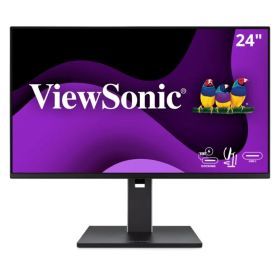
VG2458
24” 1080p Docking Monitor
with 100W USB-C

VX2728JVX2728J

VG2758-2K
27” 1440p Docking Monitor
with 100W USB-C
XG251GXG251G

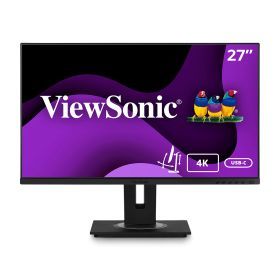
VG2756-4K
27” 4K UHD Docking Monitor
with 90W USB-C
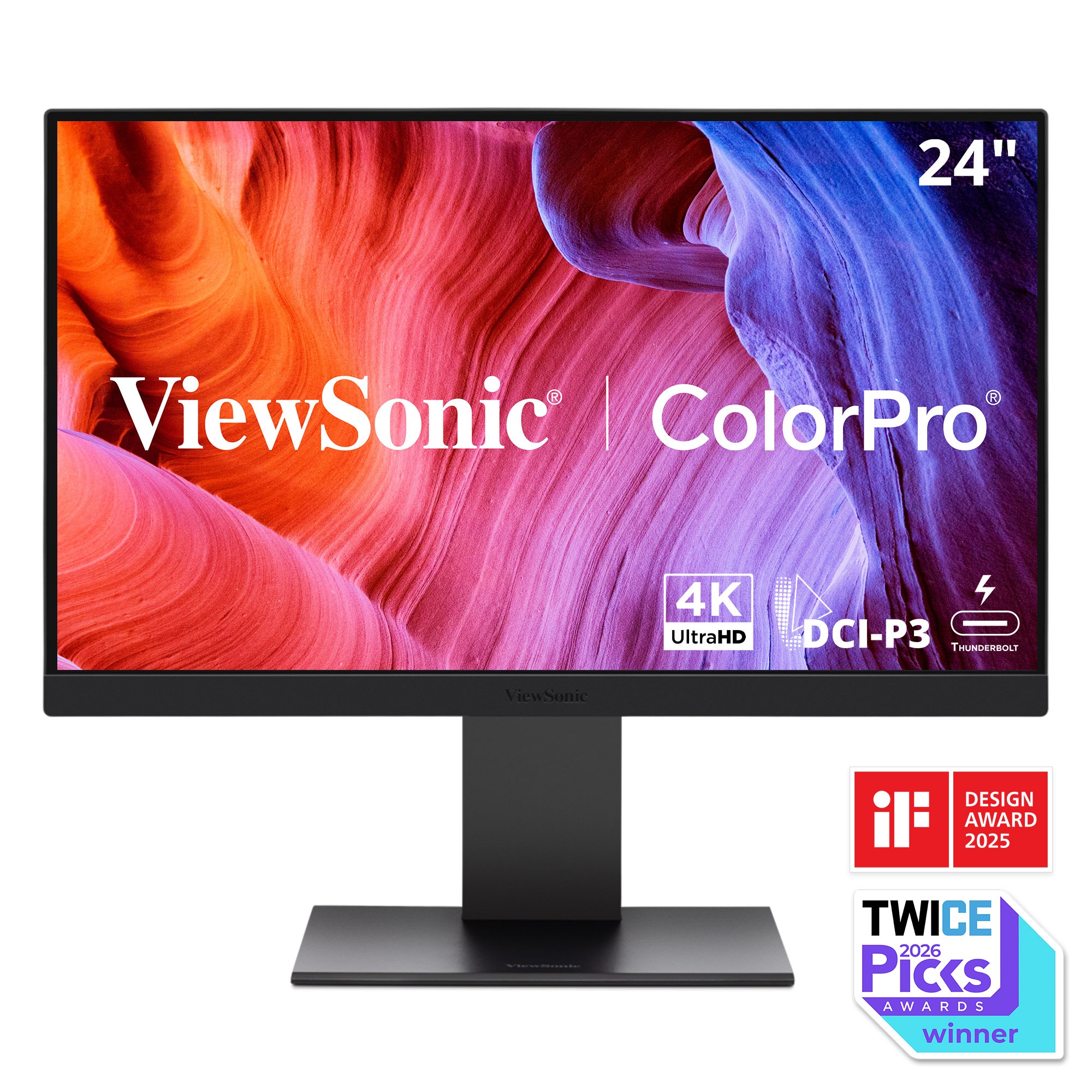
VP2488-4K
24” 4K UHD
Thunderbolt 4 Monitor
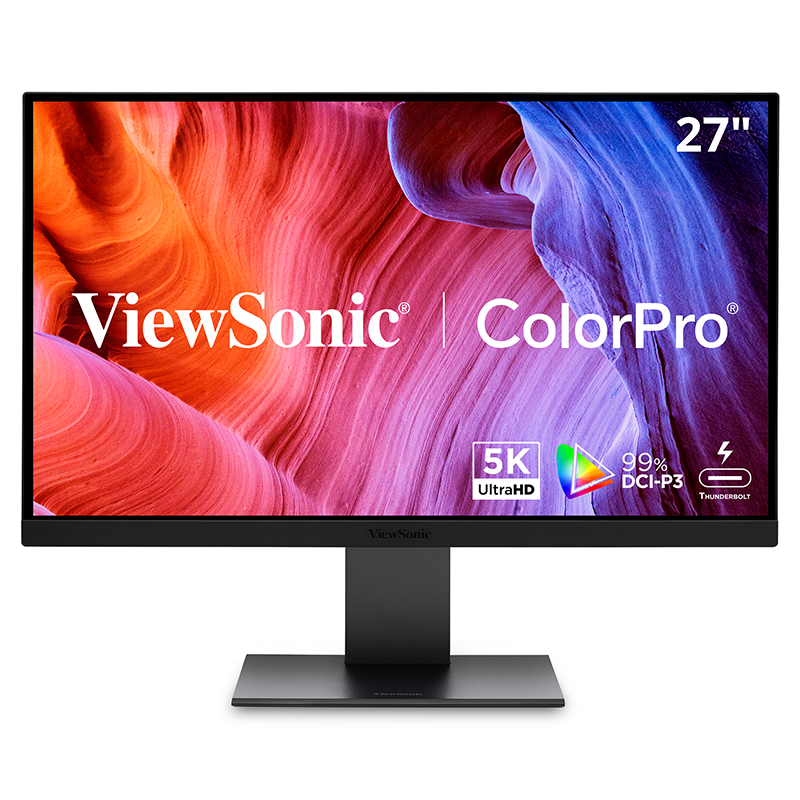
VP2788-5K
27” 5K UHD
Thunderbolt 4 Monitor

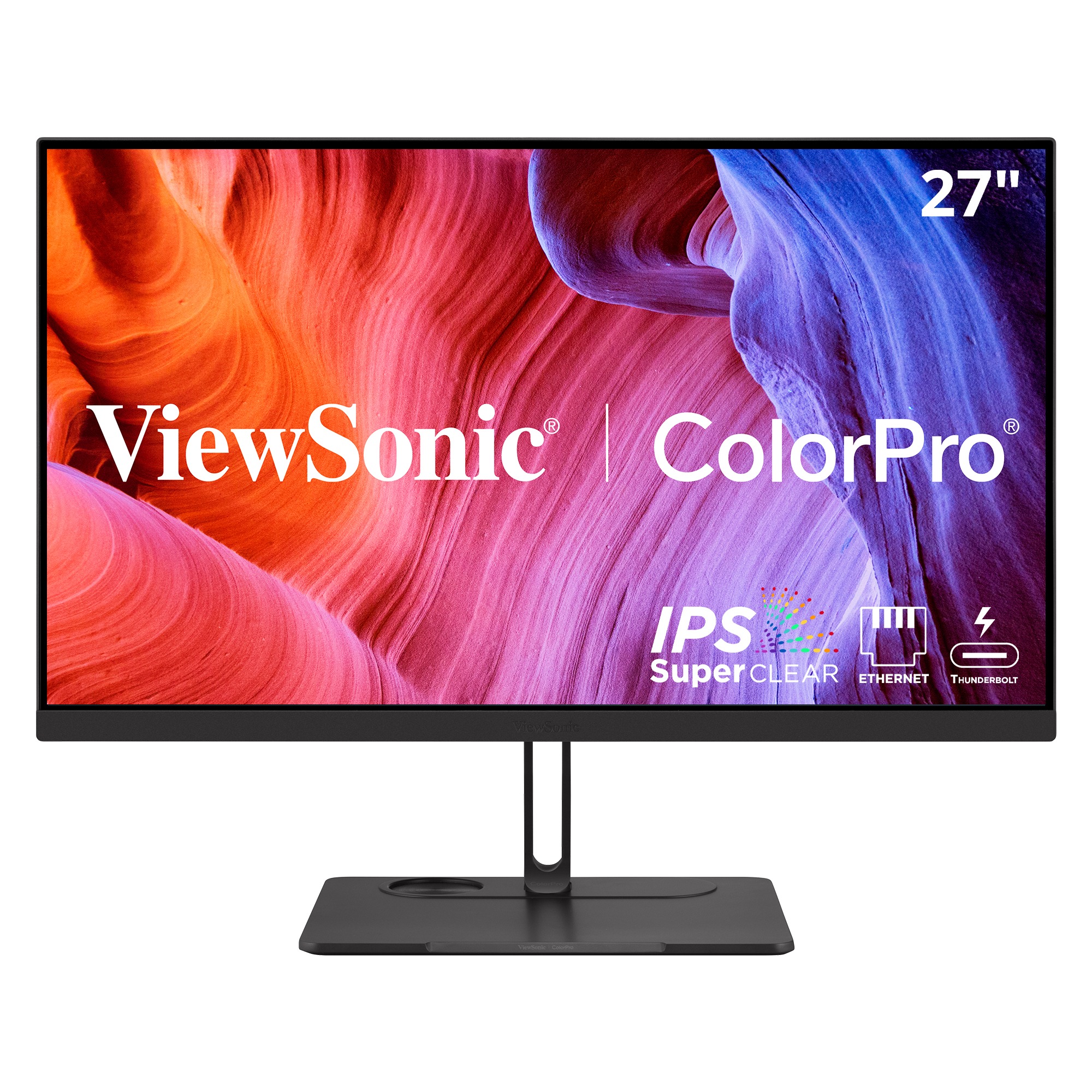
VP2776T-4K
27” 4K UHD
Thunderbolt 4 Docking Monitor
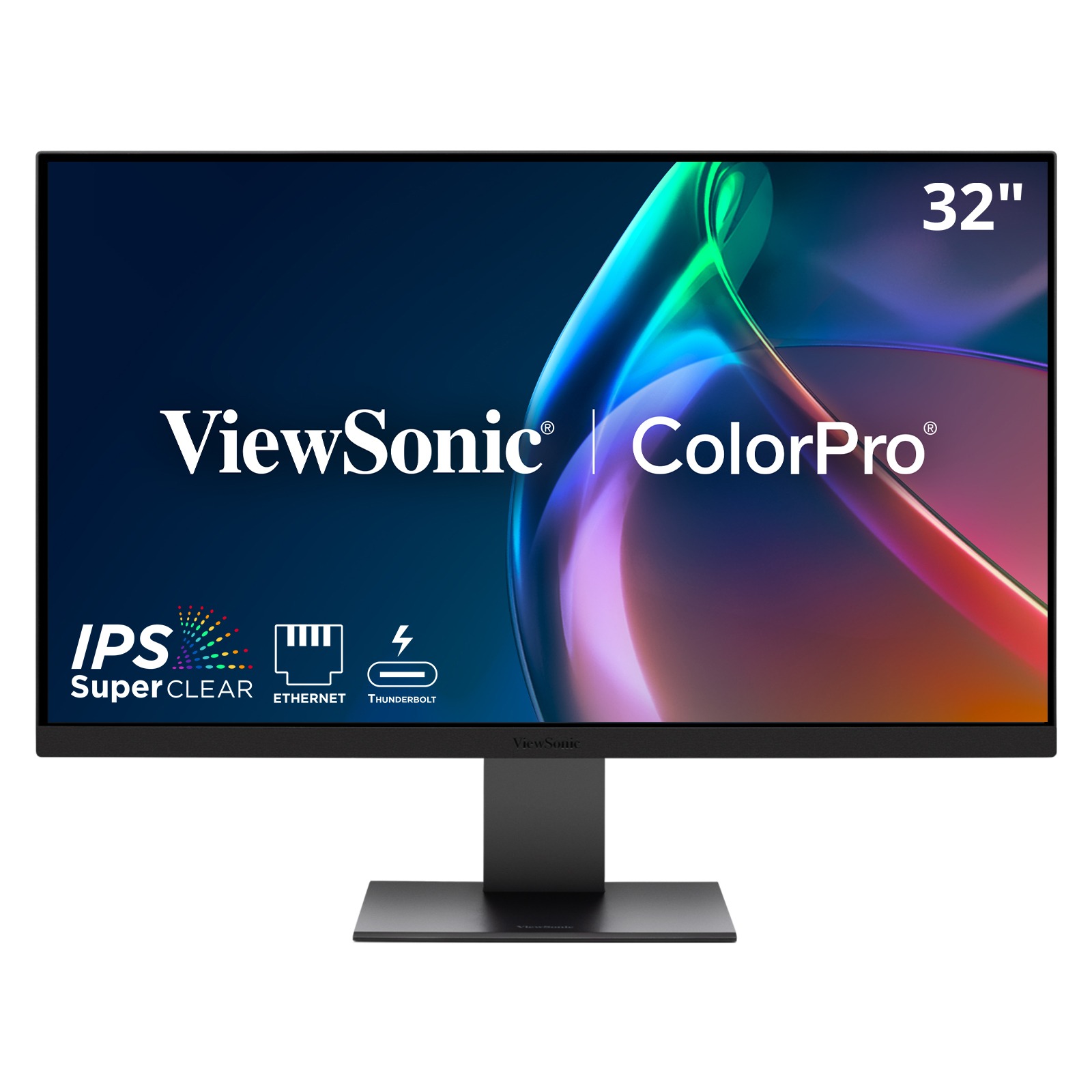
VP3276T-4K
32” 4K UHD
Thunderbolt 4 Docking Monitor
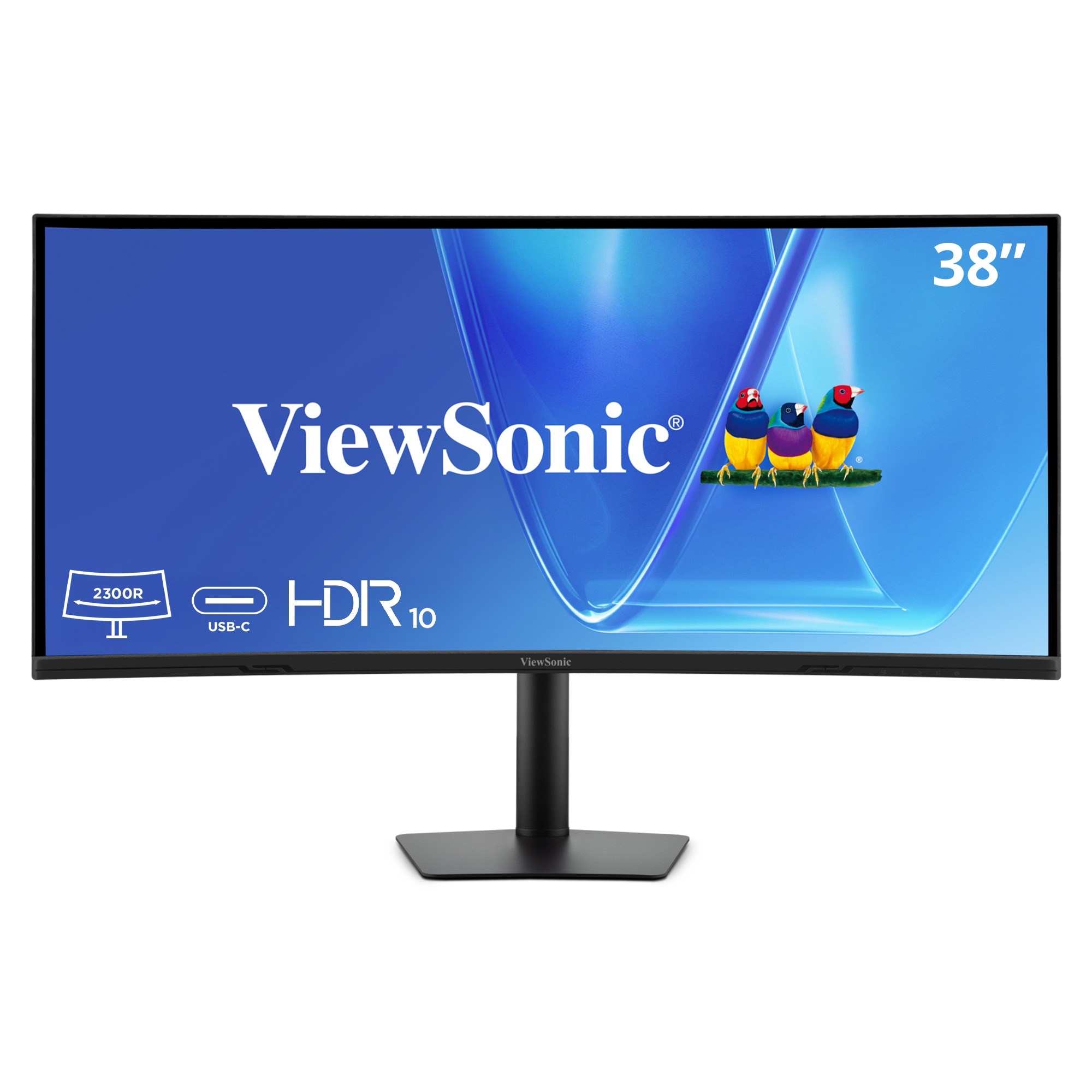
VG3820C
38” WQHD+
Curved Monitor
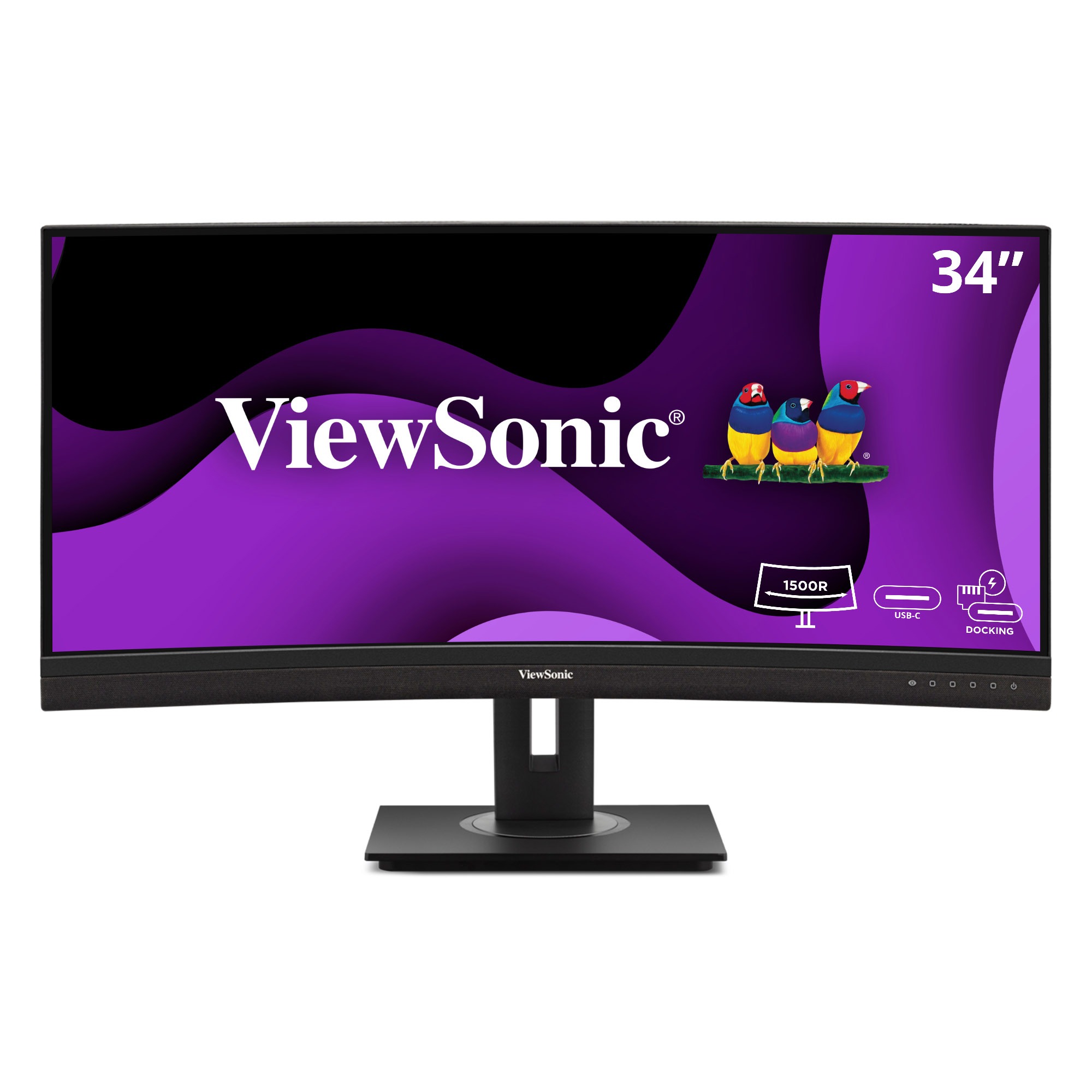
VG3456CA
34” UWQHD
Curved Monitor
VG2456aVG2456a

VG3457CV
34” UWQHD Windows Hello Certifed Curved Monitor

VG2456aVG2456a

VG3457CV
34” UWQHD Windows Hello Certified curved monitor
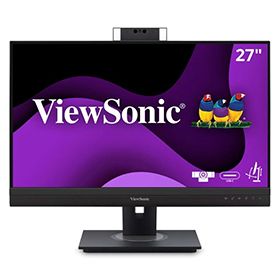
VG3456CVG3456C

VG2757V-2K
27” Quad HD Window
Hello certified monitor
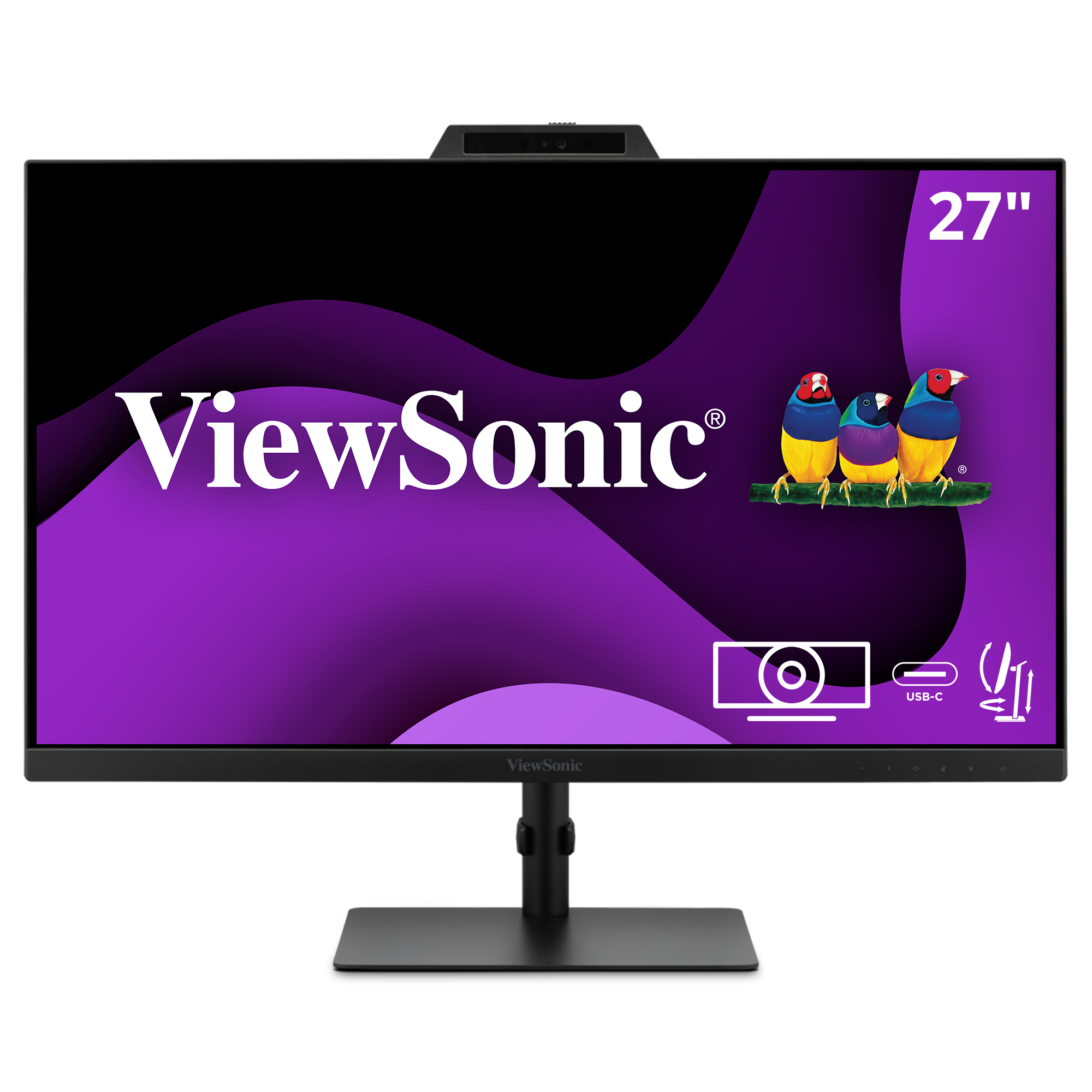
VG2741V
27” 1080p Windows Hello
Certified Monitor
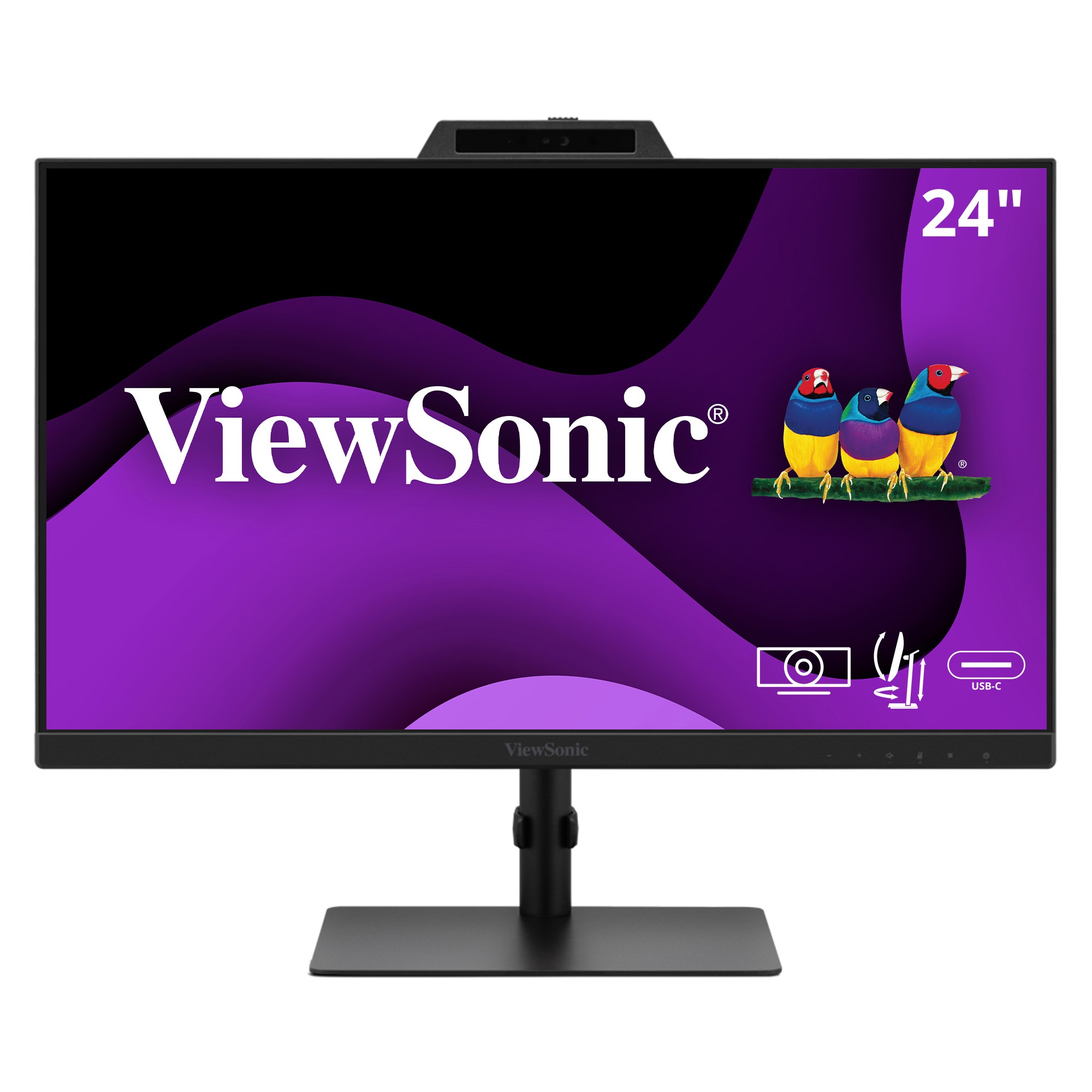
VG2441V
24” 1080p Monitor
with Built-in Webcam

a teacher reviews geometric models with formulas listed on the projection screena teacher reviews geometric models with formulas listed on the projection screen

Versatile Connectivity

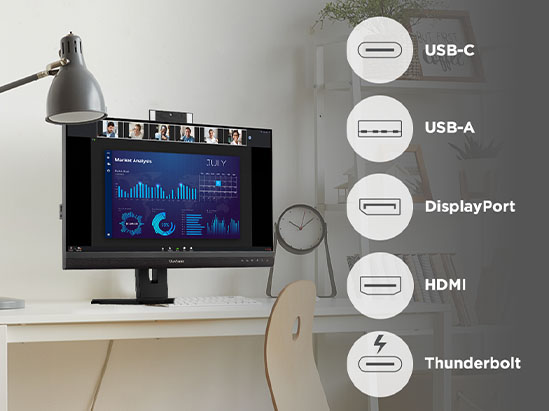
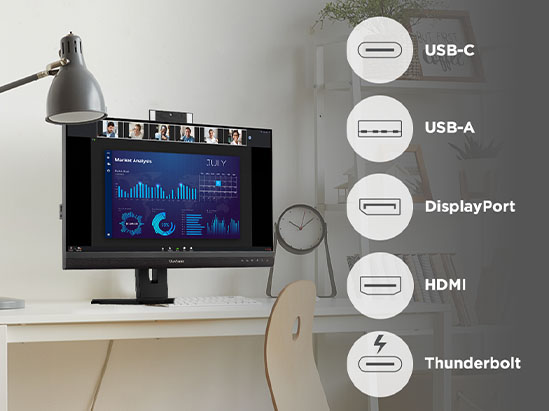
Stay productive with displays built to adapt to your evolving workspace. Ports like HDMI, DisplayPort and integrated USB hubs ensure seamless compatibility across PCs, laptops and MacBooks. You’ll future-proof your setup using high-bandwidth USB-C and Thunderbolt to deliver power, data, video and audio through one streamlined cable.

*Connectivity varies by monitor

Docking Monitors

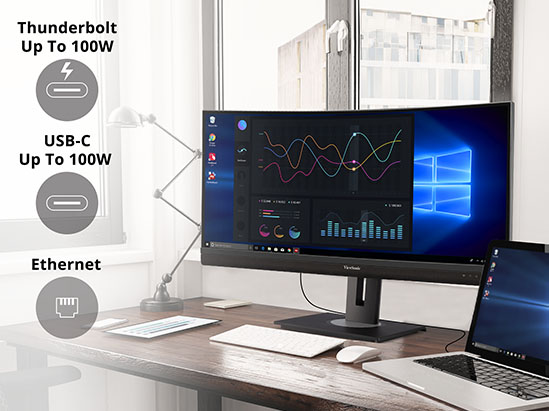
ViewSonic® docking monitors eliminate the need for expensive docking stations. Select models feature a built-in RJ45 wired Ethernet connection, a USB hub for accessories, and single-cable connectivity through either USB-C or Thunderbolt.

With up to 100W of power delivery, these displays easily streamline the workspace and help reduce the total cost of ownership for any business.
a teacher reviews geometric models with formulas listed on the projection screena teacher reviews geometric models with formulas listed on the projection screen
someone stows a portable gaming monitor in their bagsomeone stows a portable gaming monitor in their bag

Streamlined Workflows

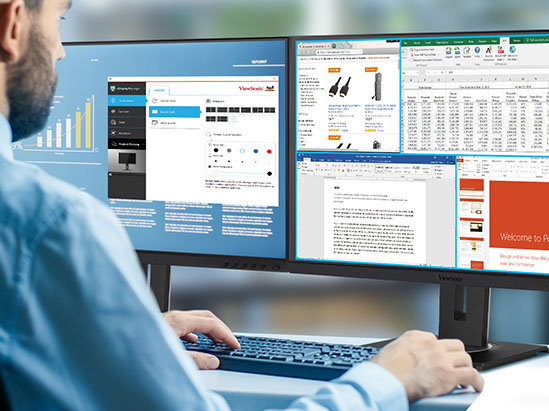
The ViewSonic® Display Portal serves as a centralized hub for ViewSonic monitor software. It simplifies the process of finding and downloading various monitor controllers and utility tools. Through the portal, you can access apps like vDisplayManager™, which integrates On-Screen Display (OSD) controls. It also delivers features like Screen Split, Auto Launch, and Smart Backlight to maximize comfort and efficiency.

A Better Windows Experience

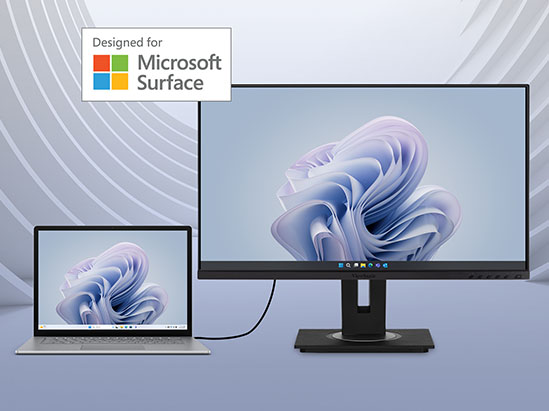
Specially developed based on the Microsoft Designed for Surface (DfS) Program, we offer DfS-certified monitors that work seamlessly with any USB-C Surface product. In addition to USB-C, flexible connectivity options include HDMI, DisplayPort, and a USB hub. Elevate your Surface experience with these versatile Microsoft-certified monitors.
someone stows a portable gaming monitor in their bagsomeone stows a portable gaming monitor in their bag

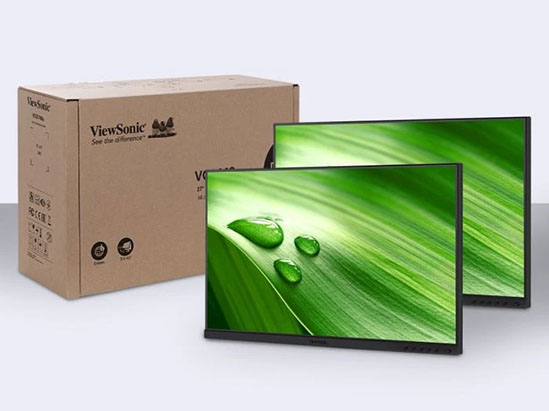
Two Monitors, One Package

Ideal for organizations that would like to mount their monitors, or already have mounting arms, we offer head-only SKUs that feature two monitor heads without stands. This helps to reduce packing materials, waste, and shipping costs to help businesses lower TCO.

Versatile Accessories

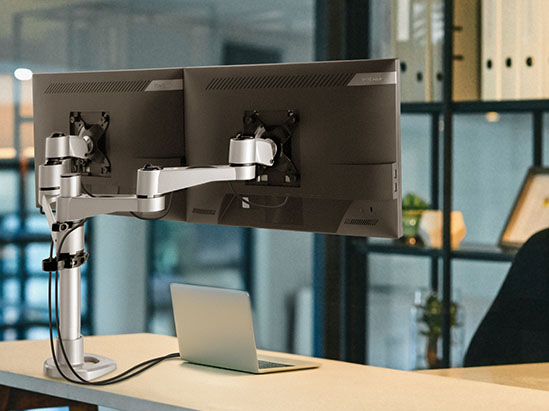
We offer a number of optional accessories designed to work perfectly with our monitors to help increase the efficiency of your workspace. Purpose-built to deliver great performance for unique user scenarios, these include cables and adapters, monitor mounting arms, privacy filters and more..
a teacher reviews geometric models with formulas listed on the projection screena teacher reviews geometric models with formulas listed on the projection screen

Add Value and Cut TCO

Designed for the busiest of office environments, these monitors go beyond picture quality to tackle hidden business costs. Faster setup saves on installation labor. Eco-friendly features reduce energy use. Durable designs minimize replacements and IT support needs. User-friendly features boost productivity and minimize downtime. Select monitors deliver an efficient end-to-end experience, reducing TCO and keeping your business moving.

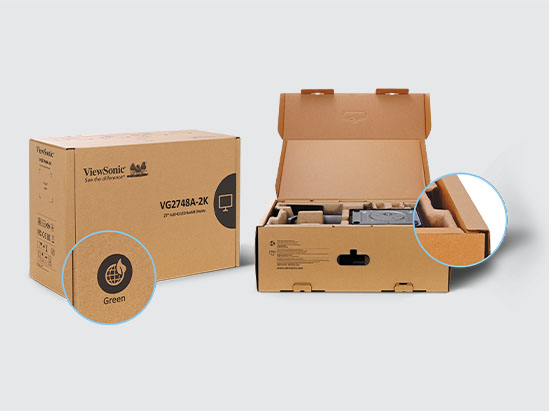
Reduce Waste and Lower TCO with Green Packaging

Biodegradable, paper-based packaging with FSC-certified materials reduces pollution and landfill usage for a lower environmental footprint. This also helps companies to significantly lower TCO with reduced recycling costs.
a child referencing a molecule structure while seated at a monitora child referencing a molecule structure while seated at a monitor
a teacher reviews geometric models with formulas listed on the projection screena teacher reviews geometric models with formulas listed on the projection screen

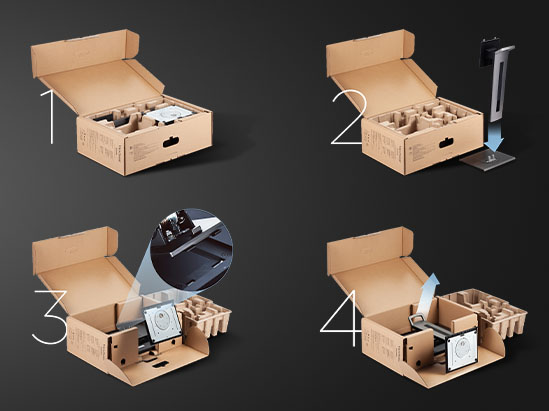
Quick Deployment

With an easy-open box design and quick-release stands, setup of these monitors is a breeze. Compared to other monitors with traditional packaging and stands, our monitors can significantly cut deployment time.

Business Monitor FAQs

Connectivity and “Organized Desk” Setups

Why should I choose a USB-C or Thunderbolt 4 docking monitor for my business?

A single-cable USB-C or Thunderbolt 4 solution reduces desk clutter. It transfers data, video and audio while giving you up to 100W of power to charge your laptop. With a built in USB hub for connecting peripherals like a keyboard, mouse, or charging your phone, and an RJ45 port for hardwired internet, this setup removes the need for bulky, expensive docking stations.

Can I connect multiple monitors together using daisy-chaining?

Yes, you can daisy-chain multiple screens from a single connection to your PC. ViewSonic business monitors equipped with DisplayPort Out, USB-C out or Thunderbolt 4 out make this seamless. You can link up to six monitors depending on the resolution, your connection type and your graphics card. Just be sure to use the high-quality cables included with your monitor for the best performance.

How many USB ports should my monitor have?

We recommend looking for a monitor between two to five USB ports. A mix of USB-A and USB-C ports is ideal for future-proofing your setup and easily charging your phone.

Enterprise IT and Sustainability

How do enterprise monitors improve your total cost of ownership?

Enterprise-grade monitors help reduce costs across your entire organization. You can lower energy consumption by choosing models with EPEAT and ENERGY STAR certifications.

You can also save money by replacing expensive docking stations with docking monitors. These displays handle video, data and power delivery through a single cable.

For faster rollouts, look for quick-deploy models and recyclable packaging. You can even buy head-only displays if your office already has monitor arms installed and a minimalist setup is preferred.

What features make a monitor a good fit for large office deployments?

The best office setups prioritize security, comfort and productivity. You should look for monitors with built-in webcams that support Windows Hello. This allows your team to log in quickly and securely using facial recognition.

Single-cable connectivity via Thunderbolt 4 or USB-C is also a must. It keeps desks clean and makes hot-desking incredibly easy for hybrid workers.

To boost productivity, consider ultrawide screens or dual monitors connected via daisy-chaining. Finally, always choose displays with advanced ergonomic stands. Features like height, tilt and swivel adjustments ensure your team stays comfortable all day.

What are the benefits of a monitor with Windows Hello?

A Windows Hello monitor features a built-in webcam equipped with advanced facial recognition. This lets you log into your computer securely and instantly just by looking at the screen.

It is a fantastic choice for enterprise offices because it boosts security while removing the daily hassle of typing passwords. The integrated camera also means your team is always ready for clear and professional video conferencing.

Do ViewSonic business monitors include built-in networking capabilities?

Yes, select ViewSonic docking monitors feature an integrated RJ45 Ethernet port. This gives you a secure and stable hardwired internet connection directly to your laptop via your USB-C or Thunderbolt cable. It is a great way to ensure reliable connectivity for best productivity.

Role-Specific Productivity and Resolutions

What is the best monitor setup for finance professionals and data analysts?

Finance professionals often work best with ultra-wide 21:9 displays or dual 27-inch 4K setups. These options let you view massive spreadsheets side-by-side without constant scrolling. Active traders love a quad monitor setup so they can watch multiple markets and data streams at the exact same time. Accounting professionals love monitors that can pivot for portrait mode for easier viewing of their work.

Built-in KVM switches are another great feature because they let you seamlessly control two different PCs with just one keyboard and mouse. We also recommend higher refresh rates like 100-120hz. This gives you smoother scrolling and helps you spot fast-moving trader data the moment it updates.

How do I choose the right monitor resolution for my work?

Standard 1080p is great for everyday tasks, but 4K Ultra HD is ideal for creative fields and data science. It gives you crisp legibility when viewing multiple spreadsheets side-by-side. A 2K monitor is a perfect middle ground between budget and performance. If you use a Mac for creative work, a 5K display like the VP2788-5K is highly recommended. This gives you a similar high PPI to ensure crisp text and visual similarities to a Mac screen.

What features are most important in a premium monitor for hybrid work?

Hybrid workers should prioritize monitors with single-cable connectivity via USB-C or Thunderbolt for easy laptop connections. Integrated webcams and microphones are perfect for video conferencing. You also want an ergonomic stand with tilt, pivot and height adjustments to stay comfortable at any desk.

Advanced Solutions and Mobility

How can a portable monitor improve productivity during business travel?

A portable monitor instantly doubles your screen space while weighing under three pounds. Models like the folding 14-inch VG1457 includes dual screens and allows you to maintain a multi-monitor workflow from anywhere. You can easily reference data on one screen. We also offer portable monitors with interactive touchscreens for peak productivity.

Can touch portable monitors work for Mac users?

Yes, our touch portable monitors work with Mac devices using the vTouch driver.

Can I cast my screen wirelessly to a business monitor?

Yes, modern wireless casting monitors like the VG2748N include built-in support for Miracast and AirPlay. By using an included casting dongle, you can share content from almost any device without cables. The dongle will even provide up to 60W of power to keep your laptop charged while you cast. The VG1656N offers similar wireless connectivity in a lightweight portable format.

Ergonomics and Eye Care

What ergonomic features help prevent neck and back pain?

To maintain a healthy posture, look for monitors with height-adjustable stands that offer up to 130 mm (about 5 inches) of travel. Swivel capabilities up to 120 degrees and tilt up to 40 degrees are also very helpful. Rotating the screen 90 degrees into portrait mode is ideal for coding or reading long documents.

Can a monitor display content in portrait and landscape?

Yes, you just have to change the screen orientation in your operating system settings. Select VP models even have an auto-pivot functionality. This means the screen orientation will adjust automatically when you physically rotate the monitor.

What are the differences between a low blue light solution and a software blue light filter?

Hardware or low blue light solutions are built directly into the glass on newer panels. They reduce blue light without any discoloration. Software filters are adjustable to pull out the blue tones but often cause a yellowing effect on your screen. ViewSonic’s filters and flicker-free technology work together to reduce the eye strain, headaches and fatigue caused by long work sessions.

How do I choose the best monitor size for my desk?

Finding the right screen size is crucial for your comfort and daily eye health. A 24-inch or 27-inch monitor is perfect for a standard office desk. It lets you see your work clearly without turning your head too much.

If you have a deeper desk or need to view multiple windows at once, an ultrawide or 32-inch display is a great choice. Just make sure you sit about an arm’s length away from the screen to prevent eye strain.

Why is color calibration important for my daily work?

Color calibration ensures your screen displays images exactly as they look in real life. This is absolutely vital for graphic designers, photographers and video editors who need perfect color accuracy.

Even if you do not work in a creative field, a well-calibrated monitor is much easier on your eyes. It prevents harsh or oversaturated colorsfrom causing visual fatigue during a long workday.