 Teacher's Community
  Support


A More Connected Way to Teach,
Present and Collaborate
ViewSonic® myPodium™ ID2456-4K
The ViewSonic® myPodium™ ID2456-4K is a 24-inch 4K interactive display that supports more engaging, face-to-face instruction. Designed as a flexible podium solution for modern classrooms and lecture halls, it lets instructors connect their own devices and share content instantly to the front of the room. Most importantly, it empowers you to teach, write, and annotate without turning your back on students, so you stay connected and never miss a moment of engagement.
Connect Your Classroom
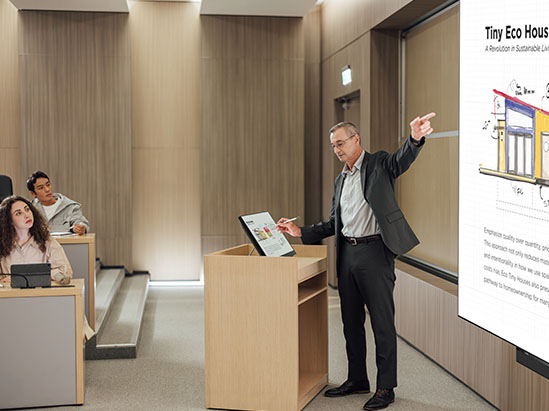
The myPodium ID2456-4K helps instructors connect their devices and start teaching right away. Designed for BYOD classrooms, it supports connection to any device (including laptops, Chromebooks, tablets and phones).
Once connected, anything you write, sketch, or annotate on the digital podium is mirrored to a front-of-room display. This empowers instructors to focus on engaging students instead of managing technology.
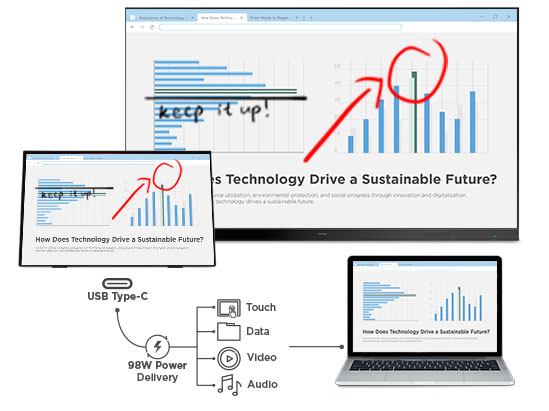
USB-C for Video, Audio, Power and Touch
A single USB-C connection delivers power, high resolution video, audio and responsive touch from your device. This one-cable setup reduces cable clutter and simplifies podium and desk installations
HDMI-Out for Content Mirroring
Use the HDMI-out connection to mirror content to ViewSonic projectors or front-of-room displays. Everything you do on the myPodium ID2456-4K appears clearly on the larger screen, supporting flexible teaching styles and better visibility across the room.
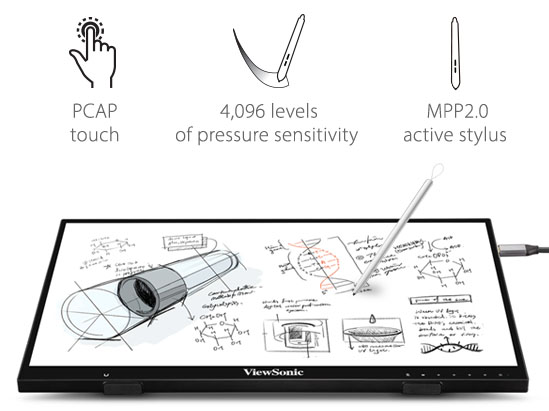
4K Resolution with 10-Point Capacitive Touch
Experience crisp 4K visuals and smooth multi-touch interaction. The ultraresponsive PCAP touchscreen supports natural writing and precise input for interactive lessons.
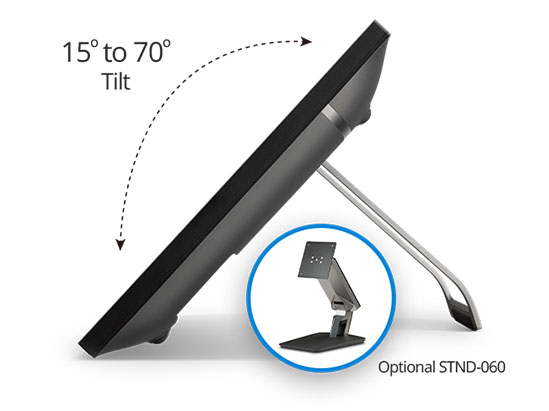
Ergonomic Adjustment
Designed for all-day comfort, the adjustable kickstand lets instructors find the right angle whether they’re standing at a podium or seated at a desk.
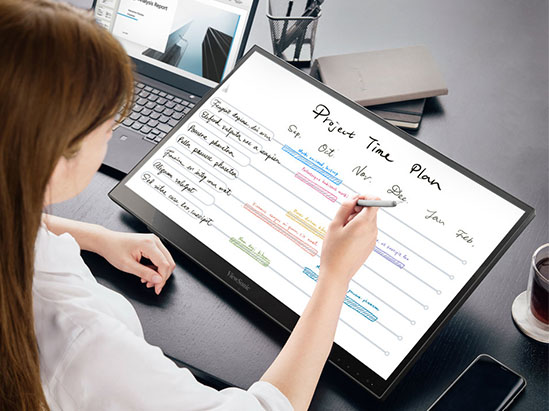
Stylus Support With Palm Rejection
Write, draw, and annotate naturally using the active stylus. Built-in palm rejection prevents accidental marks, delivering a smooth and accurate writing experience that feels close to pen on paper.
Compatible Products
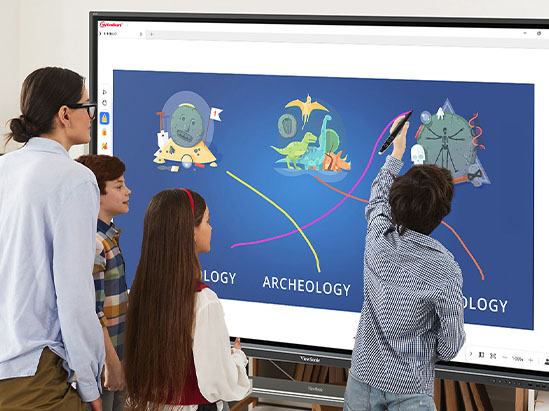
ViewBoard® Interactive Displays
Mirror annotations from the podium to a ViewSonic ViewBoard interactive display to support real-time interaction, discussion, and collaborative lessons at the front of the classroom.
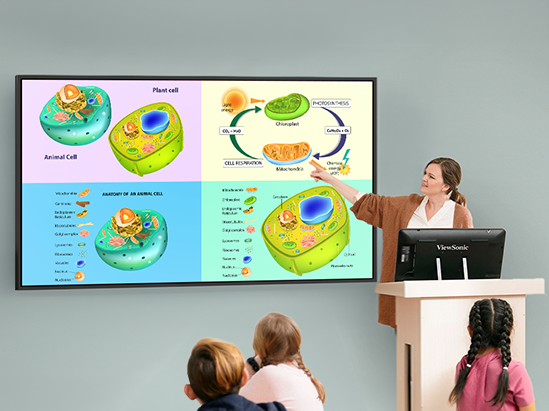
Commercial Displays
Share podium content to a front-of-classroom commercial display while interacting directly on the ID2456-4K. This provides clear, readable visuals for lecture-based and presentation-focused classrooms.
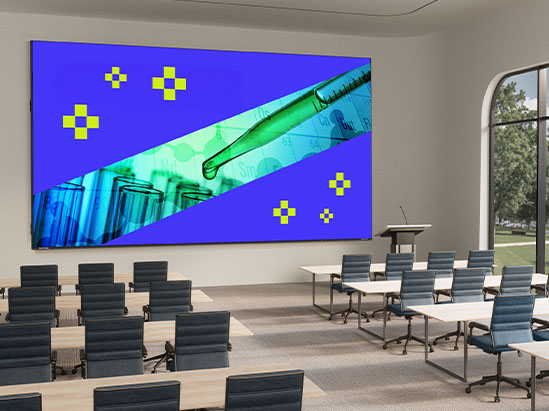
Direct View LED Displays
Display annotations and content on large Direct View LED displays to ensure visibility and impact in auditoriums and large lecture halls.
Projectors
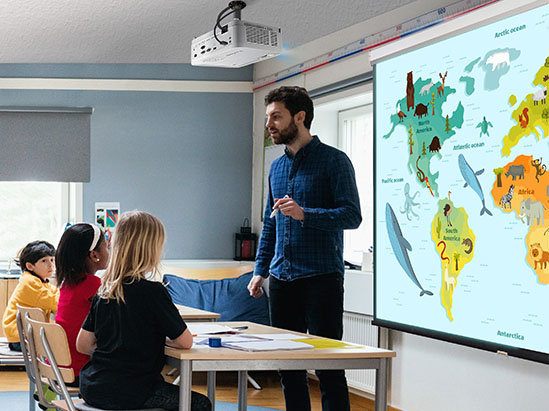
Mirror podium content to projectors for simple, flexible front-of-room setups in classrooms and lecture halls.
Featured Products
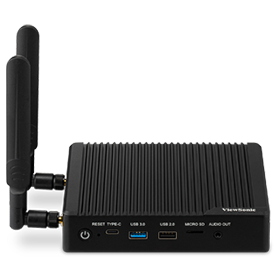
VBS200-A
ViewBoard Box
Smart AV Controller

myPodium ID2456
24” Interactive
Pen Display

CDE8630
86” 4K Classroom
Digital Display

CDE9830
98” 4K Classroom
Digital Display

LDP216-121
216” Direct View
LED Display
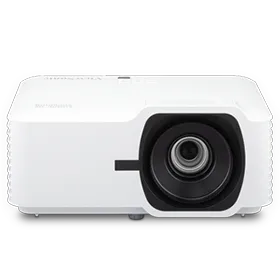
LS740W
5,000 ANSI Lumens WXGA Laser Projector
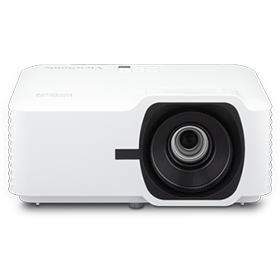
LS740HD
5,000 ANSI
Lumens Full HD
Laser Projector
Add Interactivity to Your Classroom
The ViewSonic digital podium solution helps you to create lessons that are more dynamic, interactive and multifunctional, and provides you an easy way to share lessons, boost classroom collaboration and improve student engagement.


Easy Setup
Simply connect your existing classroom projector to the ViewBoard® VBS200-A Smart AV Controller and install the myPodium ID2456 interactive pen display at the front-ofclassroom podium. You can then connect the ID2456 to a laptop or Chromebook via USB-C, and cast lessons onto the larger projection screen.
Better Engagement
The 24” myPodium™ ID2456 interactive pen display allows educators to annotate directly on their lessons, sketch ideas and manipulate content. This gives teachers the freedom to interact with their students, while increasing eye contact and improving classroom discussions. Meanwhile, students can view the lessons on the projection screen at the front of the classroom.


Supercharge Your Existing Front-of-Classroom Display
The ViewSonic digital podium solution works seamlessly with your existing technologies such as projectors and large-format digital displays.
Simply connect your classroom display to the ViewBoard Box™ and install the myPodium ID2456 interactive pen display at the front-ofclassroom podium. You can then connect the myPodium ID2456 to a laptop or MacBook via USB-C, and cast lessons onto the larger front-of-classroom screen.
BYOD for Teachers and Students
Compatible with Windows, Android, Chrome and Mac OS, the myPodium ID2456 delivers cross-platform touch support for any compatible BYOD device. An HDMI output enables users to easily connect the interactive pen display to their own device. Teachers and lecturers can plug in their laptops and share their lessons, while students can come up to the podium, plug in their device, and collaborate or present on the ID2456 interactive pen display.


myViewBoard Software
Designed as a companion device for the myViewBoard® software suite, the ViewBoard Box instantly transforms the projector into a wireless presentation device. myViewBoard software immediately boosts classroom engagement by enabling teachers to build interactive lessons, leverage their existing lessons, connect with both in-class and remote students, and so much more.
Device Management Made Easy
ViewSonic Manager™ software and RS232 device control enables IT admin to remotely control and manage multiple projectors and displays connected to VBS200-A Smart AV Controller. Adjust volume, power the device off, update firmware, broadcast messages and media, and more remotely.


Unlock
15% OFF
when you subscribe.
By Clicking "CONTINUE" you agree to receive our newsletter. You can unsubscribe at any time. Discount applies to one (1) item only, not the entire order. Offer is not stackable or combinable with any other promotions or promo codes.
Login and Registration Form