 Teacher's Community
  Support


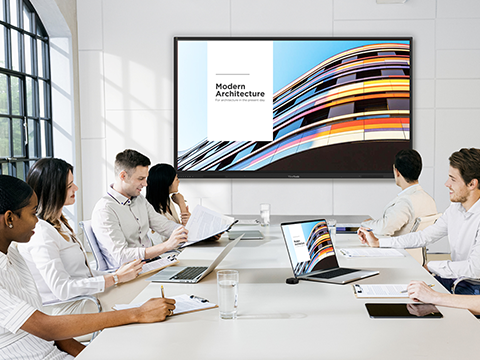
You don't need IT help to start a meeting. Just walk in, plug the WPD-900 into your device, and you're presenting in seconds. There aren't any apps to install, drivers to download, or logins to remember. It's a fast, stress-free way to get your content on the big screen so you can focus on sharing and collaborating.

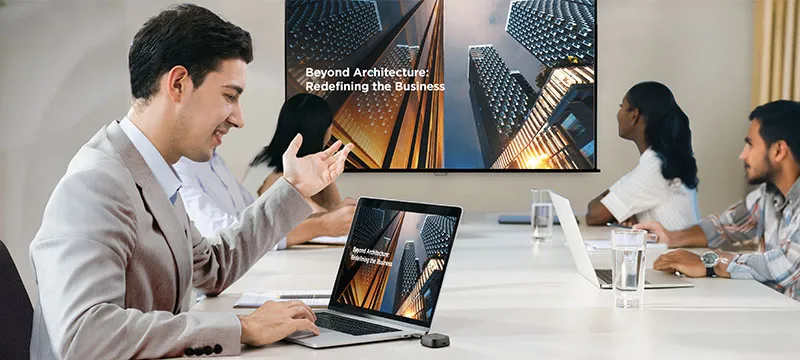
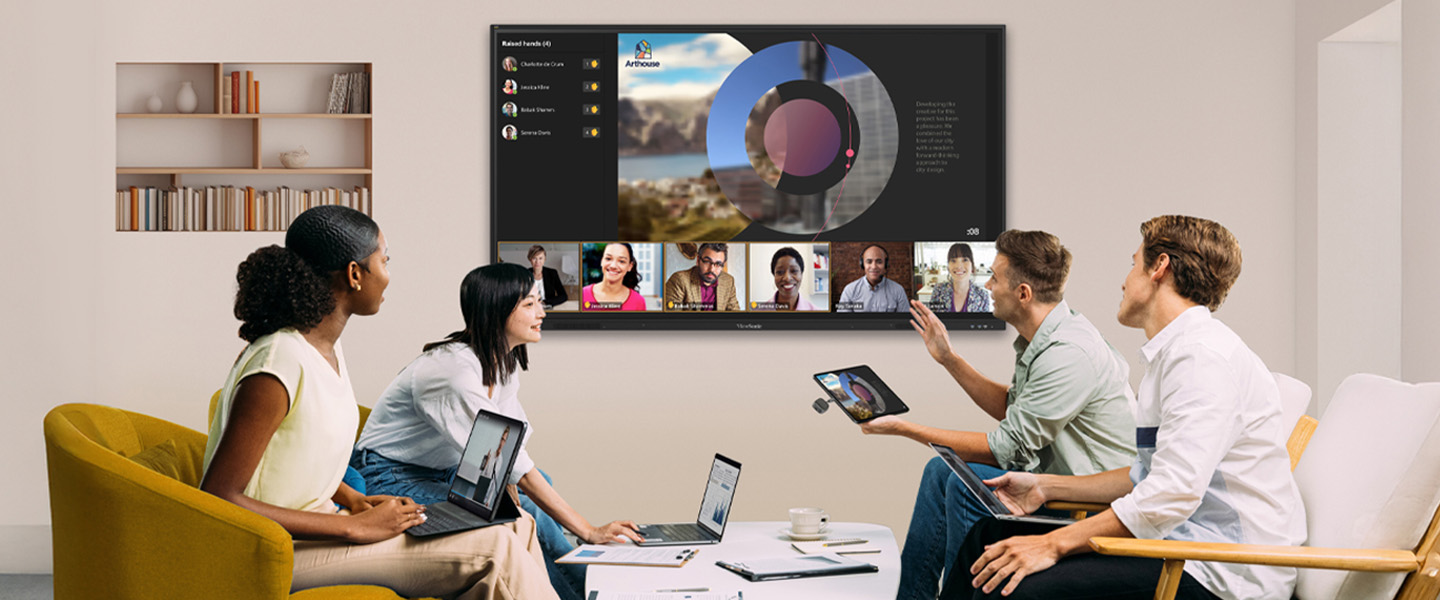
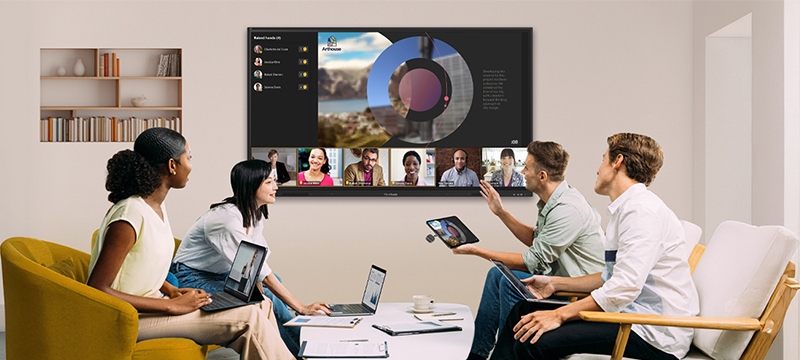
Click, Share, and Collaborate
ViewShare® WPD-900 Wireless Presentation System
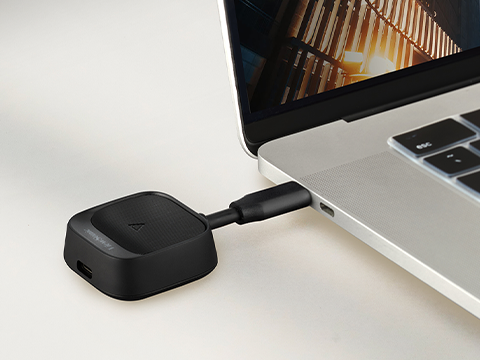
The ViewSonic® ViewShare® WPD-900 is a plug-and-play wireless presentation system that brings peer-to-peer power to your meetings. No Wi-Fi? No problem. Just plug in and share your content instantly. It connects with AirPlay, Miracast, and all your devices without any setup or stress. It’s the easiest way to start your meetings in conference rooms or any team space.
Simple Wireless Casting Solutions
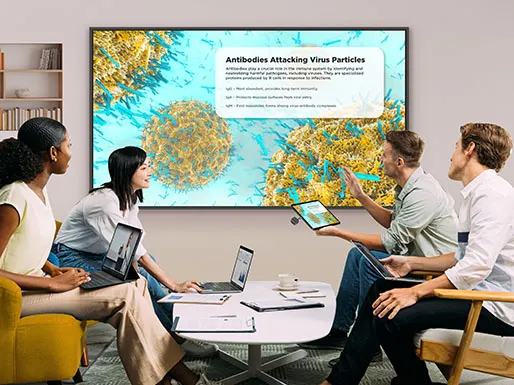
ViewSonic makes wireless screen casting easy for any meeting space. Our solutions help presenters share content in seconds, with less setup and fewer interruptions. From multi-device network casting to simple peer-to-peer sharing, there’s a solution that fits how your business collaborates.
No Wi-Fi or Network Needed
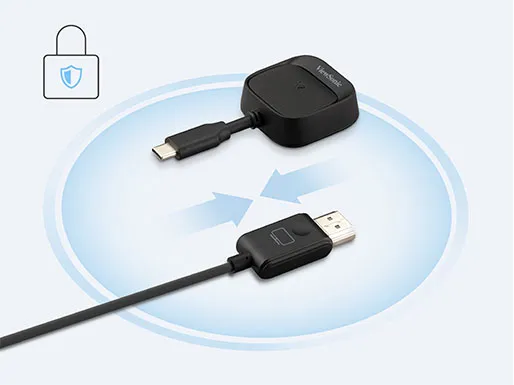
The WPD-900 creates a direct peer-to-peer connection with your device. This avoids slow networks and protects your data with AES 128-bit encryption. You don’t need the office Wi-Fi to share your work. It is a secure way for you and your guests to present without needing a password.

Plug-and-Play BYOD
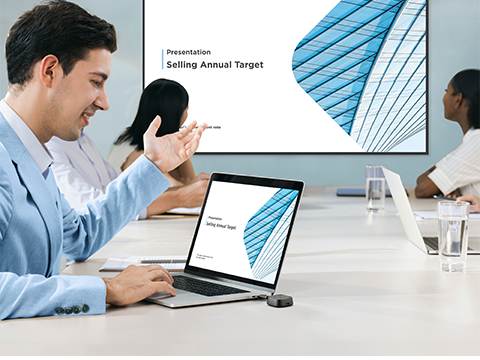
Sharing shouldn’t be a struggle. Just plug in the dongle and click the button to start presenting. You don’t need to download apps or wait for IT setup. The WPD-900 empowers everyone to share instantly without messy cables, making it perfect for fast-moving teams and a variety of workspaces.
Universal Compatibility
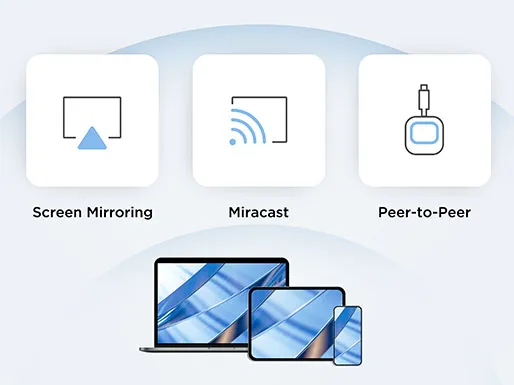
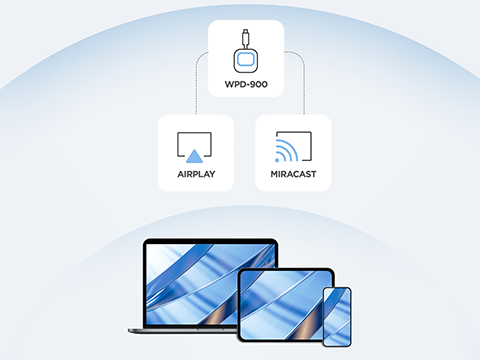
Don’t worry about which device people bring to the meeting. The WPD-900 works with almost everything. It has built-in support for AirPlay and Miracast, so you can share screens from iPhones, Androids, or Windows laptops.
Powerful Tech, Smart Price
Turn any display into a wireless collaboration hub without the enterprise price tag. The WPD-900 gives you high performance and simple deployment for a fraction of the cost of other systems. You get a fully loaded solution that brings smart casting to your meeting rooms without breaking the budget.
Flexible for Any Space
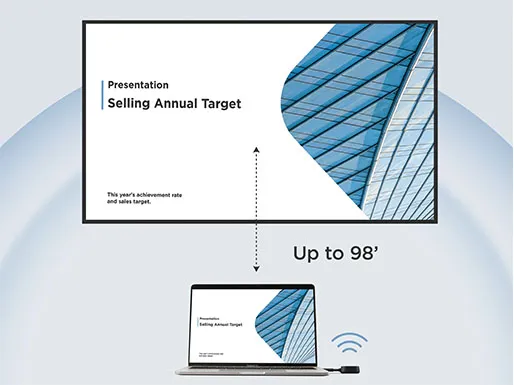
From small meeting rooms to large boardrooms, the WPD-900 fits right in. It connects wirelessly up to 98 feet away, so you aren’t tied to one spot. You can stream presentations and demos in crisp 1080p Full HD. It keeps your content sharp and readable for everyone in the room.
Click, Share, and Collaborate
ViewShare™ WPD-900 Wireless Presentation System
The ViewSonic® ViewShare™ WPD-900 is a plug-and-play wireless presentation system that brings peer-to-peer power to your meetings. No Wi-Fi? No problem. Just plug in and share your content instantly.
Instant Plug-and-Play
No Wi-Fi or Network Needed
The WPD-900 creates a direct peer-to-peer connection with your device. This avoids slow networks and protects your data with AES 128-bit encryption. You don't need the company Wi-Fi to share your work. It is a secure way for users to present without needing a password.
BYOD Compatibility
Don’t worry about which device people bring to the meeting room. The WPD-900 works with almost everything. It has built-in support for AirPlay and Miracast, so you can share screens from iPhones, Androids, or Windows laptops.
Easy Screen Casting and Sharing
ViewSonic® AirSync™ Software
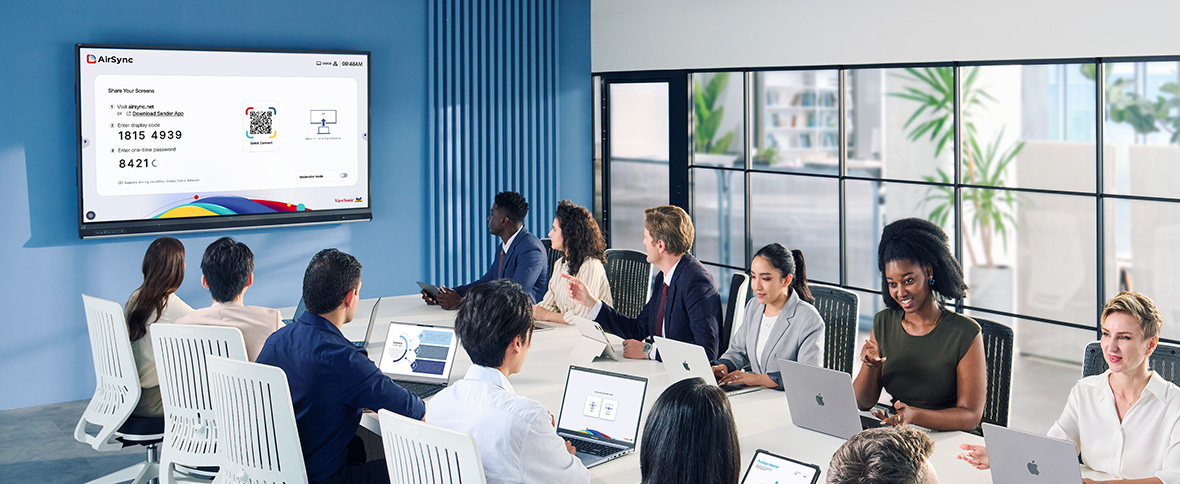
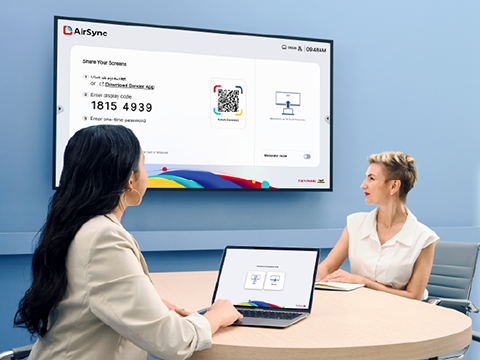
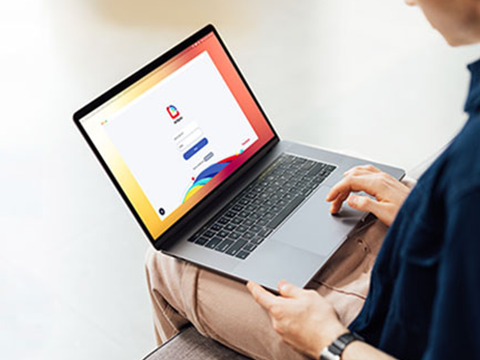
This wireless casting software allows you to wirelessly mirror your screen from any device to one or multiple larger displays using our secure app or your web browser. AirSync also supports built-in casting like Miracast, Airplay, and Google Cast, making it easy to share content quickly and securely.
Flexible Touchback Casting
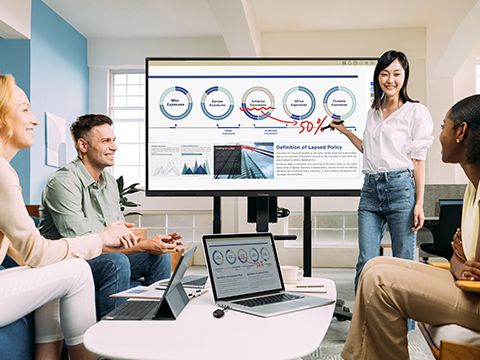
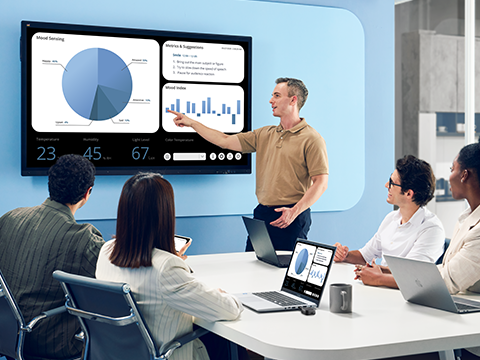
Control your laptop right from the front-of-room interactive display. You can annotate slides or manage apps easily. With support for 10 devices, it's simple to collaborate from anywhere in the room.
Secure Moderator Mode
You decide which users share their screen. Manage up to six people in a virtual waiting room to block unwanted content. It keeps the focus exactly where it belongs.
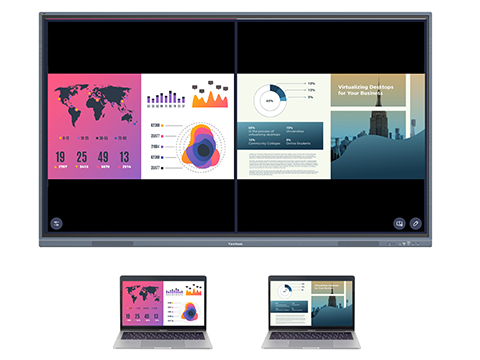
Split Screen
Get everyone on the same page. Display multiple devices side-by-side to compare work or notes. It's a great way to handle group projects.
Dynamic Casting
Cast your phone or laptop screen instantly using the internet or local network. Whether you're in the meeting room or connecting remotely, your presentations will always look professional.
Unified Multi-screen Viewing
Send your content to 10 screens at once. This ensures everyone has a clear view in large rooms. You can even share content with breakout groups for better focus.
Universal Compatibility
Users can take the stage using any compatible device they bring to the meeting, whether it’s a MacBook, iPad, Windows laptop, or Android tablet. With built-in support for AirPlay, Miracast, and Google Cast, participation is encouraged from every corner of the room.
Actual performance, user experience, and results may vary depending on system configuration, network conditions, environment, and usage.


Unlock
15% OFF
when you subscribe.
By Clicking "CONTINUE" you agree to receive our newsletter. You can unsubscribe at any time. Discount applies to one (1) item only, not the entire order. Offer is not stackable or combinable with any other promotions or promo codes.
Login and Registration Form