 Teacher's Community
  Support
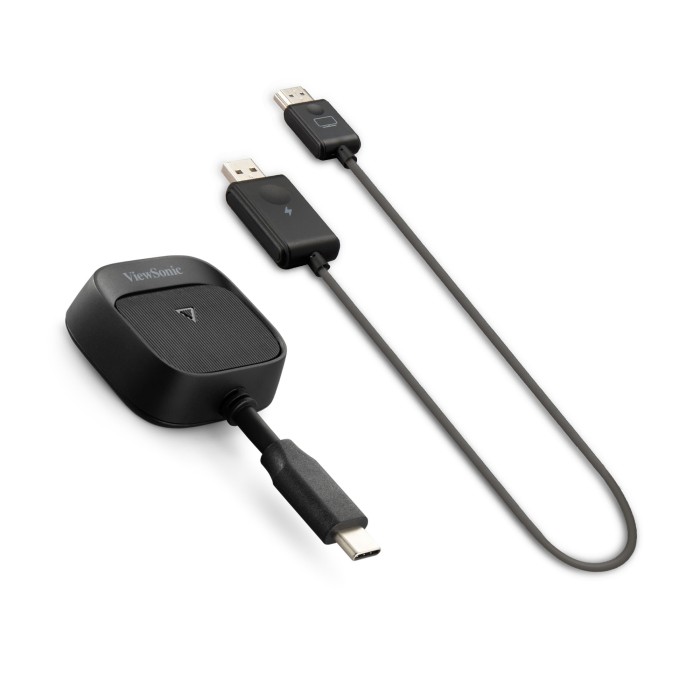
Availability: In stock
SKU
WPD-900
$199.99
USD
WPD-900 - ViewShare WPD-900 Wireless Screen Casting Kit
Product Overview
Imagine walking into a conference room and immediately sharing your content to present your ideas. The ViewSonic® ViewShare™ WPD-900 wireless presentation system makes this possible with a true plug-and-play experience. Just plug it in, and you’re ready to present in seconds. Classes move faster. Meetings start on time. Everyone stays focused on the ideas instead of the tech. The WPD-900 integrates smoothly with laptops, tablets, and phones via AirPlay, Miracast, and ChromeOS. Plus, it offers peace of mind with a direct, encrypted AES-128 connection that keeps your data protected without touching the main network. It is the easiest way to bring seamless collaboration to any enterprise or higher education environment.
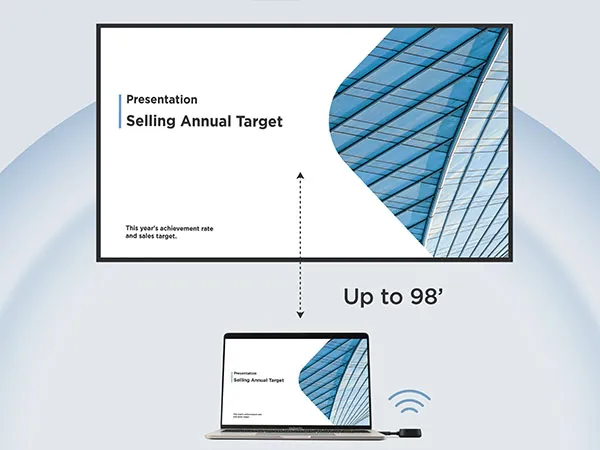
Easy Casting for Any Space
From small meeting rooms to large boardrooms, the WPD-900 fits right in. It connects wirelessly up to 98 feet away, so you aren't tied to one spot. You can stream presentations and demos in crisp 1080p Full HD. It also keeps your content sharp and readable for everyone in the room.
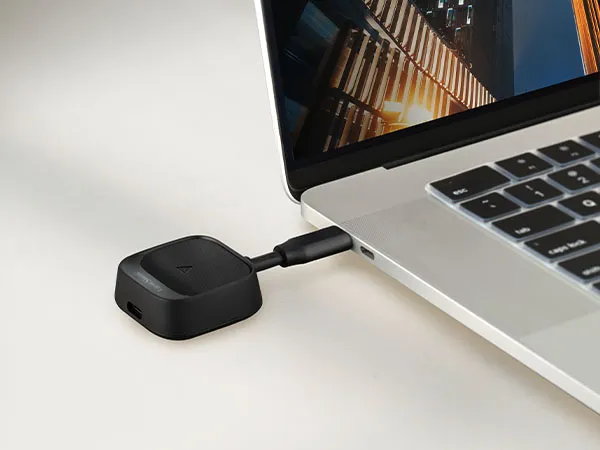
Instant Plug-and-Play
You don’t need IT help to start a meeting or a class. Just walk in, plug the WPD-900 into your device, and you’re presenting in seconds. There aren't any apps to install, drivers to download, or logins to remember. It’s a fast, stress-free way to get your content on the big screen so you can focus on sharing and presenting.
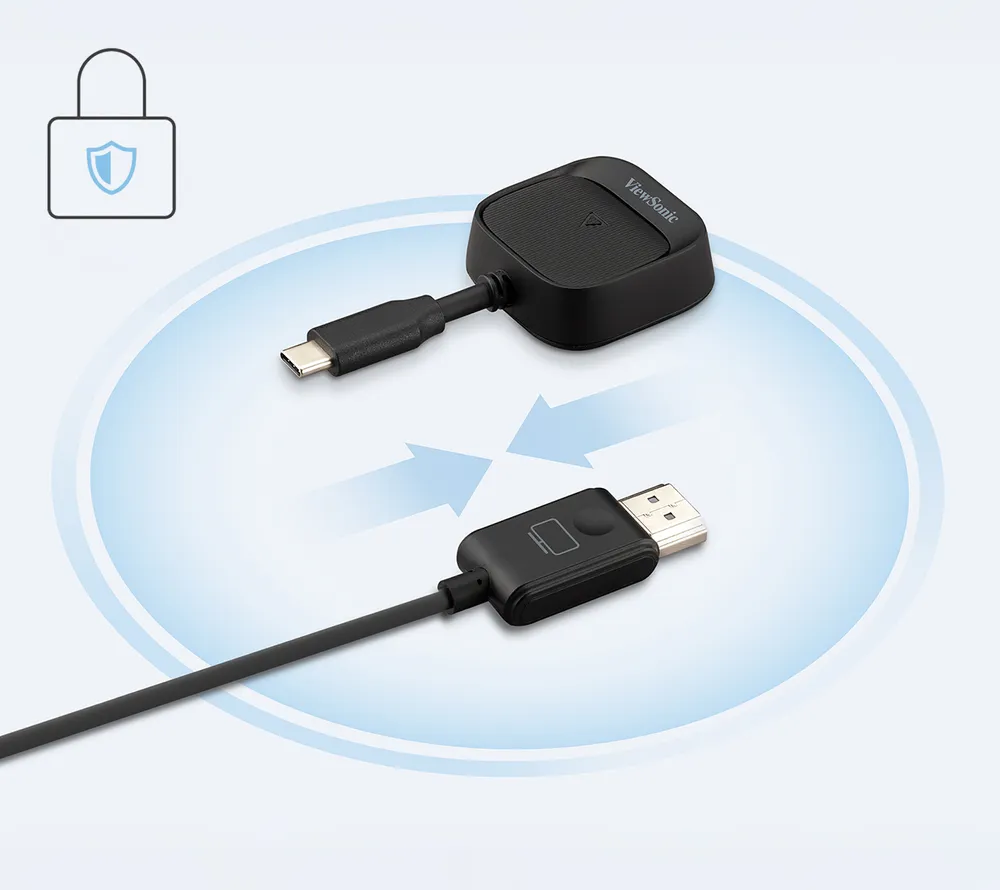
No Wi-Fi or Network Needed
The WPD-900 creates a direct peer-to-peer connection with your device. This avoids slow networks and protects your data with AES 128-bit encryption. You don’t need the Wi-Fi to share your work. It is a secure way for you and your guests to present without needing a password.
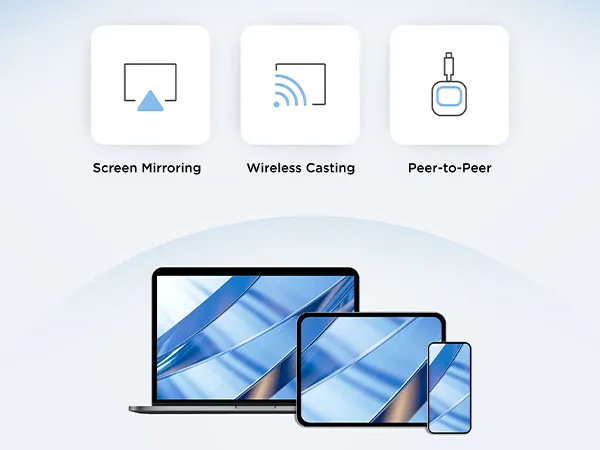
Works With Your Devices
Bring whatever device you use at work or school. Whether it’s a MacBook, Windows laptop, Android tablet, or mobile phone, we’ve got you covered. It supports AirPlay, Miracast, and ChromeOS mirroring natively. This means users can share instantly without checking compatibility first. It’s true BYOD freedom.
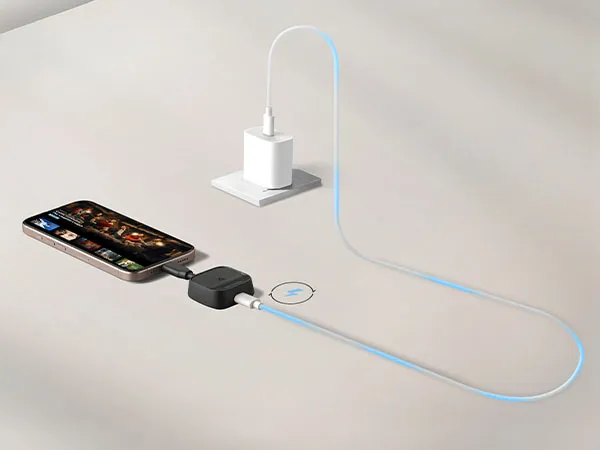
Power While You Present
Don’t let a low battery stop your presentation. The WPD-900 features a USB-C pass-through port with 60W power delivery that charges your laptop or tablet while you’re casting. It’s perfect for long strategy sessions or extended lectures. You can keep the ideas flowing without worrying about finding a power outlet.
FAQ for WPD-900
 Jun 2026
- Main Chip: AM8360D
- Wi-Fi: AM9421, 5GHz 1T1R
- HDCP Support: HDCP 1.4
- Video Support: 1080p60
- Audio Support: 2 channel, PCM
- USB Type C: 2 (video x1, power input support up to 60W PD x1)
- Pair Button: 1
- Power Input: 5V/1A
- Power Consumption: 3W
- Dimension: 3.4" x 1.7"x 0.6"
- Weight: 0.05lbs
- Main Chip: AM8268H
- WiFi: AM9421, 5GHz 1T1R
- HDCP Support: HDCP 1.4
- Video Support: Up to 1080p 60Hz
- Audio Support: 2 channel, PCM
- HDMI: 1
- USB A: 1(only for power input)
- Pair Button: 1 (Pin hole)
- Power Input: 5V/0.5A
- Power Consumption: 1.5W
- Dimension: 27.8" x 1" x 0.4"
- Weight: 0.06lbs
- Packaging (in.): 5.6"x3.5"x0.14"
- Physical (in.): TX: 6.7"x1.6"x0.6" ; RX: 26.7"x0.7"x0.2"
- Net (lbs): 0.1
- Gross (lbs): 0.2
- Warranty: One-year limited warranty
- Package Contents: Wireless dongle including RX(Receiver) and TX(Transmitter)
-
User Guides
- How to Upgrade the Device Firmware
- WPD-900 UserGuide ((English)
- WPD-900 UserGuide (Bahasa Indonesia)
- WPD-900 UserGuide (Deutsch)
- WPD-900 UserGuide (Español )
- WPD-900 UserGuide (Français)
- WPD-900 UserGuide (Italiano)
- WPD-900 UserGuide (Polski)
- WPD-900 UserGuide (Português)
- WPD-900 UserGuide (Suomi)
- WPD-900 UserGuide (Svenska)
- WPD-900 UserGuide (Tiếng Việt)
- WPD-900 UserGuide (Türkçe)
- WPD-900 UserGuide (Česky)
- WPD-900 UserGuide (Русский)
- WPD-900 UserGuide (ภาษาไทย)
- WPD-900 UserGuide (日本語)
- WPD-900 UserGuide (简体中文)
- WPD-900 UserGuide (繁體中文)
- WPD-900 UserGuide (한국어)
- WPD-900 UserGuide (ﺍﻟﻌﺭﺑﻳﺔ)
-
Safety Compliance
- WPD-900 CE DOC
-
Driver & Software


Unlock
15% OFF
when you subscribe.
By Clicking "CONTINUE" you agree to receive our newsletter. You can unsubscribe at any time. Discount applies to one (1) item only, not the entire order. Offer is not stackable or combinable with any other promotions or promo codes.
Login and Registration Form