 Teacher's Community
  Support


The Ultimate App Toolkit: Why the ViewSonic EDLA ViewBoard Display Is the Heart of the Modern Classroom
- Oct 6, 2026
Buyer's Guide | Nov 12 2025
The Ultimate App Toolkit: Why the ViewSonic EDLA ViewBoard Display Is the Heart of the Modern Classroom
The beauty of ViewSonic® EDLA-certified ViewBoard® displays, like the IFP41 and IFP51 series, is the native integration of the Google Play Store. For teachers, this means the panel behaves like a giant, intuitive smartphone. For administrators, it means a secure, manageable and highly compatible ecosystem that protects school data while getting the most from the hardware investment.
Here’s are the must-have apps to turn your interactive display into a powerhouse of engagement.
1. The Essential Google Suite (Optimized for EDLA)
Because these panels are EDLA-certified, Google apps run natively with full security updates and seamless Google Workspace integration.
- Google Drive: Access all your resources instantly. Pro tip: add a Drive widget to your home screen so your starred and recent files are there the second you walk into class.
- Google Translate: Use this on panels with integrated microphones, like the IFP41 and IFP51, to provide real-time translation for ESL and ELL students, making your lectures instantly inclusive.
- Google Arts & Culture: A favorite for humanities classes. Display high-resolution masterpieces for visual thinking strategies or use it as a creative prompt for English, music and art projects.
- Google Maps: Perfect for social studies and geography. Use Street View to take students on virtual field trips without leaving the room.
2. Proven Edtech Tools for High Engagement
These tools work across subjects and grade levels, and most teachers already know them.
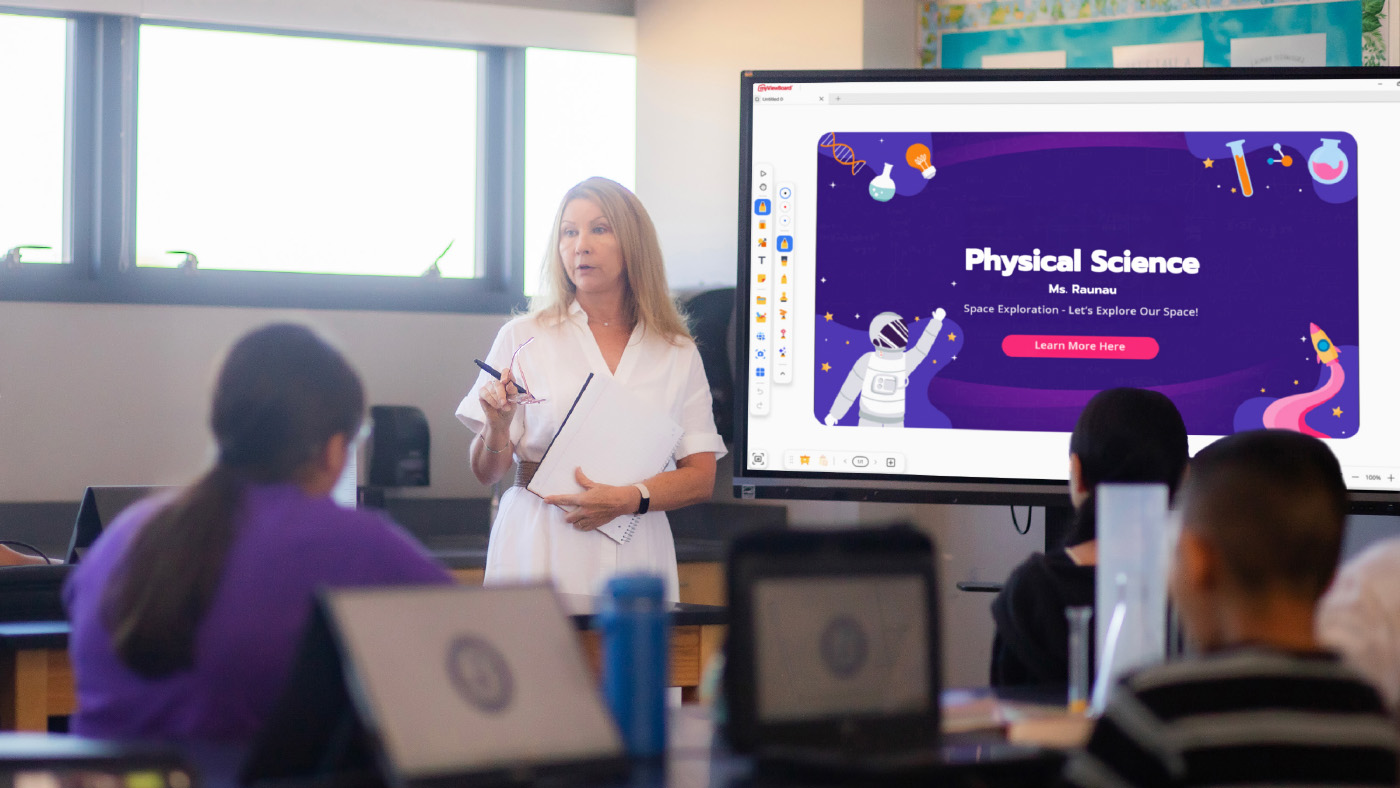
- ViewSonic myViewBoard®: The native digital whiteboarding software for annotation, screencasting and lesson recording. Includes Quiz Tools powered by ClassSwift for quick checks for understanding.
- ClassDojo: Manage classroom behavior and routines right on the shared screen.
- Canva: Open your lessons directly on the board and let students collaborate on designs in real time.
- Book Creator: Celebrate student voice by showcasing digital books the class has created together.
- XL: Display practice problems on the board while students work through them on their own devices or notebooks
- CK-12: A free, standards-aligned content library you can pull from across nearly any subject.
- GoNoodle: The perfect cure for the after-lunch slump. Use the panel’s speakers to get the class moving with a quick brain break.
3. Subject-Specific Powerhouses
- STEM: Use PhET Simulations and GeoGebra for interactive math and science visualizations, and Stellarium Mobile to turn your classroom into a planetarium.
- Earth and Space Science: NASA’s Earth Now app shows climate data and satellite imagery in stunning 4K detail.
- Anatomy: BioDigital Human and Visible Body offer incredible 3D views of the human body, no lab coats required.
- Primary Education: Khan Academy Kids, Starfall, Endless Alphabet and PBS Kids are built for multi-touch interaction during station rotation.
- Music: Soundtrap enables students to create music or podcasts right from the board.
Bonus Tips for Power Users
- Customize Your Workspace: Use Muzei or Resplash to keep your classroom environment fresh with high-quality, inspiring panel wallpapers.
- One-Touch Access: Save your favorite websites, like BouncyBalls.org for noise management or Wordle for a morning warm-up, directly to your home screen as web apps for instant access.
The Bottom Line for Schools
Whether you’re a teacher looking to streamline your workflow or an administrator looking to provide the most secure, future-ready smart technology for your district, ViewSonic EDLA panels are the answer. They don’t just display content, they drive active learning.


Login and Registration Form