 Teacher's Community
  Support


From Passive to Participatory: Transforming Classrooms with ViewBoard Interactivity
- Jun 24, 2026
From Passive to Participatory: Transforming Classrooms with ViewBoard Interactivity
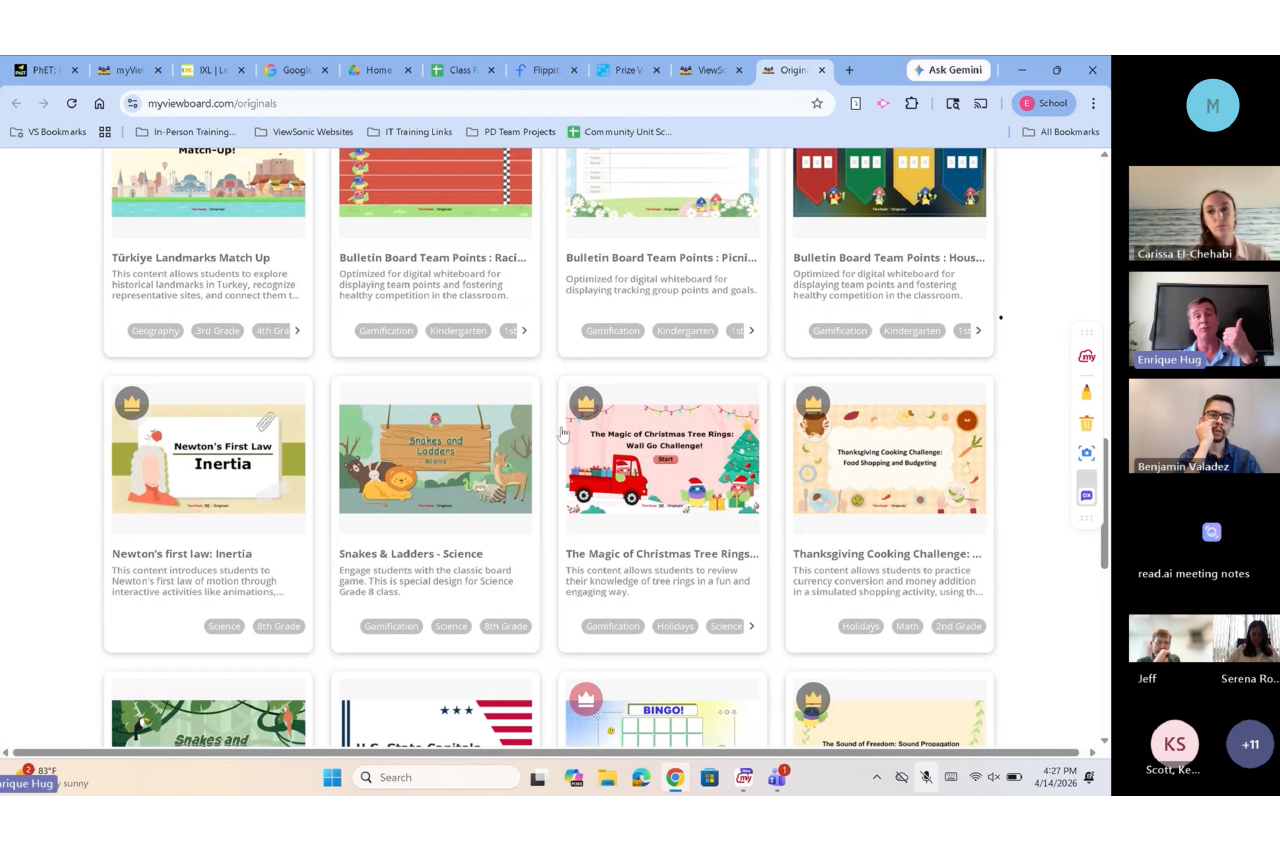
In our latest Community webinar, ViewSonic Professional Development Trainer, Enrique Hug, shared how educators can move from passive instruction to active student participation. The goal is to bring students to the front-of-class ViewBoard® interactive display to lead their own learning. With ViewBoard displays, the classroom becomes a collaborative hub rather than a teacher-centered lecture.
The 90% Problem: Why Interactivity Matters
Research suggests that in a traditional classroom, teachers tend to call on only 5% to 10% of students daily. This leaves 90% of the class sitting passively. While many teachers select popsicle sticks or ask for group answers, our strategy focuses on a better way. You can use the ViewBoard to engage that silent majority through tactile tools.
1. Participate Mode: The Engagement Multiplier
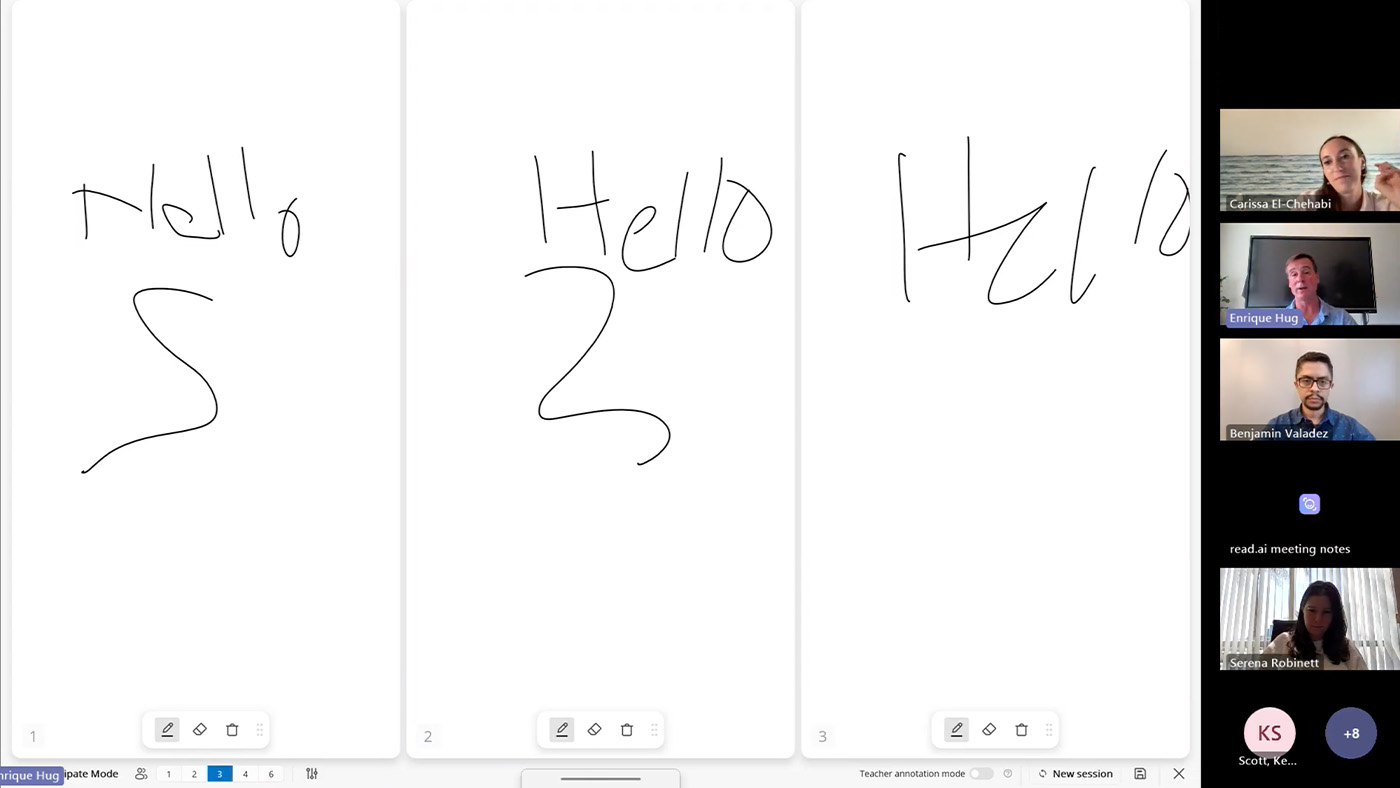
Why have one student at the board when you can have six? Participate Mode leverages the board’s 50+ point touch technology to create independent workspaces. This is one of the most powerful ways to turn a lesson into a hands-on experience.
- Split Screen: Perfect for small group rotations or student-led modeling.
- Exit Tickets: Quickly check for understanding by having group reps write answers simultaneously.
- Independent Backgrounds: Set an XY-coordinate plane for one student and a world map
2. The Magic Box: Turning Math Into Manipulatives
One of the most versatile features of the myViewBoard whiteboarding software is the Magic Box. Itallows teachers to bridge the gap between abstract concepts and visual mastery by creating live math manipulatives in seconds. Here are just a few of the math features:
| FEATURE | CLASSROOM APPLICATION |
|---|---|
| DIGITAL DICE | Generate numerators and denominators in real-time for probability or fraction lessons. |
| MATH FORMULA ASSISTANT | A tool where users can write math formulas and symbols. Once finished, press insert to add it to the canvas as text. |
| TACTILE MASTERY | Students can physically pull off a slice of a fraction to visualize the parts of a whole, making the learning kinesthetic. |
3. Tailored Environments: Backgrounds That Work for You
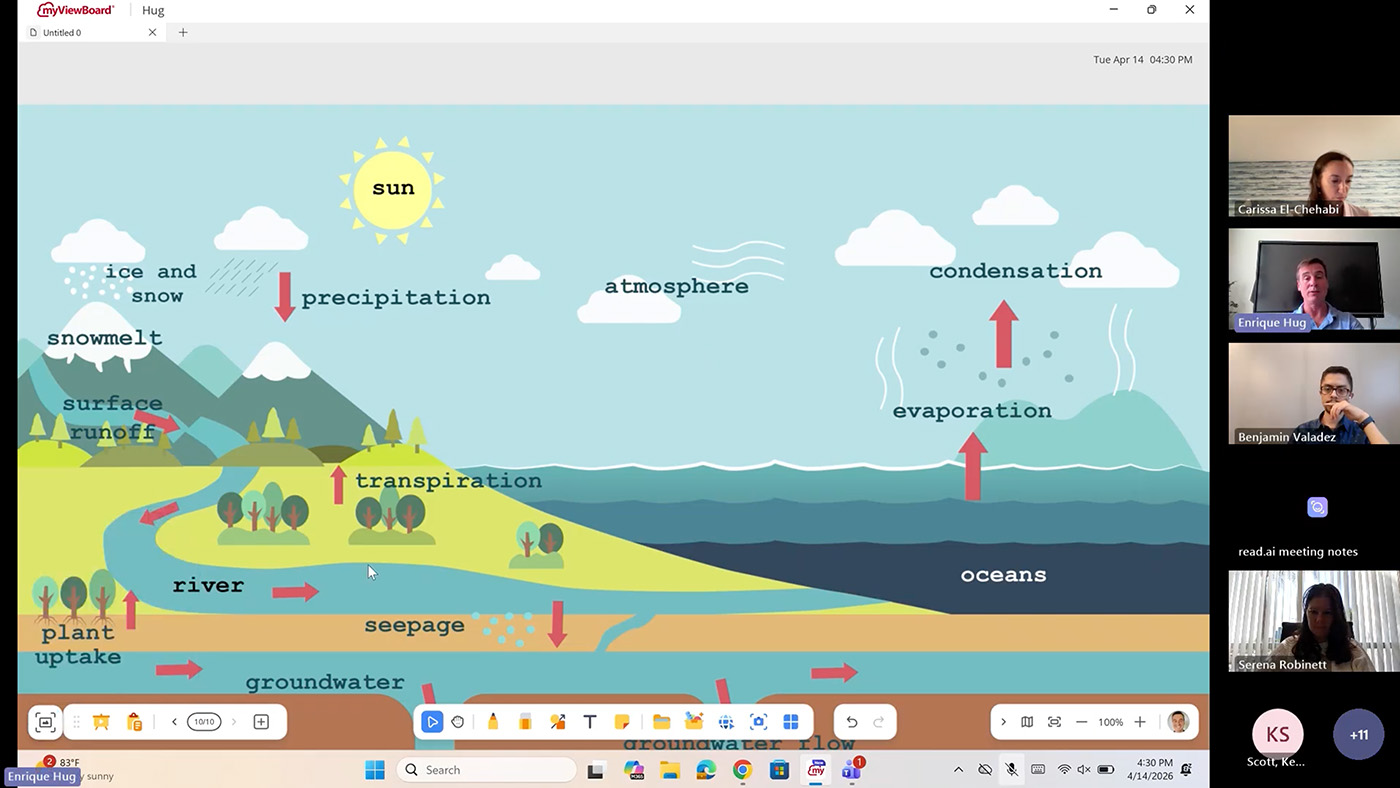
One of the most powerful ways to streamline your workflow is through Background Customization. Your ViewBoard display shouldn’t just be a blank slate; it should be an environment tailored to your specific subject and teaching style.
- Curated Originals: Access a massive library of pre-made backgrounds. Find exactly what you need, from XY-coordinate planes and world maps to primary lined paper and musical staves.
- The Favorite Workflow: You can favorite the backgrounds you use every day, ensuring your primary teaching tools are always one tap away. Log in and save your favorites here.
- Full Customization: You can upload your own custom PNGs or JPEGs directly to your cloud-connected folders. Whether it’s a specific graphic organizer or a school-branded template, your ViewBoard display works exactly how you work.
Empower Your Students
The true power of a ViewBoard display isn’t in what the teacher can do with it, but in what the students can discover through it. By shifting the focus toward student-led interactivity, students become active participants who look forward to coming to class every day, eager to see what they will create next on the board.
Watch the entire webinar here:
ViewSonic Educator Community
The ViewSonic® Educator Community is an interactive and collaborative forum designed to inspire and connect you with fellow educators from around the world. When joining our community, educators can share their own creativity and ideas, leverage the expertise of others, and gain new friends. It’s collaboration and growth at its finest.


Login and Registration Form