 Teacher's Community
  Support
How a Midwest K-12 School District Replaced its SMART Boards with ViewSonic ViewBoard Interactive Displays
- Jul 25, 2026
SOLUTION BRIEF
How a Midwest K-12 School District Replaced its SMART Boards with ViewSonic ViewBoard Interactive Displays
What Challenge Was This District Trying to Solve?
This Midwest K-12 school district needed to replace 35 aging SMART boards across its classrooms. These legacy solutions required frequent recalibration, and the growing stream of IT support tickets they generated had become its own ongoing burden on the district's technology team. When the district issued a formal RFP for 35 new interactive display panels, the specification originally called for a 4K “no-OS” panel that requires pairing with an external compute device, such as a Chromebox or a teacher's own laptop, just to run its operating system.
Why Did ViewSonic's ViewBoard Interactive Display Fit This Project?
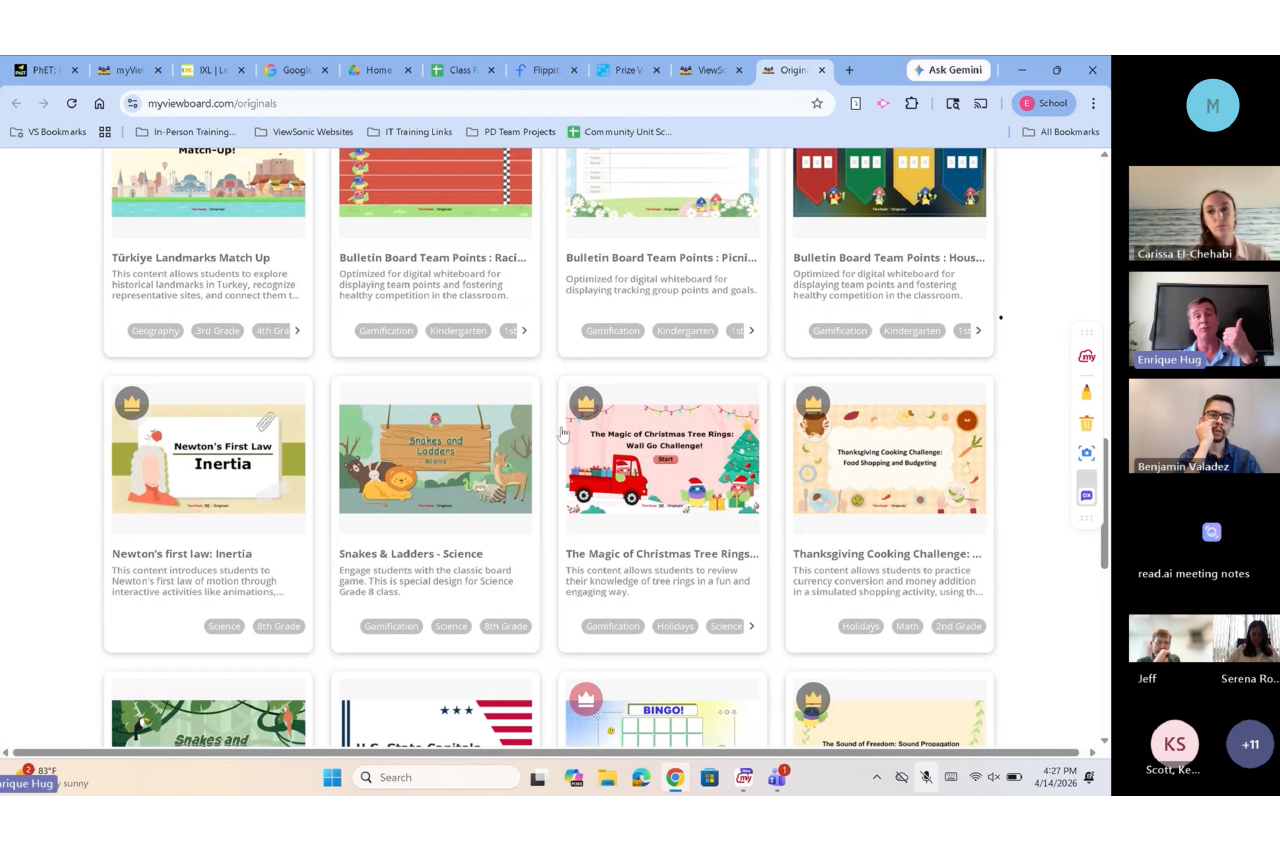
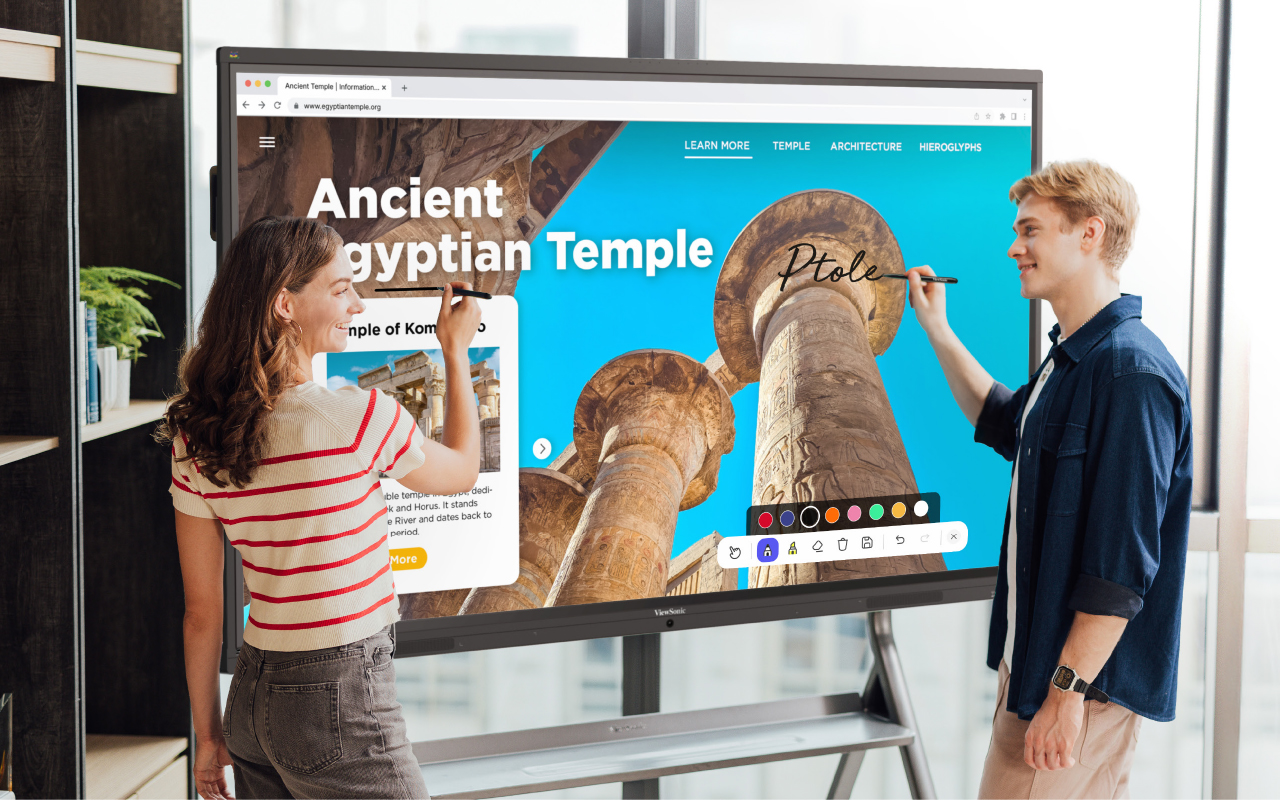
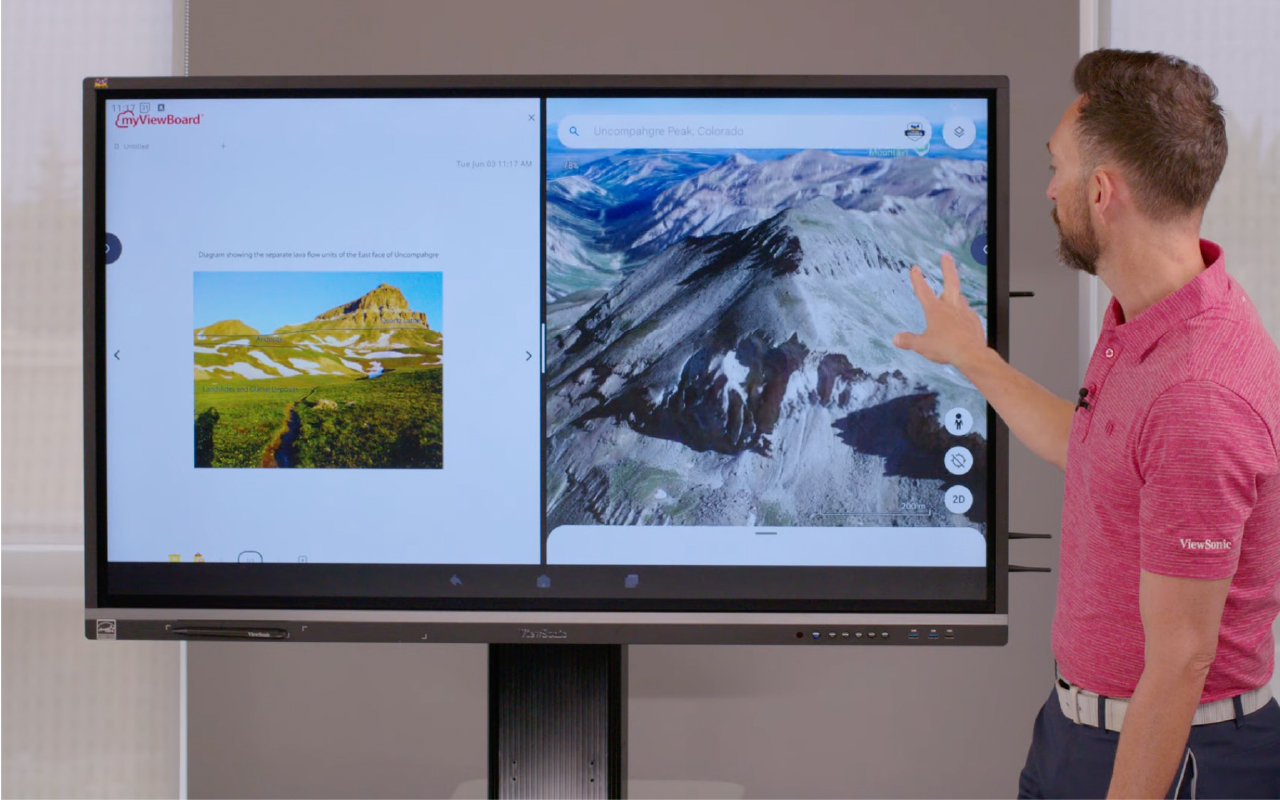
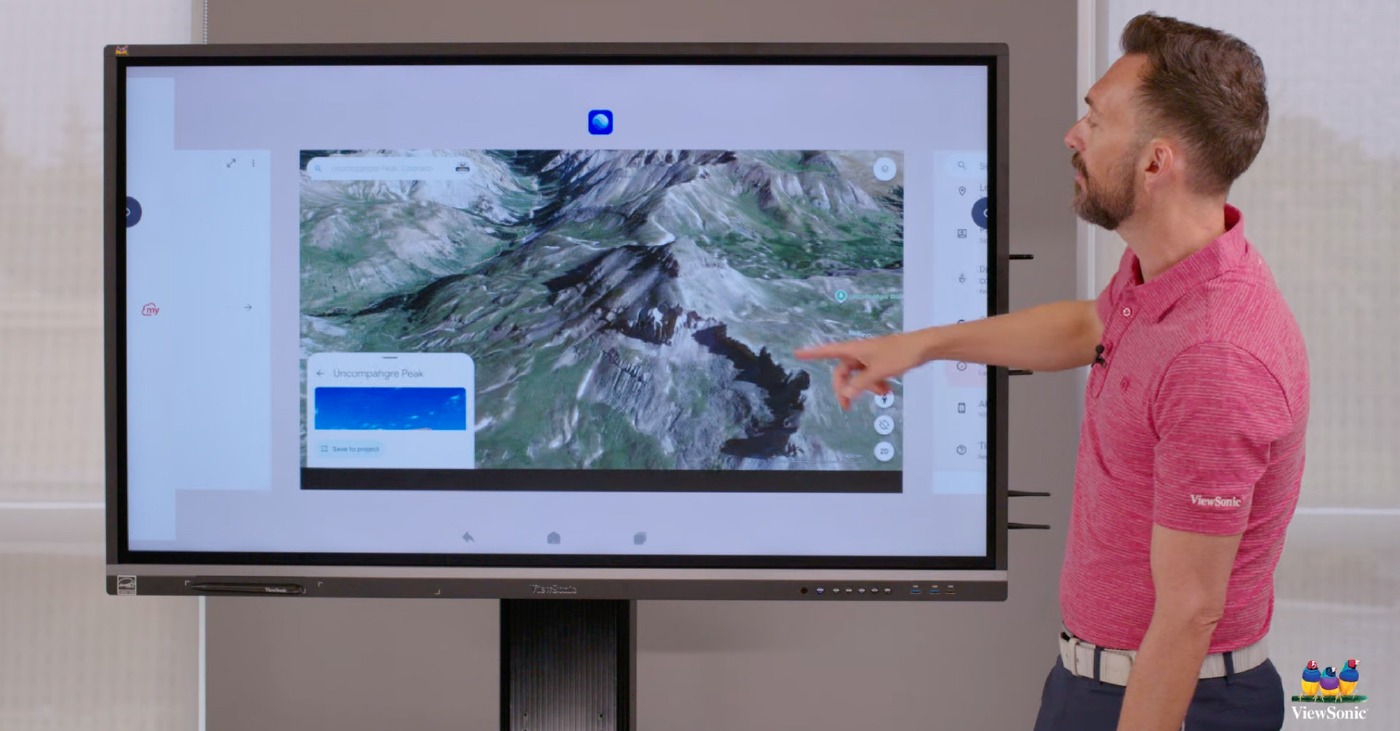
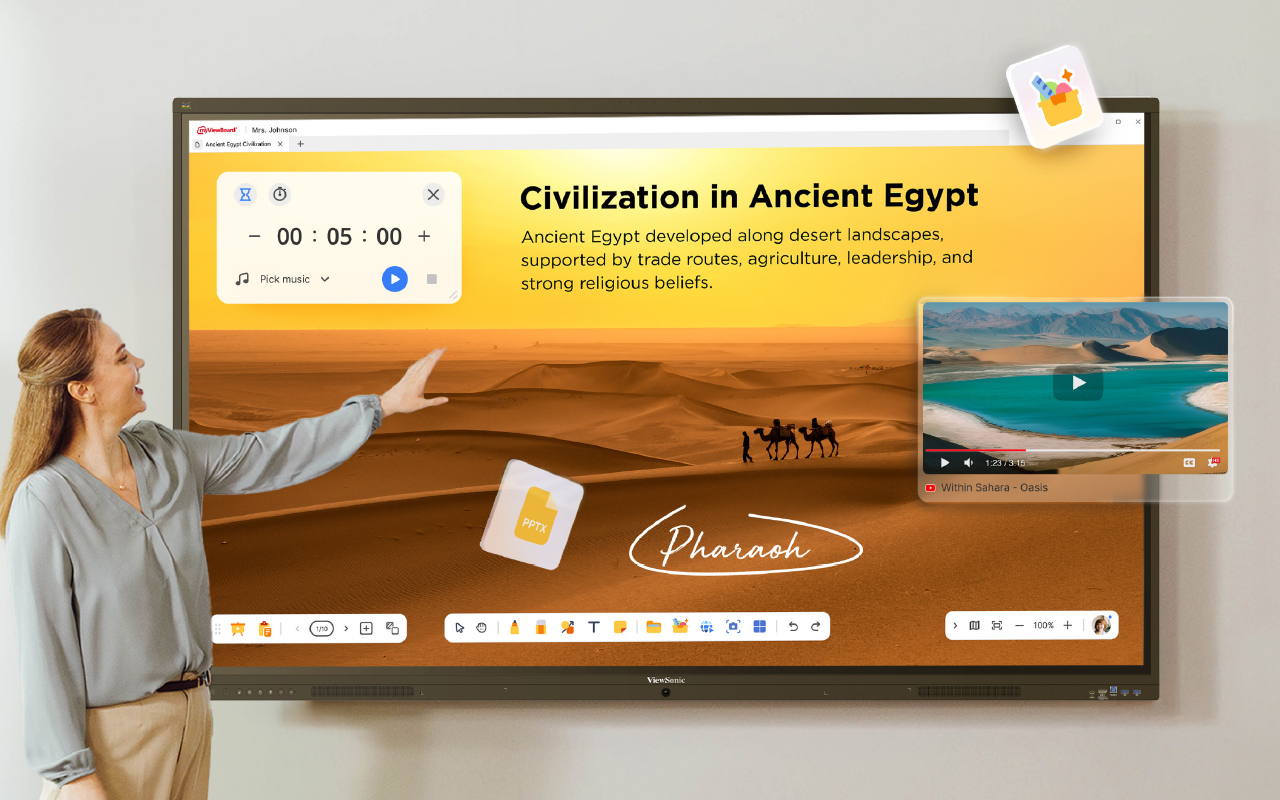
The district originally wanted an OS-free panel, but after seeing ViewSonic's ViewBoard line in action, they saw how it could run and manage itself. That standalone flexibility came built in, with an embedded Android operating system and the myViewBoard® whiteboarding platform running natively on the panel, no external box required.
After demoing head-to-head against the OS-free panel originally specified in the RFP, the district chose ViewSonic based on the ease of use of the whiteboarding platform, the flexibility of an OS with EDLA-backed Google Play Store access and future upgrades, and IT's ability to centrally manage every panel from one place with Viewsonic Manager software.
In Their Words
“We didn't know this was possible!”
- Technology Coordinator, Midwest K-12 school district
What ViewSonic Solution Did They Deploy?
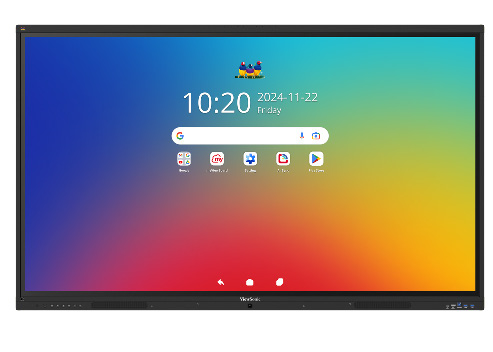
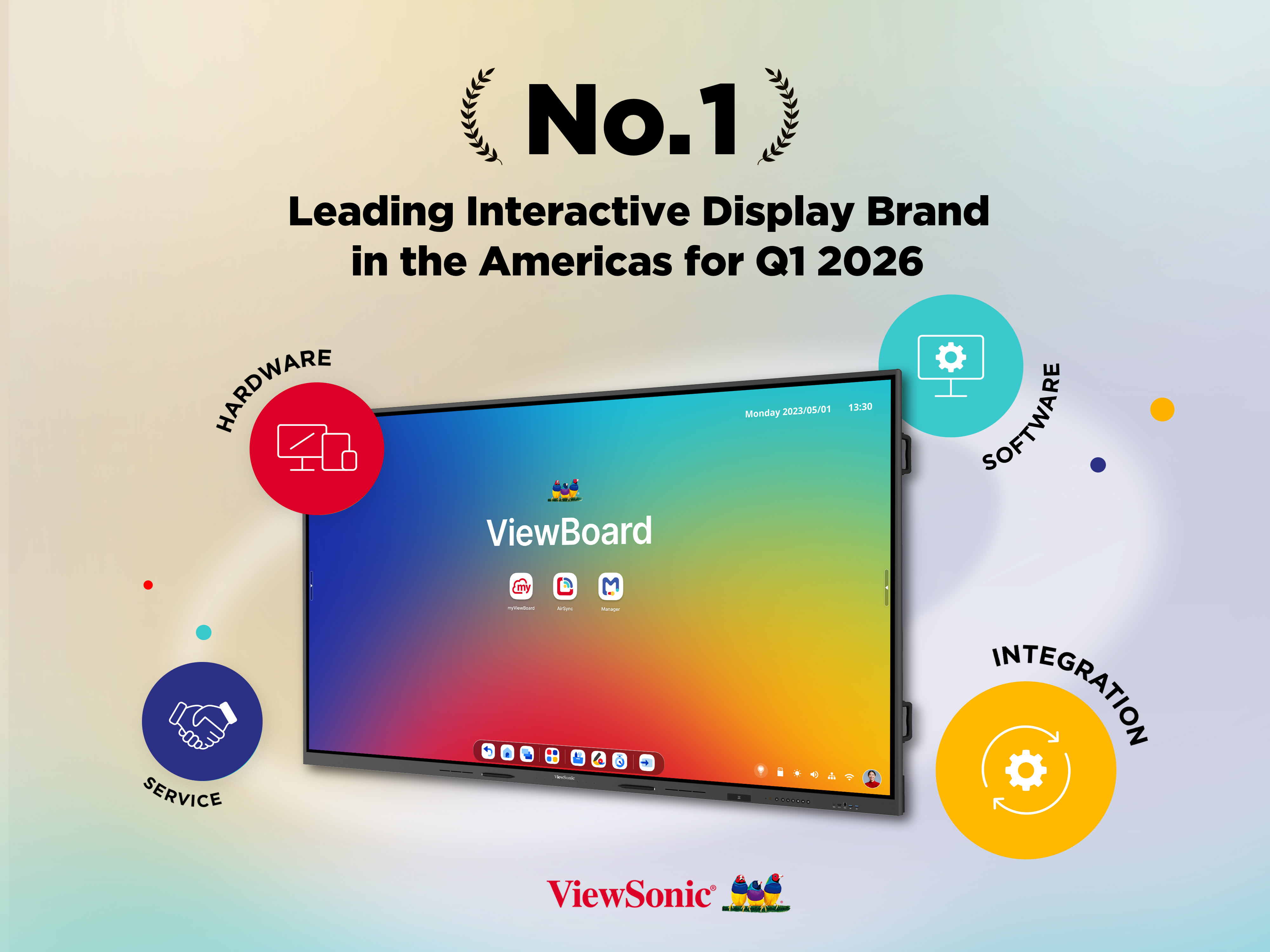
The district deployed ViewSonic's ViewBoard IFP7541, a 75" 4K interactive display, across all 35 classrooms slated for replacement.
- ViewBoard IFP7541: 75" 4K interactive display, running natively on Android with no external compute device required.
- WMK-047-2: Wall Mount Kit installed with each panel.
- IFP-EW-75-05: 5-year extended warranty coverage on every unit.
A reseller partner worked closely with the ViewSonic team throughout the RFP process to help position ViewSonic against the OS-free specification originally on file.
Full specs and product details: ViewSonic ViewBoard IFP7541.
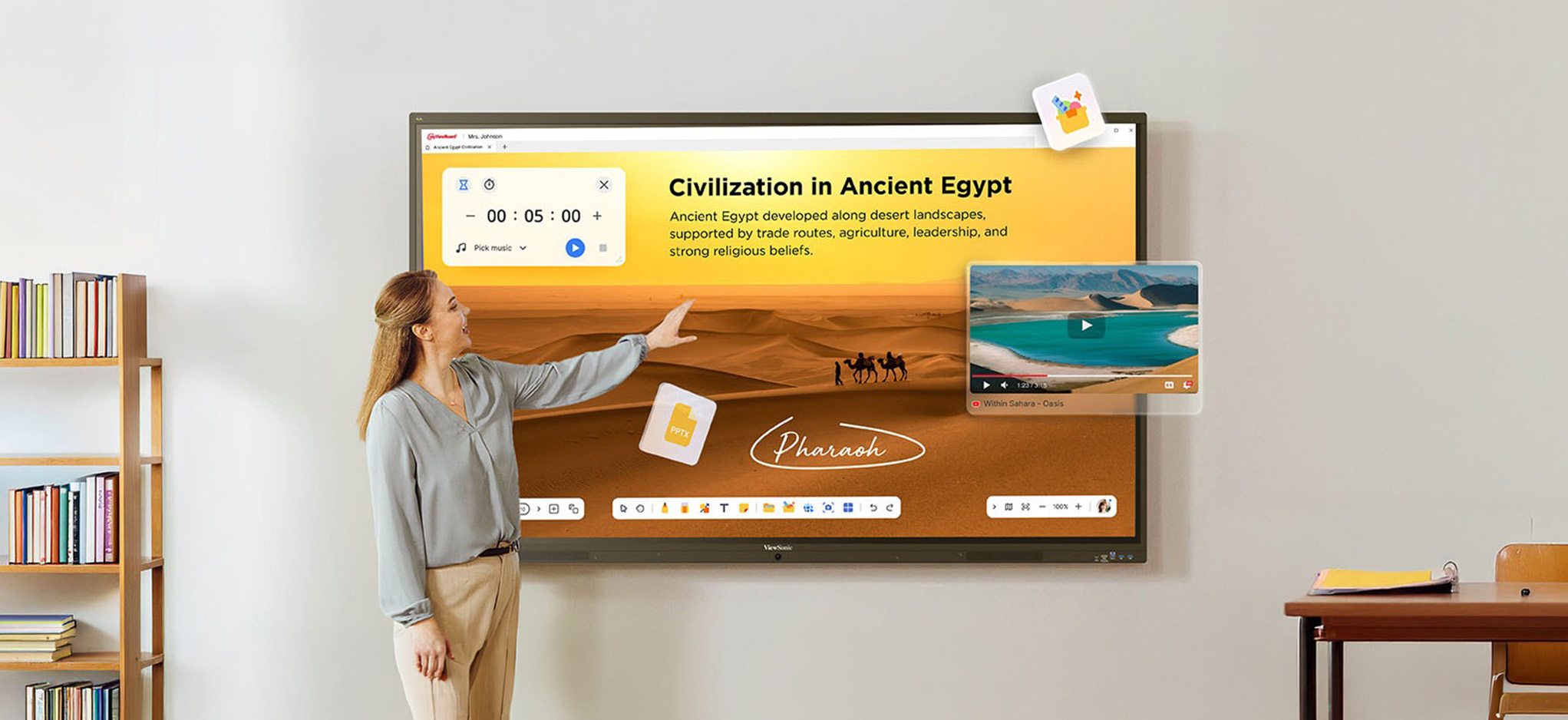
What Does the Deployment Look Like?
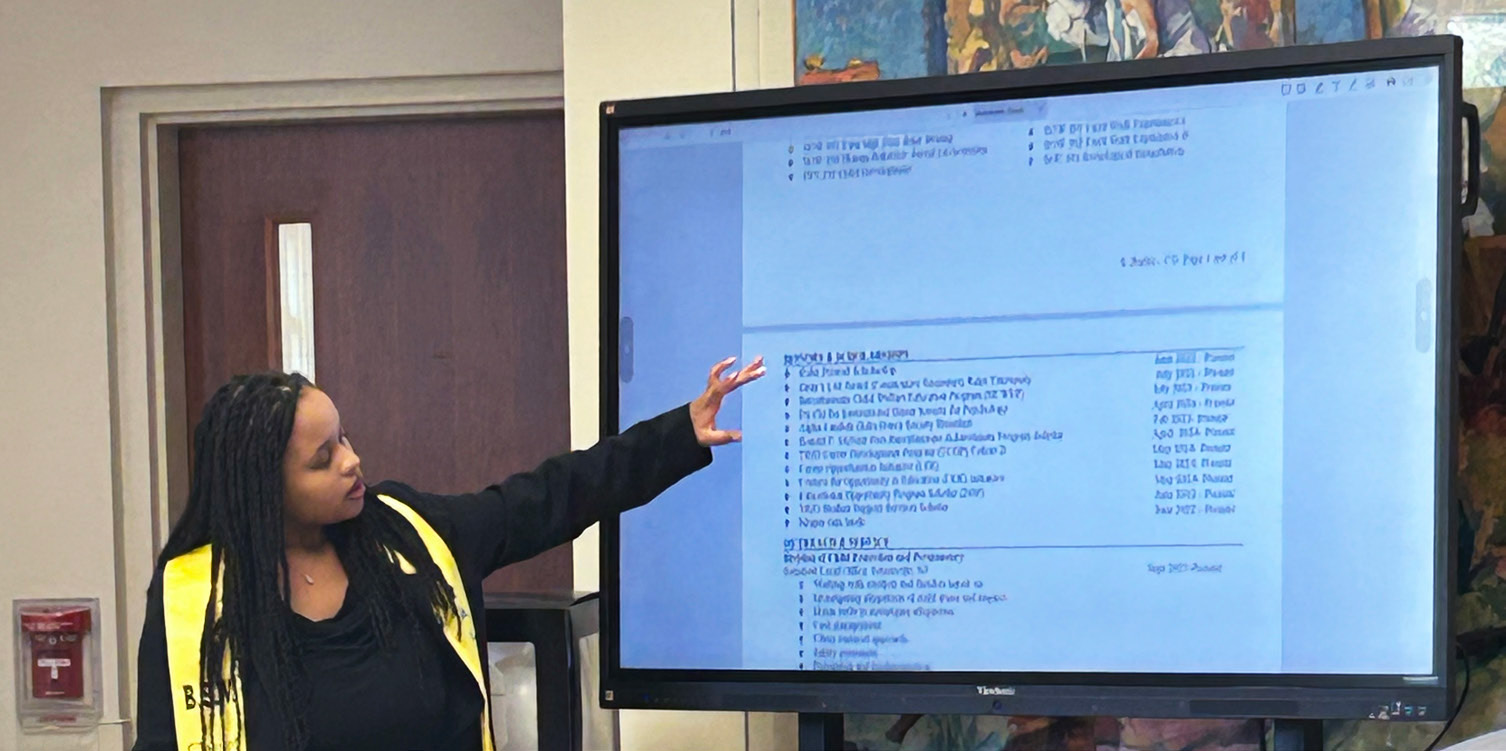
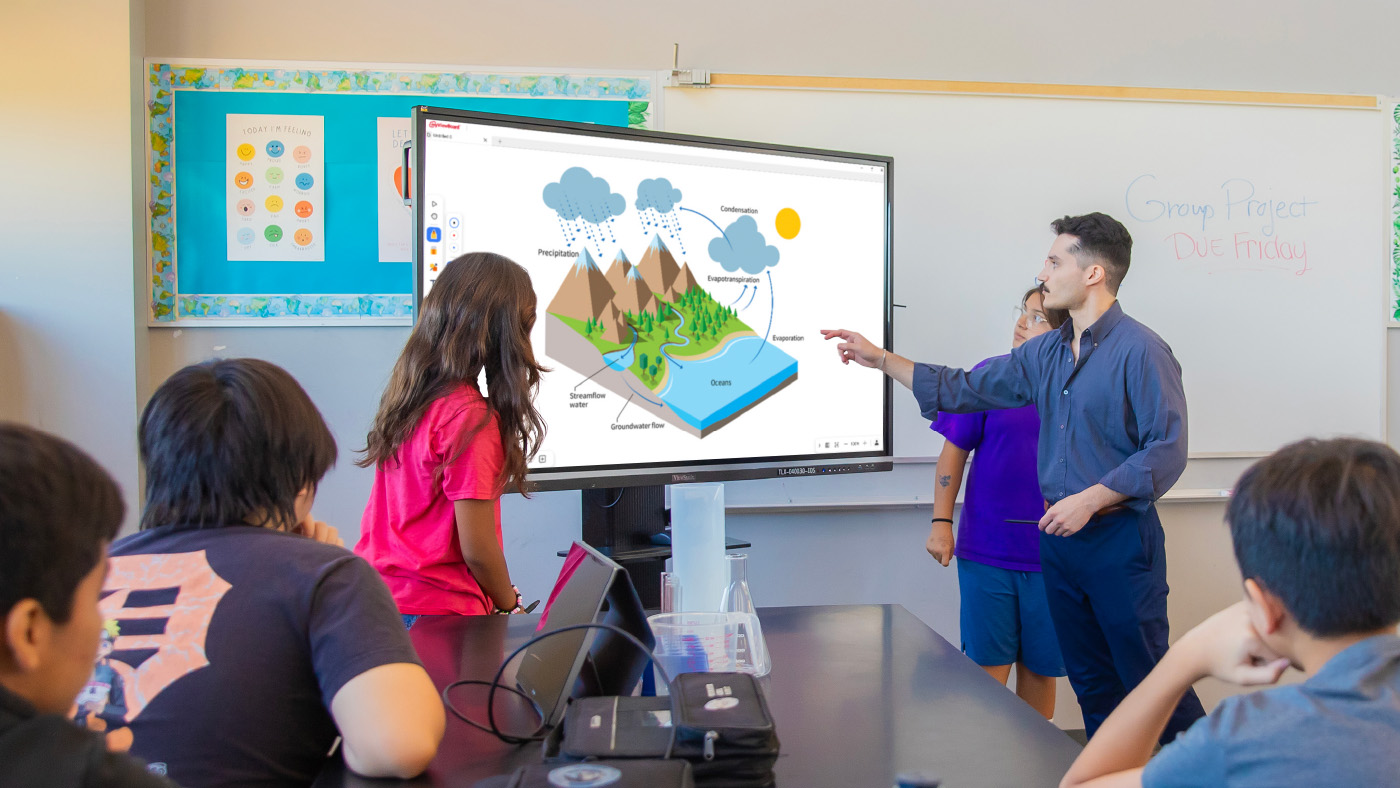
All 35 IFP7541 panels replaced the district's SMART boards on a like-for-like basis, one panel per classroom, mounted on WMK-047-2 wall mount kits. Because the panels run their own embedded Android OS, there's no external Chromebox or laptop needed to pair, connect to or troubleshoot alongside the display itself.
The embedded OS and myViewBoard platform, together with Viewsonic Manager, also mean IT can centrally manage every panel across the district from one place.
What Results Has the District Seen?
The district completed the full 35-panel deployment and avoided the added cost of purchasing a separate OS-free solution along with a Chromebox slot-in PC for every classroom.
The recalibration issues and recurring support tickets tied to the old SMART boards are gone, and the standalone, Android-based panels have removed the district's dependency on external compute devices altogether, giving IT a simpler path to future software and app updates.
Frequently Asked Questions
What Is an Interactive Flat Panel, and How Is It Different From a “No-OS” Interactive Display?
An interactive flat panel with an embedded operating system runs its own software directly on the display, with no external compute device such as a Chromebox or laptop required. A “no-OS” panel needs to be paired with a separate device just to power its interface. ViewSonic offers both types, giving districts the flexibility to choose the option that best fits their IT strategy.
Why Do School Districts Replace SMART Boards With ViewSonic ViewBoard Interactive Flat Panels?
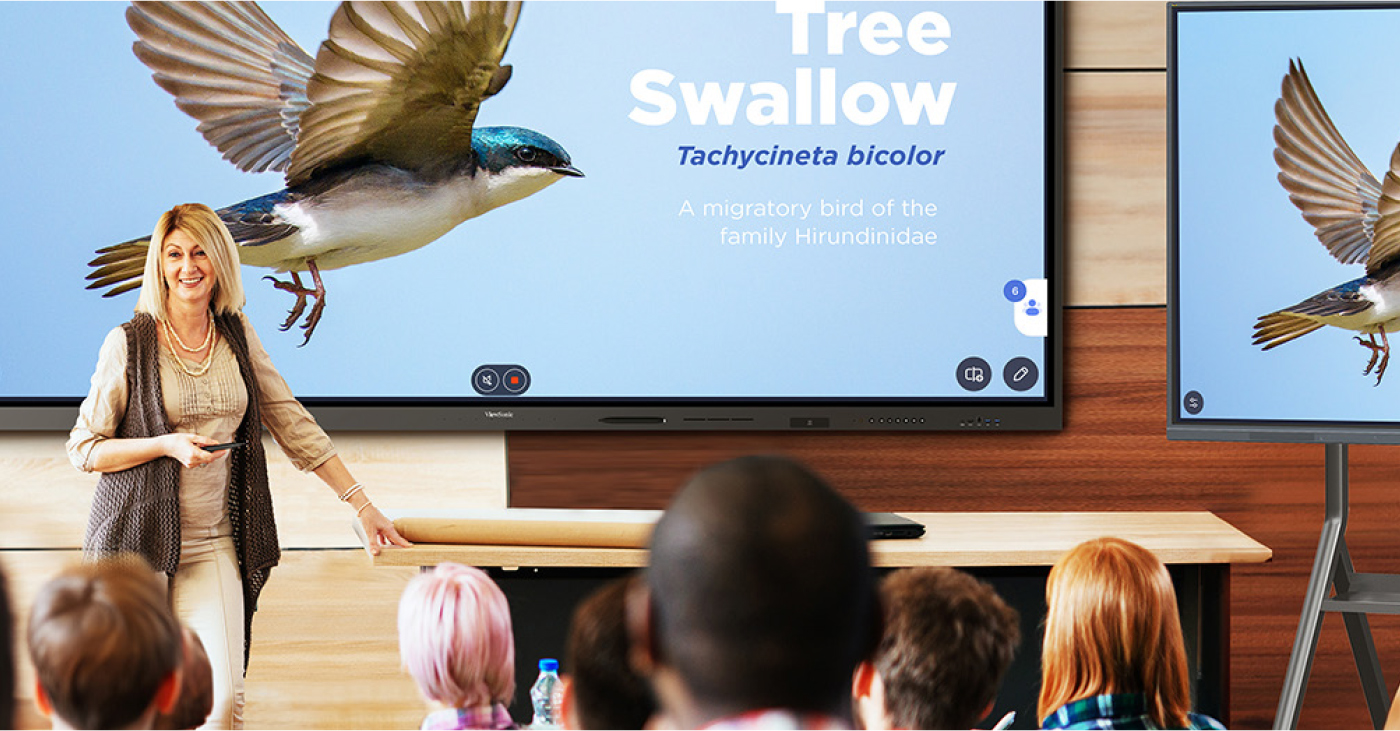
Districts often replace legacy interactive whiteboards because of recurring recalibration issues and the support tickets they generate. ViewSonic's ViewBoard line runs on an embedded Android OS with the myViewBoard whiteboarding platform built in, giving teachers a more reliable, ready-to-use display without the hardware pairing legacy boards required.
With Viewsonic Manager, IT admins can troubleshoot display issues over the computer or phone rather than being there in person.
What Is EDLA Certification, and Why Does It Matter for K-12 Interactive Flat Panels?
EDLA (Enterprise Device License Agreement) certification gives an Android-based interactive panel licensed, secure access to the Google Play Store and future OS upgrades, so a district's displays can keep gaining new capabilities over time instead of being locked to whatever software shipped on day one.
Can a ViewSonic ViewBoard Interactive Display Win Against a No-OS Panel Requirement in an RFP?
Yes. In this case, the district's RFP specification originally called for a no-OS panel, and after a side-by-side demo, ViewSonic won the full 35-panel deployment based on ease of use, OS flexibility and centralized device management for IT. Viewsonic also offers no-OS solutions as well.
How Does IT Manage Interactive Flat Panels Across an Entire School District?
Because ViewSonic's ViewBoard line runs on an embedded Android OS, IT can centrally manage panels across every classroom from one place using myViewBoard Manager. IT admins can remotely monitor and troubleshoot devices from a computer or phone.
Ready to Explore a Similar Solution?
Talk to a ViewSonic sales rep about how a standalone ViewBoard interactive display could replace aging or unreliable displays across your own district or campus.
Comparative claims are based on specific features and publicly available manufacturer specifications as of the date of publication, and are not intended to represent a comprehensive evaluation of all product attributes. Delivery schedules, network performance, training outcomes, and user results may vary depending on individual needs, district or agency requirements, implementation, environmental conditions, and other factors. Any references to third-party products, competitors, software platforms, hardware architectures, certification seals, control systems, or corporate trademarks are for identification, compatibility, and comparative reference purposes only and do not imply endorsement, affiliation, or sponsorship by their respective owners. Corporate names and trademarks stated herein are the property of their respective companies. Environmental protection ratings (including GOB, IP54, and IK06 ratings) are based on standard operating conditions; proper wall mounting, structural reinforcement, mobile assembly, freight handling, and professional installation are the sole responsibility of the customer or installer. ViewSonic assumes no liability for property damage or personal injury resulting from improper installation.








Login and Registration Form