 Teacher's Community
  Support


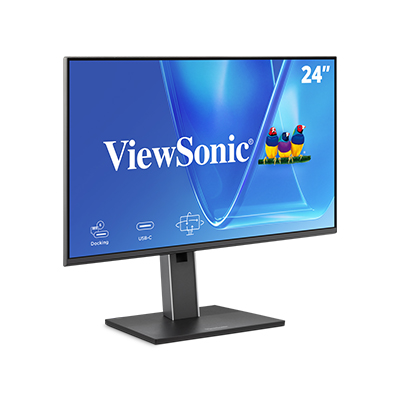
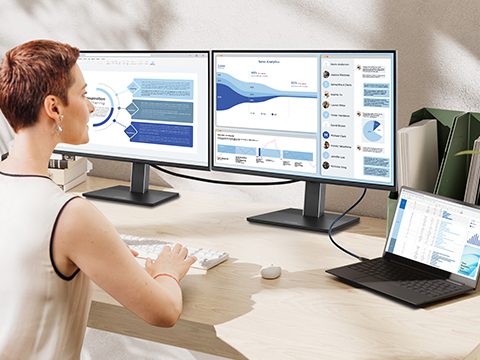
Rolling out monitors across an organization gets complicated fast. The VG58 series streamlines that process with a consistent connectivity solution that's easy to configure, simple to scale and ready to standardize across every desk in your environment.
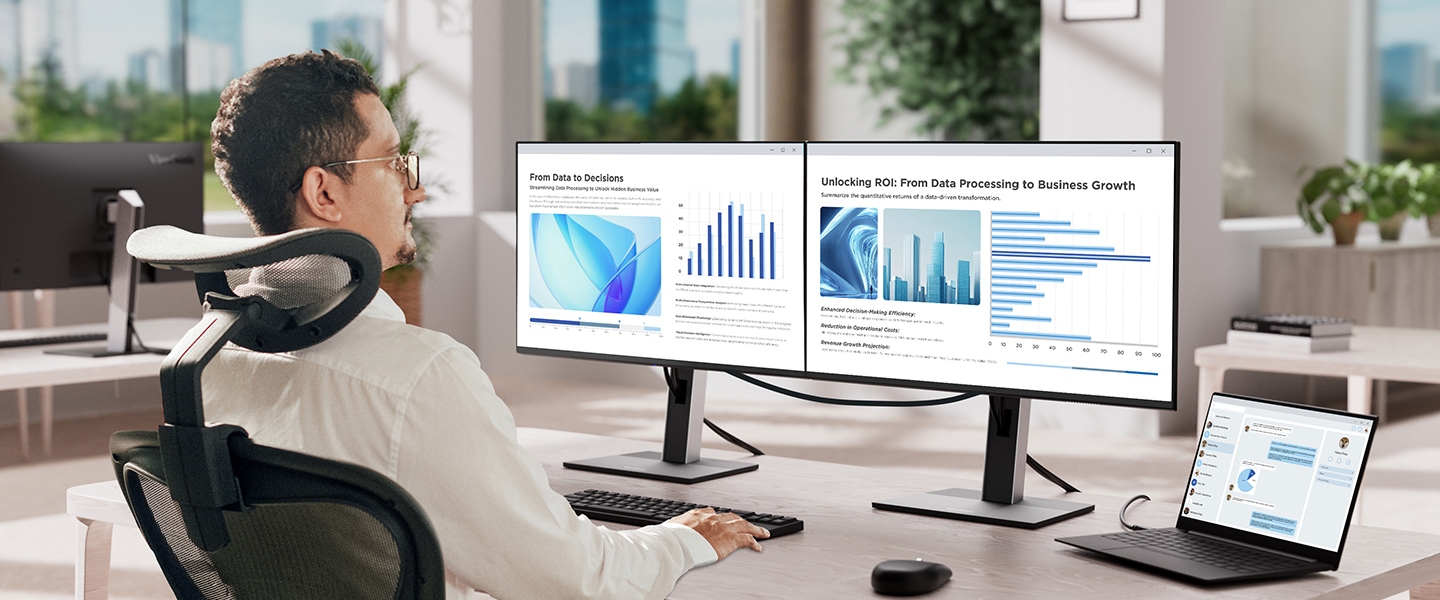
Simple Multi-Monitor
Daisy Chaining for Max Productivity
ViewSonic® VG58 Series Docking Monitors
IT budgets work harder with the right hardware. The ViewSonic® VG58 series of docking monitors integrates USB-C daisy chaining, 100W charging, ethernet and a full USB hub right into the display. Fewer devices to buy, less to manage and a lower total cost of ownership across your deployment.
Featured Products
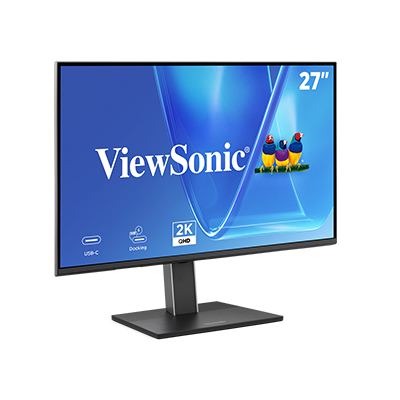
VG2758-2K
27" QHD Monitor with 100W USB-C
Avoid The Hidden Costs of External Docking Stations
External docking stations add up fast. More hardware, more cables and more things that can go wrong. For IT teams managing large deployments, that complexity drives up costs and support tickets. The VG58 series takes a smarter approach. Power, display and data all flow through a single monitor-based solution, so your team spends less time troubleshooting and more time focused on what actually matters.
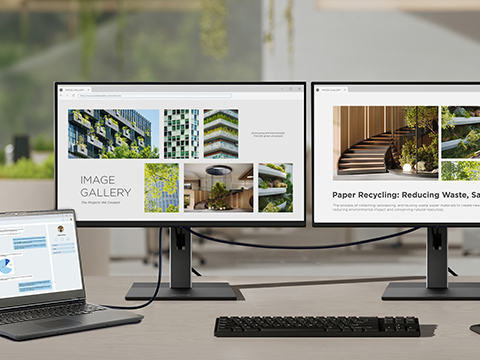
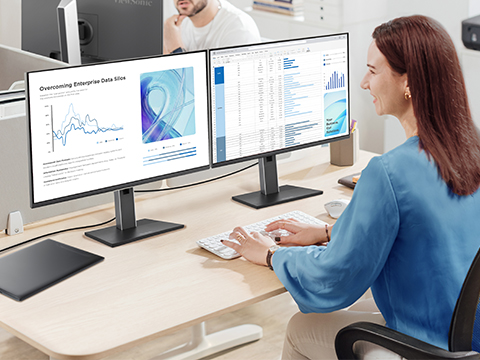
USB-Daisy Chaining vs. DisplayPort Daisy Chaining
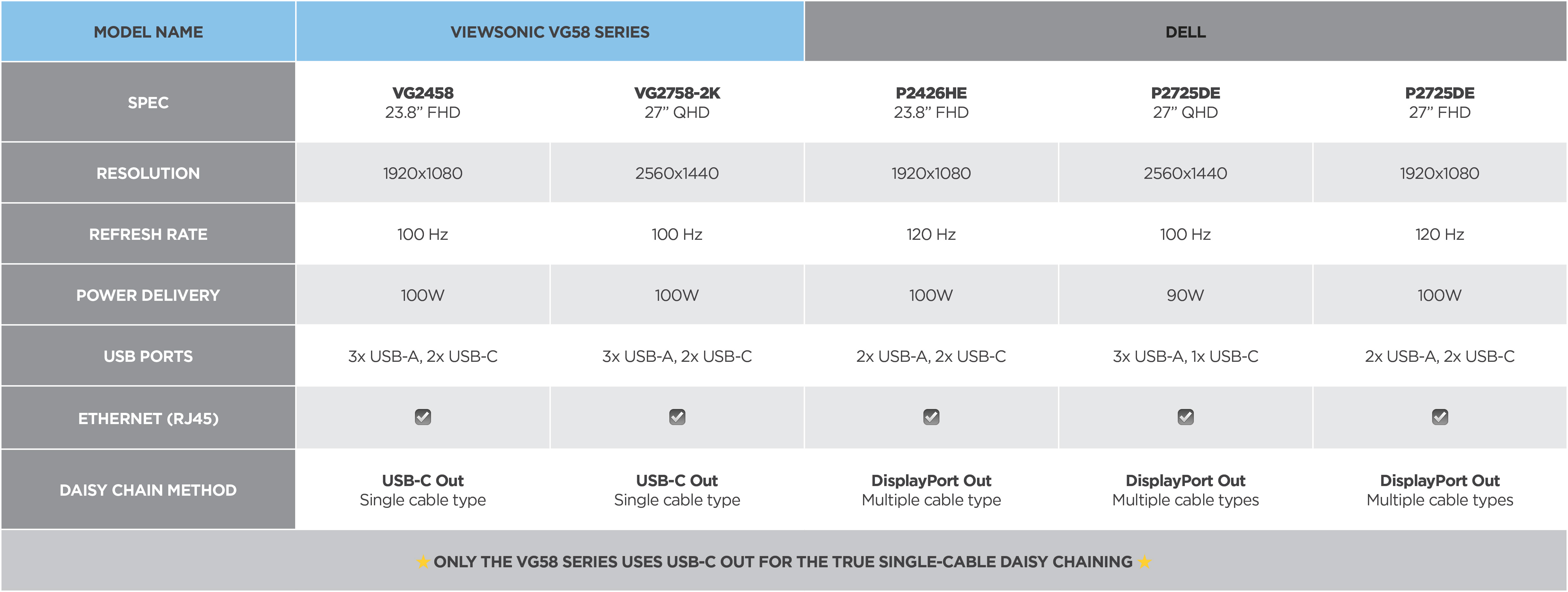
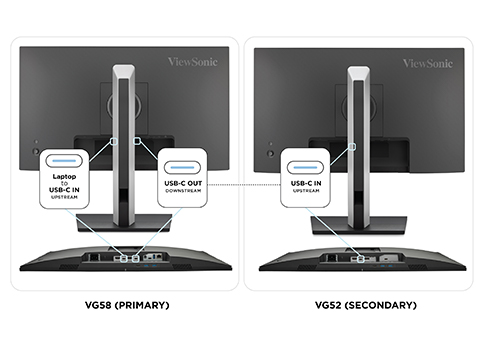
Not all daisy chaining is created equal. While some monitors rely on DisplayPort Out, that still means more cable types and more complexity across your deployment. The VG58 series uses USB-C, which combines DisplayPort Alt Mode and USB signals into one cable. With DisplayPort daisy chaining, a second cable is needed for USB functionality. The result is a cleaner setup, easier standardization and a lower total cost of ownership. See how they stack up.*
Reduce Hardware Dependency
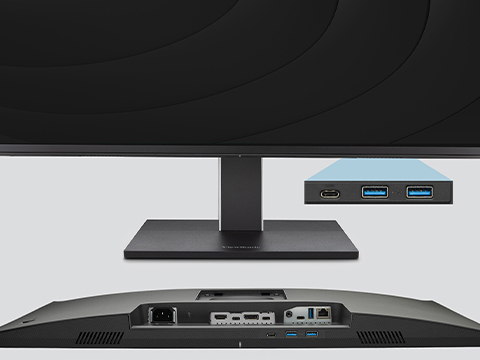
Standardizing your workspace has never been easier. The VG58 series features an integrated 5-port USB hub and ethernet port that replace your external docking stations entirely. That means consistent connectivity across every team and environment, with no extra hardware required. Add 100W USB-C power delivery for enterprise laptop support and you've got a single, scalable solution that's ready to deploy across your organization.
Built for the Way Modern Teams Work
The VG58 series is built for the way modern teams work. Here's how it simplifies the biggest challenges IT teams face today.


IT Deployment Standardization
Hybrid Work Consistency
Whether your team is in the office or splitting time at home, the VG58 series delivers the same reliable experience everywhere. One USB-C connection handles power, display and data so employees stay productive regardless of where they're working.
Reduced Accessory Spend
Every external dock you eliminate is money back in your budget. The VG58 series replaces standalone docking stations with integrated hub functionality, cutting hardware costs and reducing the accessories your team needs to buy, install and replace over time.
Complete Your Setup with the VG58 and VG52 Combination
The VG58 series isn't the only piece of the puzzle. The ViewSonic VG52 series is purpose-built as a companion display, featuring a USB-C upstream port that connects directly into your VG58 daisy chain. No redundant docking hardware on the second screen. Just a clean, cost-effective way to complete a two-monitor setup without paying for features you don't need.
Frequently Asked Questions
*Comparative claims are based on specific features and publicly available manufacturer specifications as of the date of publication, and are not intended to represent a comprehensive evaluation of all product attributes. Actual performance, compatibility, and user results may vary depending on system configuration, network conditions, usage settings, and other factors. Any references to competitors' products or trademarks, including 'Dell,' are for identification purposes only and do not imply endorsement, affiliation, or sponsorship by their respective owners. Programs, pricing, specifications, and availability are subject to change or cancellation without notice. Corporate names and trademarks stated herein are the property of their respective companies. Copyright © 2026, ViewSonic Corporation. All rights reserved.


Unlock
15% OFF
when you subscribe.
By Clicking "CONTINUE" you agree to receive our newsletter. You can unsubscribe at any time. Discount applies to one (1) item only, not the entire order. Offer is not stackable or combinable with any other promotions or promo codes.
Login and Registration Form