 Teacher's Community
  Support


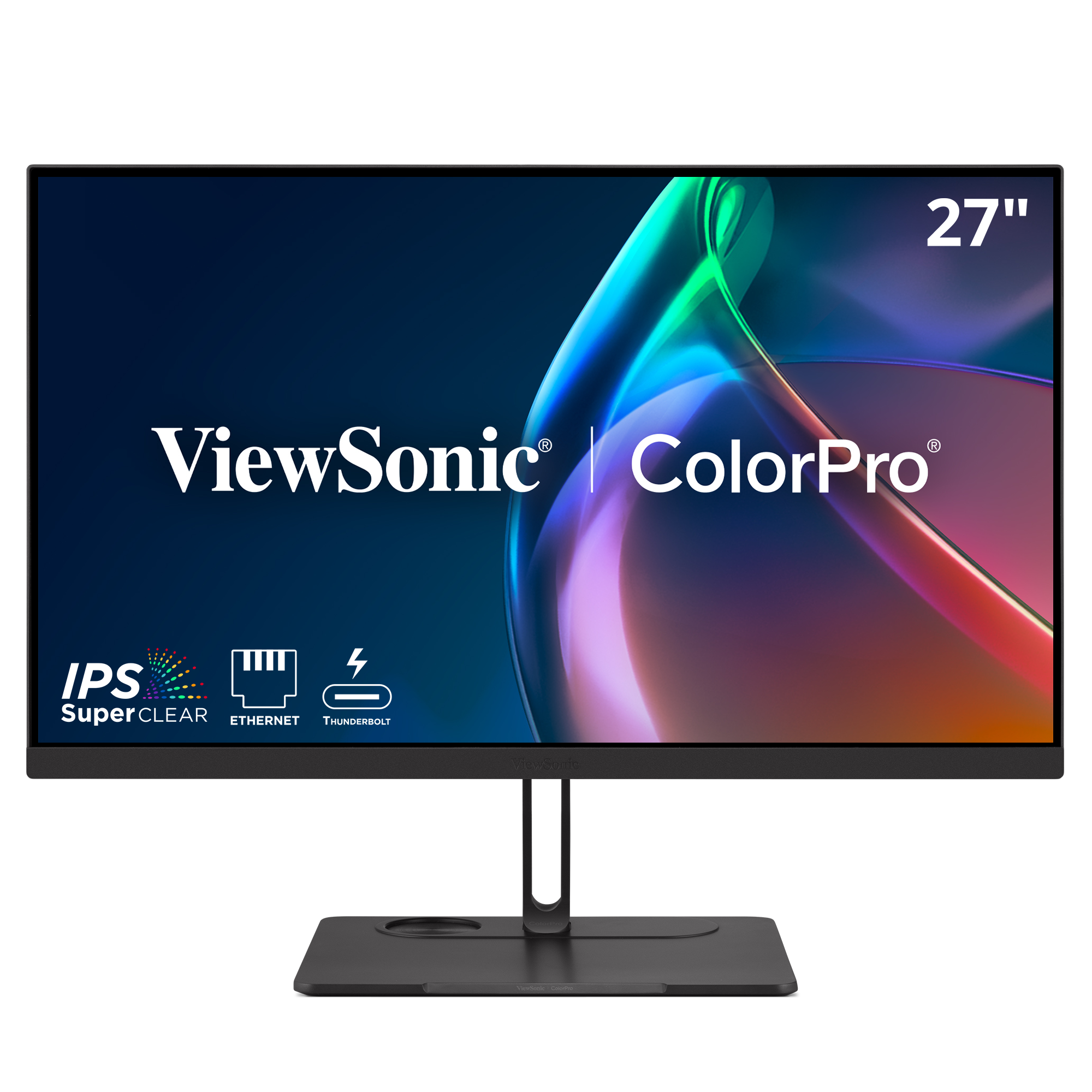
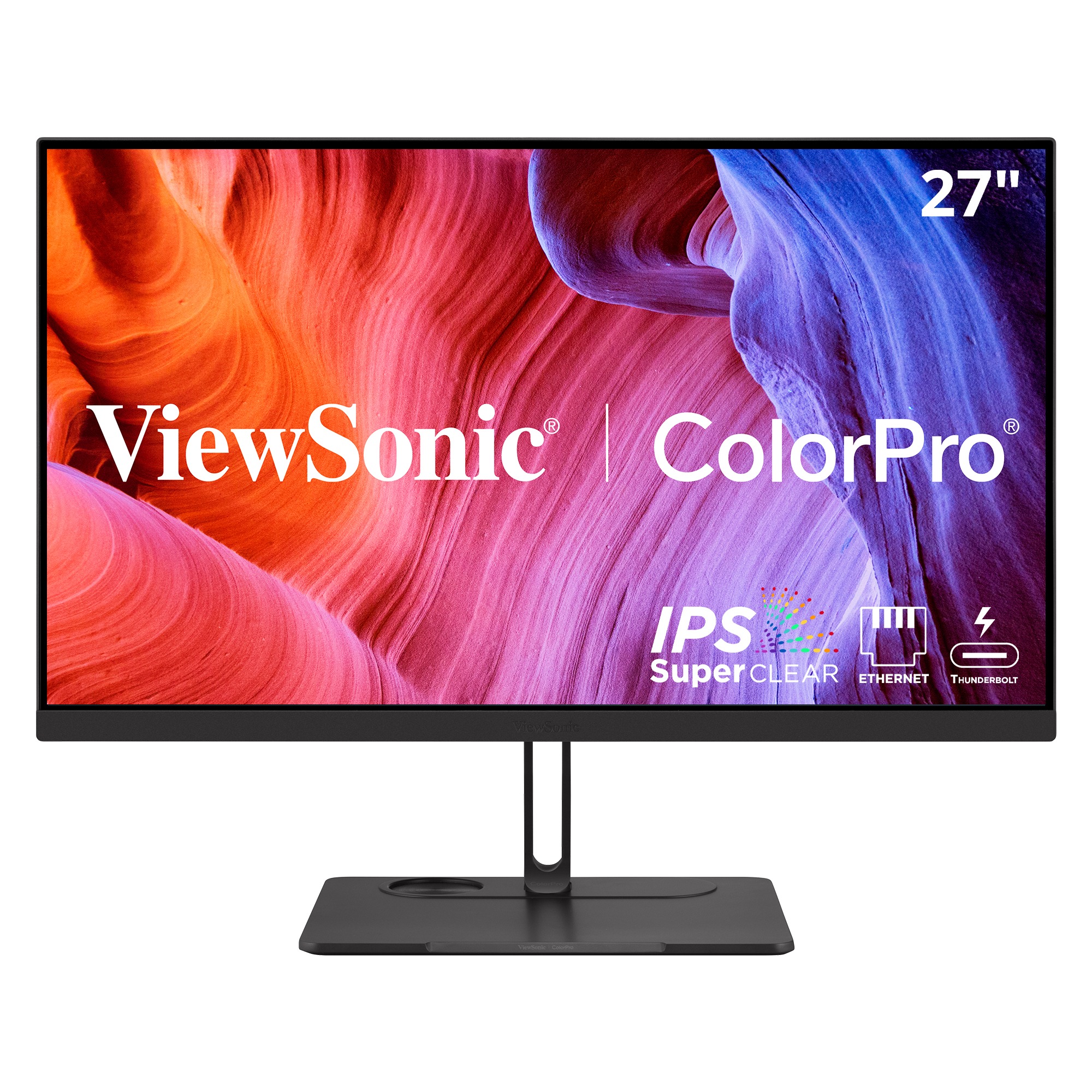
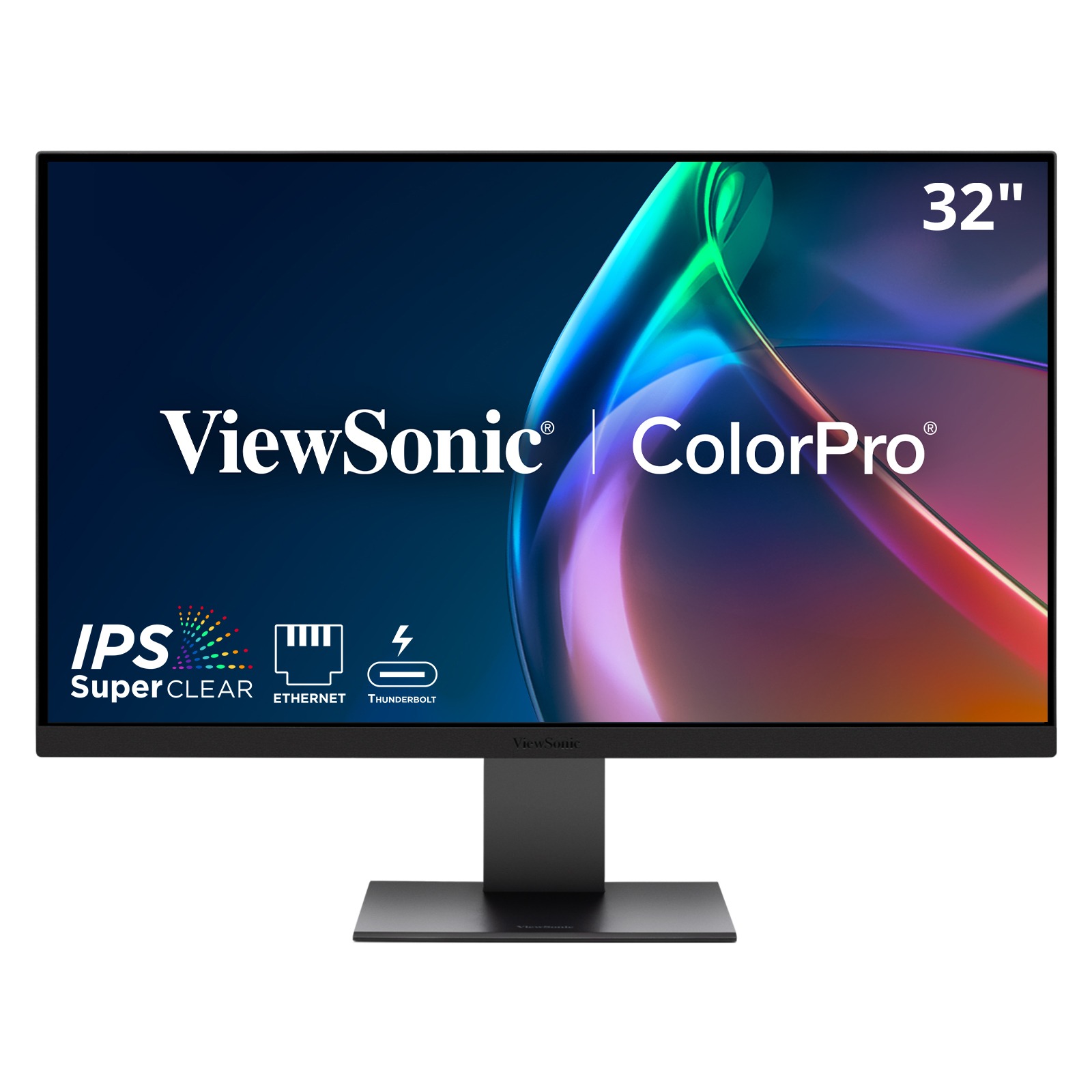
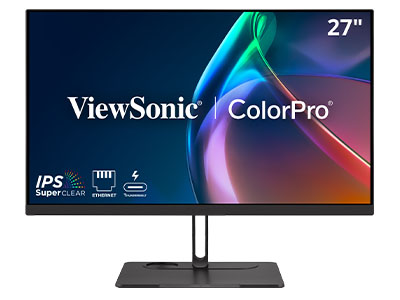
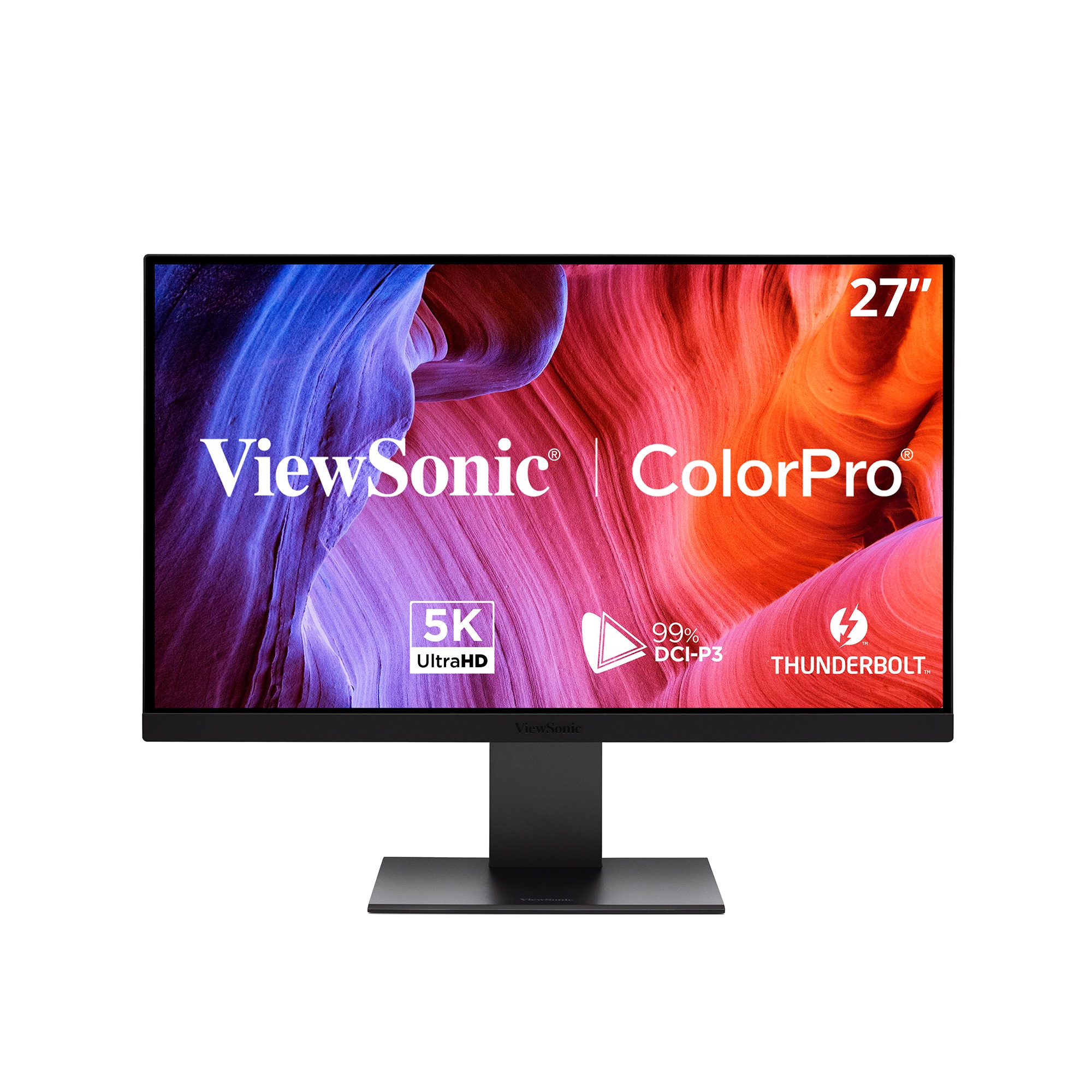
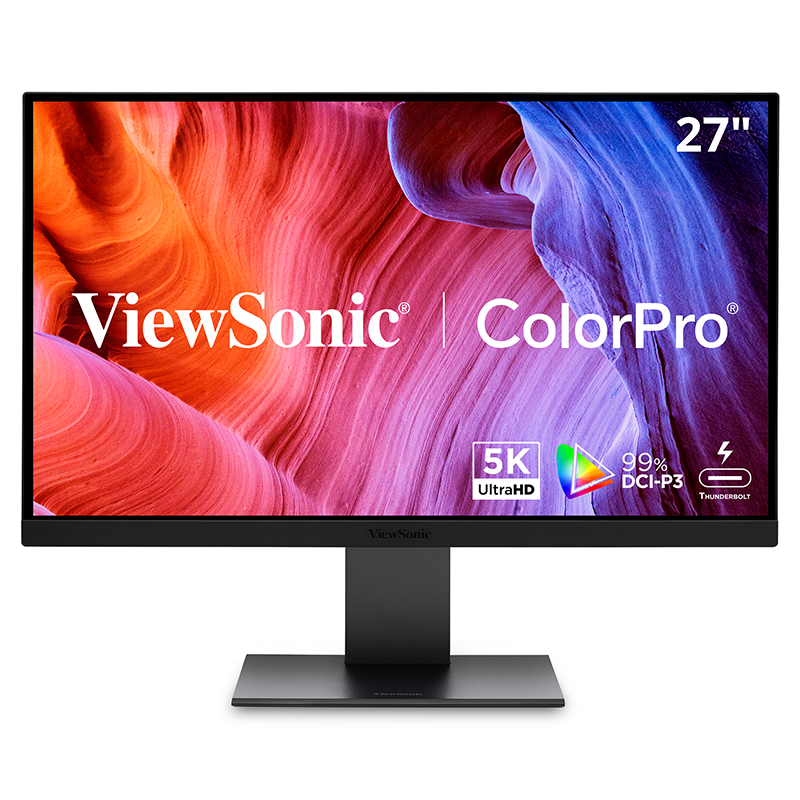
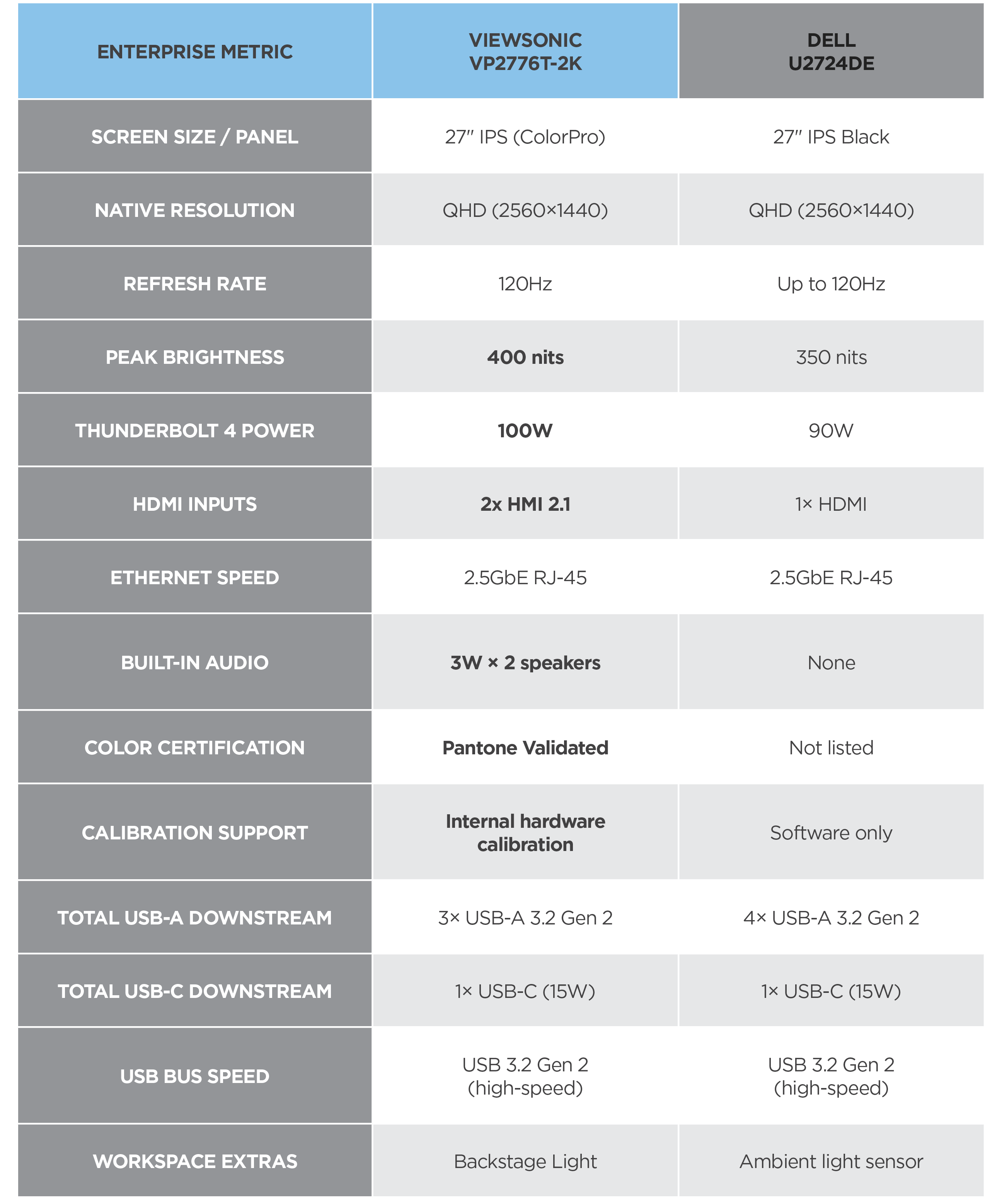
If your day runs on documents, spreadsheets and video calls, either monitor will do the job. The difference is how much else you get from the ViewSonic option. The VP2776T-2K delivers 100W of power over the same cable that carries video, where the Dell U2724DE tops out at 90W. A second HDMI 2.1 input works with more laptops and means a second device doesn't need an adapter, and the stereo speakers are already in the display, so there's no soundbar to buy.
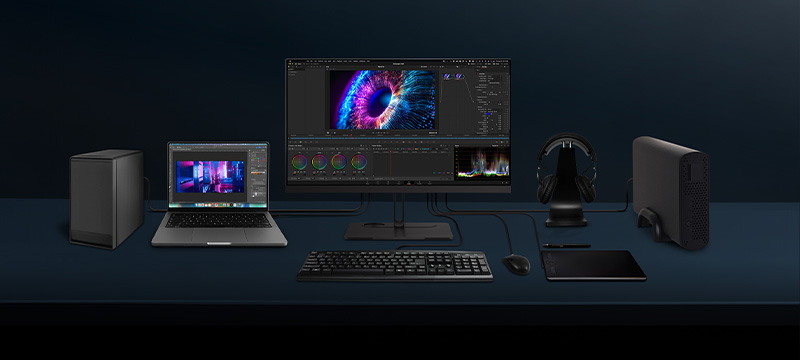
More Power, More Ports
and Better Sound. Same 27" QHD.
ViewSonic® VP2776T-2K vs. Dell UltraSharp U2724DE
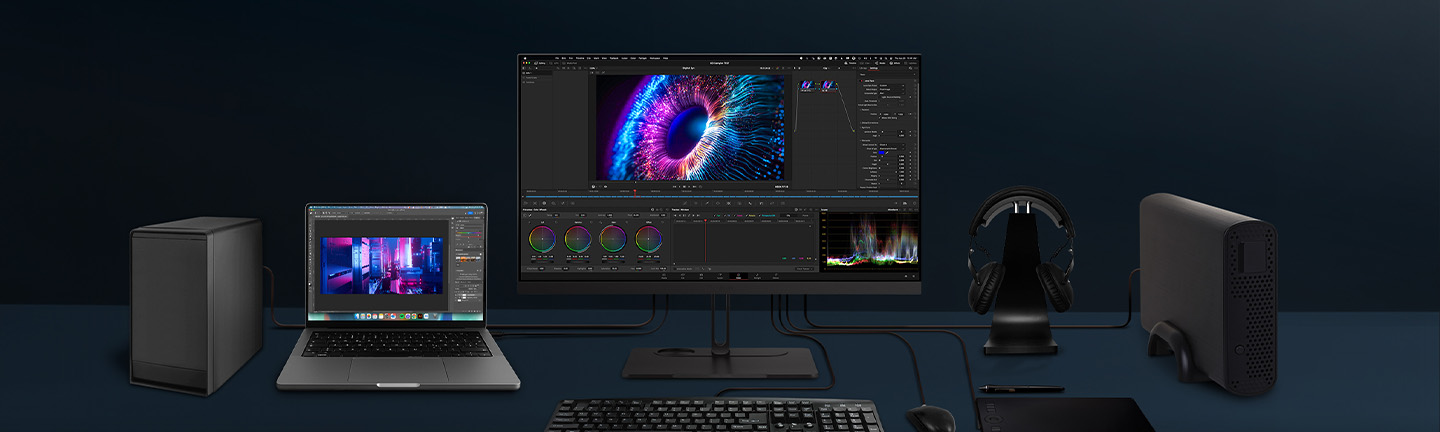
Wondering how the ViewSonic VP2776T-2K docking monitor stacks up against Dell's UltraSharp U2724DE? On paper, they're close. Both are 27 inches, both QHD, both 120Hz. The difference is what each monitor replaces on your desk. The VP2776T-2K pushes 100W of charging to Dell's 90W. Supporting a wider range of laptop power needs, it also adds a second HDMI 2.1 input and includes stereo speakers the Dell leaves out. Both handle video, data, power and networking on one Thunderbolt 4 cable. Only the ViewSonic model puts the dock, the hub and the speakers inside the display.
Featured Products
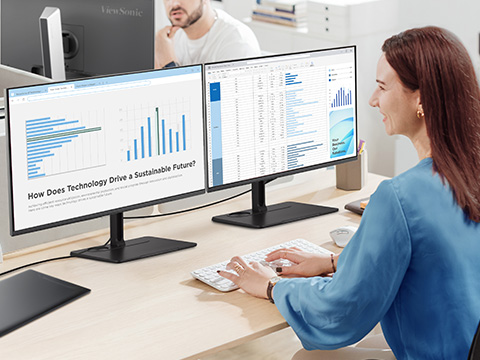
Office and knowledge workers: which monitor keeps a cleaner desk?
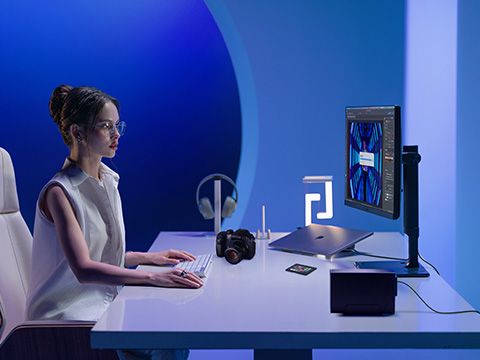
Content creators: which monitor holds its color over time?
Both ship factory calibrated, so for photo edits, video review and client presentations both start out accurate. Color drifts though, and that's where they separate. The ViewSonic VP2776T-2K uses internal hardware calibration where the Dell U2724DE offers software calibration only, so the correction lives in the monitor instead of in an app on whichever laptop is plugged in. The VP2776T-2K is also Pantone Validated.
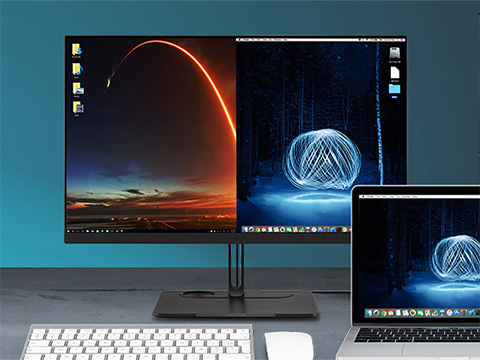
Multi-device users: which monitor handles switching between machines?
If you move between a work laptop and a personal desktop, or between a Mac and a PC, both monitors daisy chain and both include a KVM so one keyboard and mouse can drive two computers. What sets the ViewSonic VP2776T-2K apart is that its single-cable daisy chaining works across Windows and macOS, so a mixed fleet runs one docking standard instead of a different setup per operating system. IT configures it once and it holds.
VP2776T-2K vs. U2724DE: The Full Spec Comparison
Every number below comes from each manufacturer's published specs.
Where they tie, we've said so.
Frequently Asked Questions
Comparative claims are based on specific features and publicly available manufacturer specifications as of the date of publication, and are not intended to represent a comprehensive evaluation of all product attributes. Any references to competitors' products or trademarks, including 'Dell,' are for identification purposes only and do not imply endorsement, affiliation, or sponsorship by their respective owners.


Unlock
15% OFF
when you subscribe.
By Clicking "CONTINUE" you agree to receive our newsletter. You can unsubscribe at any time. Discount applies to one (1) item only, not the entire order. Offer is not stackable or combinable with any other promotions or promo codes.
Login and Registration Form