 Teacher's Community
  Support


Better Communication Across Your Campus
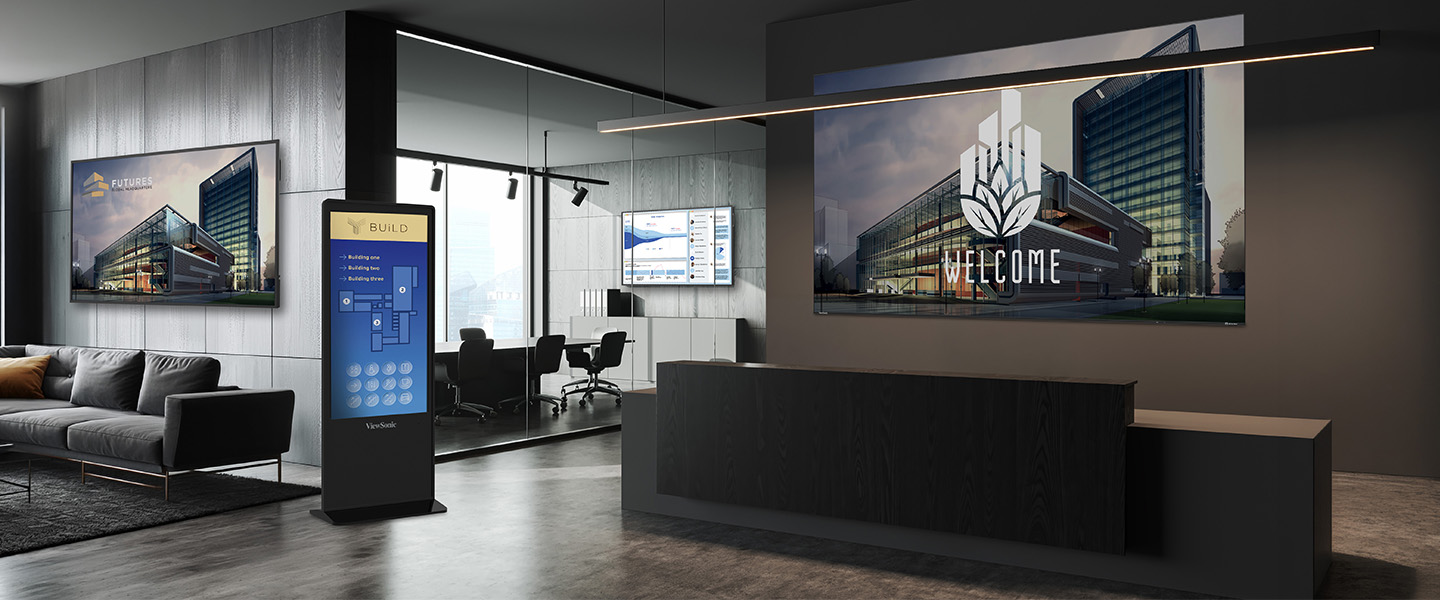
ViewSonic campus solutions connect your entire corporate environment through one centralized platform. Turn every screen into a unified, visual network where you can control content, scheduling and updates across every space. Guide visitors, share messages and respond instantly when it matters most. With ViewSonic, you power a campus-wide communication system built for clarity, speed and efficiency.
Corporate Campus Display Solutions

Hardware
Digital Signage
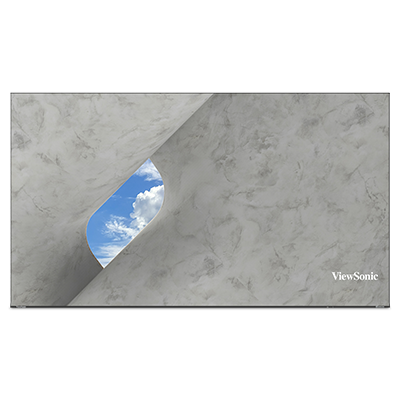
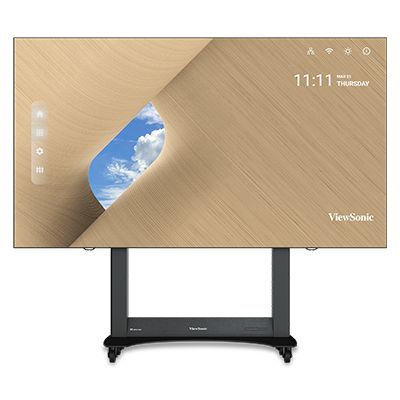
Direct View LED Video Walls
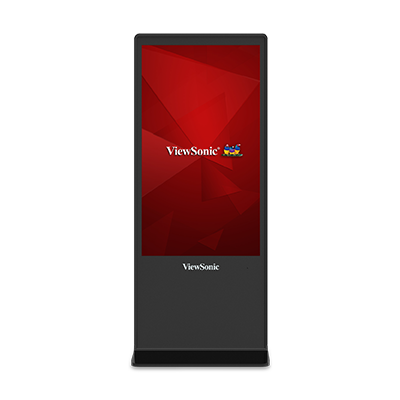
Interactive ePoster Kiosks

Software
Content Manage System (CMS)
AirSync Wireless Casting Software
Scheduling and Messaging Tool


Governance
ViewSonic Manager Advanced
Multi-Location Control
Use Permissions & Policy Control
Communicate and Inform
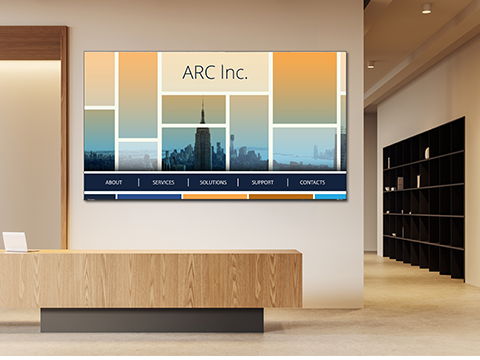
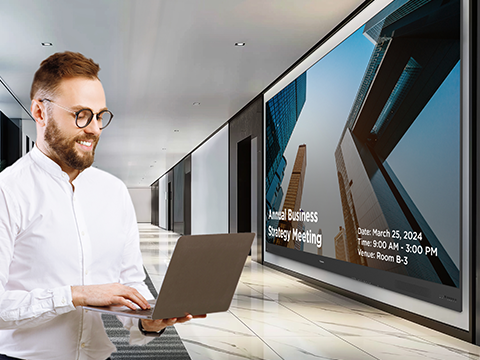
ViewSonic turns shared spaces into high-impact communication hubs with our CDE commercial displays and Direct View LED video walls. Share dashboards, announcements and live updates where people already are. With centralized management, push synchronized content across your campus in seconds and keep everyone informed.
Easy Wayfinding and Navigation
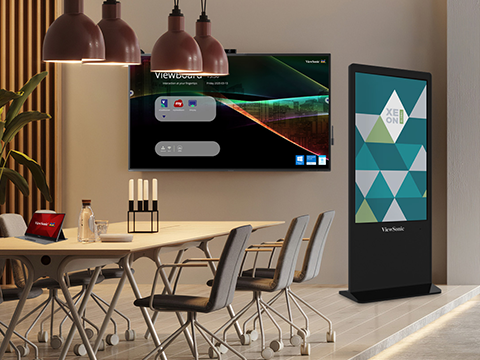
Help visitors find their way across your campus. ViewSonic interactive ePosters act as your digital concierge. They deliver searchable directories, real-time schedules and clear directions.
Protect Your Campus with Visual Alerts
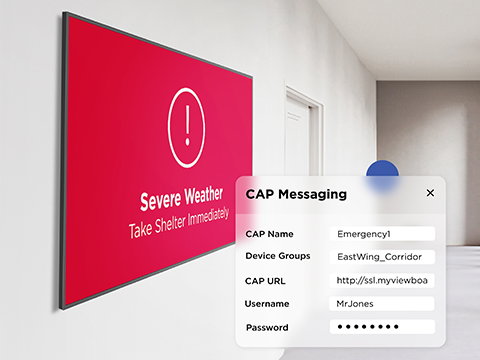
ViewSonic delivers a visual safety net for your corporate campus. Our software lets you instantly override every screen to broadcast critical alerts, evacuation routes and emergency protocols. Keep your staff secure during high-stakes events. We'll ensure your safety messaging reaches everyone instantly.
Bring Your Corporate Brand to Life
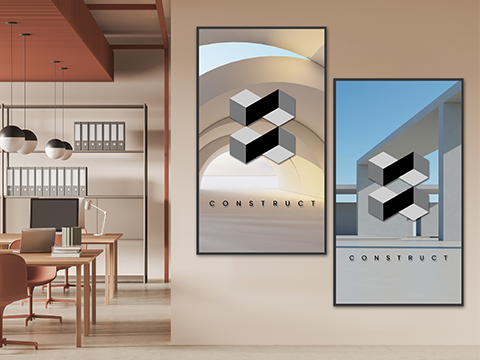
Maintaining a unified brand across large campuses is tough. Workspaces often feel plain and disconnected from digital identity. ViewSonic Direct View LED displays and ViewBoard interactive displays change that. They turn walls into engaging brand spaces that feel modern, clear and aligned with your story.
Seamless Pro AV Integration
We designed our displays to fit right into your current Pro AV ecosystem. Manager Advanced acts as a seamless connectivity hub that works perfectly with Crestron, Extron and Q-SYS. You won't need to replace your existing infrastructure. Instead, your IT team gets centralized control and a simple setup that easily expands alongside your business.
Featured Products
Frequently Asked Questions


Unlock
15% OFF
when you subscribe.
By Clicking "CONTINUE" you agree to receive our newsletter. You can unsubscribe at any time. Discount applies to one (1) item only, not the entire order. Offer is not stackable or combinable with any other promotions or promo codes.
Login and Registration Form