 Teacher's Community
  Support
How Teacher Feedback Shapes the Future of the Classroom
- May 5, 2026
Buyer's Guide
How Teacher Feedback Shapes the Future of the Classroom
There was a time when teacher feedback was just a nice bonus for tech companies. Today, it has become the absolute primary driver of classroom innovation. A common misconception is that educational technology is just about replacing an old chalkboard with a shiny new screen. However, true Edtech is about building a teacher-centric roadmap that drives real student engagement and better learning outcomes. When companies listen to the educators who actually use their tools every single day, they can create hardware and software that truly changes the game.
Let’s look at exactly how your feedback has influenced the latest product updates at ViewSonic.
Upgrading the ID2456-4K Touch Display
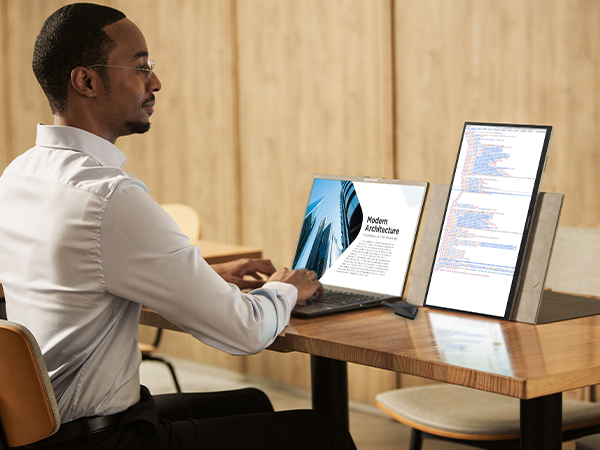
How did teachers improve this podium display? You shared a major classroom frustration with us. For years, teachers had to turn their backs to students to write on the whiteboard or front-of-classroom display. You asked for a better way. We listened and created the myPodium™ ID2456 touch display. This 24-inch screen lets educators face the class while writing. Whatever you draw instantly shows up on the large classroom display or projector for the whole class to see. It keeps you completely engaged with the room.
But we didn’t stop there. We kept listening to your direct feedback to make the next version even better. You wanted sharper visuals, cleaner setups and smarter tools. We took those notes and rolled out the second generation. We upgraded the screen to stunning 4K. We also made two massive physical design changes.
First, we moved all the cable ports to the back of the device facing downward. This ensures messy wires are no longer sticking out of the sides. Your workspace stays perfectly neat. The entire setup connects to a laptop via one single USB-C cable.
Second, we added a dedicated dock that charges the smart pen wirelessly. Now you never have to plug in a USB cable to charge it again. Your pen is simply always ready to go.
Building a Better myViewBoard 3.0
What’s new in our whiteboarding software? We originally created myViewBoard to give teachers a powerful digital whiteboard. But as educators used the software day to day, they quickly noticed a few practical features were missing. Teachers specifically asked for a way to use tabs and a method for saving participate mode. We listened to those ideas and completely redesigned the user interface to build myViewBoard 3.0.
The absolute biggest win for educators is the brand new tabs feature. Teachers can now open multiple lessons in tabs exactly like a web browser. This allows instructors to switch between different class periods instantly without losing their place.
Teachers also loved Participate Mode, but wanted a way to customize and save work. This mode allows up to six students to write on the ViewBoard display at the exact same time. Thanks to teacher input, the new updates allow you to change the background to things like grid paper for math lessons. You can also easily save the final session as a file for student portfolios.
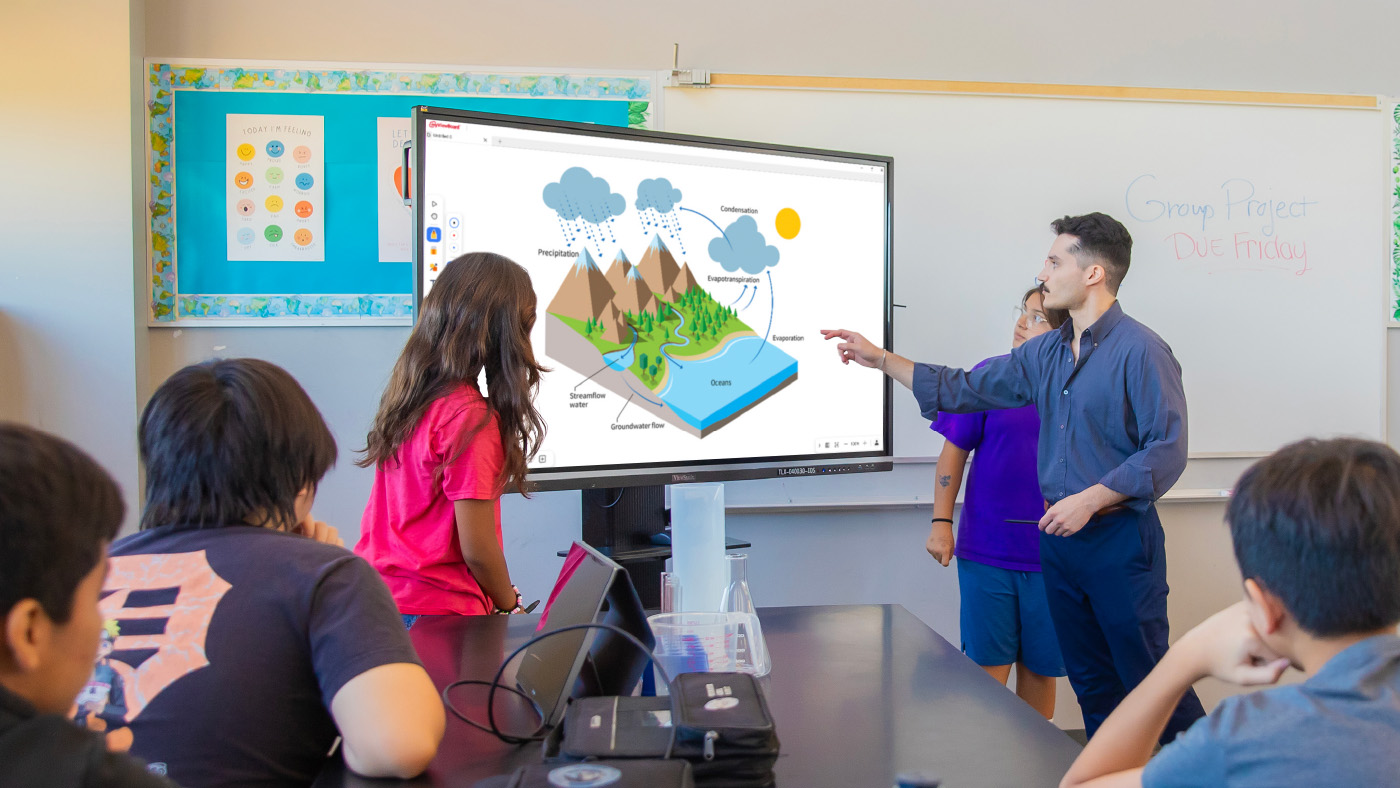
Lastly, we added crucial accessibility tools to make sure no student is left behind. This includes a Spotlight tool to focus student attention, Irlen filters for color blindness and an Immersive Reader for translation and literacy support. It’s a smarter digital whiteboard built entirely around daily classroom needs.
Creating Safer Wireless Casting With AirSync
Why did we build a dedicated casting tool? We packed myViewBoard with tons of amazing features for the classroom. But we heard from plenty of teachers who didn’t want all those extra bells and whistles. You told us you just wanted a simple and reliable way to cast your screen. We listened to that feedback and created AirSync.
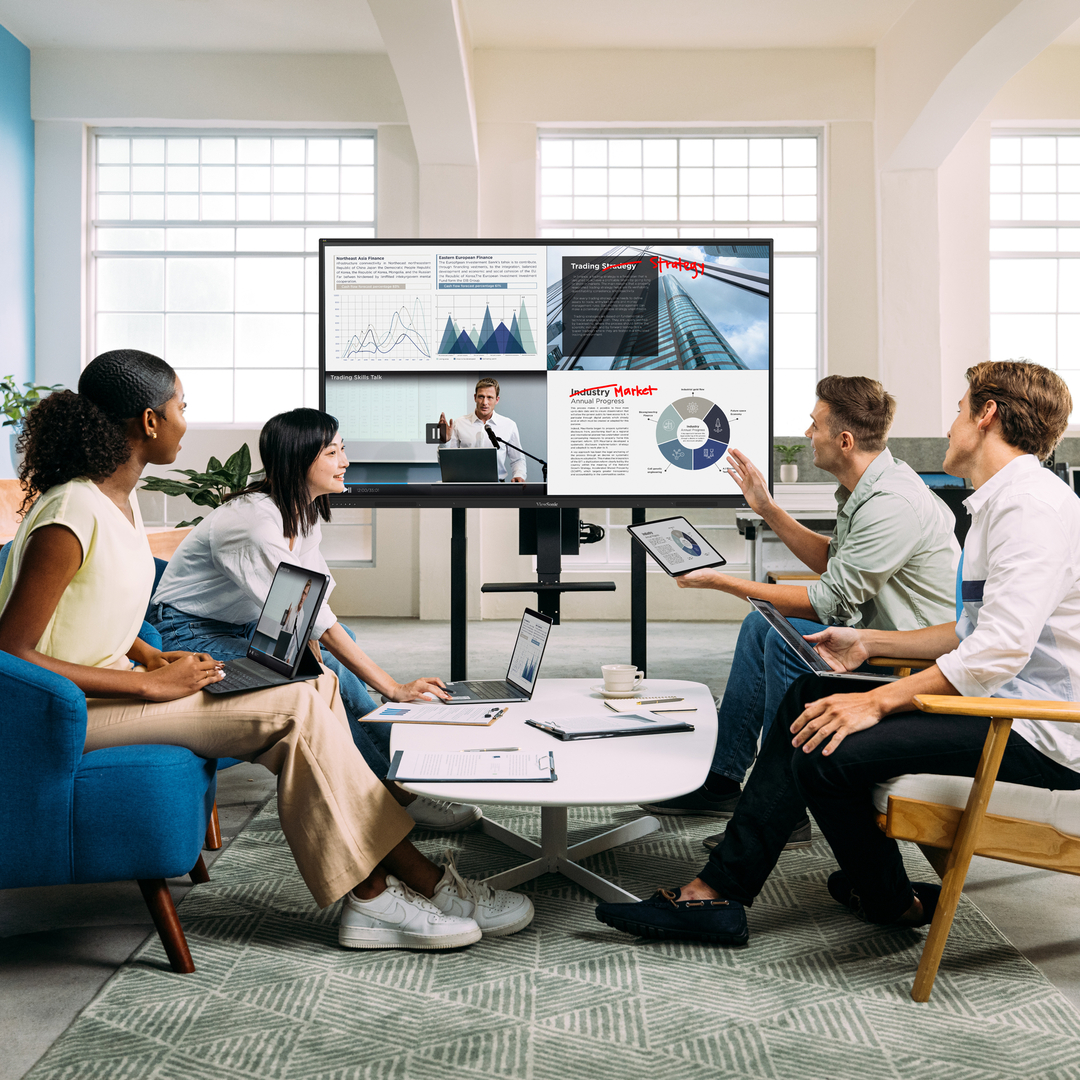
This wireless casting software allows you to mirror your screen from any device to one or multiple larger displays. We also added a highly requested Moderator Mode so teachers can see a list of students who want to share their screens. You can approve them one by one. This completely prevents unapproved content from showing up on the board.
It also offers incredible flexibility for everyone in the room. It supports native casting like AirPlay and Chromecast, but it also has a convenient browser-based version at AirSync.net. This means guests can quickly share their screens without downloading a separate app. It is simple, secure and exactly what you asked for.
Expanding Classroom Safety Tools
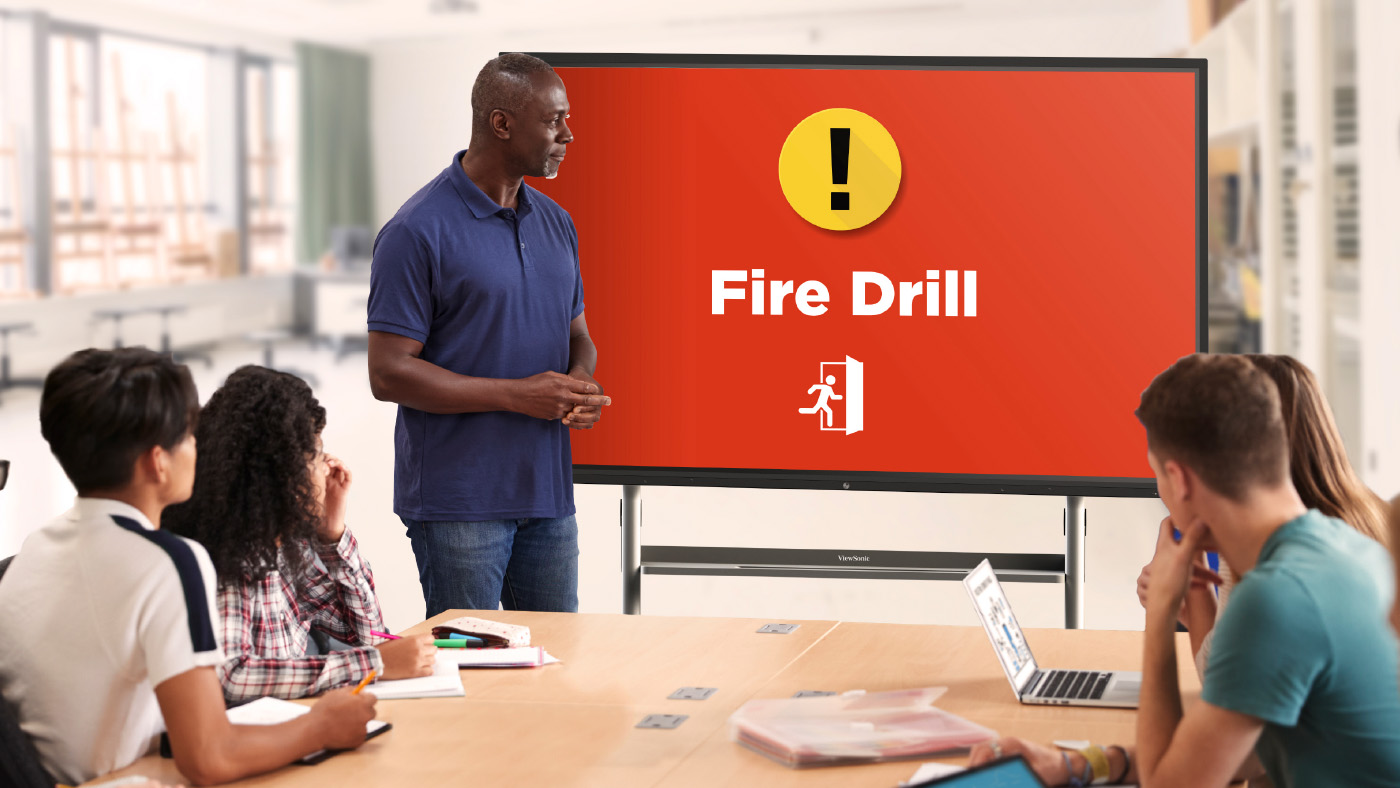
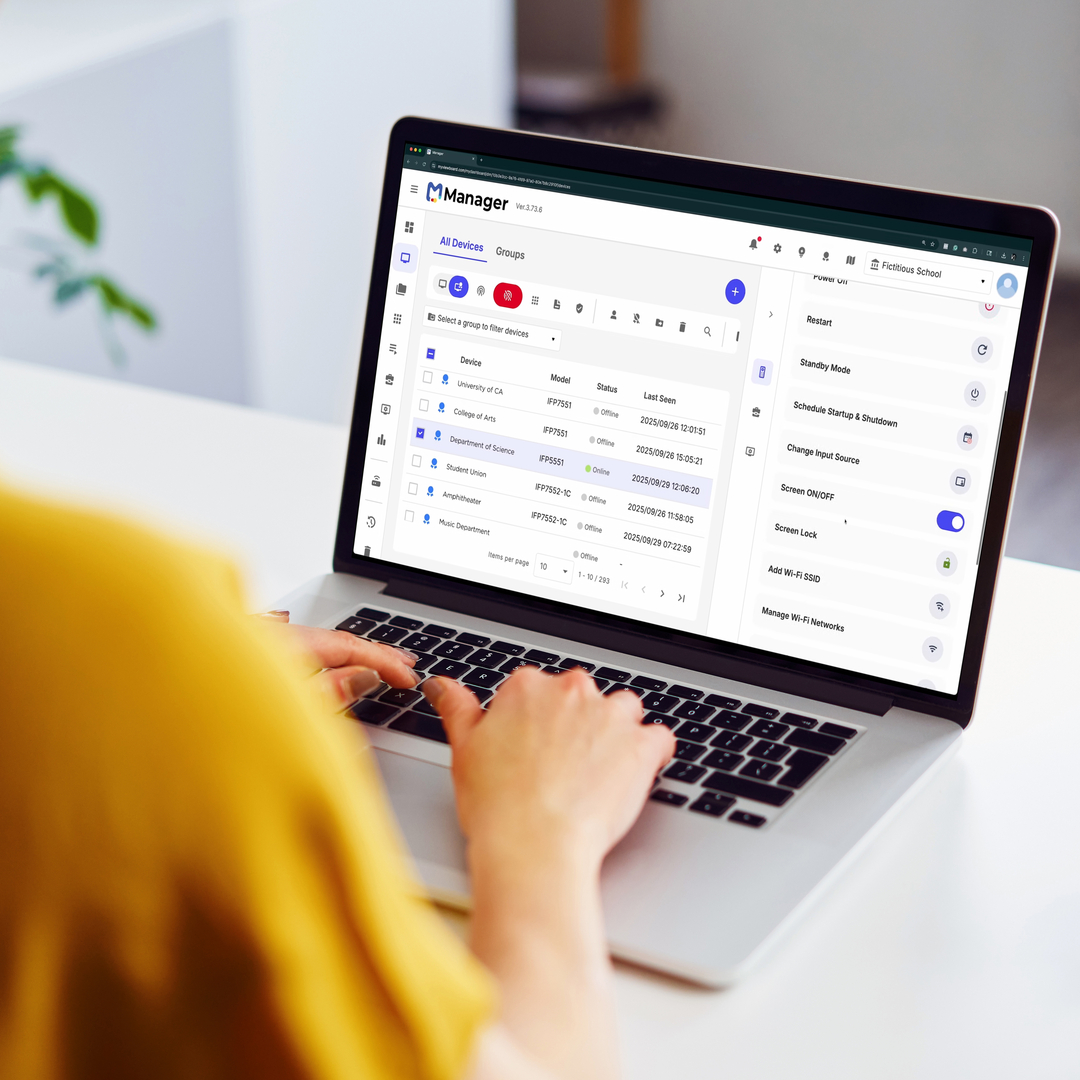
What does ViewSonic Manager software offer schools? School security is a massive issue these days. Administrators came to us with a critical problem. They needed a secure way to send alerts directly to classroom devices. Relying on a loudspeaker simply isn’t safe when a threat could hear it. We listened and updated Manager. Manager is our remote management tool designed specifically for IT staff. It includes a free feature called CAP Messaging. This tool connects your classroom displays directly to the school’s emergency alert system like CrisisGo or Raptor. Thanks to these integrations, teachers can now see clear visual alerts right on their board for fire drills or lockdowns.
How to Share Your Feedback
Where can teachers submit their new ideas? We always want to hear from you! You can easily submit ideas using the in-app form located directly inside your myViewBoard settings. You can also join the ViewSonic Educator Community to request new features, share lesson plans and connect with other amazing teachers.





Login and Registration Form