 Teacher's Community
  Support
Choosing the Right ViewBoard Display: A Comprehensive Guide to ViewSonic Interactive Flat Panels for K-12
- Oct 20, 2026
Buyer's Guide | Nov 12, 2025
Choosing the Right ViewBoard Display: A Comprehensive Guide to ViewSonic Interactive Flat Panels for K-12
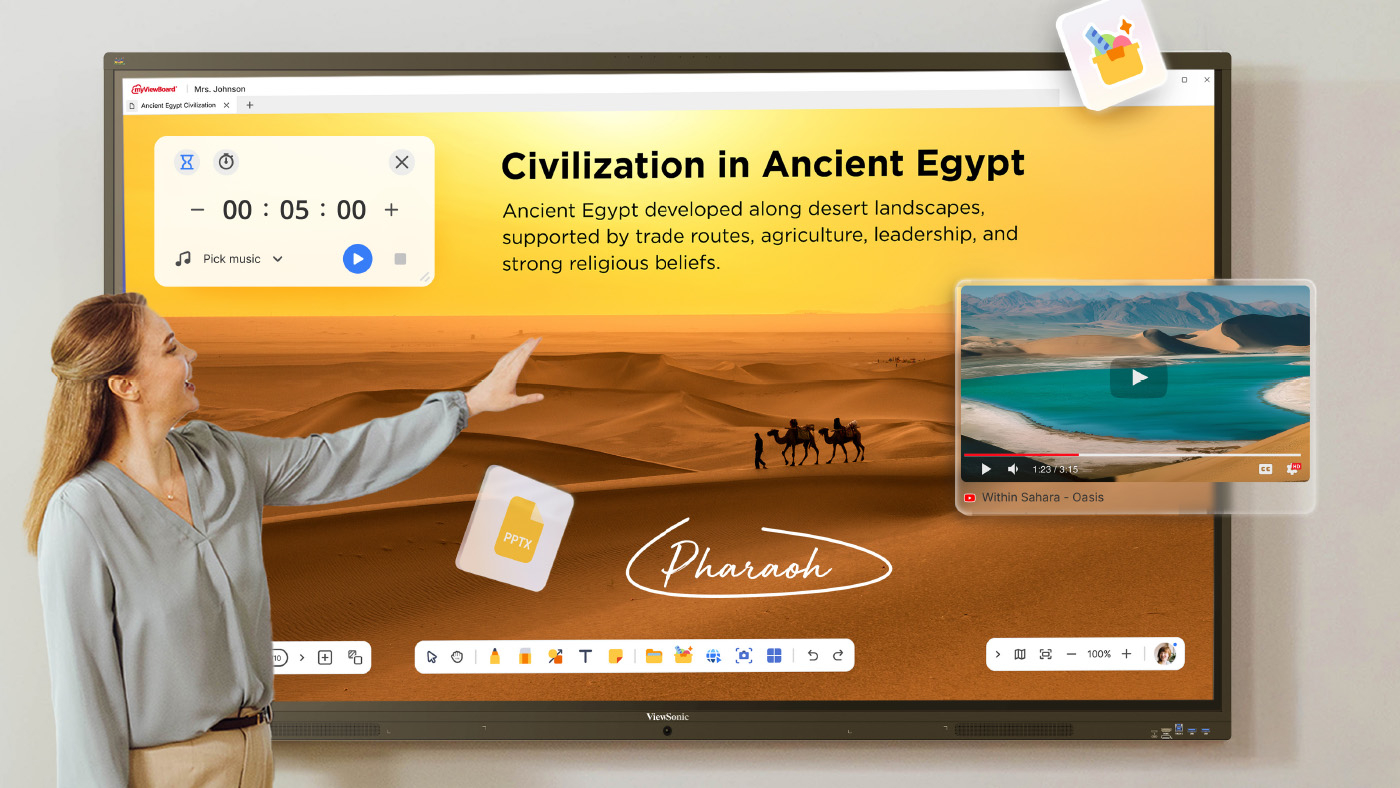
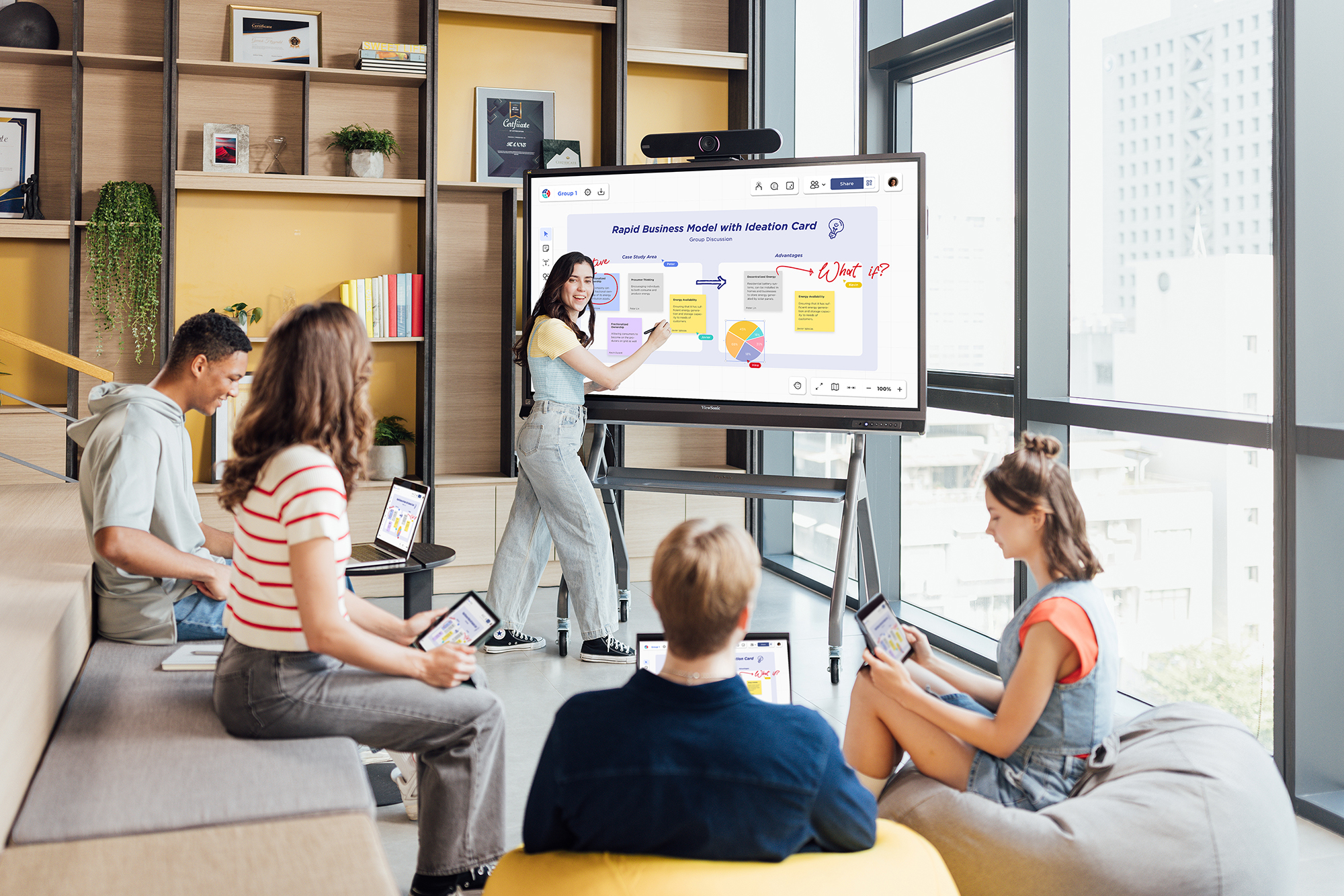
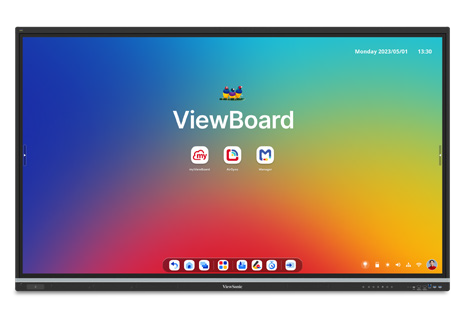
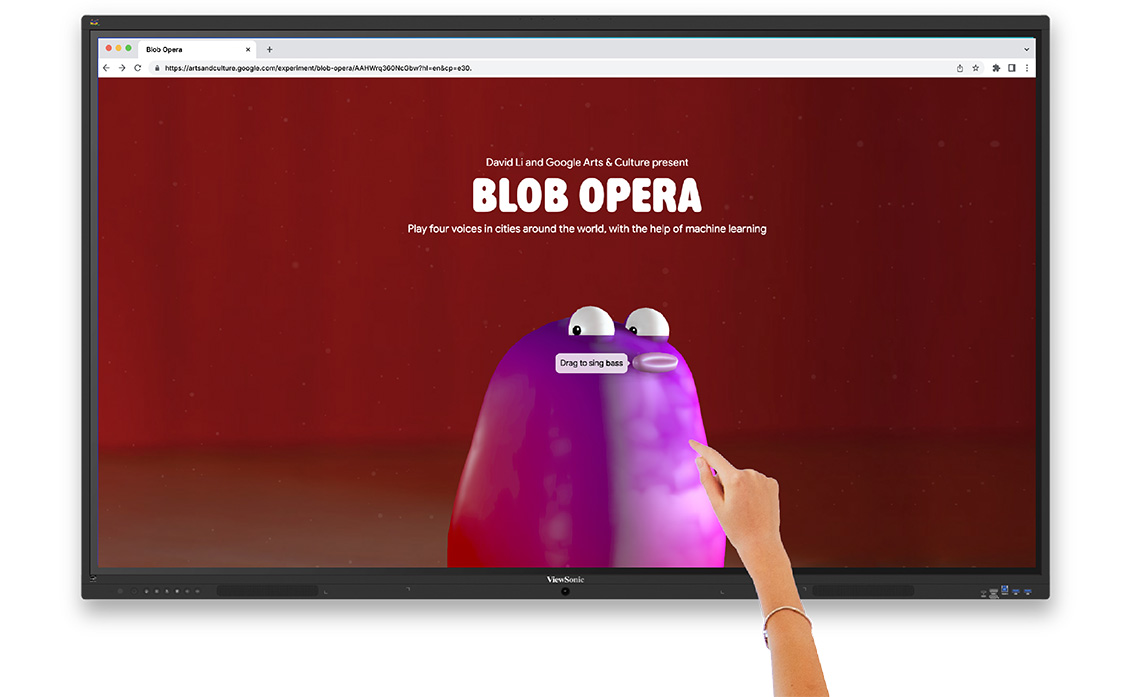
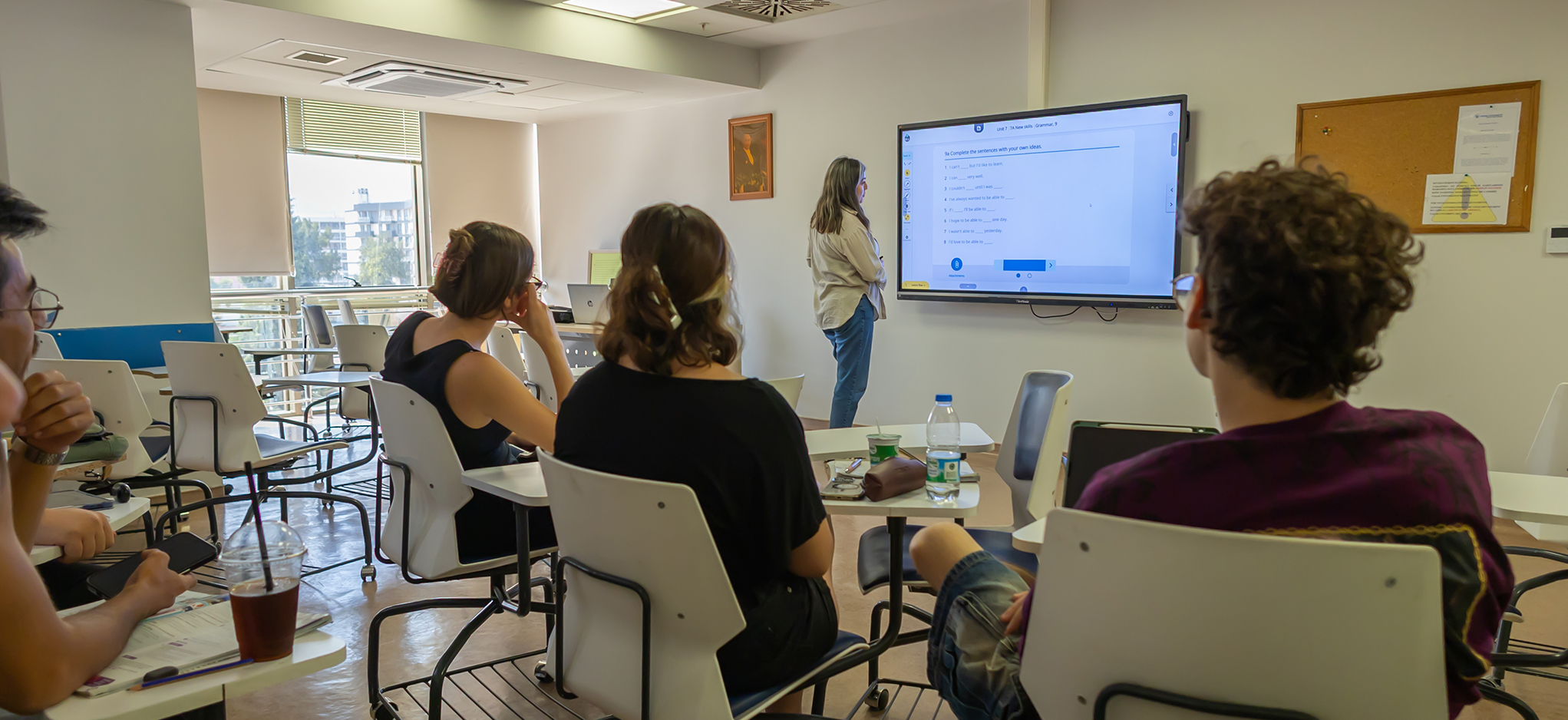
ViewSonic® ViewBoard® interactive displays deliver an immersive learning experience in any classroom environment. Featuring high-accuracy touchscreens, they create an intuitive digital whiteboard experience for everyone from the youngest students to the most experienced teachers.
ViewSonic offers more than one ViewBoard model, and the right one depends on your district’s needs. Here’s how to choose.
Start With Your Ecosystem: Google vs. Microsoft
Before you compare specs, figure out which ecosystem your district already runs. That single decision shapes almost everything else about your panel choice.
A Google Workspace district gets the most value from an Android EDLA-certified panel like the IFP41 series or IFP51 series, since Google apps run natively without extra setup. A Microsoft 365 district can also take advantage of the ViewBoard displays in the IFP41 series or IFP51 series. Adding an optional Windows-based slot-in PC further streamlines your teachers’ experience and simplifies their daily setup.
Choose Based on What Your Classroom Actually Needs
Once you know your ecosystem, the next question is what each classroom needs day to day. ViewSonic’s IFP lineup covers three common scenarios.
IFPG1: If Budget, Flexibility and Security Come First
The IFPG1 series doesn’t include a built-in operating system, so you add your own OPS slot-in PC instead. That keeps the upfront hardware cost lower and gives your IT team complete control over exactly what software runs on the panel. It’s also one of the most secure options in the lineup: without an OS, there’s no environment for malware or viruses to run, no software to patch and no local storage to expose. The IFPG1 also connects to trusted devices over a wired connection instead of Wi-Fi, removing wireless risk entirely. That combination makes it a strong fit for districts that want to standardize their own compute environment or meet strict security requirements.
IFP41: If You Want the Complete Classroom Experience
isplay View LED Display The IFP41 series is our standard recommendation for most K-12 classrooms. It’s Android EDLA certified, so Google apps run natively, and it still fits comfortably within typical school budgets. It also comes with a built-in microphone, high-quality audio and a PIR sensor that wakes and sleeps the panel automatically, so teachers get a complete, ready-to-teach setup without add-ons.
IFP51: If You Need More Power for Demanding Use
The IFP51 builds on the IFP41 with more RAM, brighter screens and an NFC card reader for quick badge-based login. It’s the better fit for classrooms or labs running more demanding software, multiple apps at once or frequent user switching throughout the day.
IFP110: For Large Spaces
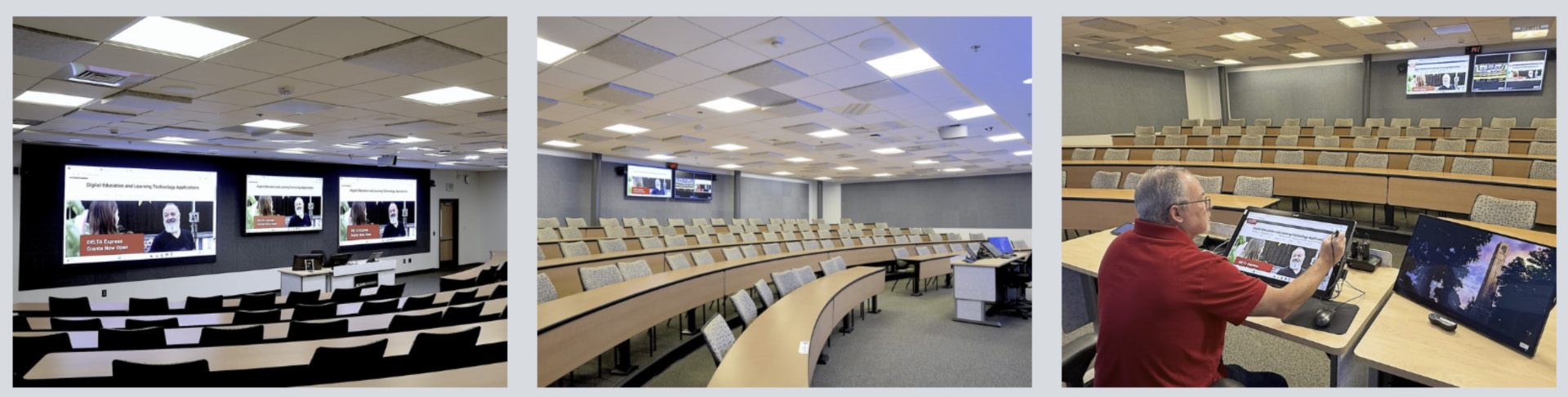
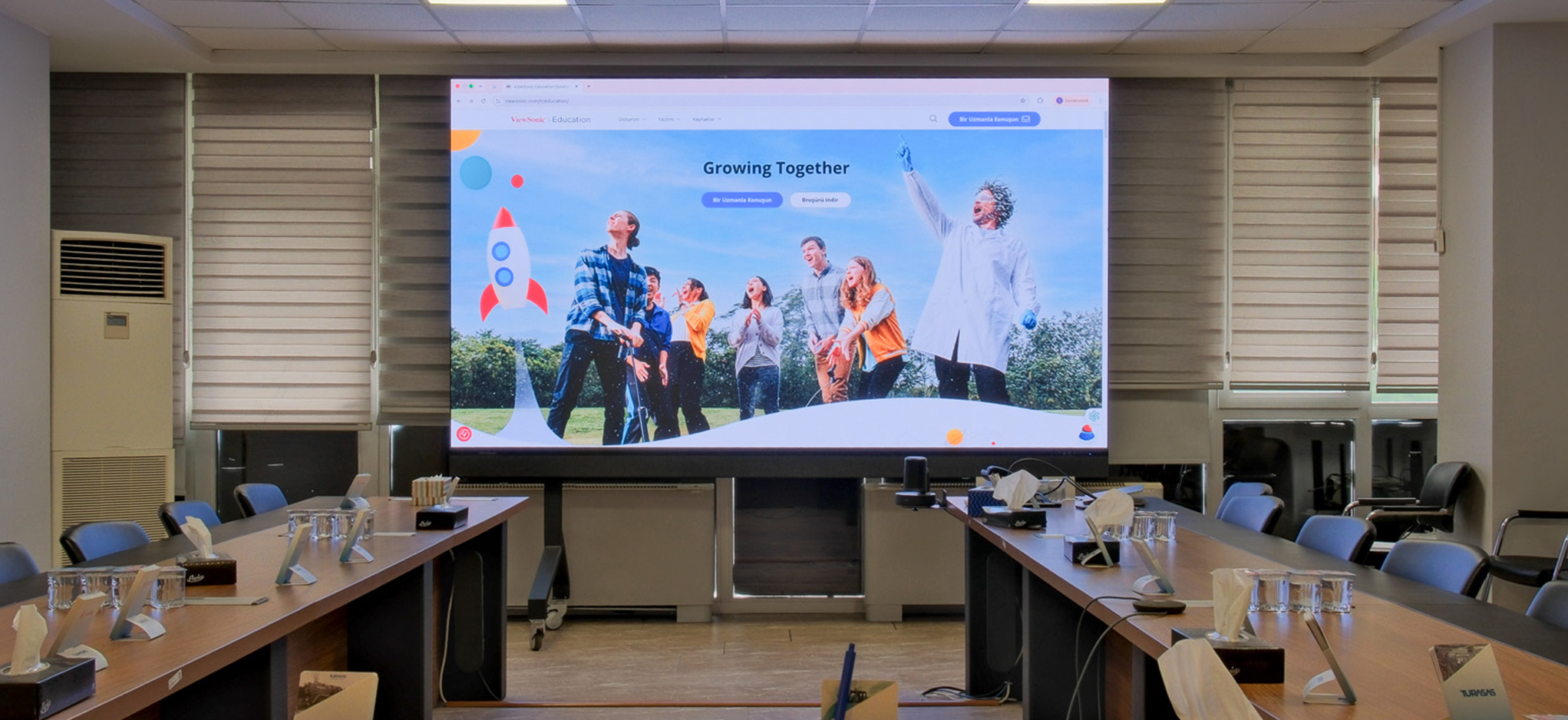
ViewBoard For lecture halls, auditoriums and other oversized rooms, the IFP110 gives you a massive 110-inch 4K touchscreen, equivalent to four 55-inch displays in a single 2x2 layout, without the bezels or extra calibration of a traditional video wall.
Why EDLA Certification Matters for Teachers and IT
Most of ViewSonic’s IFP lineup is Android EDLA certified, and that certification does more work than people realize.
What EDLA Certification Actually Gets You
EDLA certification means Google has reviewed and approved the panel to run its full suite of mobile services, not just a generic build of Android. In practice, that gets you the Google Play Store, automatic security updates straight from Google and full compatibility with Google Workspace, the same experience your staff already gets on a Chromebook or Android phone.
Fewer Devices, Less Friction for Teachers
Because Google apps run natively on an EDLA-certified panel, teachers can pull up Google Slides, Drive, Docs or Translate directly on the board instead of relying on a laptop plugged into the display. That means less cabling, less setup time between classes and one less device for IT to manage.
How ViewSonic Stands Out as a Vendor
EDLA certification isn’t a differentiator anymore. Most major interactive display brands now offer it, so the real question is who’s behind the panel. Here’s where ViewSonic stands apart:
- Global Market Leadership: ViewSonic has held the No. 1 spot in the global interactive display market for three consecutive years, according to FutureSource Consulting.
- Decades of Experience: ViewSonic has built display technology for nearly 40 years, with roots going back to 1987.
- Trusted by Educators Worldwide: more than 8 million educators use the myViewBoard platform, backed by an active community where teachers share lessons and support each other.
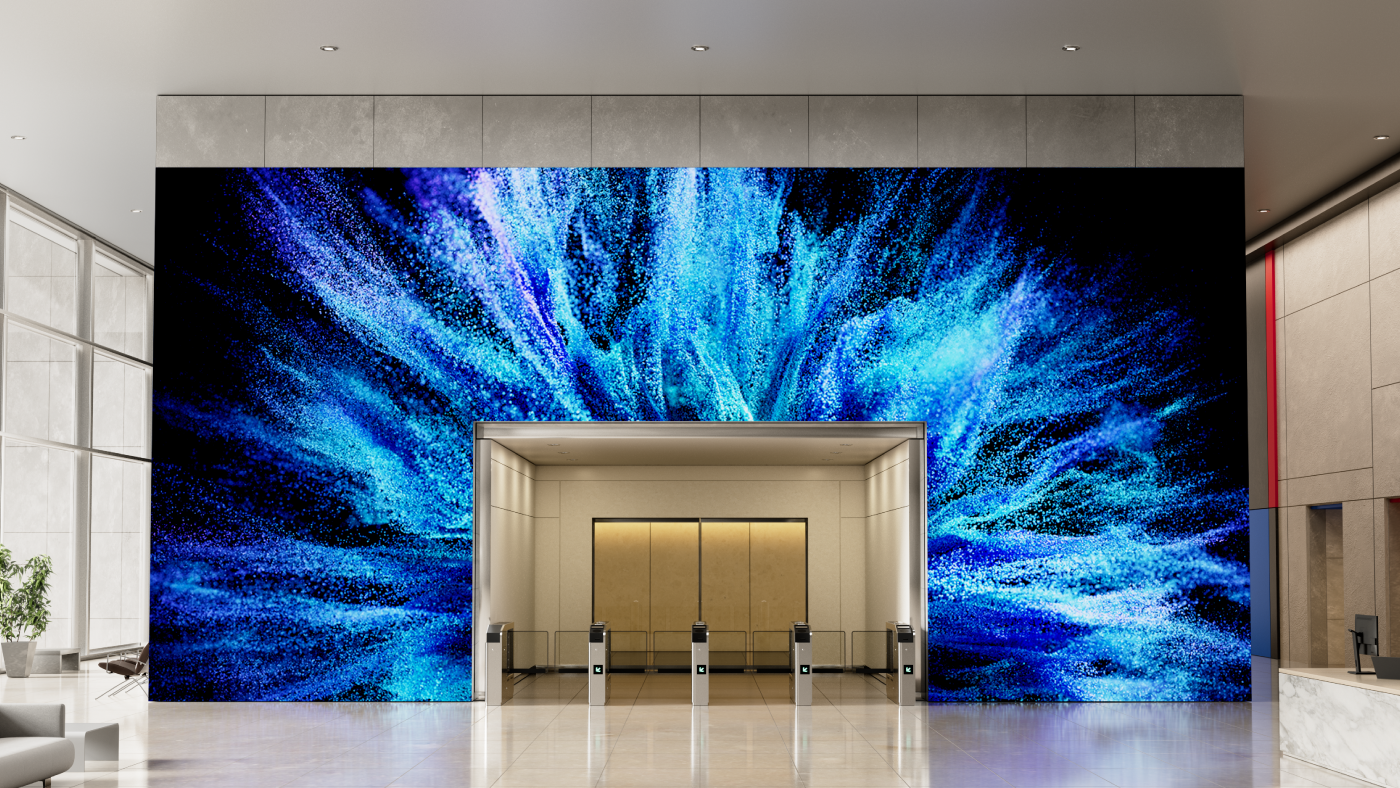
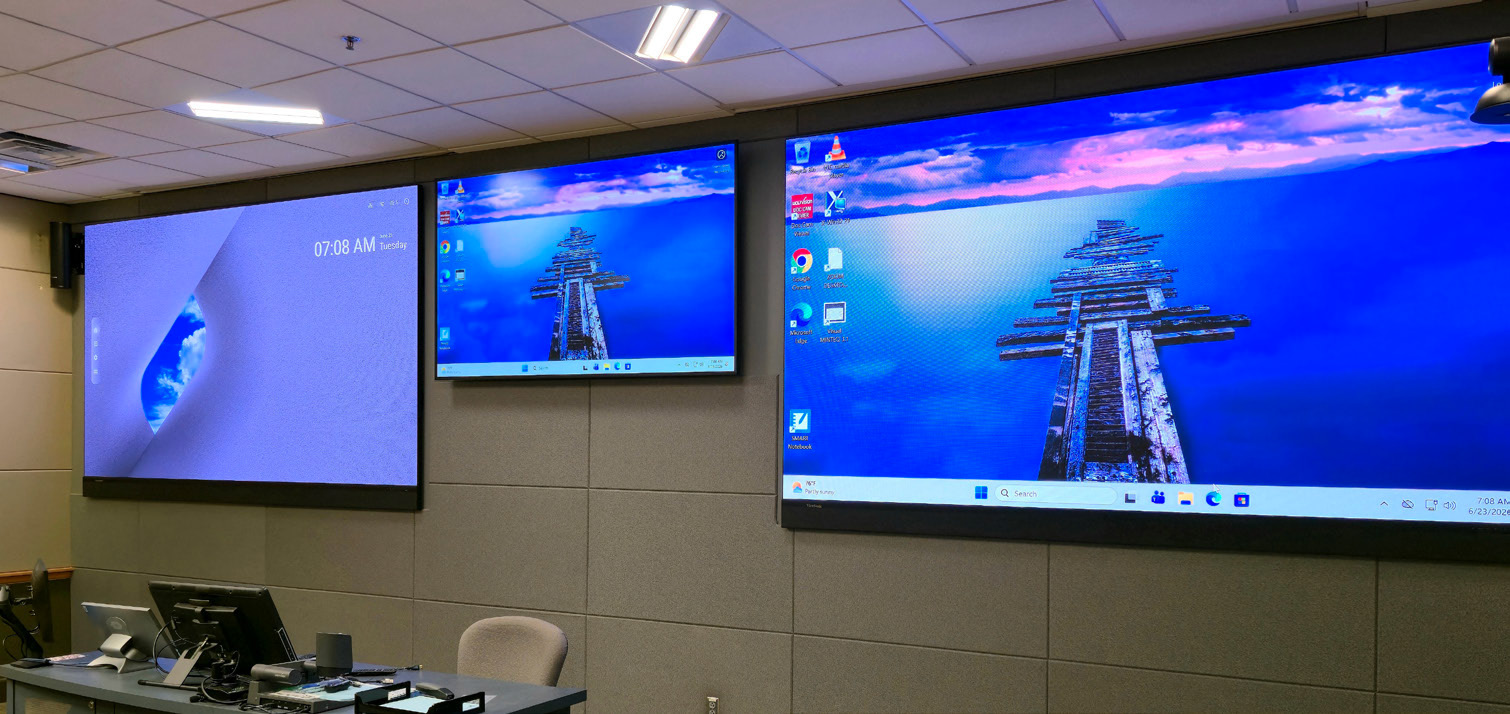
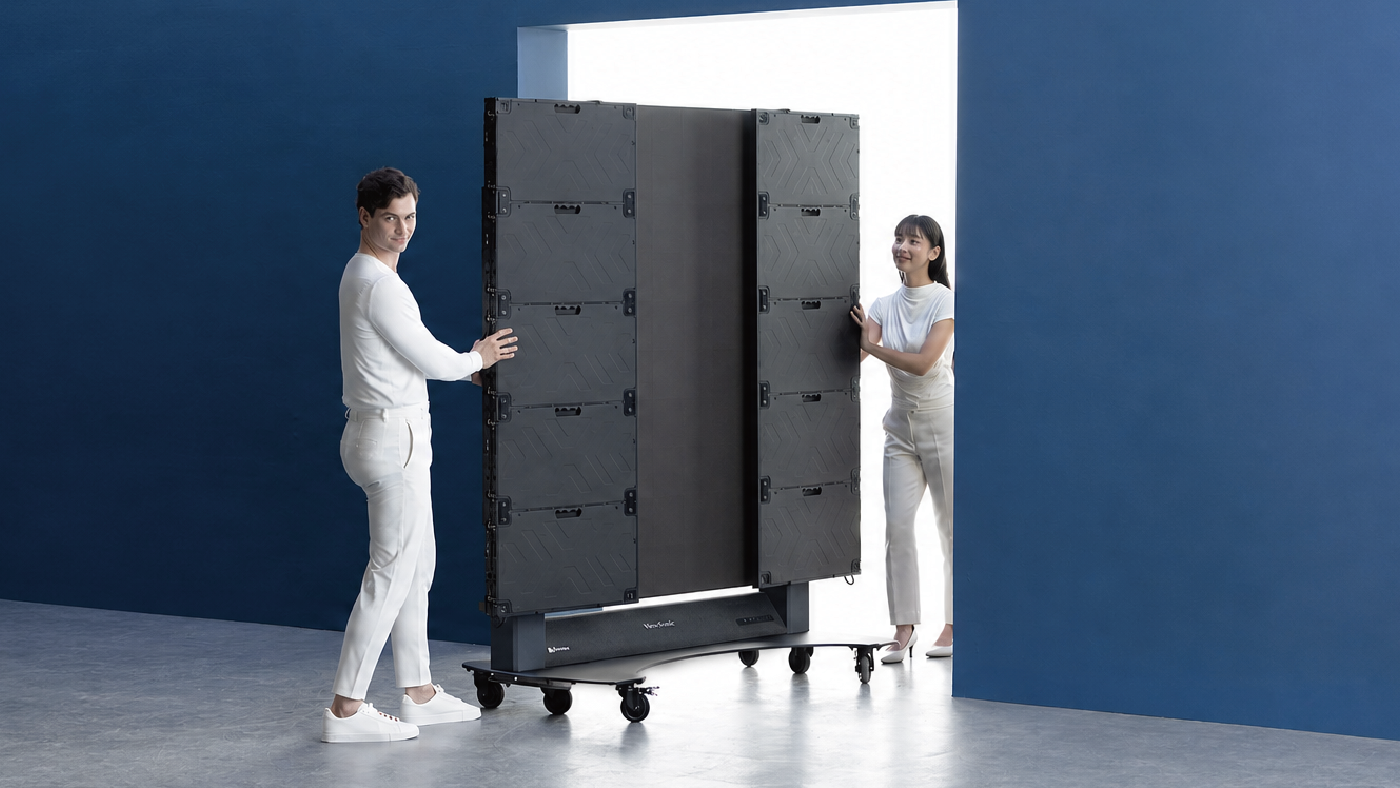
- A Full Portfolio, Not Just Panels: beyond interactive displays, ViewSonic offers CDE commercial displays and Direct View LED, so your campus can standardize on one vendor for more than just the classroom.
- US-Based Customer Support: when something goes wrong, you get a real person on the phone or by email, not a ticket queue.
- A Long-Term Commitment: ViewSonic has built a stable, well-established business, so you can count on us to support your investment long after the sale.
Completing Your Setup: Mounts and Connectivity
Choosing the right panel is only half the setup. How it’s mounted and connected matters just as much.
Matching the Mount to the Room
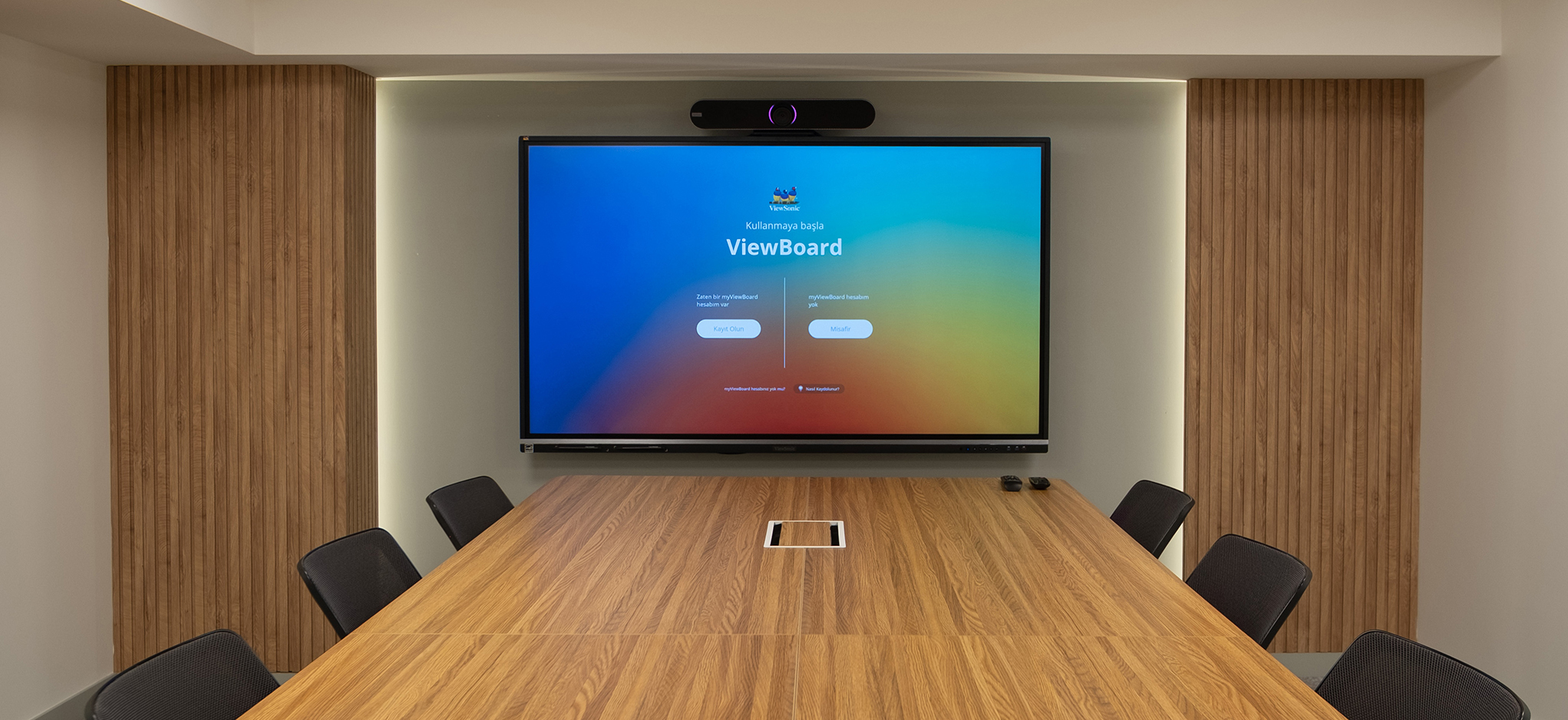
A wall mount is the right call for a classroom where the panel lives permanently at the front of the room. It’s the most secure option and keeps cabling out of the way for good.
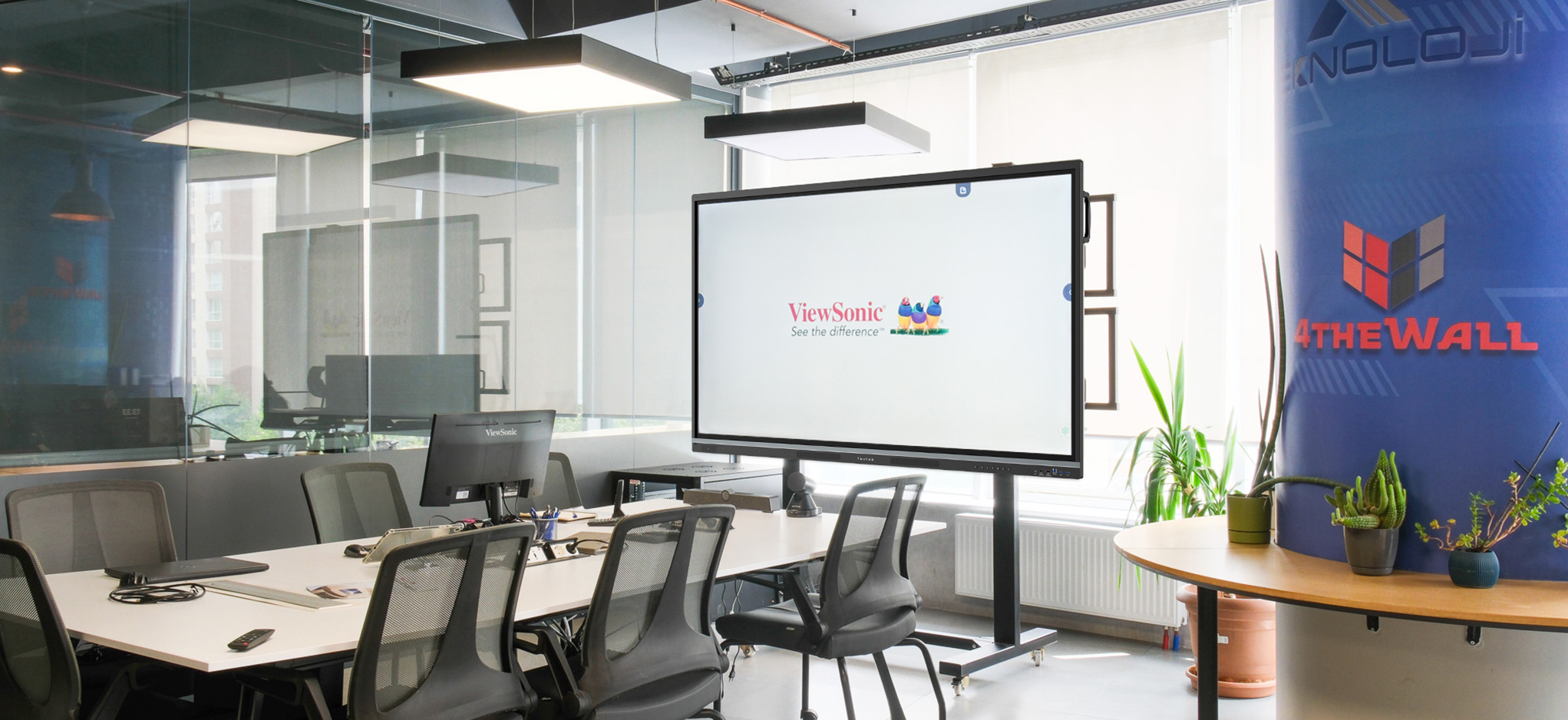
A stationary floor stand makes sense when you can’t mount to a wall at all, such as a room with glass walls, a rented space or a temporary classroom, but you still want the panel to stay in one fixed spot.
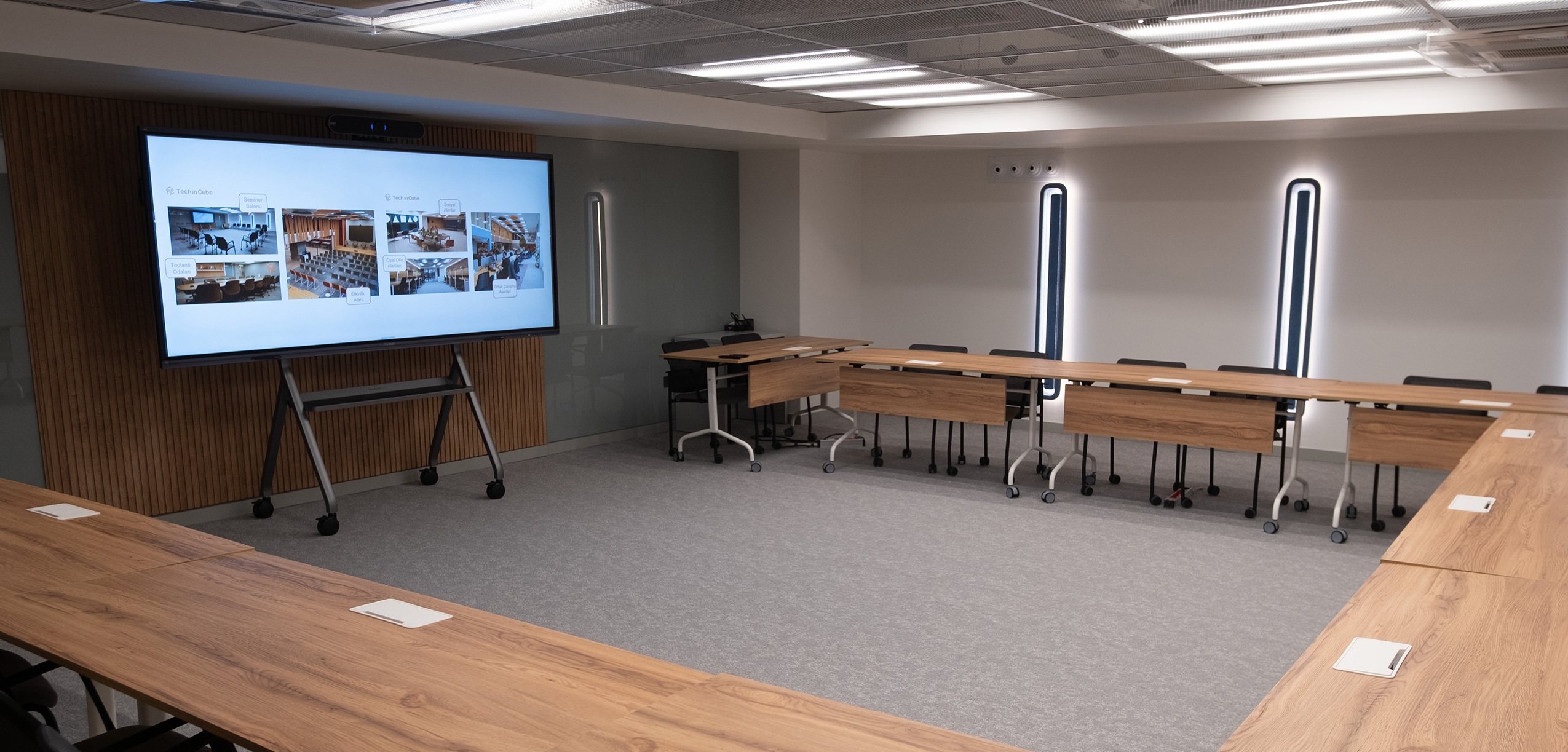
A mobile cart is the right choice when one panel needs to serve more than one room, whether that’s rotating between classrooms or moving to the library, gym or a hallway for an event.
Confirming Your Wi-Fi Setup
Not every ViewBoard handles Wi-Fi the same way. The IFP41 and IFP51 ship with a Wi-Fi module included and ready to connect out of the box. The IFPG1 skips Wi-Fi entirely by design, connecting only through a wired connection to eliminate wireless security risks altogether, which ties directly into why it’s the right call for security-first environments.
Extending the Lifecycle: Budget-Friendly Upgrades With VPC Slot-In PCs
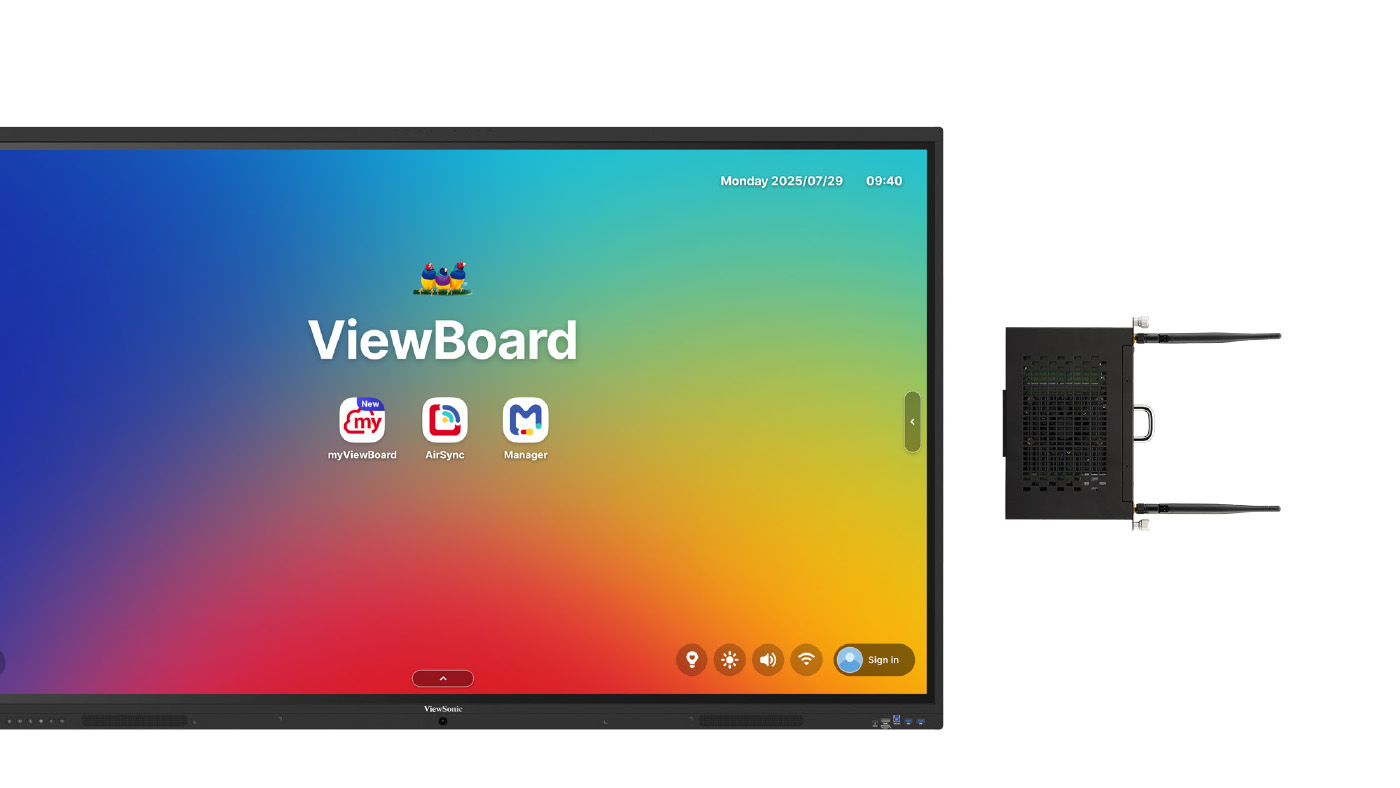
If you already have panels in place and aren’t ready for a full replacement, a VPC slot-in PC is the more budget-friendly path.
VPC-A31-O1 and VPC13-C33-G1: Chrome or Android Without a New Panel
The VPC-A31-O1 keeps the EDLA experience alive on an older panel, with full access to the Google Play Store. The VPC13-C33-G1 runs Chrome OS, so it works like a Chromebook built directly into your existing panel, complete with your existing Chrome bookmarks and settings.
VPCF5-W55_G1 and VPC37-W55-G1: The Windows Alternative
If your district runs on Microsoft instead of Google, either the VPCF5-W55-G1 or the higher-performance VPC37-W55-G1 gives your existing panel a Windows experience without replacing the hardware. The VPC37-W55-G1 offers an Intel Core i7 processor and 5K-ready graphics for districts that need more demanding performance.
Beyond the Classroom, and Beyond the Panel
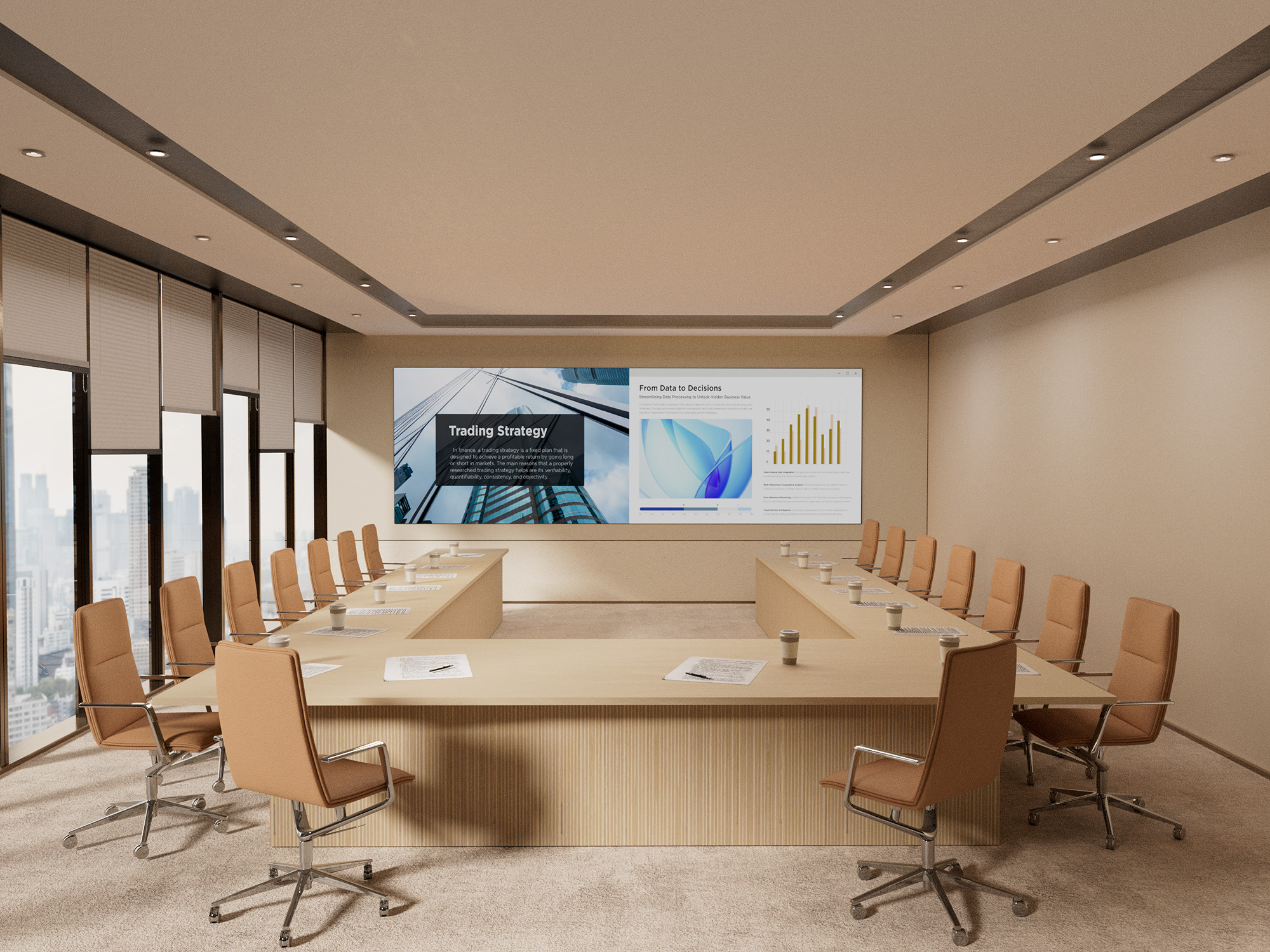
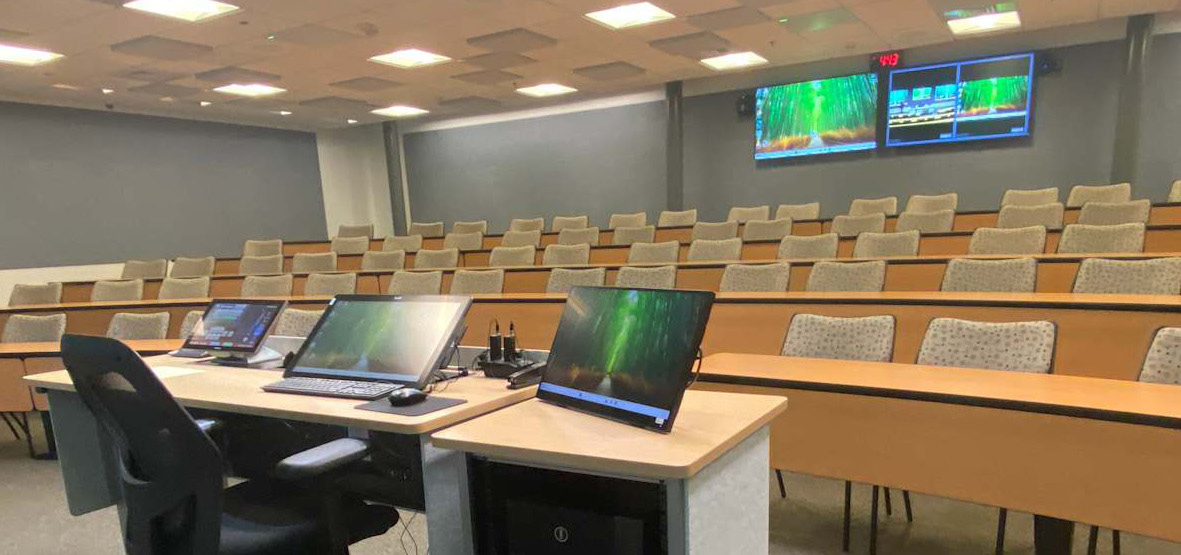
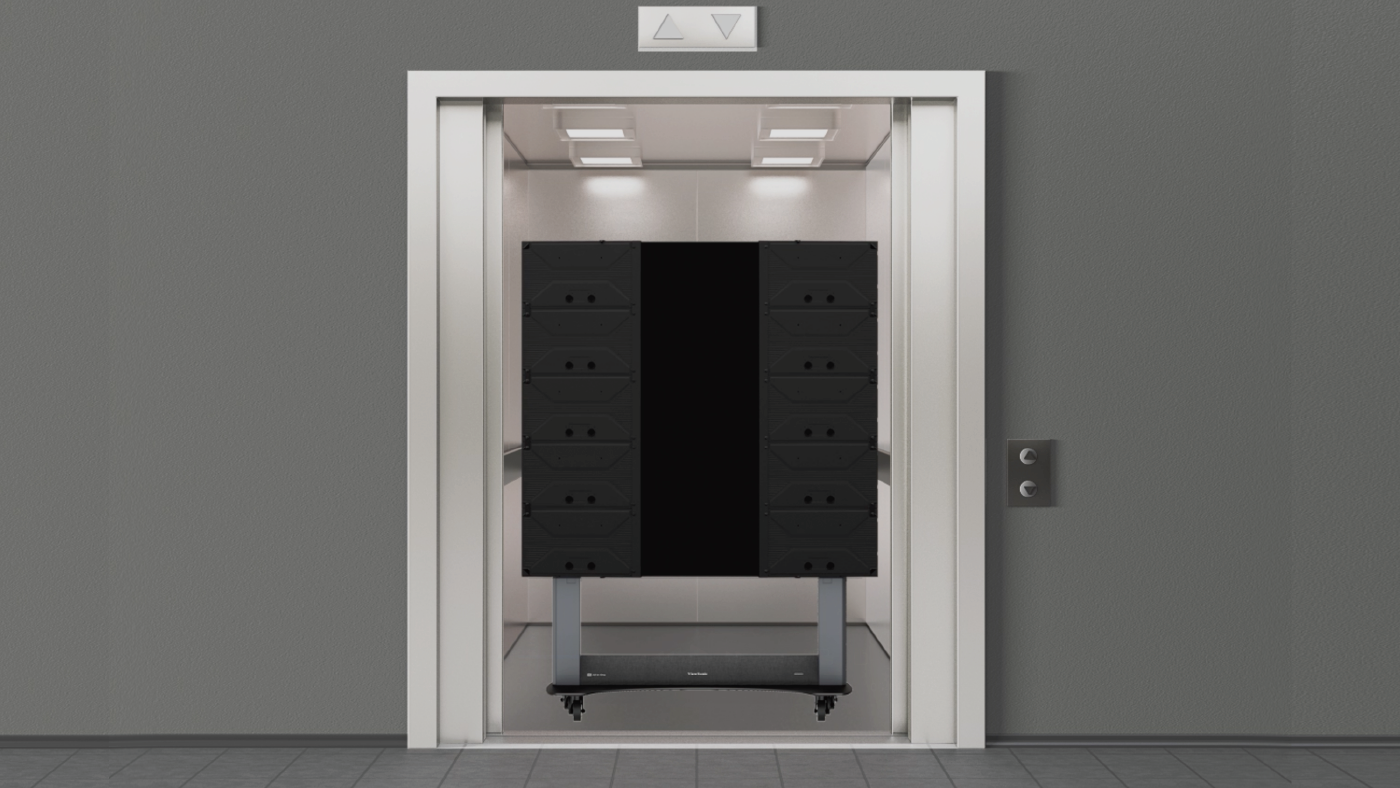
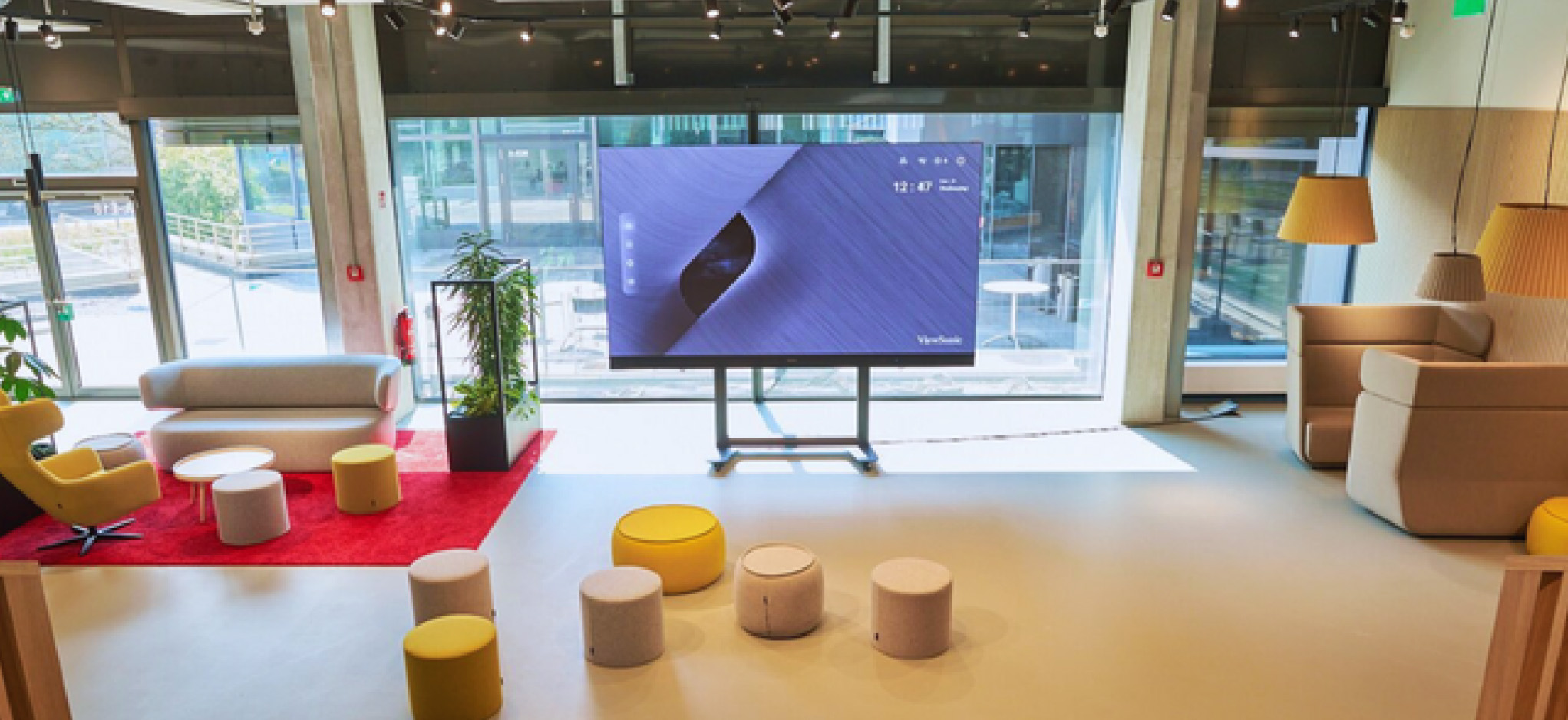
Once you’ve settled on the right IFP, keep in mind the decision doesn’t stop at the classroom. ViewSonic’s DVLED displays, commercial displays and monitors cover the rest of campus, from auditoriums to hallway signage to staff desks. The more of your fleet that runs on ViewSonic hardware, the more of it your IT team can manage from one dashboard.
Talk to a ViewSonic Representative
With this many options, the fastest way to the right answer is a conversation. Tell us whether your district runs on Google or Microsoft, and whether your teachers lean on apps or prefer simple screen sharing. We’ll help you land on the setup that actually fits.











Login and Registration Form