 Teacher's Community
  Support
How ViewSonic Solved Ecuador’s Room-to-Room Classroom Projection Problem
- Oct 14, 2026
SOLUTION BRIEF
How ViewSonic Solved Ecuador’s Room-to-Room Classroom Projection Problem
CHALLENGE
A government education agency in Ecuador needed classroom projection that could keep up with real teachers in real rooms. ViewSonic treated it as a design problem, not a race to the lowest bid.
The agency set out to equip classrooms with projectors across several educational zones covering hundreds of public schools. Conditions varied widely, from the capital to towns with far less infrastructure.
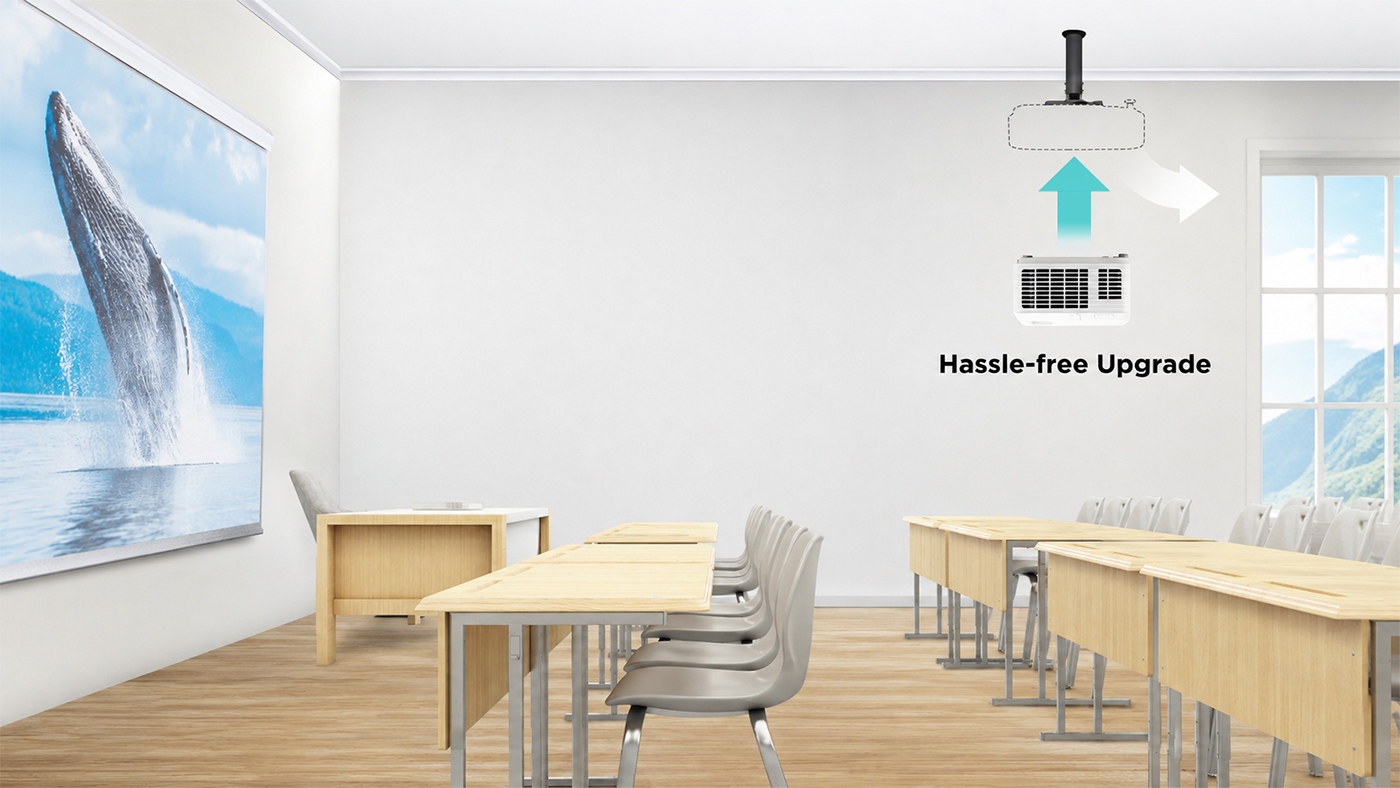
In many of those schools, classrooms outnumbered the available projection units, so teachers moved projectors from room to room during the day. That mobility requirement shaped the entire evaluation.
The specifications also had to guarantee enough brightness and the right resolution for reading, graphics and PDF content in a classroom filled with strong natural light, at a price and delivery schedule a large-scale public procurement could accept.
ViewSonic got involved before the tender even opened, testing equipment directly in these classrooms rather than proposing a spec on paper. The first unit under evaluation was an ultra-portable model, and extended testing showed that daily classroom use demanded more brightness and durability than that device could deliver.
Getting it right took time. The process ran close to a year and a half, partly because ViewSonic kept testing until the recommendation matched how teachers actually worked, and partly because a nationwide government purchase has to stay open to other manufacturers throughout.
SOLUTION
ViewSonic’s approach was to keep testing until the solution actually fit the classroom, not to stop once something met the minimum spec. Over the months before the tender opened, the team ran repeated demonstrations, left loaner units in place and returned to the agency every few months to refine the requirements based on what teachers and administrators saw in daily use.
That process, not a sales pitch, is what led to the ViewSonic® PA503 series over another competing portable unit first under evaluation. At under 2.5 kg the PA503W was still light enough for a teacher to carry between rooms, and it delivered the brightness and durability daily classroom use required.
Testing confirmed 4,000 lumens as the right brightness level and WXGA resolution (1280 x 800) as the best balance of image width and sharpness for reading, spreadsheets and PDF content. Those results informed the technical parameters the agency wrote into its tender.
The final tender set a minimum of 3,800 ANSI lumens. Specifying ANSI lumens matters, because it is the industry-standard measurement rather than the “white and color lumens” marketing metric some manufacturers publish. The PA503W came in above that minimum at 4,000 lumens, and the agency’s own classroom testing showed the difference on text, spreadsheets and PDF content.
“We spent a year and a half testing in real classrooms before we ever priced the deal. That’s what actually won it.”
That preparation paid off when the tender for 2,760 projectors was finally published. The PA503W cleared the technical evaluation without a single gap, a direct result of the months of hands-on classroom work that came before it.
Delivery time was the next hurdle. The agency required the full order within 90 days, and competing manufacturers quoted 120 to 150 days for an order that size.
ViewSonic drew on its global supply chain to close that gap. The team redirected units already moving toward the Americas as part of a broader regional shipment, routed them through the local distribution network in Panama and covered the entire 2,760-unit order in 60 days, well ahead of the deadline.
Price was the last piece, not the deciding one. The commercial team secured pricing approval while the supply chain team locked in the 60-day plan. ViewSonic also worked with display technology partner Texas Instruments™ through its education-sector program, so the final offer reflected the value of everything that came before it.
RESULT
This win came from refusing to shortcut the testing. ViewSonic spent a year and a half in the agency’s actual classrooms and built its recommendation around how teachers use the equipment day to day.
The global logistics network behind that recommendation then delivered on a window no competitor could match. Texas Instruments recognized the project as well and asked to document it as a success story of its own.
The agency has since launched a second purchase phase for 730 additional projectors under the same technical standard, bringing the program total to 3,490 units.
MODEL IMPLEMENTED
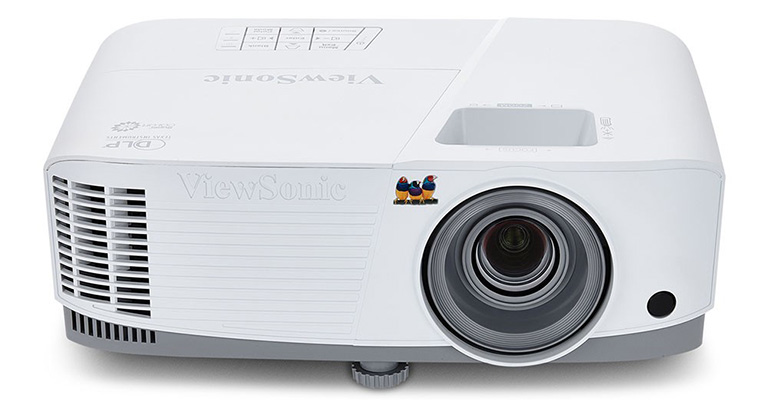
PA503W - ViewSonic 4,000 Lumens WXGA Projector with HDMI and Vertical Keystone
Frequently Asked Questions
How Can a School District Standardize Displays for Both Classrooms and Campus Communications?
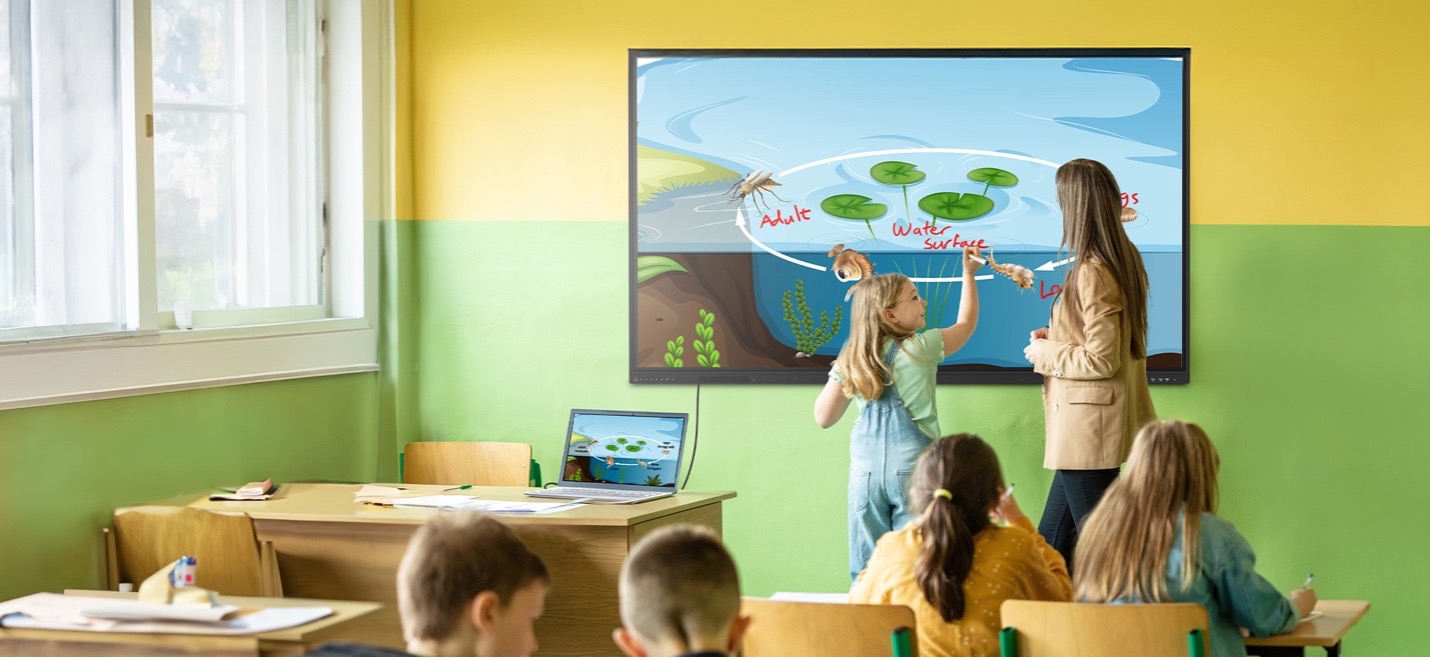
A single manufacturer ecosystem can cover both needs: interactive displays for teaching and commercial displays for digital signage, managed from one software platform. This district deployed ViewBoard interactive displays in classrooms and CDE commercial displays in common spaces, managing everything with Manager Advanced software.
What ViewBoard Sizes Work for K-12 Classrooms?
The ViewBoard IFP51 series of interactive displays comes in 65” (IFP6551), 75” (IFP7551) and 86” (IFP8651) sizes, all offering 4K resolution and Android EDLA certification. This district installed 489 ViewBoard interactive displays, standardizing on the 75” IFP7551 while using 65” and 86” models for specific room sizes.
Can School Displays Connect to Emergency Alert Systems?
Yes. Manager Advanced software, ViewBoard interactive displays and the CDE series of commercial displays integrate with emergency systems so urgent safety notices hit every screen instantly.
How Does Centralized Display Management Save a District Money?
ViewSonic Manager Advanced software lets IT admins automate power off schedules when schools are empty, push remote updates and broadcast messages across campus from one console. Automated power management cuts electric bills, while remote admin tools reduce support trips and staff hours.
Ready to Modernize Your District’s Displays?
Talk to a ViewSonic representative or an authorized partner about standardizing classrooms and campus communications on ViewBoard interactive displays, CDE commercial displays and ViewSonic Manager Advanced software.
Related Links
- IFP6551, 65” 4K Android EDLA ViewBoard interactive display
- IFP7551, 75” 4K Android EDLA ViewBoard interactive display
- IFP8651, 86” 4K Android EDLA ViewBoard interactive display
- CDE5531, 55” Smart Commercial Display
- CDE6531, 65” Smart Commercial Display
- CDE7531, 75” Smart Commercial Display
- Manager Advanced device management software
- ViewSonic Professional Development training
Training outcomes and participant experiences may vary depending on individual needs, district requirements, and implementation. Performance, security, compliance, and sustainability outcomes may vary depending on system configuration, usage environment, and agency requirements.
Actual performance, security, compliance, sustainability outcomes, and user experience may vary depending on system configuration, usage environment, agency requirements, and other factors. This document contains forward-looking statements that reflect the company’s expectations regarding future events and product offerings. Actual events and product offerings could differ significantly from those referenced herein. Programs, pricing, specifications, and availability are subject to change or cancellation without notice. Corporate names and trademarks mentioned are the property of their respective companies. © 2026, ViewSonic Corporation. All rights reserved. 9/26 [26PRJ-LAT1606]










Login and Registration Form