 Teacher's Community
  Support


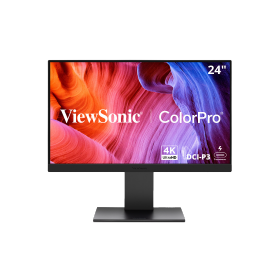
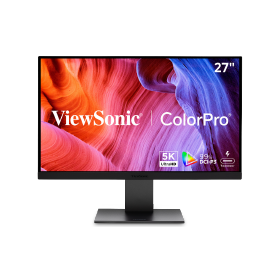
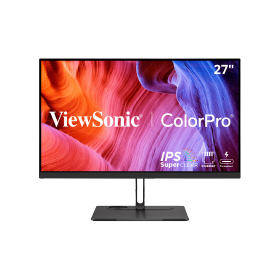
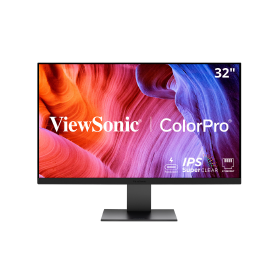
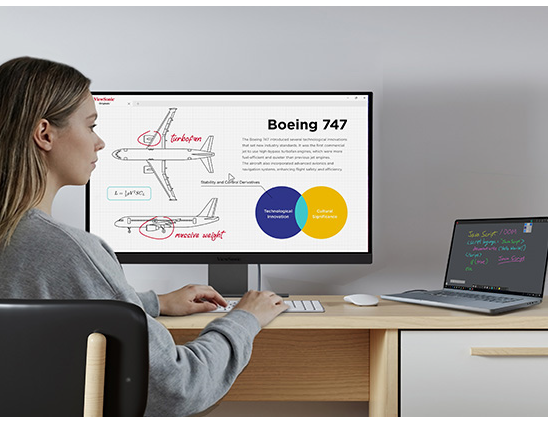
Professors need technology that just works. With a single cable, they can plug in their MacBook to charge, connect to the internet, and see everything on a big screen. It acts like a powerful docking station for their office. This helps faculty focus on teaching instead of fighting with cables.


Thunderbolt Monitors Priced for Your School
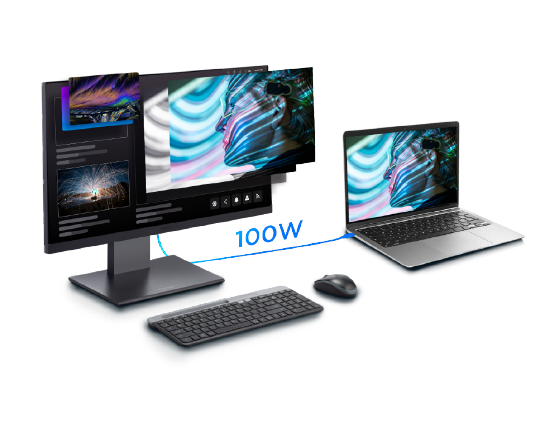
ViewSonic® ColorPro® Thunder bolt monitors give higher education a smarter way to support Mac and Windows users across campus. Powered by Thunderbolt, they deliver some of the best display performance available: fast single-cable connectivity, up to 100W charging, and stunning color accuracy that professionals rely on. And with a sleek design that fits right in alongside MacBooks and PC laptops, they look as good on the desk as they perform.

Octa-core CPU and 16GB RAM

Enhanced Multi-User Login

70W Front-Facing Soundbar

Secure by Design with Android EDLA

Native to the Google Education Ecosystem

Up to 50 Points of Touch

Built-in 8-Mic Array

UHD 3840x2160 Resolution

Thunderbolt for Laptops
ViewSonic Thunderbolt monitors work with both USB-C and Thunderbolt protocols, delivering full functionality on Mac and Windows alike. That takes the pressure off your laptop decision: whether a desk runs a MacBook or a PC, the same monitor works with both. It's ideal for the mixed fleets most schools actually run, and because these displays are protocol-ready, they'll keep working with whatever laptops you standardize on years from now, future-proofing your investment against changing standards.
Featured Products
Power and Performance
Thunderbolt 4 provides up to 100W of power, allowing you to charge your MacBook Pro, MacBook Air, Mac mini, Mac Studio, iPad Pro, Thunderbolt laptops, and other USB-C devices directly from the monitor. It also offers fast data transfer speeds of up to 40 Gbps and a stable network connection, making it ideal for video editing and content creation.
Stunning Resolutions
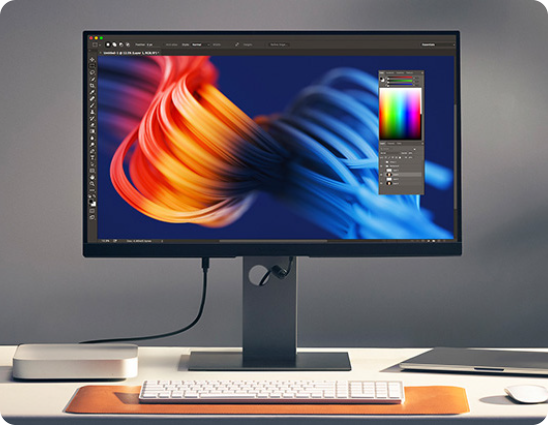
Choose from 4K and 5K resolution options with exceptionally high pixels-per-inch for crisp text and fine detail. These displays make it easy to review designs, edit photos, and work with complex visuals without eye strain or lost detail.
Thunderbolt Daisy Chaining
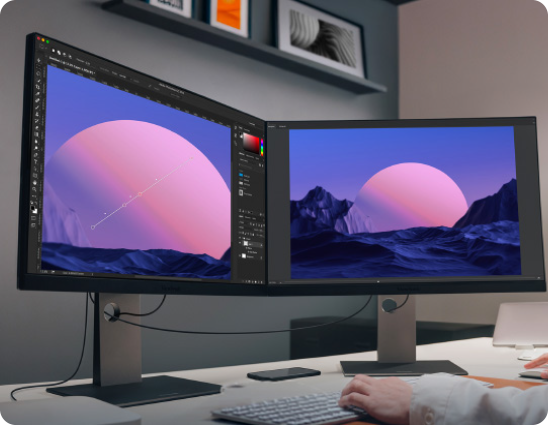
Thunderbolt 4 input and output ports support single-cable connectivity and daisy chaining of up to two 5K monitors. This creates a clean, efficient workspace with fewer cables, fewer adapters, and easier setup for labs and studios.
Built for Mac, Priced for Education
Get the Apple look without the heavy price tag of an Apple Studio Display. These monitors feature a sleek design that matches your school’s Mac setup perfectly. You also get advanced ergonomics (tilt, swivel, pivot, height adjust) and extra ports (USB hub, DisplayPort, HDMI) at no extra cost. It’s a smart way to upgrade your campus technology while staying within your budget.
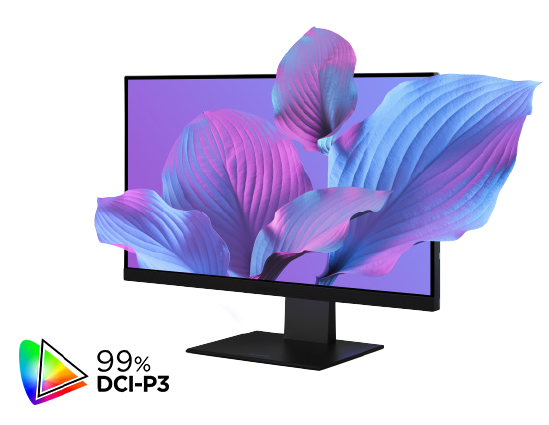
Mac-Level Color Accuracy for the Arts
Designed for digital media and design programs, hese monitors offer industry-leading color accuracy. They cover 98 to 99% of the DCI-P3 color gamut to match the vibrant look of a Mac screen. This ensures that every art project or film edit looks exactly as intended.
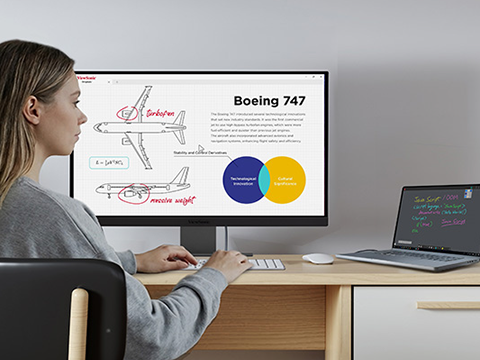
Built for Mac, Priced for Education
Get the Apple look without the heavy price tag of an Apple Studio Display. These monitors feature a sleek design that matches your school's Mac setup perfectly. You also get advanced ergonomics (tilt, swivel, pivot, height adjust) and extra ports (USB hub, DisplayPort, HDMI) at no extra cost. It's a smart way to upgrade your campus technology while staying within your budget.
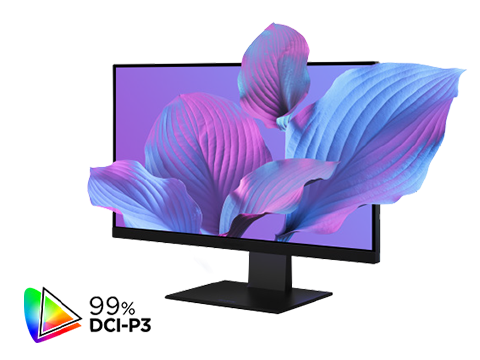
Mac- Level Color Accuracy for the Arts
Designed for digital media and design programs, these monitors offer industry-leading color accuracy. They cover 98 to 99% of the DCI-P3 color gamut to match the vibrant look of a Mac screen. This ensures that every art project or film edit looks exactly as intended.
Built for Every Campus Workflow
Give creative departments the precise color tools they need. Help professors stay productive in their offices. Let students connect easily in libraries. No matter the workflow, we have a Mac-compatible display that fits your school perfectly.
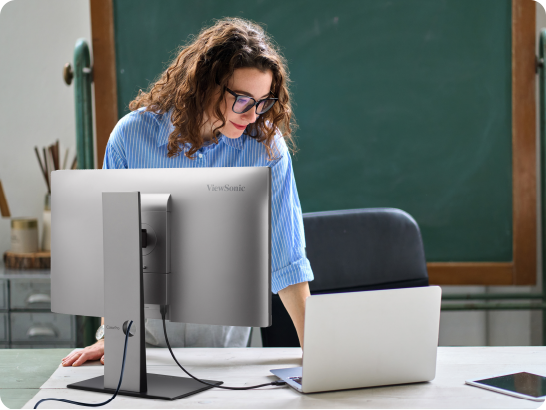
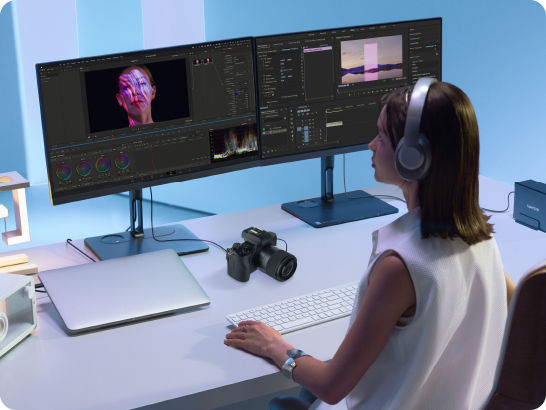

Faculty Offices
Creative Arts Departments
Creative majors like film, music, and design need precise tools. These monitors deliver the exact colors and high performance that art departments demand. They handle heavy editing software with ease.
Campus Bookstore
These monitors are a perfect addition to your campus bookstore. They connect easily to the MacBooks students already love, at a price they can afford. Whether writing papers or streaming movies, students get a big-screen experience that fits their budget.
IFP5551
IFP6551
IFP7551
IFP8651
IFP9851
Display
Panel Size
55"
65"
75"
86"
98"
Type
IPS LCD module with DLED backlight
Display Area (mm)
1209.60mm(H) x 680.40mm(V)
1428.48mm(H) x 803.52mm(V)
1650.24mm(H) x 928.26mm(V)
1895.04mm(H) x 1065.96mm(V)
2158.85mm(H) x 1214.35mm(V)
Aspect Ratio
16:9
Native Resolution
UHD 3840x2160(Pixels)
Colors
1.07G colors (8bit+2bit FRC)
Brightness
400nits (with CG) (Typical)
Contrast Ratio
1000:1 (minimum) / 1200:1 (typical) / 5000:1 (max. with DCR enabled)
Response Time
6.5ms (Typ.)
6.5ms (Typ.)
6.5ms (Typ.)
8ms (Typ.)
6.5ms (Typ.)
Viewing Angles
H = 178, V = 178 (Typ.)
Backlight Life
65,000 hours
Surface Treatment
Anti-glare, anti-fingerprint, 9H Pencil hardness / 3.2mm thickness
Haze
25%
Bezel (L/R/T/B)
17.3/17.3/26.9/50.8
14.6/14.6/25.5/50
14.6/14.6/25.5/50
14.6/14.6/25.5/50
17.5/17.5/27.8/52.2
Orientation
Landscape
Platform
Processor
Rockchip RK3576
RAM
16 DDR4
Storage
128GB eMMC
Touch
Type/ Tech
IR Recognition
Touch Point
Windows/Android /EDLA: 50 points | All Other Channels: 20 points
Response Time
5ms
Pen Tips Size
2mm/8mm
Palm Rejection
Yes
CG +OC Bonding
Zero Bonding
INPUT
HDMI-IN
*4(Front*2 + Rear*2)
All HDMI/IN supports HDMI 2.1, CEC1.4 HDCP 2.2 3840x2160P @60Hz
HDMI 1 supports ARC
All HDMI/IN supports HDMI 2.1, CEC1.4 HDCP 2.2 3840x2160P @60Hz
HDMI 1 supports ARC
RGB / VGA
1 (1080@60HZ)
DisplayPort
1 (DP 1.2)
Audio
1 (3.5mm phone jack)
RS232
1
SD/SDHC
TF Card Slot(Micro SD)
OPS
1 (complies with Intel 80-pin standard)
OUTPUT
HDMI-OUT
1( HDMI 2.1,HDCP 1.x, not support CEC, ARC)
Audio
1 (Line out)
SPDIF
1 (Optical)
LAN
RJ45
1 in 1 out (10M/100M/1000Mbps) (USB Type-C 10/100, Android & PC 10/100/1000)
USB
Type A
REAR x 1 (USB 2.0 for system update)
REAR x 2 (USB 3.2 Gen 1) all support Smart
FRONT x 2 (USB 3.2 Gen 1) all support Smart
REAR x 2 (USB 3.2 Gen 1) all support Smart
FRONT x 2 (USB 3.2 Gen 1) all support Smart
Type B
FRONT x 1 (USB 3.2 Gen 1) REAR x 1 (USB 3.2 Gen 1)
Type C
Front x1 (USB 3.2 Gen 1+ PD 65W + DP-in 1.2 + 100M Ethernet)
Rear x1 (USB 3.2 Gen 1 + PD 15W + DP-in 1.2 + 100M Ethernet)
Top x1 (USB 3.2 Gen 1+ PD15W to support Camera mounting)
<PD reduces to 15W with OPS plugged-in>
Rear x1 (USB 3.2 Gen 1 + PD 15W + DP-in 1.2 + 100M Ethernet)
Top x1 (USB 3.2 Gen 1+ PD15W to support Camera mounting)
<PD reduces to 15W with OPS plugged-in>
SPEAKERS
Speaker: 25W x 2 + Subwoofer: 20W x 1
Microphone Array
8-array microphone
Embedded OS
Android 14(EDLA)
NFC Built-In
yes
Light Sensor
yes
Pen Sensor
yes
DIMENSIONS
49.99x31.08x3.3
58.6x35.99x3.36
67.29x40.85x3.36
77.05x46.36x3.36
87.39x52.1x3.35
WEIGHT
57.01
76.15
101.54
128.88
184.53
VESA PATTERN
400 x 200 mm
600 x 400 mm
800 x 400 mm
800 x 600 mm
FAQ for Thunderbolt Monitors


Unlock
15% OFF
when you subscribe.
By Clicking "CONTINUE" you agree to receive our newsletter. You can unsubscribe at any time. Discount applies to one (1) item only, not the entire order. Offer is not stackable or combinable with any other promotions or promo codes.
Login and Registration Form