 Teacher's Community
  Support
How Kentucky’s Largest College System Modernized Learning Spaces with ViewSonic
- Sep 10, 2026
SOLUTION BRIEF
How a Pennsylvania School District Streamlined Campus Communications with ViewSonic

-
A 16-campus system needed a scalable display solution to replace decade-old classroom technology.
“By matching display technology to what each room actually needed, the integration partner and ViewSonic helped the school modernize its learning environments with a consistent, future-ready tech setup that balances performance, usability and overall value.”
CHALLENGE
Edtech funding is getting tighter, so higher education institutions have to carefully evaluate which solutions deliver the best value.
Across this 16-campus system serving 70,000+ students, many classrooms relied on technology that was over a decade old. Modernizing these spaces wasn’t optional if the institution wanted to support student recruitment, retention and engagement in a competitive landscape.
The institution needed a partner with a broad portfolio spanning interactive touch displays, commercial displays, Direct View LED video walls, monitors and projectors.
That way, it could match the right technology to each environment rather than force one solution everywhere.
As the system renovated and expanded its classrooms and event spaces, ViewSonic became a preferred partner for its reliable hardware and collaboration tools.
What ViewSonic Solution Did the Institution Deploy?
The institution’s integration partner worked with ViewSonic to build a standardized, scalable display strategy matched to each learning environment
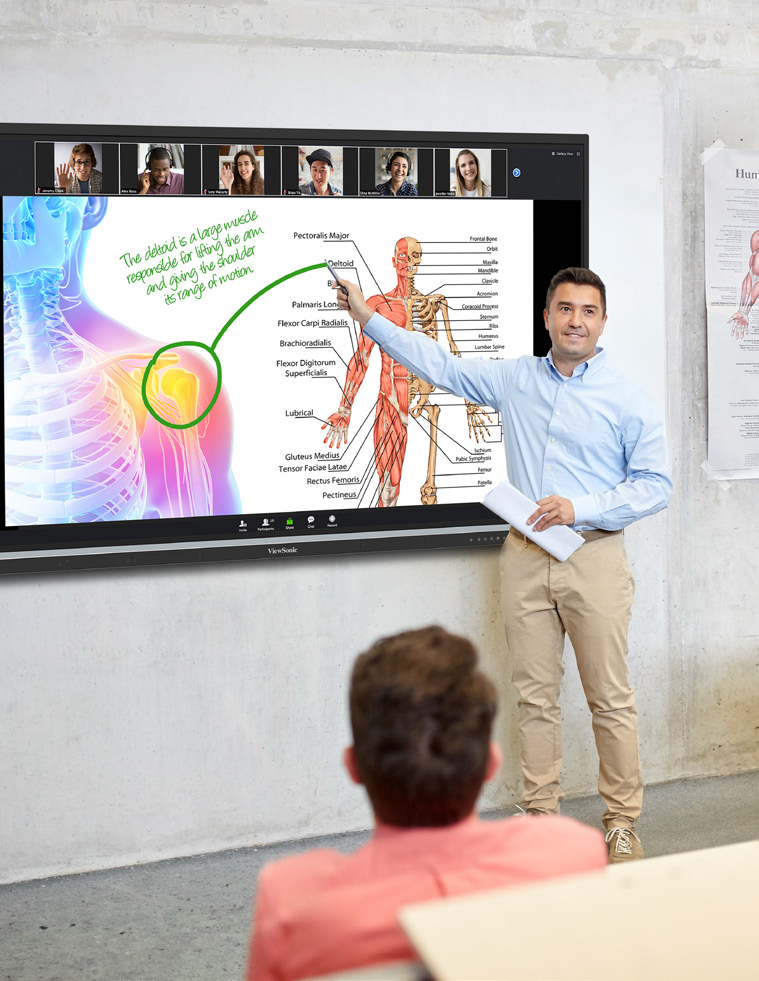
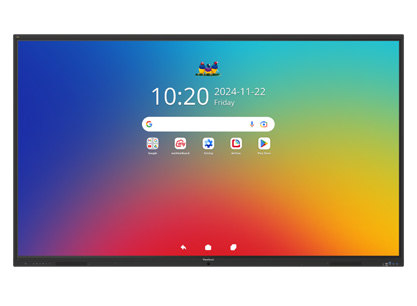
- 169 ViewBoard® interactive displays went into traditional instructional classrooms, giving faculty an intuitive platform for annotation, wireless content sharing and interactive lessons.
- 6 ViewSonic® commercial displays were installed in lecture halls, auditoriums and assembly spaces to provide commercial-grade performance, integrate with third-party AV control platforms and run reliably in high-use environments.
- 2 ViewSonic Direct View LED (dvLED) video walls were placed in spaces for maximum visual impact, delivering seamless, high-brightness images for large audiences.
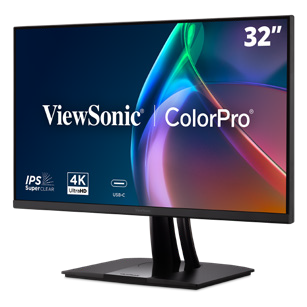
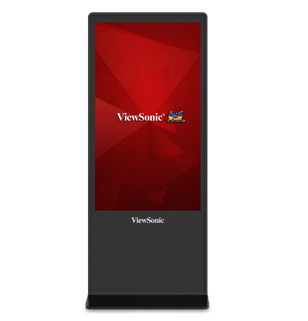
- 100 ViewSonic LCD monitors, 18 projectors and 5 ePoster displays were placed in across offices, labs, podiums and campus common spaces.
- ViewSonic Manager Advanced software provided centralized, multi-campus device management.
By matching display technology to what each room actually needed, the integration partner and ViewSonic helped the school modernize its learning environments with a consistent, future-ready tech setup that balances performance, usability and overall value.
How Does the Institution Manage Displays Across 16 Campuses?
To get the most out of its investment, the institution uses ViewSonic Manager Advanced software to monitor and manage compatible devices across all campuses from one central dashboard. IT admins don’t have to travel to individual classrooms to deploy firmware updates, configure device settings, troubleshoot issues or schedule power on and off times.
Centralized management cuts operational costs, reduces classroom downtime and can extend device lifespan through proactive maintenance. This type of device management can also improve energy efficiency by making sure displays aren’t running when they’re not needed.
What Results Has the Institution Seen?
- The institution replaced decade-old classroom tech with a standardized visual platform of 370 ViewSonic devices across 16 campuses, including 169 interactive displays, 76 commercial displays, 100 monitors, 18 projectors, 5 ePosters and 2 Direct View LED displays.
- It lowered its total cost of ownership through centralized management, proactive maintenance and scheduled power controls.
- IT staff can now support more classrooms across multiple campuses with fewer on-site resources.
SOLUTION
ViewSonic ViewBoard interactive displays

ViewSonic commercial displays

ViewSonic Direct View LED (dvLED) displays
ViewSonic LCD monitors
ViewSonic ePoster displays

ViewSonic Manager Advanced software
Frequently Asked Questions
How Should a University Match Display Types to Different Learning Spaces?
A proven approach uses interactive displays in instructional classrooms where faculty annotate and share content on the fly, commercial displays in lecture halls and auditoriums that need AV control integration, and Direct View LED video walls in large gathering spaces where brightness and scale matter most.
Kentucky’s largest public higher education system standardized on this strategy across 16 campuses with 370 devices, including 169 interactive displays, 76 commercial displays and 100 monitors.
How Do IT Teams Manage Displays Across a Multi-Campus Institution?
ViewSonic Manager Advanced lets IT admins remotely deploy firmware updates, configure settings, troubleshoot issues and schedule power on and off times from one console. That means fewer campus visits, less classroom downtime and displays that aren’t powered when they aren’t being used.
Do Interactive Displays Work for Career and Technical Programs, Not Just Lecture Classrooms?
Yes. This institution’s deployment spans nursing simulation labs, welding programs and traditional classrooms. Matching display types to each space’s function, rather than forcing a one-size-fits-all model, is what makes a multi-campus standard work.
How Do Display Choices Affect Total Cost of Ownership in Higher Education?
Total cost goes beyond the upfront price tag. Centralized management reduces on-site support trips, proactive maintenance extends device lifespan and scheduled power controls cut energy use.
This system paired standardized ViewSonic displays with Manager Advanced software to lower its total cost of ownership while supporting more classrooms with fewer resources.
Ready to Build a Campus-Wide Display Strategy?
Talk to a ViewSonic representative or an authorized partner about matching display technology to every learning space on your campus.


Login and Registration Form