 Teacher's Community
  Support
7 Things to Look for in a Next-Gen School Projector
- Sep 23, 2026
7 Things to Look for in a Next-Gen School Projector
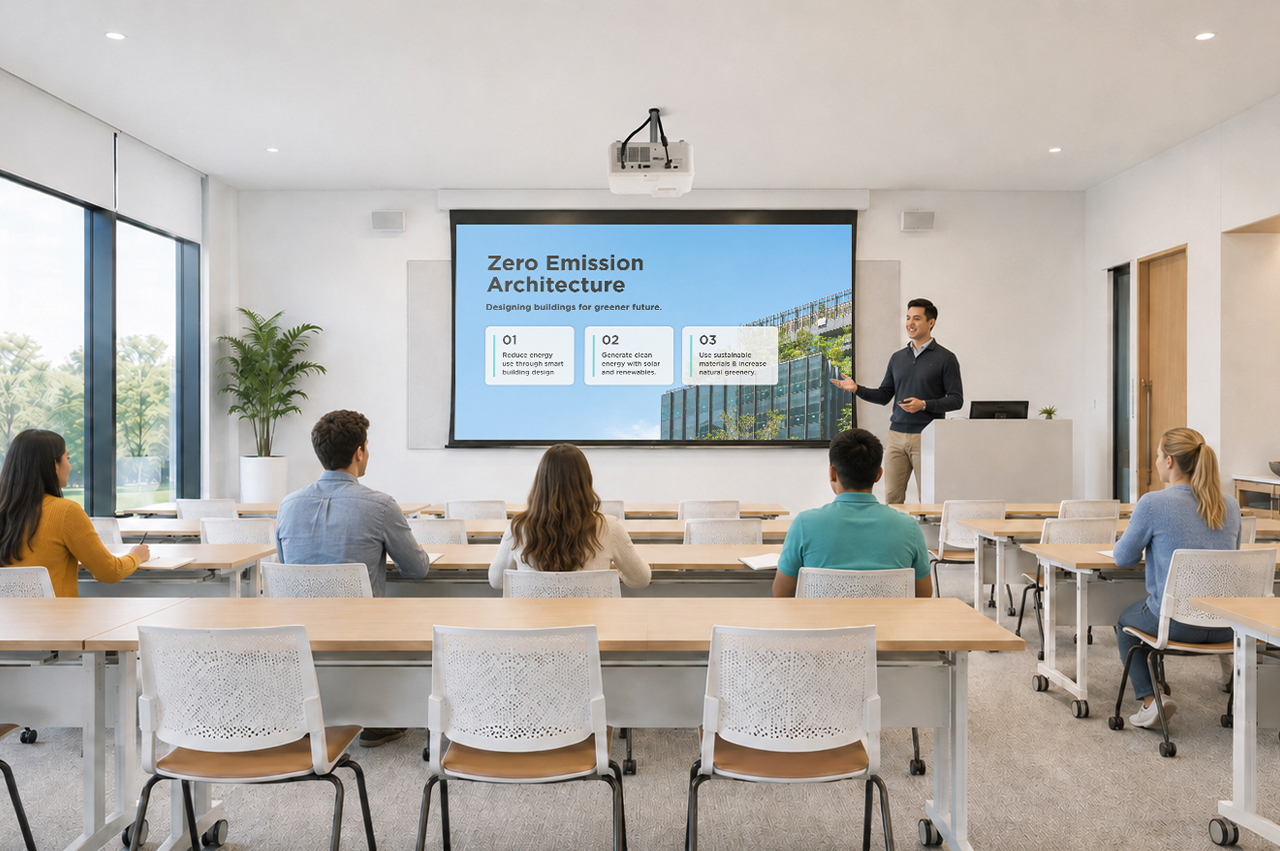
If your school is conducting an audit for an upcoming hardware refresh, you don’t just want to replace your current equipment. You want to future-proof your classrooms and multi-purpose spaces.
Five years ago, managing classroom projectors meant dealing with dim bulbs, heavy maintenance schedules, and limited options. Following significant strides in projector technology, they now present a durable, budget-friendly alternative to flat-panel displays.
Key Takeaways
When choosing a next-gen projector, look for:
- High Brightness
- Flexible optical zoom and keystone
- Centralized management
- Low maintenance
- 360° rotation
- Light source
- Display engine
1. Daylight-Defeating Brightness
While the actual brightness of your projector will depend on the size of the room you’re outfitting, look for a projector with a high lumen output. The 5,500 ANSI lumens found in the ViewSonic® LSD500HD ensure teachers never have to switch off the lights just to make a slide or worksheet legible.
2. Flexible Optical Zoom and Keystone
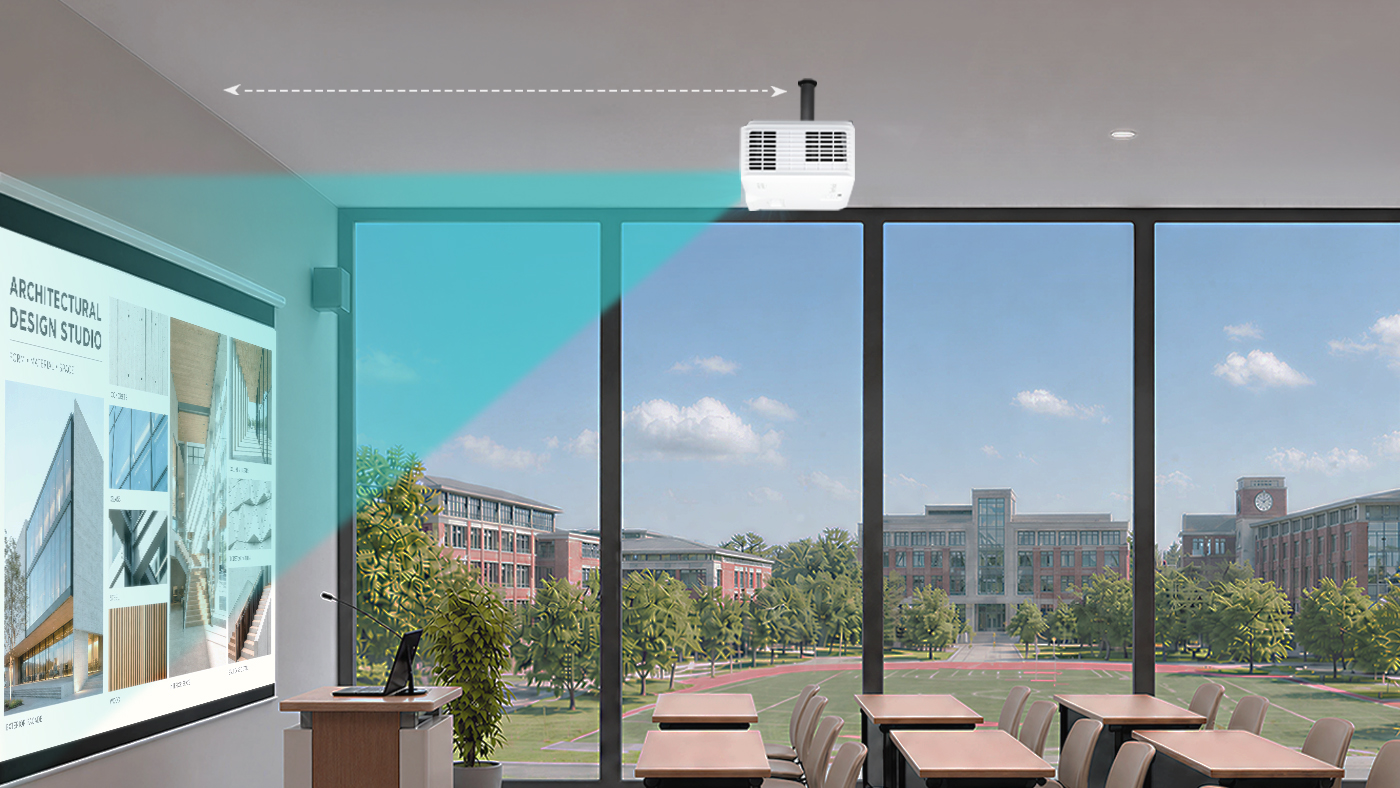
Modern classrooms come in all shapes and sizes, and hardware placement is rarely ideal. But if you get a projector that has optical zoom and a similar throw ratio as your existing projector, you won’t have to install a new wall mount elsewhere.
Look for a minimum of 1.3x optical zoom and 4-corner keystone adjustment so the image stays perfectly proportioned from any angle. These alignment capabilities eliminate distortion caused by offset ceiling mounts, ensuring a perfectly square image without manual physical readjustments.
3. Centralized IT Remote Management
Your projector should work with systems you already use, so you don’t have to purchase new or proprietary software. When upgrading your AV setup, ensure the unit features full LAN control and integrates directly with professional systems like Crestron, Extron, AMX, and Q-SYS.
4. Low Maintenance and Long Lifespan
Gone are the days of spending your AV budget on replacement bulbs or filters for LCD projectors. Next-gen lamp-free projectors ensure a longer lifespan without the recurring maintenance strain.
Upgrading your old projectors can also save you money in terms of electricity spending. The ViewSonic LSD500HD laser projector, for example, uses 62% less power than traditional lamp models.
5. 360-Degree Placement
Your hardware shouldn’t dictate your physical space. From portrait mode setups for digital signage to floor projections for unique learning experiences, look for 360° rotation capabilities that open up new teaching possibilities.
6. Light Source
Consider your environment before choosing a light source. While lamp-based projectors remain a cost-effective choice for low-use classrooms, laser technology is the clear winner for heavy daily use. Lasers eliminate replacement bulbs, warm up instantly, and maintain bright, true-to-life colors for years.
7. Display Engine
With vivid color performance a major benefit, DLP technology leads in text sharpness and contrast while offering a compact, filter-free design that reduces ongoing IT maintenance in dust-prone environments.
Key Projector Feature at a Glance
Here’s a table to give you a quick summary of the key projector features to look for and why they matter:
| Projector Feature | Why It Matters |
|---|---|
| High Brightness (5,000+ lumens) |
Ensures high clarity so teachers don’t have to dim classroom lights. |
| Long Lifespan (up to 30,000 hours) |
Laser phosphor light sources eliminate costly bulb replacements and slash power consumption. |
| Flexible Optical Zoom & Keystone (Min. 1.3x optical zoom, 4-corner keystone) |
Allows adjustment of the image without needing to change the ceiling mount’s placement and costly re-wiring. |
| Centralized IT Management (LAN control; Crestron, Extron, AMX, Q-SYS integration) |
Enables remote device administration through the control system your IT team already uses. |
| 360-Degree Placement (Multi-angle and portrait orientation capabilities) |
Opens up creative setup possibilities across the campus. |
| Light source | Laser projectors are more expensive upfront but cheaper to run than lamp projectors. |
| Display Engine | DLP delivers vivid colors as well as sharp text, deep contrast and low maintenance. |
Final Thoughts
Future-proofing your school’s screens isn’t just about replacing old hardware with newer models. It’s about making a strategic investment that supports both teachers and IT teams. By focusing on high brightness, low-maintenance lamp-free technology, installation flexibility, and central network management, school districts can upgrade lecture halls and classrooms without stretching their AV budgets.
Solutions like the ViewSonic LSD500HD demonstrate that modern projectors are more than just a big-screen option. They’re a convenient, cost-effective display alternative built to keep up with the demands of modern education. By striking the ideal balance between low total cost of ownership and simplicity of use, next-gen projectors ensure your school or district’s edtech is future-proofed. Check understanding during a lesson.
Frequently Asked Questions
Here are answers to some of the most frequently asked questions we get about projectors in school environments:
Do modern laser projectors turn on as quickly as flat-panel displays?
Yes. Unlike traditional lamp-based projectors that require a few minutes to warm up or cool down, modern laser projectors offer instant power-on and power-off functionality. Teachers can turn on the system and start class immediately with no downtime.
How does a lamp-free projector lower total cost of ownership for schools?
Lamp-free projectors reduce TCO for schools in two key ways:
- Lower energy consumption and maintenance costs.
- Reduced hardware replacement costs and maintenance labor since lamp-free projectors last longer and have no bulbs or filters to replace.
Can we install modern projectors using our existing ceiling mounts?
If the projector has the same or a similar throw ratio, then yes. Projectors equipped with wide optical zoom, ideally 1.3x, and comprehensive keystone adjustment allow IT teams to fit the new projector into existing mounting locations.
How do modern projectors perform in brightly lit classrooms?
High-brightness lamp-free projectors that deliver 4,000 to 5,500+ ANSI lumens are explicitly engineered to work even in ambient daylight conditions. This ensures vibrant colors, high-contrast, and crisp text from anywhere in the room. without forcing teachers to draw the blinds or dim classroom lights.
Comparative claims and energy savings are based on specific features and publicly available manufacturer specifications as of the date of publication, and are not intended to represent a comprehensive evaluation of all product attributes. Actual performance, energy usage, and compatibility may vary depending on system configuration, network conditions, usage settings, and environmental factors. Any references to third-party platforms (including Crestron, Extron, AMX, and Q-SYS) are for identification and compatibility purposes only and do not imply endorsement, affiliation, or sponsorship by their respective owners. Proper wall and ceiling suitability, reinforcement, and professional mounting hardware are the sole responsibility of the customer, installer, or system integrator; ViewSonic assumes no liability for equipment damage, property damage, or personal injury resulting from incorrect installation.


Login and Registration Form