 Teacher's Community
  Support
Tight Edtech Budget? An OPS Slot-In PC Can Help You Do More with Less
- Sep 23, 2026
Tight Edtech Budget? An OPS Slot-In PC Can Help You Do More with Less
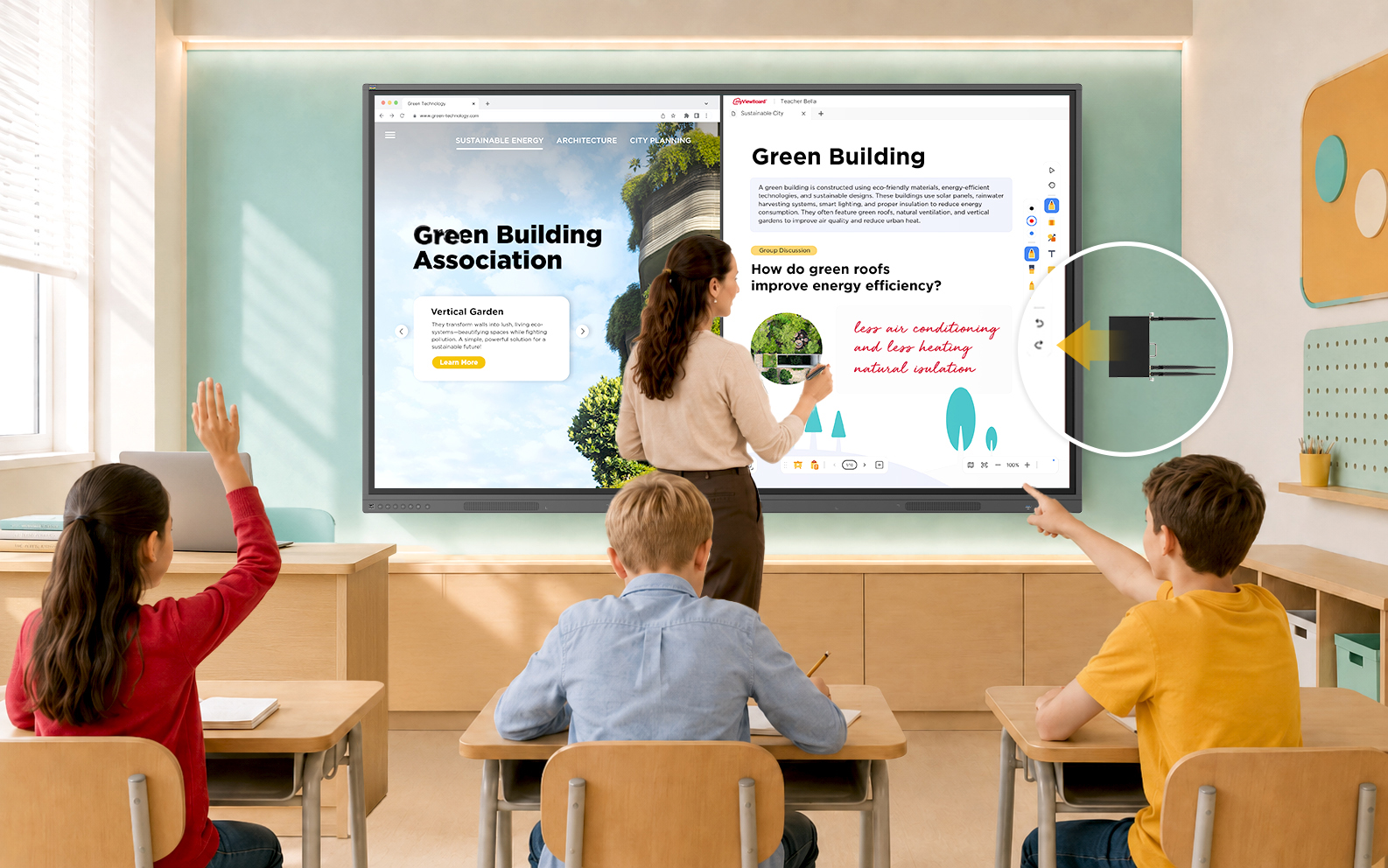
Today’s classrooms move fast, and the technology supporting them needs to keep up. But budget cycles don’t always align with full hardware refreshes. When a complete display upgrade isn’t in this year’s budget, IT teams shouldn’t have to compromise on classroom performance.
ViewSonic® slot-in PCs offer a seamless bridge strategy. By upgrading the computing engine behind your existing screens, you can deliver immediate speed and memory gains for teachers today while keeping your long-term refresh strategy on track.
Change the Brain: Upgrade Aging Interactive Displays with a Slot-In PC
The most cost-effective way to increase the processing speed of your existing interactive flat panels is with an OPS (Open Pluggable Specification) slot-in device.
Think of it as a brain transplant for your classroom technology. Instead of replacing the entire 65”, 75”, or 86” screen—which is often still in great physical condition—you simply add in a new ViewSonic OPS unit to replace the original processor inside.
Why Choose a ViewSonic Slot-In PC?
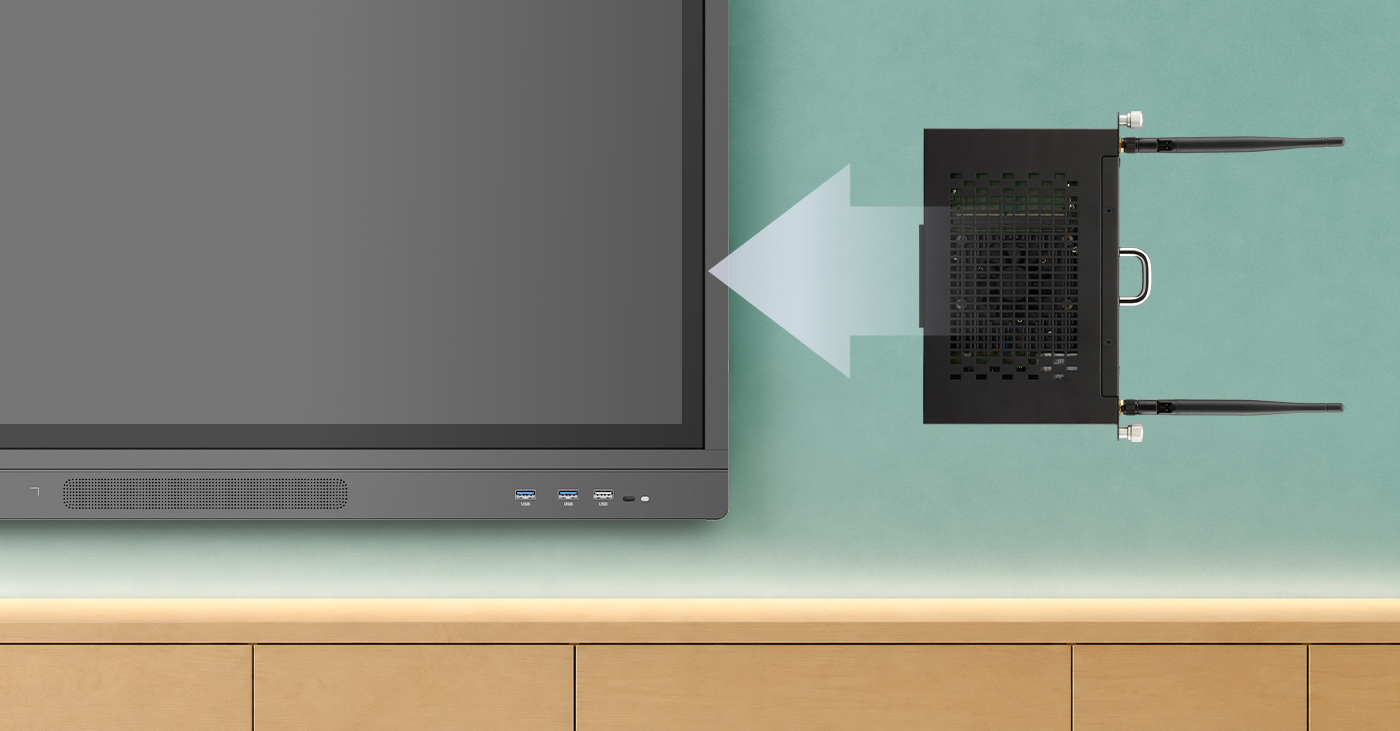
- Instant Speed Boost: An OPS slot-in PC lets you upgrade your interactive whiteboards with the latest processors and expanded memory when you’re facing tight budget for a new panel update.
- Near-universal Compatibility: ViewSonic slot-in PCs are compatible with many other brands, including Newline, Promethean, Smart, and BenQ. So even if your district has a mix of panels, our OPS PC units can likely fit those as well (talk to our experts to find the right match for your setup).
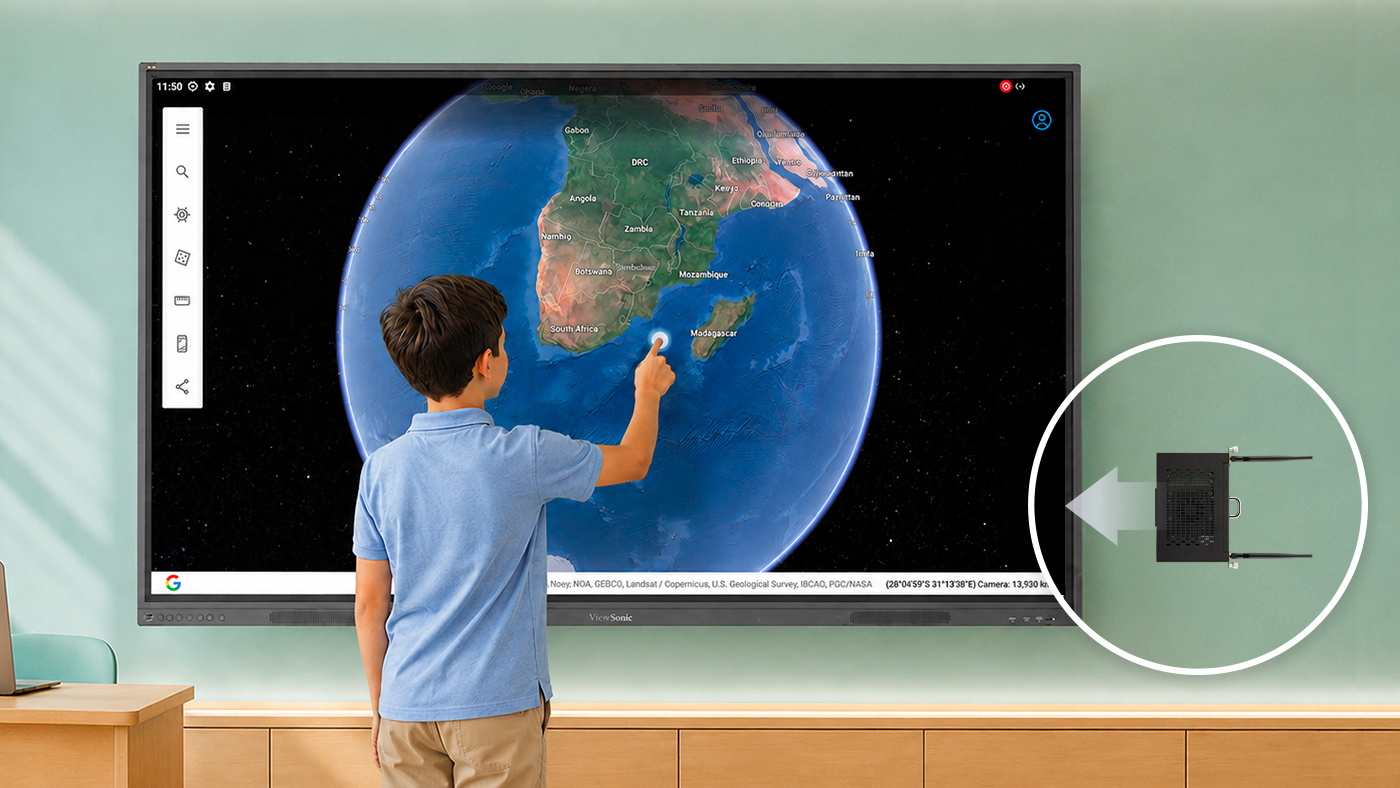
- Future-Proofing: As educational software and AI tools demand more power over time, modular slot-in PCs let you upgrade computing performance effortlessly. Your displays stay capable and ready for tomorrow’s tech updates without needing a full system redesign.
- Minimal Downtime: An IT admin can swap an OPS unit in seconds, keeping classrooms functional and teachers productive without losing a full day to installation.
- Ecosystem Flexibility: If you’ve already purchased or are planning to buy new panels, a slot-in PC can still work for you. Slotting an OPS module into an OS-free or compatible panel allows you to align with your district’s tech stack—whether that’s ChromeOS, Android EDLA, or Windows. Teachers get seamless access to their everyday apps, while you retain the flexibility to adapt as your needs evolve.
Maximize Your Current Investment
You don’t have to settle for “old” just because your classroom technology budget is tight. By focusing on “brains” rather than the external display, you can ensure a fast, premium experience for both teachers and students at a fraction of the cost of a new installation.
Explore ViewSonic slot-in PCs for education now.
Frequently Asked Questions About OPS Slot-In PCs
Can you upgrade an old interactive display without replacing it?
Yes. If the display includes an OPS slot, you can add a slot-in PC instead of purchasing a whole new display. ViewSonic OPS slot-in PCs provide modern processing power that can help older interactive whiteboards run faster and support newer educational applications.
What is an OPS slot-in PC?
An OPS (Open Pluggable Specification) slot-in PC is a compact computer that slides directly into a compatible interactive display. ViewSonic OPS slot-in PCs add processing power, memory, and storage to the display without requiring you to replace the entire unit.
Are ViewSonic OPS slot-in PCs compatible with non-ViewSonic displays?
Many interactive displays from major manufacturers support the OPS standard. While compatibility should always be verified before purchase, ViewSonic OPS slot-in PCs can often be used with compatible displays from multiple brands.
Why are schools upgrading OPS modules instead of replacing displays?
Many older interactive displays still have functional screens and touch technology. Replacing the OPS computing module allows schools to improve performance and support newer software at a lower cost than replacing the entire display. ViewSonic OPS solutions help districts extend technology investments while reducing refresh costs.
How much performance improvement can an OPS upgrade provide?
Performance improvements depend on the age of the existing hardware and the specifications of the new OPS module. Upgrading to a newer ViewSonic OPS slot-in PC can improve application responsiveness, multitasking, startup times, and support for modern classroom software.
What are the benefits of using an OPS slot-in PC in education?
An OPS slot-in PC helps schools extend the life of interactive displays, reduce technology replacement costs, minimize classroom downtime, and provide teachers with a faster, more reliable classroom experience. ViewSonic OPS solutions make these upgrades simple and scalable for school districts, fitting seamlessly into your existing tech stack with ChromeOS, EDLA, or Windows.


Login and Registration Form