 Teacher's Community
  Support
Level Up Learning: How Esports Contributes to College and Career Readiness
- May 12, 2026
Buyer's Guide
Level Up Learning: How Esports Contributes to College and Career Readiness
For a long time, people thought video games were just a distraction. We've spent decades working side by side with educators and IT directors. We know firsthand that the old misconception of esports being simply a frivolous distraction from academics is fading fast, replaced by a more data-driven understanding. Organized and competitive gaming is a powerful engine for driving real educational value and cultivating indispensable career skills.
When schools build competitive gaming programs, they see a massive boost in student engagement. Kids who never joined traditional sports or clubs are suddenly excited to participate in school activities. Scholastic esports refers to organized video gaming competitions within an educational setting. It's a powerful educational tool that builds 21st-century skills and prepares students for high-paying careers.
Let's dive into exactly how competitive gaming sets students up for lifelong success.
Why Should Schools Embrace Esports?
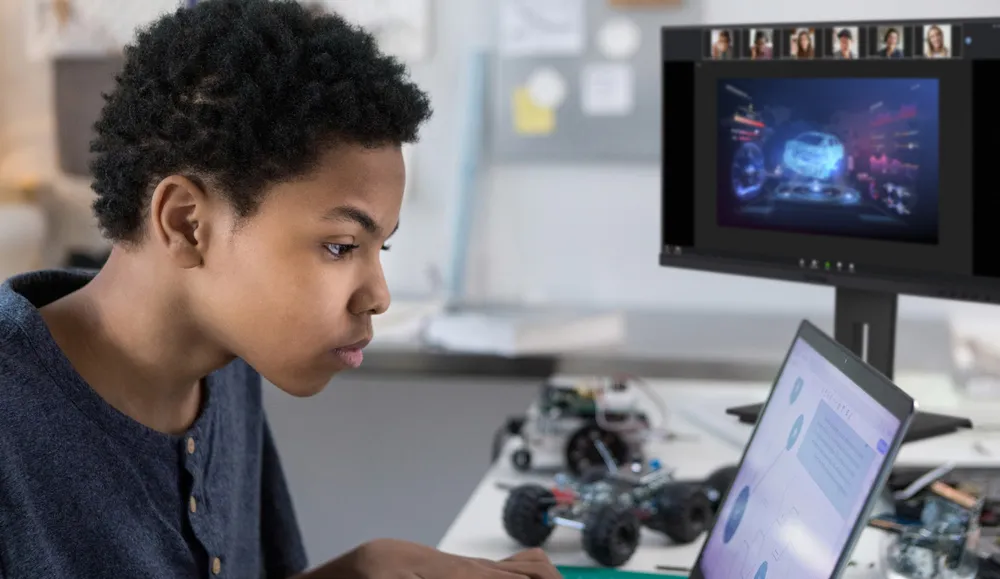
Is esports really good for students? Yes! While students engage with esports because it is something they are passionately excited about, educators see another layer of value with the organic development of critical soft skills. Competitive gaming teaches students how to work together under intense pressure. It goes far beyond simply playing games and actively builds a massive range of technical and leadership skills.
Leadership Skills
Can video games help students build college and career skills? Yes, they absolutely can. In fact, the World Economic Forum's The Future of Jobs Report 2025 identifies analytical thinking, creative thinking, leadership and social influence as some of the top core skills that will only increase in importance. Fast-paced competitive gaming requires incredibly clear, concise and effective communication. Students must learn how to cooperate seamlessly and develop shared strategies in a high-stakes environment. Players are constantly forced to analyze complex challenges. When a match changes from second to second they learn how to adapt their strategies on the fly, think critically about cause and effect and make quick decisions under extreme pressure.
Beyond the screen, the esports ecosystem offers a wide range of roles where students can exercise leadership and social influence. They can easily step up to take on roles as team captains or peer coaches. This hands-on experience teaches them how to handle adversity, recover from significant setbacks and maintain a positive focus under intense pressure. It's real-time problem-solving at its most engaging.
Good Digital Citizenship
Can gaming teach good citizenship? Yes. A structured school program creates a safe environment for students to play and learn. Left on their own online, students might run into or participate in toxic behavior. But school coaches teach them how to interact respectfully and handle wins and losses with grace. They develop crucial digital literacy by learning how to be responsible digital citizens and practice healthy online behaviors.
Academic Achievement and Attendance
Can esports improve grades? Yes, they can. When schools build an esports team, they give unengaged students a reason to show up. By setting a minimum GPA requirement to participate, schools give students a massive motivation to try harder in their academics. It provides a crucial new avenue for school engagement and dramatically improves attendance and a sense of belonging. The chance to compete motivates students to pay attention in class, finish their homework and show up to school every single day.
Exploring Esports Career Pathways
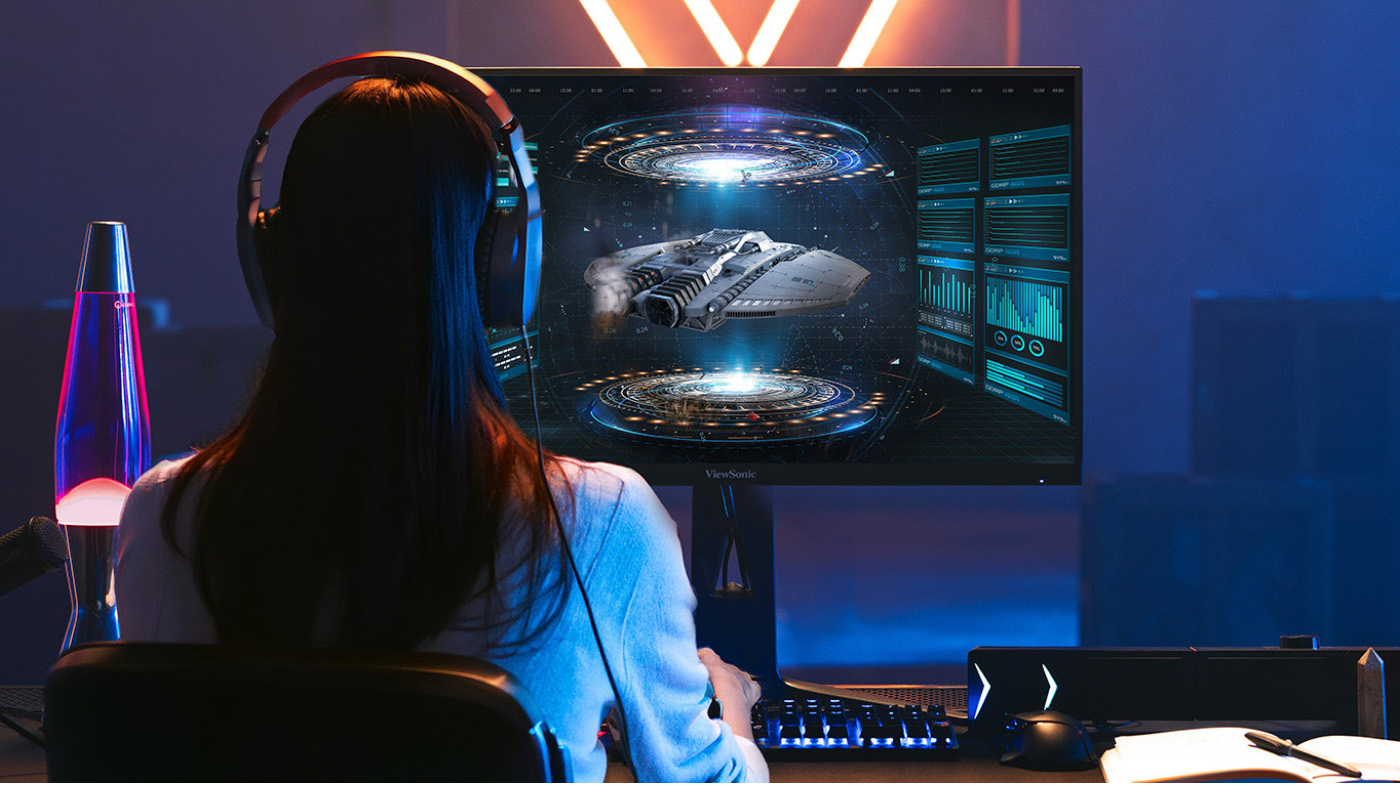
Can you get a job in esports? Absolutely. The skills gained in esports don't just stay in the classroom, lab or arena. They are highly transferable and open doors to incredible future opportunities in fields like IT, marketing, graphic design and event organization.
College Scholarships and Academic Programs
Can you get a scholarship for playing video games? Yes, you absolutely can. One of the most rapidly growing facets of higher education is the expansion of esports scholarships and varsity teams. Thousands of colleges now offer substantial financial aid to talented gamers. You can even explore directories of college esports programs to see exactly which schools are actively recruiting players. Beyond the playing field, universities are creating dedicated degree and certificate programs in related fields. Students can now major in game design, media production, esports management and marketing to turn their passion into a legitimized academic path.
Broadcasting and Shoutcasting
What’s a shoutcaster? A shoutcaster is like a sports announcer for video games. Students interested in media can manage the entire backend of an event by handling AV work or coordinating live streams as shoutcasters. This is fantastic practice for a future career in event production and broadcasting.
Video Editing
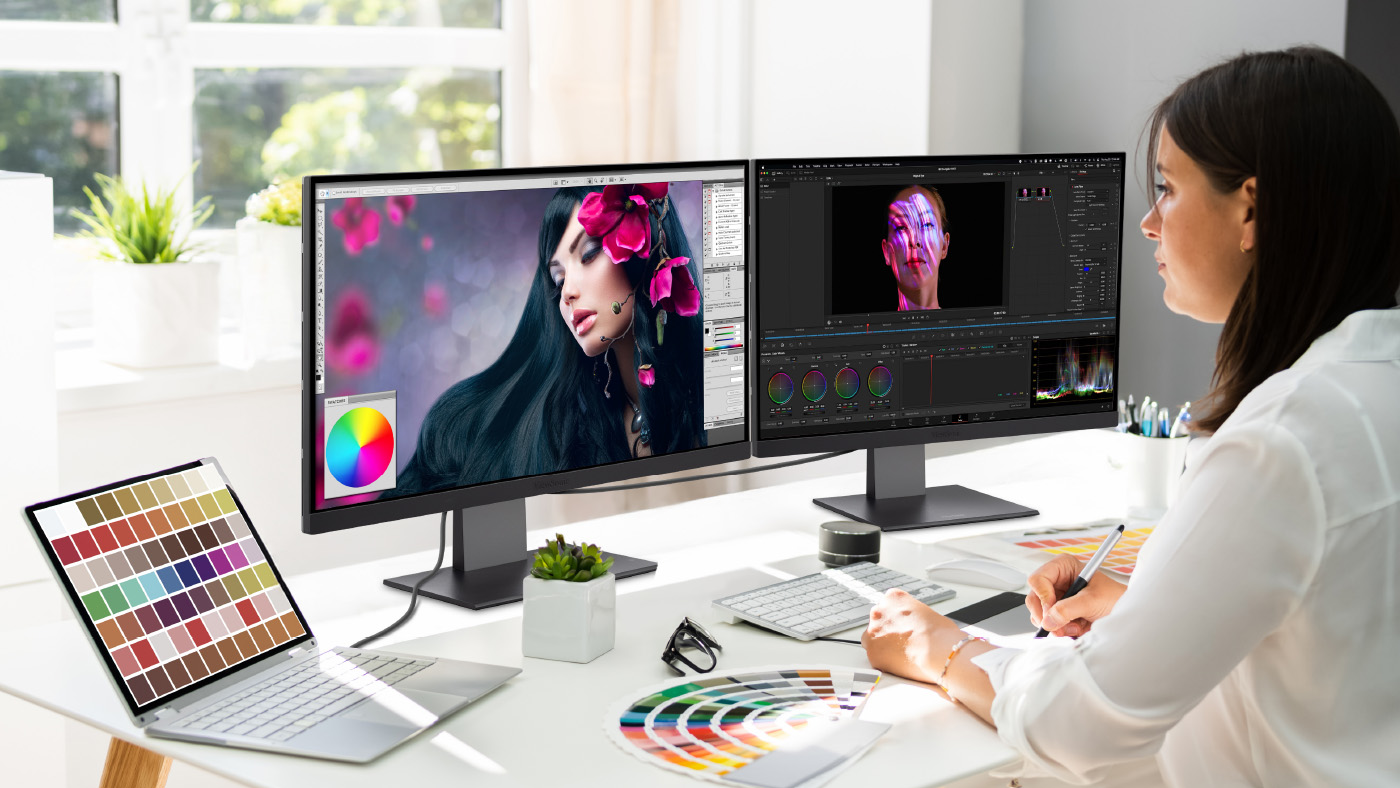
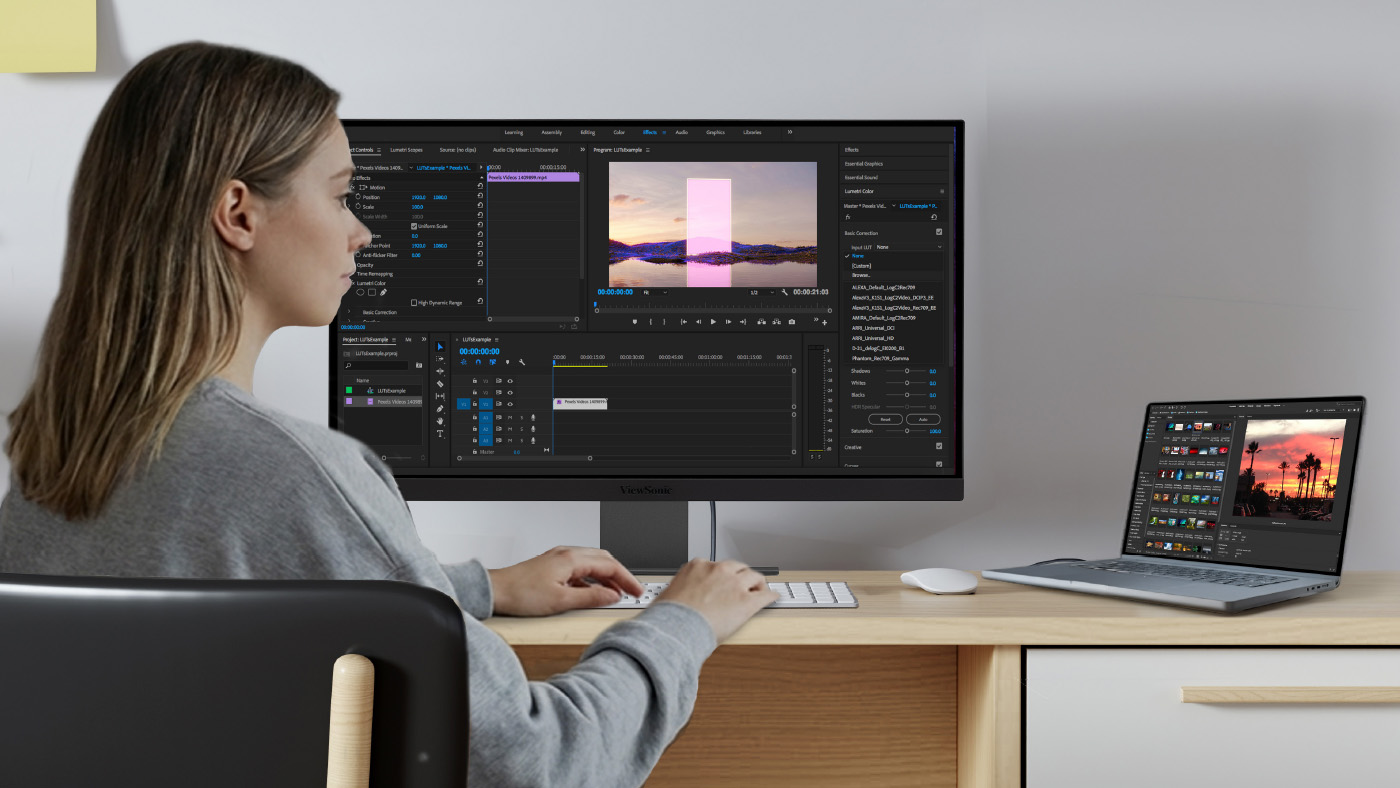
Can making gaming videos lead to a job? Yes. Many professional editors for major esports teams, popular influencers and top tech companies actually got their start right in this space. They began by making fan edits of pro gameplay or cutting together highlight reels of their own matches. When students create this kind of engaging content, they naturally learn the ropes of media production. This hands-on experience lets them build an impressive portfolio of work before they even graduate.
Game Design and Development
How do students make games? Playing games naturally sparks an interest in how they're built from the ground up. If a student has a passion for the art of gaming, they might be inspired to learn coding and software development to create their own games. They can also learn storytelling, storyboarding and animation, and audio production to build compelling characters and worlds.
Event Management and Marketing
Who runs the program and the tournaments? Schools often partner with official providers like NASEF to host competitive tournaments. But an esports event takes a huge amount of work to pull off successfully and so does running the actual team. Getting students actively involved in day-to-day program management is hugely beneficial alongside live event production. Students can easily take charge of scheduling, marketing, content creation and project management. These hands-on experiences are invaluable for future roles in business operations, marketing and community management.
IT Support and Network Engineering
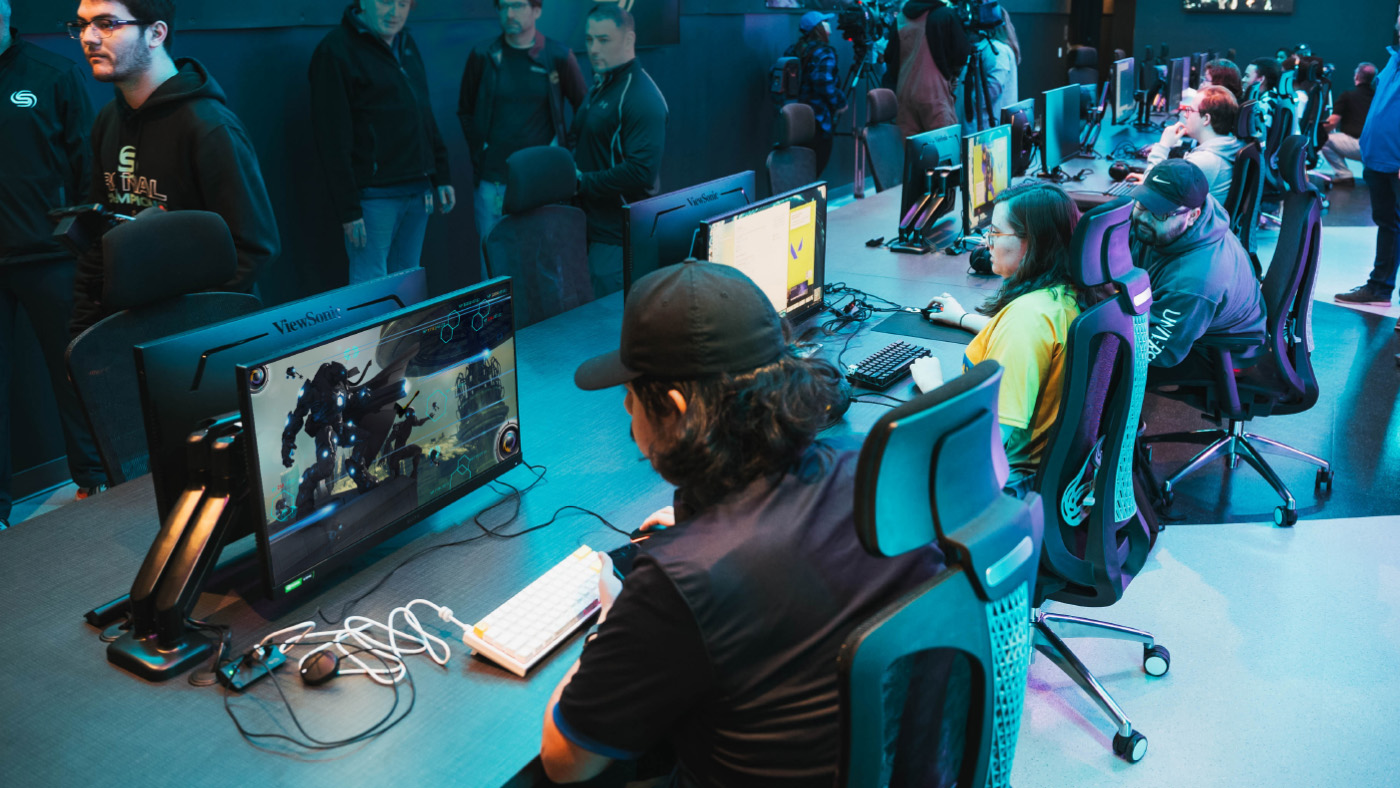
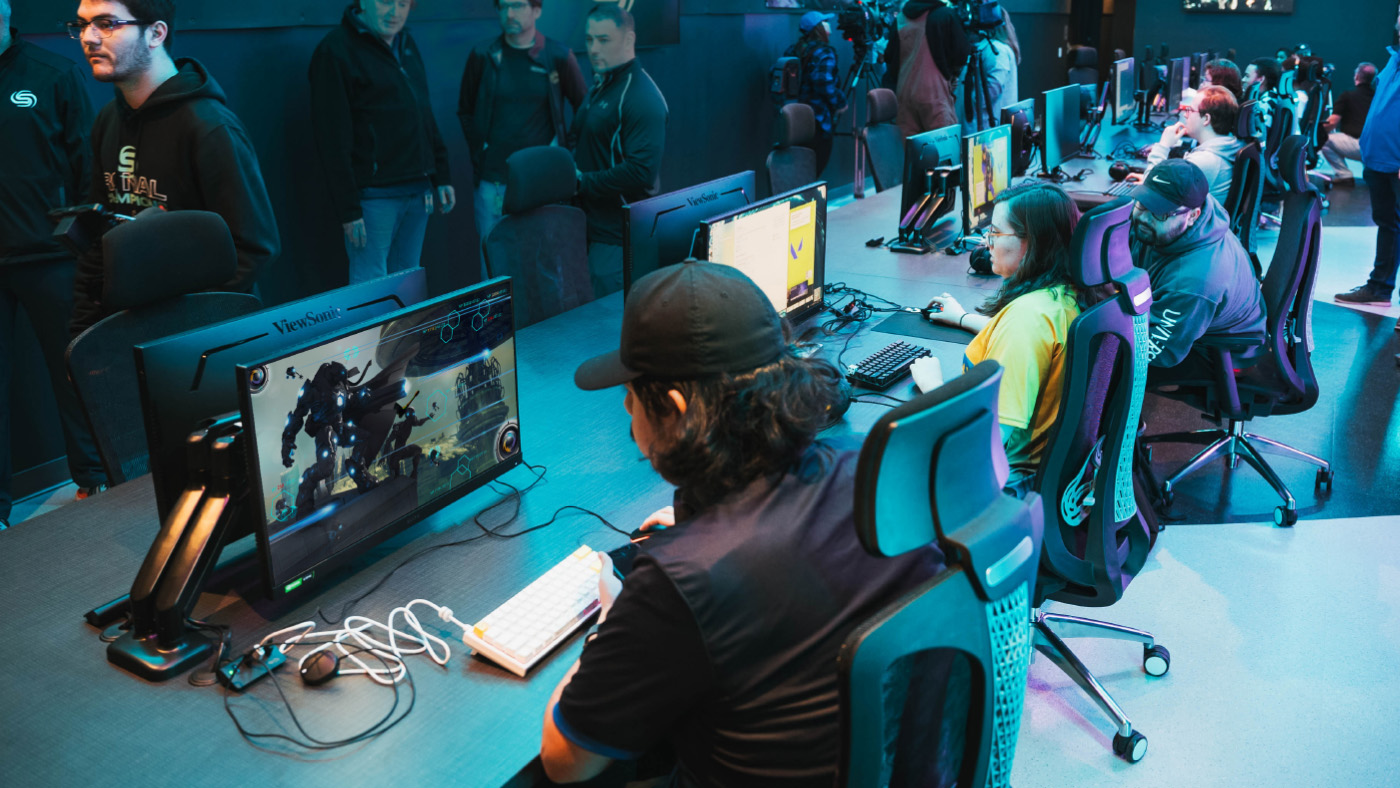
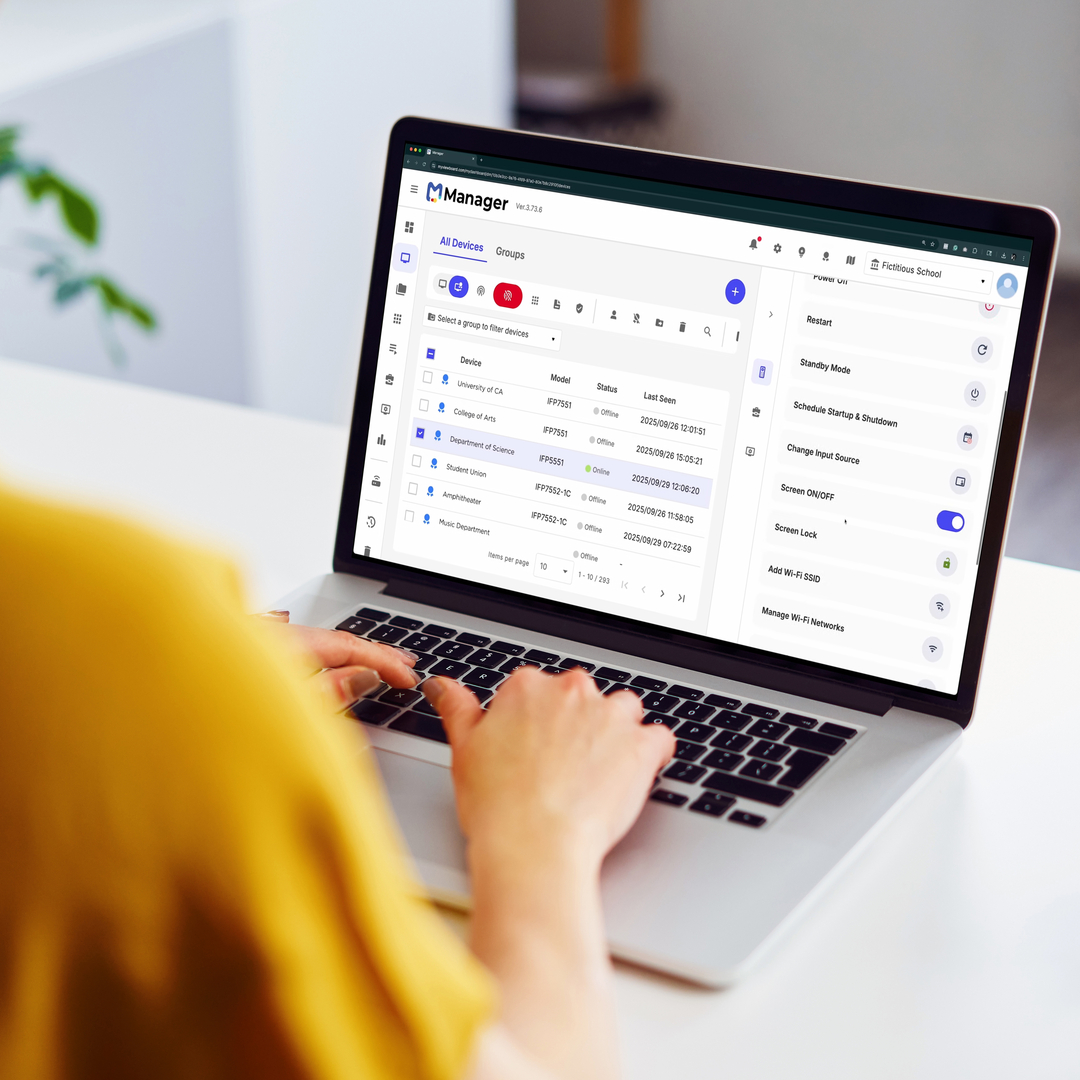
How does esports teach IT skills? Someone has to keep the computers running and the internet connection stable. Students interested in technology can help set up the gaming lab. This gives them practical experience for future careers in IT and network management.
Best Practices for Implementing Esports Programs
How do you start a successful scholastic esports team? Implementing a successful program requires careful planning and a commitment to positive student outcomes. Here are a few key best practices to guide you:
- Build an inclusive culture: Prioritize diversity and sportsmanship from day one to ensure a safe and welcoming environment for everyone.
- Ensure academic balance: Create clear eligibility guidelines and promote a healthy balance between screen time, studies and other activities.
- Provide quality equipment: Equitable access is key. Secure reliable hardware to level the playing field for all students.
- Train coaches and mentors: Invest in the development of staff who can serve as effective role models and guides.
- Partner with the community: Connect with local esports organizations and industry partners to create new learning opportunities and pathways.
Equipping Your Campus for Success
What equipment do you need for a school esports program? You do not have to build a massive arena on day one. Building a new setup from scratch can feel overwhelming but schools can easily take a tiered approach based on their budget and space to get students playing right away.
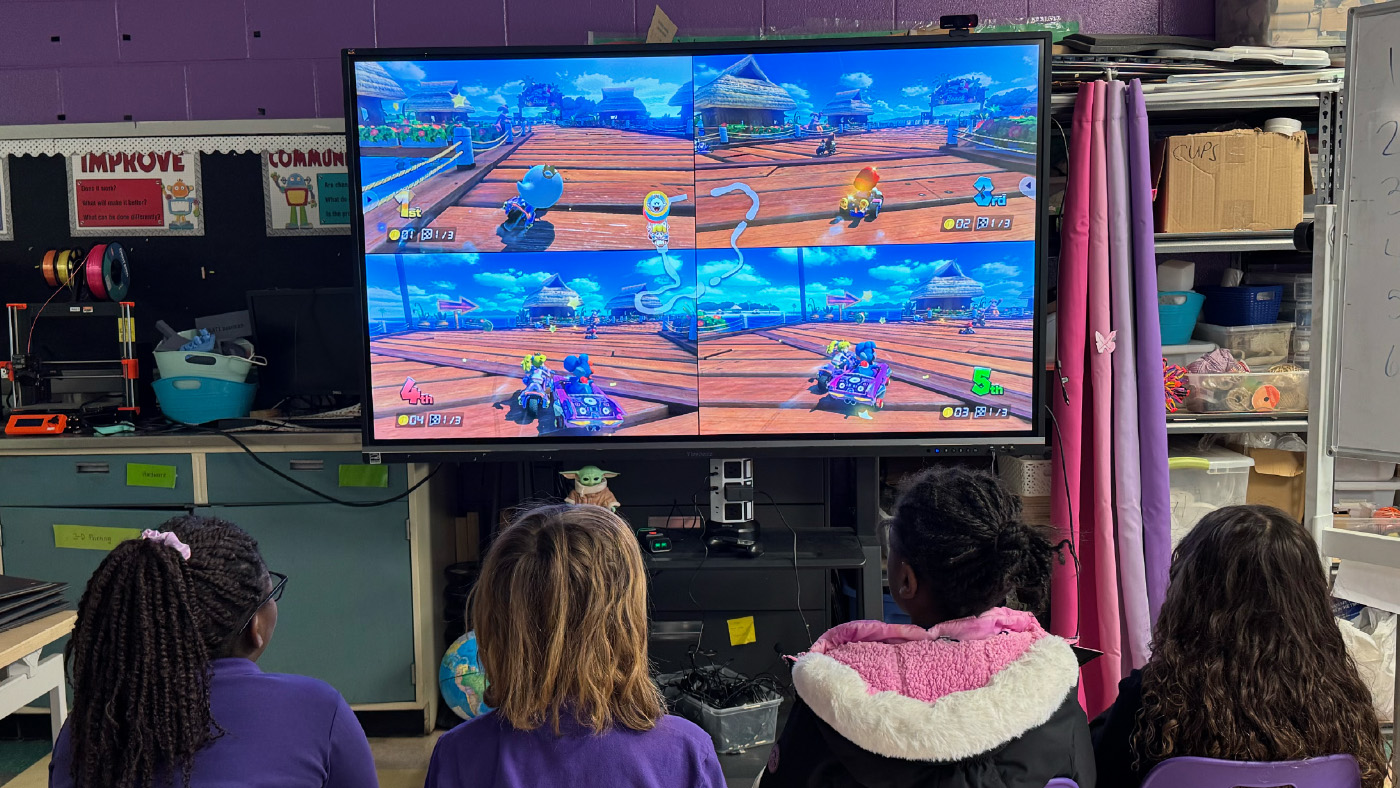
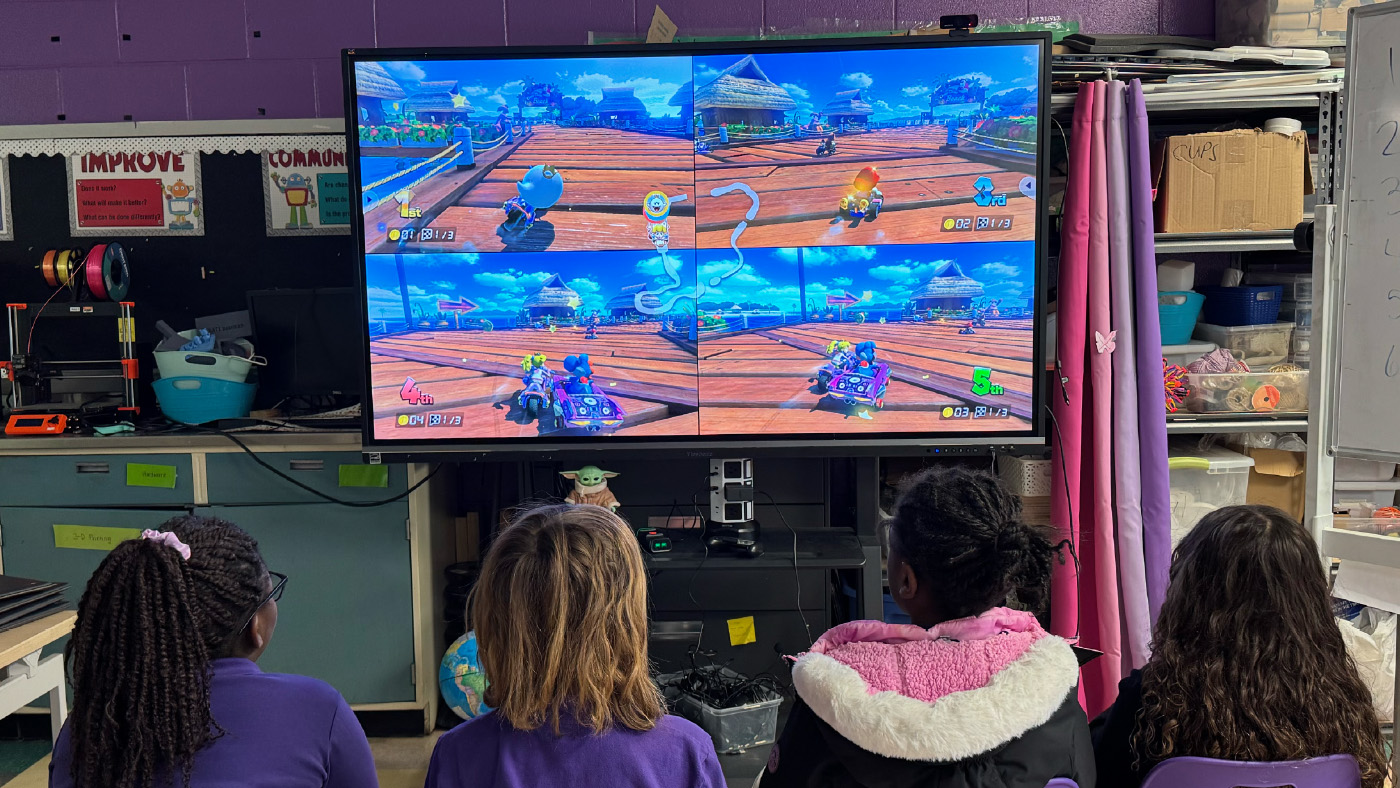
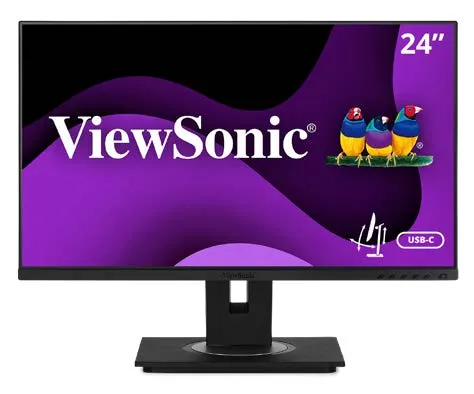
- The Economical Approach: Start small with portable monitors paired with a Nintendo Switch. The library media teacher can easily manage these compact displays and allow kids to check them out for flexible play anywhere on campus.
- The Mid-Level Approach: Use products your school already has. You can easily connect a console to an Interactive Flat Panel (IFP) for instant team gaming in any classroom. Check out our video on an easy way to get started in esports to see why starting simple with games like Mario Kart on the Nintendo Switch is affordable, easy to learn and incredibly fun. You can also explore real-world school examples in our gaming setup video. It shows how educators use IFPs and "gamer backpacks" to create flexible gaming spaces while teaching students responsibility for their setup.
- The High-End Approach: Build a dedicated lab. This means outfitting a room with a whole fleet of high-performance gaming monitors for a true varsity experience or designing a dedicated esports lounge when your funding allows. You can explore our esports solutions for schools to find the perfect equipment for your new arena.
ViewSonic has extensive experience helping schools build out their esports programs to meet these exact needs. You can see how transformative this technology is by reading how one school district offers esports to all ages by leveraging ViewSonic display infrastructure.
Why the Right Hardware Matters
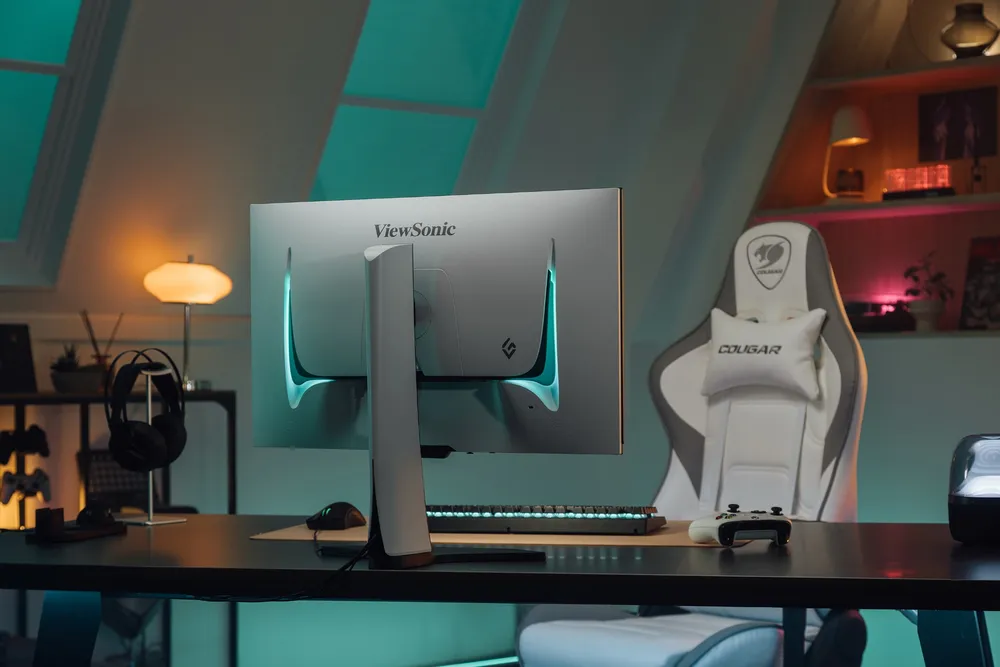
Do monitors impact gaming performance? They make a massive difference. Standard office monitors usually refresh graphics 60 times a second. That's too slow for competitive gaming and causes motion blur. ViewSonic offers a range of high-performance esports displays that deliver the crucial features that competitive players need.
We recently introduced a gaming monitor with switchable refresh rates that's absolutely perfect for school labs. It lets students swap between a stunning 4K resolution for creative design work during the school day and an ultra-fast 288Hz refresh rate for competitive gaming after the bell rings.
**Actual refresh rates may vary depending on system configuration, cable quality, and connected devices.
Build Your Esports Program Today
Every student deserves a place to belong and a clear path to success. By bringing competitive gaming to your school you provide a highly engaging way for students to learn crucial life skills. You aren't just building a place to play games. You're building a modern classroom that prepares them for college and their future careers.
IT Support and Network Engineering
Ready to build your campus arena and inspire your students? Browse our full lineup of ViewSonic gaming monitors and grab the perfect equipment for your school today.
















Login and Registration Form