 Teacher's Community
  Support
Beyond the Apple Ecosystem: Budget-Friendly MacBook Air Monitors for Higher Education
- Apr 14, 2026
Buyer's Guide
Beyond the Apple Ecosystem: Budget-Friendly MacBook Air Monitors for Higher Education
We've spent decades working closely with educators and students to understand exactly what works in the classroom. We know firsthand that the MacBook Air is a massive hit on college campuses. It's lightweight, powerful and boasts amazing battery life. But there's a catch: the standard 13-inch screen can feel incredibly small when you're juggling research papers, spreadsheets and video lectures.
Adding an external monitor is the perfect way to boost your daily productivity. However, staying strictly inside the Apple ecosystem can quickly break a student budget. We believe every student deserves access to a great workstation. That's why high-quality, budget-friendly monitors for the MacBook Air are driving equity in higher education.
Bridging the Gap with ViewSonic® Monitors
What is the best budget monitor for a MacBook Air? We designed our displays to deliver premium features without the premium price tag. For a complete look at our top recommendations, you can read our comprehensive guide on the best monitors for MacBook Air.
Let's look at why these high-value monitors are the ideal companions for your MacBook Air setup.
Single-Cable Simplicity with Thunderbolt 4
Can you connect a MacBook Air to a monitor with one cable? Yes! Our advanced monitors feature lightning-fast Thunderbolt 4 connectivity.
You can connect your laptop to the monitor and charge it at the exact same time using just one cable. This eliminates bulky power adapters and messy cords on your desk. It keeps your study space clean, streamlined and organized.
Ergonomics for Long Study Sessions
Do these monitors have good ergonomics? They absolutely do. Comfort is key when you're pulling a late-night study session.
Our ergonomic monitors let you tilt, swivel, pivot and adjust the height to find your perfect viewing angle. This helps prevent neck and back pain during long hours at your desk.
Crisp Visuals and Color Accuracy
Do budget monitors look as good as a Mac screen? When you're used to the brilliant Retina display on a MacBook Air, you want an external monitor that looks just as vibrant.
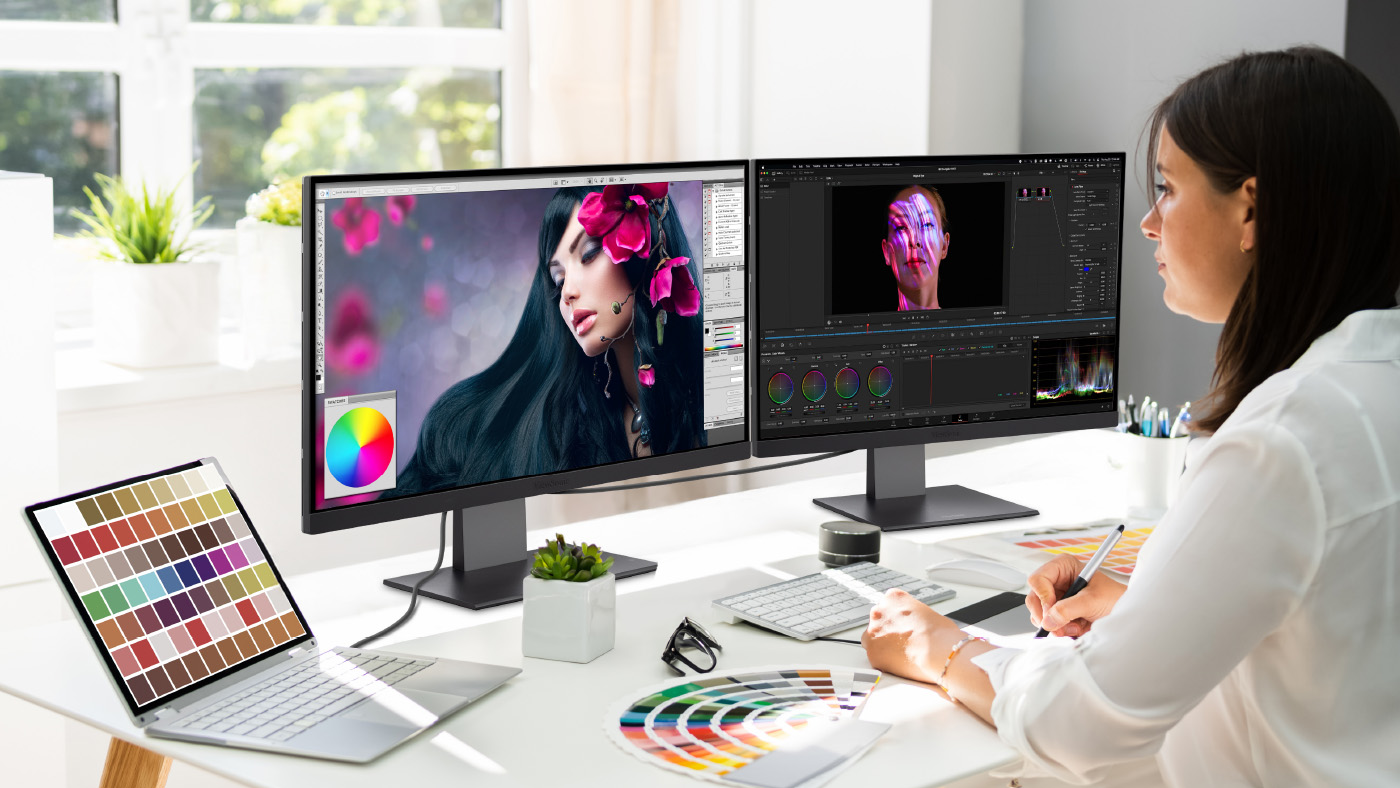
Our standard professional monitors use SuperClear IPS panel technology to ensure you get stunning colors and wide viewing angles. However, if you're a creative arts student who needs absolute perfection, we've got you covered there too. Our ColorPro 4K and 5K monitors for Mac and PC ecosystems give graphic designers and video editors elite color accuracy without the massive price tag.
Multi-Monitor Setups with Daisy Chaining
Can you connect two monitors to a MacBook Air? Yes, you can easily expand your workstation using a method called daisy chaining.
Advanced models like the ViewSonic VP2488-4K and VP2788-5K support daisy chaining through lightning-fast Thunderbolt 4. This means you can plug your MacBook Air into the first monitor using a single cable. Then, you just connect that first monitor directly to a second screen. This gives you a massive dual-monitor setup with minimal cable clutter. It's the ultimate productivity hack for handling complex projects, editing videos and managing massive spreadsheets.
Built for the Institution
Why do universities choose ViewSonic? It's not just about individual students. IT departments and university administrators need reliable technology that fits within their campus budgets.
Our monitors are built for the institution. They offer a lower total cost of ownership, easy deployment and industry-leading warranties. This makes them a smart investment for universities looking to upgrade their computer labs, libraries and faculty offices while simultaneously promoting equity across the student body.

Find the Perfect Monitor for Your College Setup
Every student deserves the tools they need to reach their full potential. You don't have to overspend on expensive brand names to get a professional, high-quality workstation.
Best for Creators: ViewSonic VP2788-5K
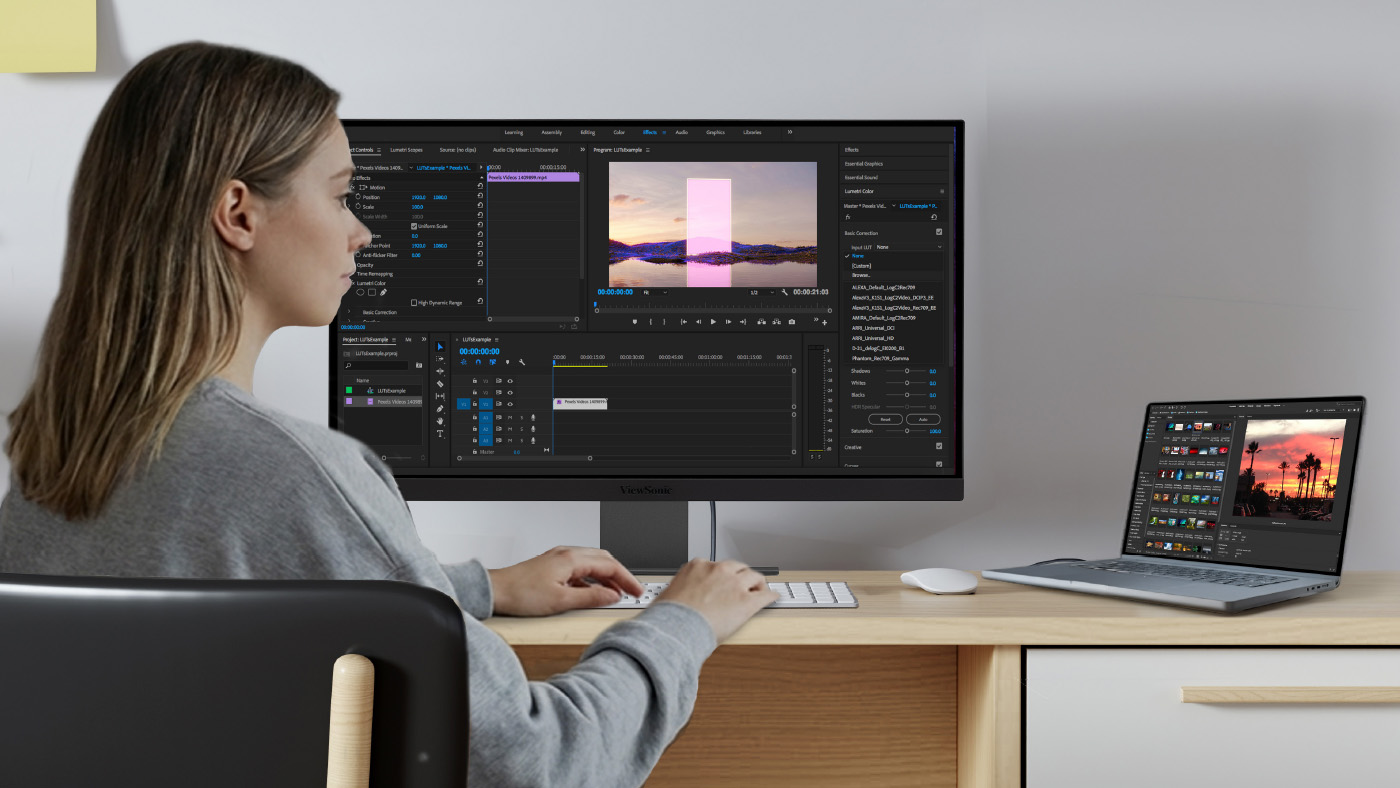
If you’re an art, film or design student, color accuracy is everything. This monitor delivers breathtaking details and true-to-life colors for your most demanding creative projects.
Standout features:
- 27-inch 5K resolution for incredibly sharp and detailed visuals.
- Thunderbolt 4 connectivity for lightning-fast data transfer and easy daisy chaining.
- Elite color accuracy to bring your photos, graphics and videos to life.
- Brilliant DCI-P3 color matches Apple's native color space.
- Advanced ergonomic stand to keep you comfortable during long editing sessions.
Best for Research: ViewSonic VP2488-4K
When you spend hours reading articles, analyzing data and writing essays, you need a screen that is crisp and easy on the eyes. This monitor is the perfect size for cramped dorm desks while still giving you tons of digital workspace.
Standout features:
- 24-inch 4K resolution for crystal-clear text and vibrant images.
- Thunderbolt 4 support for a simple one-cable setup and daisy chaining.
- Built-in eye care technology to reduce eye strain during late-night study sessions.
- Fully adjustable stand to help you find the perfect viewing angle.
Upgrade Your Setup Today Ready to boost your productivity? Browse our full lineup of ViewSonic monitors and grab the perfect display for your dorm room or home office today.


































Login and Registration Form