 Teacher's Community
  Support
Government Agency Speeds Field Office Setup With ViewSonic Portable Monitors
- Sep 2, 2026
SOLUTION BRIEF
Government Agency Speeds Field Office Setup With ViewSonic Portable Monitors
Challenge
Employees at this government agency are regularly sent to sites of natural disasters to provide aid and support to affected victims. Setting up traditional field offices used to require trailers, office furniture, desktop computers, bulky monitors and standalone power generators.
These setups were expensive to transport, slow to assemble and tough to adjust when conditions changed quickly. The agency needed a lightweight, secure system that teams could set up in minutes without depending on heavy equipment or massive infrastructure. They needed enough screen space to handle communications, logistics, case management and planning without being weighed down.
Why Did This Agency Choose ViewSonic Portable Monitors?
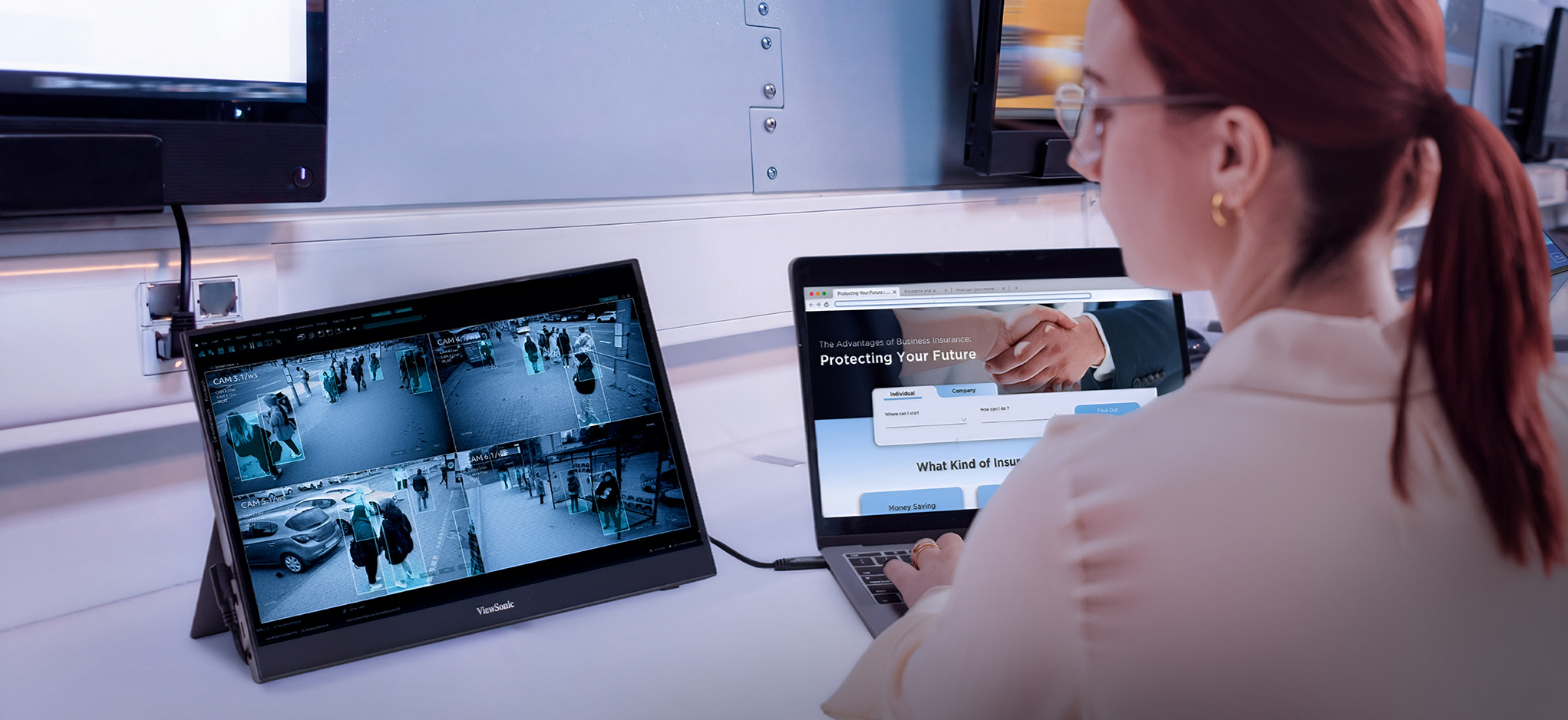
The agency chose ViewSonic® portable monitors to help power its mobile office strategy. Instead of lugging around full desktop workstations, field personnel can travel light with laptop setups paired with portable monitors.
By trading trailers, generators and desktop workstations for ViewSonic portable monitors, this government agency can now deploy secure, fully functional field offices in minutes instead of hours, freeing personnel to focus on the mission instead of the setup.
What ViewSonic Solutions Did This Agency Deploy?
The agency deployed two ViewSonic portable monitor models across its field teams:
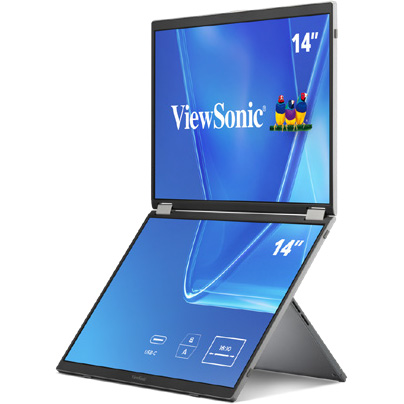
- ViewSonic 14” VG1457 Dual-Screen Portable Monitor with 65W USB-C Power Delivery and Protective Case
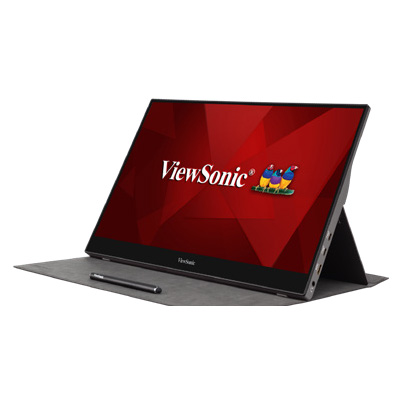
- ViewSonic 15.6” TD1655 Portable Touch Monitor with 60W USB-C Pass-Through Charging and Protective Cover
The VG1457’s dual 14” screens fold into a 2.6-lb setup that triples the amount of available screen space. Paired with a laptop’s own screen, the two folding panels bring the total workspace to three screens instead of one.
This means that field personnel get enough room to run maps, case files and communications side by side instead of toggling between windows on one screen.
Five display modes, including Extend, Share, Mirror, Full-Screen and Dual Source Mode, let a team member adjust the setup for solo case work, side-by-side briefings or other tasks in the field.
Two-way 65W USB-C power delivery lets the monitor draw power from a connected laptop or charge that laptop when an outlet is available. That flexibility can be helpful at disaster sites, where reliable power infrastructure is not always available.
For workstations that need more hands-on control, the agency deployed the TD1655 touchscreen monitor. Its touch capability lets staff interact directly with maps and software. It also offers 60W USB-C pass-through charging, which powers connected devices through one clean cable setup.
The compact design reduces overall equipment weight and speeds up setup during emergency response missions.
Results
- Reduced dependence on heavy trailers, office furniture and bulky field equipment
- Accelerated setup times for temporary field offices in disaster zones
- Created a more flexible and mobile workforce during emergency operations
- Simplified workstation setups through USB-C cables and built-in power delivery
- Boosted user productivity using dual-screen and touchscreen setups
- Cut transportation and logistical requirements for field operations
Switching to portable monitors changed how the agency sets up shop in emergency situations.
Teams now pack far less gear while keeping the full productivity of a multi-monitor office, letting them focus on relief efforts instead of building out workspace infrastructure.


Login and Registration Form