 Teacher's Community
  Support


Officially recognized with the ISTE Seal, this award-winning software empowers educators to build dynamic, engaging lessons without the hassle. Streamlined tools, smarter workflows, and seamless content integration help maximize instructional time, boost student participation, and support diverse learning needs. It’s everything you need to teach more effectively—all in one intuitive, powerful platform.


Optimized for Google Education.
Designed for Your School.
Android™ EDLA-Certified Solutions
Built on the powerful Google education platform, ViewSonic’s Android™ EDLA-certified solutions streamline workflows and enhance security for modern classrooms. Thanks to tight integration with our award-winning ViewSonic education software, these classroom-centric solutions also enhance teachers’ lesson plans, deliver comprehensive device management for IT teams, and so much more.
Robust Android™ EDLA-Certified Solutions
ViewSonic provides a variety of Android™ EDLA-certified solutions to fit your specific classroom needs. These options offer native access to the Google education ecosystem, hundreds of apps via the Google Play Store, and the complete Microsoft 365 suite.
Featured Products
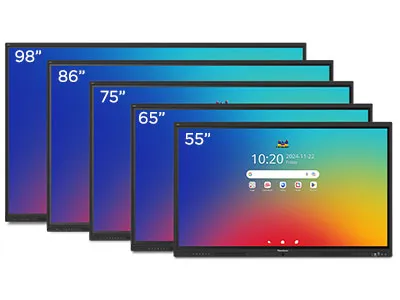
IFP51 Series
ViewBoard® Interactive Displays
with Access to Google Play Store
See Product
IFP41 Series
ViewBoard® Interactive Displays
with Access to Google Play Store
See Product
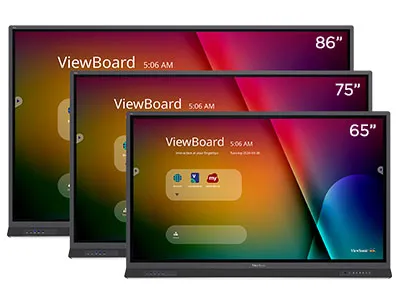
IFP52-2ED Series
ViewBoard® Interactive Displays
with Access to Google Play Store
See Product
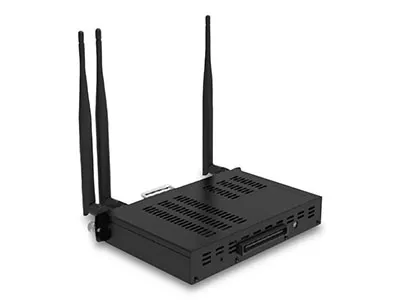
VPC-A31-O1
Android™ EDLA-Certified
Slot-In PC
See Product

Option 1
Combined with a ViewSonic® VPC-A31-O1 slot-in EDLA module, our ViewBoard® IFP75G1 interactive displays deliver an incredibly powerful EDLA solution for any classroom. The IFPG1’s OS-free design minimizes security risks and streamlines setup. This modular approach offers unparalleled flexibility, allowing you to easily customize and upgrade your display as your educational needs evolve.

Option 2
Our ViewBoard® IFP52-2ED series of interactive displays are Android™ EDLA-certified with seamless integration into the Google ecosystem. Teachers can easily access their Google accounts, files, and collaborative tools directly from the ViewBoard display. This streamlined solution simplifies classroom technology management and enhances the overall learning experience.
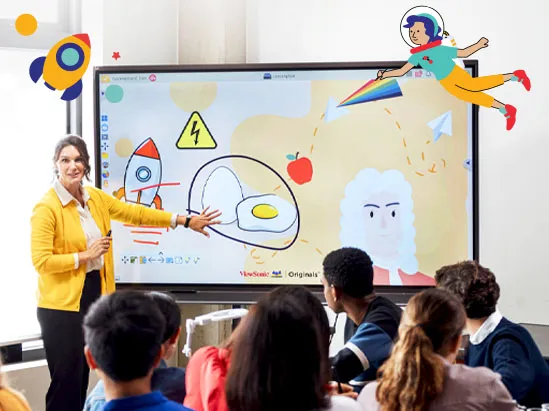
What is EDLA?
EDLA (Enterprise Devices Licensing Agreement) is a program designed by Google that delivers advanced security protection and extensive app availability for Android devices. This gives teachers the tools they need to enhance lesson plans, deliver more engaging presentations, and collaborate and share more easily.
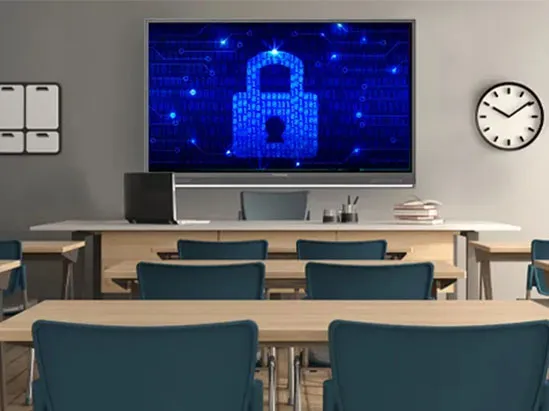
Advanced Security from Google
Our EDLA solutions prioritize security with built-in features like frequent Google updates, Google Play Protect, data encryption, and two-way authentication. Schools benefit further from management tools included in Google Workspace for Education, allowing features like strong passwords, two-step verification, data encryption, and remote control for IT in case of security incidents.
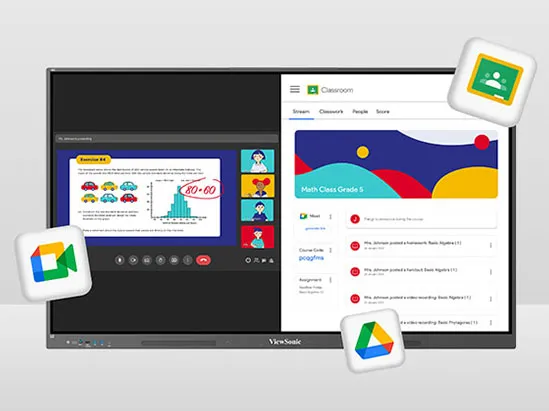
Native Access to the Google Education Ecosystem
Integrate more useful resources and tools into your lesson plans by accessing hundreds of apps through the Google Play Store. With a single sign-on, teachers can store and share files on Google Drive, edit files in Google Docs, share spreadsheets in Google Sheets, deliver presentations on Google slides and so much more. Plus, teachers will enjoy access to the full Microsoft 365 suite (including Word, PowerPoint, Teams and more) from the Google Play Store.
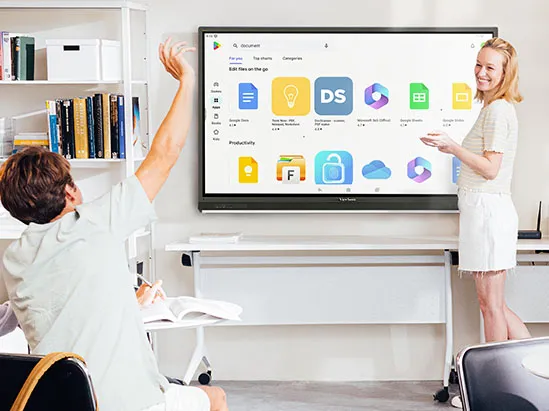
Enhanced Multi-User Login
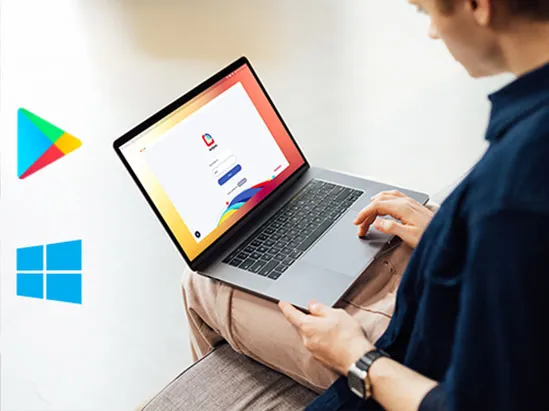
In today’s dynamic classrooms, a single interactive panel can be used by multiple teachers throughout the day. ViewSonic’s EDLA-certified ViewBoard displays come with a custom launcher that simplifies this process through Enhanced Multi-User Login. Teachers can easily switch between guest mode and their personalized accounts, allowing them to access their files (such as Google Drive and Slides) across different classrooms. This feature reduces the need for frequent IT support and enhances security with single sign-on and QR code login options.
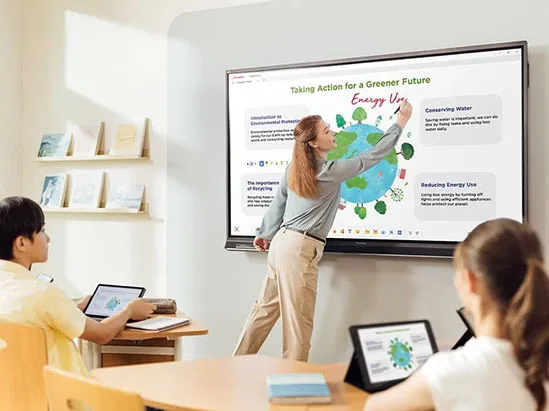
ViewSonic® myViewBoard® 3.0 Software
Snip. Share. Spark
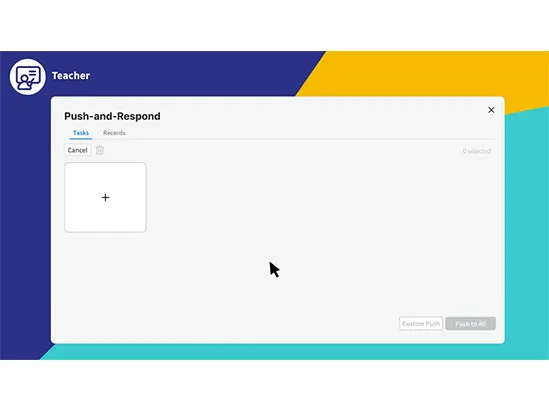
Snip content, share it instantly to student devices, and spark real-time engagement. ClassSwift fuels participation and feedback, with seamless myViewBoard integration and smart insights that adapt to each student’s learning progress.
Simple Device and Profile Management
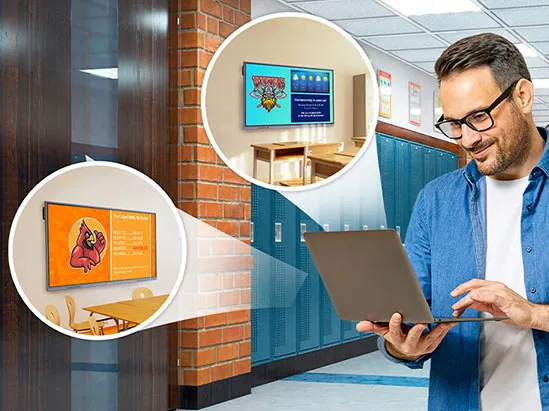
Schools can seamlessly manage applications, track device inventory, and remotely oversee user accounts. ViewSonic Manager™, a robust hardware and device management solution, complements these capabilities by offering comprehensive control and management of displays across the school network.
Easy Screen Casting and Sharing
With our ViewSonic AirSync software, you can wirelessly share your screen from any device. It even works with tools you already use, like AirPlay and Google Cast. No cables, no hassle.


Frequently Asked Questions
General Questions
Launchers & Apps
Security & Device Management
Multi-User Login & Classroom Use
Software & Compatibility
Setup & Support
Android is a trademark of Google LLC.


Unlock
15% OFF
when you subscribe.
By Clicking "CONTINUE" you agree to receive our newsletter. You can unsubscribe at any time. Discount applies to one (1) item only, not the entire order. Offer is not stackable or combinable with any other promotions or promo codes.
Login and Registration Form