Education
Business
Consumer
Man on his laptop using a ViewSonic monitor, sitting at a dorm room desk working on classwork for a science classMan on his laptop using a ViewSonic monitor, sitting at a dorm room desk working on classwork for a science class

The Best Back-to-School Monitors & Deals of 2026

Whether you’re pulling all-night research sessions, gaming after class, or moving around campus, your screen should match your routine.

ViewSonic’s 2026 Back-to-School lineup of award-winning monitors are built for every type of student.


Value Monitors

Woman sitting at a desk working on a monitor showing charts and graphsWoman sitting at a desk working on a monitor showing charts and graphs

Portable Monitors

Man working in a public space using his laptop and a portable monitorMan working in a public space using his laptop and a portable monitor

Content Creation Monitors
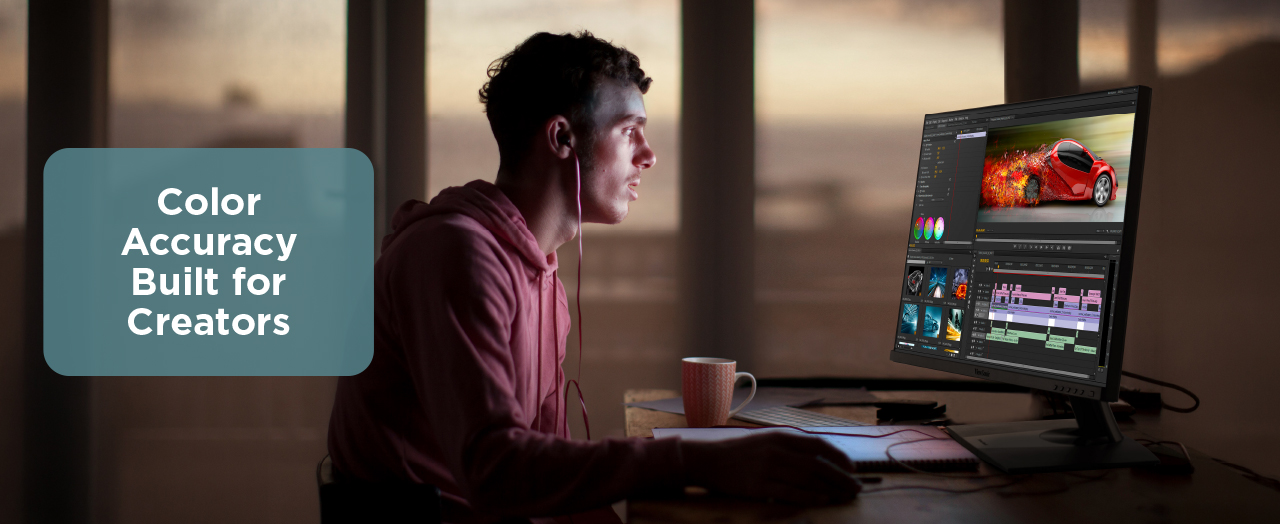
Young man editing video using a ViewSonic content creation monitorYoung man editing video using a ViewSonic content creation monitor

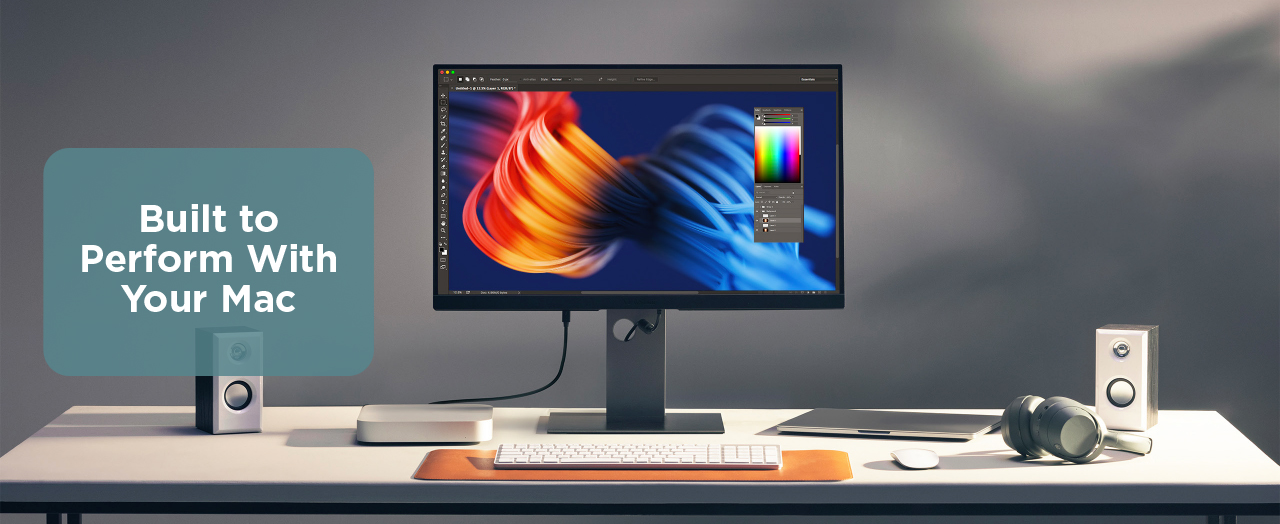
Mac-Matched Monitors

ViewSonic Mac-matched monitor sitting on a desk, hooked up to a Mac computerViewSonic Mac-matched monitor sitting on a desk, hooked up to a Mac computer

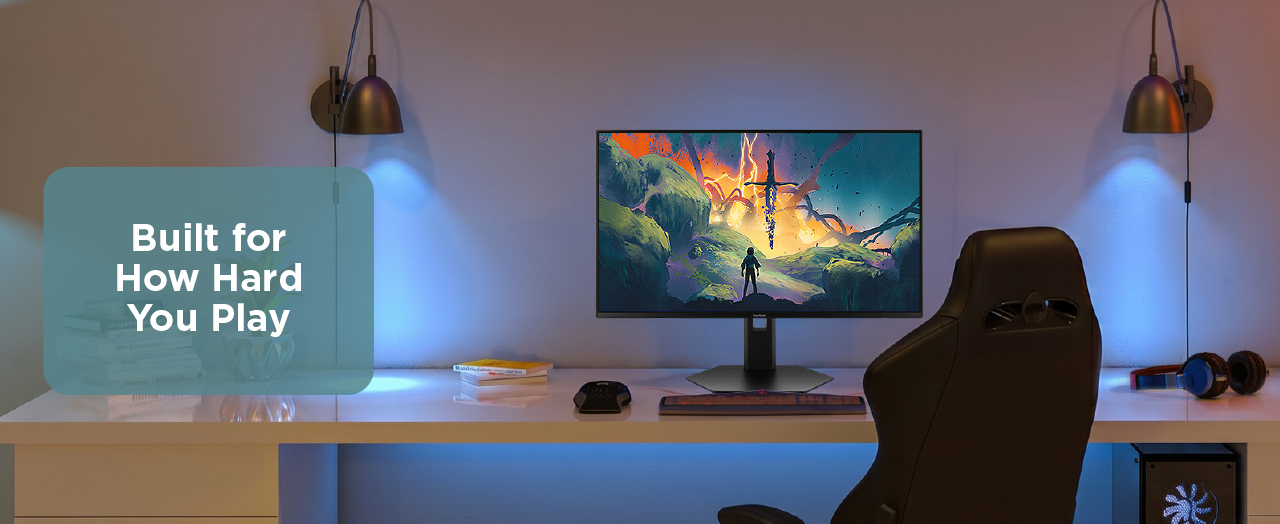
Gaming Monitors
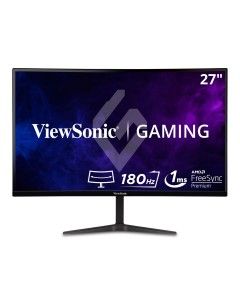
ViewSonic gaming monitor sitting at a gamer's desk with a fantasy game on the screenViewSonic gaming monitor sitting at a gamer's desk with a fantasy game on the screen

FAQ

What monitor size is best for a dorm room?

For most dorm desks, 24” - 27” is the sweet spot. It gives you enough screen space for side-by-side windows without dominating a small surface. If your desk is tight, a 15 -16” portable monitor pairs with your laptop and takes up almost no room.

Do I need a 4K monitor for college?

For a 24” display, 1080p is sharp enough for everyday use. At 27” and above, 4K becomes worth it, with text and images staying crisp when you scale windows down to run them side by side. If you’re mainly using your monitor for studying and writing, 1080p at 24” saves money without any visible trade-off.

What refresh rate do I need for studying and gaming?

For studying, note-taking and video calls, 60Hz is fine. If you’re gaming on the same monitor, you’ll want a refresh rate of 120Hz and above, which makes a noticeable difference in motion clarity. ViewSonic’s back-to-school lineup ranges from 100Hz to 280Hz, so there’s an option for every use case without needing two separate displays.

Is a portable monitor worth it for college?

For students who move between a dorm room, library and lecture hall regularly, yes. A portable monitor extends your laptop screen anywhere without a dedicated desk setup.

The ViewSonic VG1656N has a built-in battery, which means no hunting for outlets at the library. For students who work primarily at one desk, a standard desktop monitor gives you more screen real estate.

Does a monitor arm work in a dorm room?

Most monitor arms use a desk clamp that works on standard dorm desks without drilling. Check your desk thickness before ordering, since most clamps fit desks up to 3” thick. A monitor arm frees up meaningful desk surface and lets you push the screen back when you need more room for notes or a textbook.

Do ViewSonic monitors come with student discounts?

ViewSonic offers back-to-school pricing throughout the season. Keep an eye on this page for updated offers and check back regularly as new discounts are added.

Program valid from July 26, 2026, to August 29, 2026, in the U.S. and Canada. Programs, pricing, specifications & availability are subject to change or cancellation without notice. Certain restrictions or exclusions apply. Corporate names and trademarks stated herein are the property of their respective companies. Copyright© 2026 ViewSonic Corporation. All Rights Reserved.