 Teacher's Community
  Support

Accessories
Optimize Your Setup
Learn More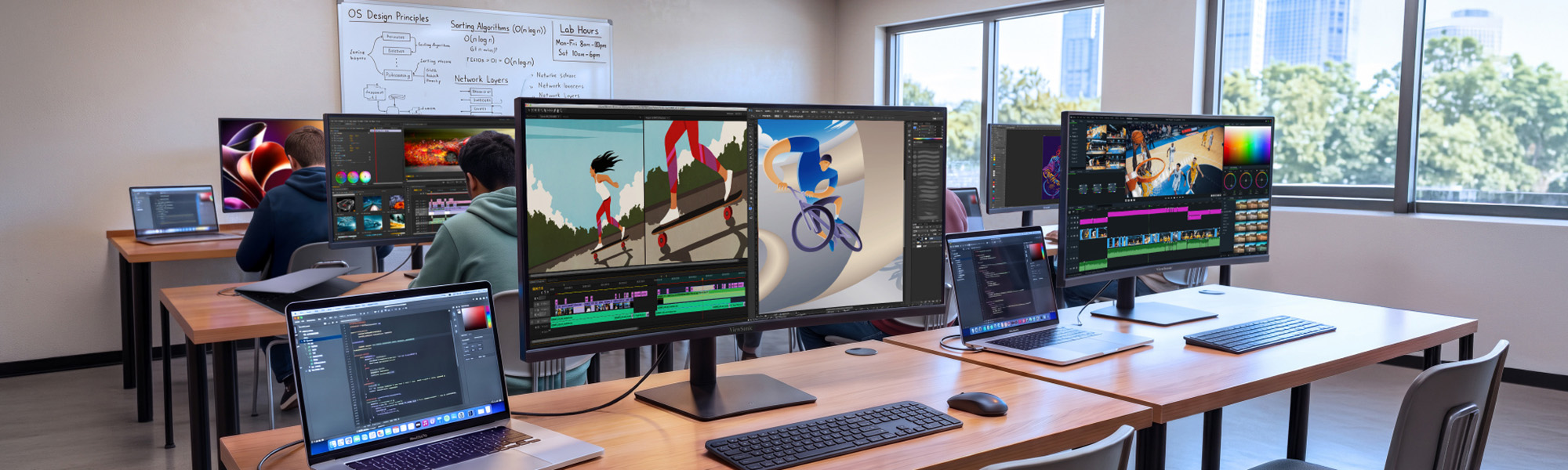

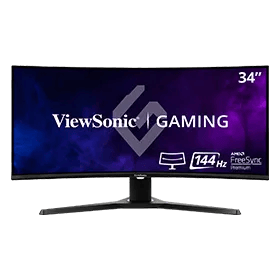
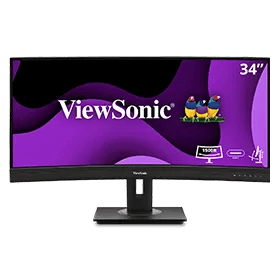
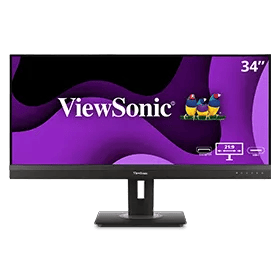
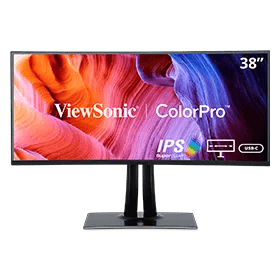
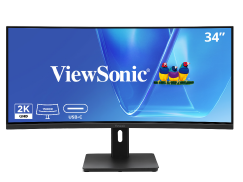
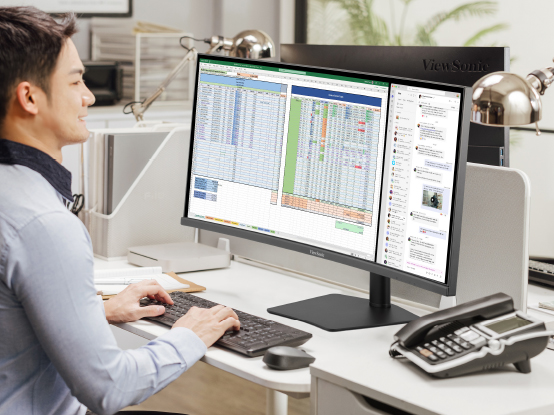
Between lecture prep, research and grading papers, faculty and staff workflows often exceed what standard monitors can adequately display. The ViewSonic® VG Series of curved ultrawide monitors gives them room for all of it on one screen, creating a seamless digital workspace where documents, dashboards and apps sit side by side.
With more screen real estate, ultrawide monitors let you display more content, switch between applications more quickly, view documents side by side, and view multiple windows at once.

One seamless VG Series curved ultrawide does the work of two monitors and a docking station, so there’s nothing to mount, cable or manage twice. Faculty and staff get a continuous workspace with no bezel down the middle, while campus IT buys, deploys and tracks a single display instead of two.
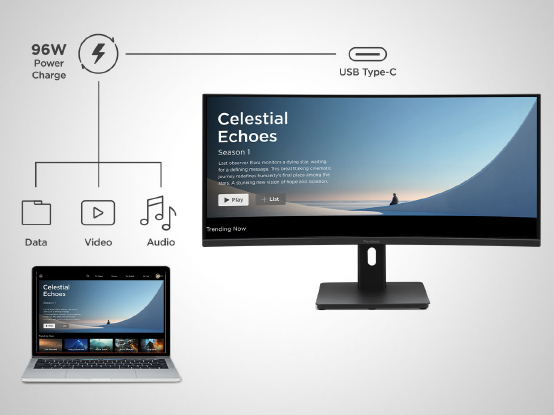
One USB-C cable carries video, data and 96W of power to a laptop, enough to fast-charge demanding modern devices without a separate dock or power brick. Desks stay clear, shared workstations stay simple, and students or staff just plug in one cable and get to work.
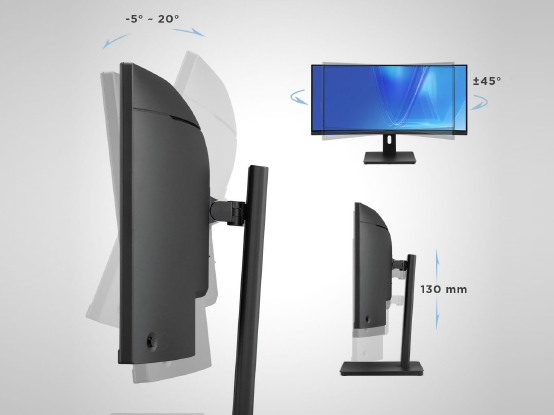
Fully adjustable stands tilt, swivel and raise to fit each person, so faculty, staff and students find a comfortable position and keep it. That means less neck strain and fatigue through long days of teaching, research, grading and creative work, plus an easy setup for shared or hot desks.
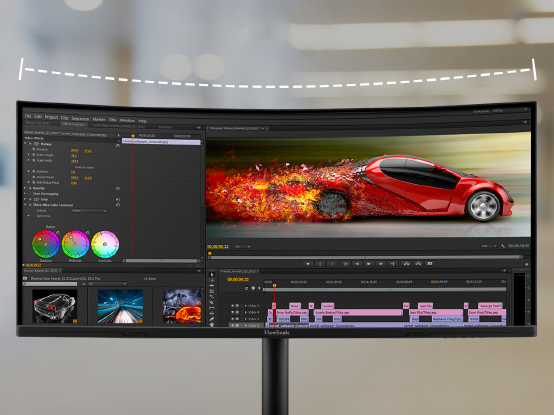
Crisp UWQHD and WQHD+ resolution keeps text sharp and easy on the eyes, while up to 120Hz on the 34” models makes multitasking feel fluid. It’s premium curved performance at a price built for campus budgets, so you can outfit more desks without stretching the year’s spend.
ViewSonic backs every VG Series ultrawide with a 3-year limited warranty and one of the industry’s best pixel performance policies, well beyond the one-year coverage on comparable competitors models. Longer support means lower lifetime cost, fewer surprises and confident multi-year planning for campus IT.
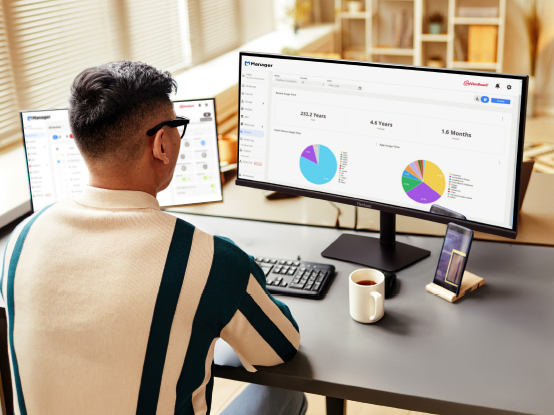
In need of extra screen real estate, but not sure whether you should go with a single ultra-wide screen, or a dual-monitor setup? Here’s how to choose.




Unlock
15% OFF
when you subscribe.
By Clicking "CONTINUE" you agree to receive our newsletter. You can unsubscribe at any time. Discount applies to one (1) item only, not the entire order. Offer is not stackable or combinable with any other promotions or promo codes.
Login and Registration Form