 Teacher's Community
  Support
Welcome to ViewSonic
Enterprise Solutions to Empower Your Business
Whether you’re a bank, investment firm, or insurance company, our cutting-edge display solutions can enhance productivity, streamline workflows, and foster success.
Meeting Space Solutions
Securely connect with clients using ViewSonic’s Zoom and Teams Rooms-certified conference room solutions. Be seen, heard and understood with exceptional clarity.
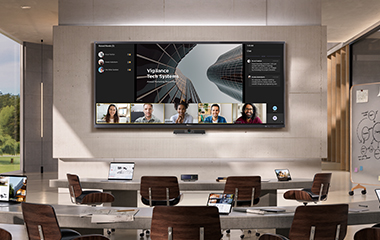
Collaborate on an Ultrawide 21:9 Display
The ViewBoard® IFPUW series of interactive displays and CDEUW nontouch presentation displays feature ultrawide screens with a 21:9 aspect ratio for big-screen collaboration that’s optimized for Microsoft Teams Rooms and Front Row.
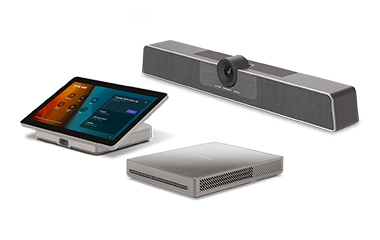
TeamJoin™ Solutions Certified for Microsoft Teams Rooms
Designed to help teams experience better communication, greater productivity and stronger inclusivity, ViewSonic Microsoft Teams Rooms solutions provide everything businesses need to build the ultimate collaboration setup.
AI-Enhanced Productivity with TeamOne™ Software
With powerful tools ranging from handwriting recognition to key point summaries, ViewSonic TeamOne™ software’s AI features helps users get more from every meeting.
Meeting Space Solutions
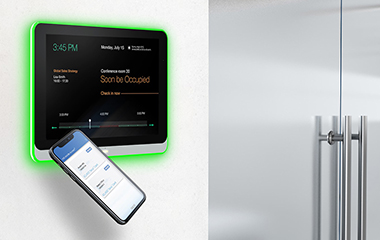
Right on Schedule
Never double-book a meeting room again with the 10” EP1052T touch display. This wall-mounted touch display enables users to create, update and manage up-to-the-minute schedules. Add a second EP1052T inside conference rooms for uuse as a display controller.
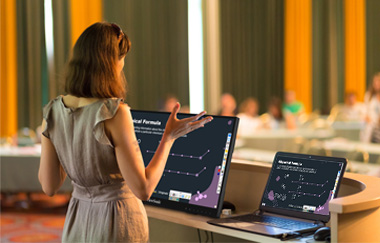
Front-Facing Presentations
This 24” myPodium™ ID2456 interactive pen display helps employees present without turning their back on the audience.
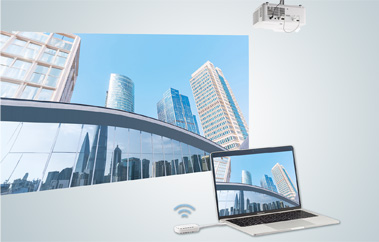
Fewer Wires. Greater Connectivity.
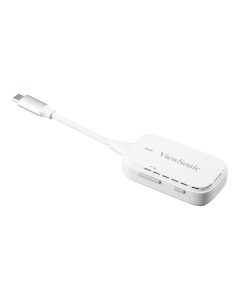
Simply connect a PJ-WPD-700 dongle (USB-C) or ViewBoard Cast button (USB-C and HDMI) to your laptop for streamlined wireless casting. With no downloads or additional setup required, you can simply plug and play.
Meeting Space Solutions
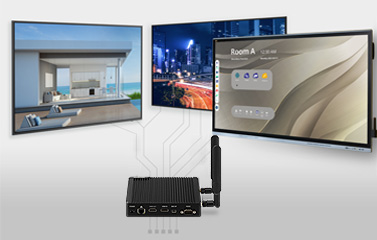
Smart AV Controller
This simple, cost-effective management solution empowers IT admins to effortlessly manage and maintain your displays. Simply connect your VBS200-A ViewBoard Box™ to a compatible display to get started.
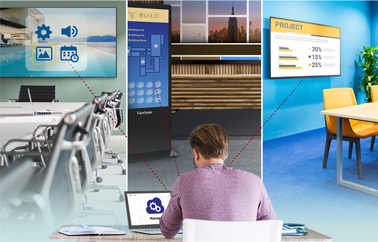
Cloud-Based Remote Management
Control all of your devices remotely from a secure, cloud-based dashboard. Once you connect your ViewBoard® interactive displays or commercial displays to your network, ViewSonic Manager Advanced can automatically detect and set up devices for you.
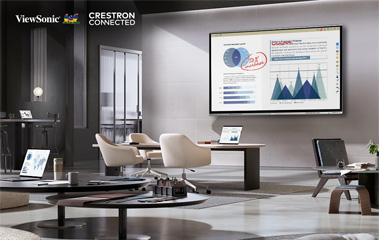
Effortless Troubleshooting
ViewSonic Manager software enables IT admins to remotely access and troubleshoot ViewBoard® interactive displays from anywhere. Enjoy greater control with next-generation Crestron Connected 2.0 technology on IFP62 and CDE30 displays.
Meeting Space Solutions
Effortless Collaboration for Better Meetings
Create Your Ideal Microsoft
Teams Rooms Meeting Space
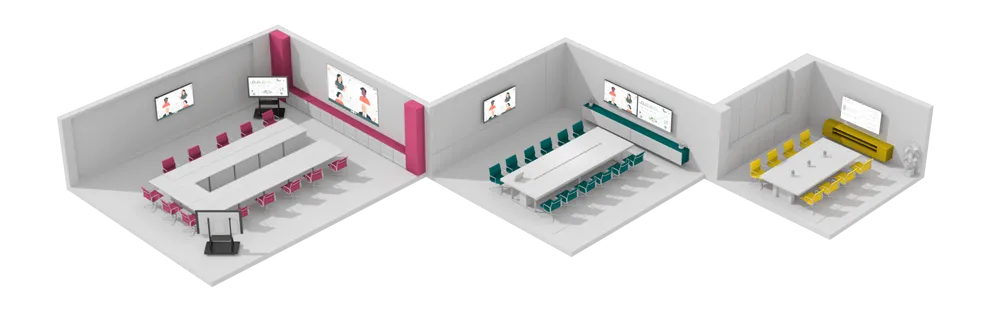
Use our room configurator to find the perfect fit solution for your meeting space. Whether in huddle spaces or expansive boardrooms, ViewSonic’s Microsoft Teams Rooms offerings provide a diverse array of display options, ensuring a scalable hybrid meeting experience in any room configuration.
ViewSonic TeamOne™ Software
Get everyone on the same page via real-time collaboration on an infinite digital canvas with ViewSonic TeamOne™ software. Featuring AI-powered productivity enhancing tools, built-in customizable templates and streamlined decision-making features, ViewSonic TeamOne™ software is ideal for in-person, hybrid and remote meetings.
Digital Signage Display Solutions
Broadcast high impact messaging on our innovative, award-winning commercial displays and digital signage solutions.
Commercial Displays
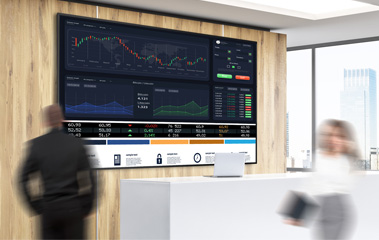
Give every message the spotlight it deserves with ViewSonic commercial displays. These show-stopping solutions are Crestron Connected® as well as Extron and AMX certified for seamless integration and automated control. Plus, manage these devices effortlessly with ViewSonic Manager™ software.
Direct View LED Displays
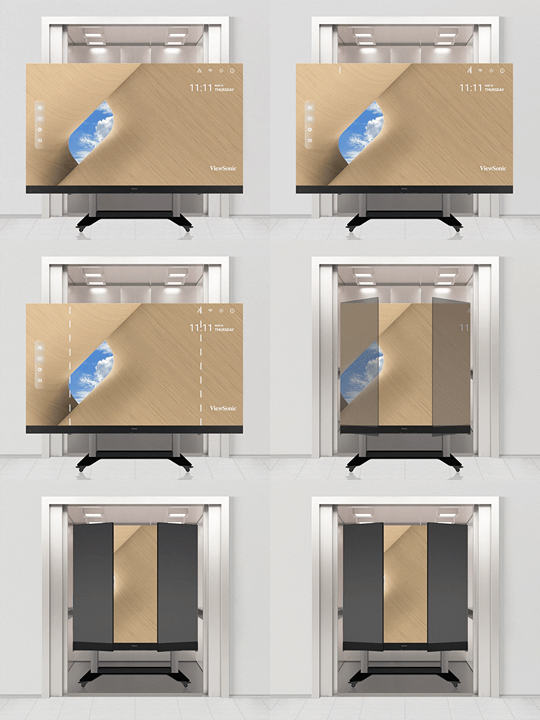
Create unforgettable high-impact messaging with ViewSonic® All-in- One Direct View LED displays. An advanced all-in-one design includes multiple pre-assembled and precalibrated panels for hassle-free installation.
Always Ready, 24/7
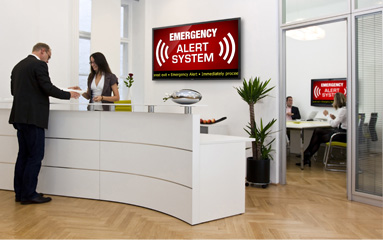
From broadcasting corporate alerts and announcements to displaying CNBC 24/7, the CDE30 series of displays are Extron, AMX and Crestron Connected V2.0 certified for seamless integration and automated control.
Monitors
Cut down on cable clutter and clarify complex financial statements with ViewSonic USB-C docking monitors. Enjoy razor-sharp clarity, USB-C single-cable connectivity and an integrated USB hub.
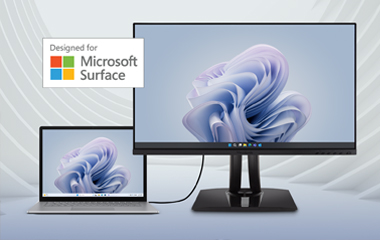
Designed for Surface Monitors
Designed with Microsoft Surface in mind, these monitors help employees get more from their Surface devices. Experience stunning image quality, single-cable USB-C connectivity and an ergonomic stand that takes productivity and comfort to the next level.

Immersive Curved Screen Design
Featuring a sleek, concave screen with ultra-thin bezels, the VP3881a delivers an immersive viewing experience with panoramic images, vivid colors and incredible detail.
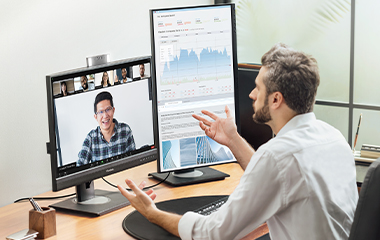
Video Conferencing Monitors
ViewSonic® VG57V monitors feature Windows Hello integration for enhanced security and a pop-up webcam so your employees can video conference with both clarity and confidence.
Meeting Space Solutions

Ultra-Slim Design
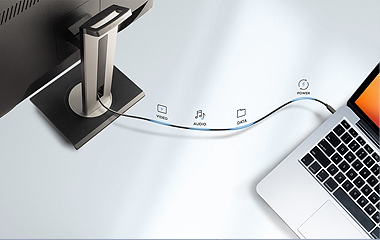
With a weight of two pounds and a frame that’s thinner than a deck of cards, these ultra-slim portable monitors slip effortlessly into backpacks or laptop bags. Connect via USB-C for video, audio, data and power over a single cable.
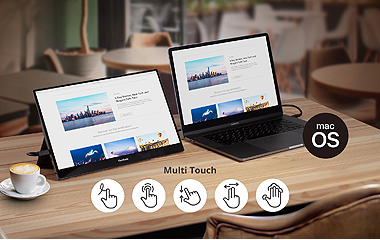
Advanced Touch Capabilities and Screen Performance
With an advanced projected capacitive touchscreen, the TD1655 portable display provides a smooth and responsive experience with every tap, pinch, and swipe, while also delivering awesome front-of-screen performance and incredible images.
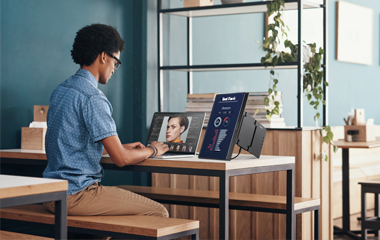
Ergonomic Productivity On-the-Go
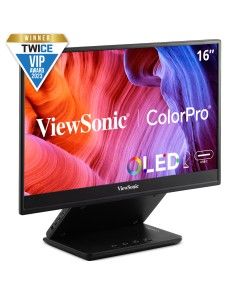
This visually stunning monitor features a 15.6” OLED display with an ergonomic height-adjustable stand so your employees can view financial spreadsheets and data with greater comfort and get more done from anywhere.
Meeting Space Solutions
Integrated Docking Stations
Don’t waste money on separate docking stations. Connect your peripherals directly to the monitor. A single USB-C cable transfers video, audio, data and charging power from monitor to device.
Eco-Friendly Packaging + Quick Deployment
Whether you’re installing one workstation or 1,000, an easy-open box design and quick-release stand help make setup and deployment faster and easier than ever.
Meeting Space Solutions
Featured Products
-
 ViewSonic 15.6" Portable 1080p IPS Touch Monitor with 60W USB-C and mini-HDMI | TD1655$299.99 USDOut of stock
 -




Unlock
15% OFF
when you subscribe.
By Clicking "CONTINUE" you agree to receive our newsletter. You can unsubscribe at any time. Discount applies to one (1) item only, not the entire order. Offer is not stackable or combinable with any other promotions or promo codes.
Login and Registration Form