 Teacher's Community
  Support
Availability: Out of stock
SKU
VG3820C
$659.99
USD
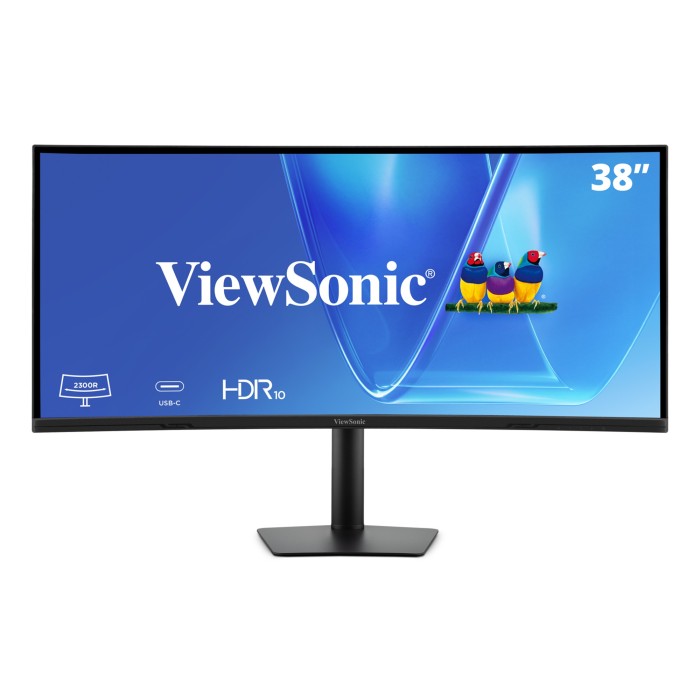
38” WQHD+ 21:9 IPS Curved Monitor with 96W USB-C | VG3820C
Product Overview
Maximize your workspace with the ViewSonic® VG3820C. This single 38” curved ultrawide monitor replaces the need for dual monitors. The massive screen gives you a seamless digital workspace, making it a breeze to view your documents, dashboards and apps side by side. A single USB-C cable connects your laptop and keeps it fully charged all day. Plus, the monitor features easy ergonomic adjustments and smart energy savings. The VG3820C makes multitasking simple. Get the clean and organized setup you need for long work sessions, clear thinking and confident decisions.
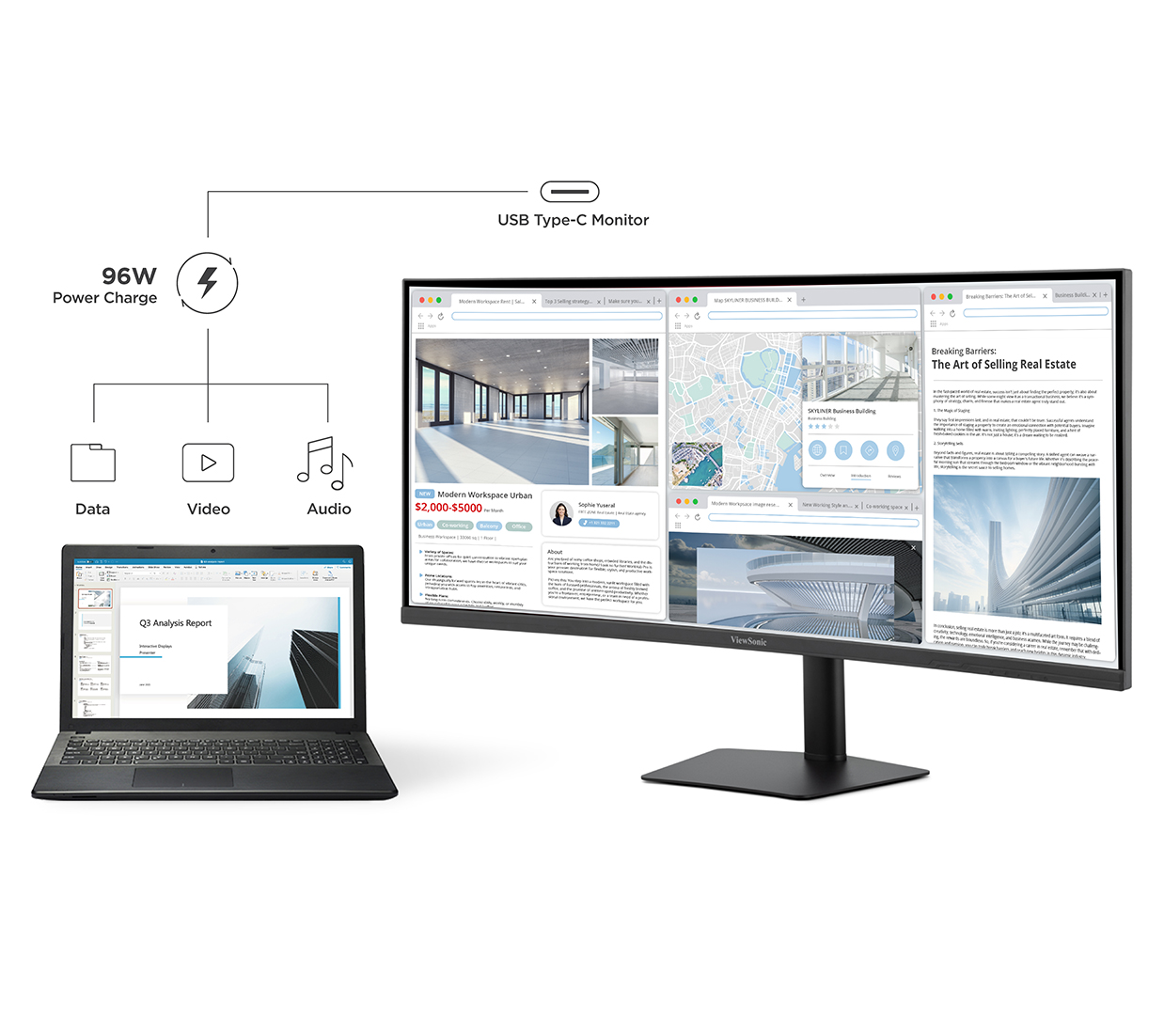
Simplify Your Connection with Just One Cable
This monitor allows for a streamlined workflow and eliminates the need for dongles and plug-in attachments. USB Type-C offers seamless video, audio, and 96W power delivery, meaning no additional power cable is needed for your laptop.
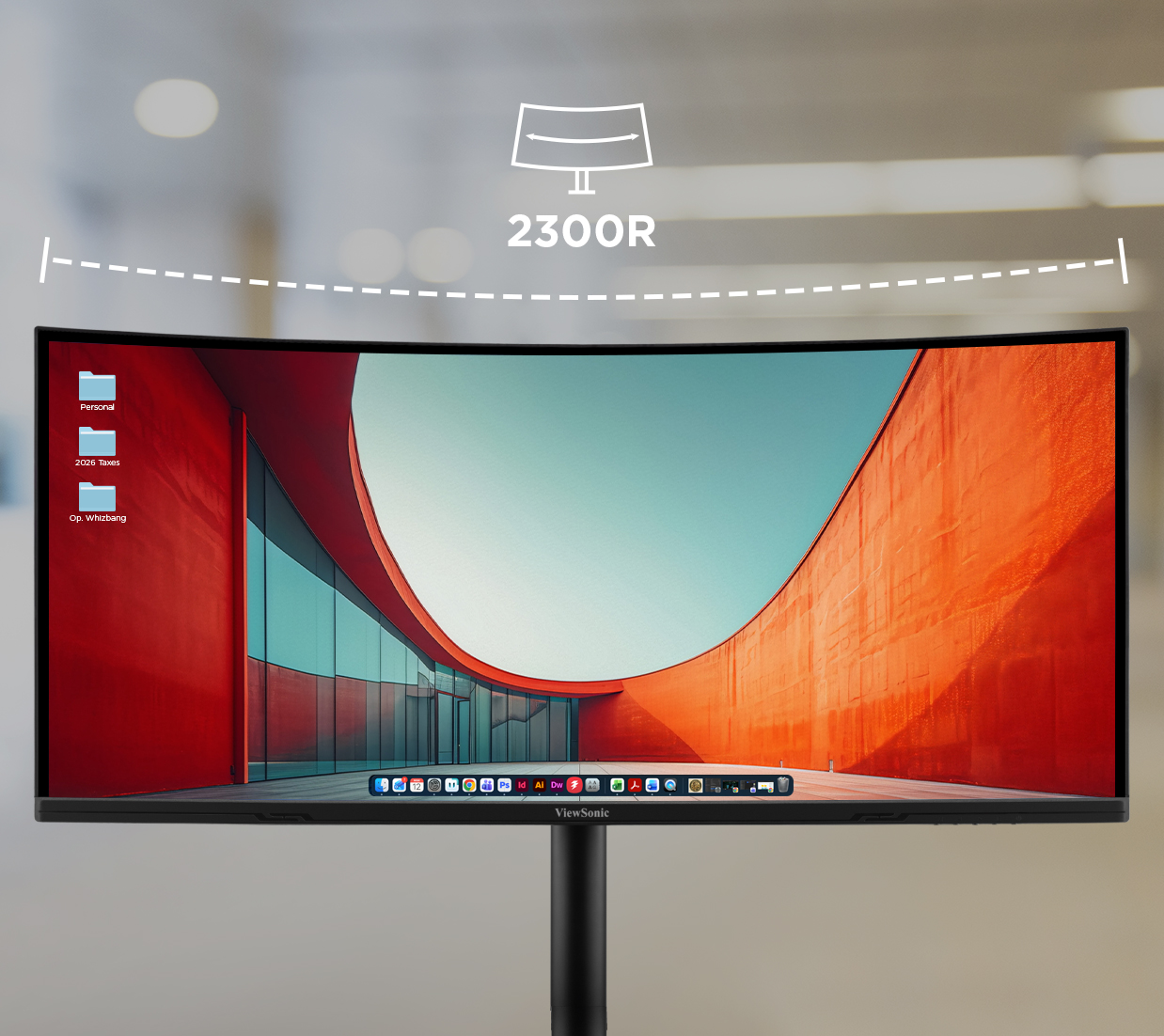
Immersive Curved Screen Design
A 2300R curved display delivers a more immersive experience and helps reduce eye strain by keeping the edges of your screen within a natural viewing distance.
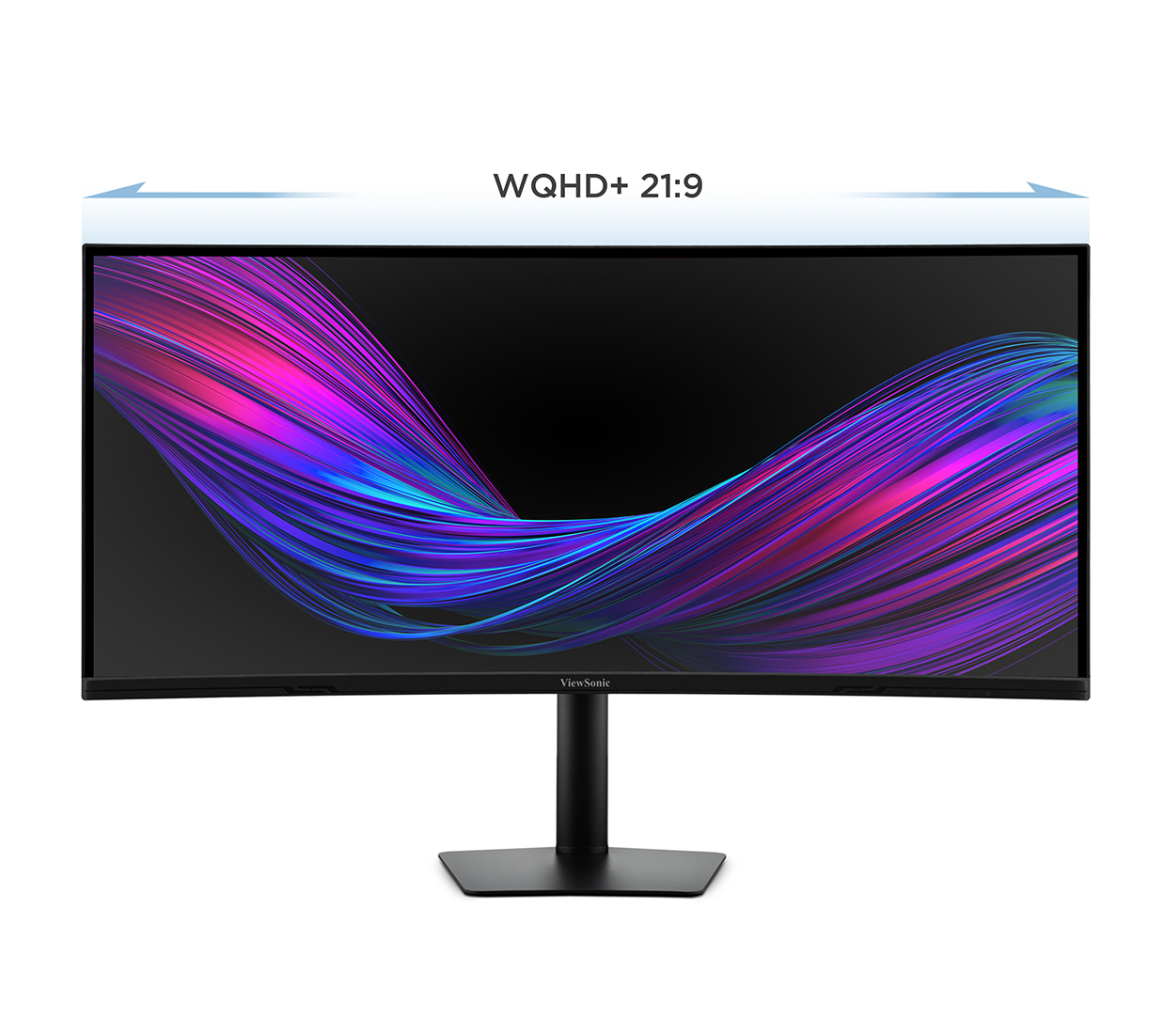
WQHD+ Resolution with a 21:9 Aspect Ratio
Immerse yourself in a comfortable, wide viewing experience with stunningly detailed visuals. This monitor features WQHD+ resolution (3840 x 1600) and an ultra-wide 21:9 aspect ratio, offering 35% more screen space than a 16:9 monitor of the same size, making it perfect for enhanced multitasking.
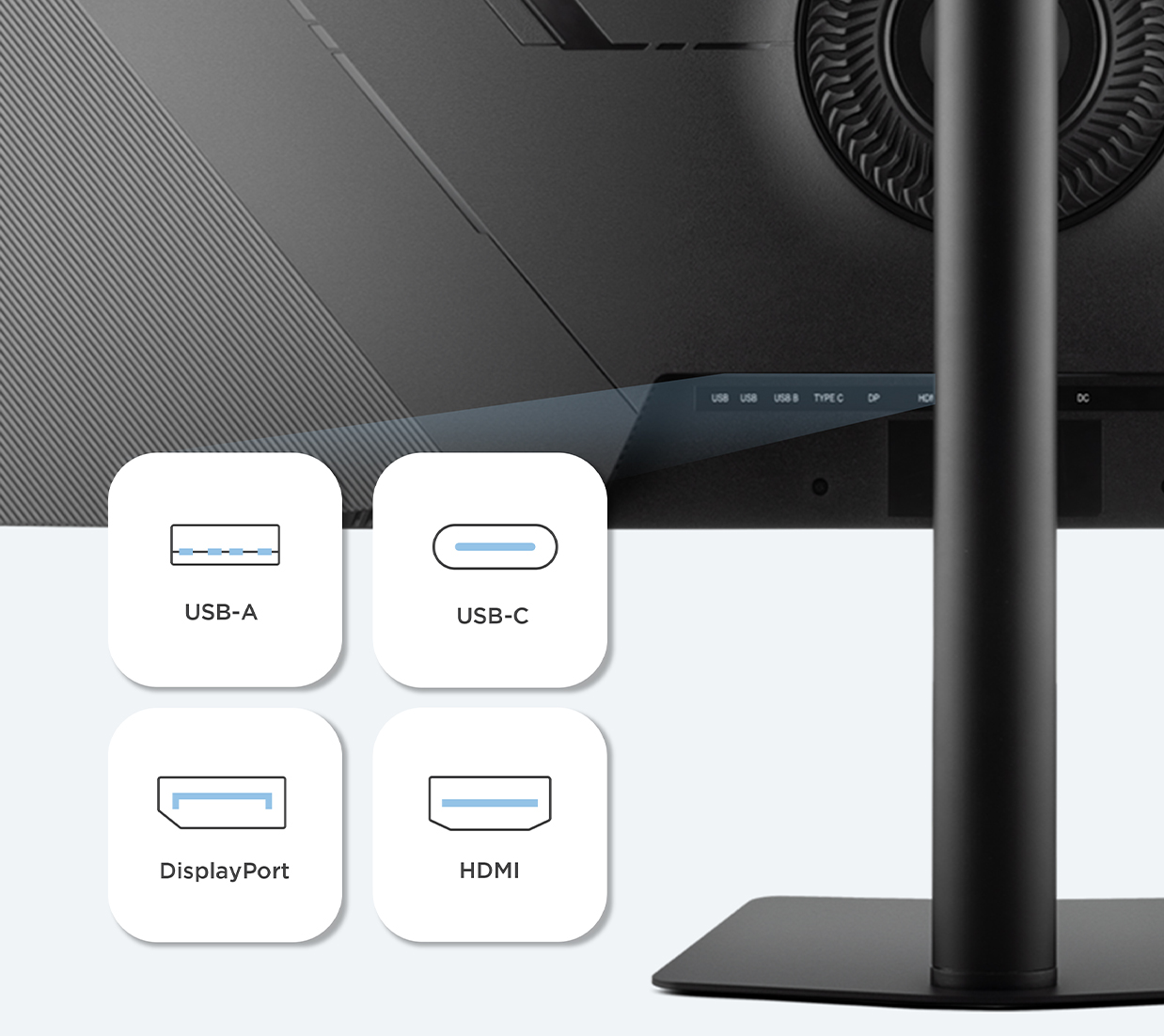
Versatile Connectivity for a Seamless Workflow
Enjoy maximum flexibility with a wide range of connectivity options designed to fit your setup. USB-C, HDMI, or DisplayPort inputs let you effortlessly connect to laptops, desktops, and other devices, giving you the freedom to switch sources with ease. An integrated USB hub further simplifies your workspace to connect keyboard and mouse.
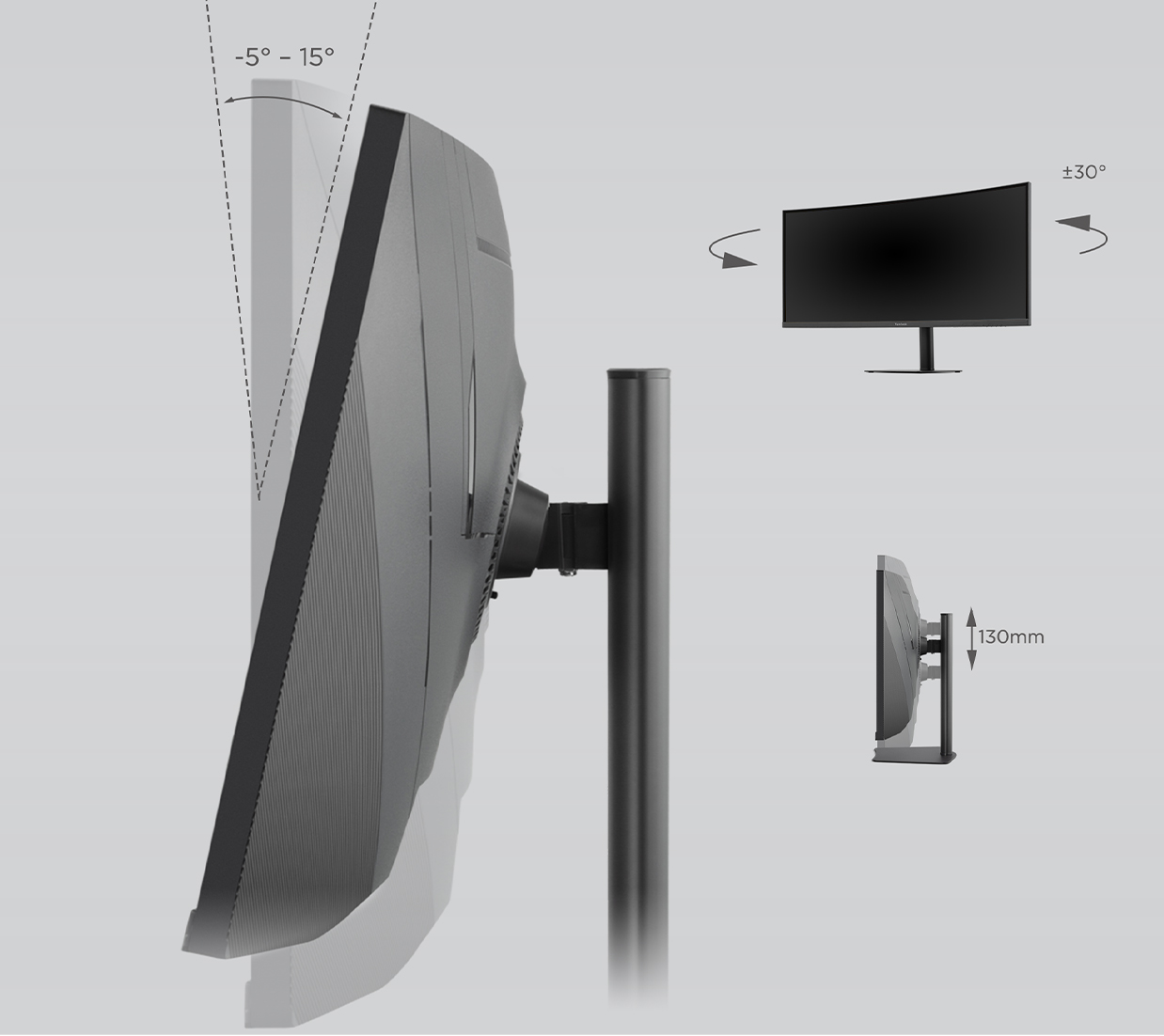
A New Angle on Workplace Ergonomics
The ergonomic stand lets you easily adjust the screen to fit how you work. Tilt, swivel, or raise the display for comfortable viewing, better posture, helping you stay comfortable and productive throughout the day.
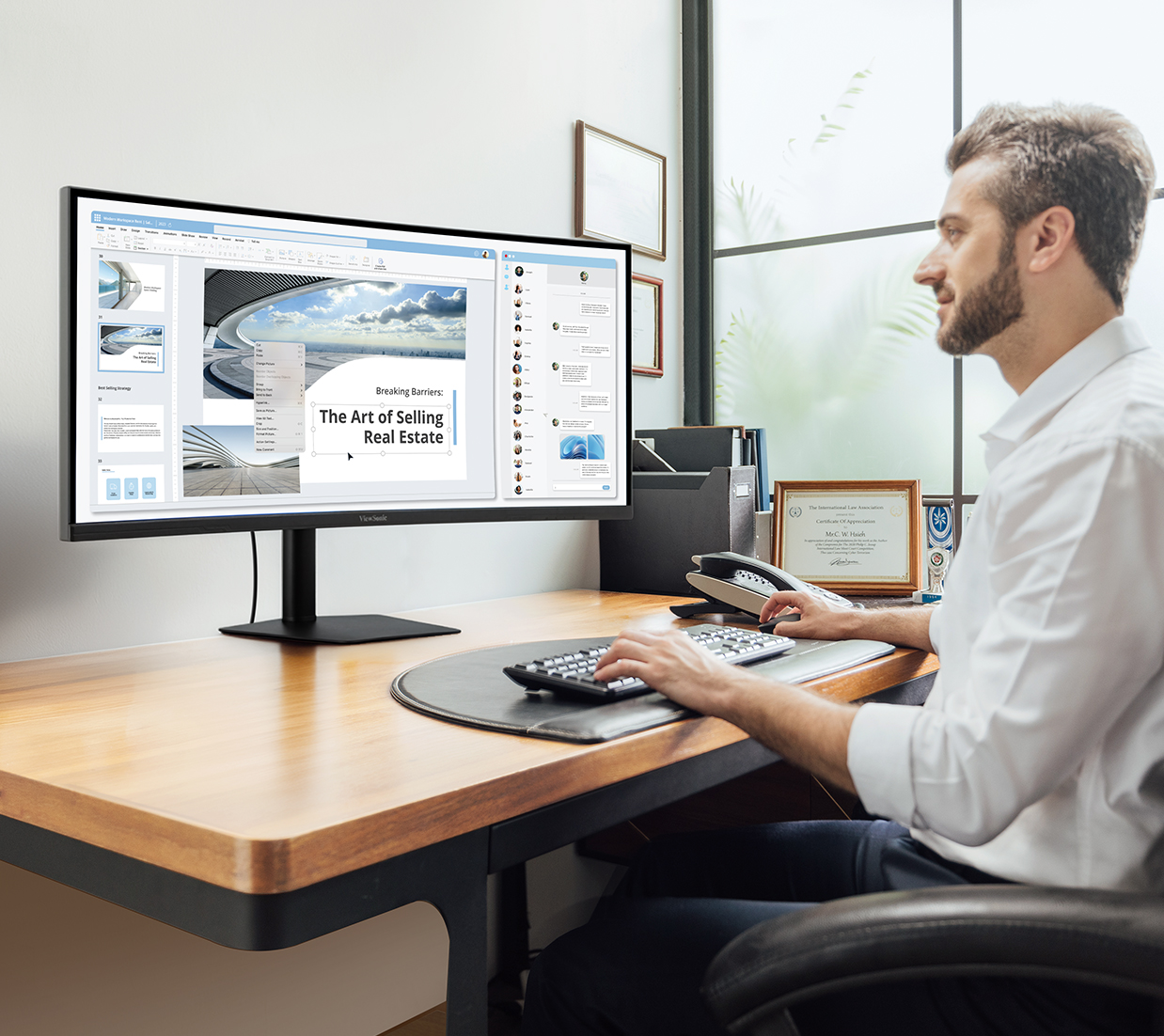
Unified Control & Flexible Multitasking
Centralize your workspace with built‑in KVM and PIP/PBP capabilities that let you control multiple computers from a single keyboard, mouse, and display. View content from different systems side by side or in a picture‑in‑picture window to compare data, monitor workflows, or track live updates without switching inputs.
Enhanced Viewing Comfort
With flicker-free technology and a blue light filter, this monitor helps you work for longer with less eyestrain.
Dual Integrated Stereo Speakers
Designed with dual integrated speakers, this monitor combines incredible screen performance with stereo sound for an immersive multimedia experience.
3-year Limited Warranty
Have peace of mind in the quality and reliability of your ViewSonic monitor—backed by one of the industry’s best pixel performance policies and a 3-year limited warranty.*
*Subject to ViewSonic's warranty and on-site service terms and conditions.
- Screen Size: 38"
- Viewable Area (in.): 37.5
- Colors: 1.07B
- Color Space Support: 10 bit (8 bit + FRC)
- Viewing Angles: 178º horizontal, 178º vertical
- Backlight Life (Hours): 30,000
- Curvature: 2300R
- Display Resolution: WQHD+ (3840 x 1600)
- Display Resolution: 3840 x 1600
- Response Time (Typical GTG): 5ms
- Dynamic Contrast Ratio: 50,000,000:1
- Aspect Ratio: 21:9
- Panel Surface: Anti-glare, Hard coating (3H)
- Light Source: LED
- Brightness: 300 cd/m2
- Static Contrast Ratio: 2,000:1
- Panel Type: IPS
- Refresh Rate: 75Hz
- PC Resolution (max): 3840 × 1600
- Mac® Resolution (max): 3840 × 1600
- USB Type A: 2
- USB Type B: 1
- USB Type C: 96W x 1
- 3.5mm Audio Out: 1
- HDMI 2.0 In: 2
- DisplayPort: 1
- Internal Speakers: 2.5W (x2)
- Eco Mode (Conserve): 27W
- Eco Mode (optimized): 30W
- Consumption (typical): 34W
- Consumption (max): 43W
- Voltage: 100-240 VAC, 50-60Hz
- Stand-by: 0.5
- Power Supply: External
- Cable Organization: No
- Kensington Lock Slot: 1
- Physical Controls: M, Right, Left, E, Power
- On Screen Display: Input Select, Audio Adjust, ViewMode, Color Adjust, Manual Image Adjust, Setup Menu
- Temperature: 32-104º F (0 - 40º C)
- Humidity (non-condensing): 20-90%
- VESA Compatible: 100 x 100 mm
- Frequency Horizontal: HDMI 2.0: 15–222 kHz, DisplayPort and USB Type C: 15–222 kHz
- Frequency Vertical: HDMI 2.0: 30-75 Hz, DisplayPort and USB Type C: 48-75 Hz
- Height Adjust: 130 mm / 5.1 in
- Swivel: 60º
- Tilt (Forward/Back): 5º / 15º
- Regulations: cTUVus, FCC-B, ICES003, Energy Star
- Net (lbs): 20.7
- Net Without Stand (lbs): 15.9
- Gross (lbs): 29.3
- Net (kg): 9.4
- Net Without Stand (kg): 7.2
- Gross (kg): 13.3
- Packaging (in.): 45.3 × 20.7 × 7.5
- Physical (in.): 35.33 × 14.85~19.96 × 9.36
- Physical Without Stand (in.): 35.33 × 15.69 × 4.17
- Packaging (mm): 1150.0 × 525.0 × 190.0
- Physical (mm): 897.5 × 377.2~507.2 × 237.8
- Physical Without Stand (mm): 897.5 × 398.5 × 105.9
- Package Contents: VG3820C, 3‑pin power cable HDMI cable, DisplayPort cable, USB‑C cable, USB A/B cable, AC/DC adapter, Quick Start Guide
- Recycle/Disposal: Please dispose of in accordance with local, state or federal laws.
- Warranty: Three-year limited warranty on parts, labor and backlight
-
User Guides
- VG3820C User Guide (Bahasa Indonesia)
- VG3820C User Guide (Dansk)
- VG3820C User Guide (Deutsch)
- VG3820C User Guide (English)
- VG3820C User Guide (Español )
- VG3820C User Guide (Français)
- VG3820C User Guide (Hrvatski)
- VG3820C User Guide (Italiano)
- VG3820C User Guide (Magyar)
- VG3820C User Guide (Nederlands)
- VG3820C User Guide (Norsk)
- VG3820C User Guide (Polski)
- VG3820C User Guide (Português)
- VG3820C User Guide (Română)
- VG3820C User Guide (Srpski)
- VG3820C User Guide (Suomi)
- VG3820C User Guide (Svenska)
- VG3820C User Guide (Türkçe)
- VG3820C User Guide (Česky)
- VG3820C User Guide (Ελληνικά)
- VG3820C User Guide (Български)
- VG3820C User Guide (Русский)
- VG3820C User Guide (Українська)
- VG3820C User Guide (日本語)
- VG3820C User Guide (简体中文)
- VG3820C User Guide (繁體中文)
- VG3820C User Guide (한국어)
- VG3820C User Guide (ﺍﻟﻌﺭﺑﻳﺔ)
-
Quick Start Guide
- VG3820C Quick Start Guide
-
Driver & Software
- Standard Monitor Driver Signed Windows 10 x64
- Standard Monitor Driver Signed Windows 10 x86
- Standard Monitor Driver Signed Windows 7
- Standard Monitor Driver Signed Windows 7 x64
- Standard Monitor Driver Signed Windows 8 x64
- Standard Monitor Driver Signed Windows 8 x86
- Standard Monitor Driver Unsigned Windows
- Standard Monitor Driver Unsigned Windows x64


Unlock
15% OFF
when you subscribe.
By Clicking "CONTINUE" you agree to receive our newsletter. You can unsubscribe at any time. Discount applies to one (1) item only, not the entire order. Offer is not stackable or combinable with any other promotions or promo codes.
Compatible with VG3820C


Login and Registration Form