Perfect for both work and play, ViewSonic® portable monitors deliver stunning visuals wherever you go. Boost productivity with extra screen real estate or immerse yourself in entertainment on the go. Experience the freedom of a monitor that adapts to your lifestyle.
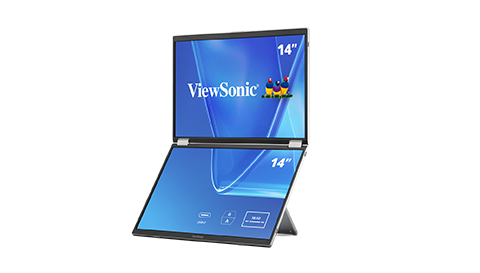
ViewSonic® portable monitors give professionals, creators and gamers extra screen space they need without the extra bulk.
Thanks to an ultralightweight frame and simple single-cable setup, you can be up and running in seconds, no matter where you are.
Portable Monitors for Remote and Hybrid Work
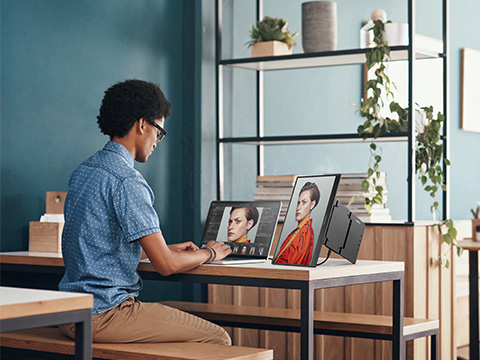
Power Your Productivity On-the-Go
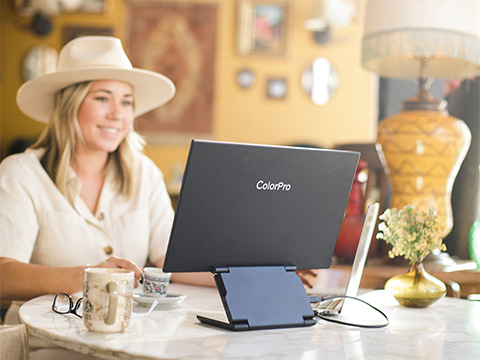
Whether you’re in back-to-back meetings or diving into a project,
these monitors are designed for the way you work. Multitasking is
easy with dual USB-C ports, crisp Full HD or QHD visuals, and
adjustable viewing angles that work at your desk or your favorite
coffee shop.
Portable Monitors for Gaming & Entertainment
No Matter Where You Game
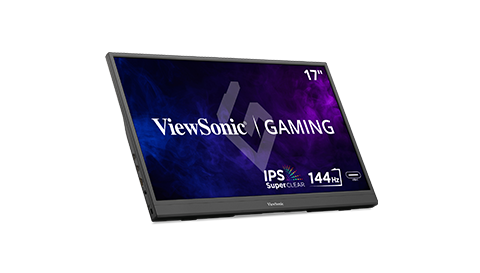
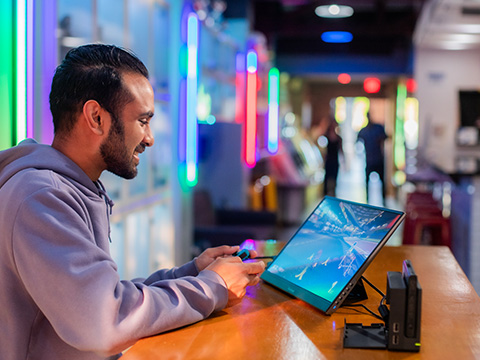
You don’t have to be tied to your desktop to get a high-end gaming
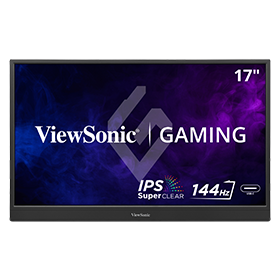
experience. Our portable gaming monitors feature fast refresh
rates and low response times in sizes up to 17 inches. Just plug in
your USB-C cable and level up your gameplay from anywhere.
Portable Monitors for Creators
Creation Happens Anywhere
Take your studio on the road. Built specifically for designers,
editors, and videographers, these monitors offer the professional
color accuracy you need. With high-resolution OLED or IPS panels
and wide color coverage, your best work can happen wherever
you find yourself.
Compact Designs
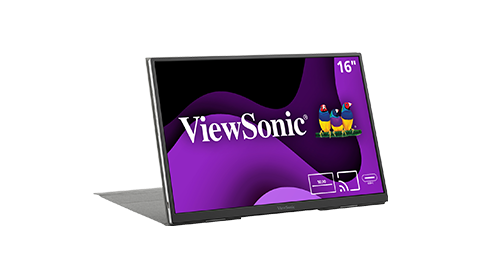
With a razor-thin frame made from ultra-lightweight components, ViewSonic® portable monitors can be easily stowed into backpacks, purses and even laptop cases. Plus, our portable monitors include either a screen cover or sleeve that provide ample protection while on the move.
USB-C delivers fast data, audio, video and charging power over a single cable for convenience and versatility. And thanks to two-way power delivery, our USB-C portable monitors can also be powered by a laptop, or deliver power to a laptop via pass-through charging when plugged into a USB-C power bank or AC adapter and outlet.
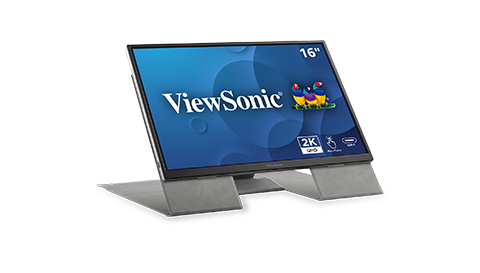
Whether you prefer working in landscape or portrait mode, ViewSonic portable monitors come with a convenient stand that accommodates both orientations.
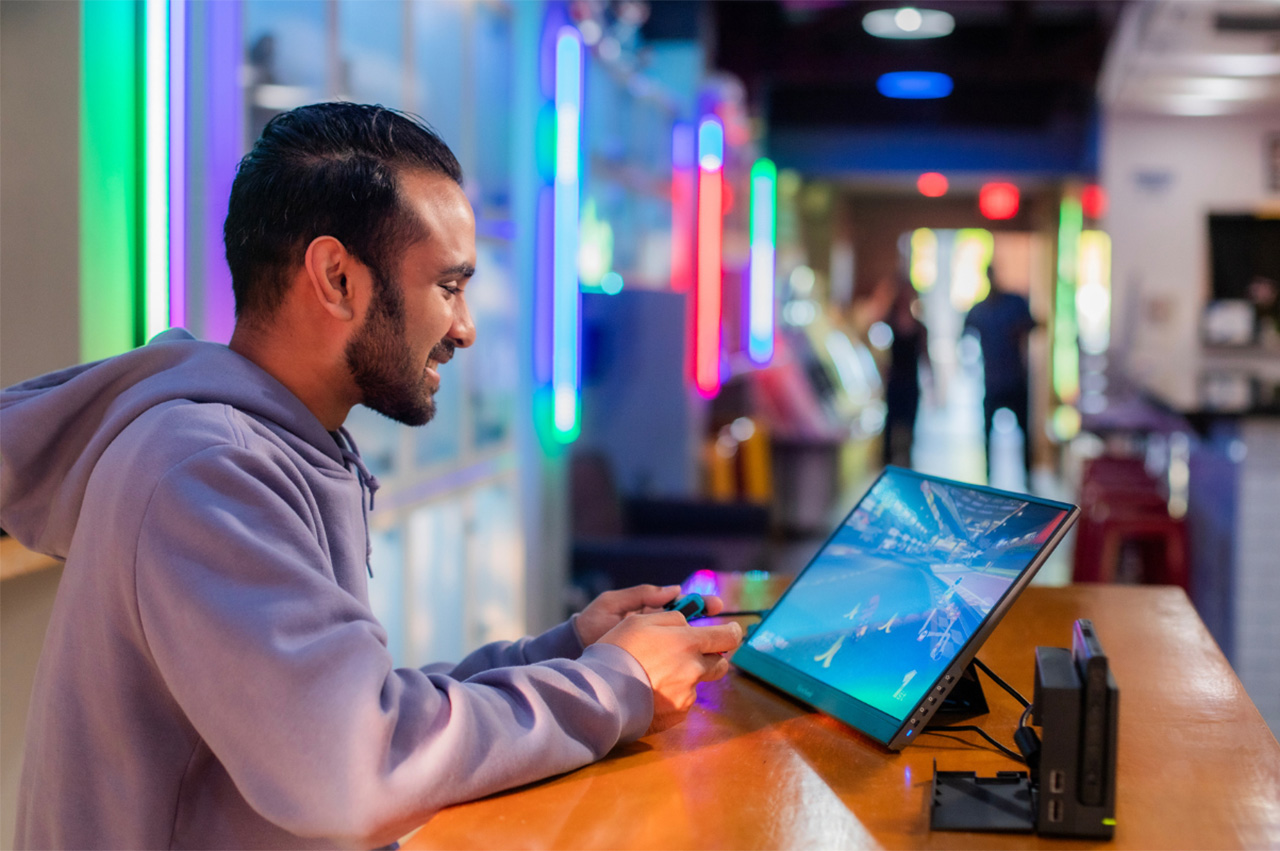
Experience desktop-level gaming within a portable package by connecting your Nintendo, Xbox or PlayStation devices to a portable monitor via USB-C or HDMI.
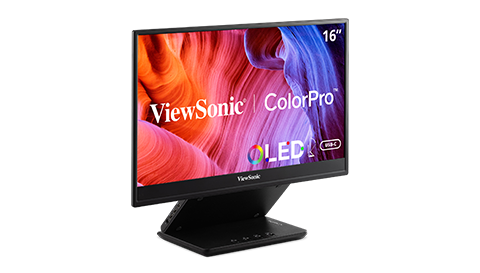
Select models feature an OLED screen that delivers better contrast, higher brightness, wider viewing angles, and a broader color range when compared to standard LCD monitors.
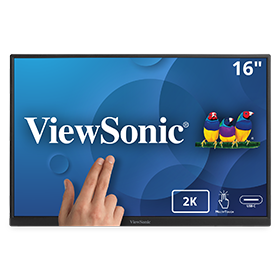
Select models include an advanced in-cell 10-point capacitive touchscreen and an included stylus for an ultra-responsive touchscreen experience that responds to every tap, pinch, scribble, and swipe.
*Touch compatibility with Windows, Android, and Linux OS. Mac touch compatibility requires using vTouch™ driver.
What is a portable monitor, and how is it different from a regular one?
A portable monitor is a lightweight, slim screen you can take anywhere. It connects to your laptop or device via USB-C or HDMI, sets up in seconds and gives you extra space for work, creative projects or gaming on the go. Unlike a traditional desktop monitor, it's built to travel.
Why choose a ViewSonic portable monitor?
ViewSonic portable monitors deliver sharp, vibrant visuals and reliable connectivity in a screen built for real-world use. Our lineup covers everything
from remote work to on-location creative projects to high-performance gaming.
What screen sizes and resolutions are available?
Our portable monitors come in 14” - 17” with resolutions ranging from Full HD to 4K. Depending on the model, you'll find both 16:9 and 16:10 aspect
ratios. Enjoy a standard widescreen format for browsing or more vertical space for documents and design work.
Can I use a portable monitor with my laptop, phone or tablet?
Yes. All ViewSonic portable monitors connect via USB-C, giving you plug-and-play setup with a single cable for video and data. Select models also
include power delivery and mini HDMI input for broader compatibility. Either way, there’s a portable monitor that fits your device.
Are ViewSonic portable monitors good for gaming or creative work?
Absolutely. ViewSonic portable monitors feature low input lag, high refresh rates and accurate color reproduction. That makes them a strong choice
for editing, designing and gaming alike. Whether you’re chasing a deadline or a high score, you'll get the visual performance you need anywhere you
set up.
Do ViewSonic portable monitors come with touch functionality?
Yes. Our lineup includes both touch and non-touch models. If you want to sketch, swipe or interact directly with your content, our touch-enabled
portable monitors deliver smooth, responsive control. Prefer a simpler second screen? Non-touch models offer a clean, focused experience with no
extra setup required.
Are ViewSonic portable monitors compatible with Windows, macOS or mobile devices?
Yes. ViewSonic portable monitors work across a wide range of operating systems including Windows, macOS, ChromeOS, Android, iOS and iPadOS. All
models connect via USB-C or HDMI with no complex setup required. Some models may need a compatible adapter for older iPhones or iPads. For full
touch functionality with macOS, the vTouch driver is required.
Do portable monitors require a power outlet?
ViewSonic portable monitors are USB-C powered, meaning they draw power directly from your laptop with no separate outlet required. This keeps your mobile workspace quick, clean and travel-friendly.
For even more flexibility, our lineup includes options with advanced power features:
Built-in Battery: Select models feature an integrated battery for true cordless freedom.
Two-Way Power Pass-Through: Select models can connect directly to an outlet and pass power through to charge your laptop or mobile device simultaneously.
Check out the product specs to find the right fit for your needs.
What accessories are included with a ViewSonic portable monitor?
All ViewSonic portable monitors come with a protective cover or case/sleeve, a USB-C cable and a quick-start guide. Some models include a power
adapter.
Do I need to install software or drivers to use a ViewSonic portable monitor?
In most cases, no. ViewSonic portable monitors are designed for plug-and-play setup via USB-C or HDMI, so you can get started right away. For advanced features like auto pivot or full touch functionality, optional drivers and software are available on the ViewSonic support site or through the ViewSonic Display Portal.
Unlock 15% OFF when you subscribe.
Newsletter
By Clicking "CONTINUE" you agree to receive our newsletter. You can unsubscribe at any time. Discount applies to one (1) item only, not the entire order. Offer is not stackable or combinable with any other promotions or promo codes.
 Teacher's Community
  Support











Login and Registration Form