


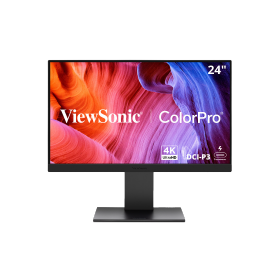
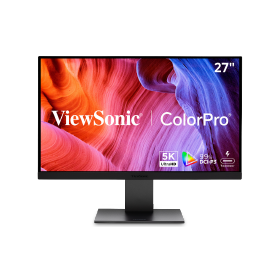
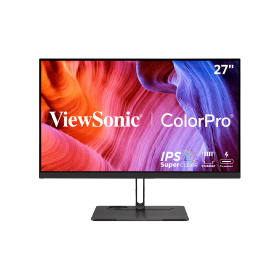
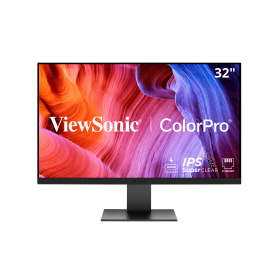
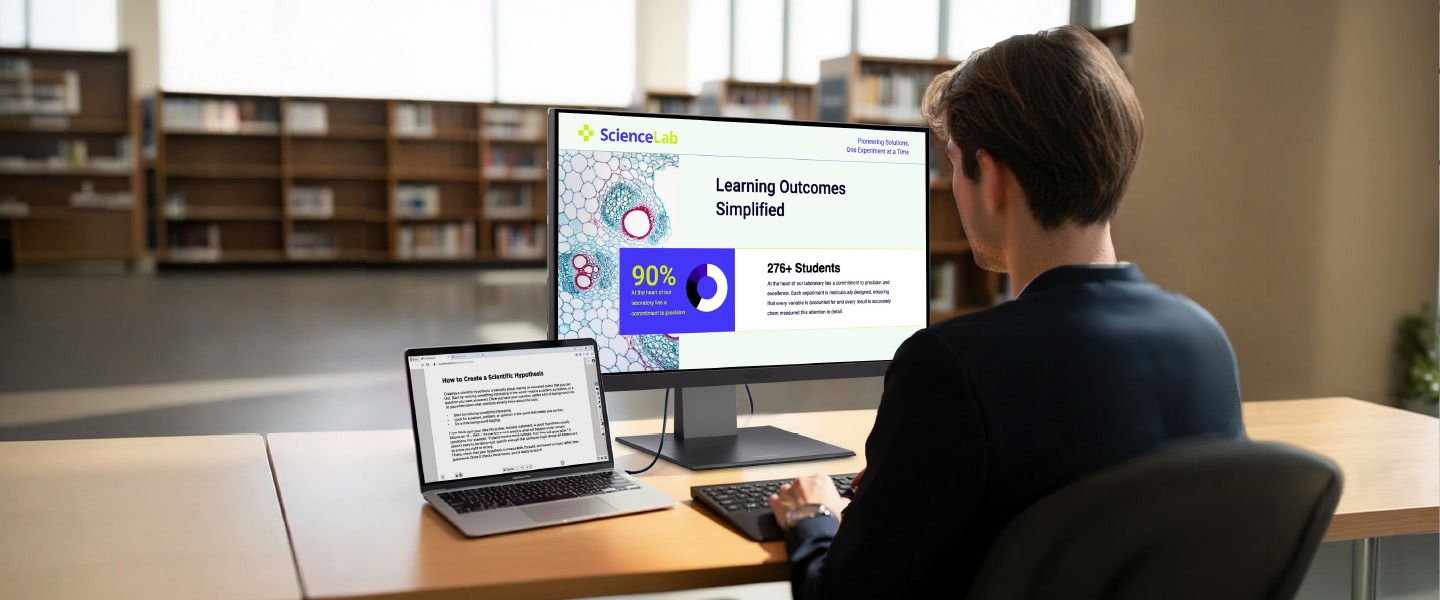
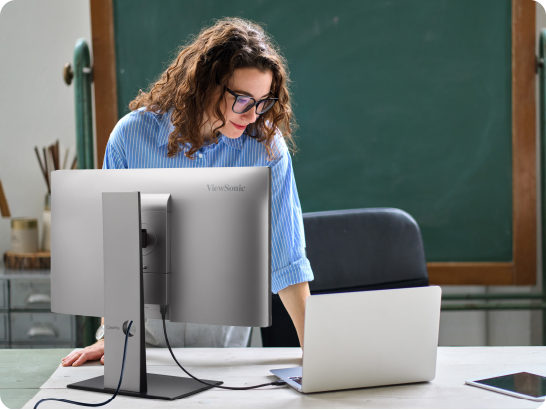
Professors need technology that just works. With a single cable, they can plug in their MacBook to charge, connect to the internet, and see everything on a big screen. It acts like a powerful docking station for their office. This helps faculty focus on teaching instead of fighting with cables.
Thunderbolt Monitors Priced for Your School
ViewSonic® ColorPro® Thunder bolt monitors give higher education a smarter way to support Mac and Windows users across campus. Powered by Thunderbolt, they deliver some of the best display performance available: fast single-cable connectivity, up to 100W charging, and stunning color accuracy that professionals rely on. And with a sleek design that fits right in alongside MacBooks and PC laptops, they look as good on the desk as they perform.

Octa-core CPU and 16GB RAM

Mejor inicio de sesión multiusuario

Barra de sonido frontal de 70W

Seguro por diseño con Android EDLA

Native to the Google Education Ecosystem

Hasta 50 puntos táctiles

Matriz de 8 micrófonos integrada

Resolución UHD 3840x2160
Thunderbolt for Laptops
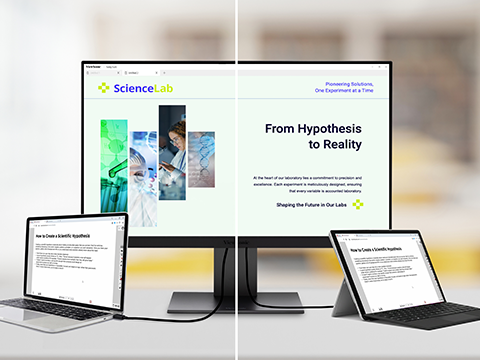
ViewSonic Thunderbolt monitors work with both USB-C and Thunderbolt protocols, delivering full functionality on Mac and Windows alike. That takes the pressure off your laptop decision: whether a desk runs a MacBook or a PC, the same monitor works with both. It's ideal for the mixed fleets most schools actually run, and because these displays are protocol-ready, they'll keep working with whatever laptops you standardize on years from now, future-proofing your investment against changing standards.
Productos destacados
Potencia y rendimiento
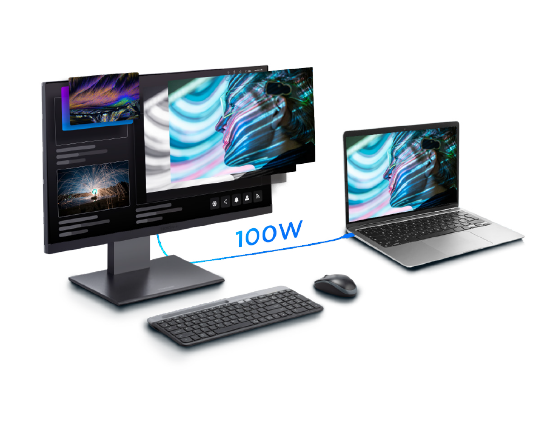
Thunderbolt 4 provides up to 100W of power, allowing you to charge your MacBook Pro, MacBook Air, Mac mini, Mac Studio, iPad Pro, Thunderbolt laptops, and other USB-C devices directly from the monitor. It also offers fast data transfer speeds of up to 40 Gbps and a stable network connection, making it ideal for video editing and content creation.
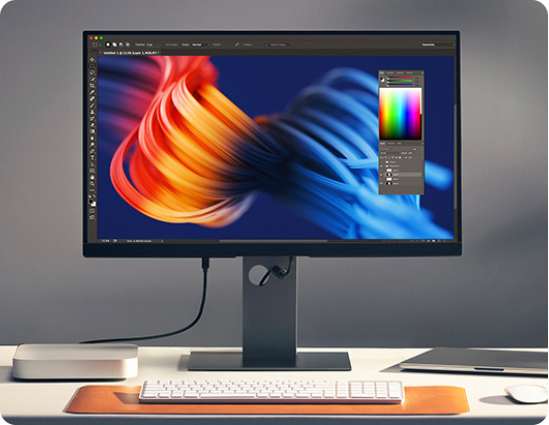
Resoluciones impresionantes
Choose from 4K and 5K resolution options with exceptionally high pixels-per-inch for crisp text and fine detail. These displays make it easy to review designs, edit photos, and work with complex visuals without eye strain or lost detail.
Conexión en serie Thunderbolt
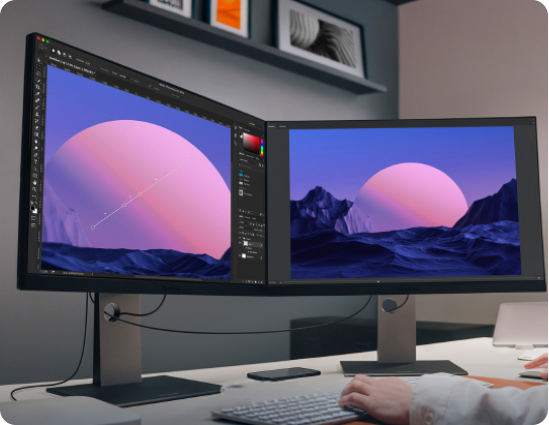
Thunderbolt 4 input and output ports support single-cable connectivity and daisy chaining of up to two 5K monitors. This creates a clean, efficient workspace with fewer cables, fewer adapters, and easier setup for labs and studios.
Built for Mac, Priced for Education
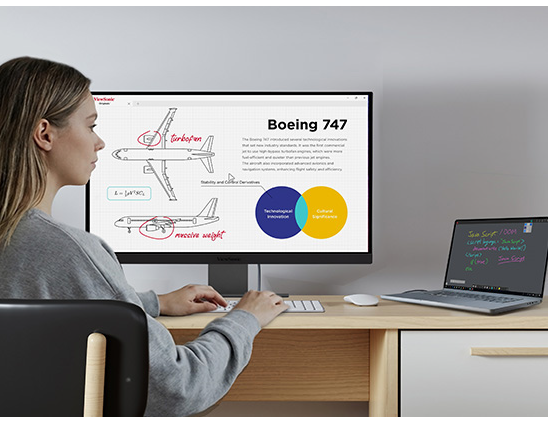
Get the Apple look without the heavy price tag of an Apple Studio Display. These monitors feature a sleek design that matches your school’s Mac setup perfectly. You also get advanced ergonomics (tilt, swivel, pivot, height adjust) and extra ports (USB hub, DisplayPort, HDMI) at no extra cost. It’s a smart way to upgrade your campus technology while staying within your budget.
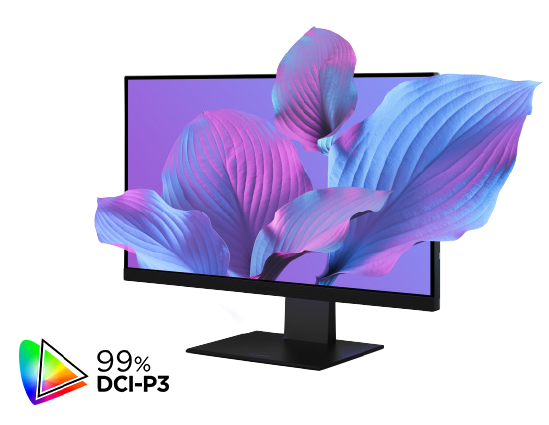
Mac-Level Color Accuracy for the Arts
Designed for digital media and design programs, hese monitors offer industry-leading color accuracy. They cover 98 to 99% of the DCI-P3 color gamut to match the vibrant look of a Mac screen. This ensures that every art project or film edit looks exactly as intended.
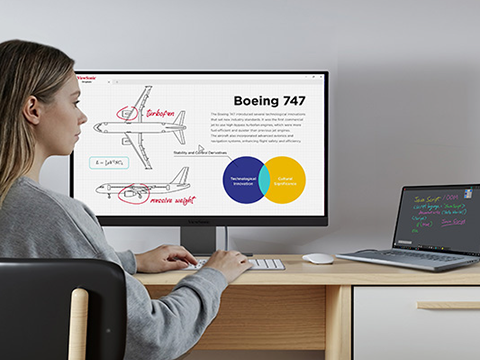
Built for Mac, Priced for Education
Get the Apple look without the heavy price tag of an Apple Studio Display. These monitors feature a sleek design that matches your school's Mac setup perfectly. You also get advanced ergonomics (tilt, swivel, pivot, height adjust) and extra ports (USB hub, DisplayPort, HDMI) at no extra cost. It's a smart way to upgrade your campus technology while staying within your budget.
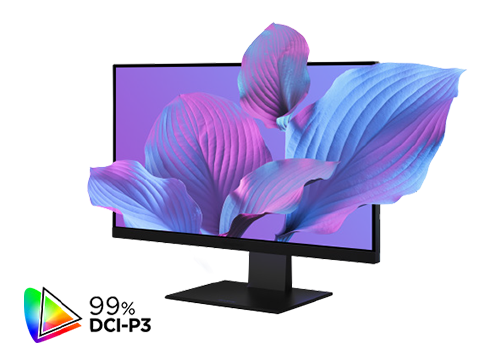
Mac- Level Color Accuracy for the Arts
Designed for digital media and design programs, these monitors offer industry-leading color accuracy. They cover 98 to 99% of the DCI-P3 color gamut to match the vibrant look of a Mac screen. This ensures that every art project or film edit looks exactly as intended.
Built for Every Campus Workflow
Give creative departments the precise color tools they need. Help professors stay productive in their offices. Let students connect easily in libraries. No matter the workflow, we have a Mac-compatible display that fits your school perfectly.

Faculty Offices
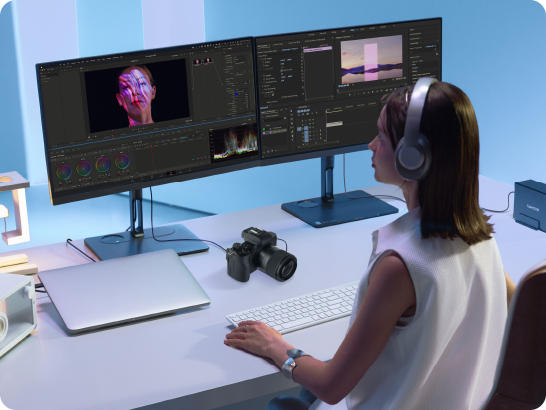
Creative Arts Departments
Creative majors like film, music, and design need precise tools. These monitors deliver the exact colors and high performance that art departments demand. They handle heavy editing software with ease.
Campus Bookstore
These monitors are a perfect addition to your campus bookstore. They connect easily to the MacBooks students already love, at a price they can afford. Whether writing papers or streaming movies, students get a big-screen experience that fits their budget.
IFP5551
IFP6551
IFP7551
IFP8651
IFP9851
Pantalla
Tamaño del panel
55"
65"
75"
86"
98"
Tipo
Módulo IPS LCD con retroiluminación DLED
Área de pantalla (mm)
1209.60mm(H) x 680.40mm(V)
1428.48mm(H) x 803.52mm(V)
1650.24mm(H) x 928.26mm(V)
1895.04mm(H) x 1065.96mm(V)
2158.85mm(H) x 1214.35mm(V)
Proporción dimensional
16:9
Resolución nativa
UHD 3840x2160(Pixels)
Colores
1.07G colores (8bit+2bit FRC)
Brillantez
400 nits (con CG) (típico)
Relación de contraste
1000:1 (mínimo)/1200:1 (típico)/5000:1 (máx. con DCR habilitado)
Tiempo de respuesta
6.5ms (Typ.)
6.5ms (Typ.)
6.5ms (Typ.)
8ms (Typ.)
6.5ms (Typ.)
Ángulos de visión
H = 178, V = 178 (Typ.)
Backlight Life
65.000 horas
Tratamiento de superficie
Antirreflejo, antihuellas, dureza de lápiz 9H/3,2 mm de espesor
Bruma
25%
Marco (L/R/T/B)
17.3/17.3/26.9/50.8
14.6/14.6/25.5/50
14.6/14.6/25.5/50
14.6/14.6/25.5/50
17.5/17.5/27.8/52.2
Orientación
Horizontal
Plataforma
Procesador
Rockchip RK3576
RAM
16 DDR4
Almacenamiento
eMMC de 128 GB
Táctil
Tipo/Tecnología
Reconocimiento IR
Punto táctil
Windows/Android/EDLA: 50 puntos | Todos los demás canales: 20 puntos
Tiempo de respuesta
5 ms
Tamaño de puntas de plumas
2mm/8mm
Rechazo de palma
Sí
Vinculación CG +OC
Sin vinculación
Entrada
HDMI-IN
(Frontal2 + Trasero*2)*
Todas las entradas HDMI/IN admiten HDMI 2.1, CEC1.4 HDCP 2.2 3840x2160P @60 Hz
HDMI 1 admite ARC
Todas las entradas HDMI/IN admiten HDMI 2.1, CEC1.4 HDCP 2.2 3840x2160P @60 Hz
HDMI 1 admite ARC
RGB / VGA
1 (1080@60HZ)
DisplayPort
1 (DP 1.2)
Audio
1 (conector de audio de 3,5 mm)
RS232
1
SD/SDHC
Ranura para tarjeta TF (Micro SD)
OPS
1 (cumple con el estándar Intel 80-pin)
OUTPUT
HDMI-OUT
1(HDMI 2.1, HDCP 1.x, no admite CEC, ARC)
Audio
1 (Salida de línea)
SPDIF
1 (Optical)
LAN
RJ45
1 in 1 out (10M/100M/1000Mbps) (USB Type-C 10/100, Android & PC 10/100/1000)
USB
tipo A
TRASERO x 1 (USB 2.0 para actualización del sistema)
TRASERO x 2 (USB 3.2 gen. 1) todos son compatibles con Smart
FRONTAL x 2 (USB 3.2 gen. 1) todos son compatibles con Smart
TRASERO x 2 (USB 3.2 gen. 1) todos son compatibles con Smart
FRONTAL x 2 (USB 3.2 gen. 1) todos son compatibles con Smart
Type B
FRONTAL x 1 (USB 3.2 gen. 1) TRASERO x 1 (USB 3.2 gen. 1)
Tipo C
Frontal x 1 (USB 3.2 gen. 1 + PD 65W + entrada DP 1.2 + 100M Ethernet)
Trasero x 1 (USB 3.2 gen. 1 + PD 15W + entrada DP 1.2 + 100M Ethernet)
Superior x 1 (USB 3.2 gen. 1 + PD15W para soportar el montaje de la cámara)
La PD se reduce a 15W con el OPS conectado.
Trasero x 1 (USB 3.2 gen. 1 + PD 15W + entrada DP 1.2 + 100M Ethernet)
Superior x 1 (USB 3.2 gen. 1 + PD15W para soportar el montaje de la cámara)
La PD se reduce a 15W con el OPS conectado.
externos
Altavoz: 25W x 2 + Subwoofer: 20W x 1
Matriz de micrófonos
Micrófono de matriz de 8
SO integrado
Android 14(EDLA)
NFC incorporado
Sí
Sensor de luz
Sí
Sensor de lápiz
Sí
DIMENSIONES
49,99x31,08x3,3
58,6x35,99x3,36
67,29x40,85x3,36
77,05x46,36x3,36
87,39x52,1x3,35
PESO
57,01
76,15
101,54
128,88
184,53
PATRÓN VESA
400 x 200 mm
600 x 400 mm
800 x 400 mm
800 x 600 mm
FAQ for Thunderbolt Monitors


Mantente a la vanguardia con soluciones de ViewSonic
Suscríbete para recibir lanzamientos de productos, casos de éxito y las últimas novedades en soluciones de visualización para tu empresa.
Al hacer clic en "Suscribirme", aceptas recibir nuestro boletín informativo. Puedes darte de baja en cualquier momento.

Formulario de inicio de sesión y registro