


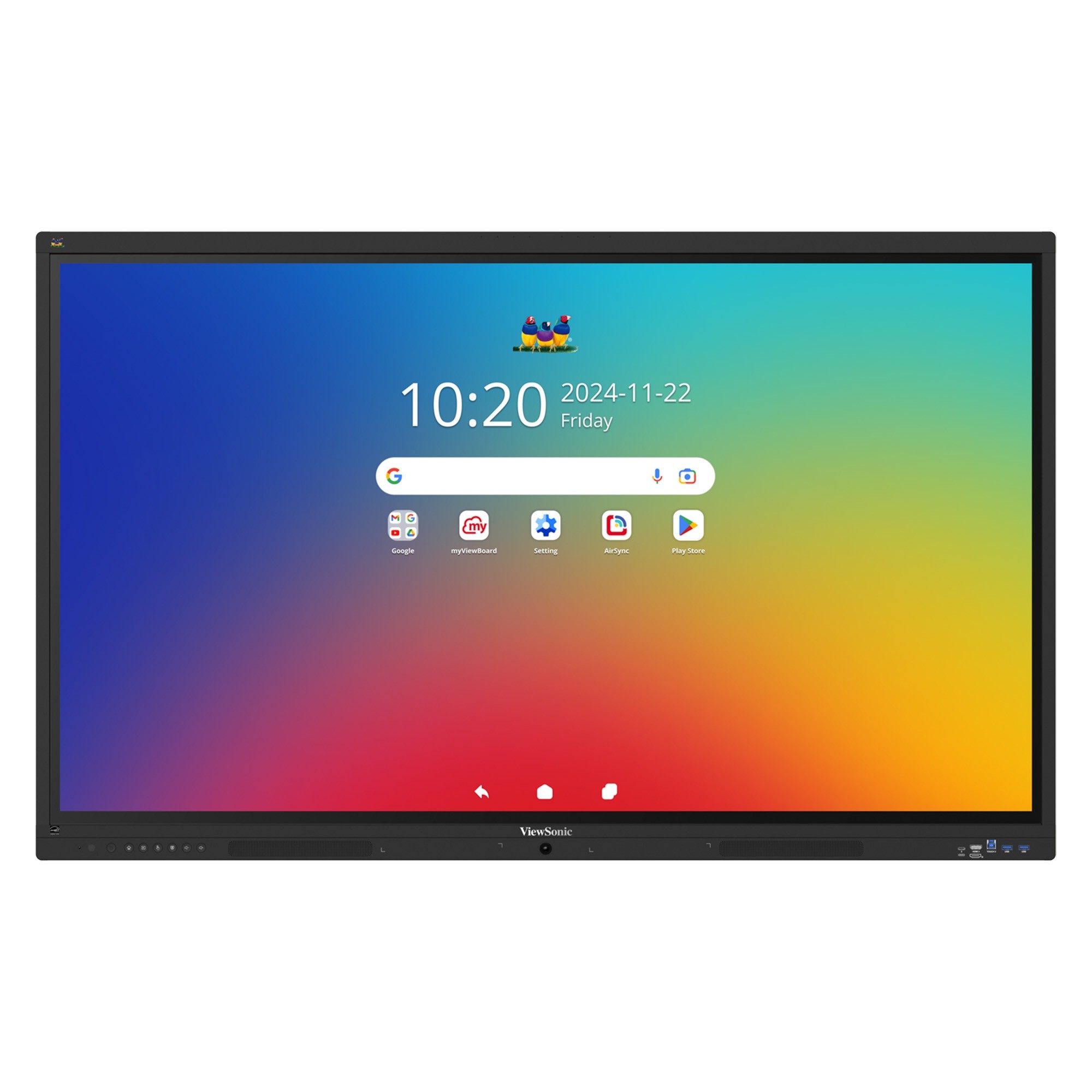
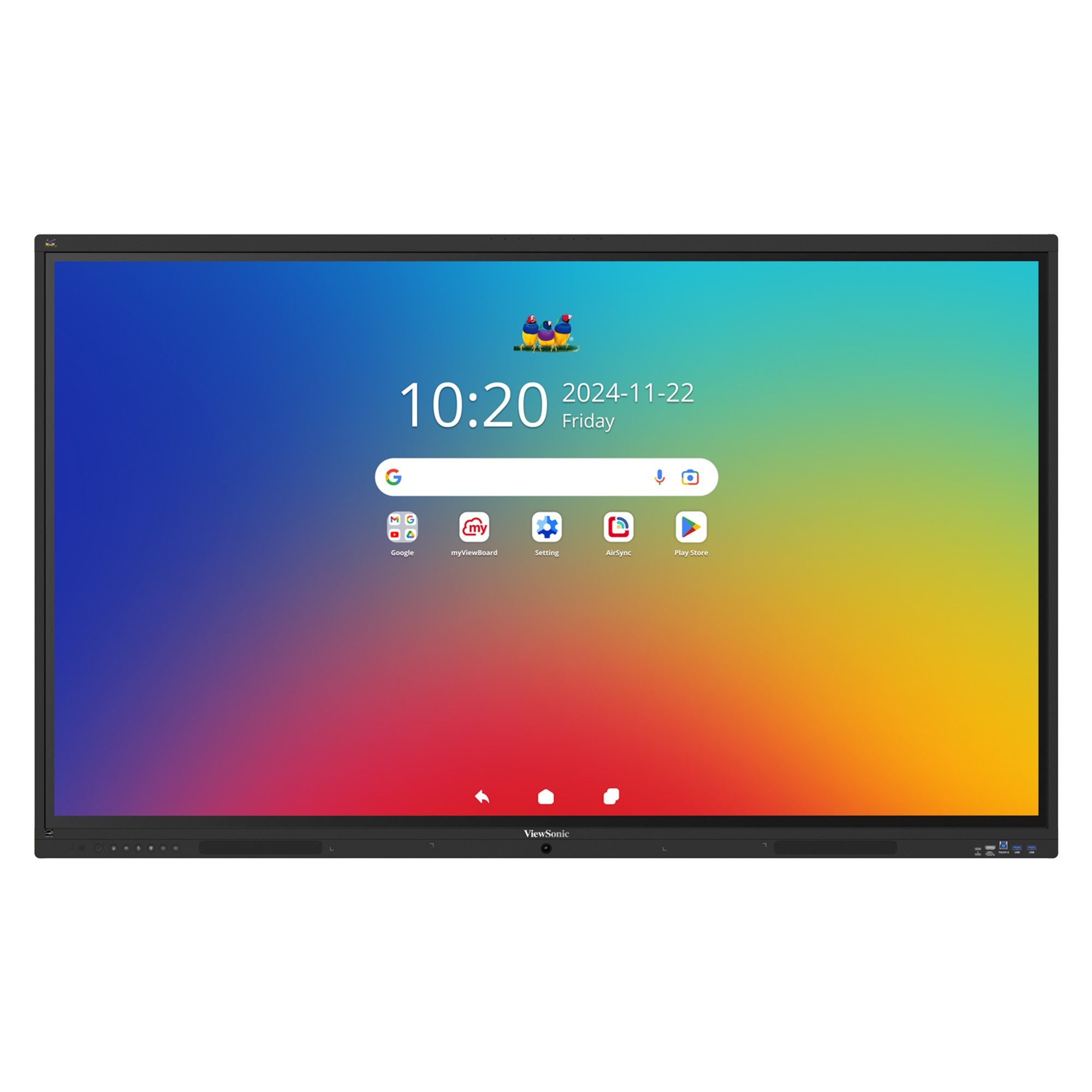
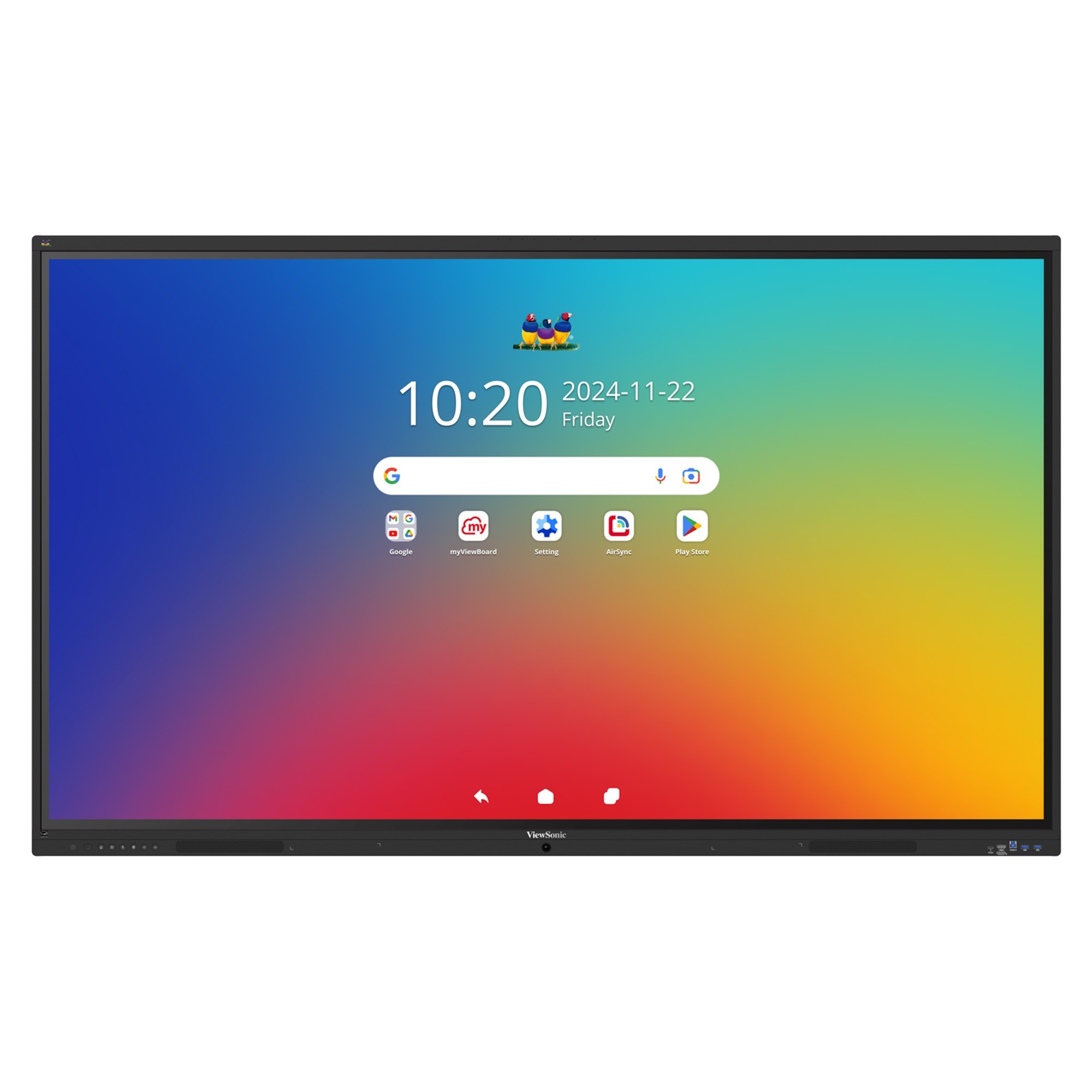

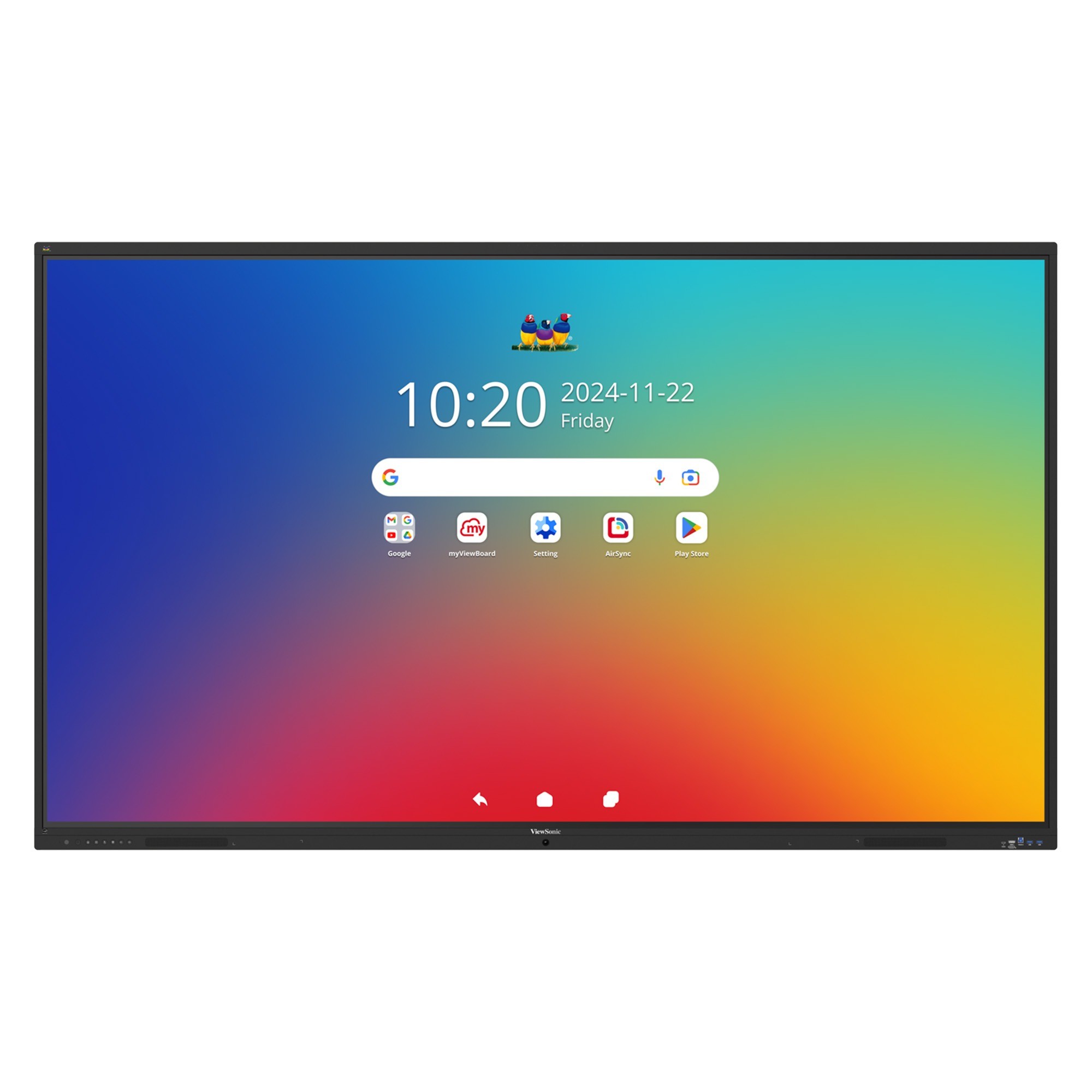
We recommend ViewSonic Manager and ViewSonic Manager Advanced™ as your primary tools to manage your devices. This software lets IT admins update, monitor and troubleshoot your screens from any web browser. You can push apps, schedule power cycles and send urgent messages instantly.

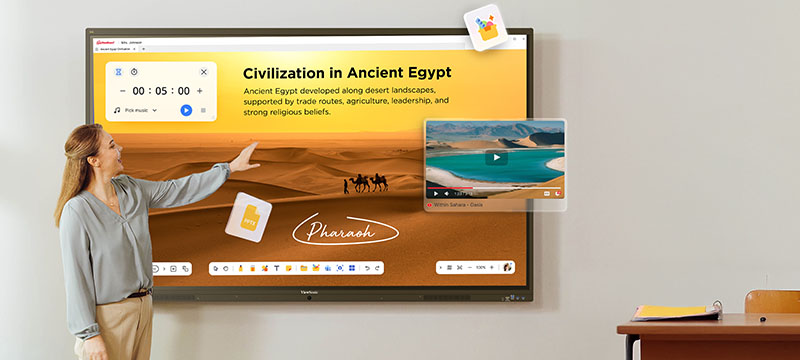
Tecnología educativa de alto rendimiento
para cualquier aula y cualquier presupuesto
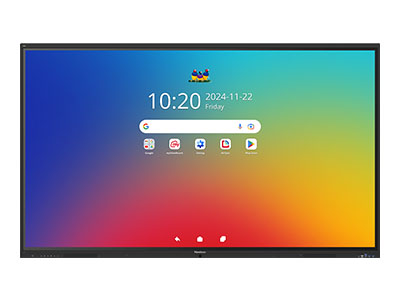
Pantallas interactivas ViewSonic® ViewBoard® IFP41
La serie ViewSonic® ViewBoard® IFP41 ofrece aprendizaje interactivo que es sencillo, confiable y económico. El tacto intuitivo, el software integrado para el aula y la conectividad USB-C sencilla la convierten en una opción inteligente para las escuelas.

Octa-core CPU and 8GB RAM

Sin inicio de sesión multiusuario mejorado

Barra de sonido frontal de 55W

Seguro por diseño con Android EDLA

Acceso nativo de Google y Microsoft

Hasta 64 puntos táctiles

Matriz de 8 micrófonos integrada

Resolución UHD 3840x2160
Octa-core CPU and 8GB RAM
Barra de sonido frontal de 55W
Seguro por diseño con Android EDLA
Acceso nativo de Google y Microsoft
Hasta 64 puntos táctiles
Matriz de 8 micrófonos integrada
Resolución UHD 3840x2160

Octa-core CPU
and 8GB RAM

70W Front-Facing
Soundbar

Secure by Design
with Android™ EDLA

Native Google and
Microsoft Access

Up to 64-Point
Touch Recognition

Built-in
8-Mic Array

UHD 3840x2160
Resolution

400 Nits
Brightness
IFP5541
IFP6541
IFP7541
IFP8641
IFP9841
Tamaño de pantalla
55"
65"
75"
86"
98"
Sistema operativo
Android 16 EDLA
Brillantez
400 nits
Vida útil del panel
65.000 horas
externos
2x 20W +
1x 15W Subwoofer
1x 15W Subwoofer
Micrófono
Micrófono de matriz de 8
Procesador
Rockchip RK3576
(Octa-Core A72*4 + A53*4)
(Octa-Core A72*4 + A53*4)
Memoria
8GB
Almacenamiento
128GB
USB-C
Entrega de energía 100W
Horario de atención
16 horas / 7 días
Vidrio
Antirreflejo
Dureza del lápiz 9H / 3.2 mm de espesor
Dureza del lápiz 9H / 3.2 mm de espesor
Puntos táctiles
64
Bruma
25%
Módulo Wi‑Fi
Incluido (WB-WIFI-004: WiFi 6 + BT5)
Sensores
Sensor de PIR y luz ambiental
NFC
N/C
Multitarea fluida sin retrasos ni demoras
Una CPU octa-core mejorada combinada con memoria DDR5 de alto ancho de banda ofrece tiempos de carga más rápidos y un rendimiento estable. Ejecute aplicaciones fácilmente, cambie las entradas y reproduzca contenido multimedia sin ralentizaciones, para que las lecciones y reuniones se mantengan en curso y sin interrupciones.
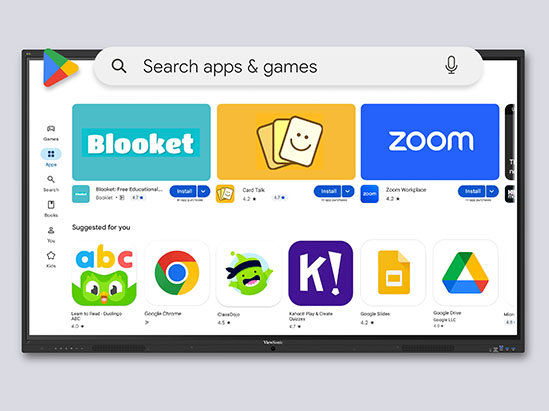
Acceso nativo de Google y Microsoft
Con la certificación EDLA, estas pantallas proporcionan acceso seguro e integrado a Google Play, Google Workspace y aplicaciones familiares del aula. Los docentes pueden colaborar usando Google Docs, Slides y Drive, además de acceder a las aplicaciones de Microsoft 365 a través de Google Play Store.
Experiencia de escritura suave y natural
La pantalla multitáctil de 64 puntos permite que varios usuarios escriban, dibujen o colaboren al mismo tiempo usando lápices ópticos o los dedos. La función integrada de rechazo de palma ignora los toques accidentales de las manos o las mangas, lo que permite escribir con fluidez y precisión, de forma natural y hace que las lecciones no tengan distracciones.
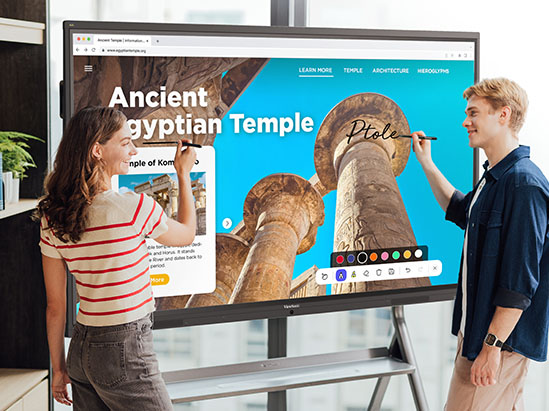
Lecciones interesantes con el software educativo de ViewSonic®
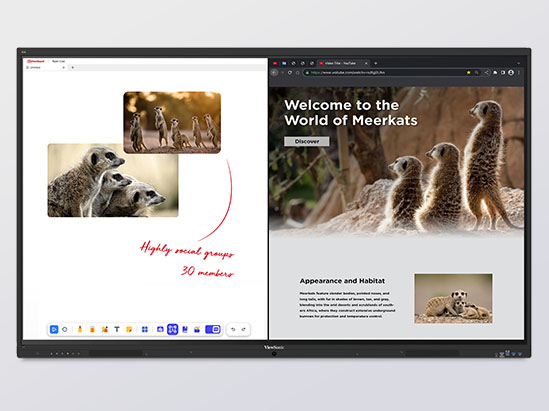
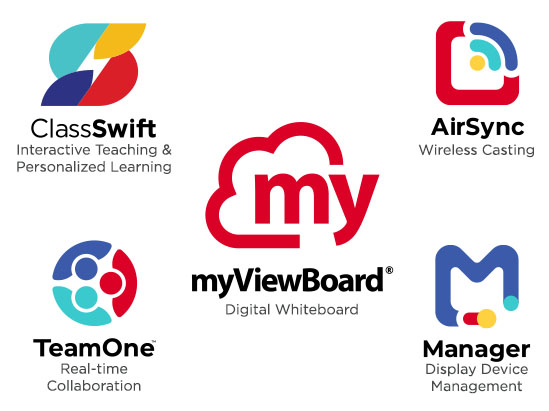
Estas pantallas incluyen myViewBoard®, AirSync™ y Manager™ y otras herramientas de software educativo de ViewSonic® sin costo adicional. Estas herramientas admiten pizarra digital, cuestionarios en tiempo real, uso compartido de pantalla, anotaciones y participación remota, lo que ayuda a dar vida a las ideas y las lecciones, al tiempo que mantiene a todos conectados y comprometidos.
ViewSonic Software Ecosystem
The ViewSonic software ecosystem helps educators, students, and staff connect, share, and manage devices more easily. From collaboration tools to device management, our solutions are designed to support better communication, flexible learning, and smarter workflows across your school.
ViewSonic® myViewBoard® Software
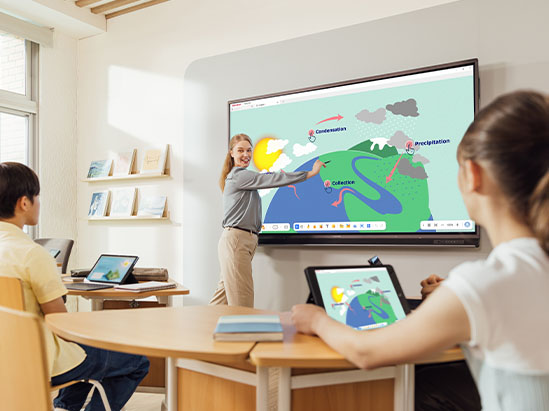
myViewBoard is an award-winning digital whiteboard that helps educators create engaging, dynamic lessons. Intuitive tools like Magic Box enable quick YouTube video and image searches, while built-in teaching aids and seamless OneDrive and Google Drive integration keep content accessible. Participate Mode lets up to six students collaborate in real time. Plus, built-in ClassSwift quiz tools allow teachers to instantly check for understanding using content from any source.
Check Compatibility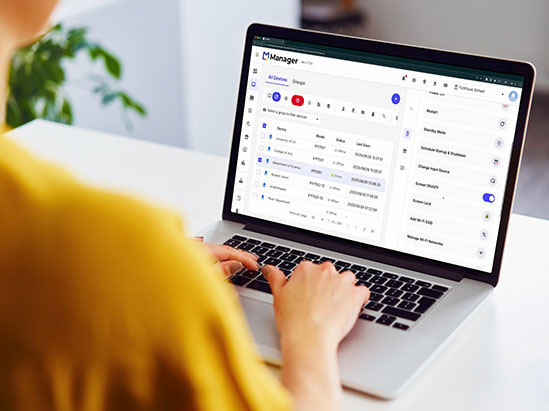
ViewSonic Manager™
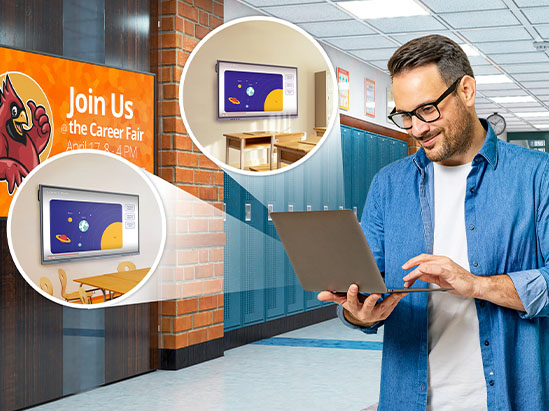
Leveraging the power of Google Admin Console and EDLA-certified devices, schools can seamlessly manage applications, track device inventory, and remotely oversee user accounts. ViewSonic Manager, a robust device management solution, complements these capabilities by offering comprehensive control and management of displays across the school network.
Check Compatibility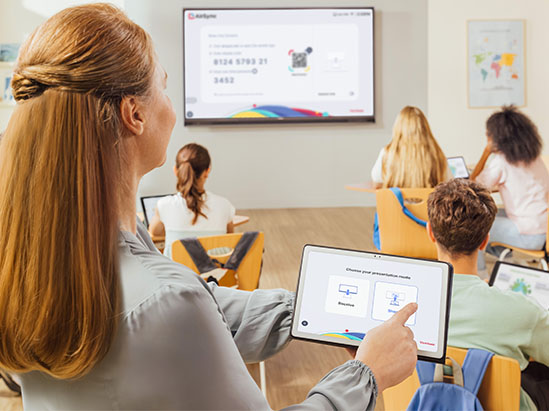
Fácil transmisión y uso compartido de pantalla
With our ViewSonic AirSync software, you can wirelessly share your screen from any device. It even works with tools you already use, like AirPlay and Google Cast.
Audio inmersivo que todos pueden escuchar
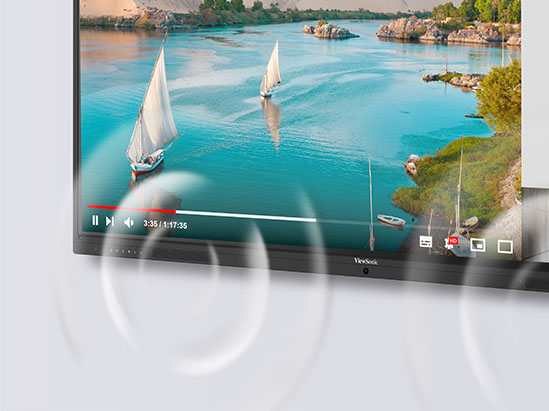
A powerful 70W front-facing soundbar with a built-in subwoofer delivers clear, room-filling sound. The integrated beamforming microphone array captures voices from up to 8 meters away with noise cancellation, making it ideal for hybrid learning, lesson recording, and clear classroom discussions.
Simplicidad de un solo cable USB-C
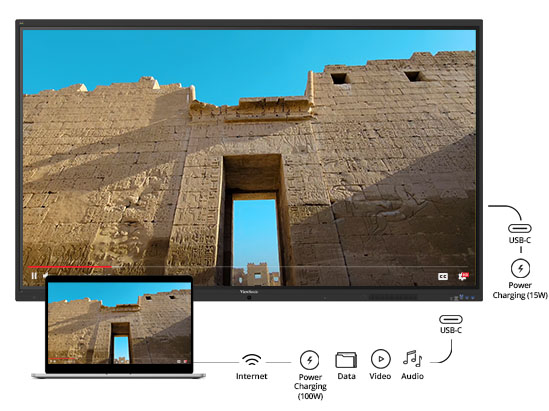
Simplifique la configuración del aula con un único cable USB-C que gestiona pantalla, función táctil, audio, datos, red y hasta 100W de potencia. Los docentes se conectan una sola vez y quedan listos para enseñar, mientras que los equipos de TI se benefician de instalaciones más simples y de una menor cantidad de cables que gestionar en las aulas.
Eficiencia energética por diseño
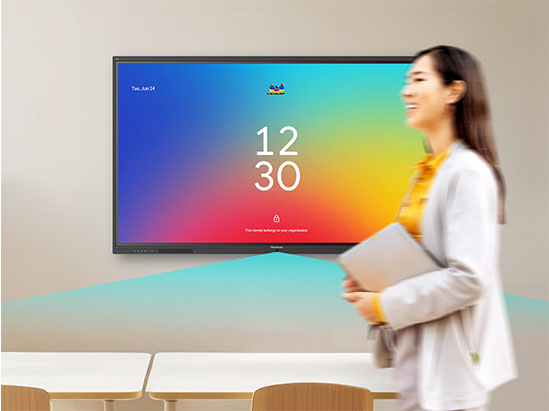
Los sensores integrados de luz ambiental y movimiento ajustan automáticamente la brillantez y administran la energía en función de la actividad de la habitación. La pantalla se activa cuando alguien entra y se apaga cuando la sala está vacía, lo que reduce significativamente el consumo de electricidad a lo largo del tiempo. Este enfoque ecológico no solo respalda las iniciativas ecológicas de su distrito, sino que también extiende la vida operativa de su hardware, lo que maximiza su inversión.
Seguro y fácil de gestionar
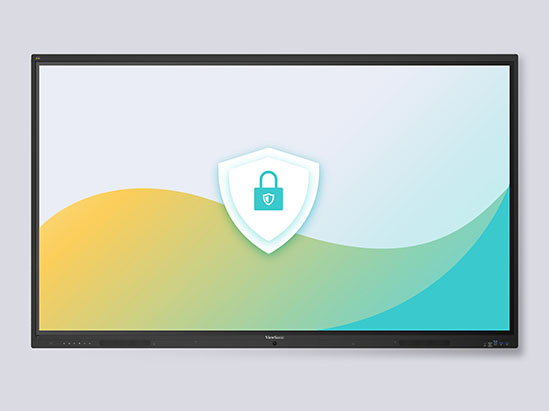
Centralized Control with ViewSonic® Manager™
Flexible Supplemental Management
Already use Google or Microsoft? You can also use Google Workspace Enterprise and Microsoft Intune as supplemental management options. These tools work alongside our software to help you manage user policies, enforce security settings and control app access across your entire network.
Más informaciónComplete su configuración
A great display is just the beginning. Maximize your IFP41 investment with purpose-built accessories tailored to your school’s unique needs. Whether you need to mount screens securely to the wall, roll them between classrooms or plug in an onboard computer, we have the hardware to make it happen.
Let’s make sure your classrooms are ready on day one.
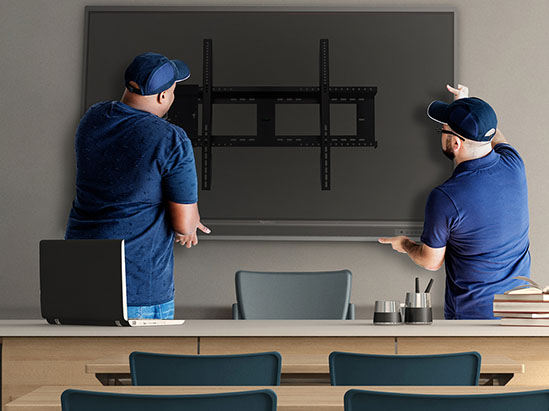
Montaje de pared
A wobbly mount is a liability. The ViewSonic WMK-047-2 wall mount is purpose-built for ViewBoard displays, giving you the correct tilt, VESA alignment, and cable management to pass any facilities inspection on the first try.
Why schools add it:
- Reduces glare and improves sightlines for every student.
- Panel and mount can be purchased together, simplifying E-Rate budgeting.
- A single vendor means a single warranty conversation.
Carros móviles
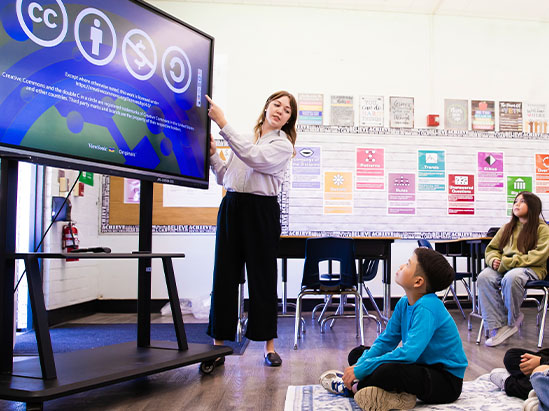
Not every classroom needs its own panel. The VB-STND-007 and VB-STND-009 mobile carts let a single IFP41 roll safely between classrooms, the library, and the gym. They can be moved by one teacher with no IT help required.
Why schools add it:
- 360° locking casters ensure safe movement with no risk of tipping.
- Built to last with support for displays up to 105” and up to 265 lbs.
PC para ranura
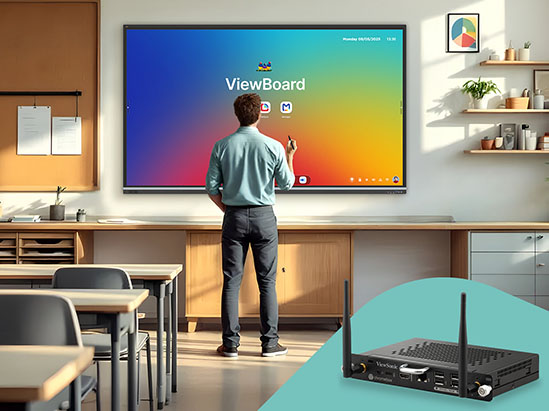
Stop depending on the teacher’s laptop. The VPC13-C33 and VPCF5-W55 slot-in PCs let you “change the brain” of your display with zero cabling, turning your ViewBoard into a fully self-sufficient Windows or ChromeOS classroom computer.
Why schools add it:
- Microsoft and Google apps natively on the panel, so no laptop is needed.
- Upgrade the module when the operating system ages out, not the panel.
- Passes district policy. Additionally there’s no loose cables or exposed devices.
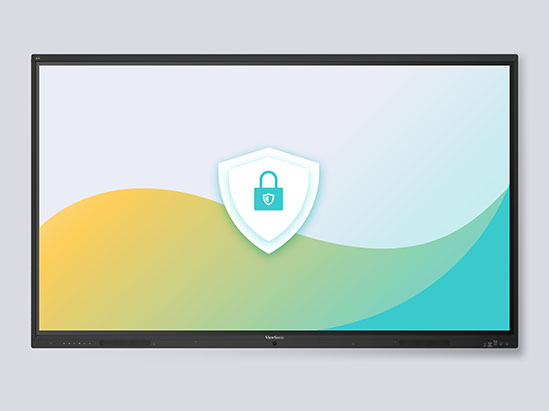
Seguro y fácil de gestionar
Las funciones de seguridad integradas incluyen actualizaciones automáticas de Google, Google Play Protect, cifrado de datos y autenticación bidireccional. Los administradores de TI pueden gestionar los dispositivos de forma centralizada usando ViewSonic Manager, Google Workspace Enterprise Management o Microsoft Intune para la implementación de aplicaciones, control de políticas, configuración remota y monitoreo en tiempo real.
Productos destacados


Mantente a la vanguardia con soluciones de ViewSonic
Suscríbete para recibir lanzamientos de productos, casos de éxito y las últimas novedades en soluciones de visualización para tu empresa.
Al hacer clic en "Suscribirme", aceptas recibir nuestro boletín informativo. Puedes darte de baja en cualquier momento.

Formulario de inicio de sesión y registro