Accesorios
Optimice su Configuración
Más información
ViewSonic Software
Descubra un conjunto integral de herramientas diseñadas para enriquecer y elevar las experiencias de aprendizaje en todos los entornos.
Aula

Colaboración

TeamOne
Software de colaboración sin esfuerzo en todos los entornos y sectores

AirSync
Sincronice sus pantallas en todos sus dispositivos para un flujo de trabajo impecable.
Administración de dispositivos

Manager
Poderosa gestión de dispositivos basada en la nube para todos sus dispositivos
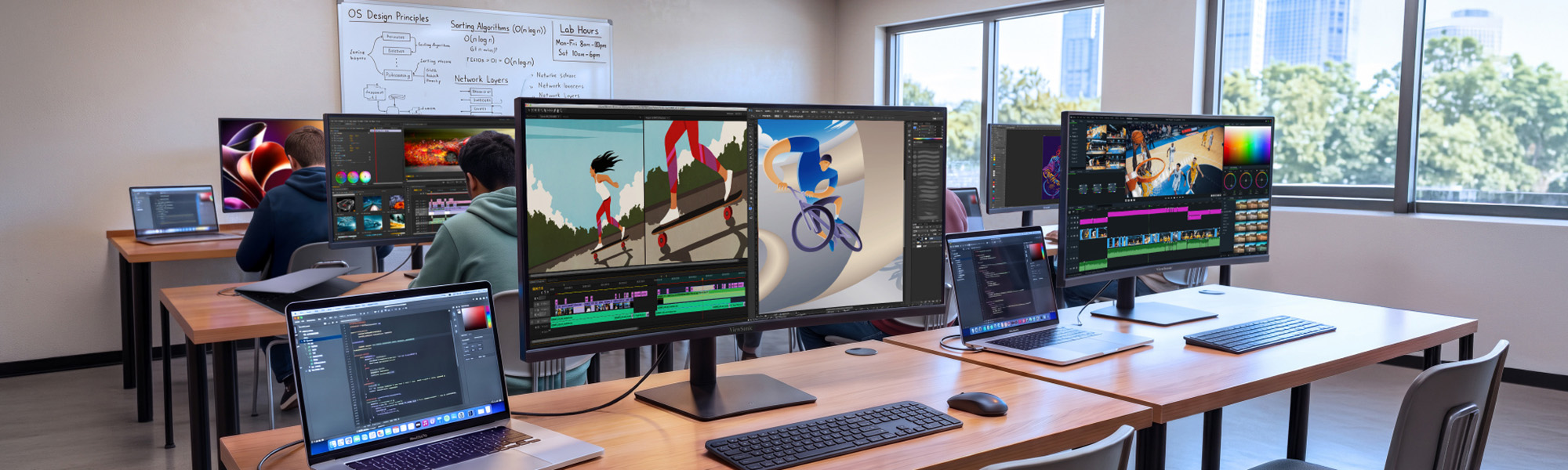

Between lecture prep, research and grading papers, faculty and staff workflows often exceed what standard monitors can adequately display. The ViewSonic® VG Series of curved ultrawide monitors gives them room for all of it on one screen, creating a seamless digital workspace where documents, dashboards and apps sit side by side.
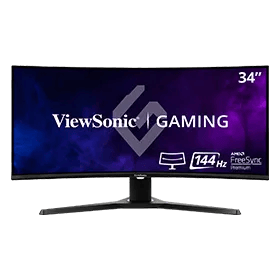
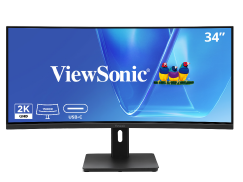
34" 21:9 Curved
180Hz Gaming Monitor
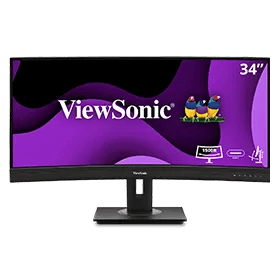
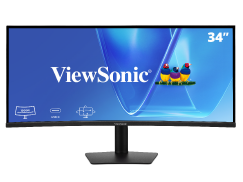
34" UWQHD 21:9
Curved Docking Monitor
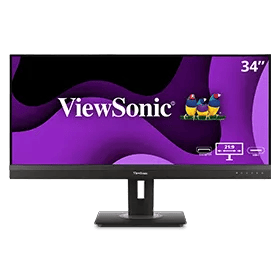
34" UWQHD 21:9
Curved Webcam Monitor
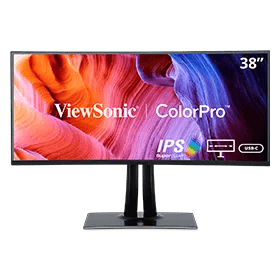
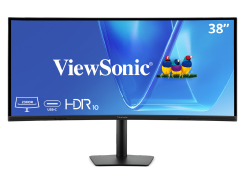
38” WQHD+ ColorPro® 21:9 Curved
Docking Monitor with 90W USB-C

34" UWQHD 21:9
Curved ColorPro Monotor
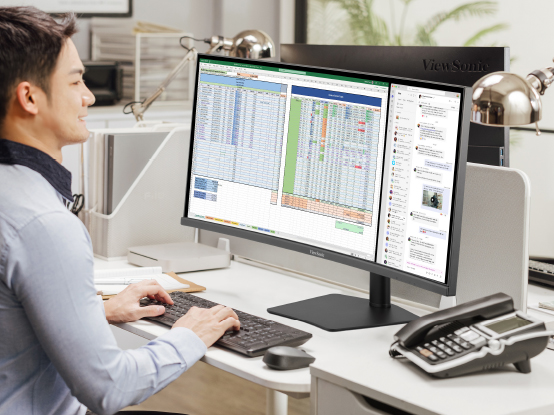
Con más espacio en pantalla, los monitores ultraanchos le permiten mostrar más contenido, cambiar entre aplicaciones de forma más rápida, ver documentos uno al lado del otro y ver varias ventanas a la vez.

One seamless VG Series curved ultrawide does the work of two monitors and a docking station, so there’s nothing to mount, cable or manage twice. Faculty and staff get a continuous workspace with no bezel down the middle, while campus IT buys, deploys and tracks a single display instead of two.
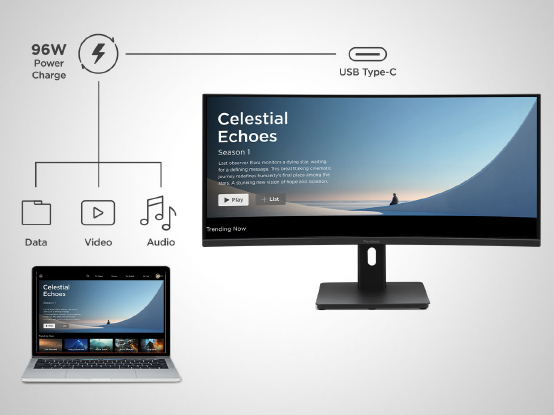
One USB-C cable carries video, data and 96W of power to a laptop, enough to fast-charge demanding modern devices without a separate dock or power brick. Desks stay clear, shared workstations stay simple, and students or staff just plug in one cable and get to work.
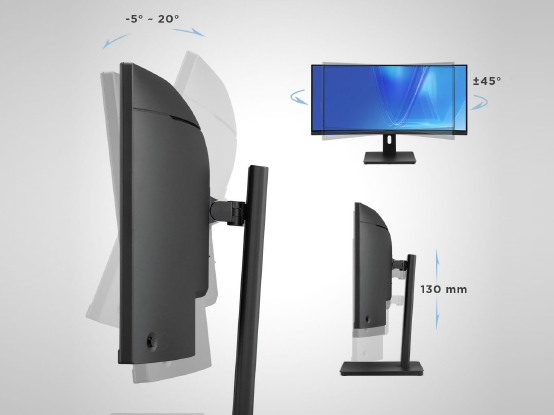
Fully adjustable stands tilt, swivel and raise to fit each person, so faculty, staff and students find a comfortable position and keep it. That means less neck strain and fatigue through long days of teaching, research, grading and creative work, plus an easy setup for shared or hot desks.
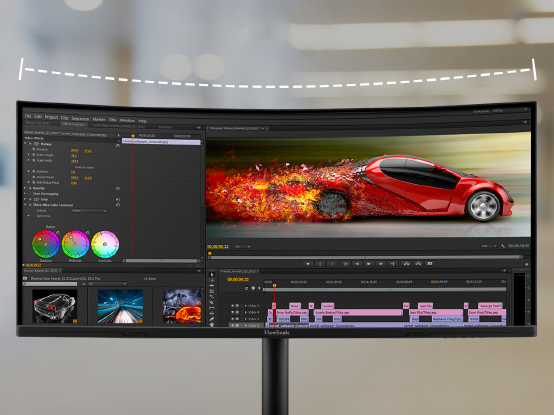
Crisp UWQHD and WQHD+ resolution keeps text sharp and easy on the eyes, while up to 120Hz on the 34” models makes multitasking feel fluid. It’s premium curved performance at a price built for campus budgets, so you can outfit more desks without stretching the year’s spend.
ViewSonic backs every VG Series ultrawide with a 3-year limited warranty and one of the industry’s best pixel performance policies, well beyond the one-year coverage on comparable competitors models. Longer support means lower lifetime cost, fewer surprises and confident multi-year planning for campus IT.
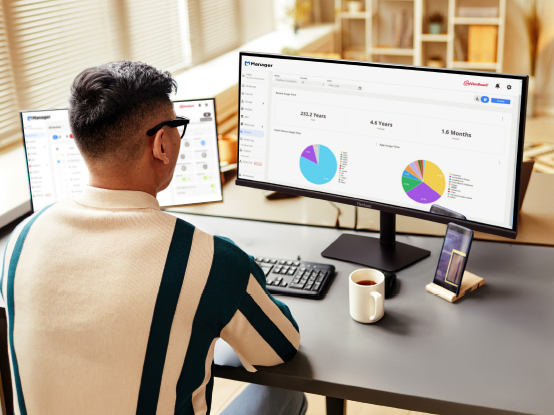
¿Necesita espacio adicional en la pantalla, pero no está seguro si debe usar solo una sola pantalla ultra ancha o una configuración de monitor dual? Así es cómo usted puede elegir.




Desbloquee
15 % de DESCUENTO
al suscribirse.
Al hacer clic en "CONTINUAR", usted acepta recibir nuestro boletín de noticias. Puede darse de baja en cualquier momento. El descuento se aplica únicamente a un (1) artículo, no a todo el pedido. La oferta no se puede acumular ni combinar con ninguna otra promoción o código promocional.

Formulario de inicio de sesión y registro