 Teacher's Community
  Support
Classroom Screens: When to Choose a Projector Over an Interactive Flat Panel
- Sep 15, 2026
Buyer's Guide | Nov 12 2025
Classroom Screens: When to
Choose a Projector Over an
Interactive Flat Panel
Interactive flat panels (IFPs) play a big role in modern schools, turning lessons into engaging, hands-on learning experiences. However, when you’re outfitting a large lecture hall or planning a district-wide refresh with a limited budget, you might have to look at other solutions.
That’s where projectors come in. When the goal is maximum visual impact per dollar, a high-brightness projector like the ViewSonic® LSD500HD laser projector is a better choice.
Interactive Display vs Projector: What’s the Difference?
Both interactive flat panels and projectors have a place in modern education. The right choice comes down to the size of the space, how the screen will be used, and what your AV budget allows for.
Here is a closer look at what each brings to the table.
Benefits of a Projector for Education
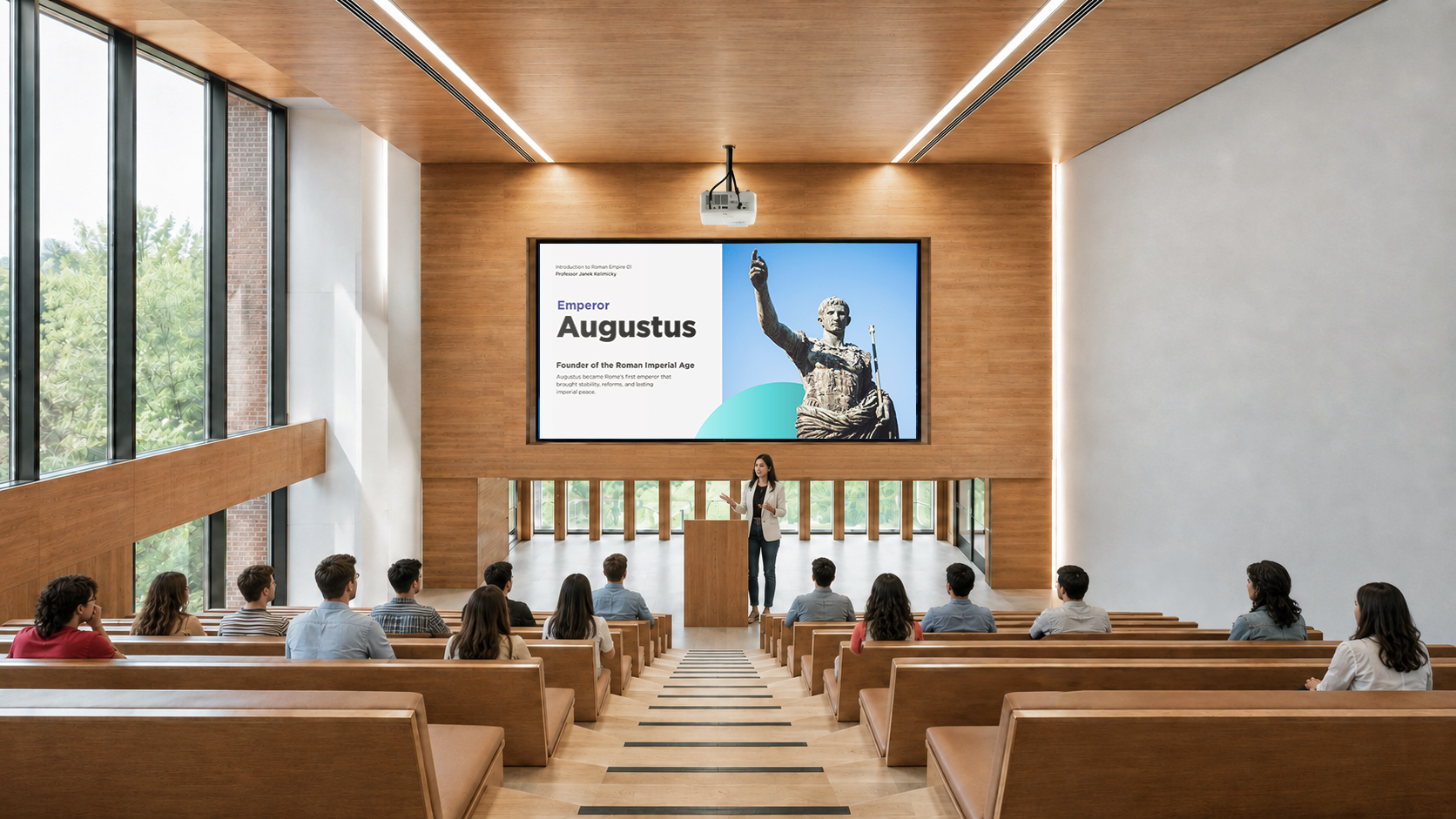
For venues like lecture halls or auditoriums or when your goal is maximum visual impact per dollar, projectors are the best choice. They come with several benefits for school environments:
They come with several benefits for school environments:
- Large image size: Projectors like the ViewSonic LSD500HD can project up to a 300” screen, offering a lower cost-per-inch compared to other types of screens.
- Brightness that holds up in daylight: Gone are the days of darkening the room to see a washed-out image. Projectors delivering over 5,000 ANSI lumens ensure vibrant, sharp projection across all campus spaces.
- Flexible installation: Projectors can be installed in a wide variety of room configurations, including ceiling-mounted, portrait mode, or non-standard setups.
- Wireless casting ready: Paired with a casting device like the ViewShare™ WPD-900, instructors can wirelessly share their content instantly, supporting BYOD environments without any app or network dependency.
Benefits of an Interactive Display for Education
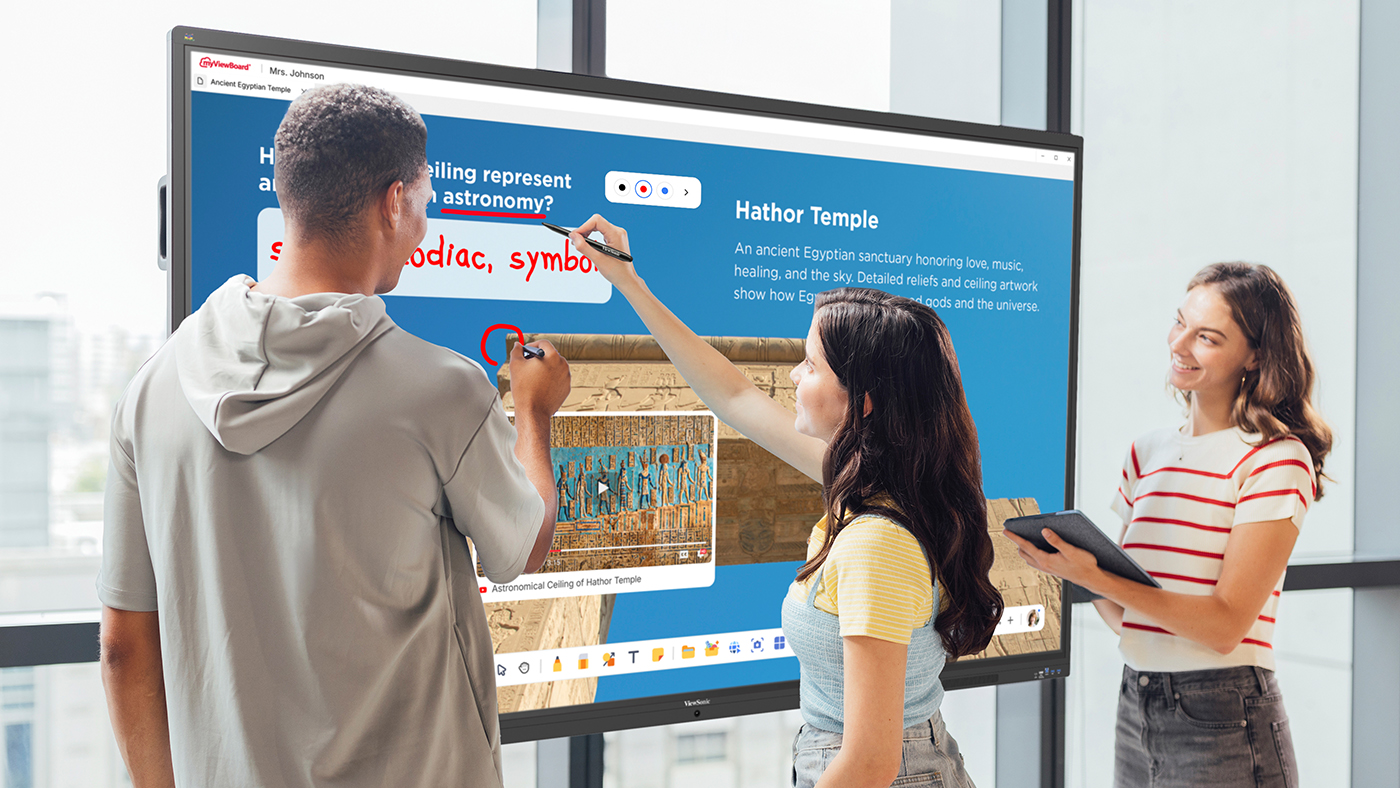
Interactive flat panels are the premium option for active, small to medium-sized classrooms where interactivity and collaboration are central to the teaching approach.
Key benefits of these displays include:
- Touch interactivity: Interactie whiteboards allow teachers and students to interact directly with content on screen, supporting hands-on learning and collaborative activities.
- Split-screen multitasking: Teachers can run side-by-side applications, such as displaying a textbook or quiz on one side while taking whiteboarding notes on the other, without switching tabs or losing context.
- Built-in software ecosystem: Models like the ViewSonic IFP41 Series come with myViewBoard built in and feature Android EDLA, providing access to the Google Play Store.
- All-in-one simplicity: With a built-in microphone, speakers, and software, interactive displays are a single-device solution that minimizes cable clutter and setup time.
| Interactive Flat Panel | Projector | |
| Best for | Small to medium classrooms | Large venues and budget-conscious rollouts |
| Max screen size | Typically up to 110" | Up to 300" |
| Upfront cost | Higher | Lower |
| Image in ambient light | Consistent regardless of lighting | Good with a high-brightness projector |
| Installation flexibility | Fixed wall mount or trolley | Ceiling, floor, portrait, or non-standard setups |
| Interactivity | Yes | No |
| Maintenance | Minimal | Minimal (lamp-free projector) |
| Lifespan | 50,000+ hours (LED backlight) | 20,000-30,000 hrs (laser) / 2,000-5,000 hrs (lamp) |
Final Thoughts
Choosing between an interactive flat panel and a projector isn’t about deciding which technology is better. It’s about matching the right tool to the right environment.
If your priority is improving collaboration in classrooms, an IFP is the clear winner. However, if you need to fill a massive space, outfit multiple rooms on a tight budget, or simply need high-impact visual delivery, a high-brightness projector like the ViewSonic LSD500HD provides unmatched value per inch.
Frequently Asked Questions
Your hardware shouldn’t dictate your physical space. From portrait mode setups for digital signage to floor projections for unique learning experiences, look for 360° rotation capabilities that open up new teaching possibilities.
How do I decide between an IFP and a projector for my school?
Here’s a quick rule of thumb:
- Choose an interactive display for small to medium-sized classrooms where interactivity, group work, and integrated software would enhance the teaching and learning experience.
- Choose a projector for large spaces like auditoriums and lecture halls requiring display sizes over 100 inches.
Do projectors require frequent maintenance?
Traditional lamp-based projectors require regular bulb changes. LCD technology-based projectors require air filter replacements. Modern LED and laser-powered DLP projectors, on the other hand, offer lifespans between 20,000 and 30,000 hours with no lamps or filters to replace.
Can a projector be used in a bright classroom?
Yes, provided it has sufficient brightness. Many modern laser projectors offer high ANSI lumen ratings (often 4,000 to 5,000+ lumens), allowing them to project clear, vibrant images even in rooms with ambient light.
Can teachers and students wirelessly stream content to a projector?
Yes. While interactive flat panels often include built-in wireless casting software, standard projectors can easily support wireless streaming when paired with a casting device, such as the ViewShare WPD-900 Wireless Presentation System. If you’re looking for more control and want to have Miracast and AirPlay disabled by default, choose the WPD-900E model.
What is the cost difference between an IFP and a projector?
Depending on the size of the display, a quality interactive flat panel typically ranges from a thousand dollars for entry-level models up to significantly more for larger sizes with advanced features. A high-quality laser projector, by comparison, can deliver a much larger image at a lower upfront cost. Additionally, the ViewSonic LSD500HD uses 62% less power than traditional lamp models, keeping energy bills low.
Comparative claims are based on specific features and publicly available manufacturer specifications as of the date of publication, and are not intended to represent a comprehensive evaluation of all product attributes. Any references to competitors’ products or trademarks, including ‘Epson,’ as well as third-party hardware or software platforms, are for identification and compatibility purposes only and do not imply endorsement, affiliation, or sponsorship by their respective owners.


Login and Registration Form