
16:10 Portable Monitors for Business
- Jul 20, 2026
16:10 Portable Monitors for Business
Discover why 16:10 is the new enterprise portable monitor standard. ViewSonic’s portable 16:10 monitors deliver sharper resolution and USB-C connectivity for modern business teams.
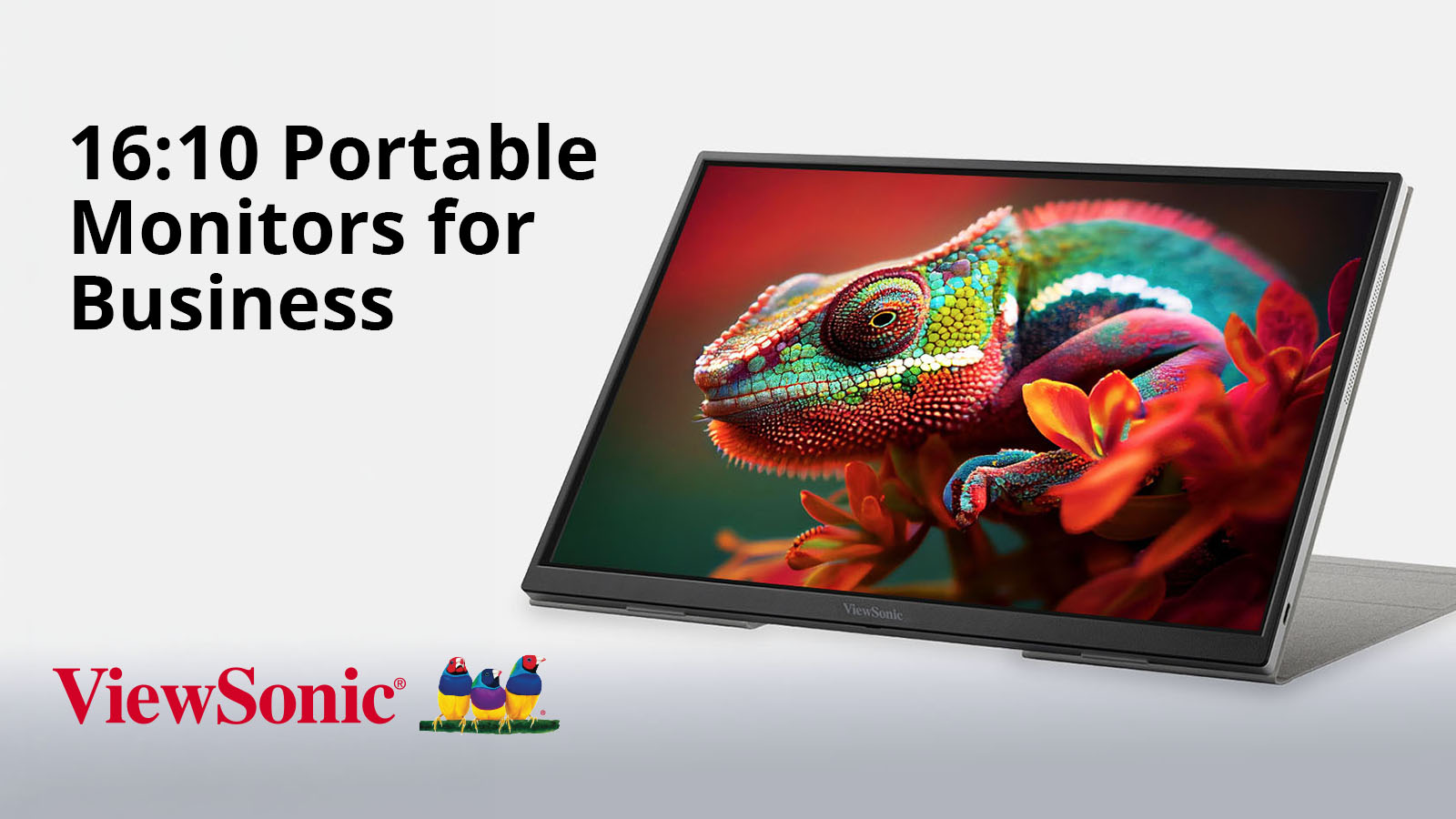
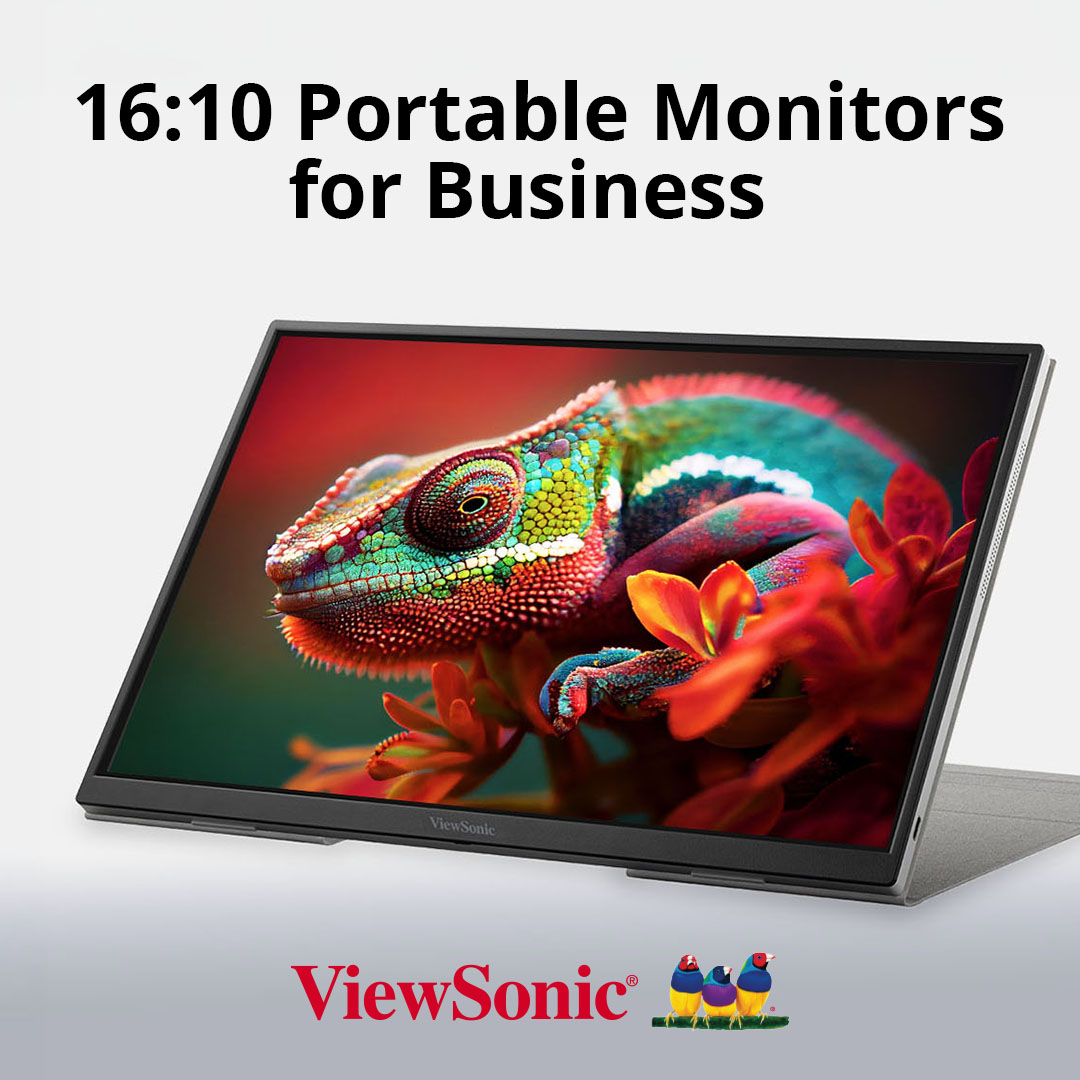
Best 16:10 Portable Monitors for Business Laptops and Hybrid Work
If you’ve upgraded your work laptop recently, you’ve probably noticed that the screens are suddenly getting taller.
Behind this shift is one of the biggest trends right now in enterprise hardware: modern business laptops abandoning the widescreen format in favor of 16:10 displays to give users more room to work.
But if your portable monitor doesn’t match, dragging windows between screens can break your layout. You’ll end up wasting time resizing windows and reformatting documents instead of getting things done.
A matching 16:10 portable monitor fixes this headache. It gives you that same extra vertical space for spreadsheets, documents, code, dashboards and presentations so everything flows together.
The ViewSonic® VG1656-2K, TD1656-2K, VG1656N, VP1656 and VG1457 are built specifically to complement this new generation of 16:10 business hardware. They turn your laptop into a cohesive multi-screen workstation anywhere work happens.
Why the Shift?
Widescreen 16:9 displays were originally built for video, not productivity.
The business world simply inherited the format because it was the default layout for consumer TVs and monitors at the time.
However, using a video layout for data and text can create constant friction. The lack of vertical space forces you to scroll endlessly through files and data sheets, while mismatched screen shapes disrupt your focus every time you move a window.
As laptops move to 16:10 displays for more screen real estate, ViewSonic now offers portable monitors to pair with them for a seamless multi-screen setup.
What Are The Benefits Of A 16:10 Portable Monitor For Business?
Switching to a 16:10 portable display provides some distinct advantages:
- Extra Vertical Workspace: A 16:10 monitor delivers significantly more vertical area than a standard widescreen. That means more lines of text, more rows of data and more project details are visible at once.
- Visual Continuity: When your portable screen matches your laptop’s aspect ratio, moving windows between displays is completely fluid. You won’t have to deal with stretched windows, weird scaling issues or broken layouts.
- Matches Modern Resolution Standards: Running at WQXGA (2560 x 1600) or WUXGA (1920 x 1200) resolution, these monitors render text, data and design assets with razor-sharp clarity.
ViewSonic 16:10 Portable Monitor Portfolio
Feature Matrix
| Model | Screen Size | Resolution | Connectivity and Power | Standout Features | Best For |
|---|---|---|---|---|---|
| VG1656-2K | 16" | WQXGA 2560 x 1600 |
Dual USB-C with 65W Pass-through Charging |
Lightweight layout with G-sensor and auto-rotation |
Financial modeling, coding and data analysis |
| TD1656-2K | 16" | WQXGA 2560 x 1600 |
Dual USB-C with 65W Pass-through Charging |
10-point capacitive touchscreen |
Touch annotation, digital signatures and presentations |
| VG1656N | 16" | WUXGA 1920 x 1200 |
Dual USB-C with 60W Pass-through Charging |
Built-in battery (~3 hrs) and wireless casting |
Wireless and battery-powered mobile workflows |
| VP1656 | 16" | WUXGA 1920 x 1200 |
Dual USB-C with 40W Pass-through Charging |
Pantone Validated, Delta E <2 color accuracy |
Color-critical work and creative fieldwork |
| VG1457 | Dual 14" |
WUXGA 1920 x 1200 per screen |
Dual USB-C with 65W External Pass- through |
Foldable dual- screen with 340° Share mode and Dual Source mode |
Triple-screen mobile setup and client collaboration |
Which 16:10 Portable Monitor Is Right for Your Workflow?
VG1656-2K: Best Overall for Business Productivity
The VG1656-2K serves as an excellent everyday workhorse for data analysts, developers, consultants and general business users looking for a high-performing second screen. It’s a reliable choice for hybrid workers who want to maximize their desktop space without dragging around heavy equipment.
- Stunning Visuals: Over four million pixels across the 16-inch WQXGA IPS panel keep text, spreadsheet cells and complex code looking incredibly sharp.
- USB-C Connectivity: Dual bidirectional USB-C ports let you handle video, data and up to 65W of pass-through charging, all over a single connection.
- Auto-Rotation: An internal G-sensor tracks the screen’s physical orientation and rotates your view automatically when you flip between wide sheets and long document columns.*
- Built for Travel: The entire display weighs under 2 lbs. and measures less than half an inch thick, featuring a protective smart cover that folds right into an adjustable desk stand without needing extra accessories.

TD1656-2K: Best for Touch and Annotation
If your daily workflow relies on direct hands-on interaction, the TD1656-2K adds touch to the same premium 16:10 display. It’s built specifically for users who need a more interactive approach to digital documentation and live presentations.
- Intuitive Screen Control: A 10-point capacitive touchscreen lets you naturally annotate documents, swipe through dashboards and navigate files with the speed and directness of a tablet.
- Fluid Gestures: Everyday actions like pinching, swiping and marking up files work in a way no mouse can replicate.
- Cross-Platform Capabilities: Mac users get full interactive touch feedback by using ViewSonic vTouch software, while Windows users get native plug-and-play support right out of the box.
- Highly Portable Design: The device retains the same lightweight, sub-2 lb. framework as the VG1656-2K, delivering full WQXGA 2K clarity, dual 65W USB-C connectivity and G-sensor auto-rotation.*
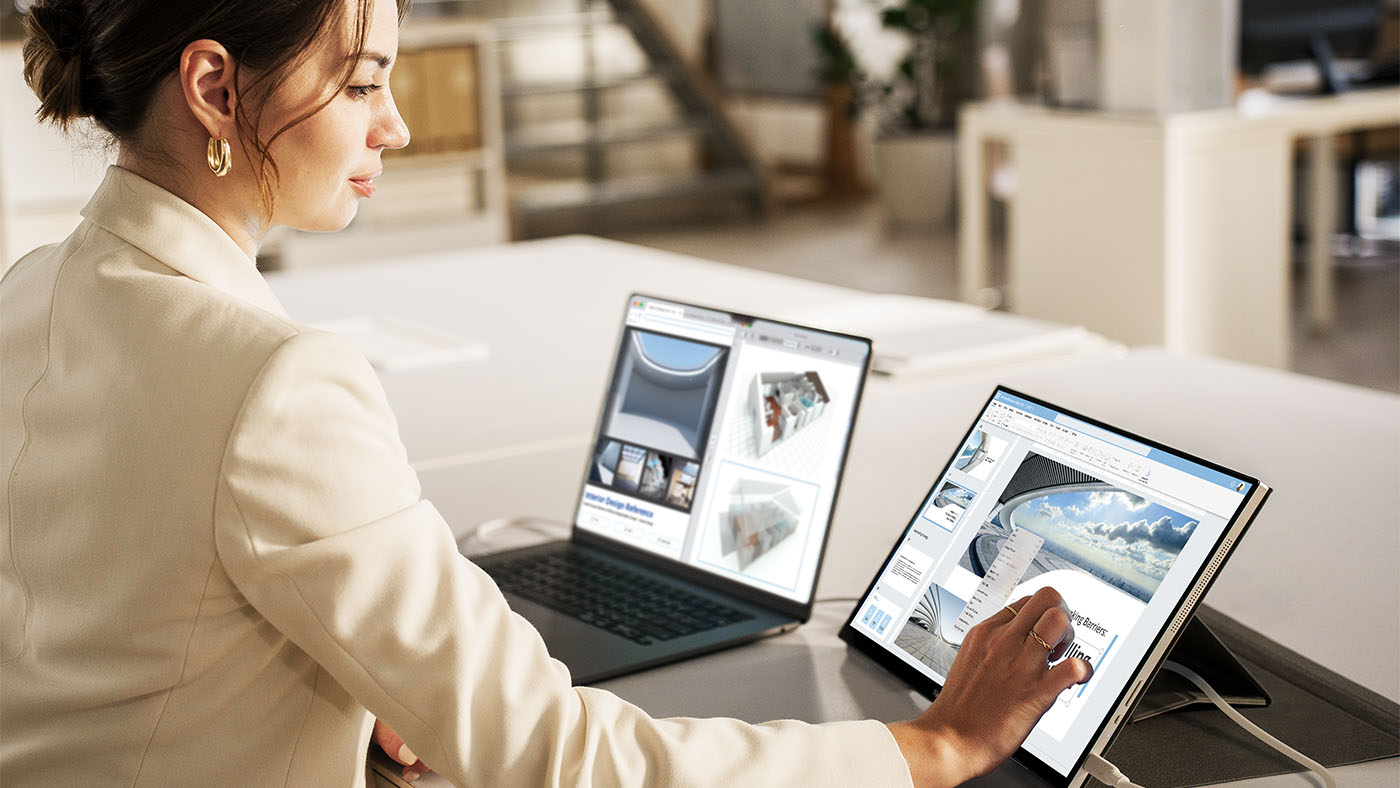
VG1656N: Best for Wireless Presentations and Travel
Professionals who constantly present on the move without guaranteed access to power outlets or video cables will find freedom in the battery-powered VG1656N. It’s optimized for client locations, shared workspaces and on-the-road travel.
- Cable-Free Casting: An included USB-C wireless dongle allows you to cast your laptop screen from up to 50 feet away with zero physical cords.
- Reliable Standalone Power: The internal 4,000mAh battery provides up to three hours of standalone operation, so you can step into a meeting without scouting the room for an outlet first.
- Versatile Mobile Layouts: Its 1920 x 1200 WUXGA resolution displays razor-sharp text for spreadsheets, documents and dashboards while traveling comfortably at around 3 lbs.
- Flexible Charging: When you prefer a wired setup, the dual USB-C ports handle 60W of bidirectional power.
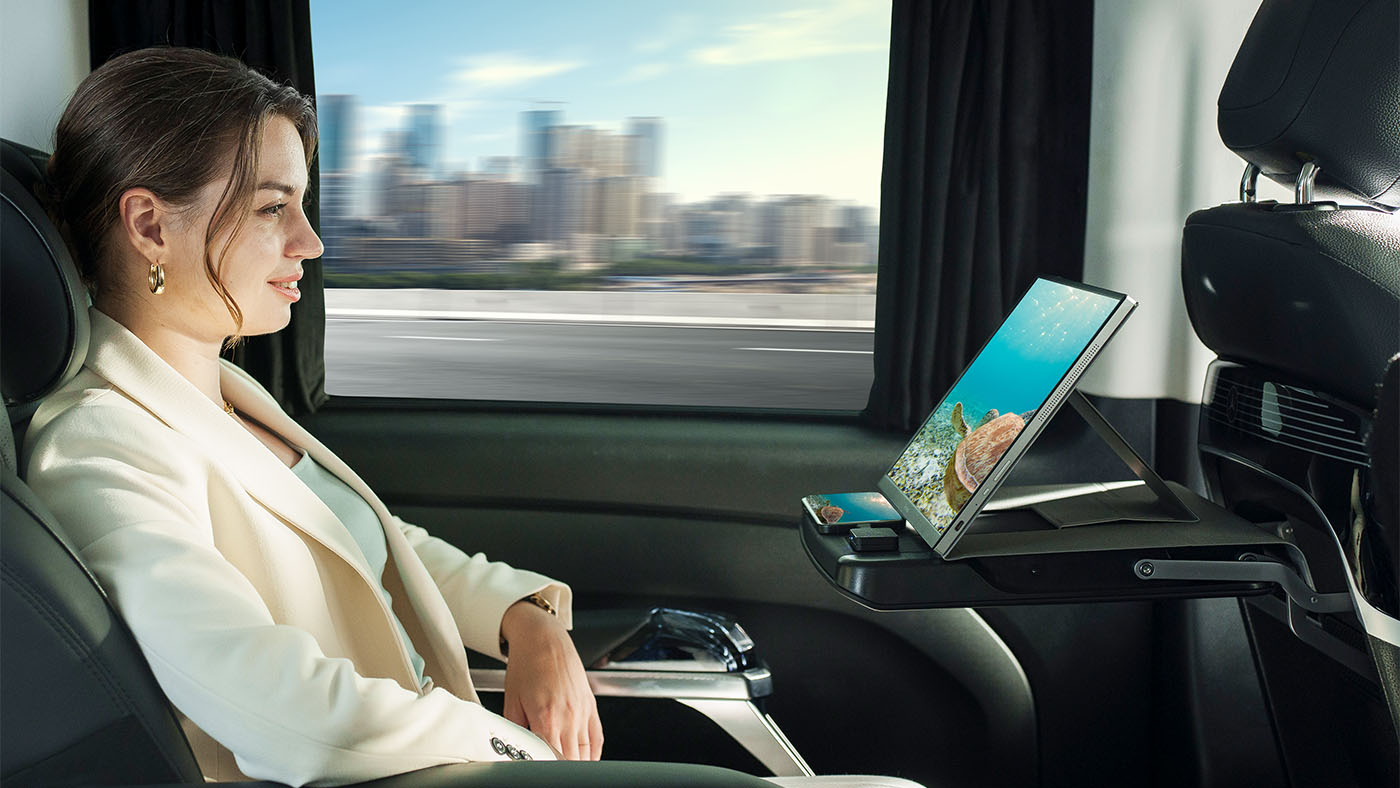
VP1656: Best for Creative Review
When precise color replication is critical for on-location reviews and visual mockups, the ColorPro® VP1656 provides a specialized studio experience anywhere in the field. It brings factory-calibrated accuracy to designers, photographers and content creators.
- Color You Can Trust: The display comes Pantone® Validated and factory hardware calibrated to a Delta E <2 with 100% sRGB coverage to guarantee what you see matches your final export.
- Flexible Height Adjustments: A dedicated height-adjustable stand replaces typical fixed-angle covers, letting you position the screen before folding completely flat for your travel bag.
- Production-Ready Framing: An integrated tripod mount lets you mount the monitor directly onto a camera rig to turn it into a tethered preview screen on any active shoot.
- Expanded Field Connectivity: Dual 40W USB-C ports handle your video and charging needs simultaneously, while a micro-HDMI port provides direct camera connectivity.

VG1457: Best for Triple-Screen Productivity
Power users who require the expansive screen real estate of a multi-display setup can deploy the VG1457 to instantly turn any notebook into a mobile powerhouse. It provides a complete triple-screen workstation within a single travel-ready device.
- Double the Workspace: The unit opens like a book to reveal two independent 14-inch WUXGA IPS screens (equivalent to one 19-inch screen) that use a productivity-boosting 16:10 aspect ratio.
- Versatile Display Modes: Five distinct viewing modes let you match your layout to the task by choosing Mirror, Extend, Full Screen, Dual Source or Share options in a foldable, travel-ready design.
- Effortless Face-to-Face Collaboration: Share mode swivels the screens back up to 340 degrees so two people sitting face-to-face can view their own display simultaneously while a G-sensor rotates the layout automatically.
- Efficient Passthrough Charging: Dual USB-C inputs connect to your laptop with a single cable and support up to 65W of passthrough charging when plugged into an external power source.

Quick Recommendation Guide
| If your primary need is: | Your best match is: |
|---|---|
| Best all-around business portable monitor | VG1656-2K |
| Best for spreadsheets, dashboards and coding | VG1656-2K |
| Best for touch, annotation and signatures | TD1656-2K |
| Best for wireless presentations | VG1656N |
| Best for business travel without reliable power access | VG1656N |
| Best for color-critical creative work | VP1656 |
| Best for a portable triple-screen setup | VG1457 |
Why IT Teams Should Consider 16:10 Portable Monitors
For employees, an external screen is a daily productivity tool, but for IT leaders and procurement managers, this lineup offers systemic advantages that compound across an entire organization:
- Fleet Simplicity: Standardizing on a single portable monitor SKU that connects universally with any USB-C or Thunderbolt-equipped laptop reduces deployment confusion and cuts down technical support overhead.
- Visual Cohesion: Deploying secondary displays that align with the modern 16:10 native aspect ratio creates a unified visual environment across a hybrid workforce.
- Longevity of Investment: Because 16:10 is the reigning design standard for premium enterprise laptops, investing in matching portable displays ensures your mobile hardware fleet stays completely compatible with future computer refreshes.
For most corporate teams, the VG1656-2K serves as an excellent company-wide standard. Specialized departments can then add the TD1656-2K for touch workflows, the VG1656N for untethered sales teams, the VP1656 for creative marketing units or the VG1457 for power-user analysts.
Frequently Asked Questions
Will a 16:10 portable monitor work with a traditional 16:9 laptop?
Yes. All five models connect with any USB-C or Thunderbolt-equipped laptop, regardless of its native screen shape. While the visual alignment benefit is strongest when paired with a modern 16:10 notebook, these displays function beautifully as high-performing secondary screens for legacy 16:9 machines.
What is the difference between WQXGA and WUXGA resolution?
WQXGA stands for Wide Quad Extended Graphics Array, representing a high-density resolution of 2560 x 1600 pixels. It packs over four million pixels onscreen for crisp text. WUXGA resolution runs at 1920 x 1200 pixels, which also preserves the taller 16:10 aspect ratio and stays visibly crisper than a baseline 1080p display. Both formats are optimized for detailed data work, long-form reading and high-fidelity project reviews.
Does the automatic rotation feature require extra software?
To enable auto pivot, you’ll need to download the free vDisplayManager app. It’s required to switch between Mirror, Extend and Full-Screen mode.
On the VG1457, the app also lets you switch between portrait and landscape modes.
Does the TD1656-2K work with stylus or pen input?
The TD1656-2K works with both finger touch and stylus input. It uses a 10-point capacitive touchscreen that supports finger interactions like tapping, pinching and swiping. An included stylus adds pen input for note-taking and sketching. Mac users can enable touch by installing ViewSonic vTouch software.
Can these monitors be standardized across a large enterprise fleet?
Yes, this is one of the strongest arguments for corporate deployment. Universal USB-C and Thunderbolt compatibility combined with an easy single-cable installation ensures deployment is simple. Plus, clean, matching specifications across the lineup make these portable displays easy to distribute, manage and support at scale.
Build a Better Mobile Workstation
A laptop gives you the freedom to work from anywhere, but a matching 16:10 portable monitor gives you the space to do it efficiently. Aligning your mobile hardware with a taller aspect ratio lets you work faster, scroll less and build a complete dual-screen workstation wherever your business takes you.
Ready to Close the Gap Between Your Laptop and Your Workflow?
Ready to see the difference a taller screen makes? Align your mobile setup with the future of business monitors.
Explore ViewSonic’s full lineup of 16:10 portable monitors at viewsonic.com.
*vDisplayManager app required through Display Portal.
Programs, pricing, specifications and availability are subject to change or cancellation without notice. Actual performance, compatibility and user experience may vary depending on system configuration, network conditions, usage environment and other factors. Selections, offers and programs may vary by country. Corporate names and trademarks stated herein are the property of their respective companies. Copyright © 2026, ViewSonic Corporation. All rights reserved. 7/26 [26DIG-ENT1275a]
Related Posts
-

-

-

-
![Female using ViewBoards to instruct a group of employees in a large room]()
-
![Tech&Learning Award of Excellence Best of 2022 Winner badge]()


Login and Registration Form