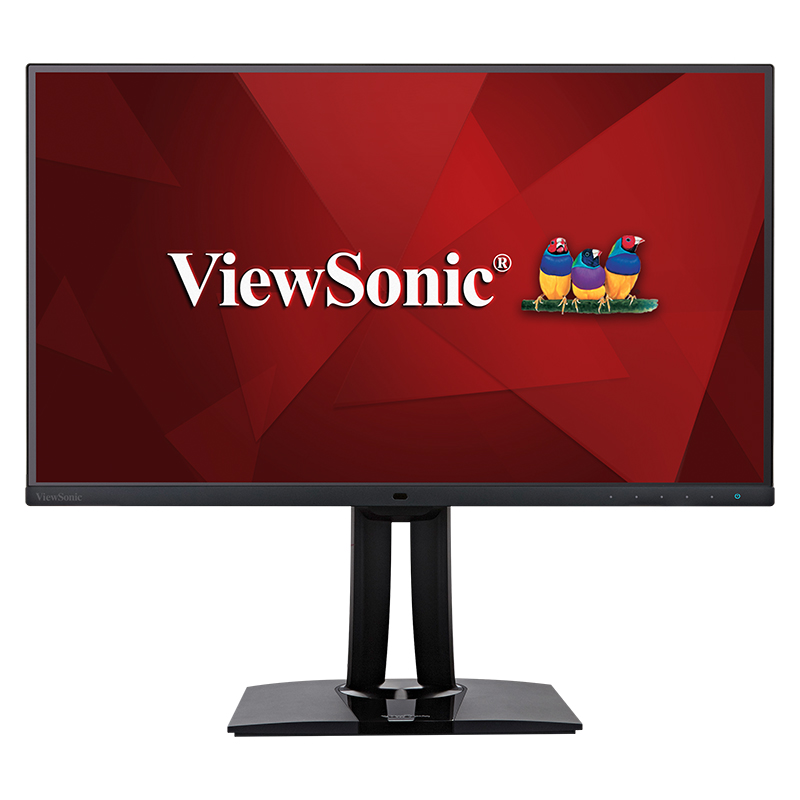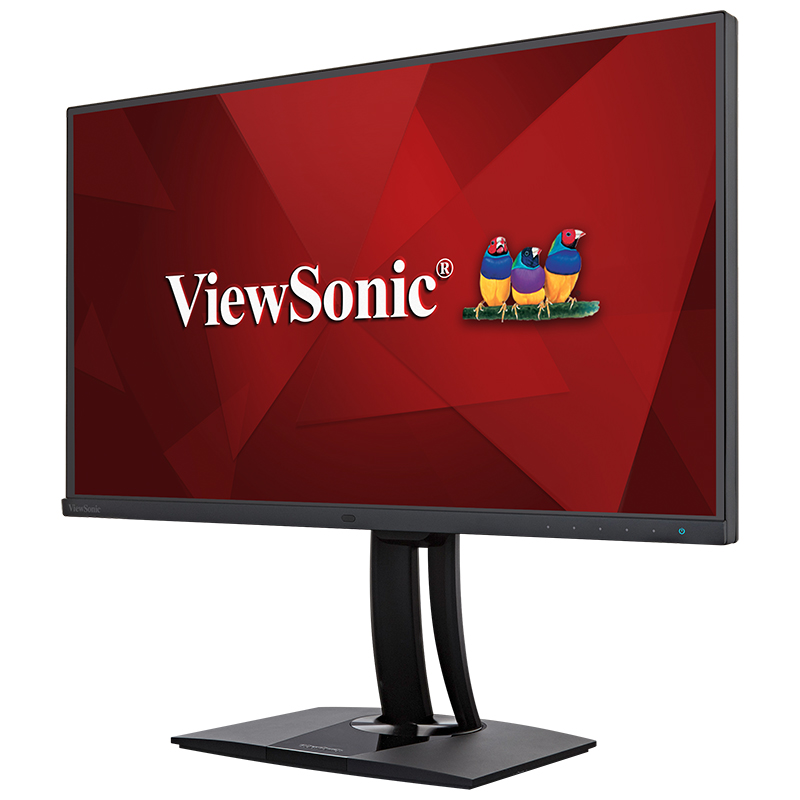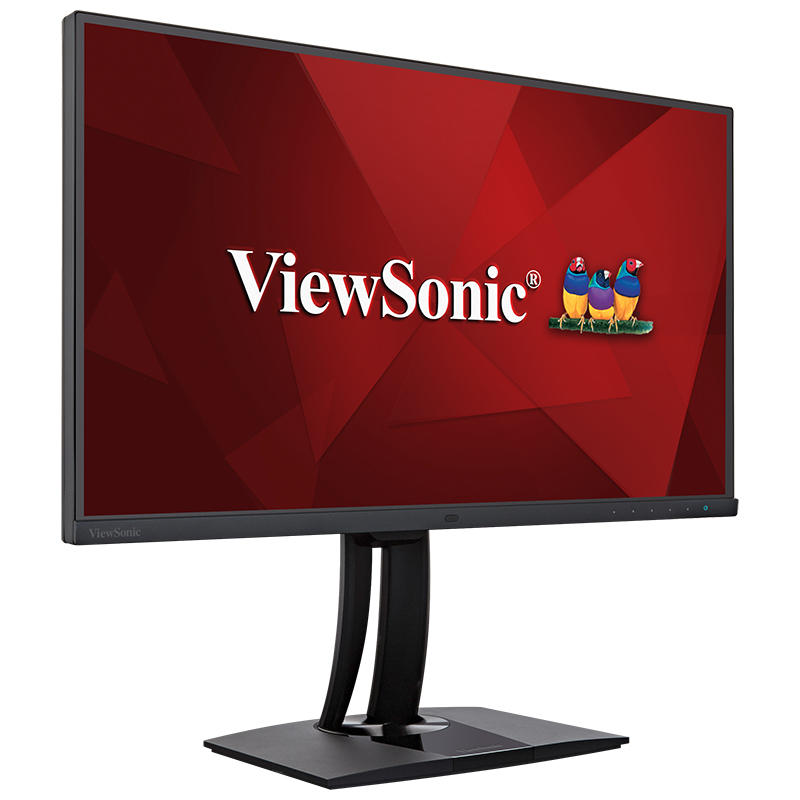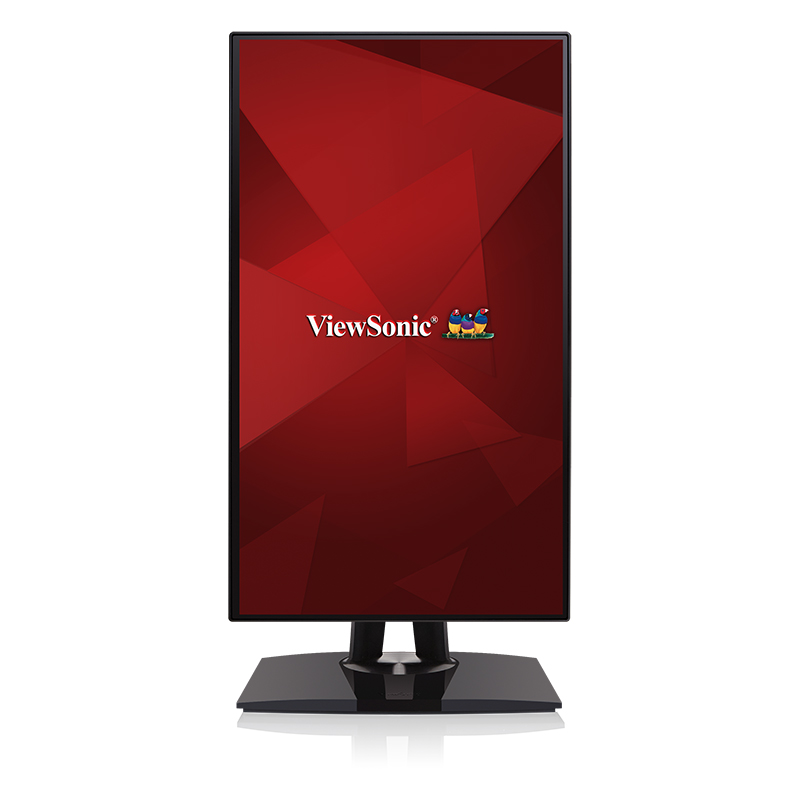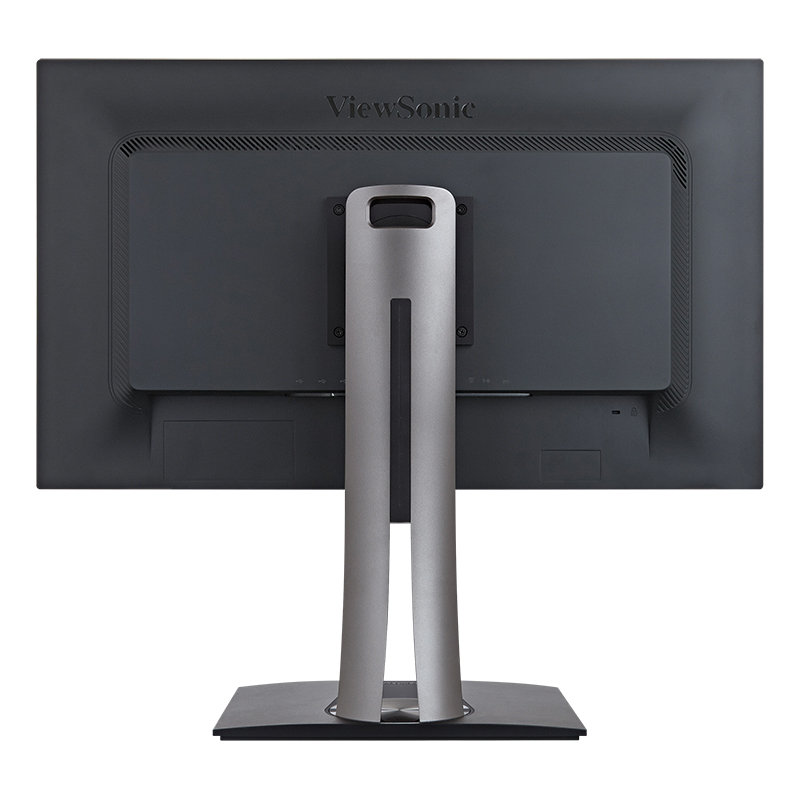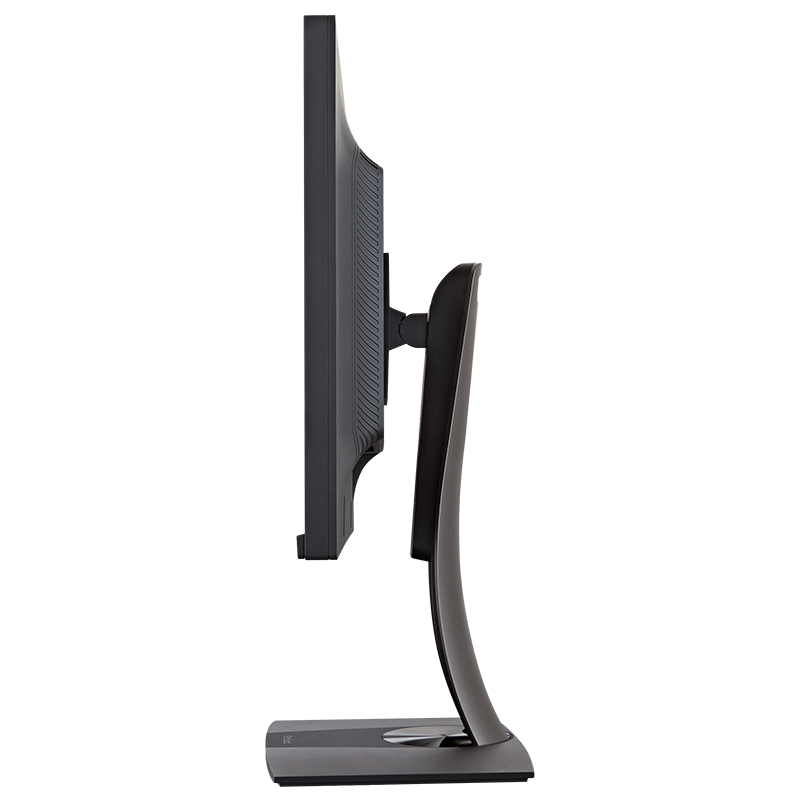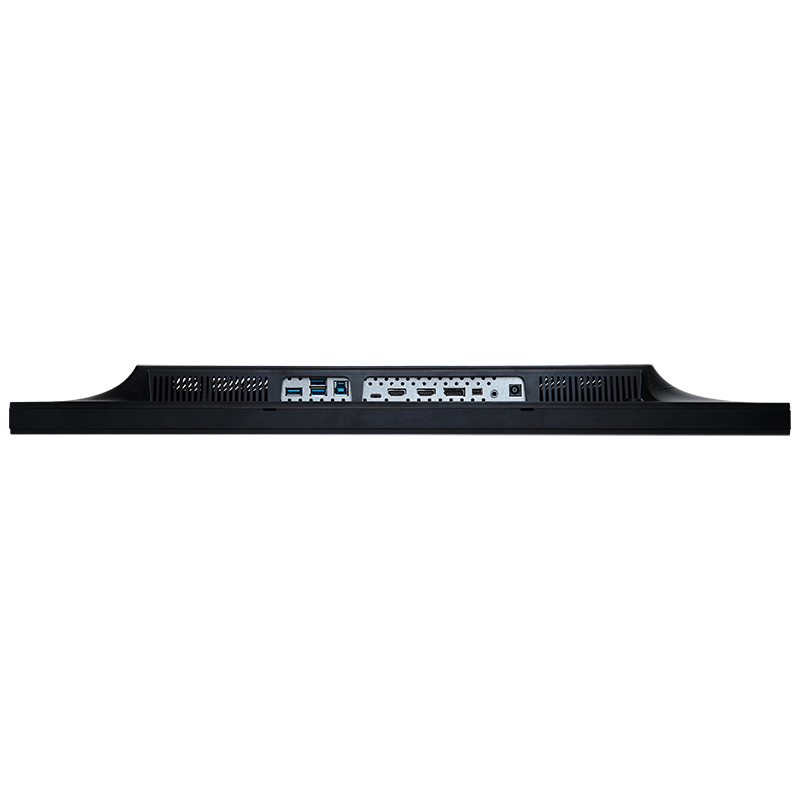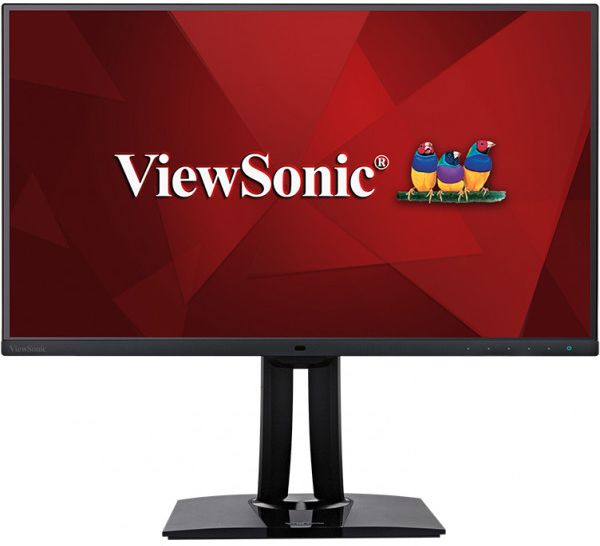

“While it is very similar to the ViewSonic VP2780-4K, which earned our Editors' Choice way back in 2015, the VP2785-4K offers some distinct improvements. It adds a USB Type-C port, which can charge a laptop that's connected to it, as well as letting you take advantage of an unusual KVM-switch feature.”
產品介紹
評測

“Viewsonic has been a known and respected name in the monitor domain and I had the pleasure to use their wide-gamut VP2785-4K monitor for a month so I noted a few things after rigorous use.”


“The VP2785-4K combines ergonomic and meaningful design with modern techniques. He has all the usual color profiles, so that photographers, graphic artists, videographers and editors can pursue their work without restrictions.”

規格
- 建议零售价¥12999
- LCD 面板面板类型: AH-IPS
屏幕尺寸: 596.74mm (H) x 335.66mm (V) [27” Wide]
最佳分辨率: 3840 x 2160
亮度: 350cd/㎡
对比度: 1000:1 (Typ)
动态对比度: 2000W:1
可视角度(水平/垂直): 水平:178度;垂直:178 度 (CR>=10)
反应时间: 5ms
点距: 0.1554mm
色域: 1.07 Billion colors,99%Adobe RGB,100%sRGB,100%REC 709,100%SMPTE C,100%EBU
表面涂层: 防眩晕光学技术 - 兼容性PC: Windows 7/8/8.1/10/11
Mac®: Power Mac 可达3840 x 2160
- 输入信号数字: HDMI,DP,Mini DP,TYPE-C(60W)
频率: 水平: 15 ~204KHz; 垂直: 24 ~ 120Hz - 连接视频: HDMI2.0x2,DisplayPort In (v 1.4; HDR ready) x1,Mini DP1.4x1,Type C(60W)
USB: USB Type-Ax3,USB Type-Bx1
音频: Audio out
电源: External (19V-7.89A) - 电源电压: AC 100-240V / 50-60Hz
功率: 67W(typ) 45W(ECO) - 人体工学倾斜: -5~21度
水平旋转: 左右60度
高低升降: 0-130mm
垂直旋转: 90度 - 操作环境温度: 0~40℃(32 ~ 104℉)
湿度: 20 ~ 90%(无凝结状态) - 外观尺寸 (WxHxD) (inch/mm)含底座: 612.4 mm (W) x 545.51 mm (H) x 214.96 mm (D)
不含底座: 612.4mm (W) x 362.7 mm (H) x 57.58 mm (D)
包装尺寸: 720 mm (W) x 268 mm (H) x 460 mm (D) - 重量含底座净重: 6.28kg
不含底座净重: 3.84kg
包装重量: 9.55kg - 壁挂VESA®: 100mm x 100mm
- 安规cTUVus, FCC-B, ICES003, CEC, MX-CoC, Mexico Energy, CE, CE EMC, CB, RoHS, ErP, REACH, WEEE, EAC, UkrSEPRO, UKCA, RCM, VCCI, PSE, KC, e-Standby, BIS, CCC, China RoHS, China Energy Label
支援服務與下載資源
Datasheet
使用手冊
VP2785-4K User Guide (English)
展開所有語言
VP2785-4K User Guide (Bahasa Indonesia)VP2785-4K User Guide (Deutsch)VP2785-4K User Guide (Español )VP2785-4K User Guide (Français)VP2785-4K User Guide (Hrvatski)VP2785-4K User Guide (Italiano)VP2785-4K User Guide (Magyar)VP2785-4K User Guide (Nederlands)VP2785-4K User Guide (Polski)VP2785-4K User Guide (Português)VP2785-4K User Guide (Romania)VP2785-4K User Guide (Slovenčina)VP2785-4K User Guide (Slovenščina)VP2785-4K User Guide (Srpski)VP2785-4K User Guide (Suomi)VP2785-4K User Guide (Svenska)VP2785-4K User Guide (Türkçe)VP2785-4K User Guide (Česky)VP2785-4K User Guide (Ελληνικά)VP2785-4K User Guide (Български)VP2785-4K User Guide (Русский)VP2785-4K User Guide (Українська)VP2785-4K User Guide (日本語)VP2785-4K User Guide (日本語)VP2785-4K User Guide (简体中文)VP2785-4K User Guide (繁體中文)VP2785-4K User Guide (한국어)VP2785-4K User Guide (ﺍﻟﻌﺭﺑﻳﺔ)
驅動程式 & 軟體
Colorbration+ User Guide (English)Colorbration+ User Guide (English)Colorbration+ User Guide (日本語)Colorbration+(Mac) downloadColorbration+(Win) downloadStandard Monitor Driver Signed Windows 10 x64Standard Monitor Driver Signed Windows 10 x86Standard Monitor Driver Signed Windows 11 x64Standard Monitor Driver Signed Windows 7Standard Monitor Driver Signed Windows 7 x64Standard Monitor Driver Signed Windows 8 x64Standard Monitor Driver Signed Windows 8 x86Standard Monitor Driver Unsigned WindowsStandard Monitor Driver Unsigned Windows x64vDisplay Manager 2.0 (Mac) DownloadvDisplay Manager User Guide (English)vDisplay Manager2.0 (Win) Download