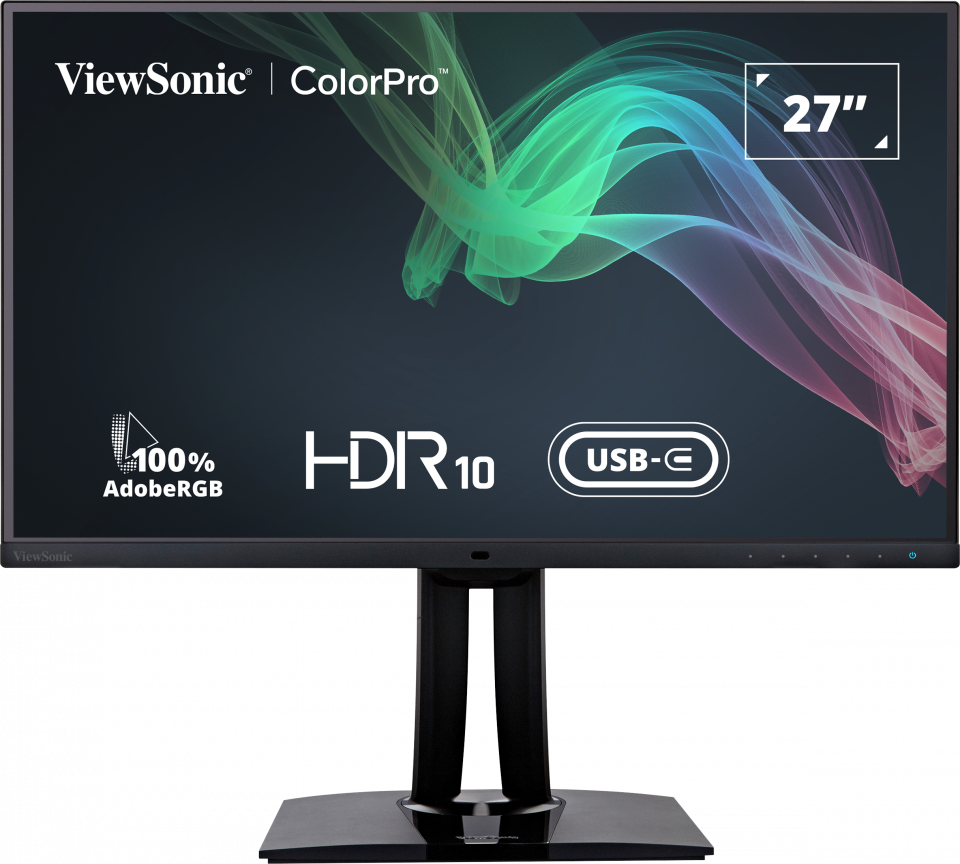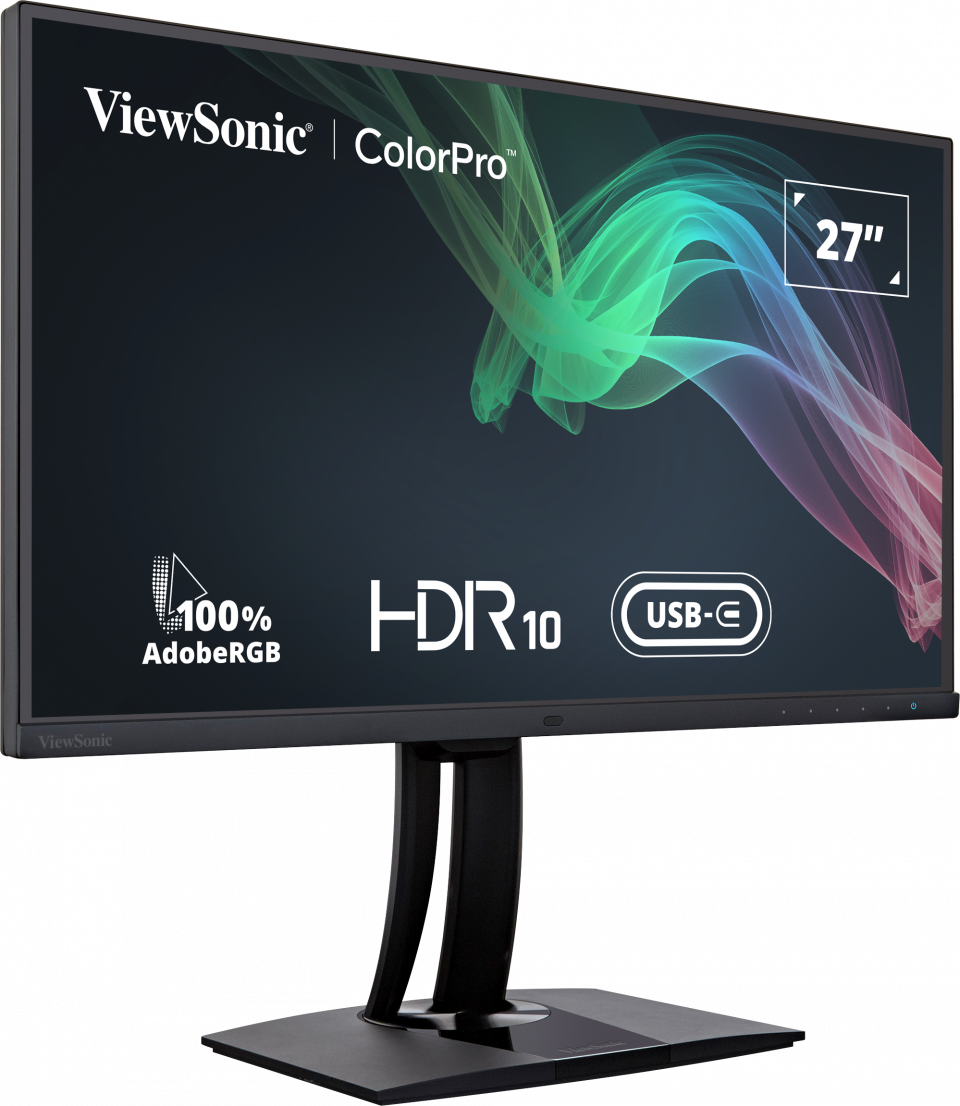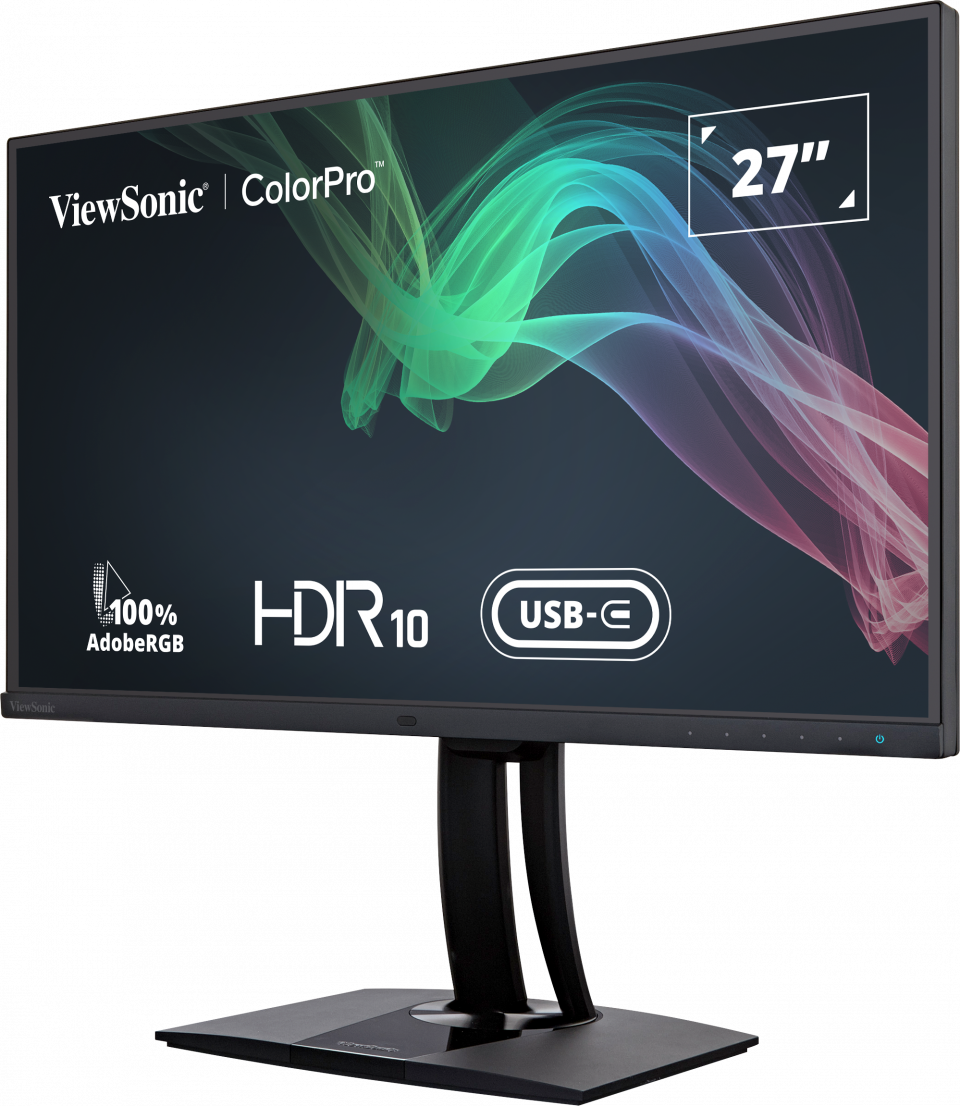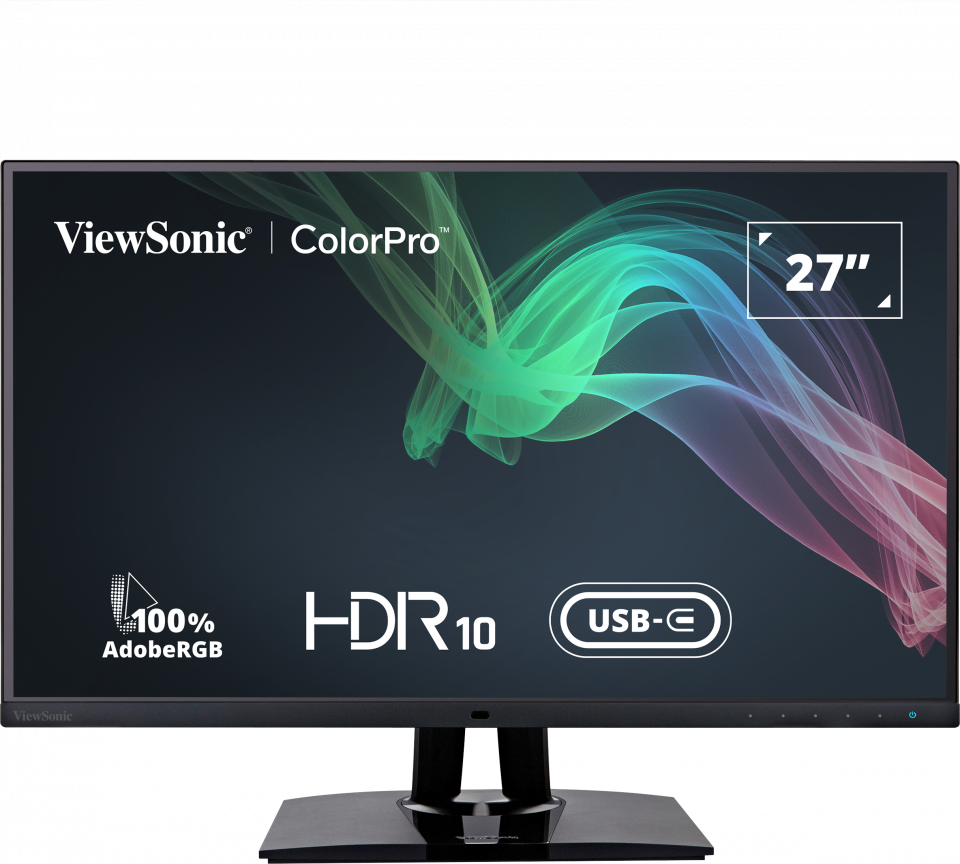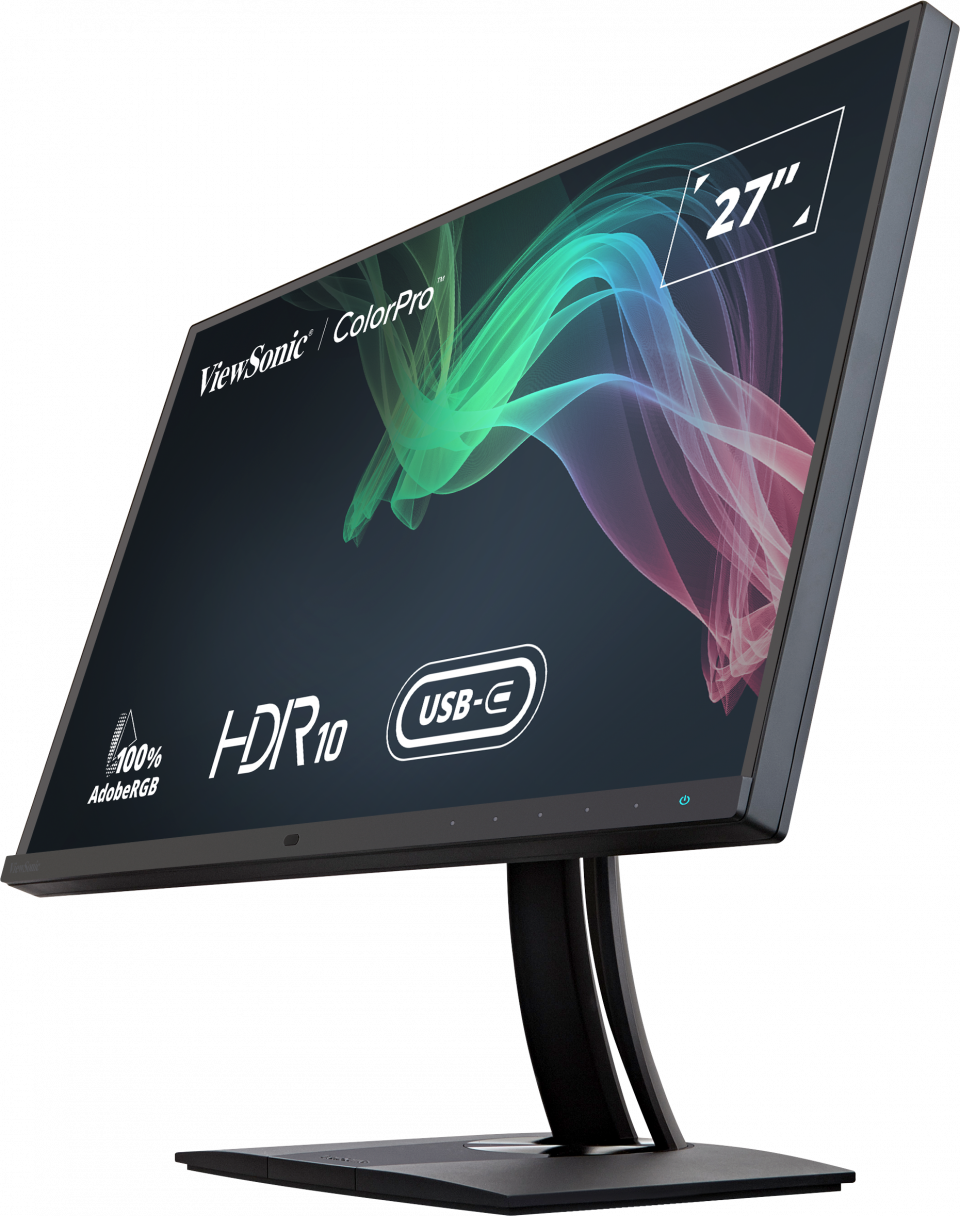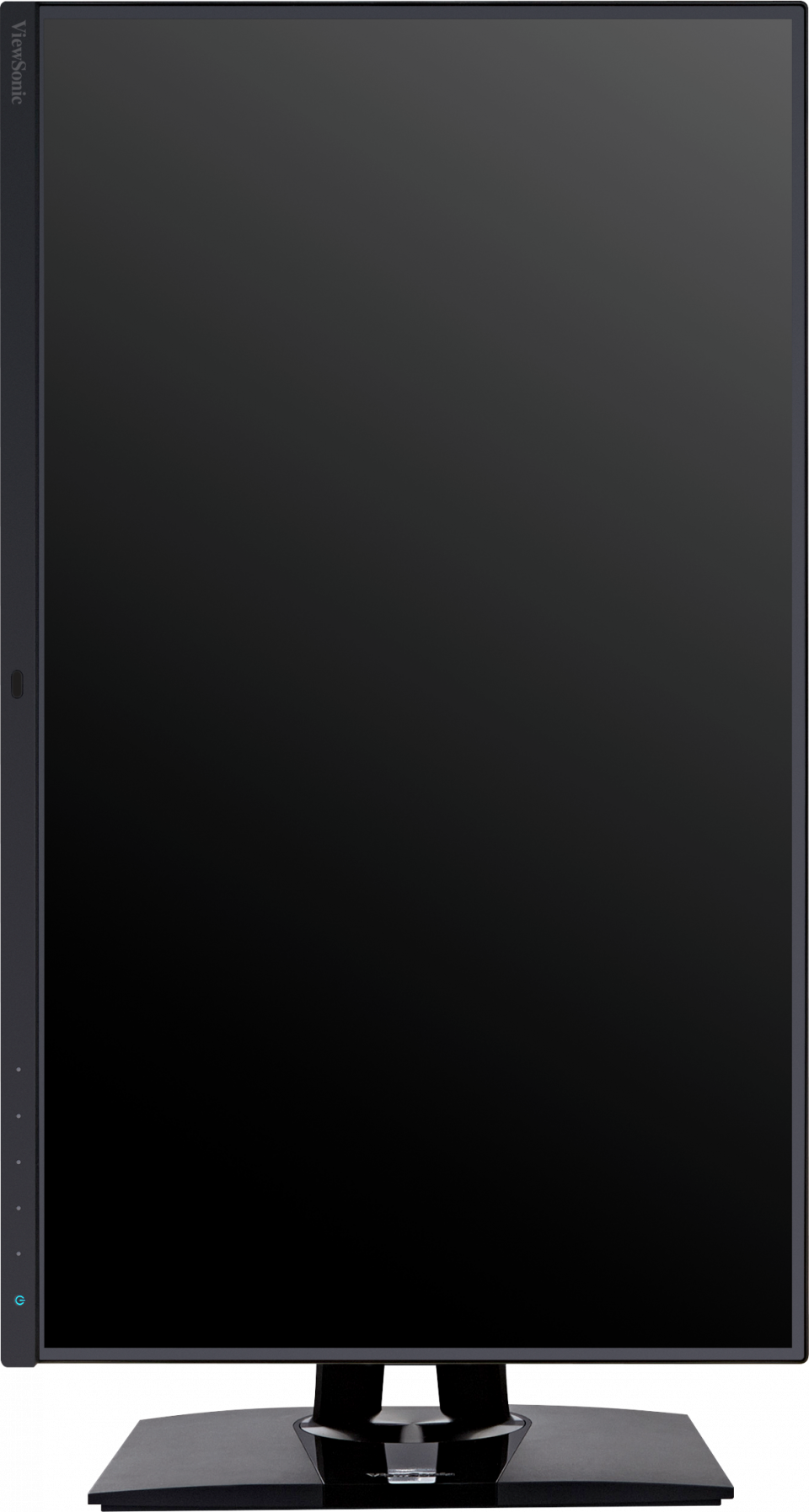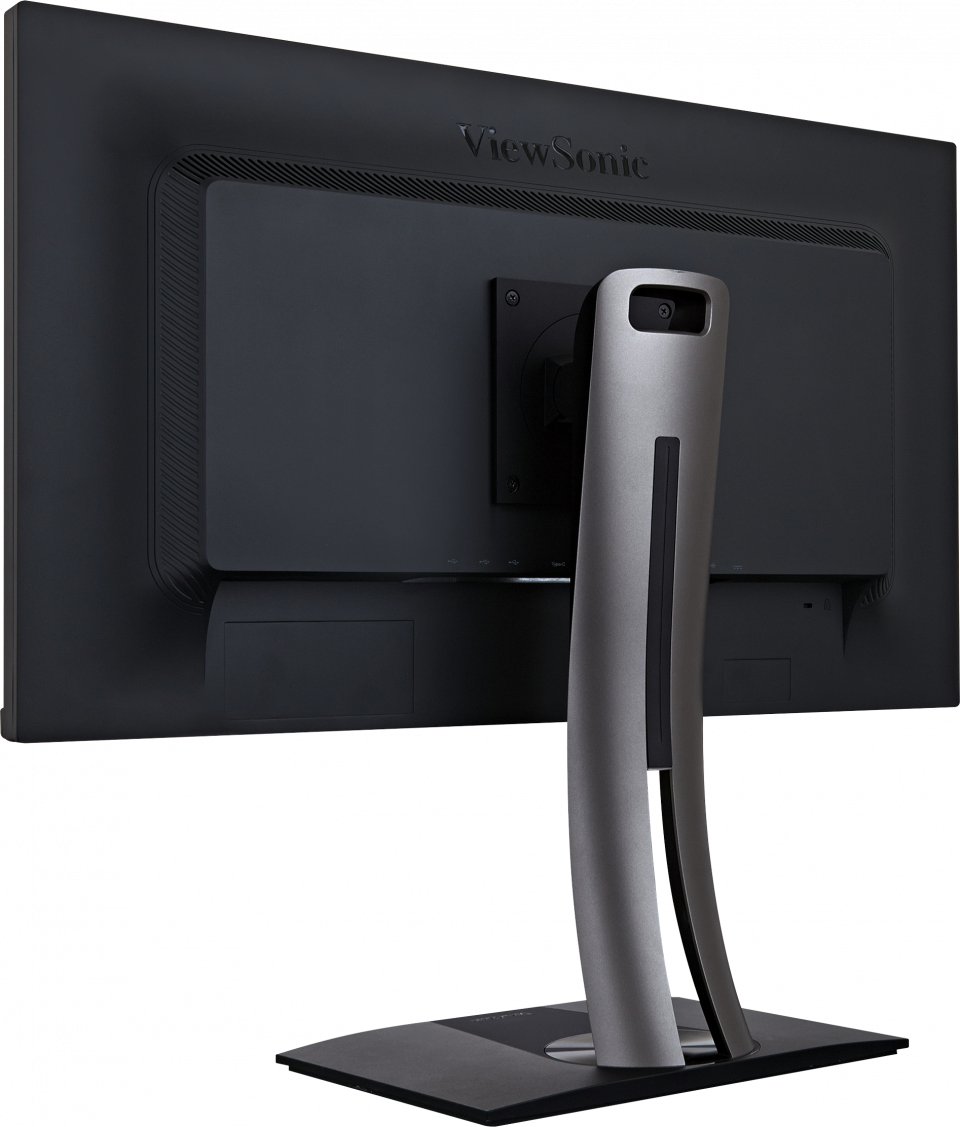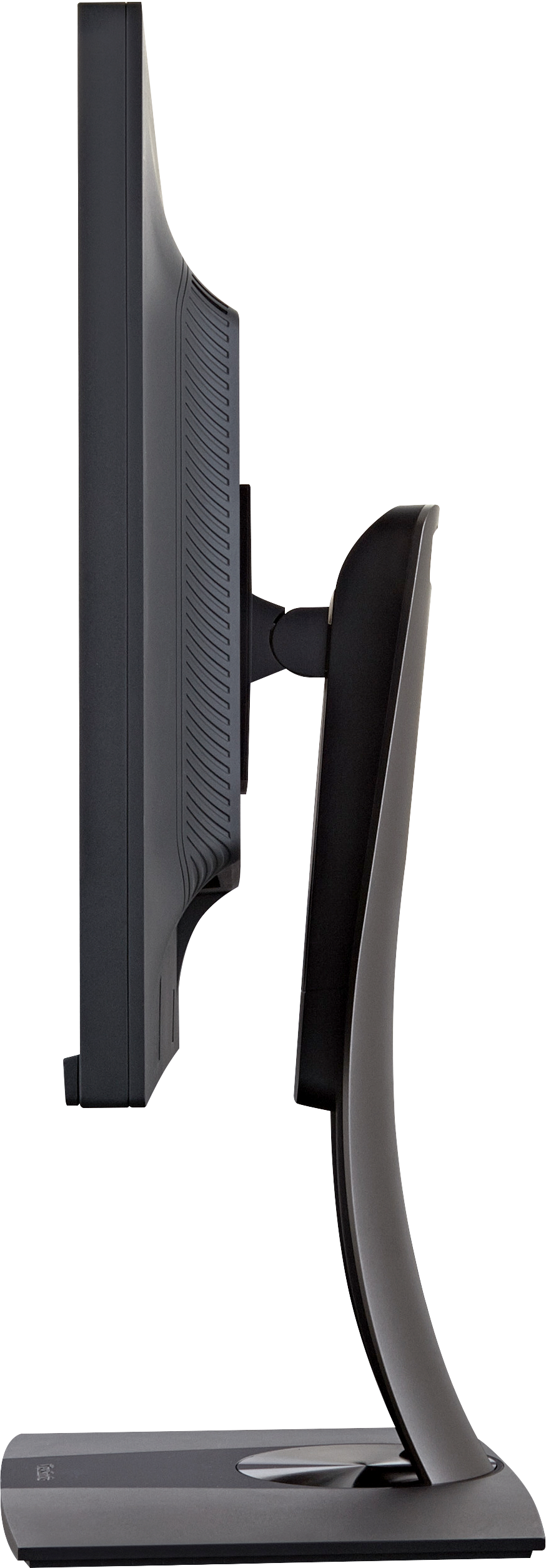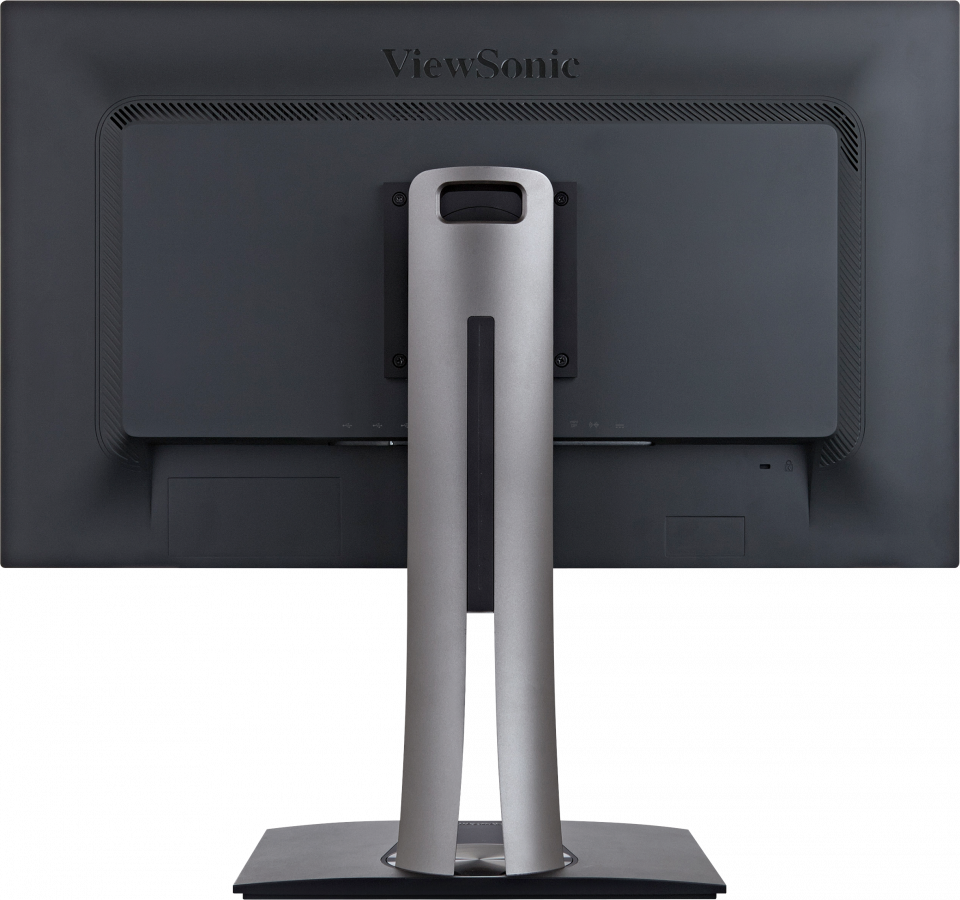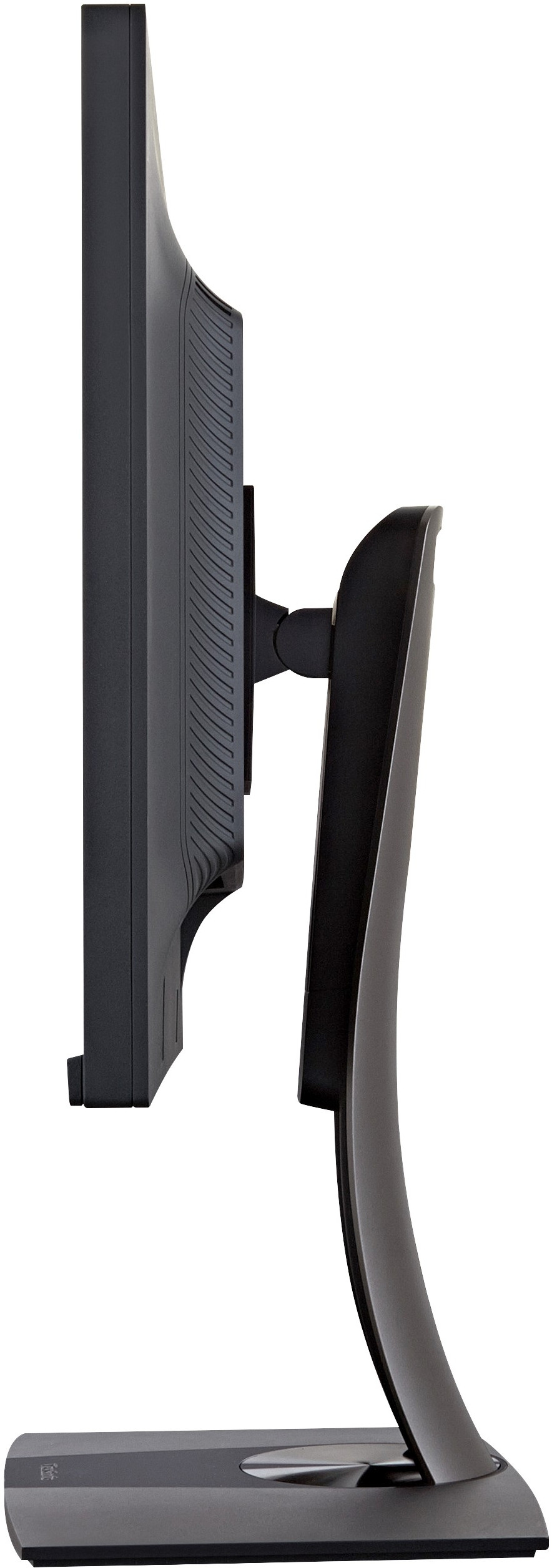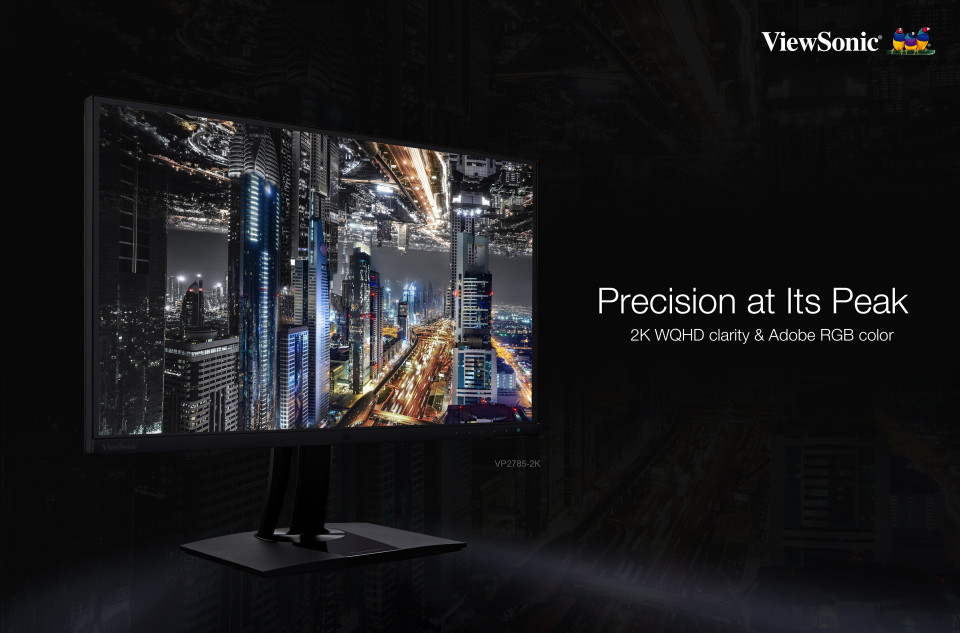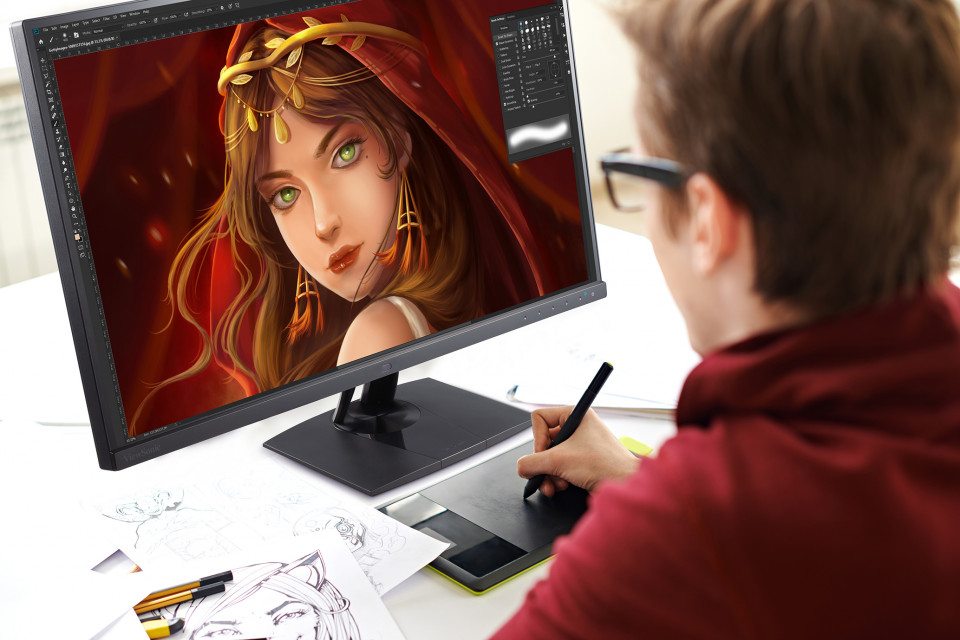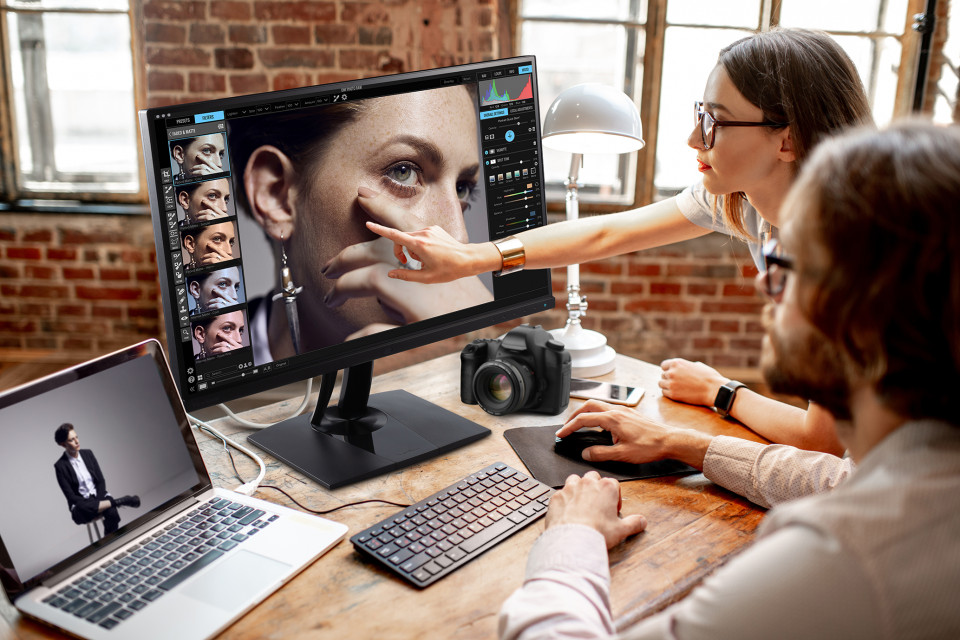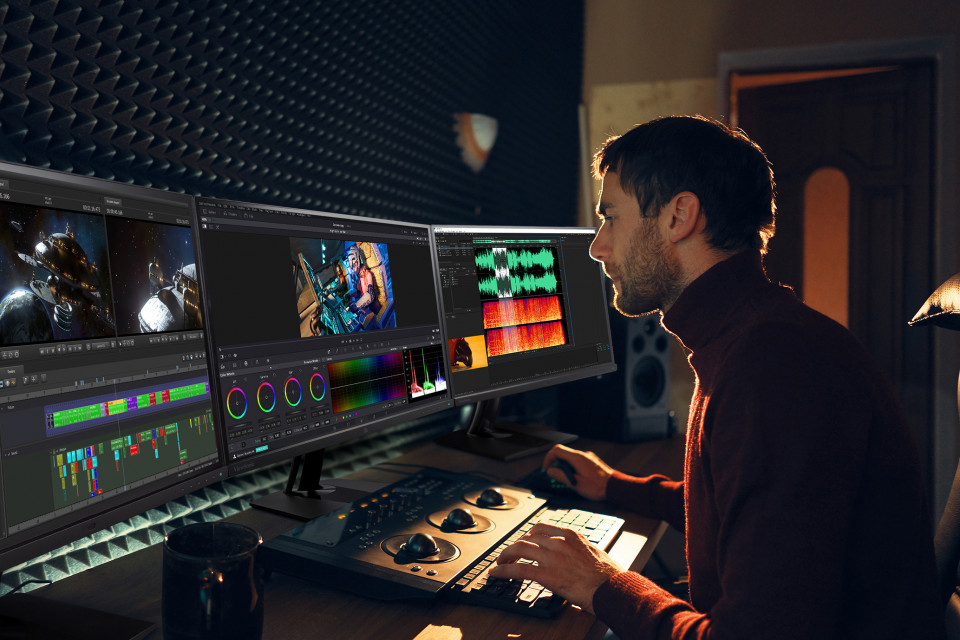
“The most important is the design, with a SuperClear IPS panel that offers excellent image quality and viewing angles. Calibration tests have produced exceptional results in terms of color coverage. It has also been shown to have excellent calibration with an average Delta E>2, displaying its Fogra Softproof certification.”
Gearchiveerd
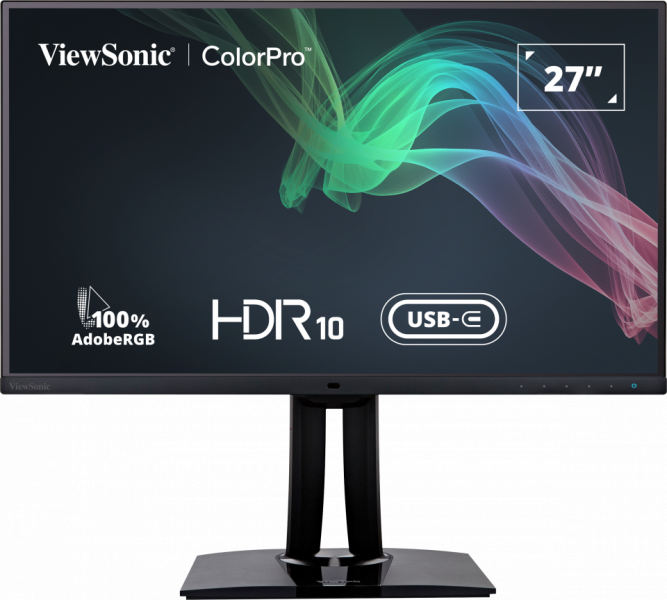
VP2785-2K
27" 100% Adobe RGB Fogra-Certified Professional Monitor
- Fogra gecertificeerd
- 100% Adobe RGB kleuren
- Delta E <2 kleurnauwkeurigheid
- Hardware kleurkalibratie
- KVM-switchtechnologie met USB Type-C
- Veelzijdige connectiviteit ondersteunt Daisy Chain
Specificaties
- DISPLAYSchermgrootte (inch): 27
Zichtbare oppervlakte (in.): 27
Paneeltype: IPS Technology
Resolutie: 2560 x 1440
Resolutietype: QHD
Statische contrastverhouding: 1,000:1 (typ)
Dynamische contrastverhouding: 20M:1
Lichtbron: LED
Helderheid: 300 cd/m² (typ)
Kleuren: 1.07B Colours, 10bit (8bit + FRC)
Aspectratio: 16:9
Reactietijd (typische GTG): 5ms
Kijkhoeken: 178º horizontal, 178º vertical
Levensduur achtergrondverlichting (uren): 30000 Hrs (Min)
Kromming: Flat
Vernieuwingsfrequentie (Hz): 60
Blauwlichtfilter: Yes
Flikkervrij: Yes
Kleurengamma: Adobe RGB: 114% size / 100% coverage (Typ)
EBU: 152% size / 100% coverage (Typ)
REC709: 154% size / 100% coverage (Typ)
SMPTE-C: 166% size / 100% coverage (Typ)
NTSC: 109% size (Typ)
sRGB: 154% size / 100% coverage (Typ)
Pixelgrootte: 0.233 mm (H) x 0.233 mm (V)
Oppervlakte behandeling: Anti-Glare, Hard Coating (3H) - CompatibiliteitPC-resolutie (max.): 2560x1440
Mac® Resolutie (max.): 2560x1440
PC-besturingssysteem: Windows 7/8/8.1/10 certified; macOS tested
Mac® Resolutie (min): 2560x1440
USB 3.1 Type A: 3
USB 3.1 Type B: 1
USB 3.1 Type C: 1
3.5mm Audio Out: 1
HDMI 1.4: 1
Displaypoort: 1
Displaypoort-uitgang: 1
Power in: External power adapter - StroomEco-modus (behouden): 29.85W
Eco Mode (Optimised): 34.71W
Verbruik (typisch): 40.46W
Verbruik (maximaal): 52.98W
Spanning: AC 100-240V, 50/60 Hz
Stand-by: 0.5W
Stroomvoorziening: External
- Extra hardwareKensington-slotsleuf: 1
Kabelorganisatie: Yes - BesturingFysieke controles: Key 1, Key 2, Key 3, Key 4, Key 5, Key 6 (power)
Schermweergave: Input Select, Audio Adjust, ViewMode, Colour Adjust, Manual Image Adjust, Setup Menu - Bedrijfsomstandigheden:Temperatuur: 32°F to 104°F (0°C to 40°C)
Vochtigheid (niet-condenserend): 20% to 90% - MuurbevestigingVESA-compatibel: 100 x 100 mm
- IngangssignaalFrequentie Horizontaal: 15 ~ 130KHz
Frequentie verticaal: 24 ~ 120Hz - Video-ingangDigitale synchronisatie: TMDS - HDMI (v1.4), PCI-E - DisplayPort (v1.2), Micro-Packet - Type C
- ErgonomieHoogte aanpassen (mm): 130
draaibaar: 120º
Kantelen (vooruit/achteruit): -5º / 21º
Draaien (rechts/links): 90º / 90º - Gewicht (metrisch)Netto (kg): 6.7
Netto Zonder Standaard (kg): 4.1
Bruto (kg): 10.2 - Afmetingen (metrisch) (bxhxd)Verpakking (mm): 720 x 460 x 268
Fysiek (mm): 612 x 545 x 215
Fysiek zonder standaard (mm): 612 x 363 x 57 - AlgemeenVERPAKKINGSINHOUD: VP2785-2K x1, 3-pin Mickey Mouse Plug (IEC C5) x1, DisplayPort Cable (v1.2; Male-Male) x1, USB3.1 Up Stream Cable(cable length :1.8M), AC/DC Adapter x1, Quick Start Guide x1
Recyclen/verwijderen: Please dispose of in accordance with local, state or federal laws.
Garantie: *Warranty offered may differ from market to market