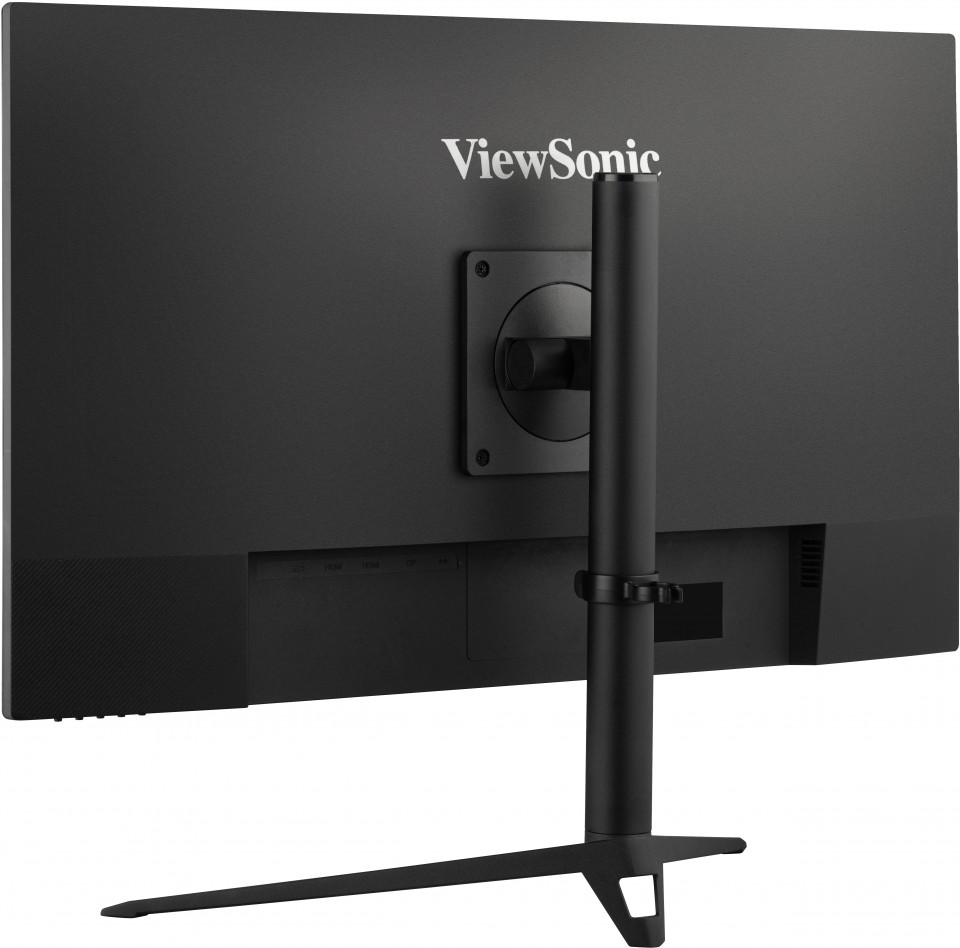
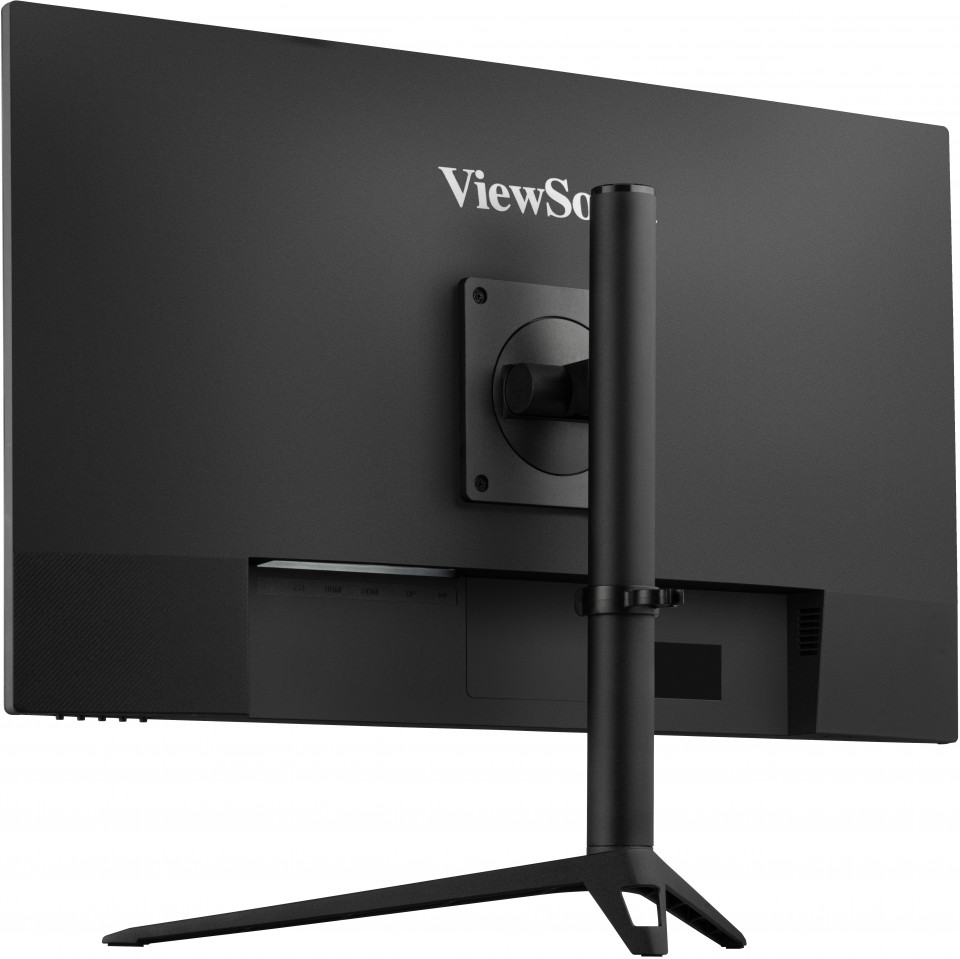
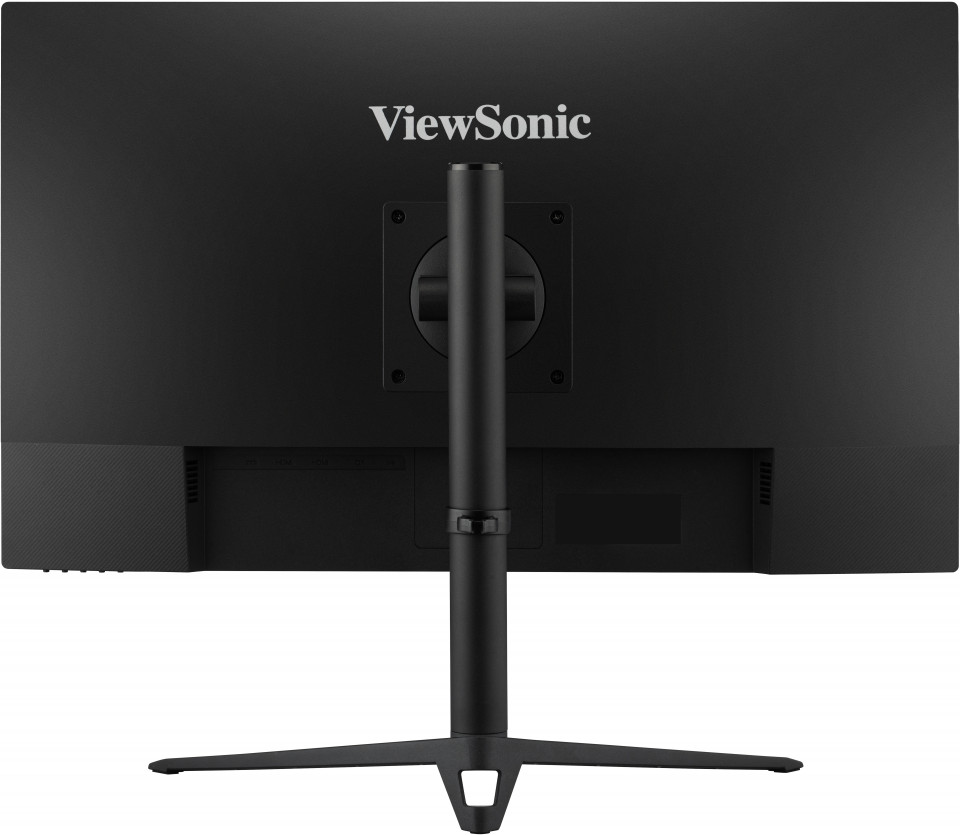
“Now we cannot make fun of console players because Xbox has 1440p. Here's your guide to buying a new monitor! #ViewSonicgaming”
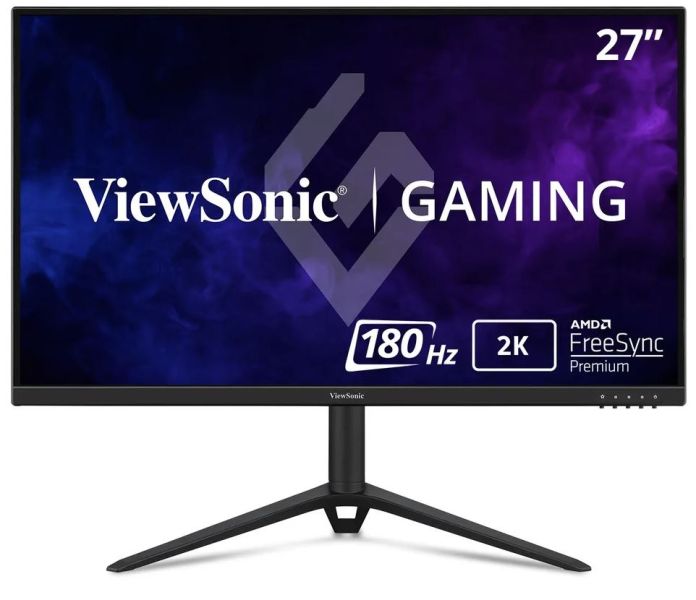
VX2728J-2K
27” 2K 180Hz Fast IPS Gaming Monitor
- Fast IPS Display with HDR10
- VESA AdaptiveSync for tear-free gaming experience
- VESA ClearMR for clarity of action
- Rapid 0.5ms MPRT for crisp image
- 2K QHD resolution for incredible detail
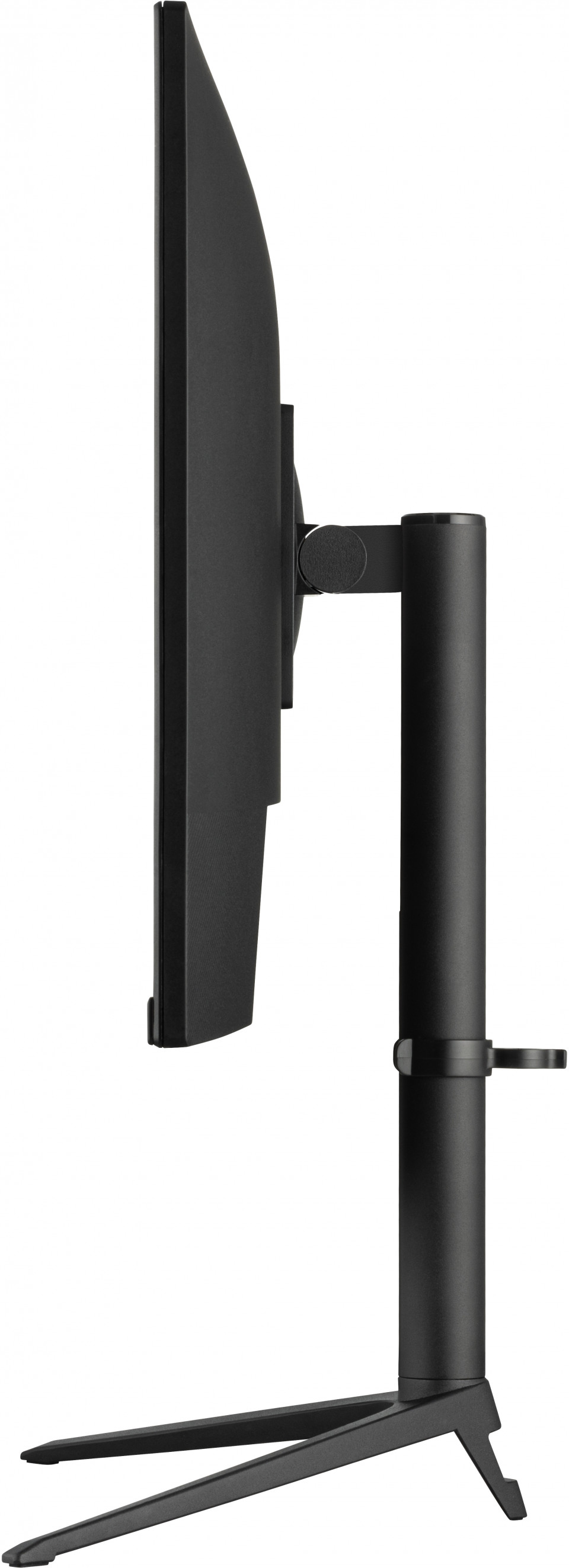
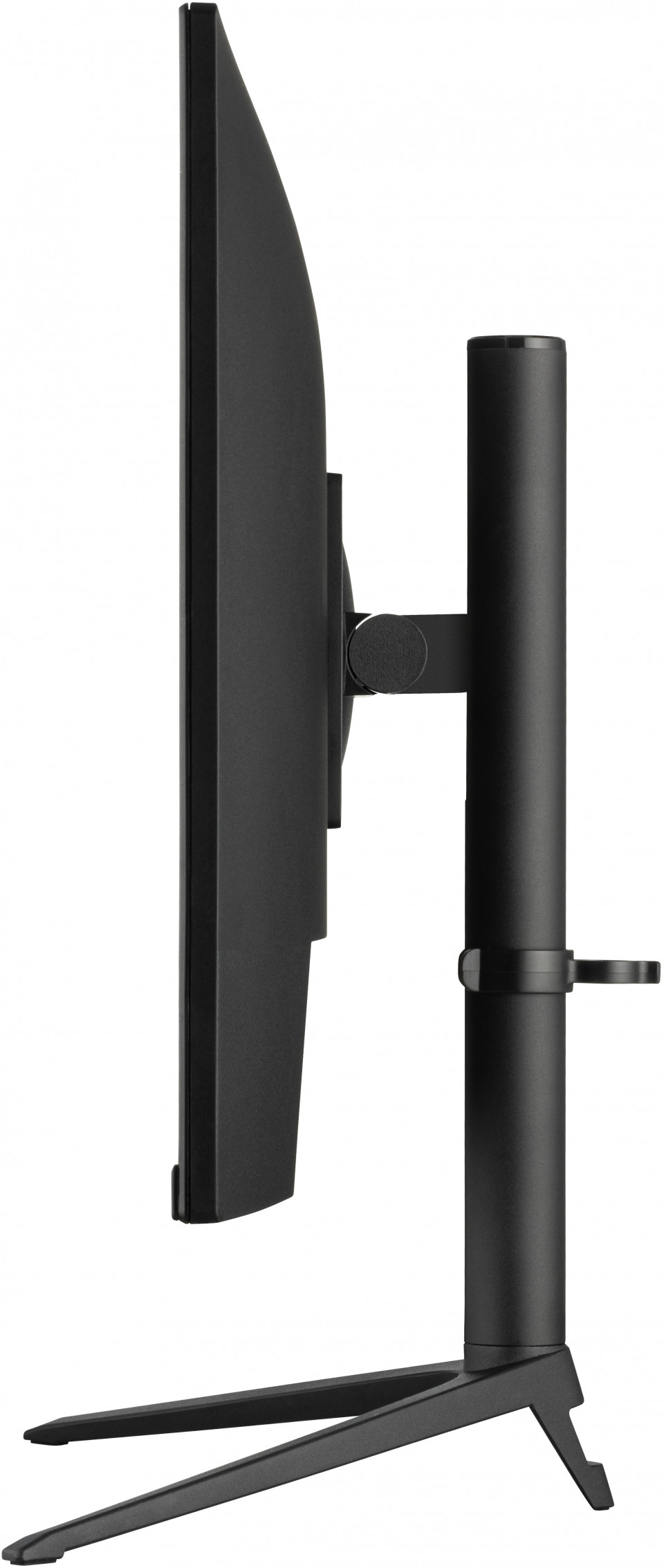
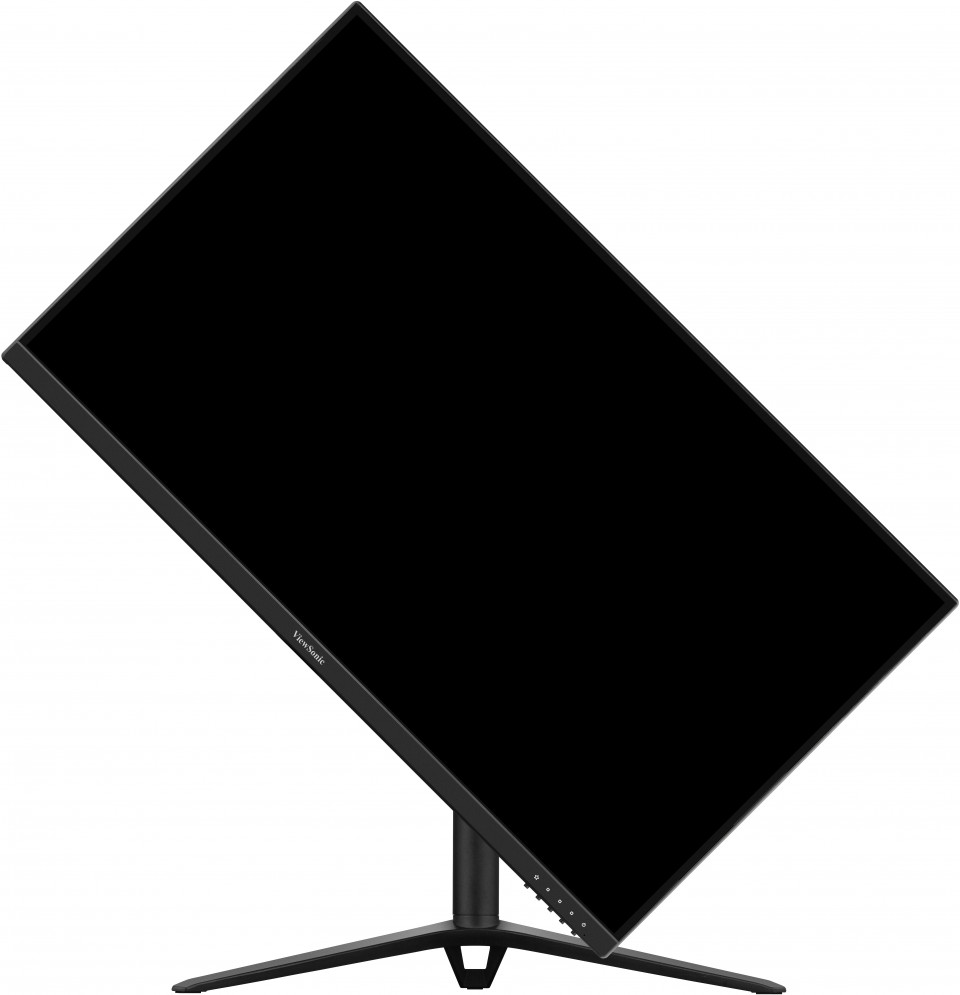
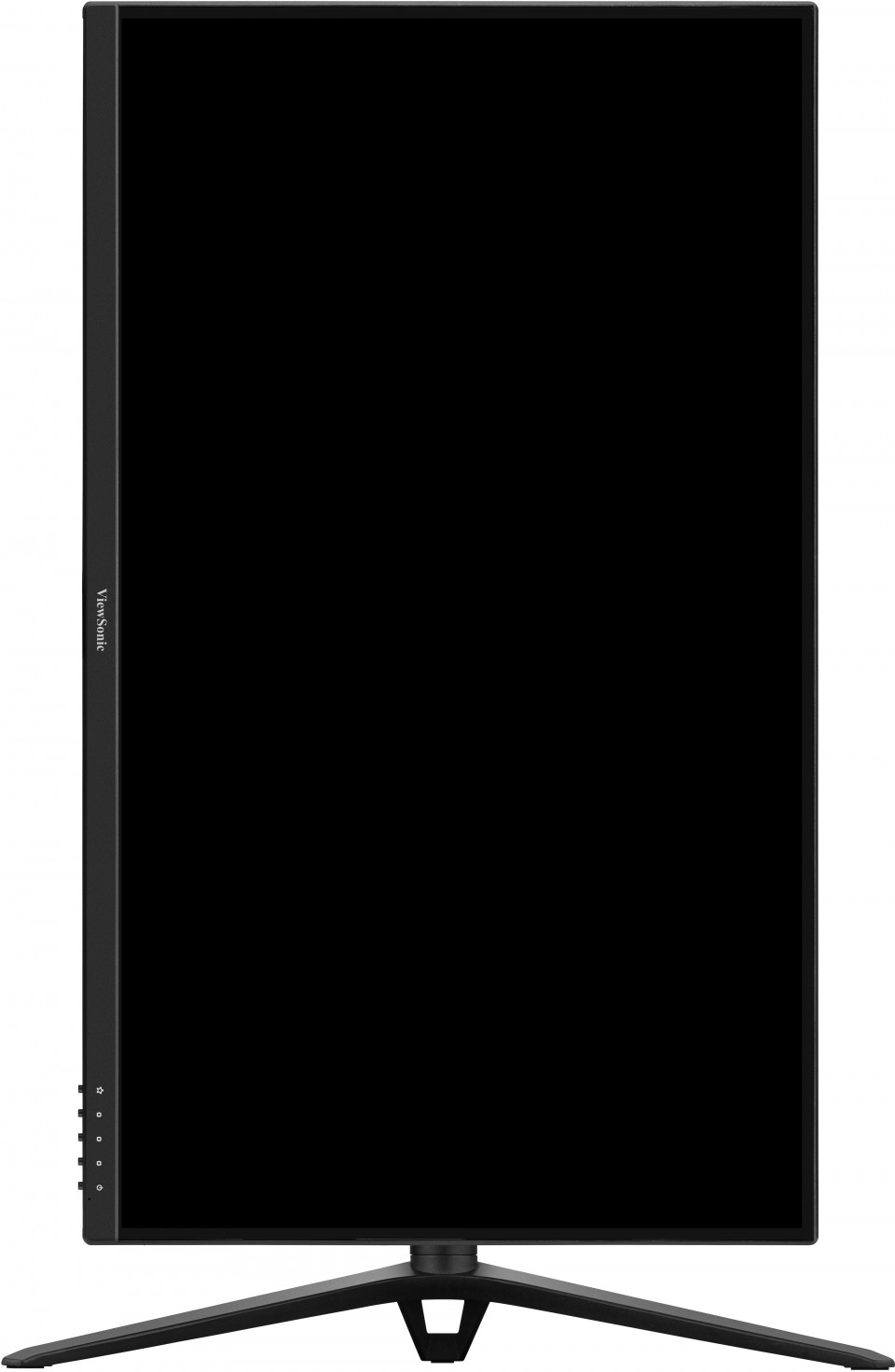
- Ergonomically designed stand for comfortable posture
OVERVIEW
No matter how often you game or when you game, you always win with the Omni VX2728J-2K's. The certification of VESA Adaptive Sync, and VESA clearMR allows you to savor distortion-free gaming and enhanced clarity. The sharp frames and outstanding colour performance are delivered by a fast IPS panel, while the VX2728J-2K's high 180Hz refresh rate supports smooth visuals and minimal input lag. You may think it doesn’t get better than this, but it does. Not only will you get the job done — be it grueling gaming sessions, video and photo editing, or office assignments — you'll be working on a sleek, beautifully designed monitor.SPECIFICATIONS
- DisplayDisplay Size (in.): 27
Viewable Area (in.): 27
Panel Type: IPS Technology
Resolution: 2560 x 1440
Resolution Type: QHD (Quad HD)
Static Contrast Ratio: 1,000:1 (typ)
Dynamic Contrast Ratio: 80M:1
Light Source: LED
Brightness: 250 cd/m² (typ)
Colors: 1.07B
Color Space Support: 10 bit (8 bit + FRC)
Aspect Ratio: 16:9
Response Time (MPRT): 0.5ms
Viewing Angles: 178º horizontal, 178º vertical
Backlight Life (Hours): 30000 Hrs (Min)
Curvature: Flat
Refresh Rate (Hz): 180
Variable Refresh Rate Technology: AdaptiveSync
Blue Light Filter: Yes
Flicker-Free: Yes
Color Gamut: DCI-P3: 90% coverage (Typ)
NTSC: 93% size (Typ)
sRGB: 131% size (Typ)
Pixel Size: 0.233 mm (H) x 0.233 mm (V)
Surface Treatment: Anti-Glare, Hard Coating (3H) - CompatibilityPC Resolution (max): 2560x1440
Mac® Resolution (max): 2560x1440
PC Operating System: Windows 10/11 certified; macOS tested
Mac® Resolution (min): 2560x1440 - Connector3.5mm Audio Out: 1
HDMI 2.0: 2
DisplayPort: 1
Power in: DC Socket (Center Positive)
- AudioInternal Speakers: 2Watts x2
- PowerEco Mode (Conserve): 22W
Eco Mode (optimized): 26W
Consumption (typical): 31W
Consumption (max): 35W
Voltage: AC 100-240V
Stand-by: 0.3W
Power Supply: External Power Adaptor - Additional HardwareKensington Lock Slot: 1
Cable Organization: Yes - ControlsPhysical Controls: Key 1 (favorite), Key 2, Key 3, Key 4, Key 5 (power)
On Screen Display: Input Select, Audio Adjust, ViewMode, Color Adjust, Manual Image Adjust, Setup Menu - Operating ConditionsTemperature: 32°F to 104°F (0°C to 40°C)
Humidity (non-condensing): 20% to 90% - Wall MountVESA Compatible: 100 x 100 mm
- Input SignalFrequency Horizontal: HDMI (v2.0): 30 ~ 218KHz, DisplayPort (v1.4): 30 ~ 243KHz
Frequency Vertical: HDMI (v2.0): 48 ~ 144Hz, DisplayPort (v1.4): 48 ~ 180Hz - Video InputDigital Sync: TMDS - HDMI (v2.0), PCI-E - DisplayPort (v1.4)
- ErgonomicsHeight Adjust (mm): 130
Swivel: 30º
Tilt (Forward/Back): -5º / 20º
Pivot (Right/Left): 90º / 0º - Weight (imperial)Net (lbs): 10.4
Net Without Stand (lbs): 8
Gross (lbs): 14.3 - Weight (metric)Net (kg): 4.7
Net Without Stand (kg): 3.7
Gross (kg): 6.5 - Dimensions (imperial) (wxhxd)Packaging (in.): 26.8 x 18.1 x 6.8
Physical (in.): 24.2 x 17.24~22.36 x 8.1
Physical Without Stand (in.): 24.2 x 14.3 x 1.8 - Dimensions (metric) (wxhxd)Packaging (mm): 680 x 460 x 173
Physical (mm): 615 x 438~568 x 207
Physical Without Stand (mm): 615 x 364 x 46 - GeneralRegulations: cTUVus, FCC-B, ICES003, CEC, NRCan, Adaptor AR Certified, NOM, Mexico Energy, RoHS, REACH, WEEE, RCM, VCCI, PSE(Adaptor)
PACKAGE CONTENTS: VX2728J-2K x1, 3-pin Plug (IEC C13 / CEE22) x1, DisplayPort Cable (v1.2; Male-Male) x1, AC/DC Adapter x1, Quick Start Guide x1
Recycle/Disposal: Please dispose of in accordance with local, state or federal laws.
Warranty: *Warranty offered may differ from market to market
SUPPORT & DOWNLOADS
Datasheets
User Guides
VX2728J-2K User Guide (English)
VX2728J-2K User Guide (Online View)
See all languages
VX2728J-2K User Guide (Bahasa Indonesia)VX2728J-2K User Guide (Dansk)VX2728J-2K User Guide (Deutsch)VX2728J-2K User Guide (Español )VX2728J-2K User Guide (Français)VX2728J-2K User Guide (Hrvatski)VX2728J-2K User Guide (Italiano)VX2728J-2K User Guide (Magyar)VX2728J-2K User Guide (Nederlands)VX2728J-2K User Guide (Norsk)VX2728J-2K User Guide (Polski)VX2728J-2K User Guide (Português)VX2728J-2K User Guide (Română)VX2728J-2K User Guide (Srpski)VX2728J-2K User Guide (Suomi)VX2728J-2K User Guide (Svenska)VX2728J-2K User Guide (Türkçe)VX2728J-2K User Guide (Česky)VX2728J-2K User Guide (Ελληνικά)VX2728J-2K User Guide (Български)VX2728J-2K User Guide (Русский)VX2728J-2K User Guide (Українська)VX2728J-2K User Guide (简体中文)VX2728J-2K User Guide (繁體中文)VX2728J-2K User Guide (한국어)VX2728J-2K User Guide (ﺍﻟﻌﺭﺑﻳﺔ)
Quick Start Guide
Safety Compliance
Driver & Software
Standard Monitor Driver Signed Windows 10 x64Standard Monitor Driver Signed Windows 10 x86Standard Monitor Driver Signed Windows 7Standard Monitor Driver Signed Windows 7 x64Standard Monitor Driver Signed Windows 8 x64Standard Monitor Driver Signed Windows 8 x86Standard Monitor Driver Unsigned WindowsStandard Monitor Driver Unsigned Windows x64