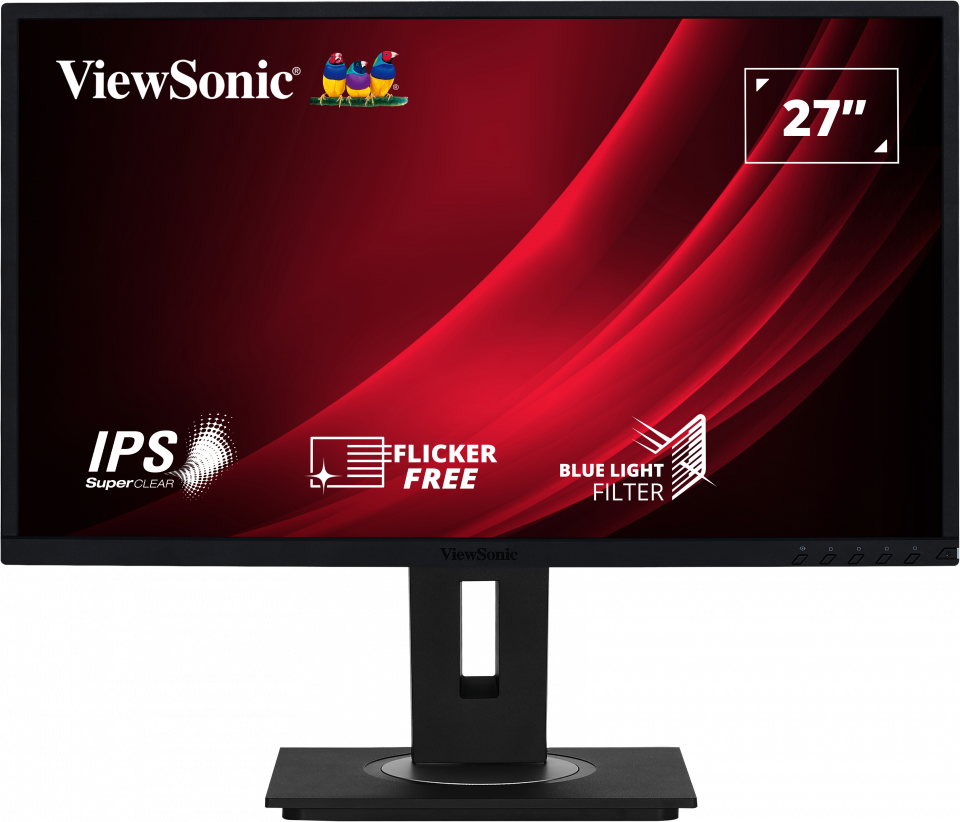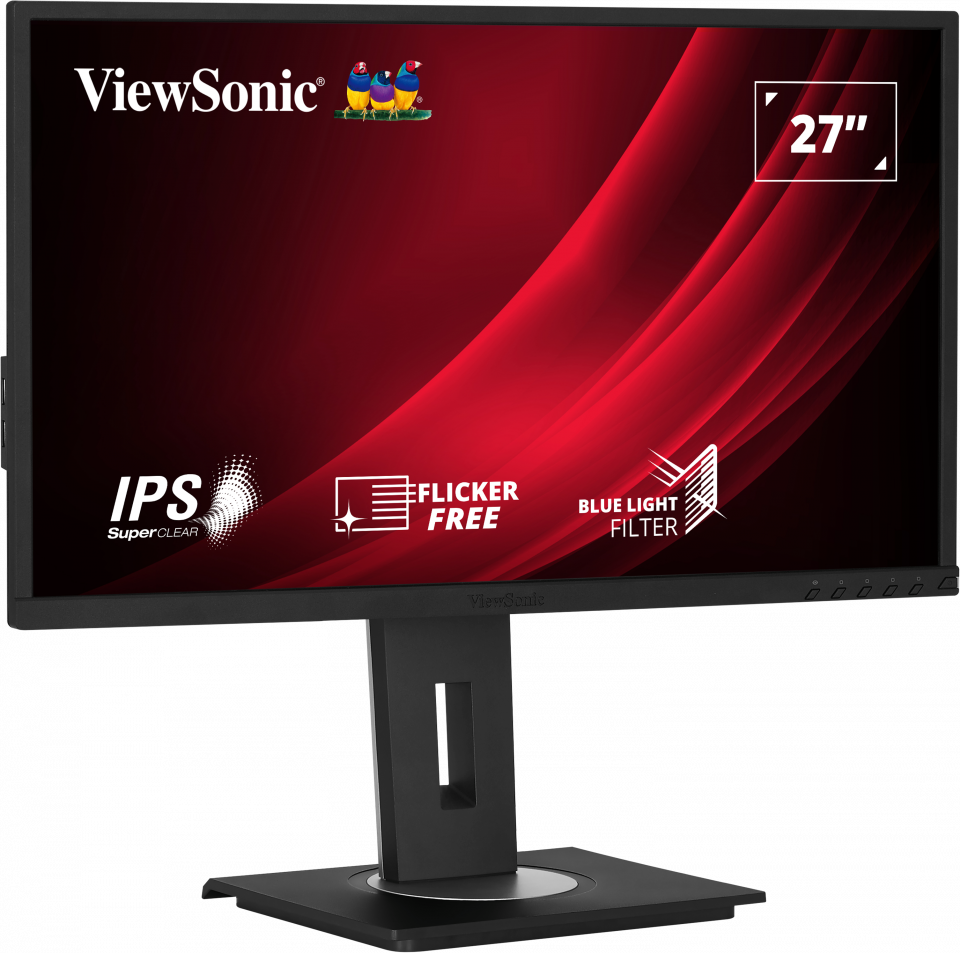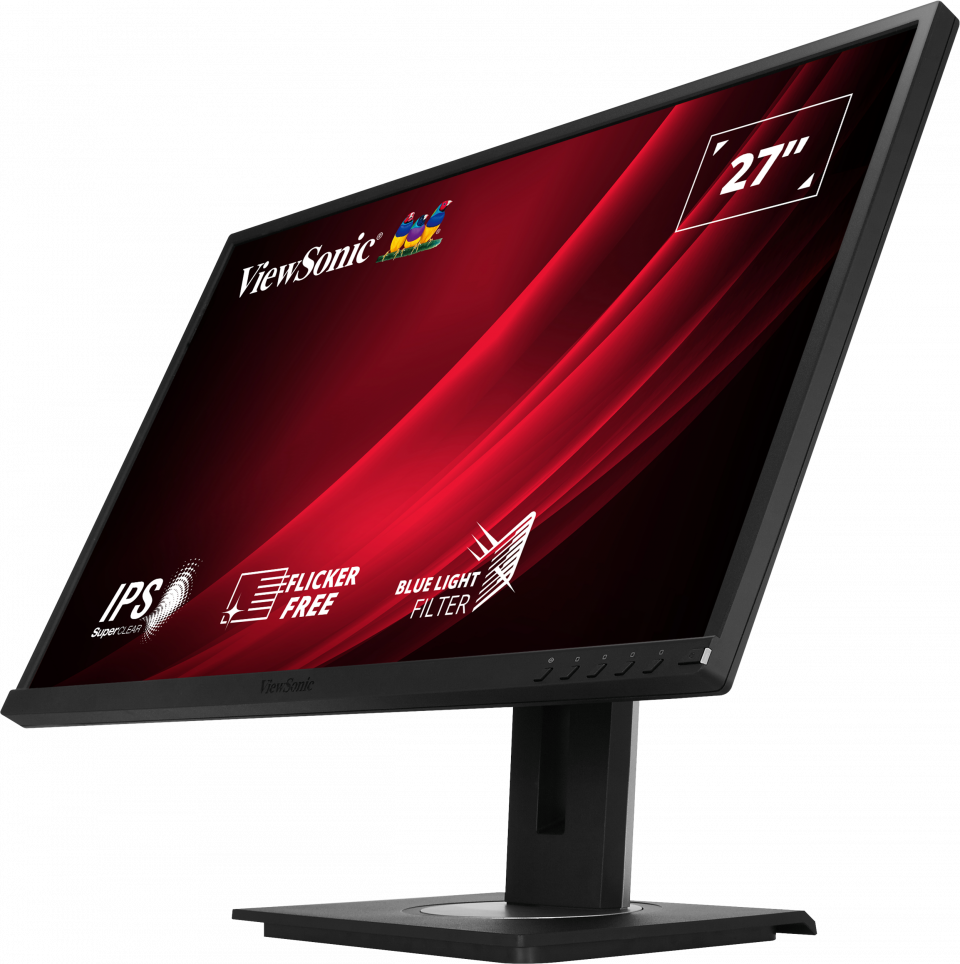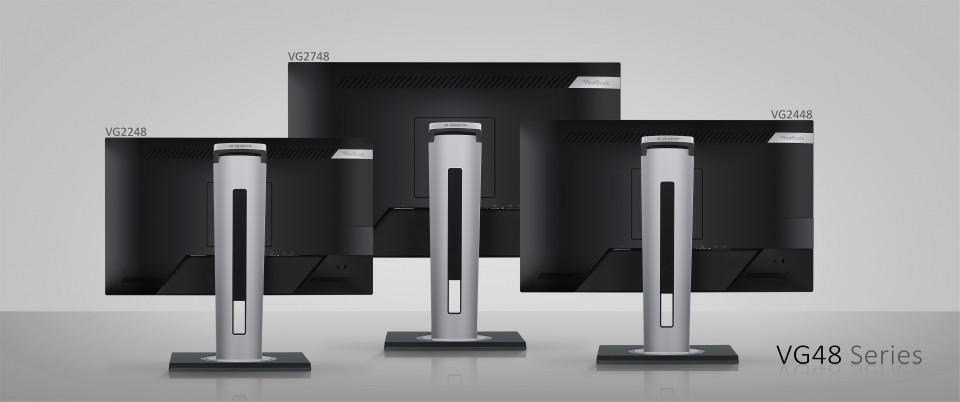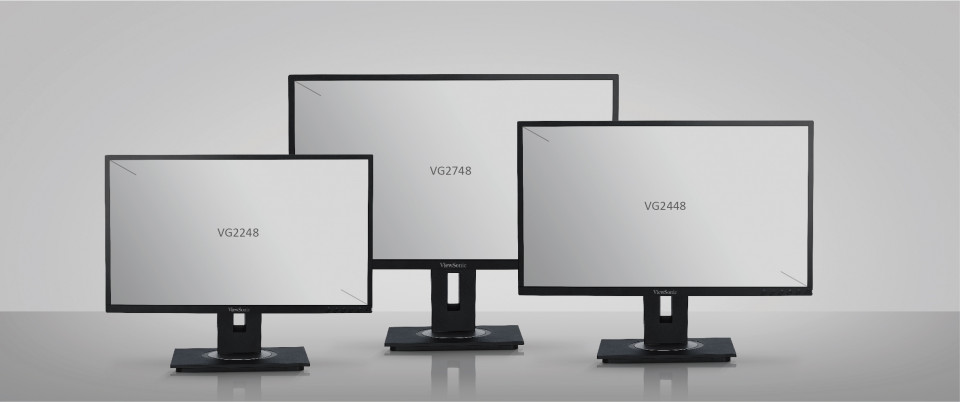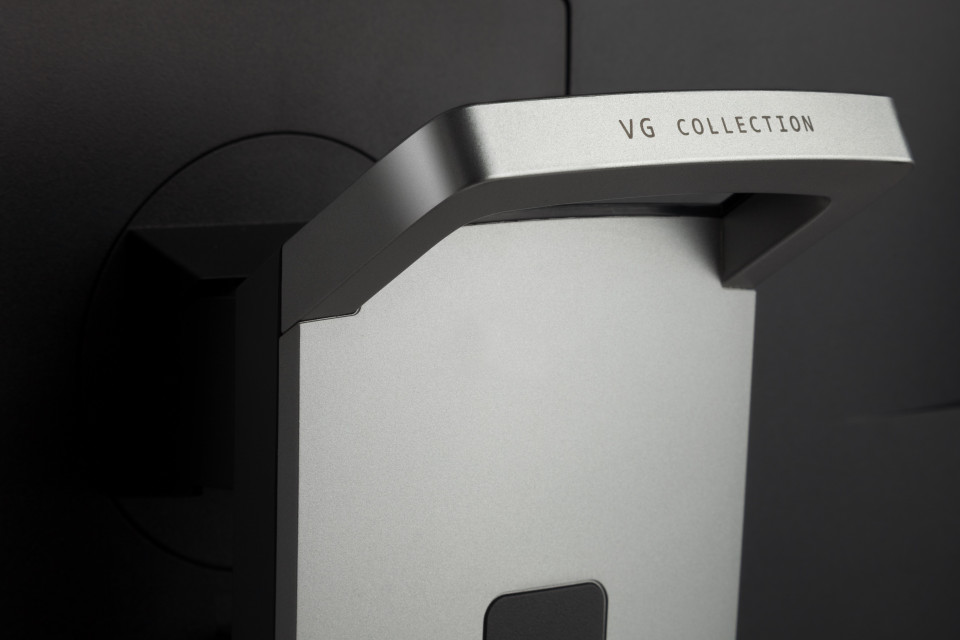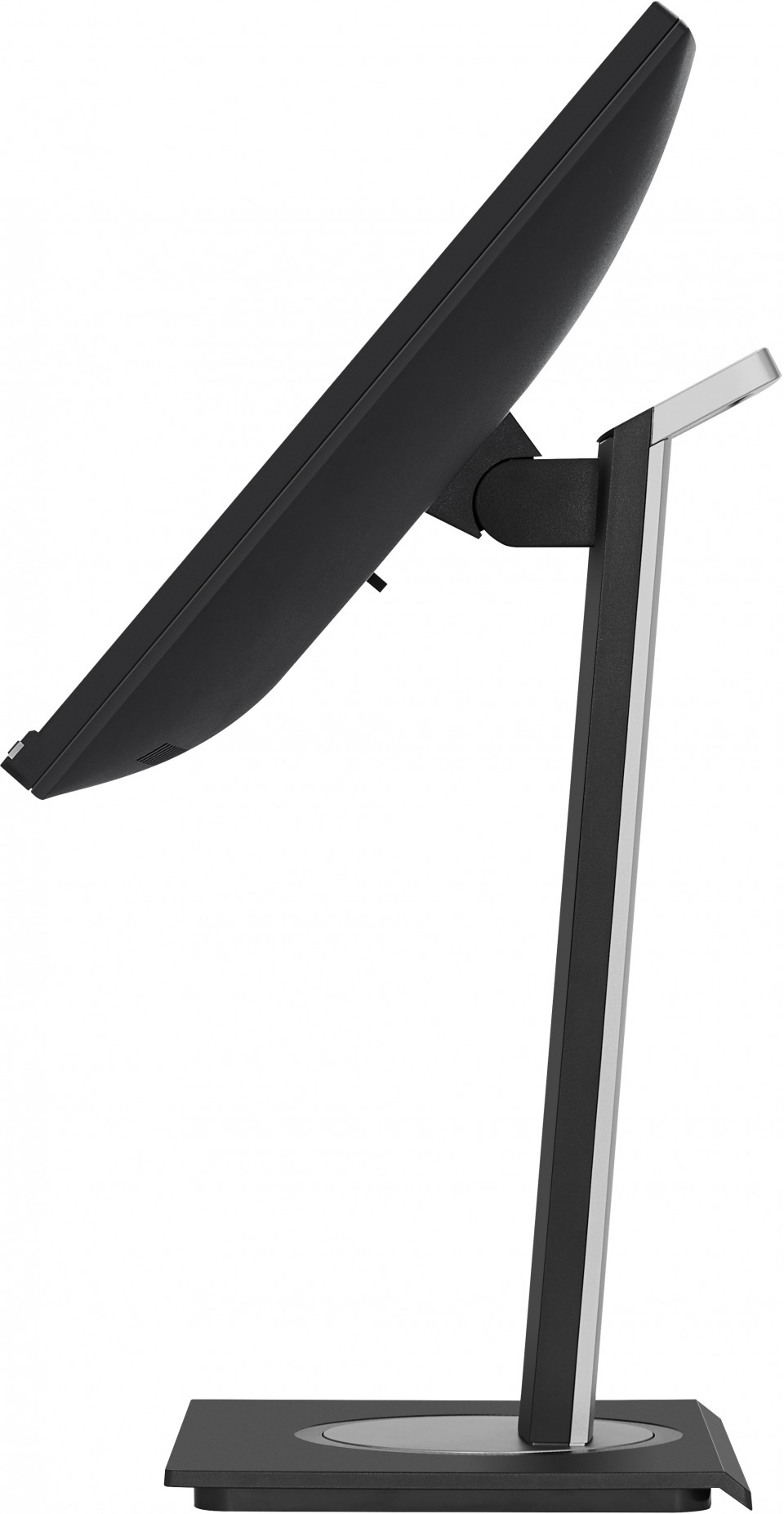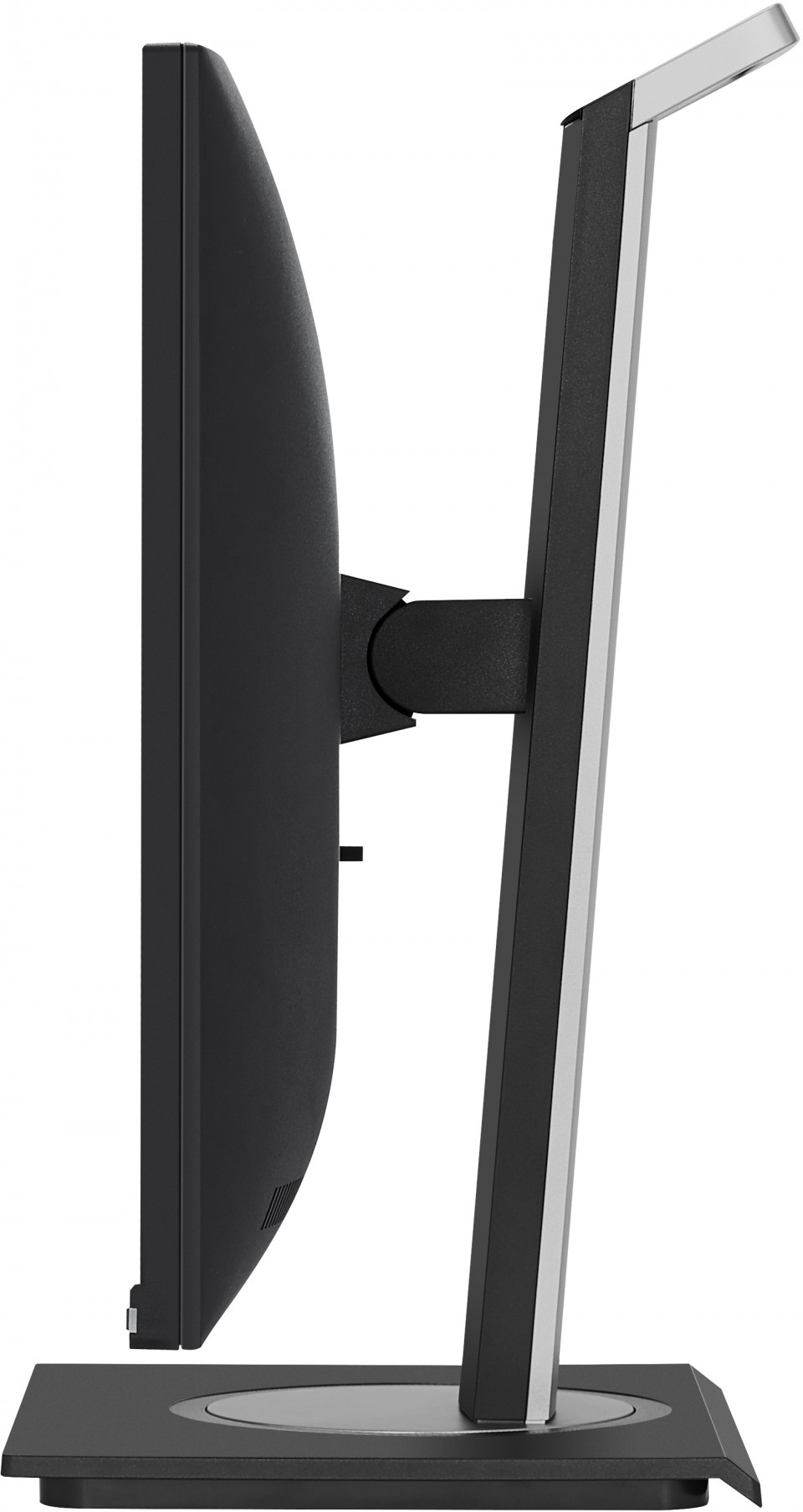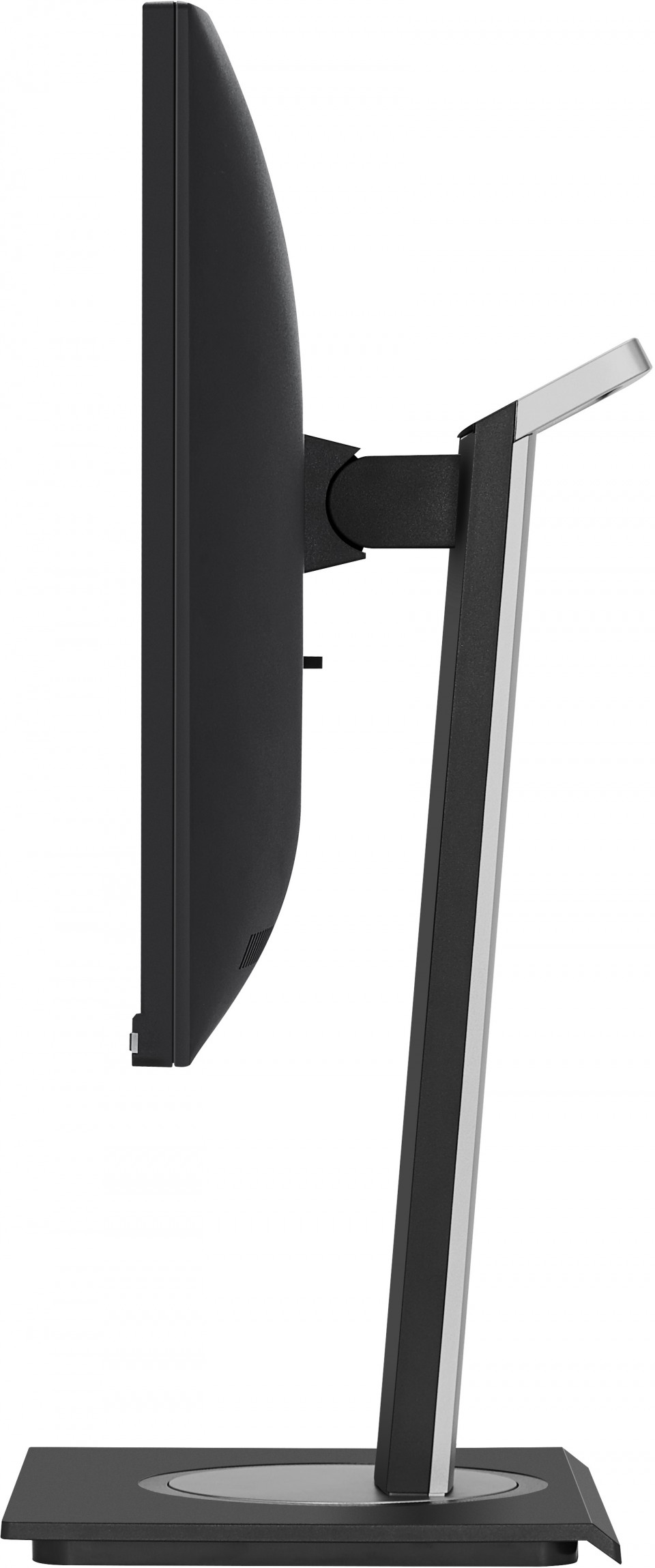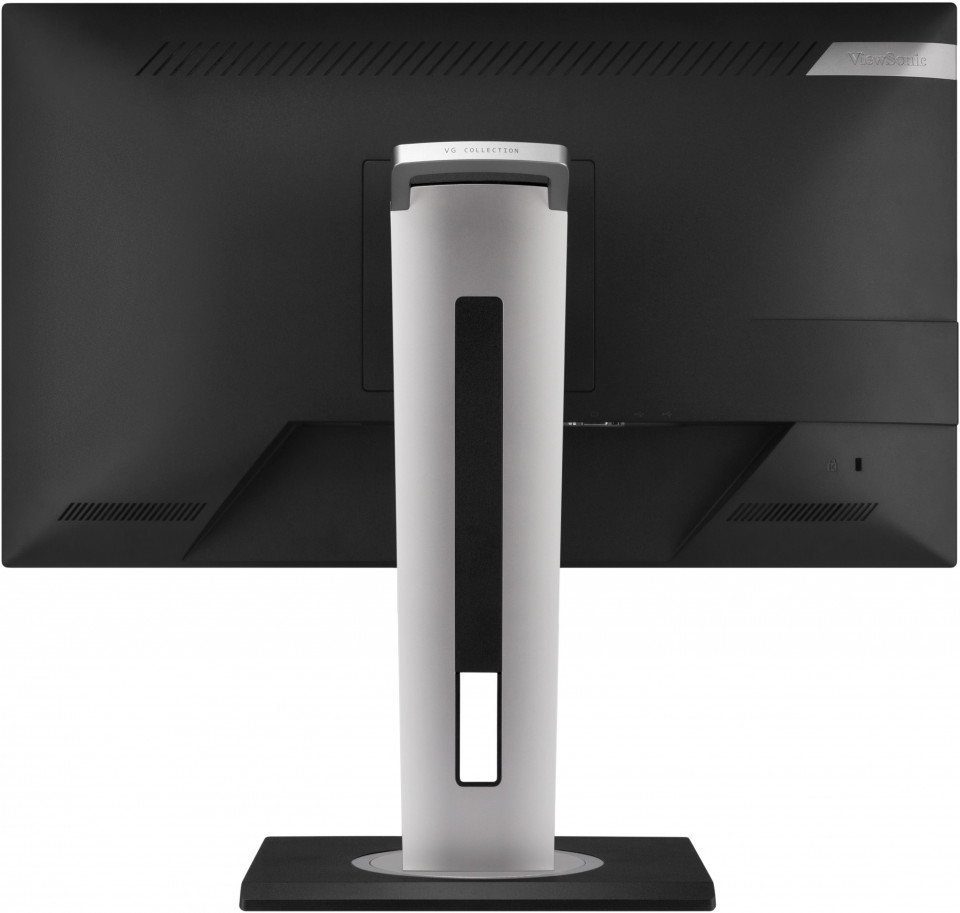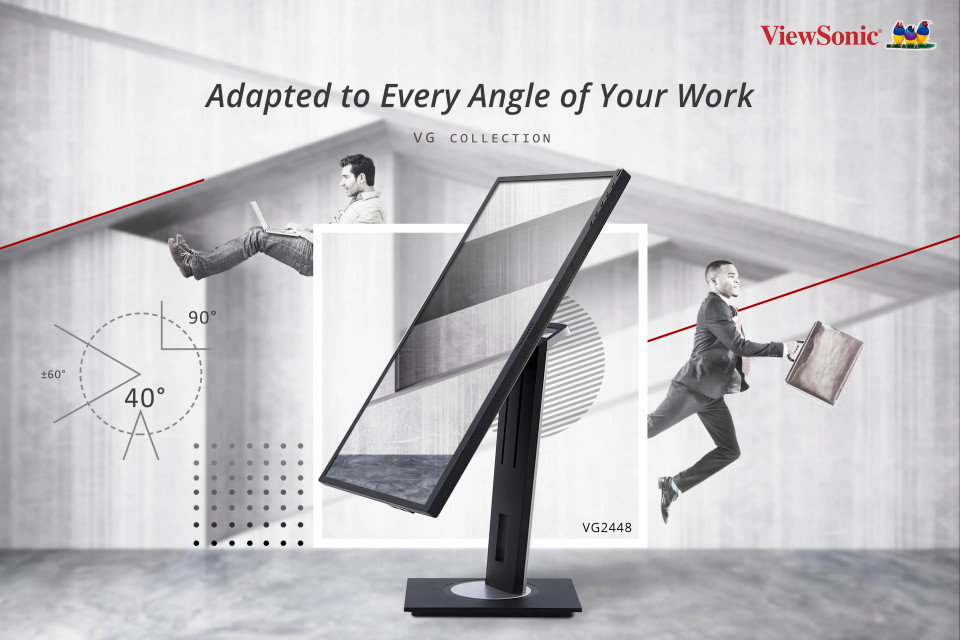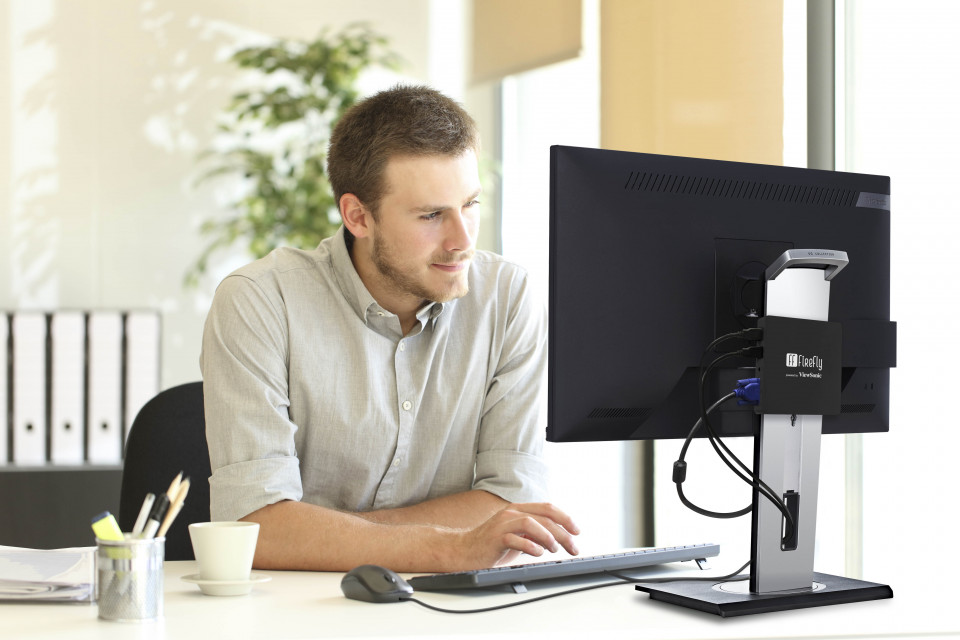


“Solid and affordable office monitor with practical ergonomic functions”
Gearchiveerd
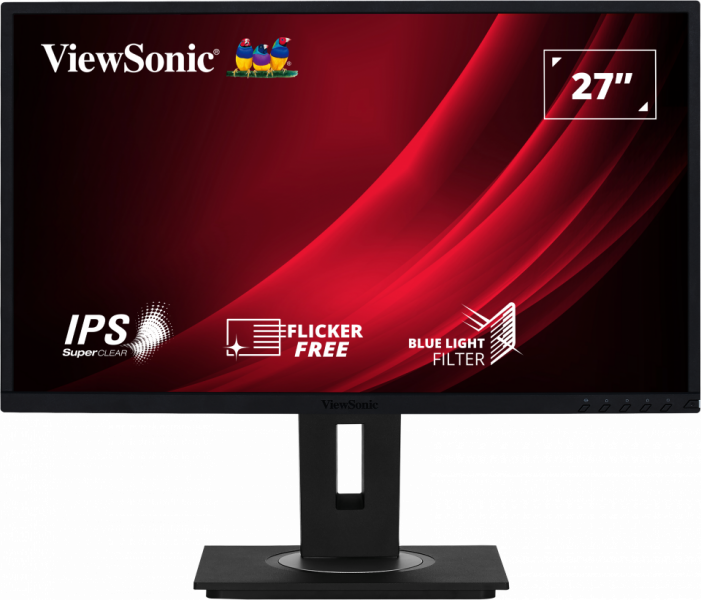
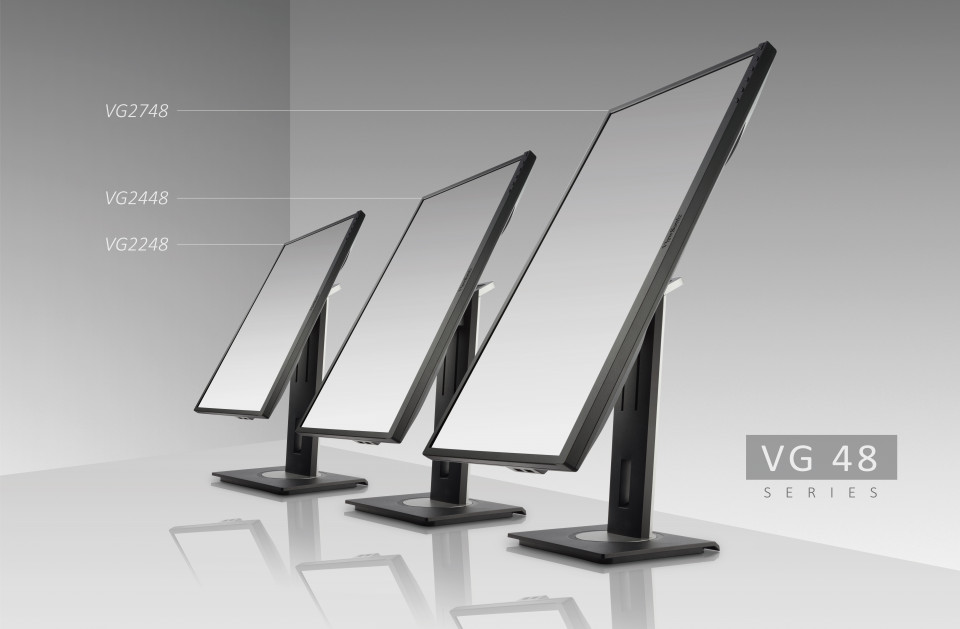
VG2748
27" Advanced Ergonomics Business Monitor
- vDisplay Manager (gratis download)
- Smalle bezel
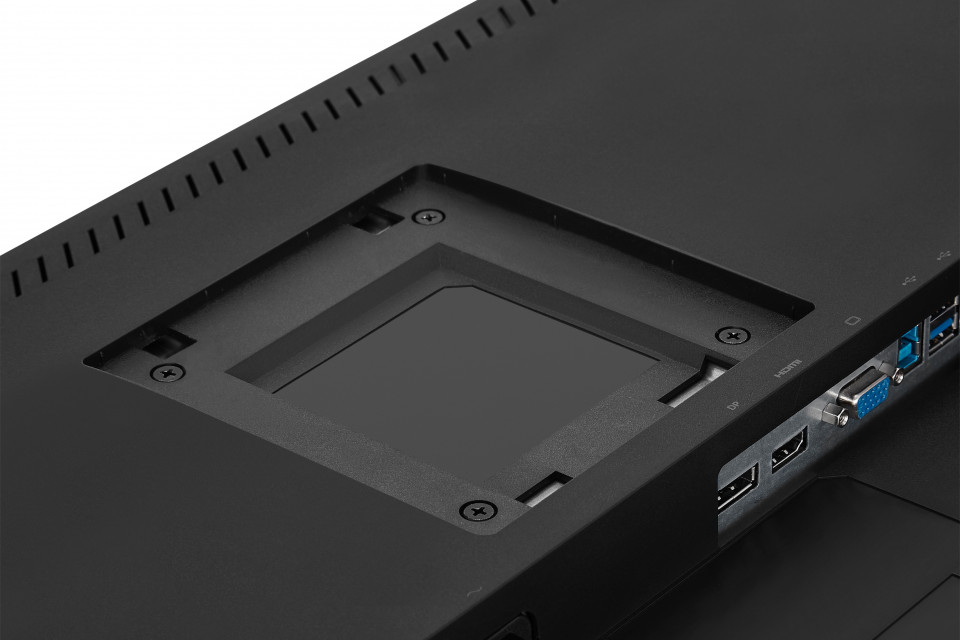
- HDMI-, DisplayPort- en VGA-ingangen
- SuperClear® IPS-technologie
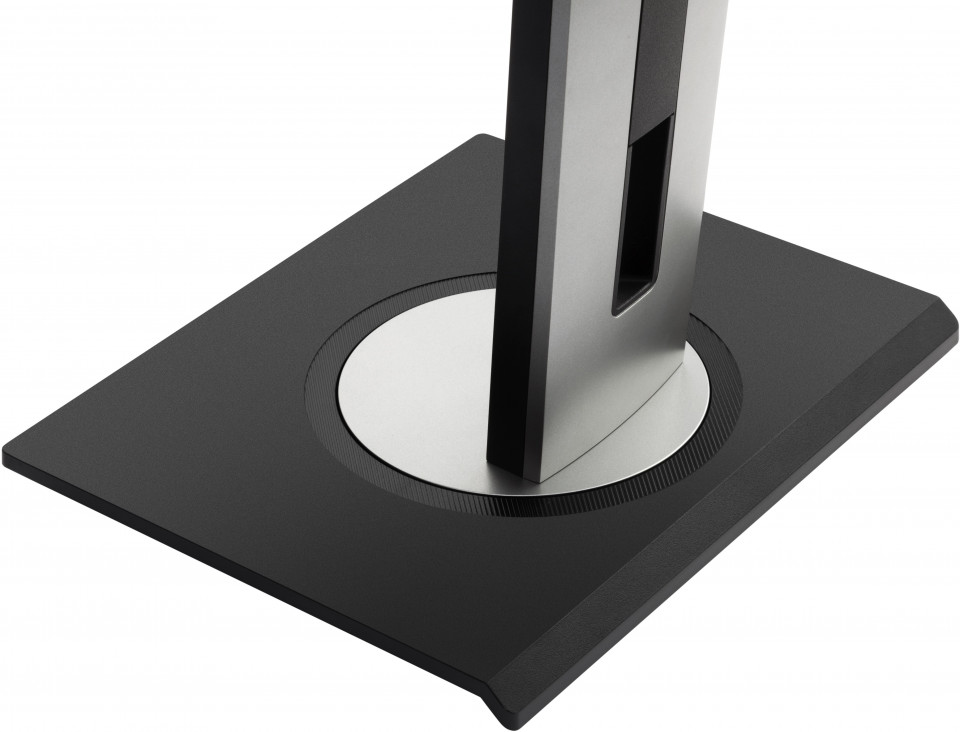
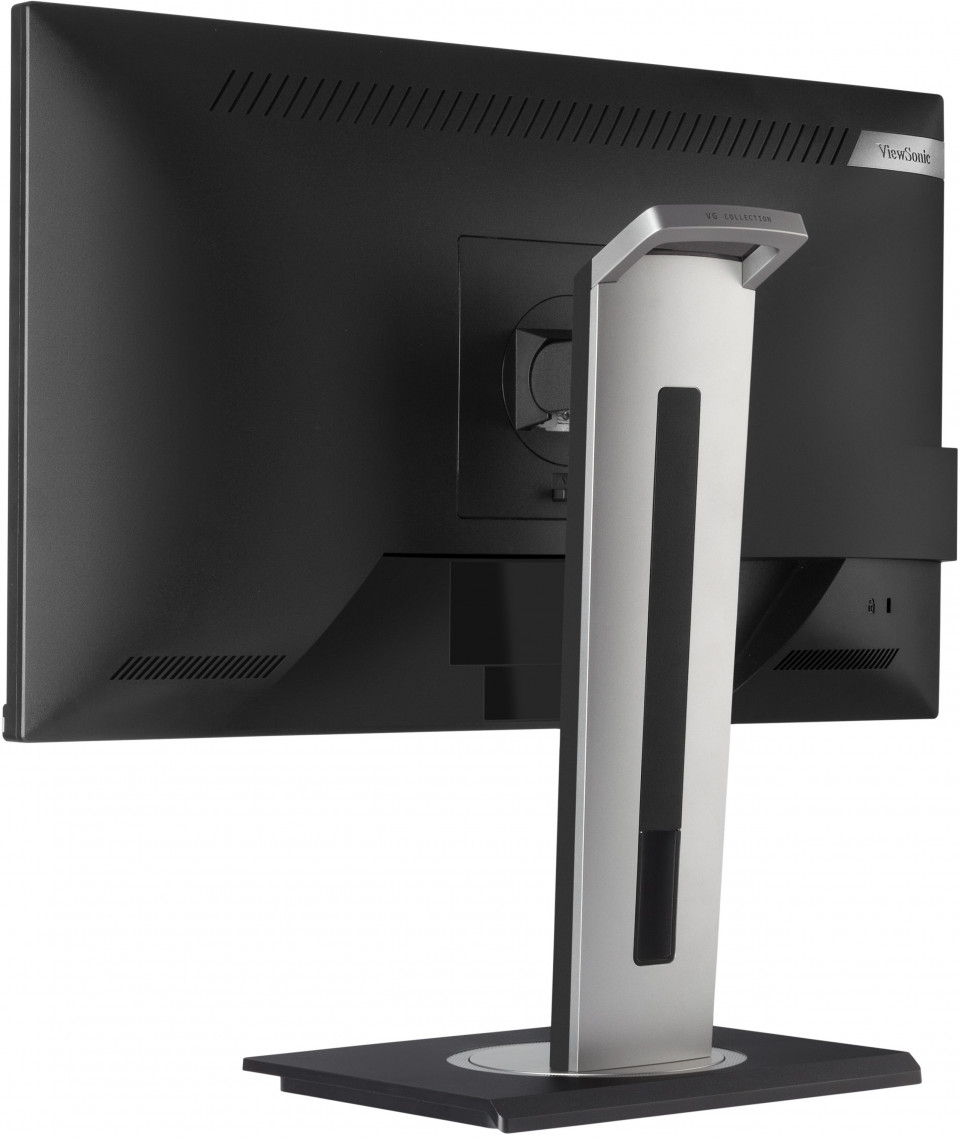
- Veelzijdige voet
Specificaties
- DisplaySchermgrootte (inch): 27
Zichtbare oppervlakte (in.): 27
Paneeltype: IPS Technology
Resolutie: 1920 x 1080
Resolutietype: FHD (Full HD)
Statische contrastverhouding: 1,000:1 (typ)
Dynamische contrastverhouding: 50M:1
Lichtbron: LED
Helderheid: 300 cd/m² (typ)
Colors: 16.7M
Color Space Support: 8 bit (6 bit + Hi-FRC)
Aspectratio: 16:9
Reactietijd (typische GTG): 5ms
Reactietijd (GTG met OD): 5ms
Kijkhoeken: 178º horizontal, 178º vertical
Levensduur achtergrondverlichting (uren): 30000 Hrs (Min)
Kromming: Flat
Vernieuwingsfrequentie (Hz): 60
Blauwlichtfilter: Yes
Low Blue Light: Software solution
Flikkervrij: Yes
Color Gamut: Adobe RGB: 76% size / 74% coverage (Typ)
NTSC: 72% size (Typ)
sRGB: 102% size / 95% coverage (Typ)
Pixelgrootte: 0.311 mm (H) x 0.311 mm (V)
Oppervlakte behandeling: Anti-Glare, Hard Coating (3H) - CompatibiliteitPC-resolutie (max.): 1920x1080
Mac® Resolutie (max.): 1920x1080
PC-besturingssysteem: Windows 7/8/8.1/10 certified; macOS tested
Mac® Resolutie (min): 1920x1080 - ConnectorVGA: 1
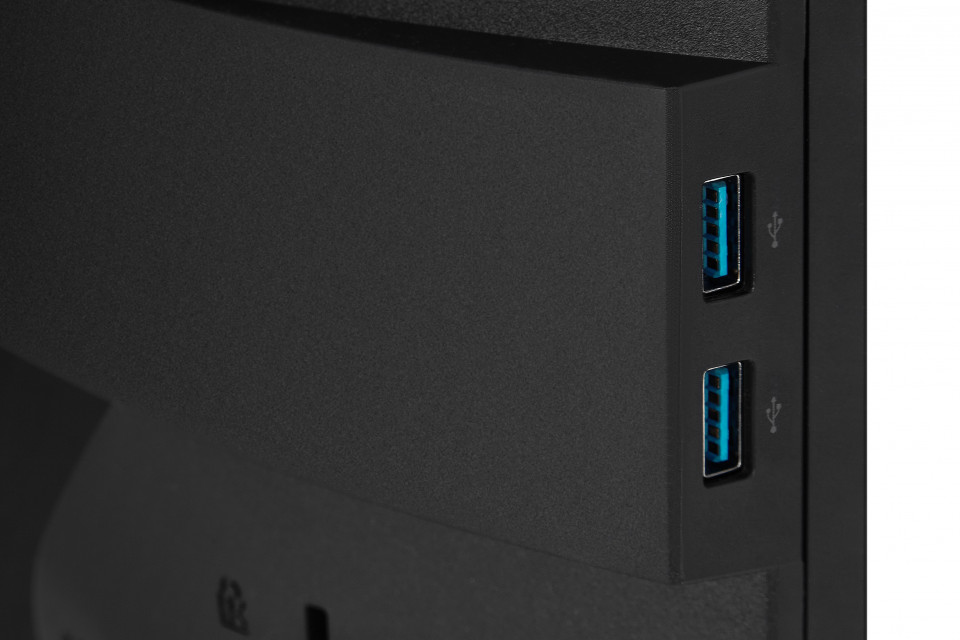
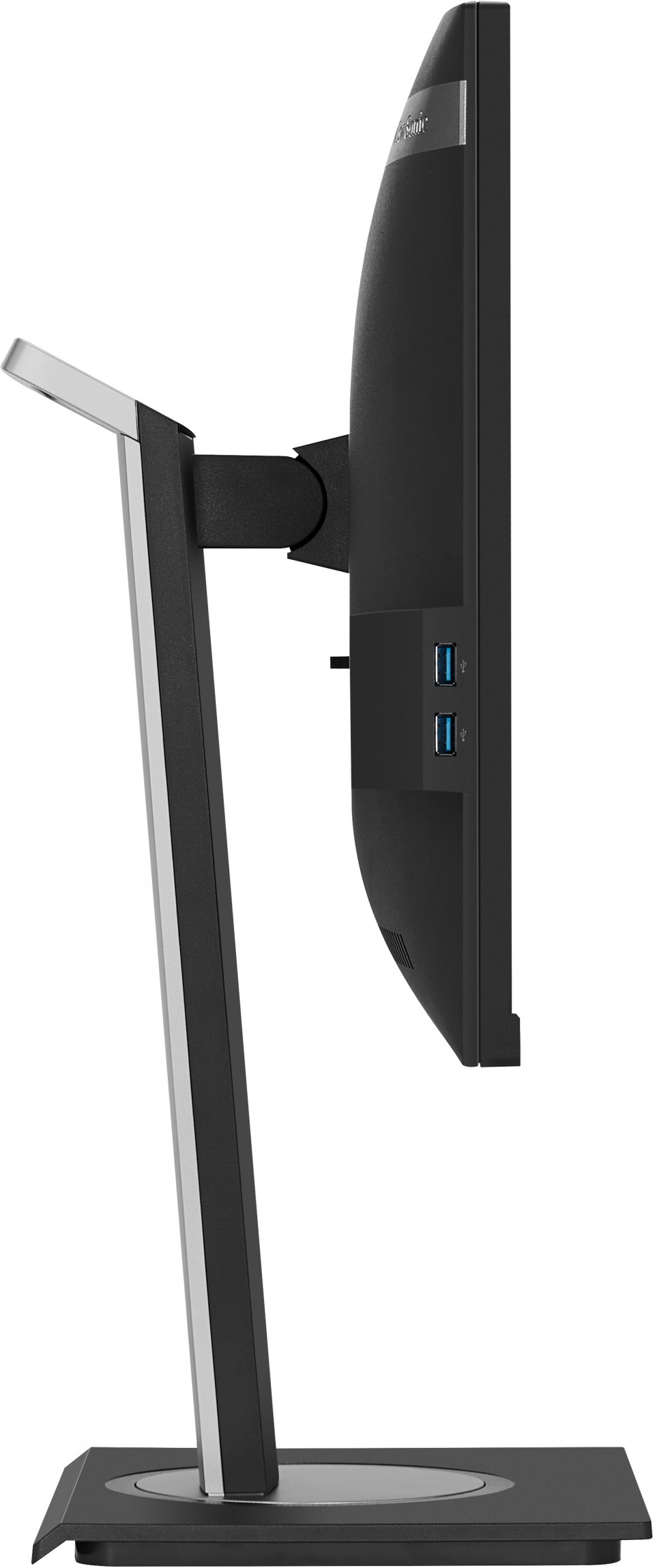
USB 3.2 Type A Down Stream: 4
USB 3.2 Type B Up Stream: 1
HDMI 1.4: 1
DisplayPort: 1
Power in: 3-pin Socket (IEC C14 / CEE22)
- AudioInterne luidsprekers: 2Watts x2
- StroomEco-modus (behouden): 18.5W
Eco Mode (optimized): 23.06W
Verbruik (typisch): 29.15W
Verbruik (maximaal): 34W
Spanning: AC 100-240V
Stand-by: 0.5W
Stroomvoorziening: Internal Power Supply - Extra hardwareKensington-slotsleuf: 1
Cable Organization: Yes - BesturingFysieke controles: Key 1 (eye), Key 2, Key 3, Key 4, Key 5, Key 6 (power)
Schermweergave: Input Select, Audio Adjust, ViewMode, Color Adjust, Manual Image Adjust, Setup Menu - Bedrijfsomstandigheden:Temperatuur: 32°F to 104°F (0°C to 40°C)
Vochtigheid (niet-condenserend): 20% to 90% - Wall Mount VESA-compatibel: 100 x 100 mm
- IngangssignaalFrequentie Horizontaal: RGB Analog: 24 ~ 82KHz, HDMI (v1.4): 24 ~ 82KHz, DisplayPort (v1.2): 15 ~ 82KHz
Frequentie verticaal: RGB Analog: 50 ~ 75Hz, HDMI (v1.4): 24 ~ 75Hz, DisplayPort (v1.2): 24 ~ 75Hz - Video-ingangDigitale synchronisatie: TMDS - HDMI (v1.4), PCI-E - DisplayPort (v1.2)
Analog Sync: Separate/Composite/SOG - RGB Analog - ErgonomieHoogte aanpassen (mm): 130
draaibaar: 120º
Kantelen (vooruit/achteruit): -5º / 40º
Draaien (rechts/links): 90º / 90º - Gewicht (imperiaal)Netto (lbs): 16.1
Netto Zonder Standaard (lbs): 10.8
Bruto (lbs): 22.3 - Weight (metric) Netto (kg): 7.3
Netto Zonder Standaard (kg): 4.9
Bruto (kg): 10.1 - Afmetingen (imperiaal) (bxhxd)Verpakking (inch): 27.2 x 16.9 x 8.6
Fysiek (inch/mm): 24.4 x 16.03~21.15 x 8
Fysiek zonder standaard (in.): 24.4 x 14.4 x 2 - Afmetingen (metrisch) (bxhxd)Verpakking (mm): 692 x 430 x 218
Fysiek (mm): 621 x 407.2~537.2 x 202
Fysiek zonder standaard (mm): 621 x 366 x 51 - AlgemeenVERPAKKINGSINHOUD: VG2748 x1, 3-pin Plug (IEC C13 / CEE22) x1, DisplayPort Cable (v1.2; Male-Male) x1, USB A/B Cable (v3.2; Male-Male) x1, Quick Start Guide x1
Recyclen/verwijderen: Please dispose of in accordance with local, state or federal laws.
Garantie: *Warranty offered may differ from market to market
Stroombeheer: Energy Star standards, EPEAT
Ondersteuning & Downloads
Datasheets
Snelstart gids / handleidingen
VG2748 User Guide (Nederlands)
Bekijk alle talen
VG2748 User Guide (Bahasa Indonesia)VG2748 User Guide (Deutsch)VG2748 User Guide (English)VG2748 User Guide (Español )VG2748 User Guide (Français)VG2748 User Guide (Hrvatski)VG2748 User Guide (Italiano)VG2748 User Guide (Magyar)VG2748 User Guide (Polski)VG2748 User Guide (Português)VG2748 User Guide (Romania)VG2748 User Guide (Slovenčina)VG2748 User Guide (Slovenščina)VG2748 User Guide (Srpski)VG2748 User Guide (Suomi)VG2748 User Guide (Svenska)VG2748 User Guide (Türkçe)VG2748 User Guide (Česky)VG2748 User Guide (Ελληνικά)VG2748 User Guide (Български)VG2748 User Guide (Русский)VG2748 User Guide (Українська)VG2748 User Guide (日本語)VG2748 User Guide (简体中文)VG2748 User Guide (繁體中文)VG2748 User Guide (한국어)VG2748 User Guide (ﺍﻟﻌﺭﺑﻳﺔ)
Stuurprogramma en software
Standard Monitor Driver Signed Windows 10 x64Standard Monitor Driver Signed Windows 10 x86Standard Monitor Driver Signed Windows 7Standard Monitor Driver Signed Windows 7 x64Standard Monitor Driver Signed Windows 8 x64Standard Monitor Driver Signed Windows 8 x86Standard Monitor Driver Unsigned WindowsStandard Monitor Driver Unsigned Windows x64vDisplay Manager 2.0 (Mac) DownloadvDisplay Manager 2.0 (Win) DownloadvDisplay Manager 2.0 User Guide (English)vDisplay Manager 2.0 supported models