Gearchiveerd
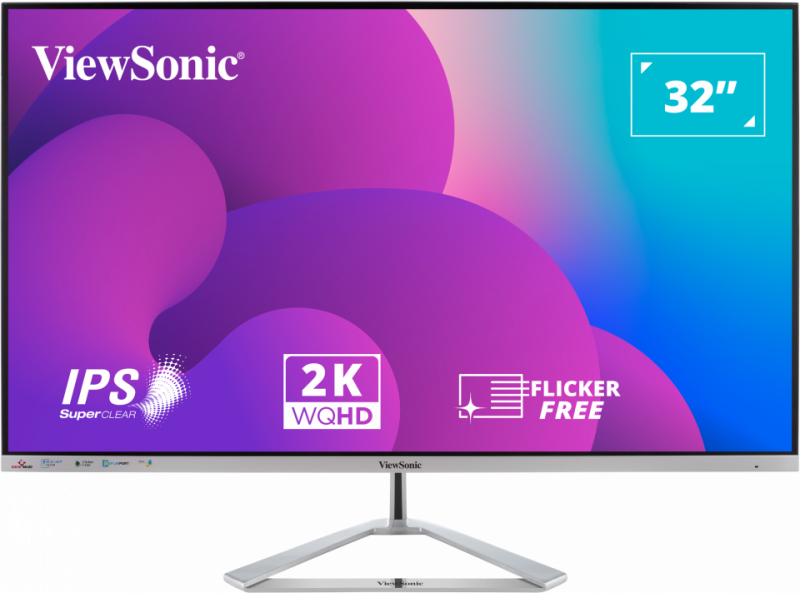
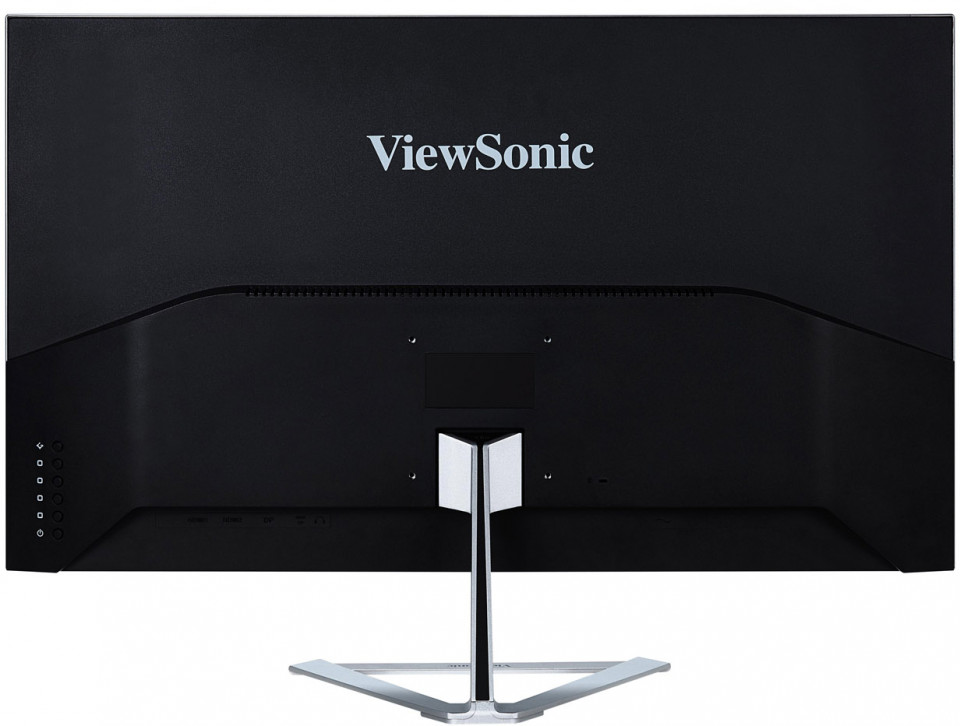
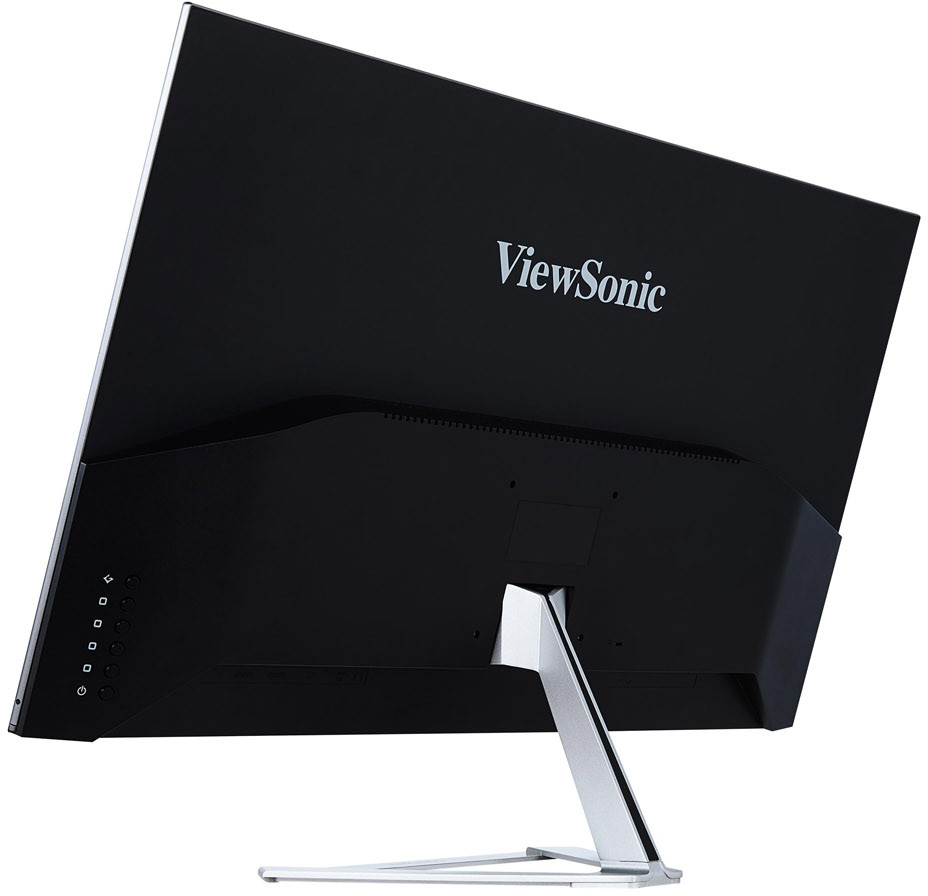
VX3276-2K-mhd
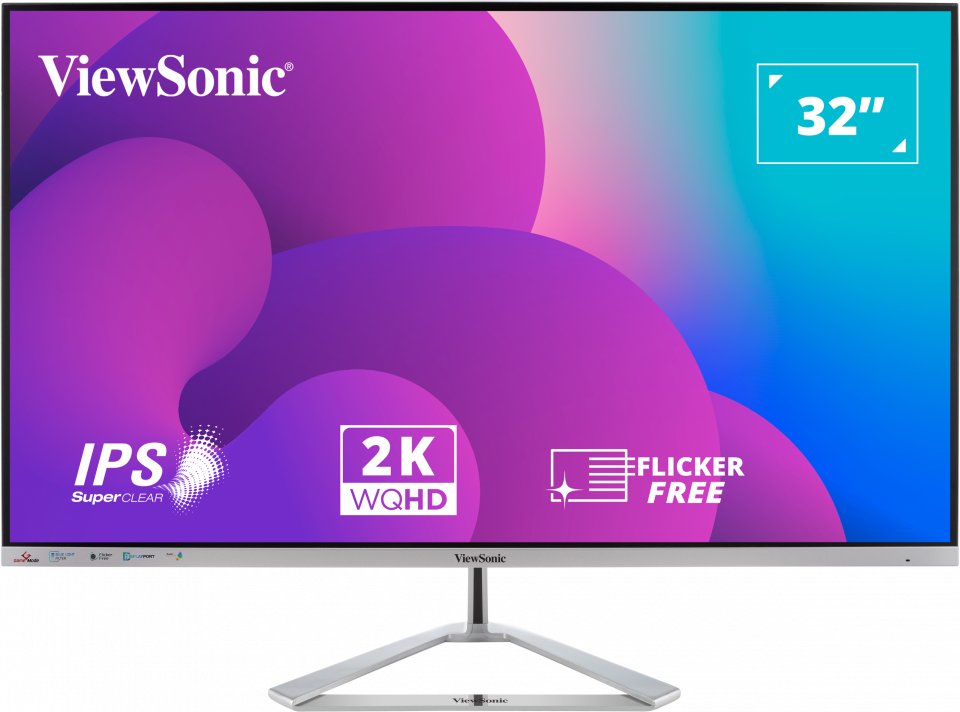
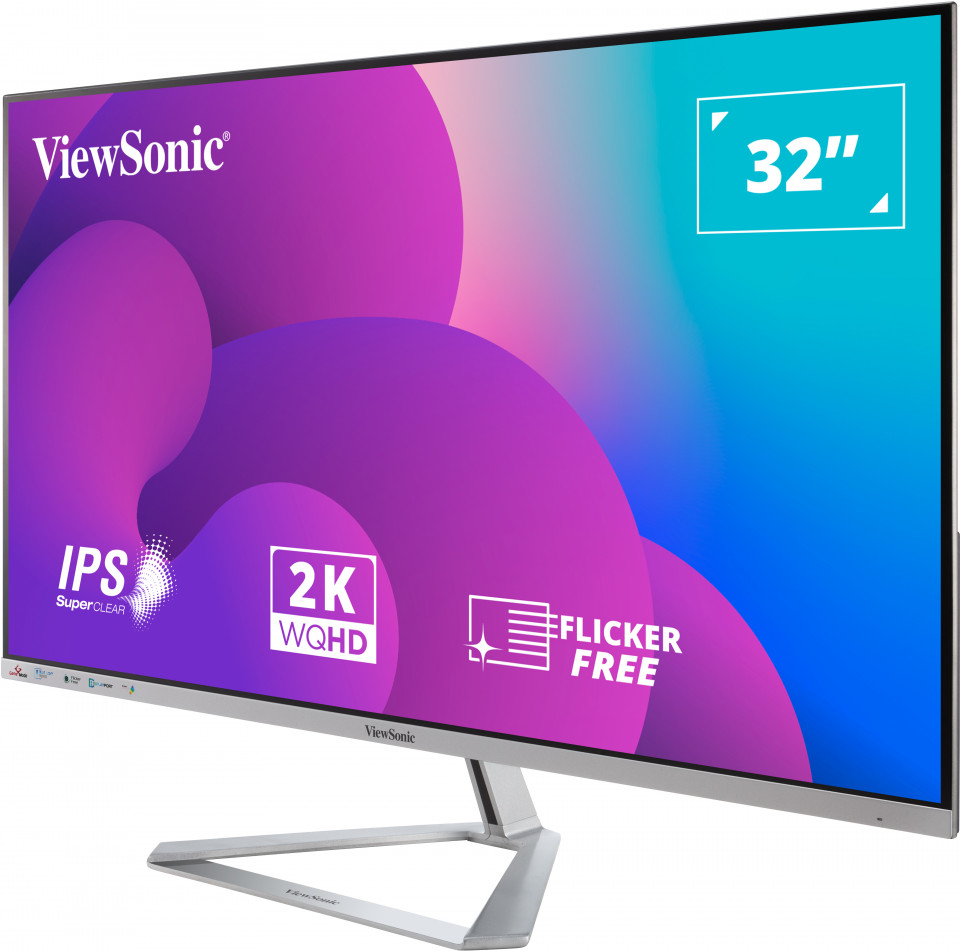
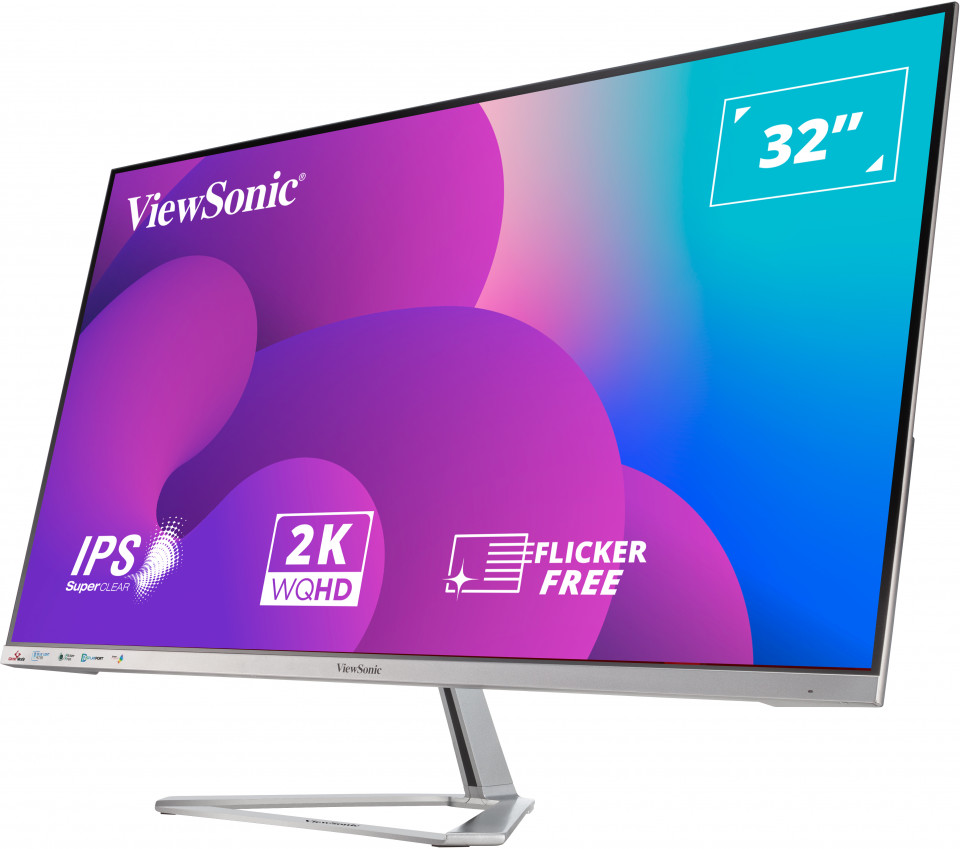
32" 1440p Entertainment Monitor
- SuperClear® IPS-technologie
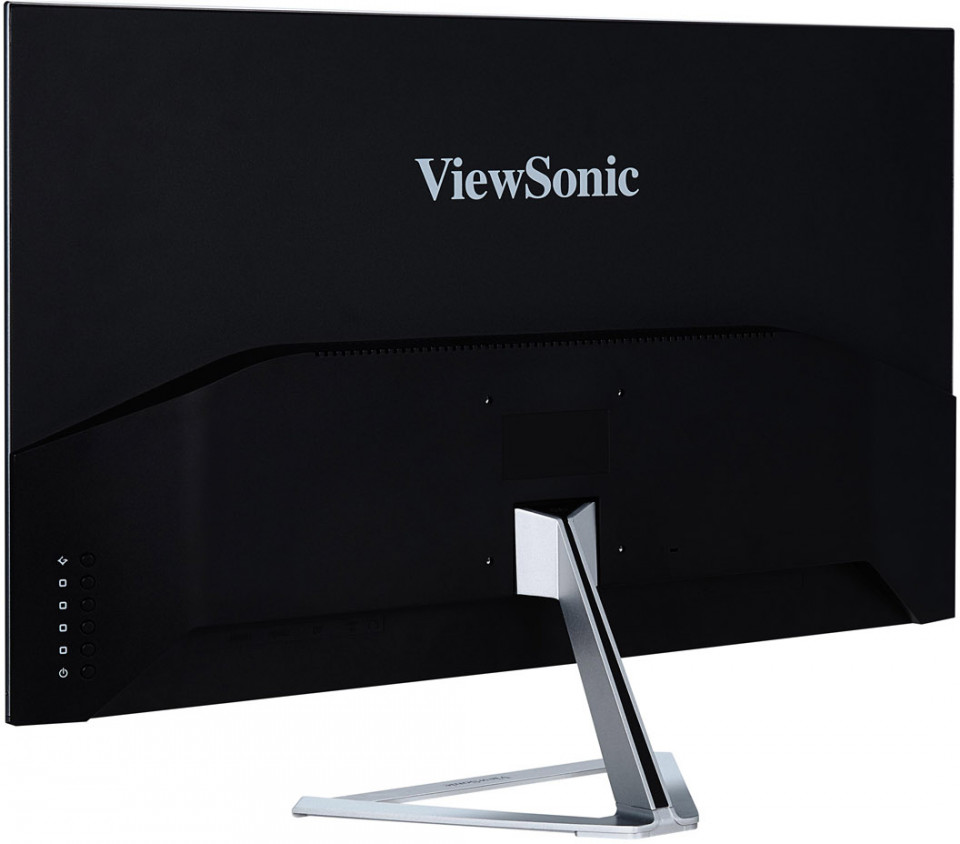
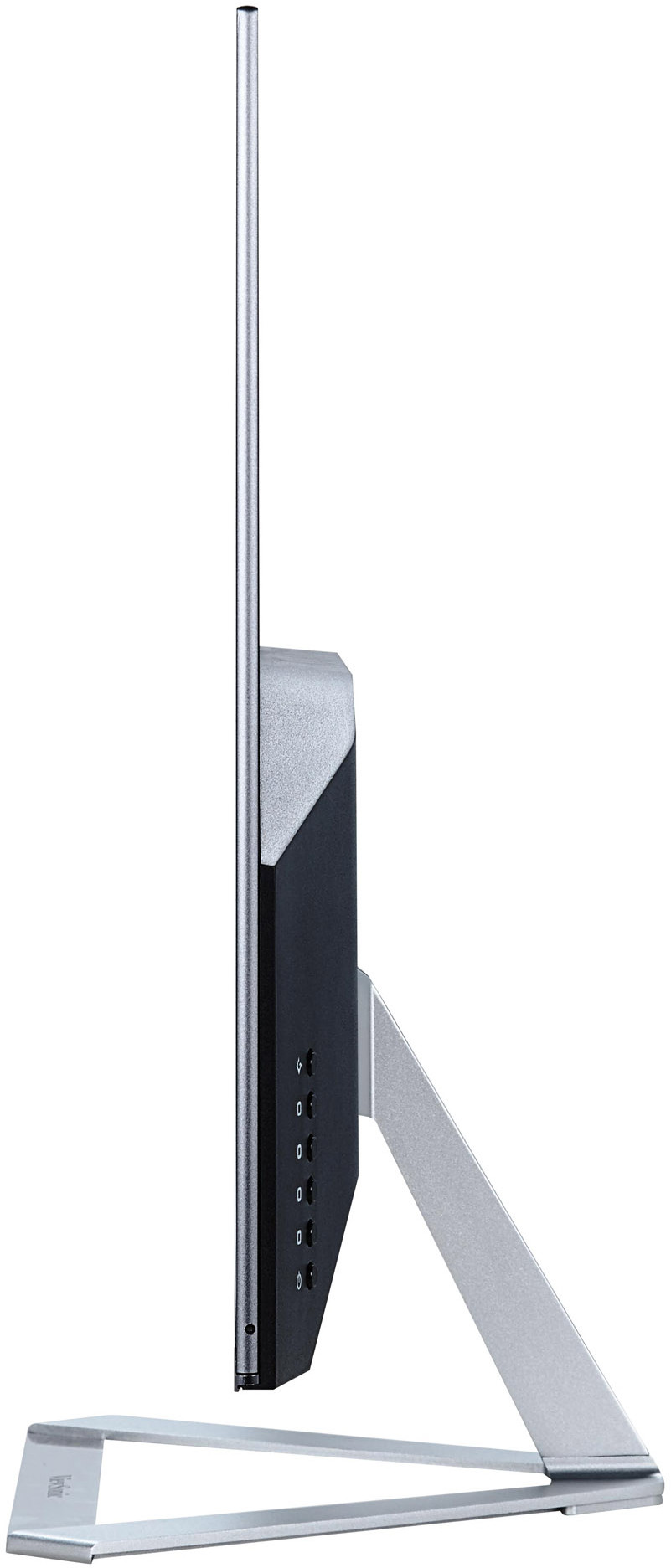
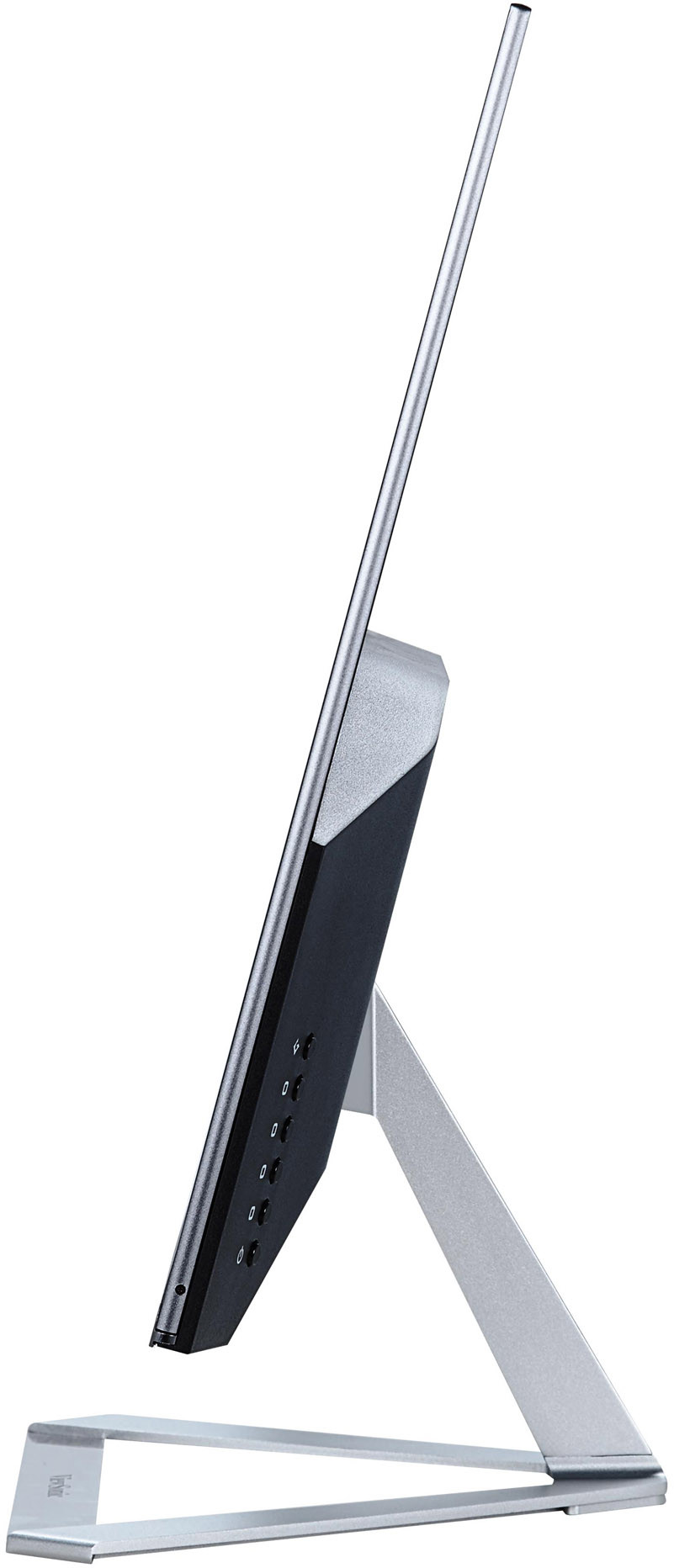
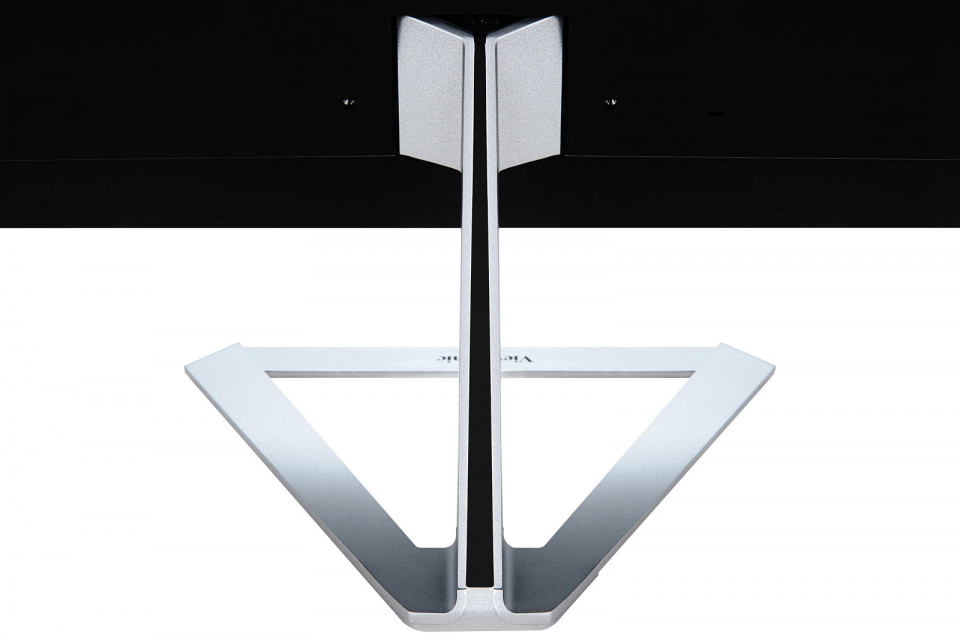
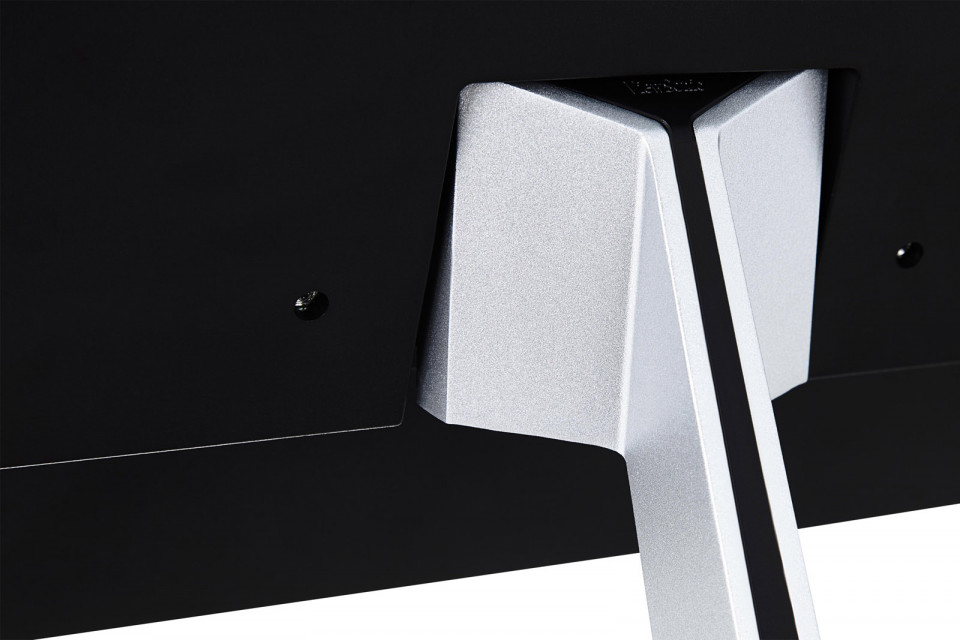
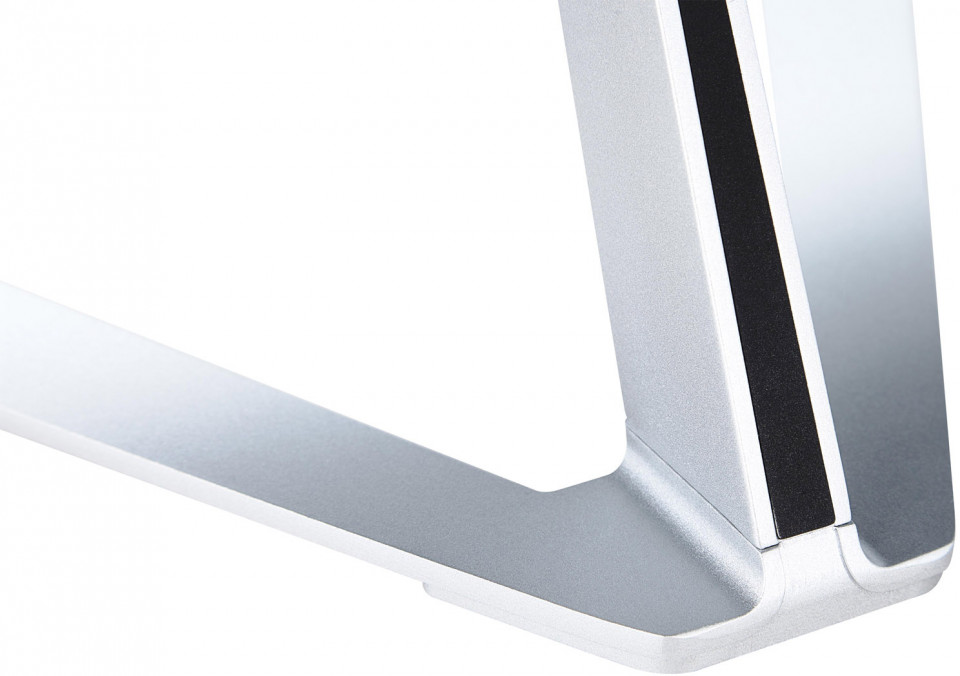
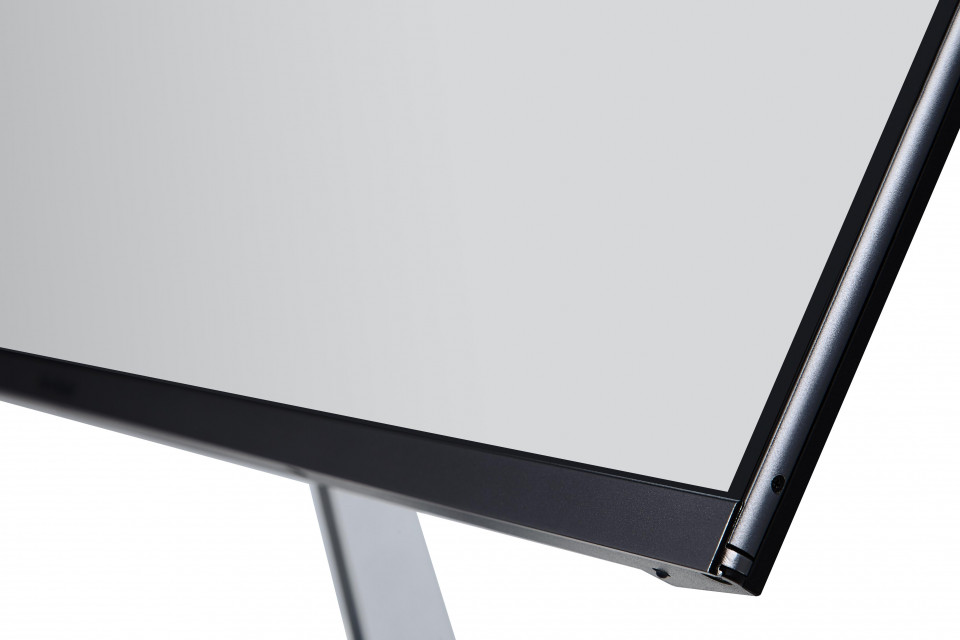
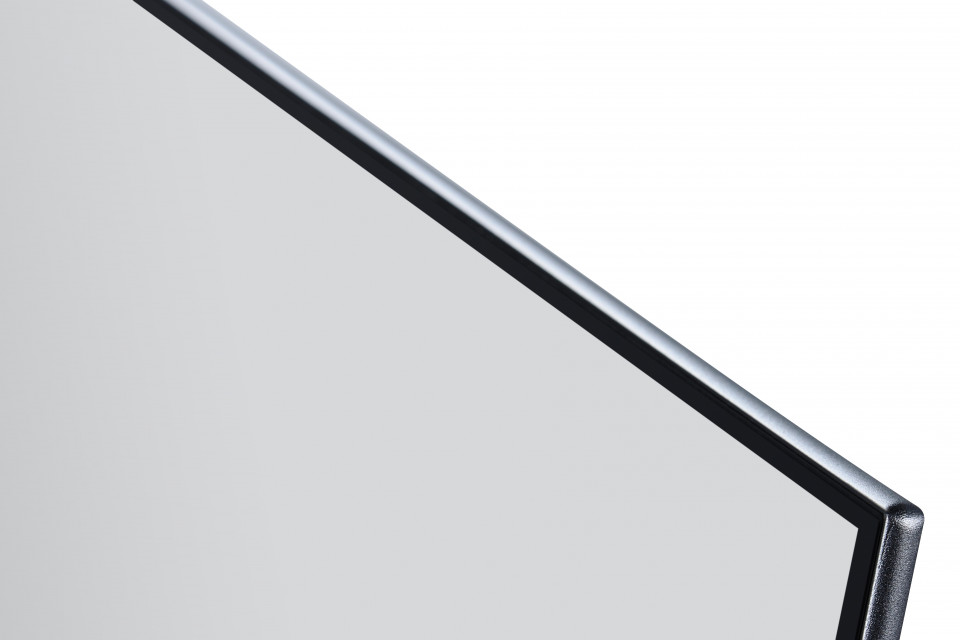
- Frameloze bezel en metalen driehoekige standaard
- 10-bits kleur HDMI-, DisplayPort- en mini-DP-ingangen
- 2 geïntegreerde luidsprekers
Specificaties
- DISPLAYMonitor Size: 32”W (31.5” Viewable)
Panel Technology: SuperClear® IPS TFT LCD
Resolutie: 2560 x 1440
Display Area: 698.11mm (H) x 392.68mm (V)
Aspectratio: 16:9
Helderheid: 250 cd/m² (Typ)
Contrastverhouding: 1200:1 (Typ)
Dynamische contrastverhouding: 80,000,000:1
Viewing Angle: 178 degrees / 178 degrees (Typ)
Reactietijd: 4ms (GtG)
Kleuren: 1.07 Billion colours (10 bits colour depth)
Kleurengamma: 75% of NTSC (Typ)
Panel Surface: Anti-Glare type, Hard-coating (3H), Haze 25%
Pixel Pitch: 0.273mm (H) x 0.273mm (V) - INPUT SIGNALFrequency: HDMI:Fh = 15 ~ 113KHz ; Fv = 24 ~ 75Hz
DisplayPort:Fh = 24 ~ 113KHz ; Fv = 50 ~ 75Hz
Mini DP:Fh = 24 ~ 113KHz ; Fv = 50 ~ 75Hz
Sync: HDMI:TMDS
DisplayPort:PCI-E
Mini DP:PCI-E - COMPATIBILITYPC: Windows 7, Windows 8, Windows 8.1, Windows 10 certified
Mac®: Power Mac tested
- CONNECTORDigital: HDMI x 2 (v1.4 compatible)
DisplayPort x 1 (v1.2 compatible)
Mini DisplayPort x 1 (v1.2 compatible)
Audio Out: Earphone out x 1 (3.5mm plug) - SPEAKERS2W x 2
- POWERStroom: 3-pin plug (CEE22) x 1
Spanning: AC 100-240V (Universal); 50/60Hz
Consumptie: 43W
Optimize: 41W
Conserve: 36W - ERGONOMICSKantelen: 15 ~ -4 degrees
- SPECIAL FEATURESDDC/2B, DDC/CI, HDCP, Detachable Base, KENSINGTON Microsaver Security Compatible
- WALL MOUNTVESA®: 100mm x 100mm
- OPERATING CONDITIONSTemperature (º F / º C): 32°F to 104°F (0°C to 40°C)
Luchtvochtigheid: 20% to 90% (no condensation) - DIMENSIONS (W x H x D) (mm)Physical with stand (mm): 712.89mm (W) x 503.87mm (H) x 230mm (D)
Physical without stand (mm): 712.89mm (W) x 416.4mm (H) x 38.2mm (D)
Verpakking (mm): 785mm (W) x 498mm (H) x 112mm (D) - WEIGHTNet with stand (kg): 6.2kg
Net without stand (kg): 5.6kg
Bruto (kg): 8.2kg - VERPAKKINGSINHOUDLCD Display
Power Cable
HDMI Cable
Quick Start Guide
*Actual content may differ from market to market
Ondersteuning & Downloads
Datasheets
Snelstart gids / handleidingen
VX3276-2K-MHD User Guide (Nederlands)
VX3276-2K-MHD User Guide (Online View)
Bekijk alle talen
VX3276-2K-MHD User Guide (Bahasa Indonesia)VX3276-2K-MHD User Guide (Dansk)VX3276-2K-MHD User Guide (Deutsch)VX3276-2K-MHD User Guide (Deutsch)VX3276-2K-MHD User Guide (English)VX3276-2K-MHD User Guide (Español )VX3276-2K-MHD User Guide (Français)VX3276-2K-MHD User Guide (Hrvatski)VX3276-2K-MHD User Guide (Italiano)VX3276-2K-MHD User Guide (Magyar)VX3276-2K-MHD User Guide (Polski)VX3276-2K-MHD User Guide (Português)VX3276-2K-MHD User Guide (Română)VX3276-2K-MHD User Guide (Srpski)VX3276-2K-MHD User Guide (Suomi)VX3276-2K-MHD User Guide (Svenska)VX3276-2K-MHD User Guide (Türkçe)VX3276-2K-MHD User Guide (Česky)VX3276-2K-MHD User Guide (Ελληνικά)VX3276-2K-MHD User Guide (Български)VX3276-2K-MHD User Guide (Русский)VX3276-2K-MHD User Guide (Українська)VX3276-2K-MHD User Guide (日本語)VX3276-2K-MHD User Guide (简体中文)VX3276-2K-MHD User Guide (繁體中文)VX3276-2K-MHD User Guide (한국어)VX3276-2K-MHD User Guide (ﺍﻟﻌﺭﺑﻳﺔ)
Stuurprogramma en software
Standard Monitor Driver Signed Windows 10 x64Standard Monitor Driver Signed Windows 10 x86Standard Monitor Driver Signed Windows 7Standard Monitor Driver Signed Windows 7 x64Standard Monitor Driver Signed Windows 8 x64Standard Monitor Driver Signed Windows 8 x86Standard Monitor Driver Unsigned WindowsStandard Monitor Driver Unsigned Windows x64