Gearchiveerd
VG1655
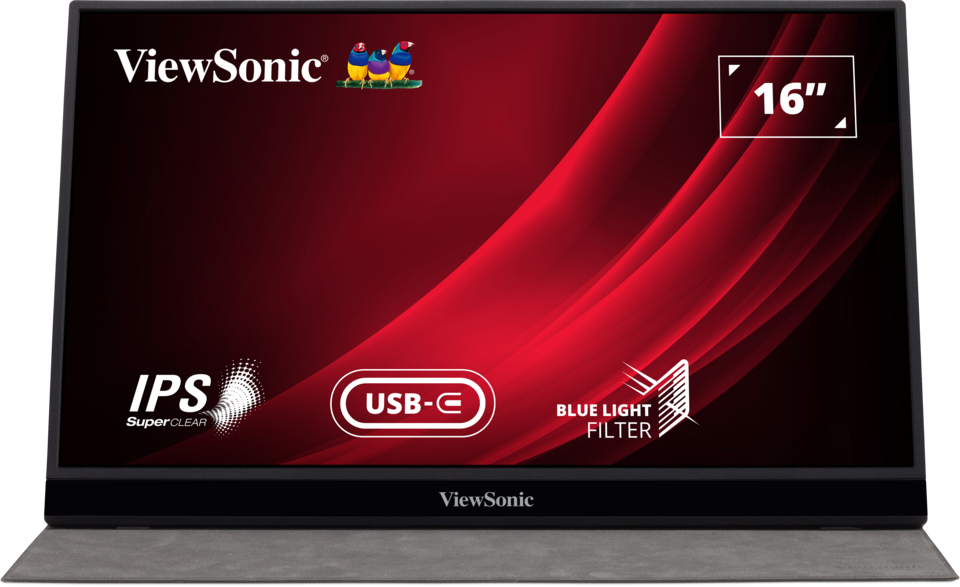
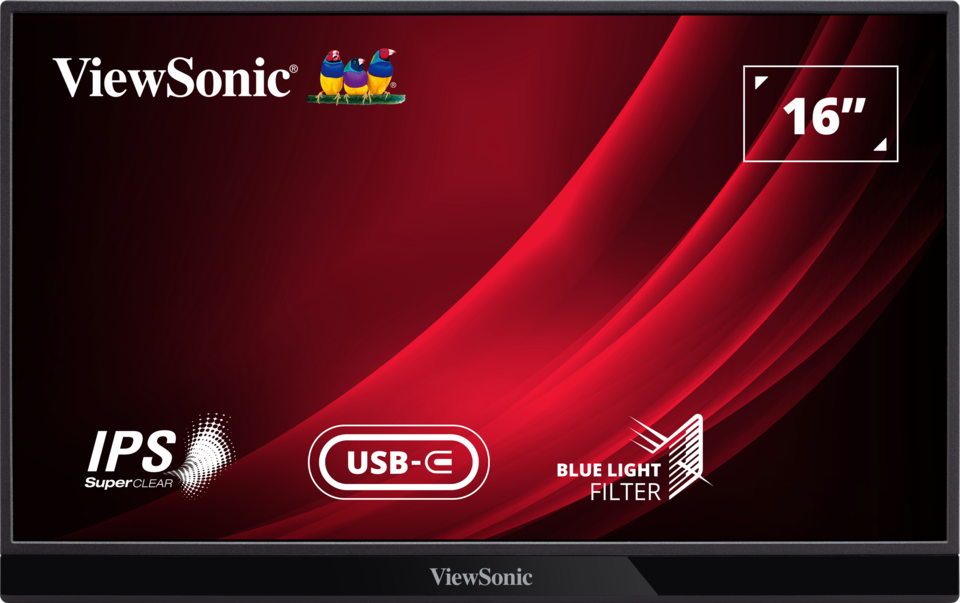
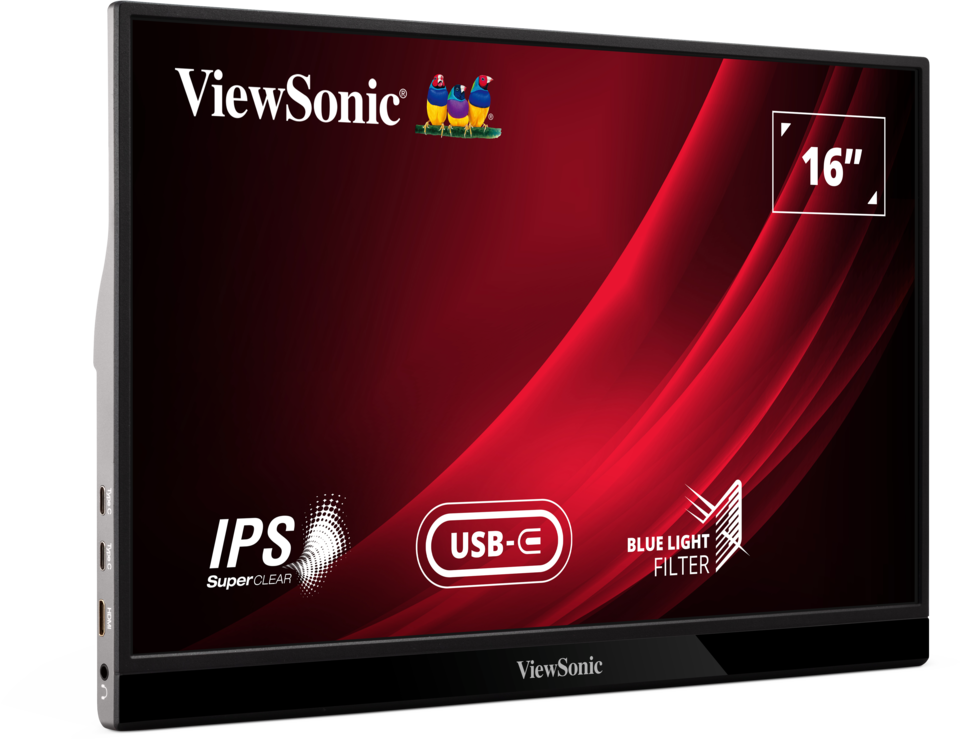
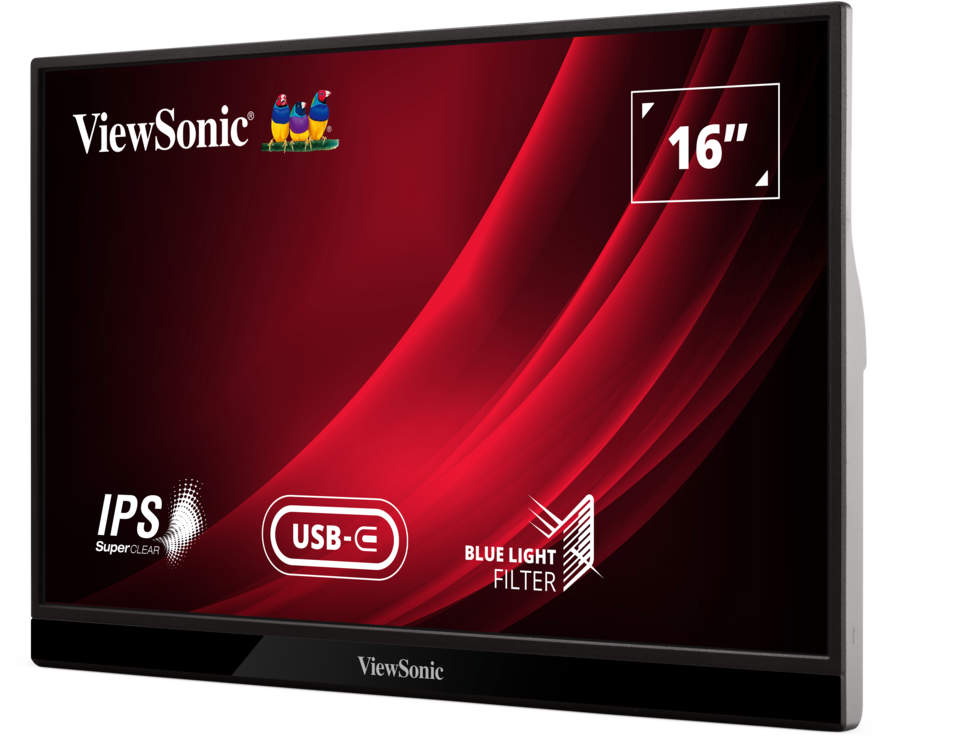
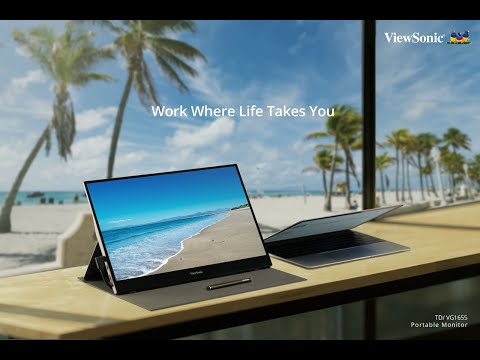
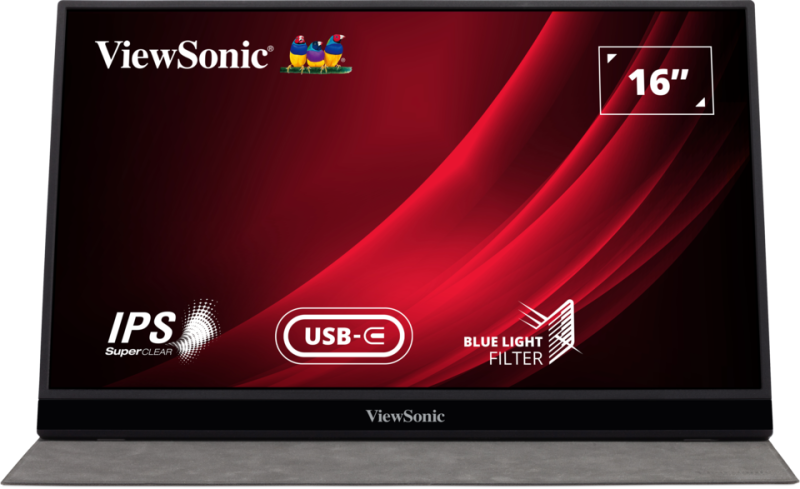
16” USB-C Portable Business Monitor
- Compact, lightweight and portable
- Easily extend display to a larger screen from mobile devices
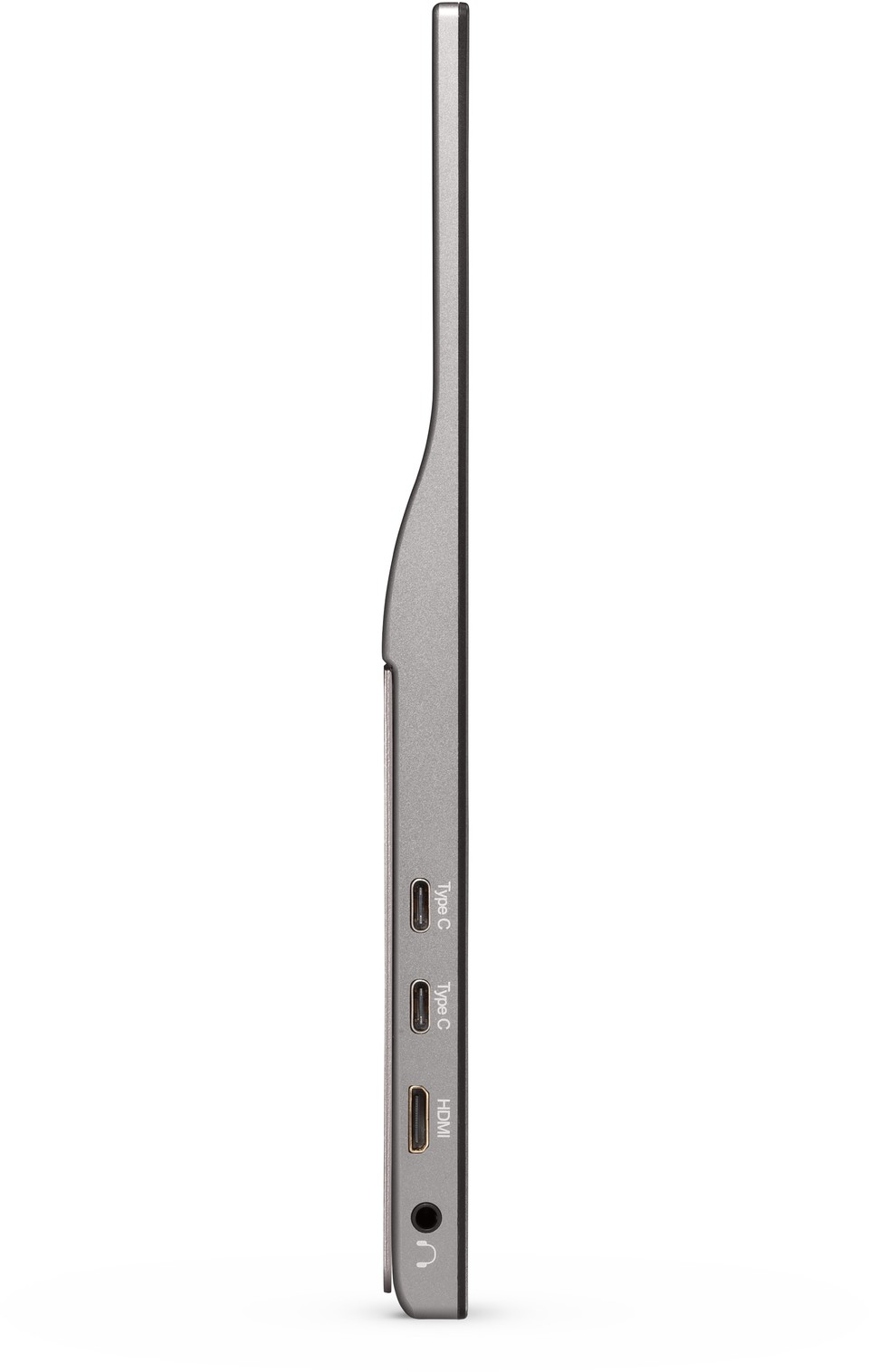
- 60W USB-C one cable solution for multimedia transfer and power charging
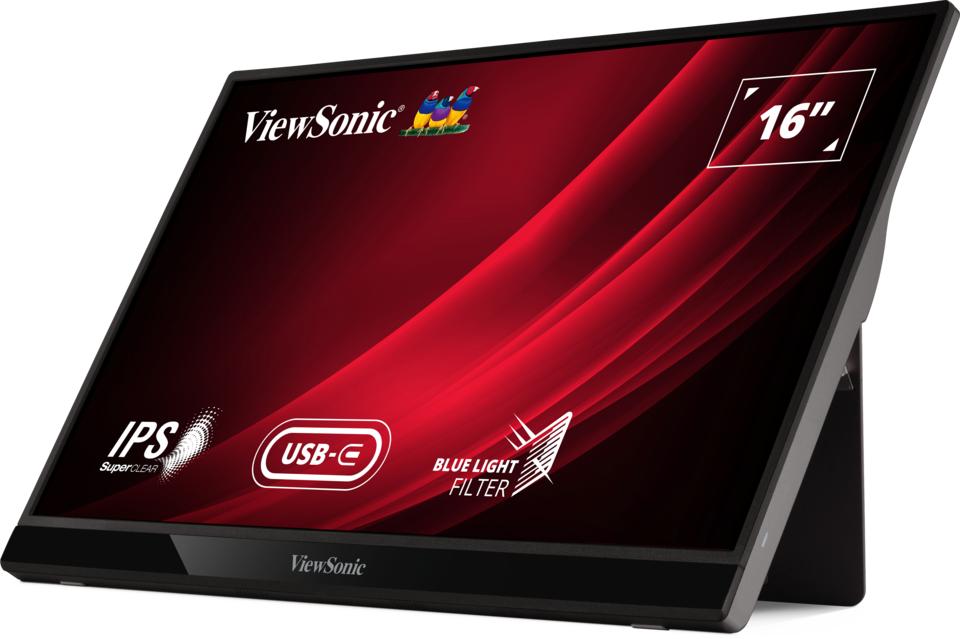
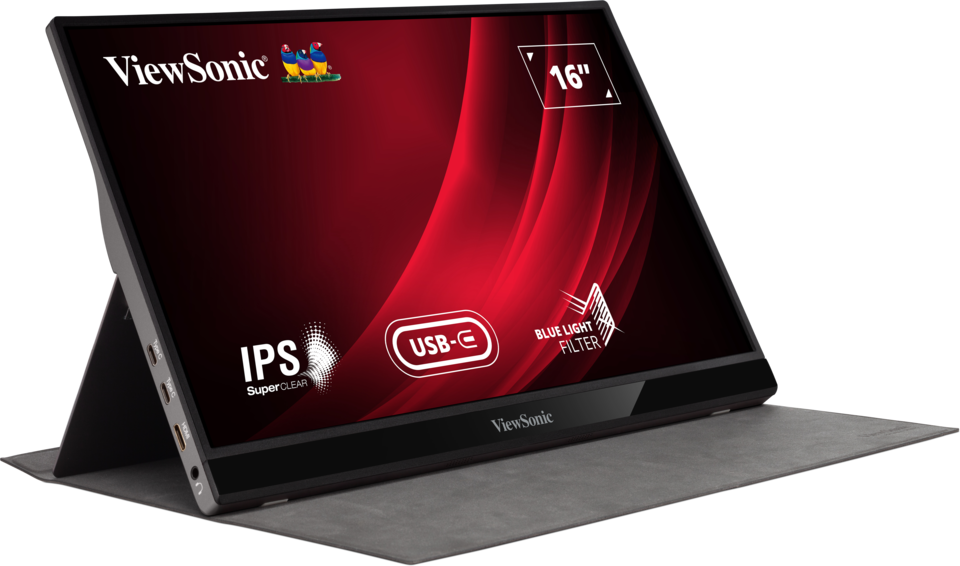
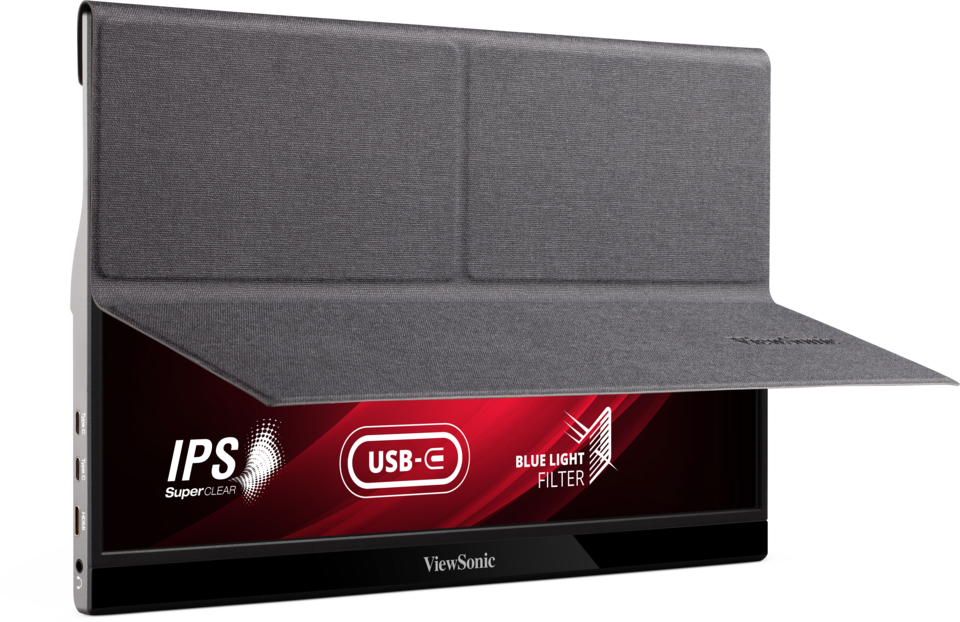
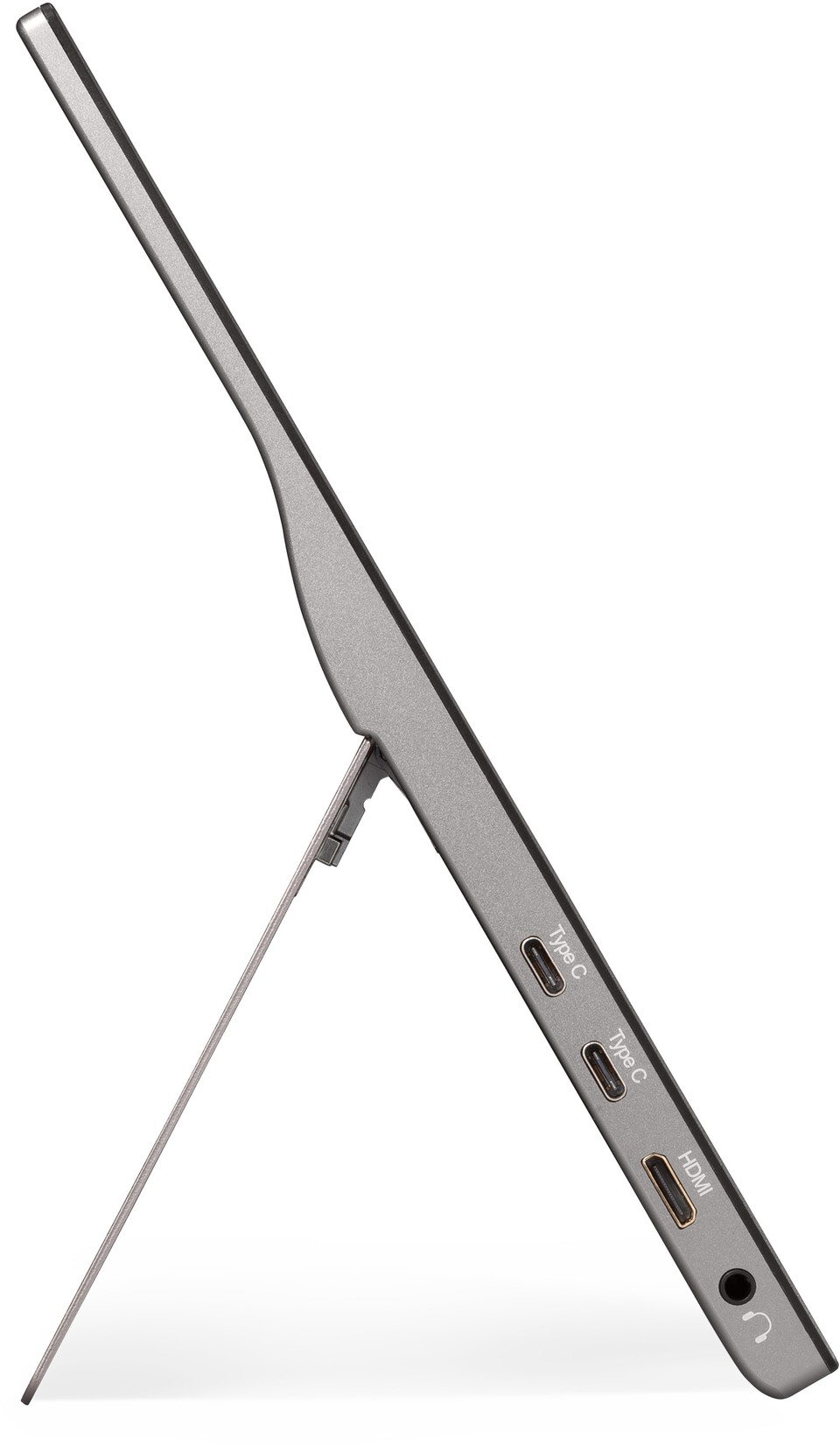
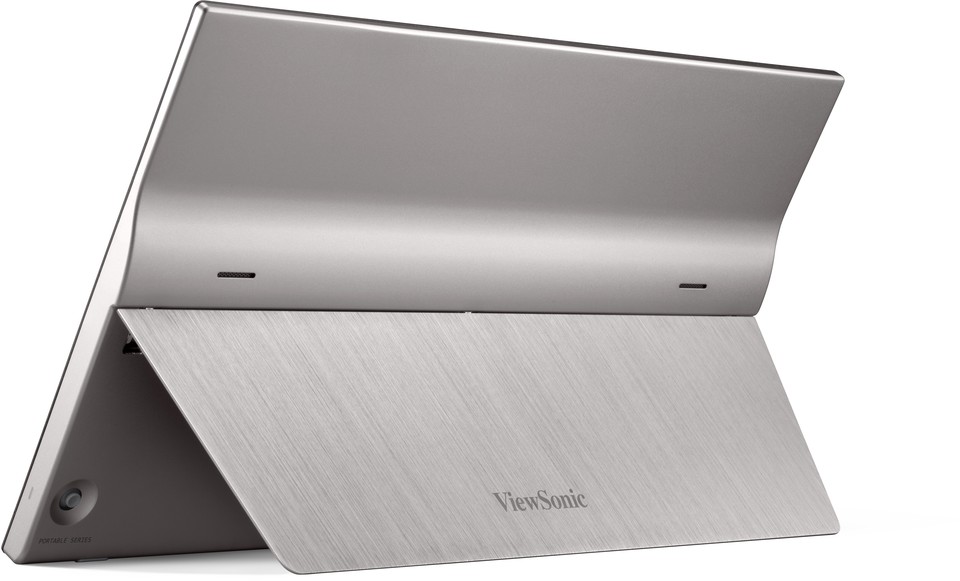
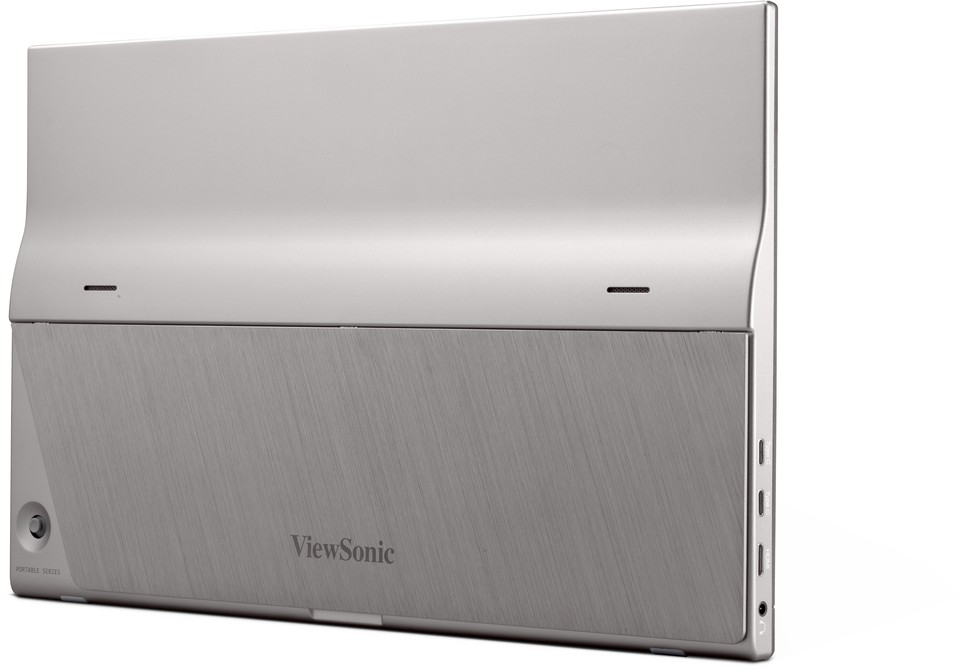
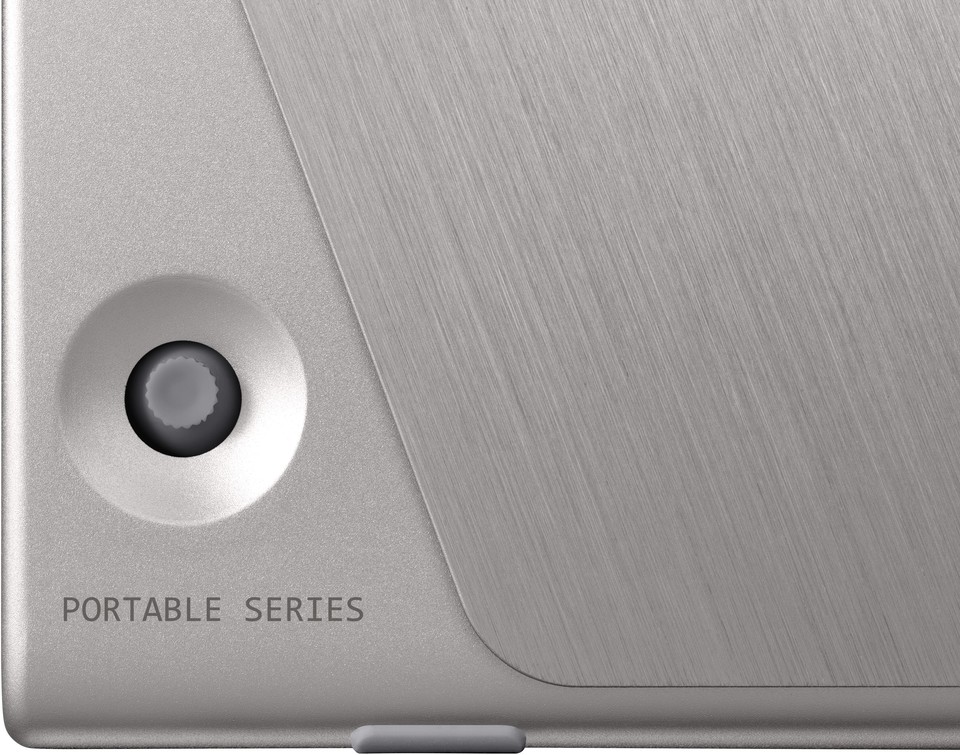
- Elegant, durable metallic design with a foldable stand
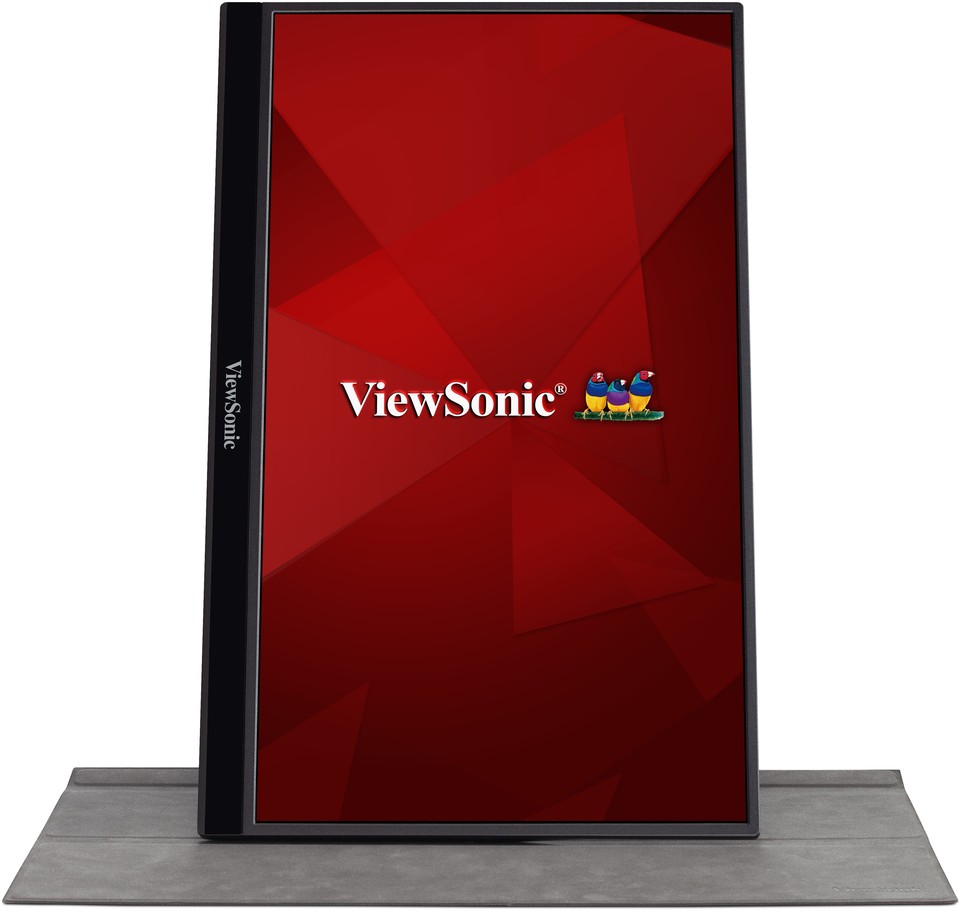
- Flexible display setup – work at any angle
Specificaties
- DisplaySchermgrootte (inch): 16
Zichtbare oppervlakte (in.): 15.6
Paneeltype: IPS Technology
Resolutie: 1920 x 1080
Resolutietype: FHD (Full HD)
Statische contrastverhouding: 800:1 (typ)
Dynamische contrastverhouding: 50M:1
Lichtbron: LED
Helderheid: 250 cd/m² (typ)
Colors: 16.2M
Color Space Support: 8 bit (6 bit + FRC)
Aspectratio: 16:9
Reactietijd (typische GTG): 6.5ms
Reactietijd (GTG met OD): 6.551ms
Response Time (Typical Tr+Tf): 30ms
Kijkhoeken: 178º horizontal, 178º vertical, CR>5; 170º horizontal, 170º vertical, CR>10
Levensduur achtergrondverlichting (uren): 15000 Hrs (Min)
Glass Hardness: 3H
Kromming: Flat
Vernieuwingsfrequentie (Hz): 60
Blauwlichtfilter: Yes
Low Blue Light: Software solution
Color Gamut: NTSC: 45% size (Typ)
sRGB: 64% size (Typ)
Pixelgrootte: 0.179 mm (H) x 0.179 mm (V)
Oppervlakte behandeling: Anti-Glare, Hard Coating (3H) - CompatibiliteitPC-resolutie (max.): 1920x1080
Mac® Resolutie (max.): 1920x1080
PC-besturingssysteem: Windows 10/11 certified; macOS tested
Mac® Resolutie (min): 1920x1080 - Connector
- AudioInterne luidsprekers: 0.8Watts x2
- StroomEco-modus (behouden): 5.1W
Eco Mode (optimized): 6W
Verbruik (typisch): 7W
Verbruik (maximaal): 7.3W
Spanning: AC 100-240V
Stand-by: 0.5W
Stroomvoorziening: External Power Adaptor - BesturingFysieke controles: Up, Right, Down, Left, Power
Schermweergave: Input Select, Audio Adjust, ViewMode, Color Adjust, Manual Image Adjust, Setup Menu - Bedrijfsomstandigheden:Temperatuur: 32°F to 104°F (0°C to 40°C)
Vochtigheid (niet-condenserend): 20% to 90% - IngangssignaalFrequentie Horizontaal: 15 ~ 82KHz
Frequentie verticaal: 50 ~ 75Hz - Video-ingangDigitale synchronisatie: TMDS - mini HDMI (v1.4), Micro-Packet - Type C
- ErgonomieKantelen (vooruit/achteruit): 20º / 60º
- Gewicht (imperiaal)Netto (lbs): 1.8
Netto Zonder Standaard (lbs): 1.8
Bruto (lbs): 4.8 - Weight (metric) Netto (kg): 0.82
Netto Zonder Standaard (kg): 0.82
Bruto (kg): 2.2 - Afmetingen (imperiaal) (bxhxd)Verpakking (inch): 17.3 x 11.3 x 3.5
Fysiek (inch/mm): 13.99 x 8.8 x 0.61
Fysiek zonder standaard (in.): 13.99 x 8.8 x 0.61 - Afmetingen (metrisch) (bxhxd)Verpakking (mm): 440 x 288 x 89
Fysiek (mm): 355.46 x 223.44 x 15.5
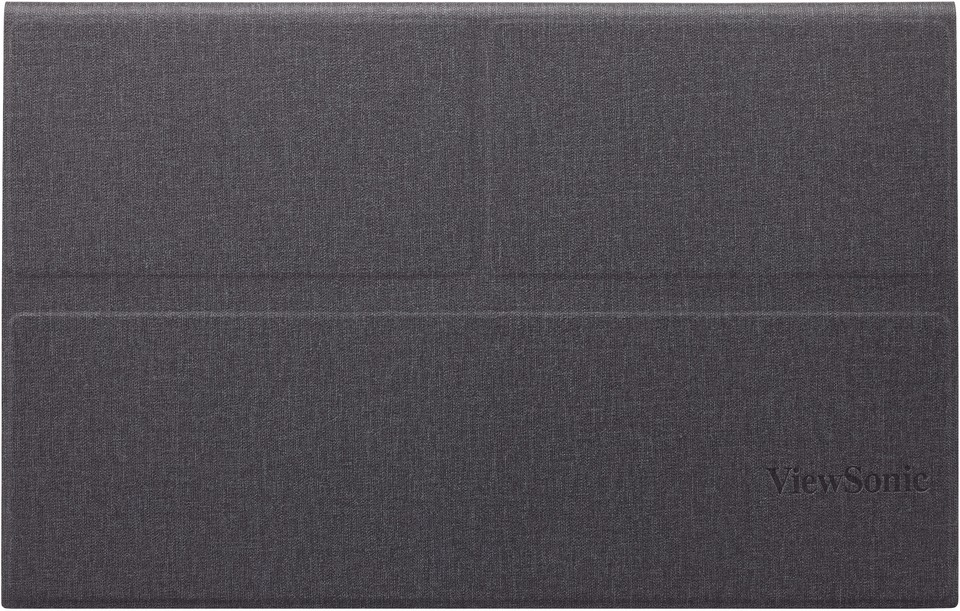
Fysiek zonder standaard (mm): 355.46 x 223.44 x 15.5 - AlgemeenVERPAKKINGSINHOUD: VG1655 x1, mini HDMI to HDMI Cable (v1.4; Male-Male) x1, USB Type-C Cable (Male-Male) x1, USB Type-C to Type-A 3.2 Gen1 Cable (Male-Male) x1, AC/DC Adapter x1, Quick Start Guide x1, Protect cover x1, Clean cloth x1
Recyclen/verwijderen: Please dispose of in accordance with local, state or federal laws.
Garantie: *Warranty offered may differ from market to market
Stroombeheer: Energy Star standards, EPEAT