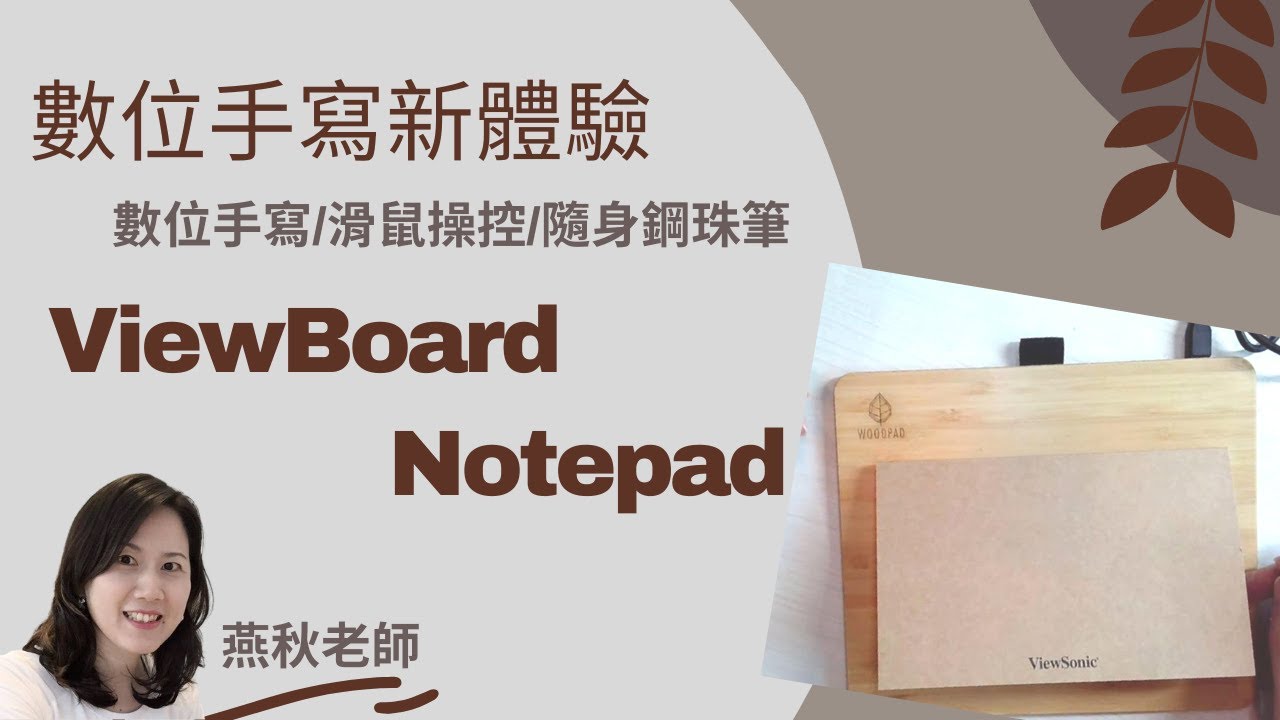
“Video ini merupakan aprisiasi buat pihak Viewsonic Malaysia. WoodPad Paper [Model PF0730] merupakan digital writing tablet yang kecil, ringan, mudah dibawa. Tablet ini diperbuat daripada material buluh dan sangat mudah digunakan. Hanya perlu plug and play untuk digunakan. Saya kongsikan beberapa keistimewaan WoodPad paper:”

PF0730-I0WW
ViewBoard Notepad
- Natural Writing Experience for Distance Learning
- Works with Any Paper Type without Restriction.
- Pure Performance from a Real Pen
- Compatible with Education and Design Software
- Compatible with Windows 7 or later, Mac OS 10.15 or later
OVERVIEW
The ViewSonic® ViewBoard Notepad PF0730-I0WW is a digital writing pad specifically made for students. You can write on ordinary paper and digitize notes or drawings at the same time. Any paper works with the device, enabling ViewBoard Notepad PF0730-I0WW to adapt to your writing needs. With 4096 levels of pen pressure sensitivity, you can write smoothly and naturally. Plus, the 7" ViewBoard Notepad PF0730-I0WW delivers a compact and lightweight design thanks to its use of durable and renewable bamboo. Enjoy the next level of the natural writing experience everywhere at home or school, on trains or in coffee shops, and wherever else you need to learn or create.A Natural Writing Experience for Distance Learning
ViewBoard Notepad PF0730-I0WW is designed for students to do written work and notes with pen and paper while simultaneously creating a shareable digital version. Combine the old with the new in a modern writing experience like no other.
Natural Handwriting that Comes from Actual Writing
Learning to write on a drawing tablet can be a challenge. Skip the learning curve. Instead write and draw on real paper with actual ink. With ViewBoard Notepad PF0730-I0WW's custom notepad, you can take away the guesswork of screen placement.
Easy Progress Tracking from Anywhere
Distance is no longer an obstacle for learners of all ages. With real-time synchronization of digital notes, teachers can track students' progress real-time via digital tools either in-person or through remote learning.
Paper Is Paper
ViewBoard Notepad PF0730-I0WW works with any paper size or type without restriction. With digitization being based on the special pen/stylus, you can choose paper based entirely on your needs or preferences.
Compatible with Your Favorite Software
Made for easy use, ViewBoard Notepad PF0730-I0WW integrates with popular software for education, productivity, and design.
Pure Performance from a Real Pen
A high-quality pen combines with a superb stylus to faithfully reproduce physical drawings as digital media with the ViewBoard Notepad PF0730-I0WW Ink Pen. Enjoy 4096 levels of pressure sensitivity and 255 pps pen speed for accurate and fast drawing both on paper and your device.
Easy Ink Refill
The ViewBoard Notepad PF0730-I0WW's durable design will almost certainly outlast the pen's ink. Quickly and easily replace the ink cartridge with a standard D1 ballpoint pen refill to keep creating for a long time to come.*Genuine D1 refill cartridges for PF0730-I0WW can be purchased through your local ViewSonic Customer Service.

Battery-free Writing
Never worry about running out of power. ViewBoard Notepad PF0730-I0WW's Ink Pen runs completely battery-free.
Take It Everywhere... Write Anywhere
The ViewBoard Notepad PF0730-I0WW is perfectly portable thanks to its rugged design, lightweight bamboo covering, and simple plug-and-play operation. At just 0.165 kg (0.36 lbs), you can take this digital writing tool with you wherever you go. Learn, work, or create on the go.
FAQ
Q: How do I install ViewSonic Pen Manager for macOS?A: Refer to Below Steps:
1. Uninstall existing Pen Manager Driver for macOS
2. Reboot
3. Install latest Pen Manager Driver for macOS
4. Reboot
5. Open “Security & Privacy” > “Accessibility” > enable “DigitizerDriver”(If It’s already enabled, please disable & enable it again)
6. Open “Security & Privacy” > “Input Monitoring” > enable “DigitizerDriver”(If It’s already enabled, please disable & enable it again)
*Users can refer below image for reference about Step 5 and Step 6


REVIEWS

“Cikgu Ruth was reviewing the ViewSonic education drawing tablet PF0730 woodpad paper.”
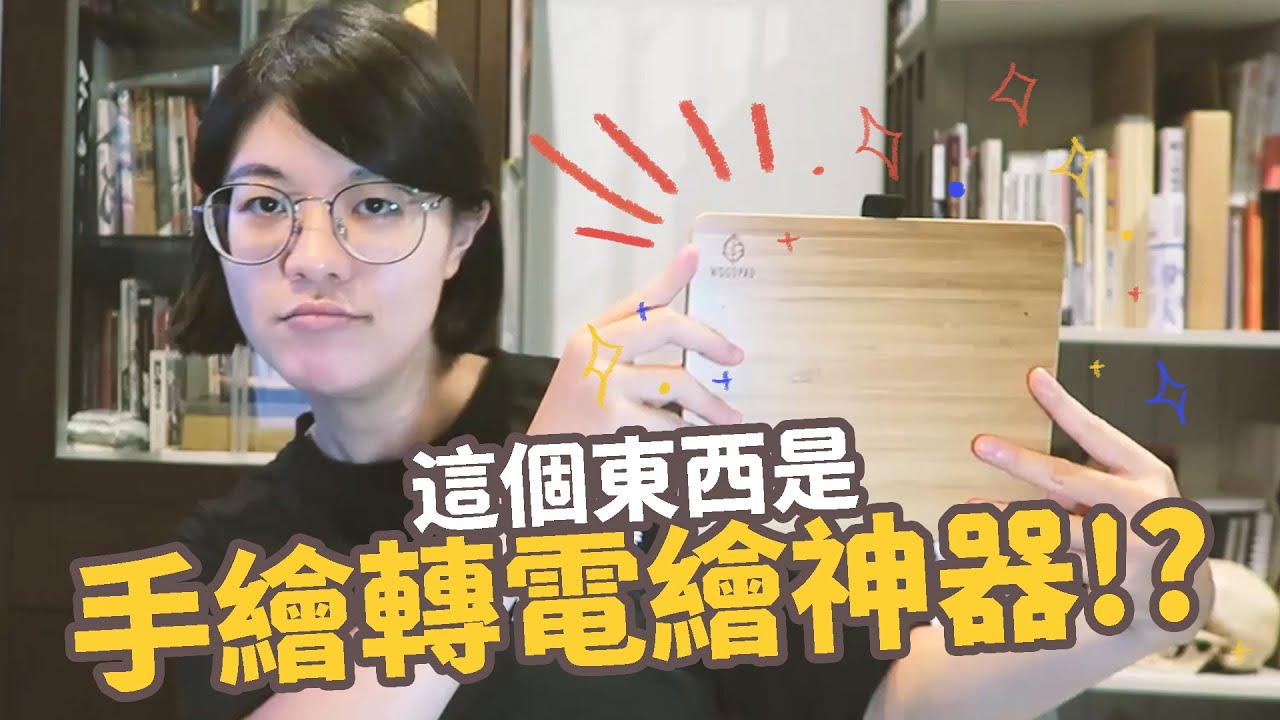
“最近測試了一款手繪轉電繪無縫接軌的神器,在那麼厚的紙上用特製的墨水鋼珠筆畫圖,竟然還能同步到電腦中,真的很神奇!實測過後覺得適合喜歡手繪的人做手繪草稿時,同步到電腦上,也適合手繪想轉電繪的人入手。”
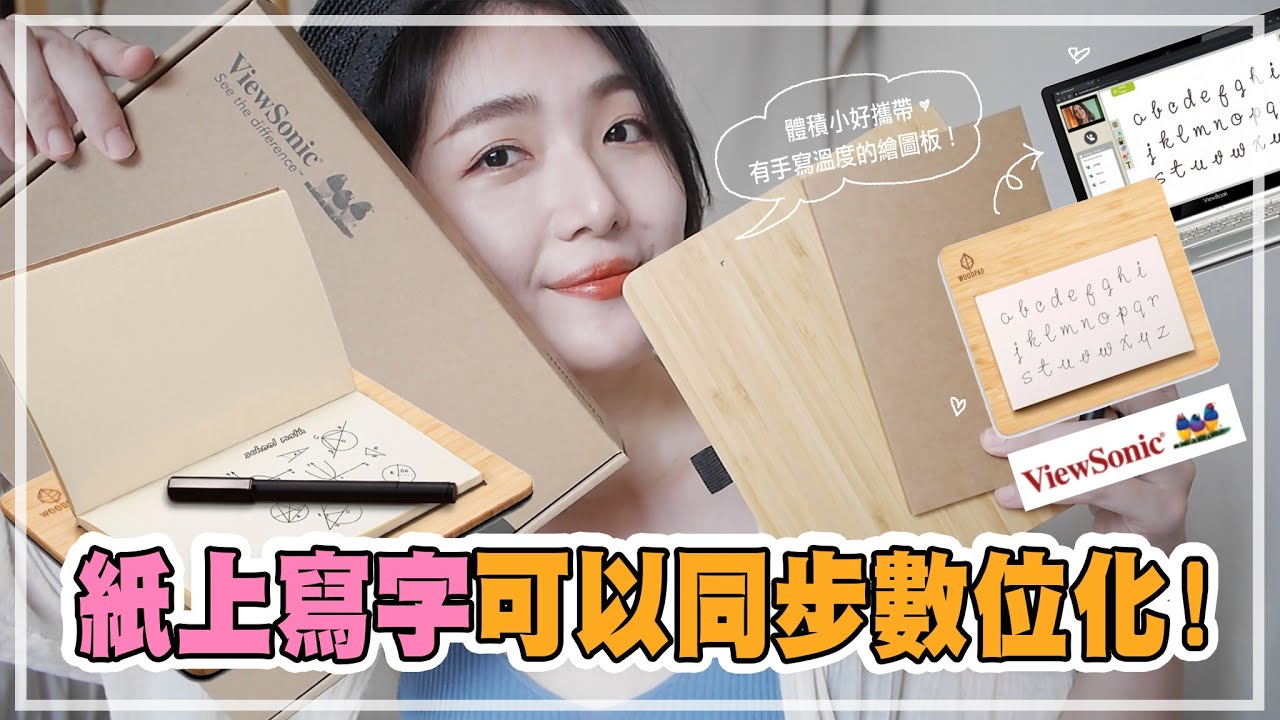
“寫字起來順滑不卡,內附繪圖筆是墨水鋼珠筆,一支寫出來有墨水的繪圖筆!可以讓你盯著紙張寫字畫圖,並同步圖樣到電腦去喔。對於只喜歡手寫溫度的你,不要錯過ViewSonic繪圖板?。”
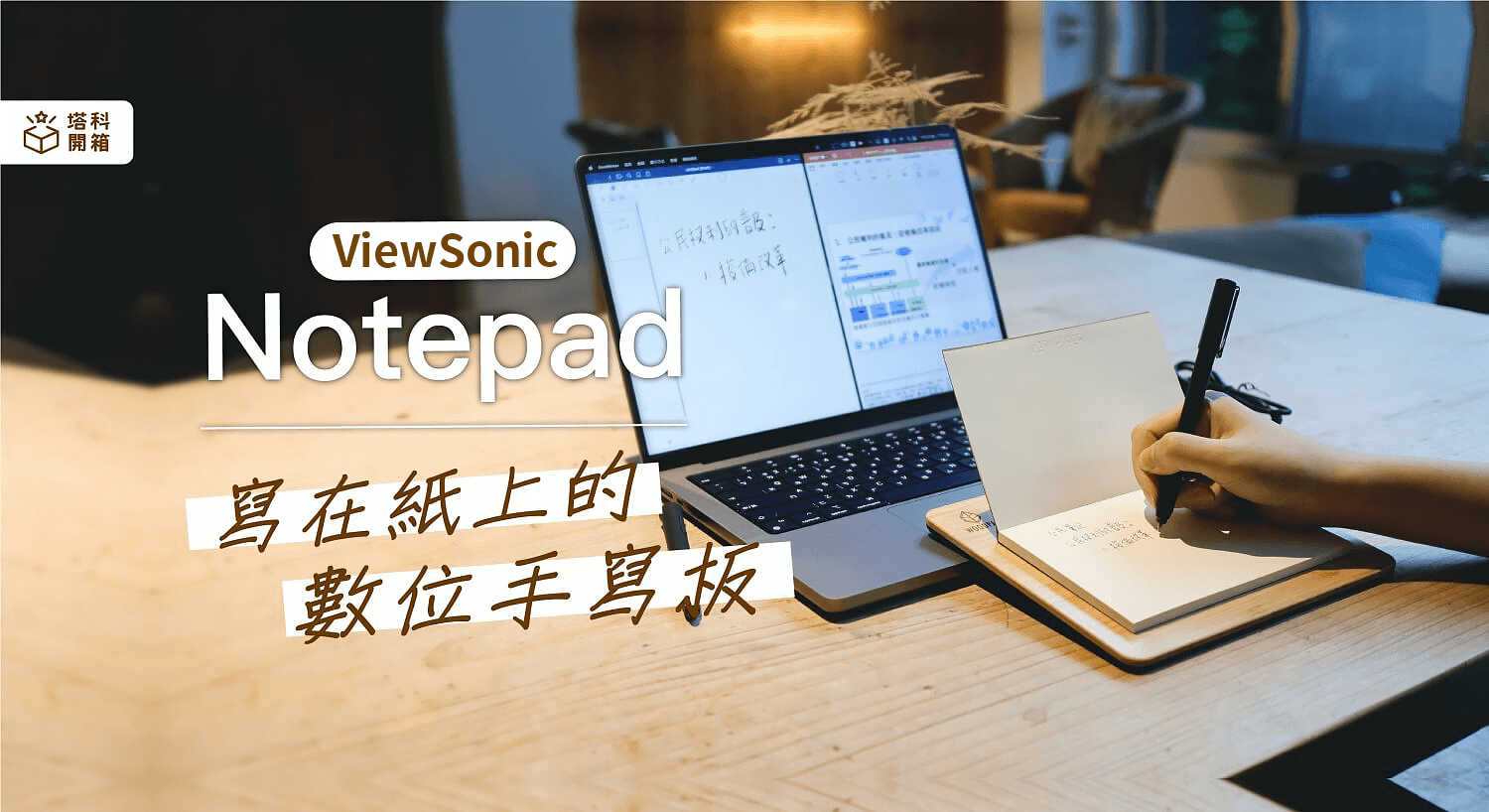
“這台 ViewSonic 推出的「ViewBoard Notepad 7.5 吋 數位.竹板.紙」是一款相當適合學習族群使用的數位手寫板,遠距上課或線上會議時,只要像平常寫字一樣書寫或繪圖,所有內容就會自動呈現在電腦中,特別適合給喜歡真實手寫感受的學生與老師使用,也完美解決了普通手寫板沒有真實筆跡的缺點。”
SPECIFICATIONS
- CONNECTORUSB: USB Type-A
- TOUCHTechnology: Electromagnetic Resonance
Touch Pen: Battery-Free
Digitizer Resolution: 5080 LPI
Writing Response: 250 PPS
Accuracy: 0.25 mm
Pressure Level: 4096 Levels - COMPATIBILITYPC: Windows 7 and above
Mac®: MAC OS X10.15 or higher
- DIMENSIONS W x H x D (inch/mm)Physical (in / mm): 200 x 170 x 7.5 mm
- WHAT'S IN THE BOXVB Pen Pad x1, ink Pen x1, USB cable x1, Nib Clipper x1, Ink Refill x2, Quick Start Guide x1


